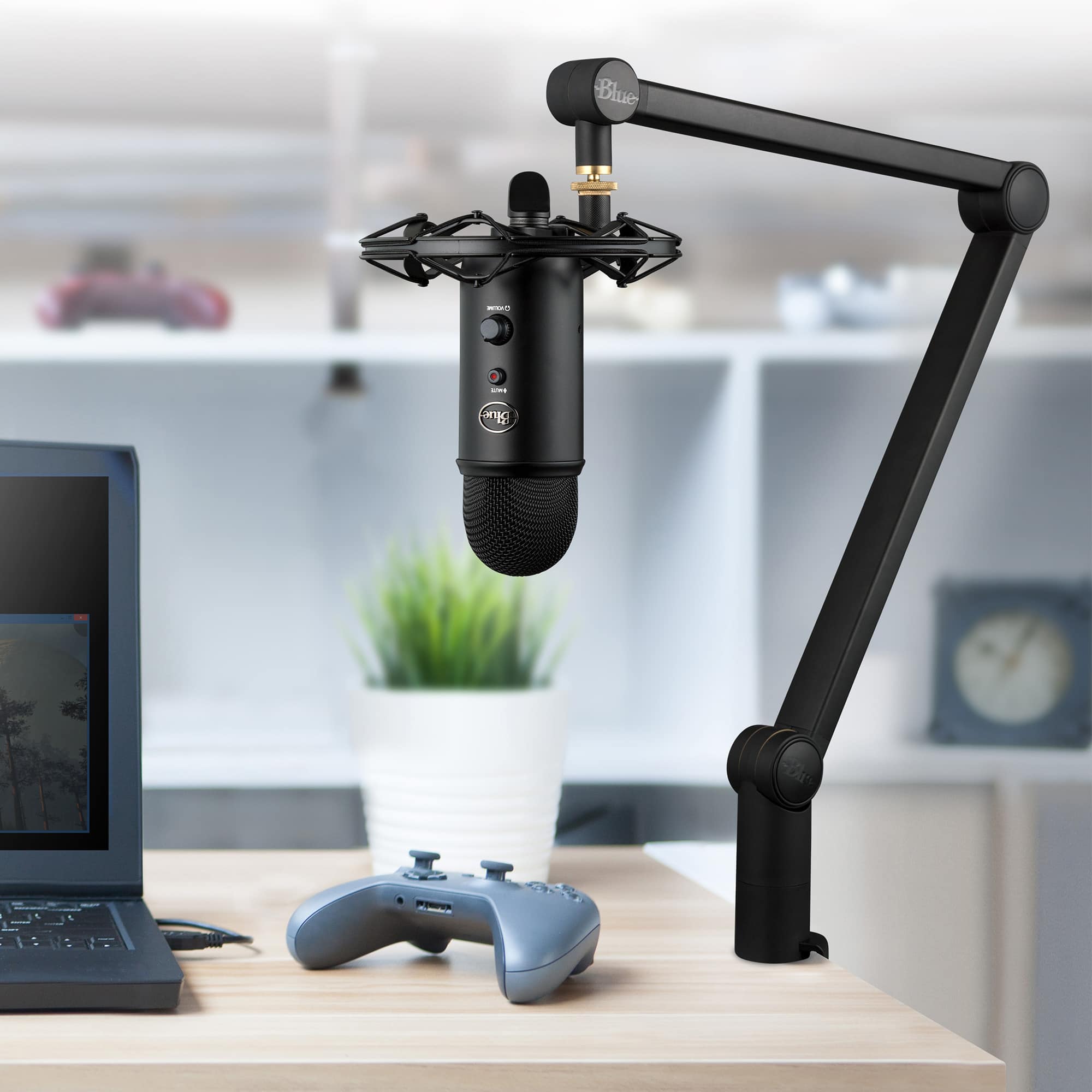
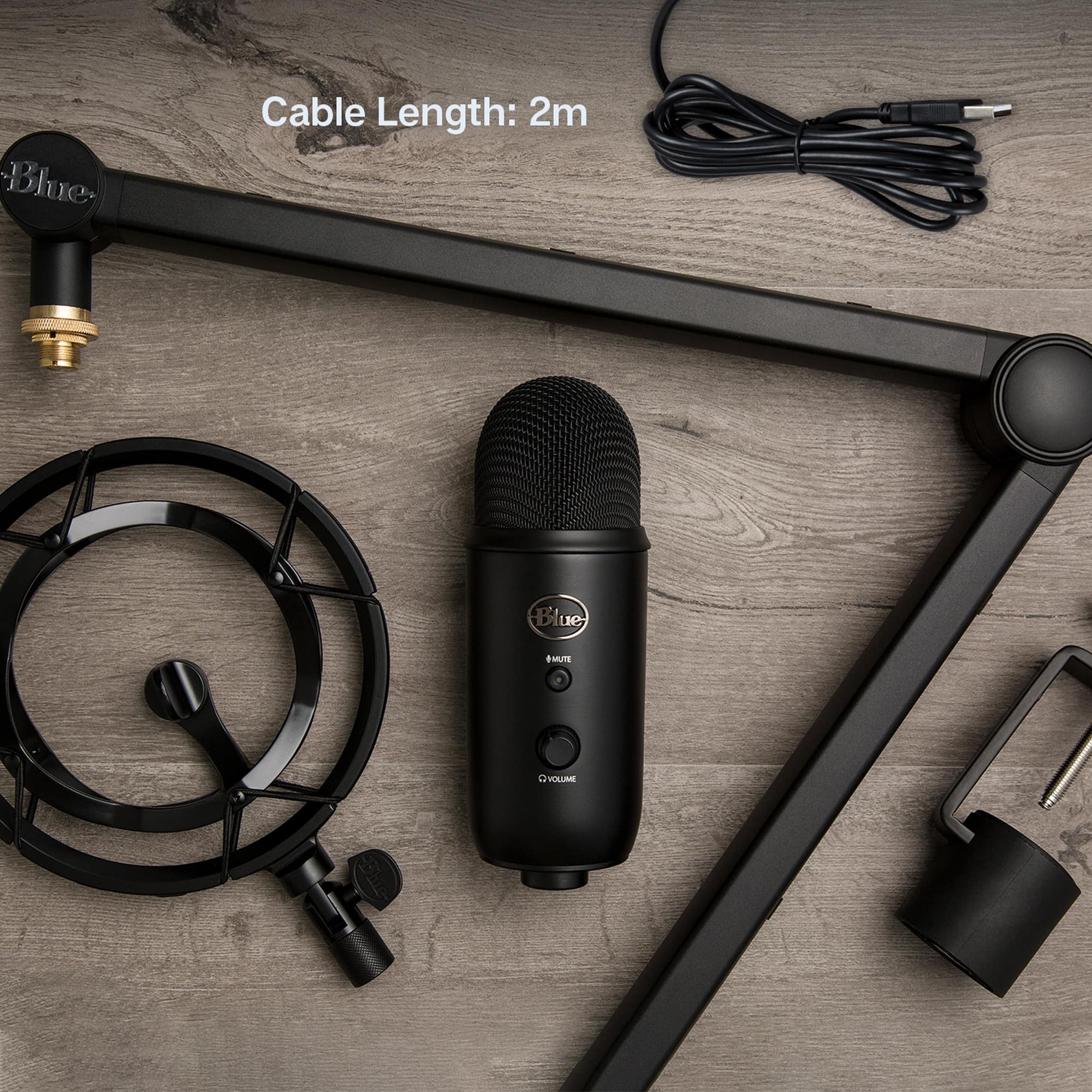
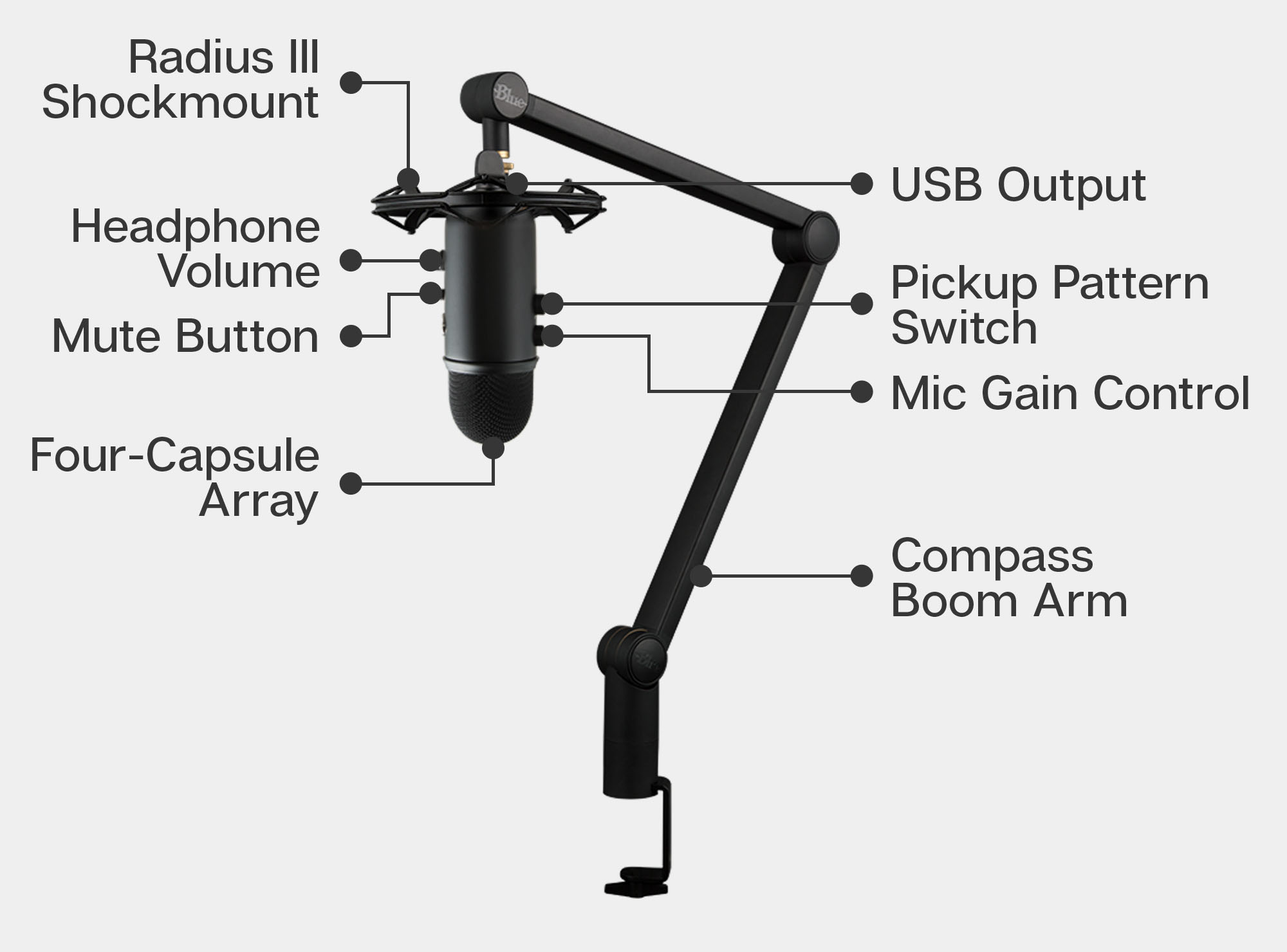
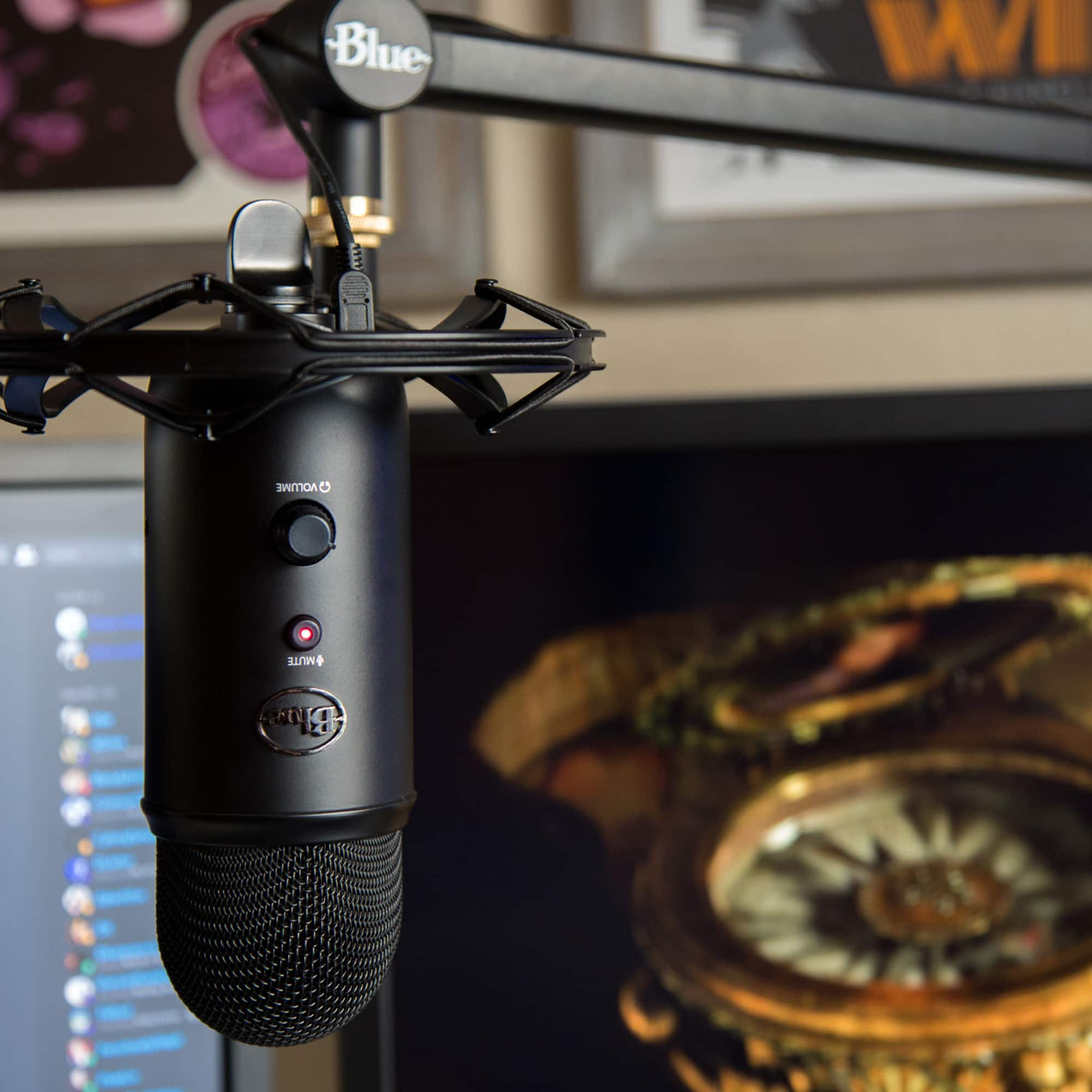
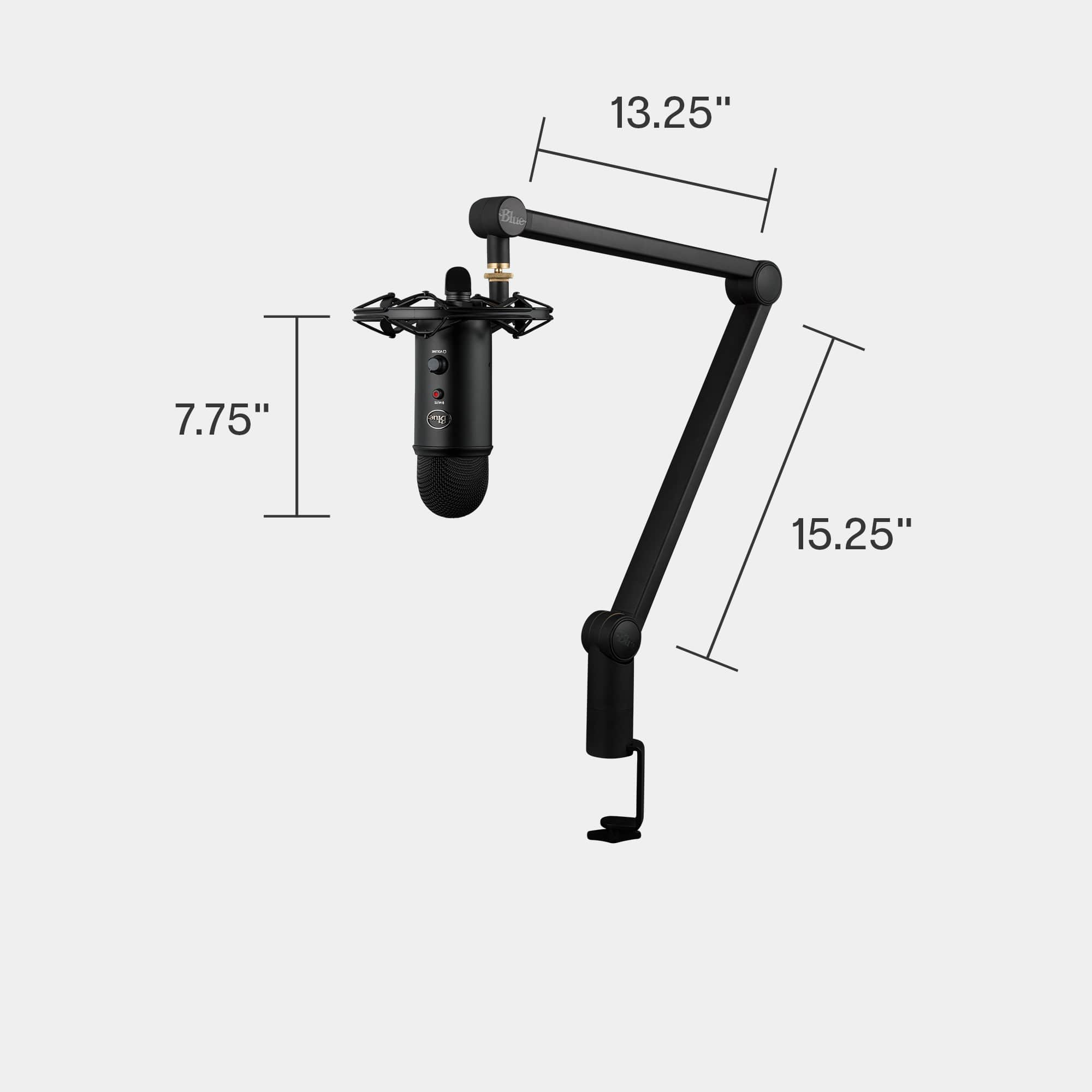
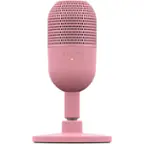
A:AnswerI don't believe this is true. Looking at the mic it has runner pieces where i believe the screws go in if bought mic standalone. Also looking at the stand on others there are spacers and knobs (the screws) that hold it on the stand. I can't even seem to find the stand sold where it includes the knob or spacers.
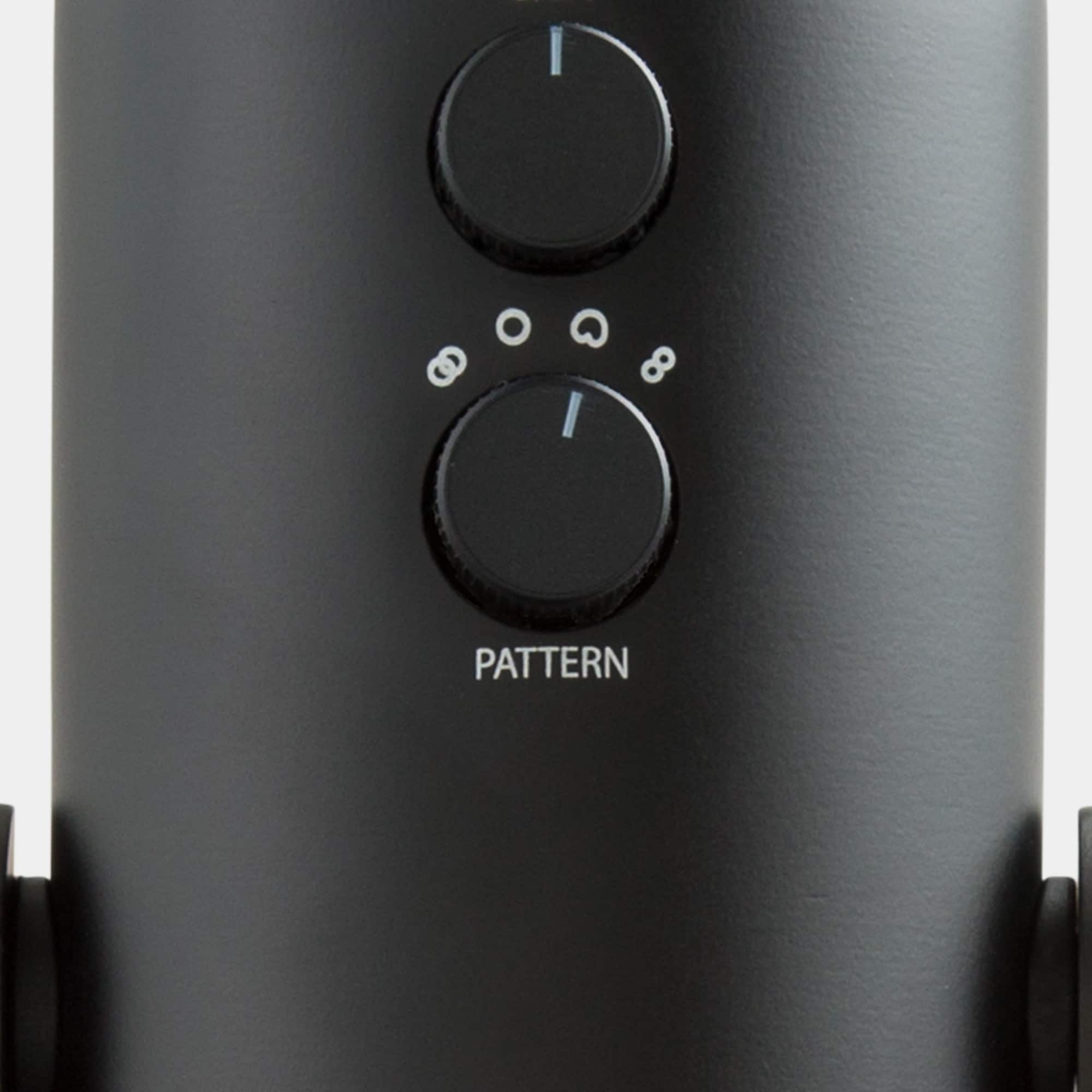
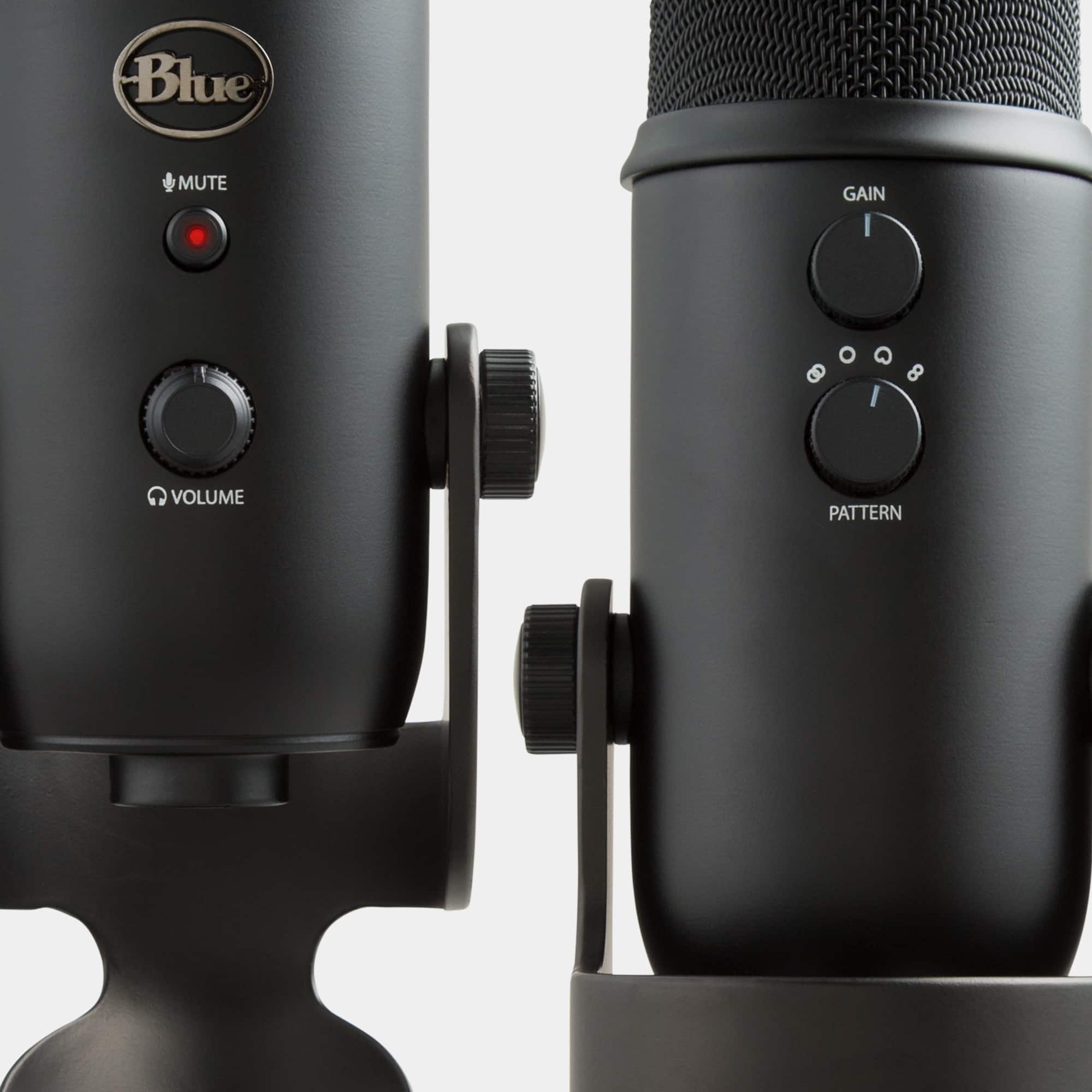
A:AnswerHello Seanny. The Yeticaster would be great to record singing and guitars. It is a very sensitive condenser microphone, so you will need to monitor the gain consistently as to not overdrive the signal.
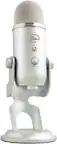
A:AnswerHello Chief. The Yeti will not be able to connect directly to the capture card as it uses a USB-A cable to draw power and transmit the audio signal. The capture card only has 3.5mm ports.
A:AnswerHello Nick. The Blue Yeti receives power from the USB, so it will not work with an Xbox using the USB cable. There is a way to use it with the Xbox and you can search YouTube for how some people have achieved it with some extra cables.
A:AnswerFrom my understand it is a very good microphone, and a very popular boomarm too so it’s expected to sell out quickly. It also saves around $80 in many areas if you buy the bundle instead of everything separately.
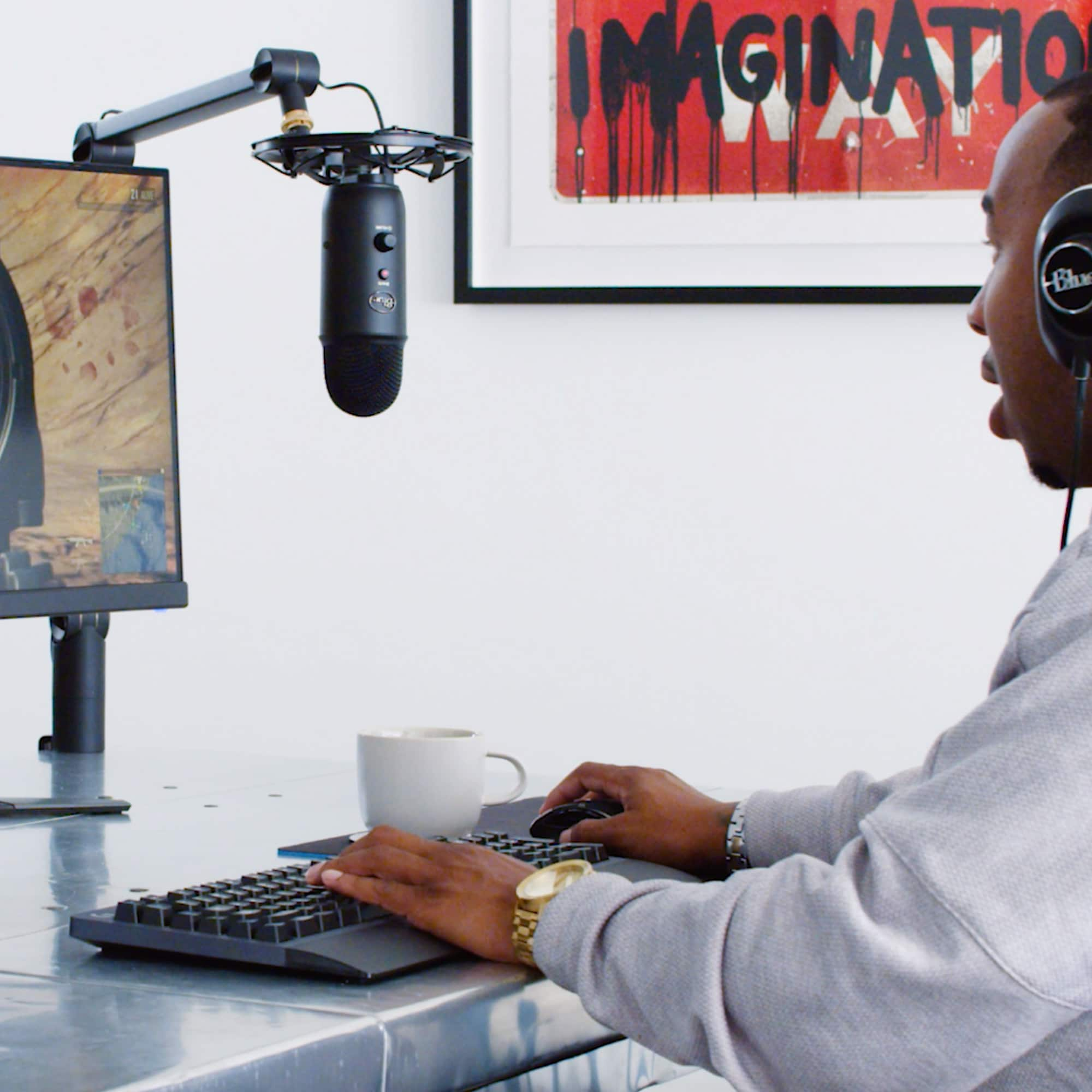
A:AnswerI use it for a mix of gaming, streaming, and discord calls. It works great and I like having the adjustability so that i can move it around to where I need it. I do have a larger desk so it makes it easier to have it set up without it getting in the way. However if you have a really small desk and no room for it to attach to I'd say go for the normal yeti set up.
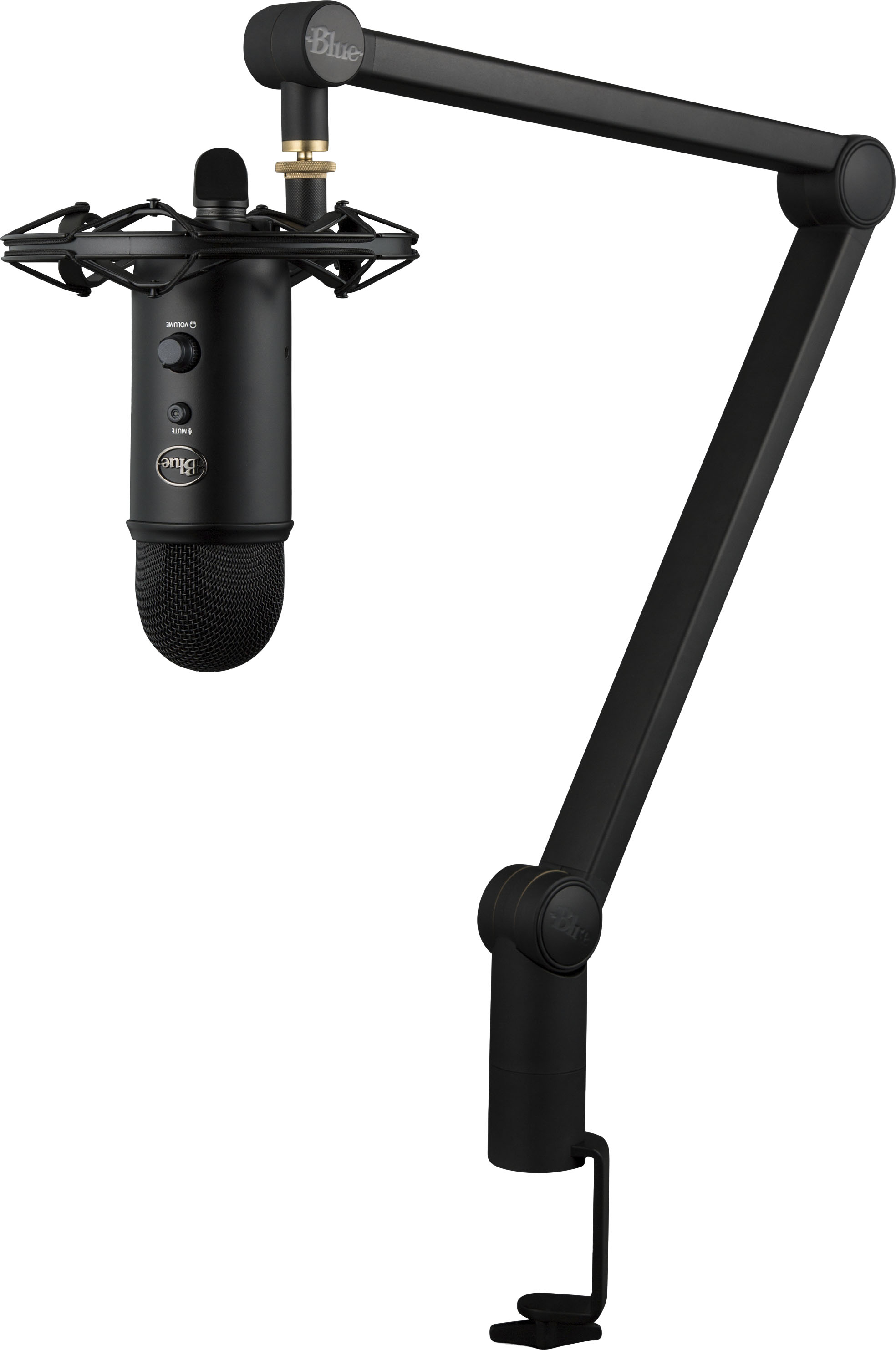
A:AnswerAbout 2 " diameter at the top. You can see the C Clamp design here https://s3.amazonaws.com/cd.bluemic.com/pdf/compass/Compass_QuickStart_RevA_EN.pdf