A:AnswerYes and No. It will work in that you can record over the air TV / shows allowing you to pause, rewind etc ... however... be aware that the TV guide / programming menu that shows the channels, dates , times etc accessed via the internet. Without the guide I don't believe you could schedule the unit program future recordings.
A:AnswerThe 2 Max ClearStream antenna works great! Sells for $70 but you may need to get a amplifier for the antenna from ClearStream for it to work the best from that distance. But try it without first. I went through a lot of antennas to find this one.
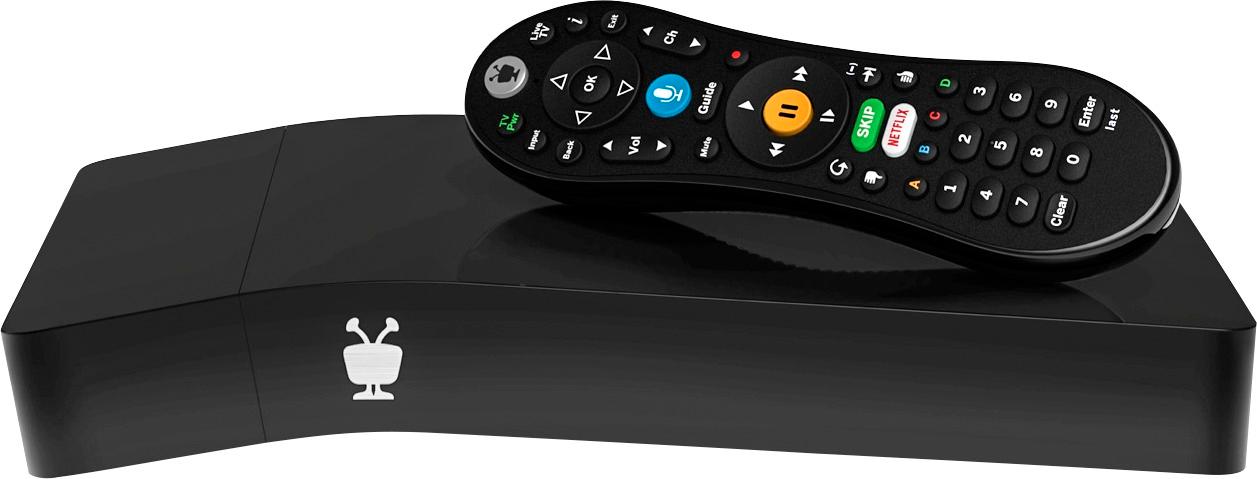
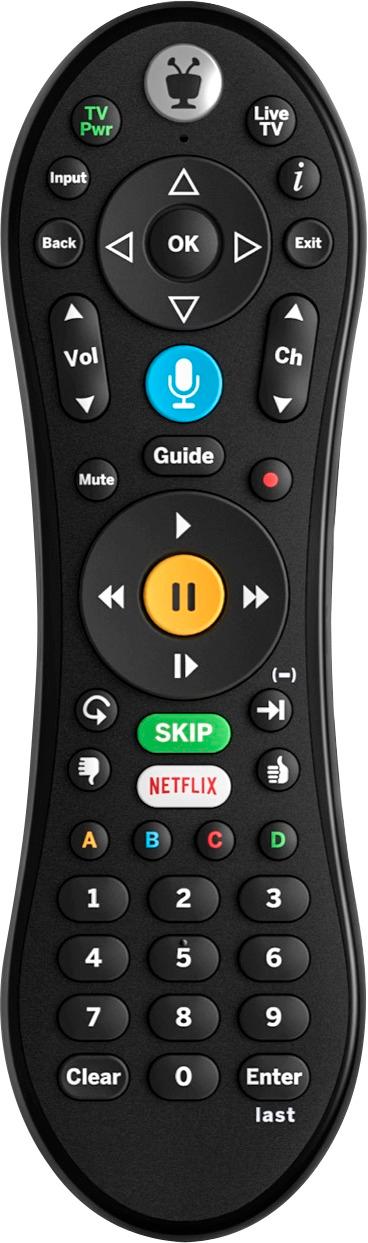
A:AnswerNo need for WIFI here. The TIVO DVR can be controlled with the remote. A current program you are watching or another in the guide can be recorded by pressing the red record button on the remote.
A:AnswerA Tivo mini that has a ethernet connection to both or cable connection but it can get complicated. The Mini uses a tuner on the Tivo and streams the recordings on the Tivo.
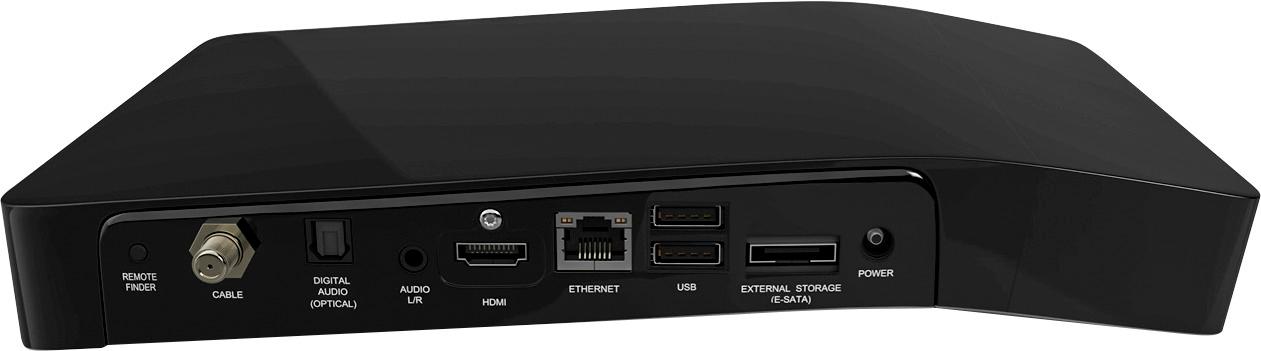
A:AnswerPersonally I would try to bypass TIVO unless I was going to use the TIVO record feature. TIVO has an HDMI connection, Two USB connections & a wireless & Ethernet connection to the internet, You could use any to connect your camera. It would be technical and HDMI with your camera isn't something I know about finding a cable. But if you connect to TIVO to run what ever you want to watch, you can record with TIVO (Like the old VSR/DVD recorder) that is how I would do what you are trying to do. Assuming I was trying to show something you watched on TIVO thru one of its CONNECTIONS. Record would easier if you subscribe to their guide at $15 a month to simplify access to the record feature. My setup is TIVO for regular TV using an antenna & and the coax connection on TIVO & also accessing APPS. My computer/camera is attached using the RS232 type connection on my TV. I change the input to watch TIVO or my computer on the TV. Be flexible in finding a way to do what you want.
A:AnswerI had a TIVO Premier too and then bought a TIVO Vox Bolt. I am on Spectrum, but put the same cablecard in my new TIVO and it worked just fine. If you do buy an upgrade TIVO, remember that TIVO has to cancel your current subscription and make a new account for the new unit. It took me a lot of time on the phone to figure that one out. Good luck.