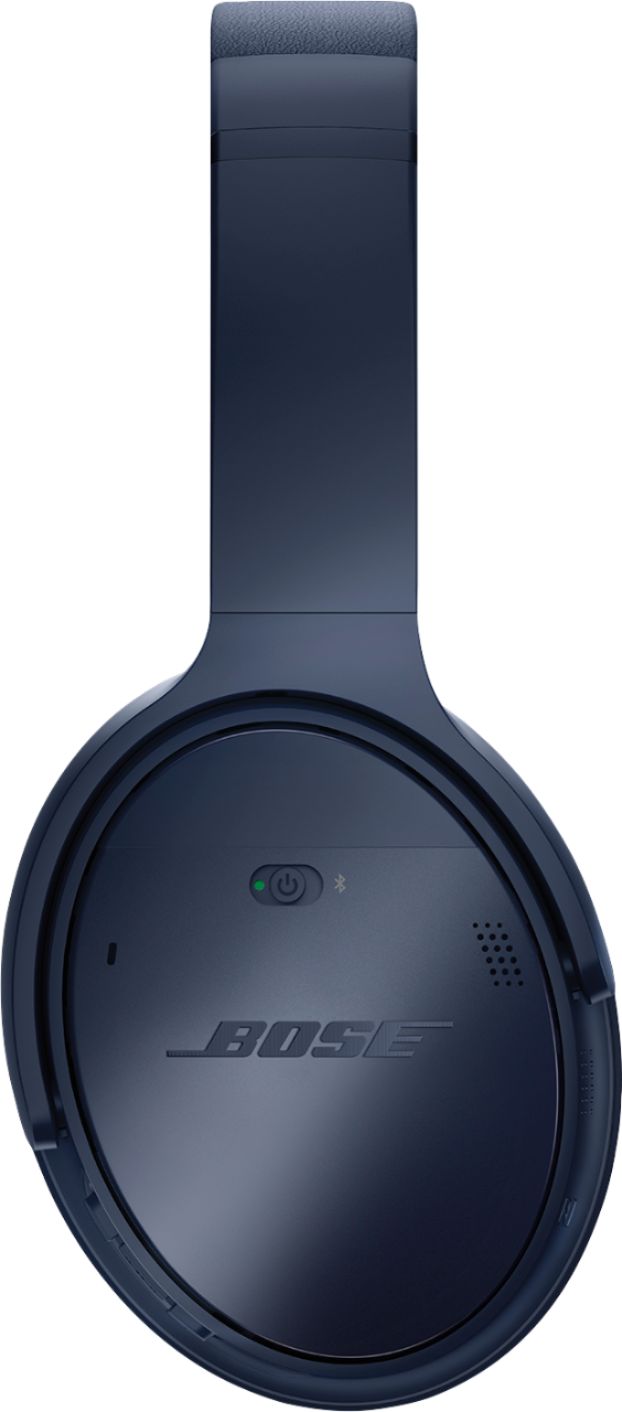
A:AnswerYou can have a maximum of two devices paired at the same time. The headphones will automatically connect to the last paired device as long as the device has Bluetooth enabled.
A:AnswerMy 2 year old daughter tried them. I was also very curious to see her reaction. She really enjoyed having music that way. Of course they are too big for a 2 year old baby but not rejected . Very comfortable since she had them on for almost 30 min. And they didn’t fall off her head. Good product!
A:AnswerThey are, although I'd make sure that whatever replacement cushions you buy includes the installation tool, basically just a plastic spudger, as without it you'll likely have issues with them popping back off.
A:AnswerYes, I typically have them connected to my desktop and phone. Of course it only receives one input at a time, but when I receive calls it automatically switched over so I can answer from the headphones. Also you might have to run through the connected devices on turning them on to make sure you're on the right channel.
A:AnswerUnfortunately I don't believe such a thing would be possible without a bit of extra work on your part. Potentially you could run an audio out cable into a BT transmitter and set your TV to send its audio to that instead of its external speakers, but outside of something like that I don't think you'd be able to do what you're attempting to do. Good luck!
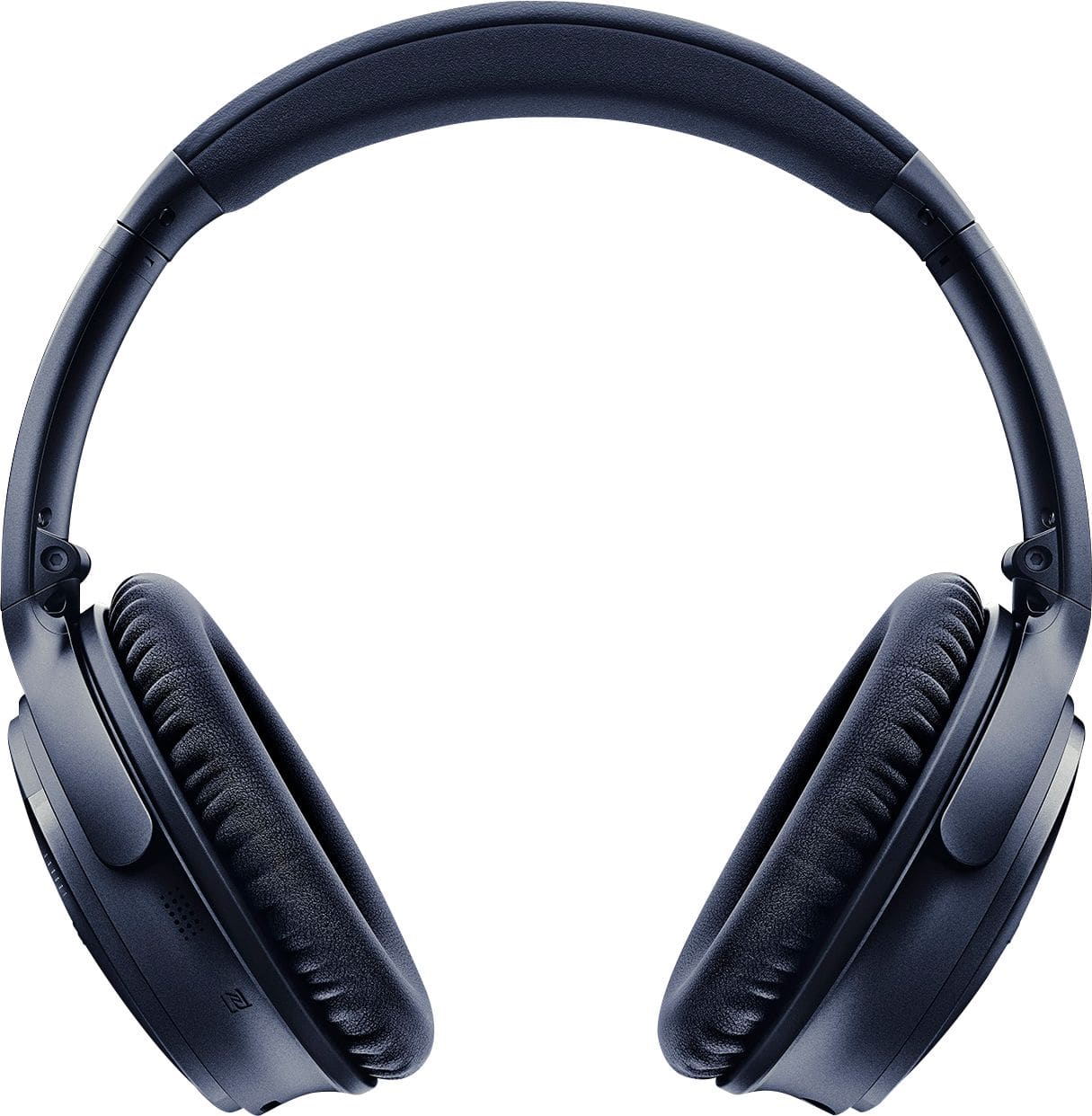
A:AnswerThey have a slant to the depth so as to allow for more room to the back of the cup. They are about a 1/2 inch deep at the front and about 1 inch deep at the back. The center top and center bottom are 3/4 to 1 inch as that is where the major transition for depth occurs. I found these to be much more comfortable for my ears than the Beats. I do not have any piercings in my ears so hard to say if they would get in the way of a good seal and/or cause discomfort over time. I have found the Bose to be very comfortable for long periods of time.
A:AnswerAbsolutely, but it has to be corded. The QC headphones come with the applicable cord. Just plug into the controller and the headphones. No need to even turn the headphones on. Trust me, it works. There is a setting in the PS4 that has to be changed in order to make it work, just watch youtube for the tutorial