A:Answer Hello giorgia,
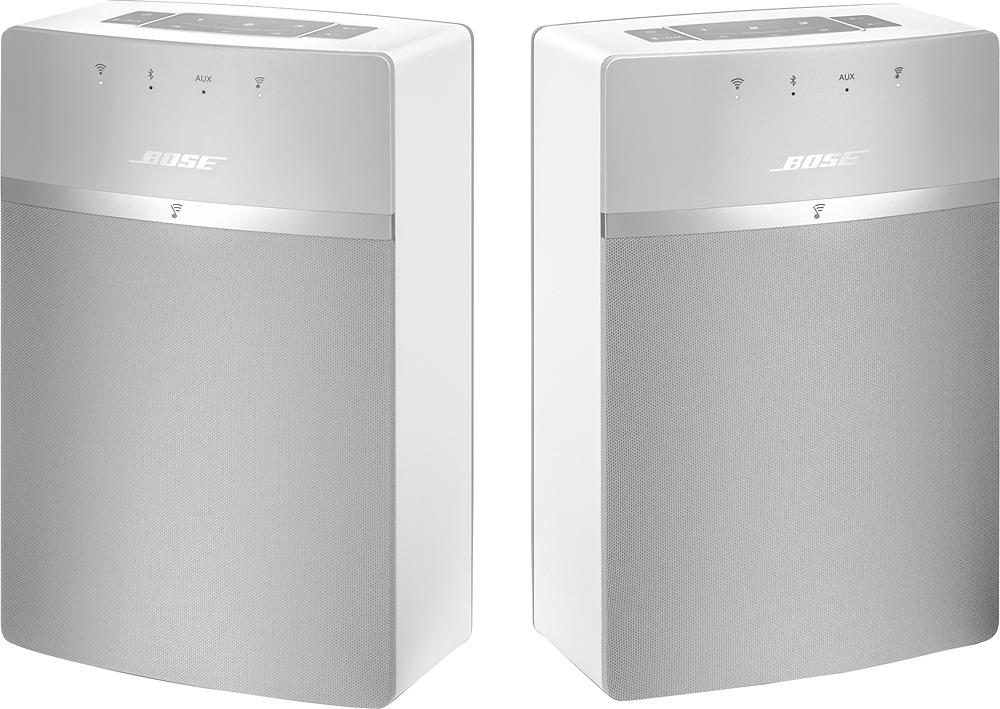
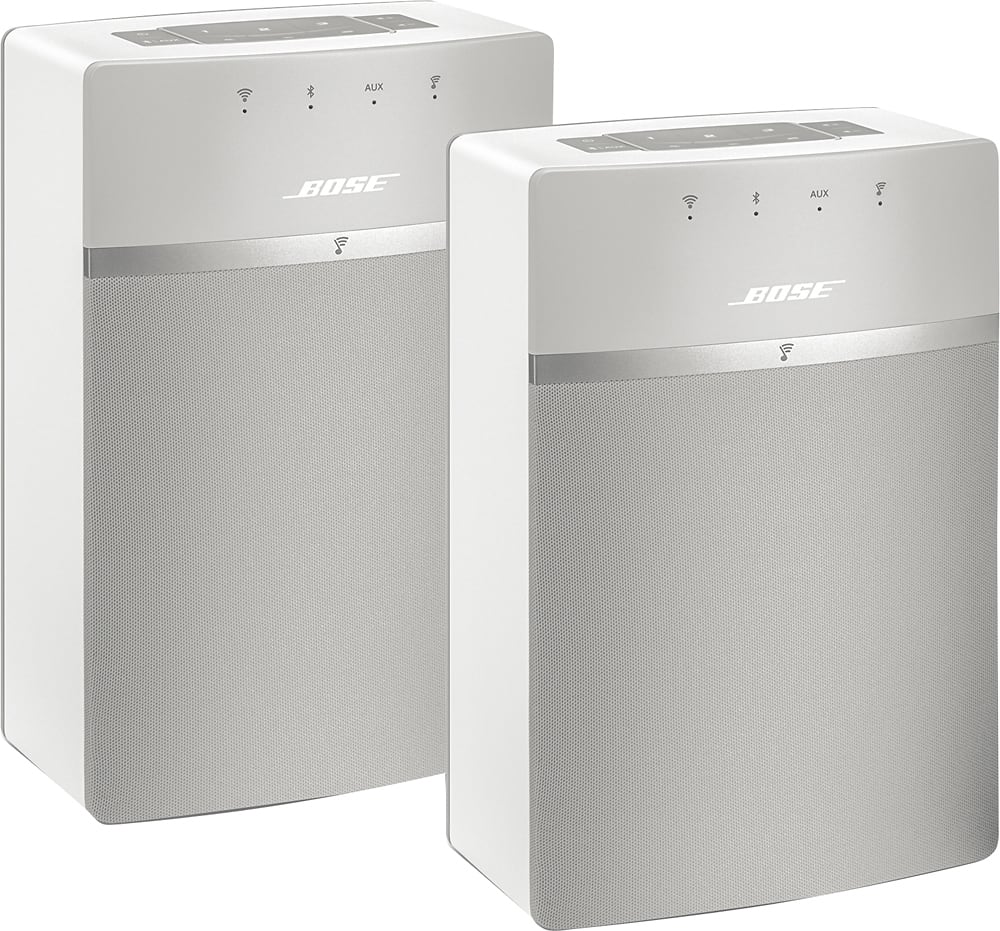
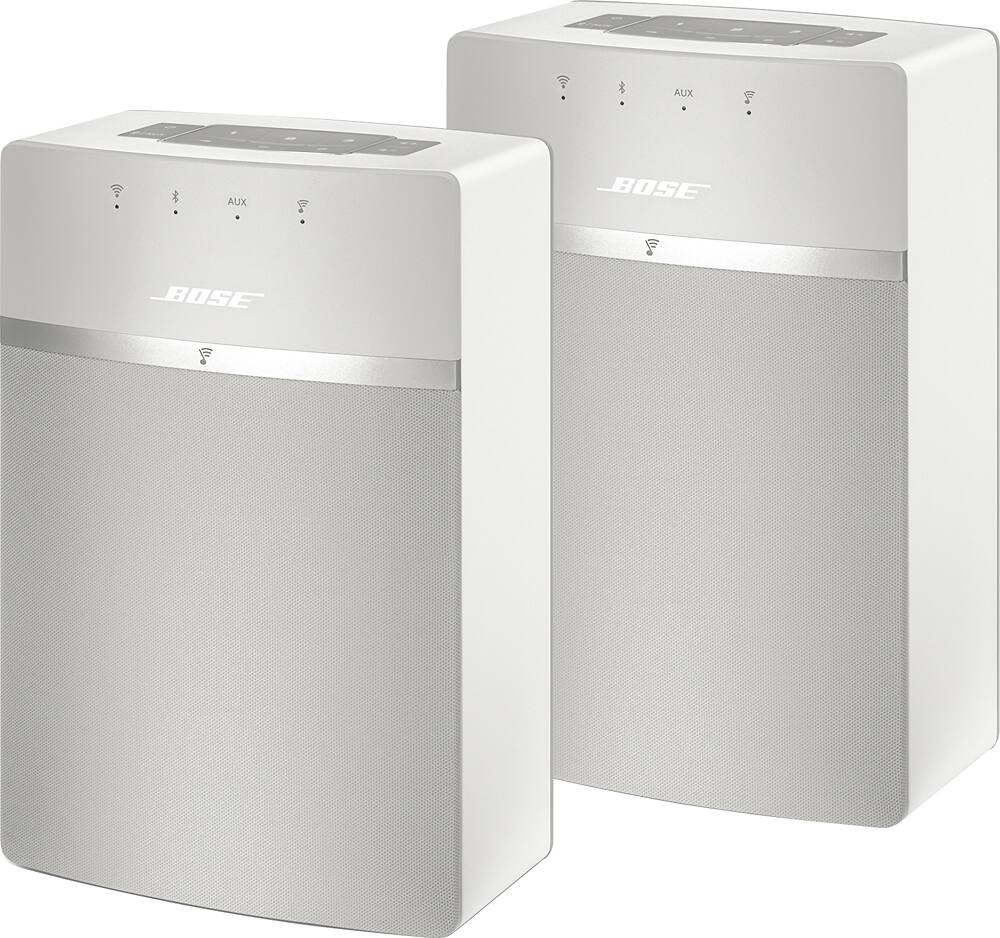
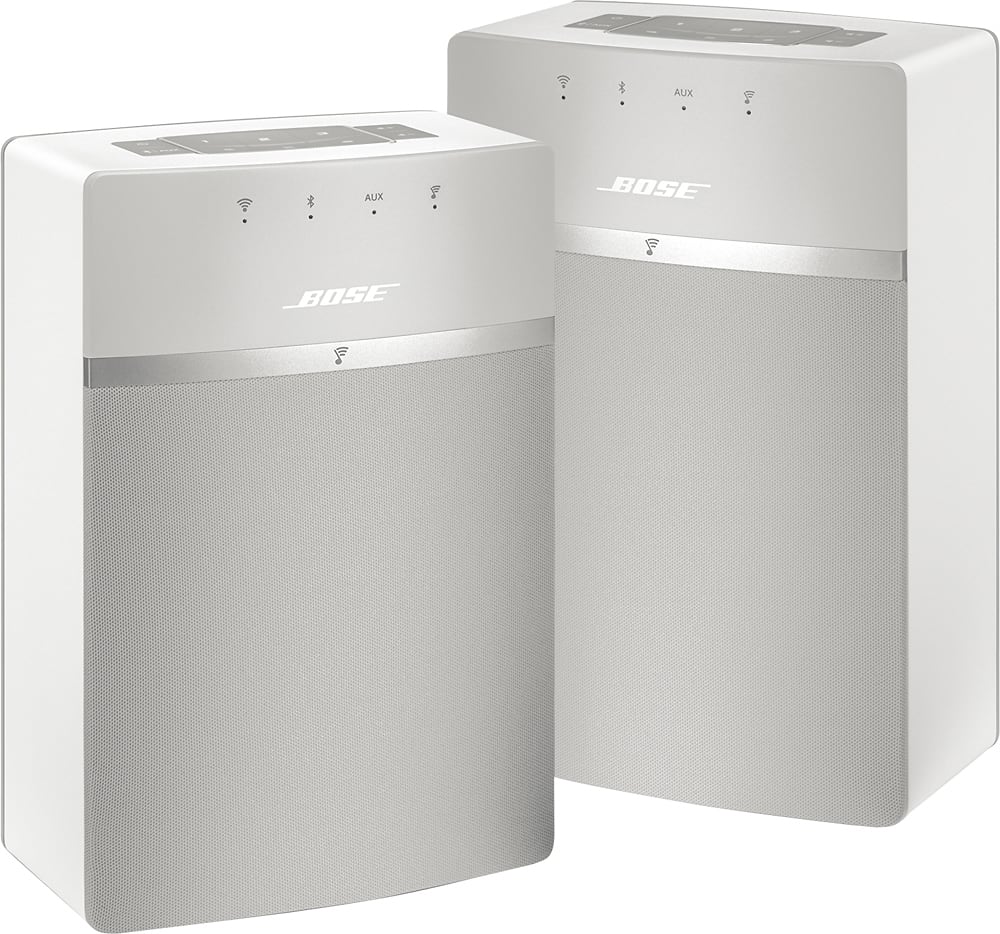
Thank you for the great question. In the SoundTouch app, select the system in the device tray. Then, click on the gear icon to open Speaker details and click "Create Stereo Pair". You will then be prompted with instructions and shown how to the set the Left and Right speaker. If you have any more questions, please feel free to reach out to our Support Line at 1800-379-2079. We're open Mon-Fri, 9 AM to 8 PM EST.
Hope this helps! Take care.