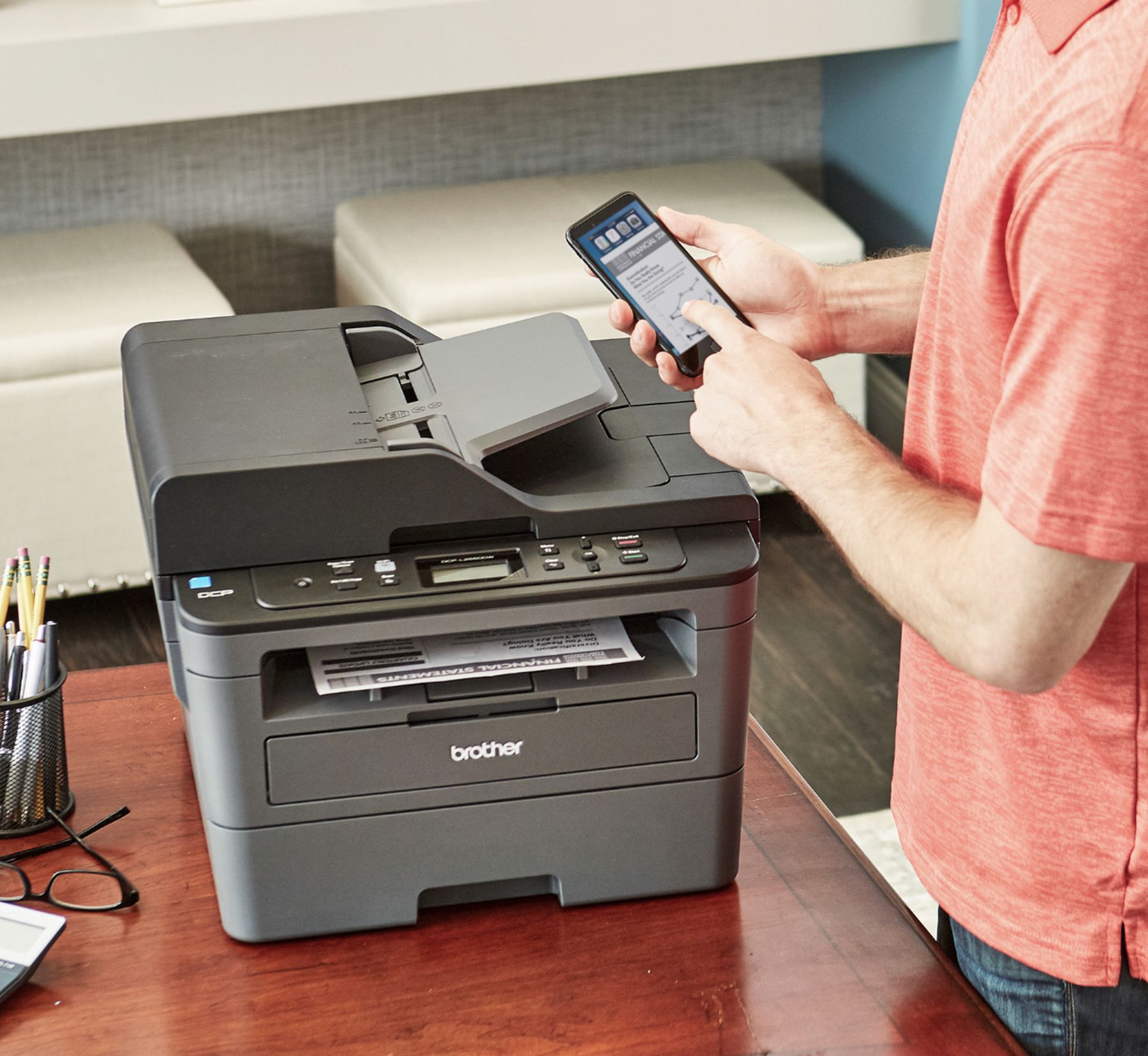
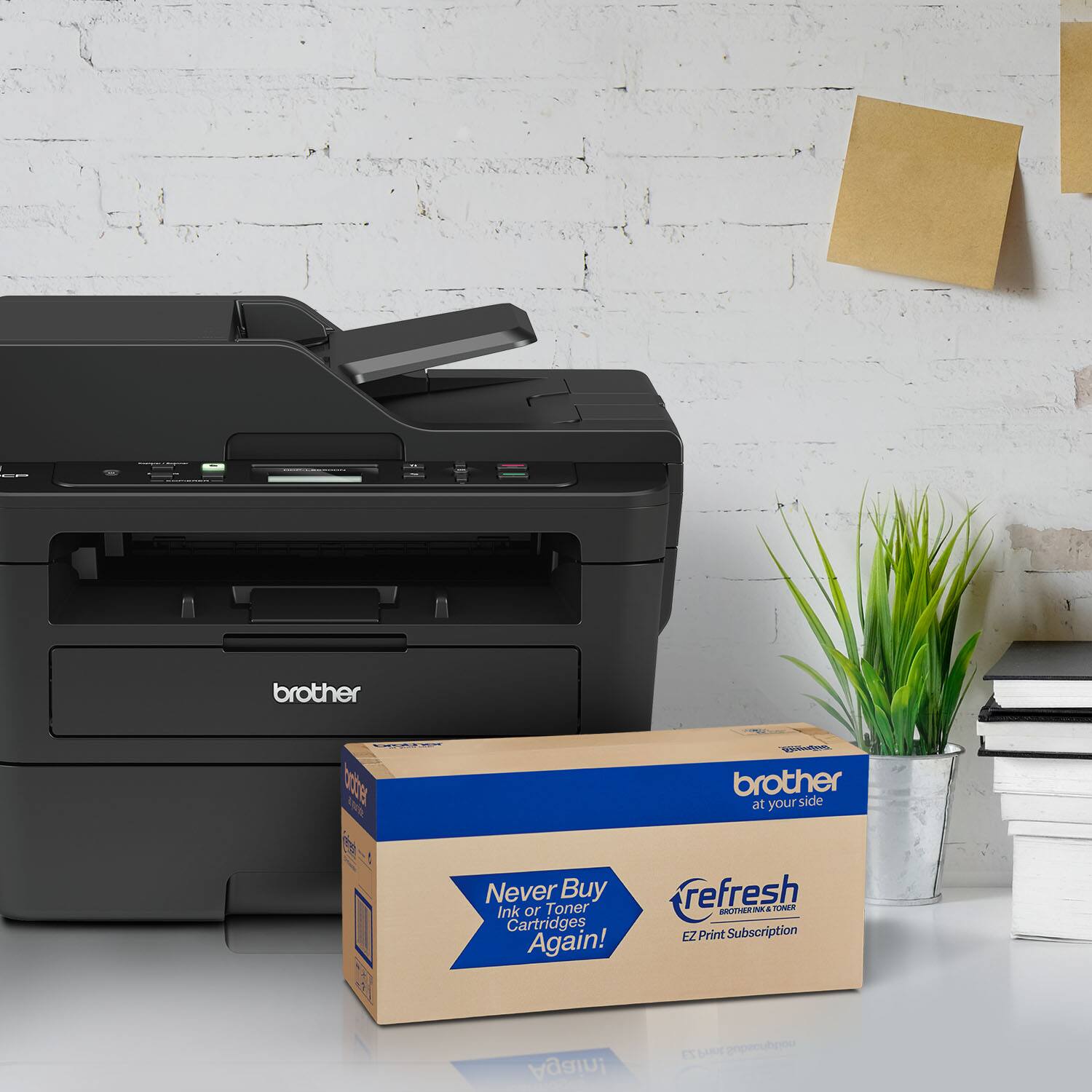
A:AnswerThis product features connectivity with the following: Apple AirPrint, Brother iPrint&Scan, Ethernet, Google Cloud Print, USB 2.0, Wi-Fi, Wi-Fi Direct.
A:AnswerWe don't currently offer Google Chrome OS-compatible printer or scanner drivers. However, you may print to your machine using the Google Cloud printing feature. Refer to how to "Register and Print using Google Cloud Print", for your DCP-L2250DW. We don't offer support for scanning to your Chrome OS device or Chromebook.
A:AnswerThere is a control panel for scanning that gives you options about what you are scanning. You can select the "email" button and it will scan as usual asking for a folder. After you give a location for the scan, the scan will initiate and then your email program will open with that file already added as an attachment. You simply provide the email address and/or any comments in the body of the email, and send like a normal email. This is quite handy!