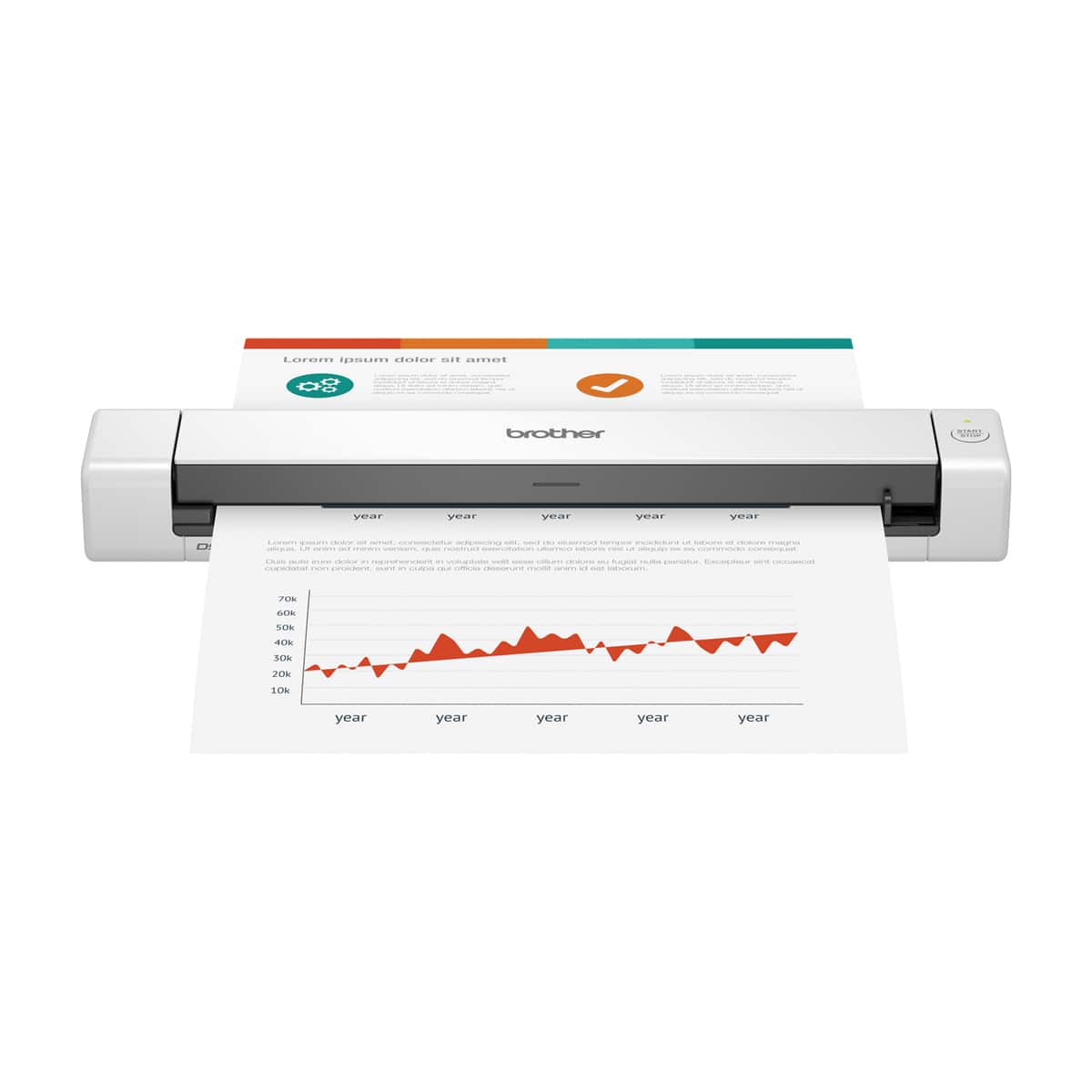
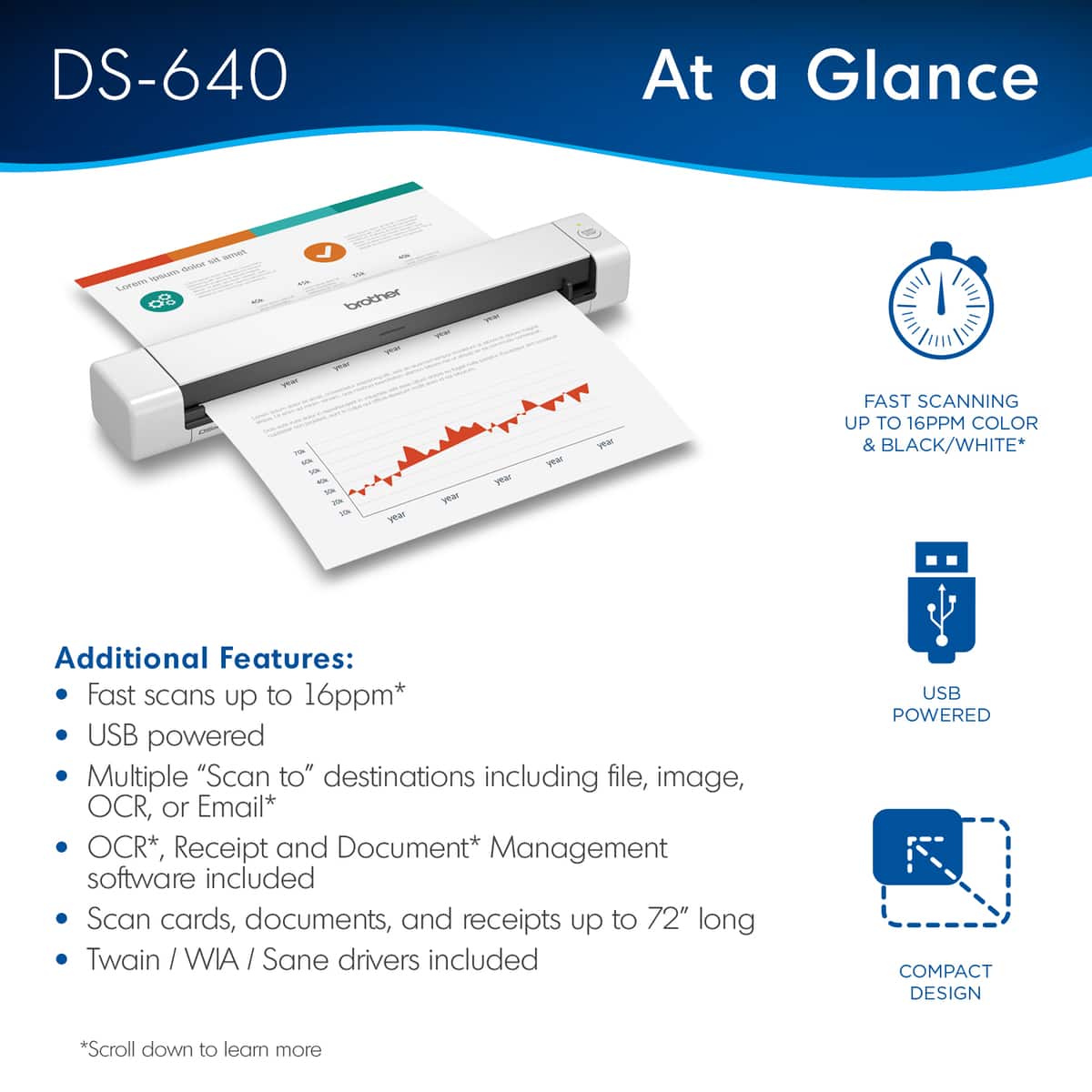
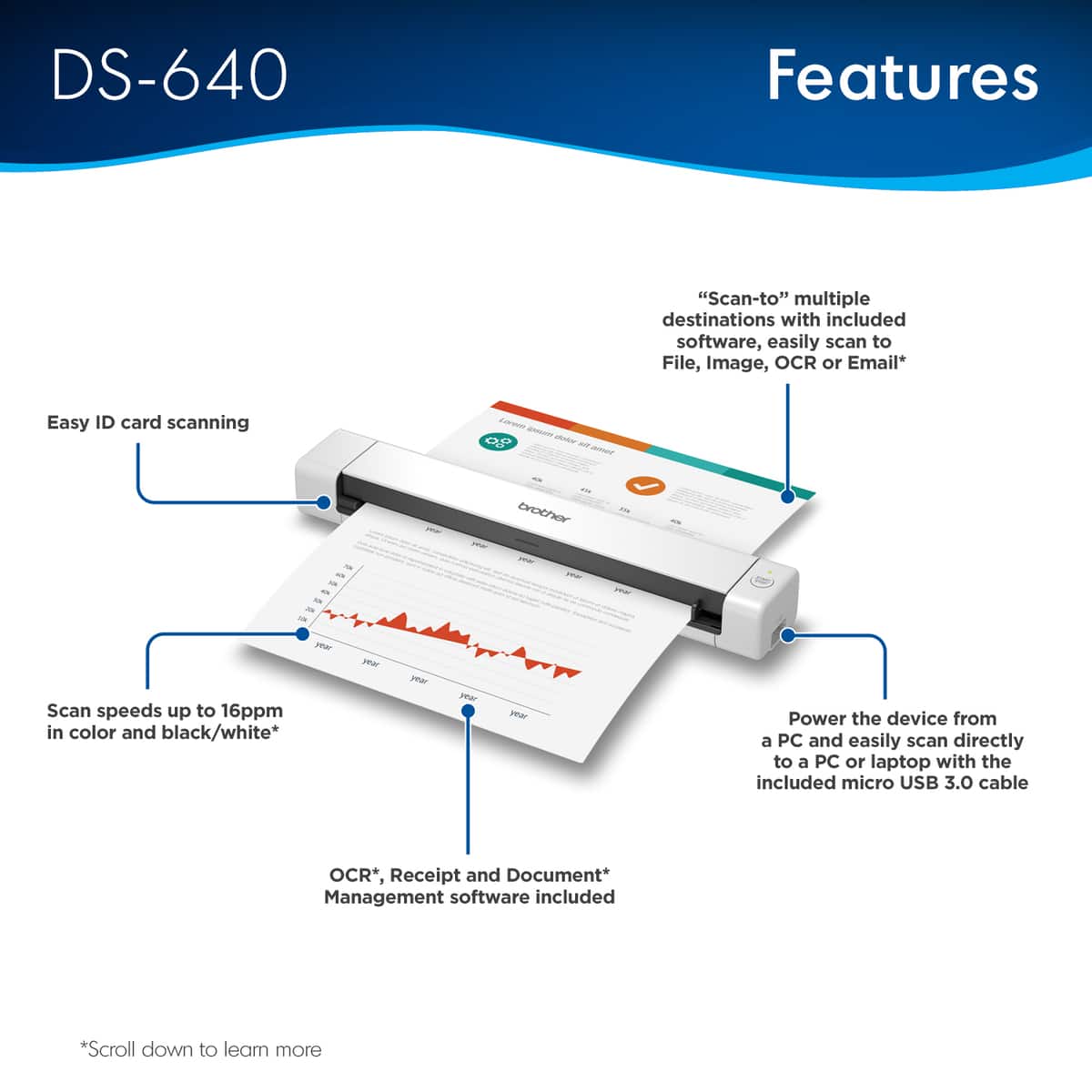
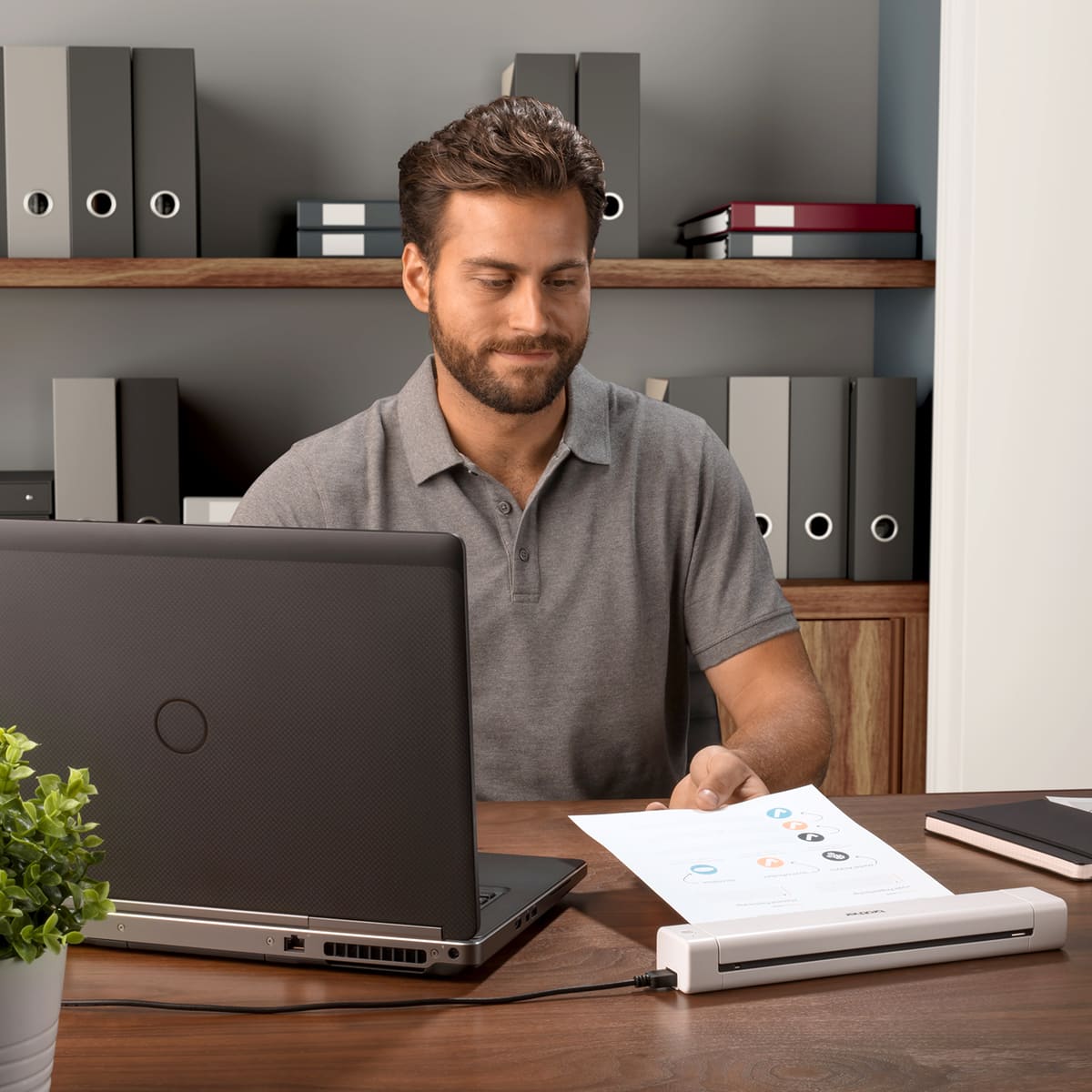
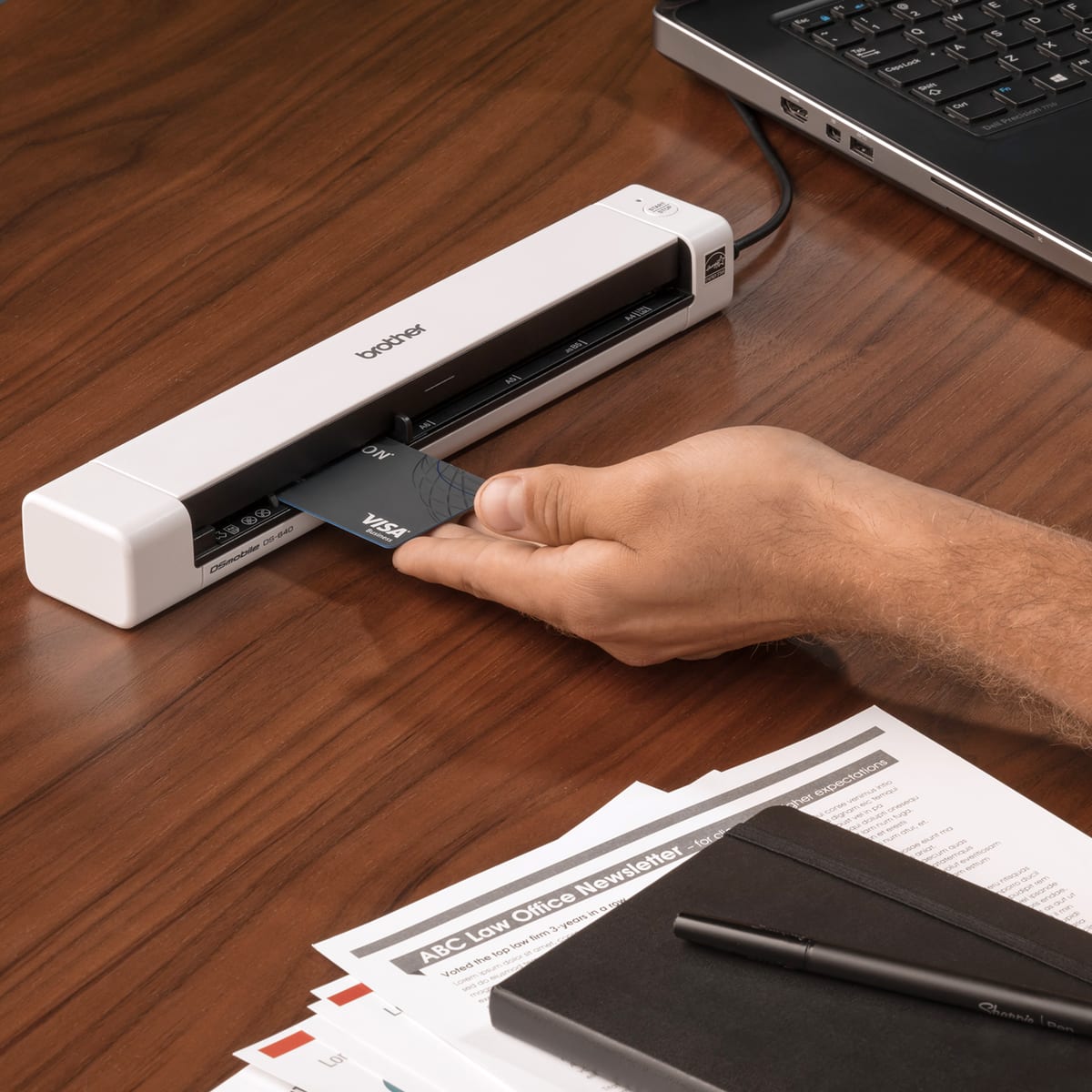
A:Answer It cannot be used as a standalone. It needs a computer. (A related model with a micro-SD slot in the front, can scan to that micro-SD, though I am not quite sure that it can do that without a computer to direct it!)
As for enlarging, if the scan cannot be auto-enlarging, then at least the image can be easily enlarged afterward in MS Paint on windows, or by other means. You would need to set the software that manages the scan, to enlarge or reduce, before starting the scan, so it would depend upon what software you used, I think! more than on this Brother scanner itself.