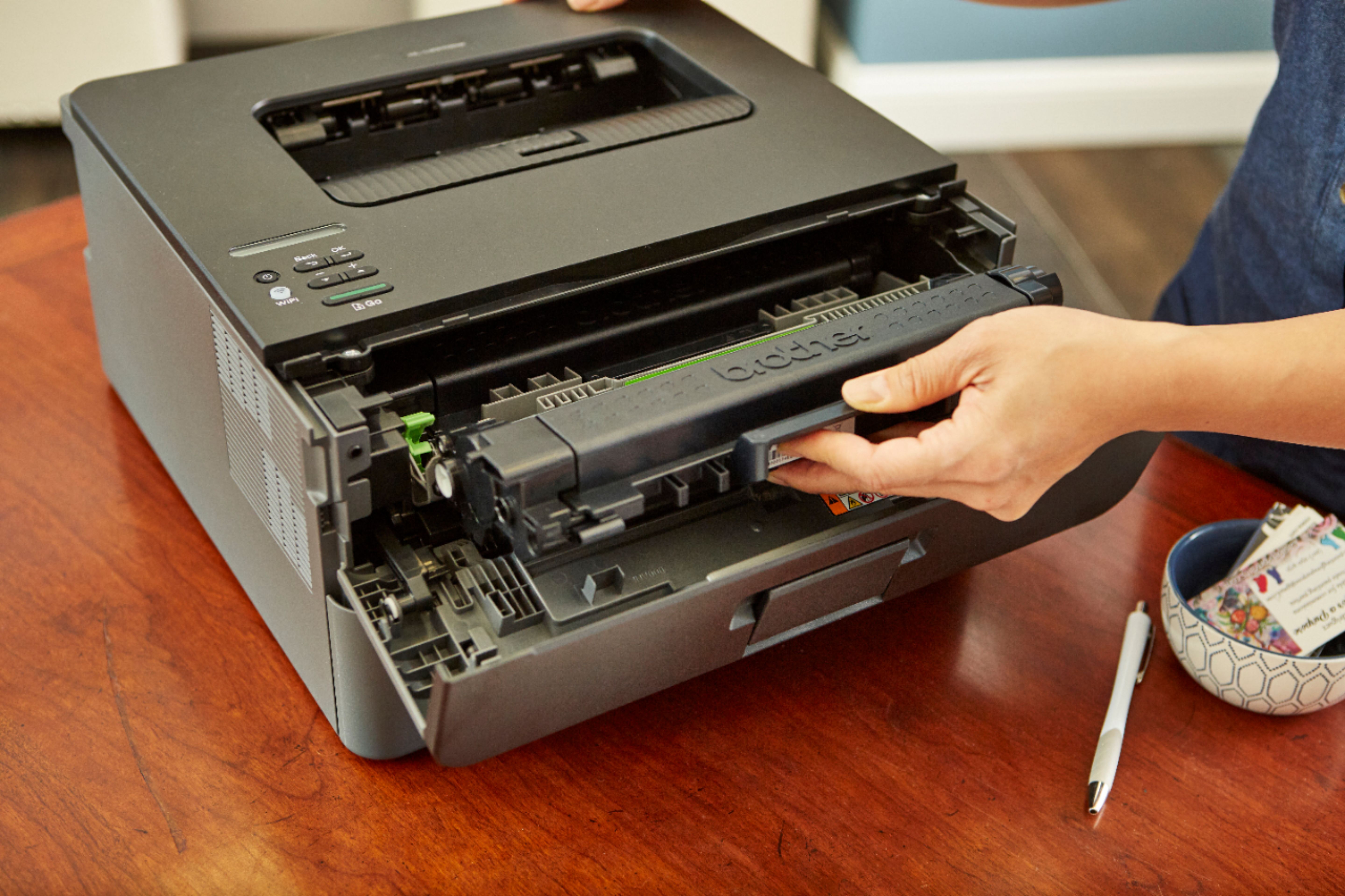
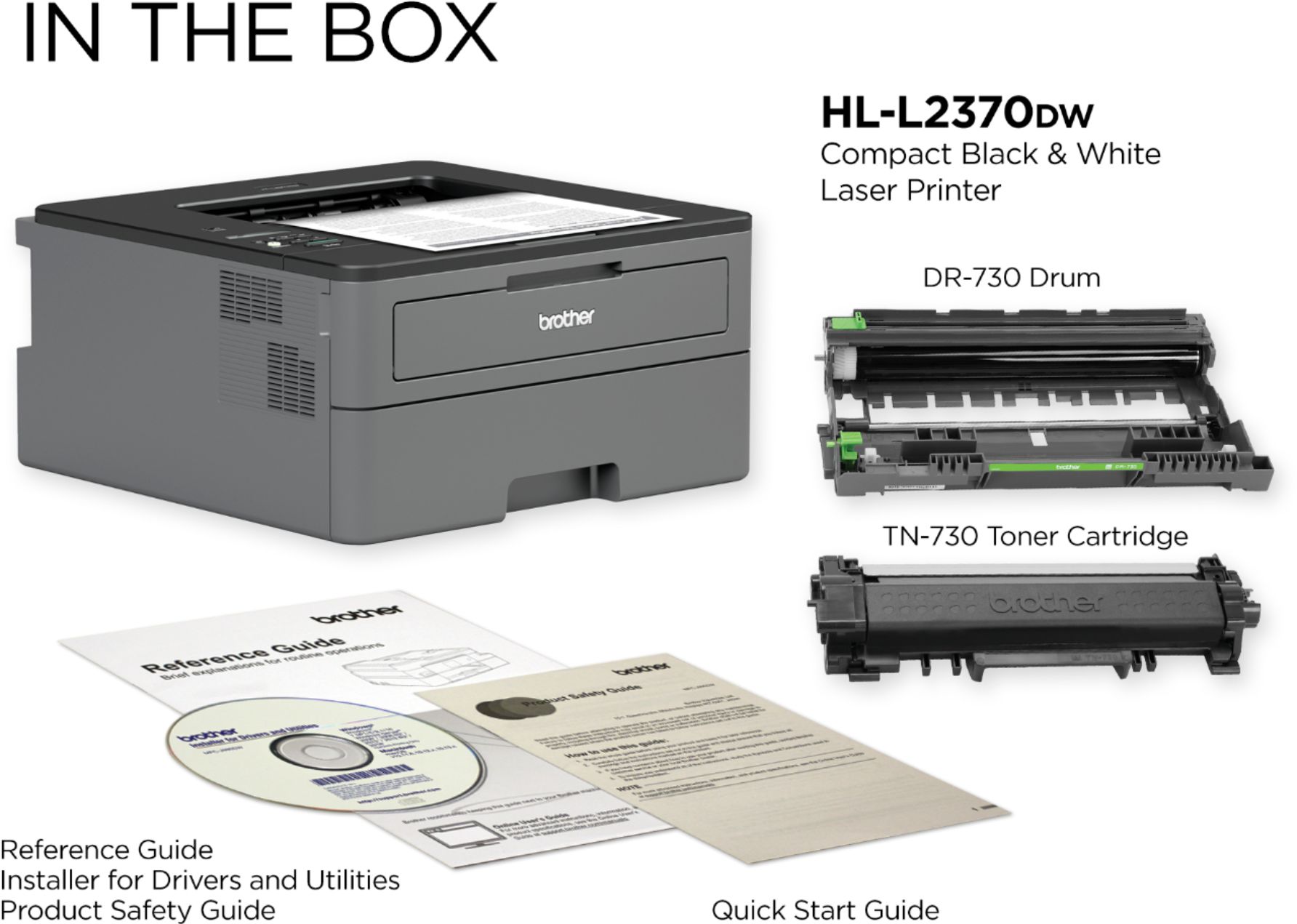
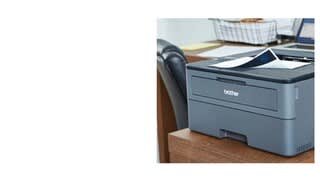
A:AnswerUnlike the cartridge, the drum is already in the unit, you do not get to install it. Install the toner and enjoy it working. Once the printer is out of toner, order another cartridge, the high yield one preferably, which will last for about 2500 pages. When you approach the 12000 of printed pages mark, you will have to replace the drum unit. By the time your printer will most likely already start dropping in the printing quality, that's when you should replace the drum.
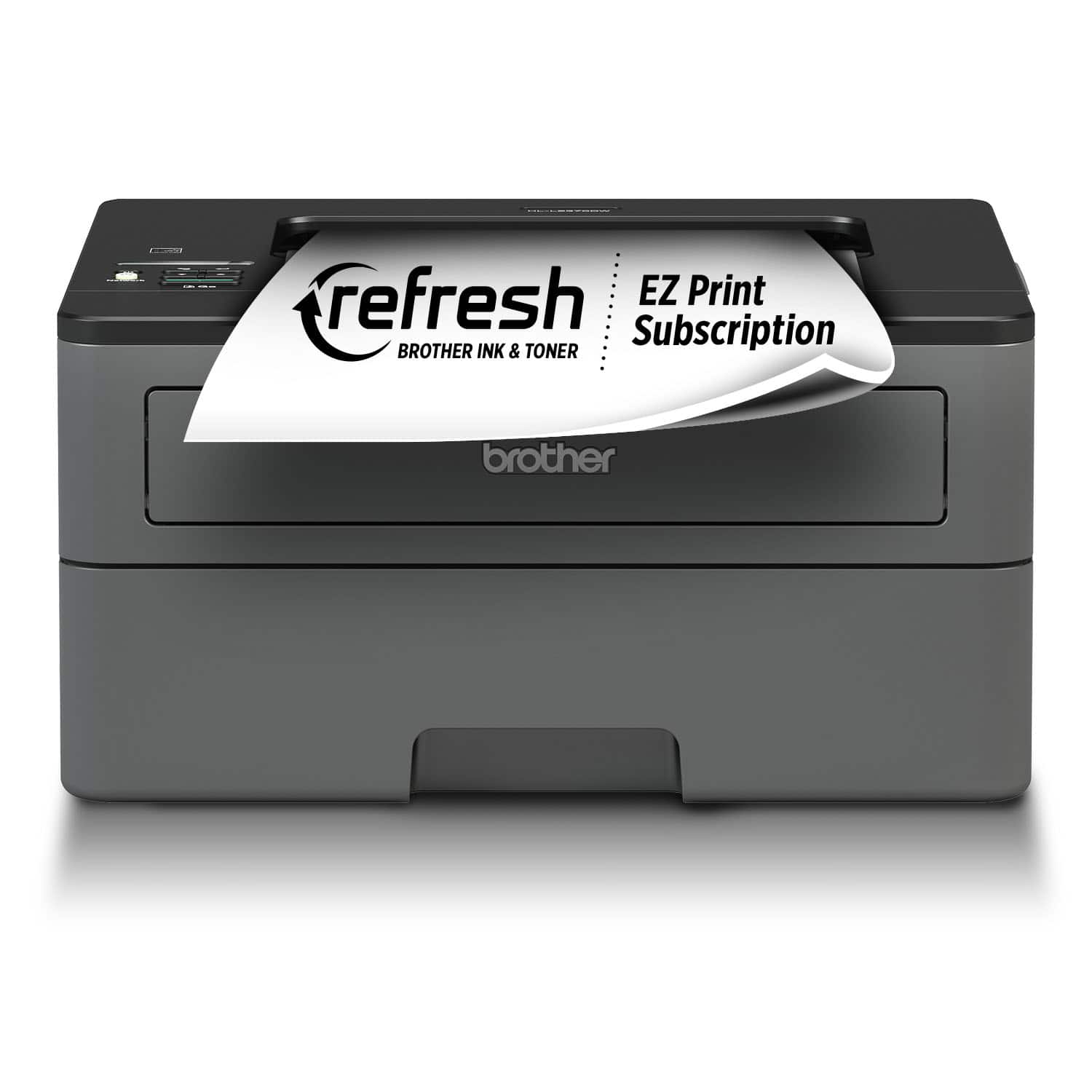
A:AnswerYes, it does! Single sided is default, I believe. You need to check “double sided” in the print menu that will appear. It’s a great printer! Fast! Reliable! We really like it!
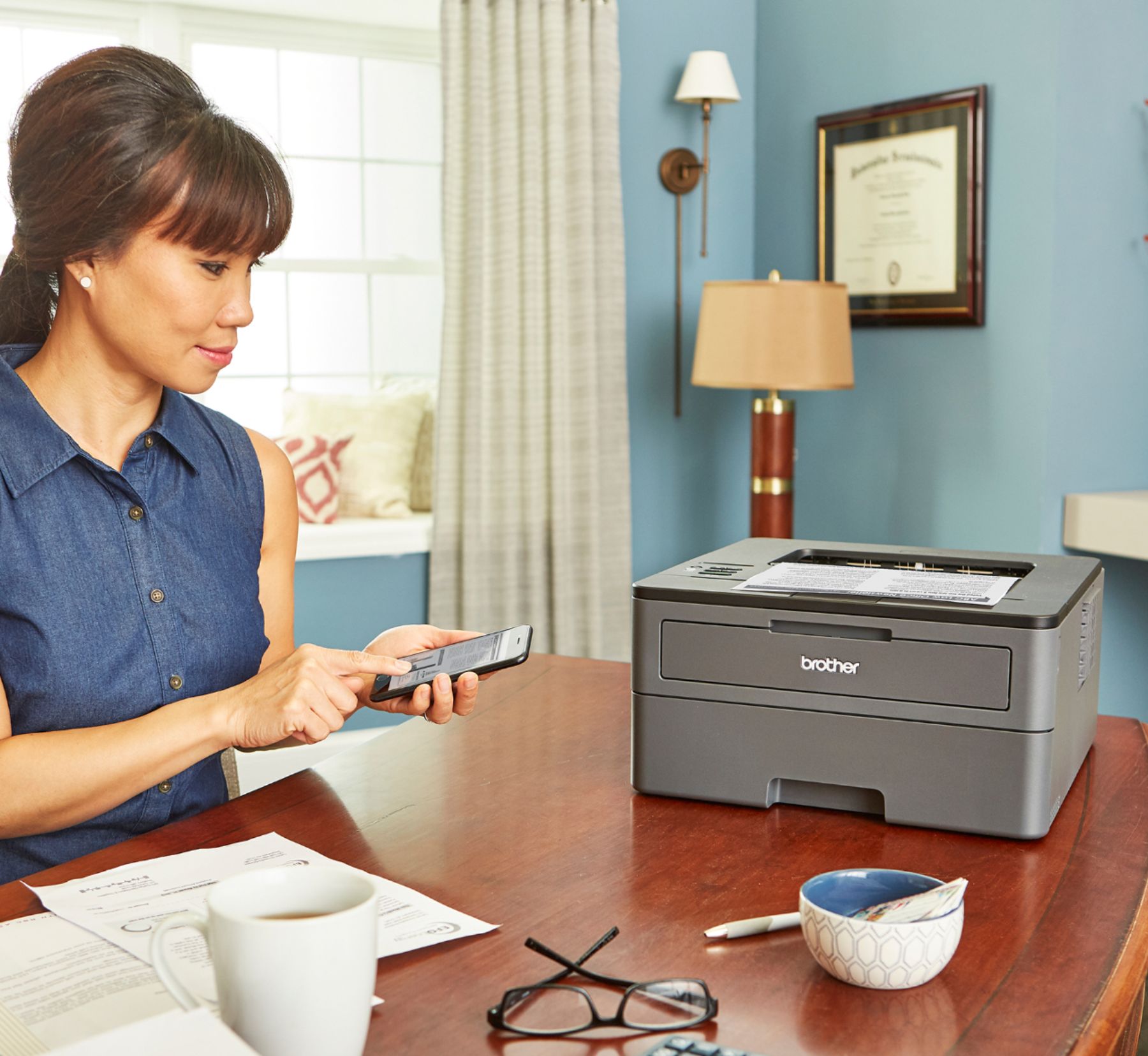
A:AnswerOurs works for us by using included iOS tools. In say Safari, the box with an up arrow in the top - the one that lets you share to social media, save locally, copy to a message - there's an option to print that file. Select print, and one of the printer options is "Select Printer" - in that list, the Brother printer broadcasts it's existence. If you do not see it, then you don't have it configured on your network correctly.
A:Answer15,000 pages per month is the maximum monthly duty cycle for the Brother HLL2370DW machine. This is the estimated number of pages the device is capable of printing in a month without failing or causing damage to the machine. The 2,000 pages is the recommended range of monthly printed pages to achieve the best possible performance and printer life. Printers are intended to handle occasional usage beyond this range with little or no effect. Consistently printing above the recommended print volume, however, may adversely affect the print quality or life of the machine. It is always best to choose a printer with an appropriate recommended print volume to allow for any anticipated increase in printing needs.
A:AnswerThe Brother TN-660 toner cartridge is not compatible with the Brother HL-L2370DW printer. This model uses TN-730, 760 and TN-770 toner cartridges only.
A:AnswerIf your Brother HL-L2380DW appears to have no power, follow the steps listed below:
https://help.brother-usa.com/app/answers/detail/a_id/153799
A:AnswerI had a similar problem but was able to resolve it as follows. Remove the drum from the printer .Slide the green button a top the drum to the far left side . Reinsert the drum and the toner cartridge . Now try printing a test page to determine the results .The initial page will show some signs of improvement and subsequent copies will be better if not perfect .
A:AnswerIt’s a great printer and it should. I have mine using my Comcast xFinity modem/router and connecting it was super easy and took maybe a few minutes. All you will have to go is press the WiFi setup button on the printer and it will connect automatically, I didn’t even have to type in my password, and does not connect to other close WiFi names, only accessible using your modem/router. I’m unsure if it is this easy for everyone but it was for me, well worth the price and toner that comes in the box with it prints between 500-600 total pages.