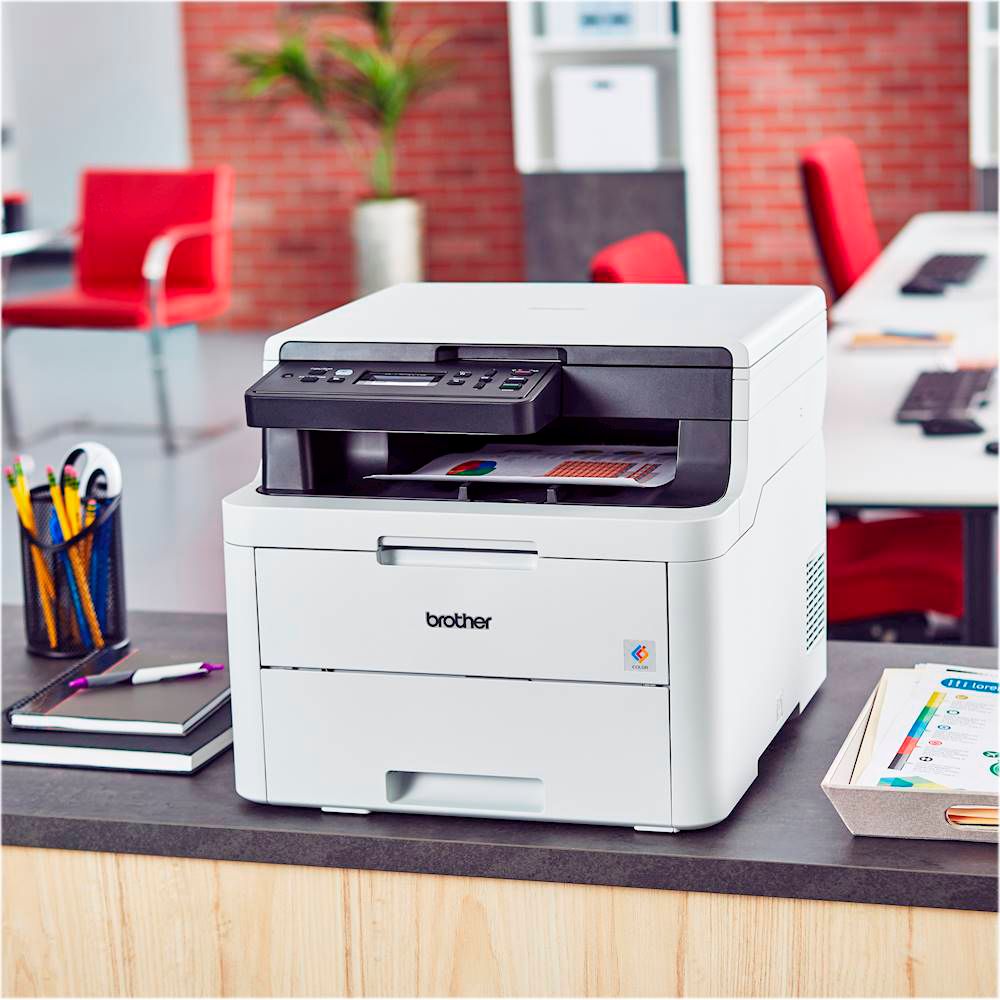
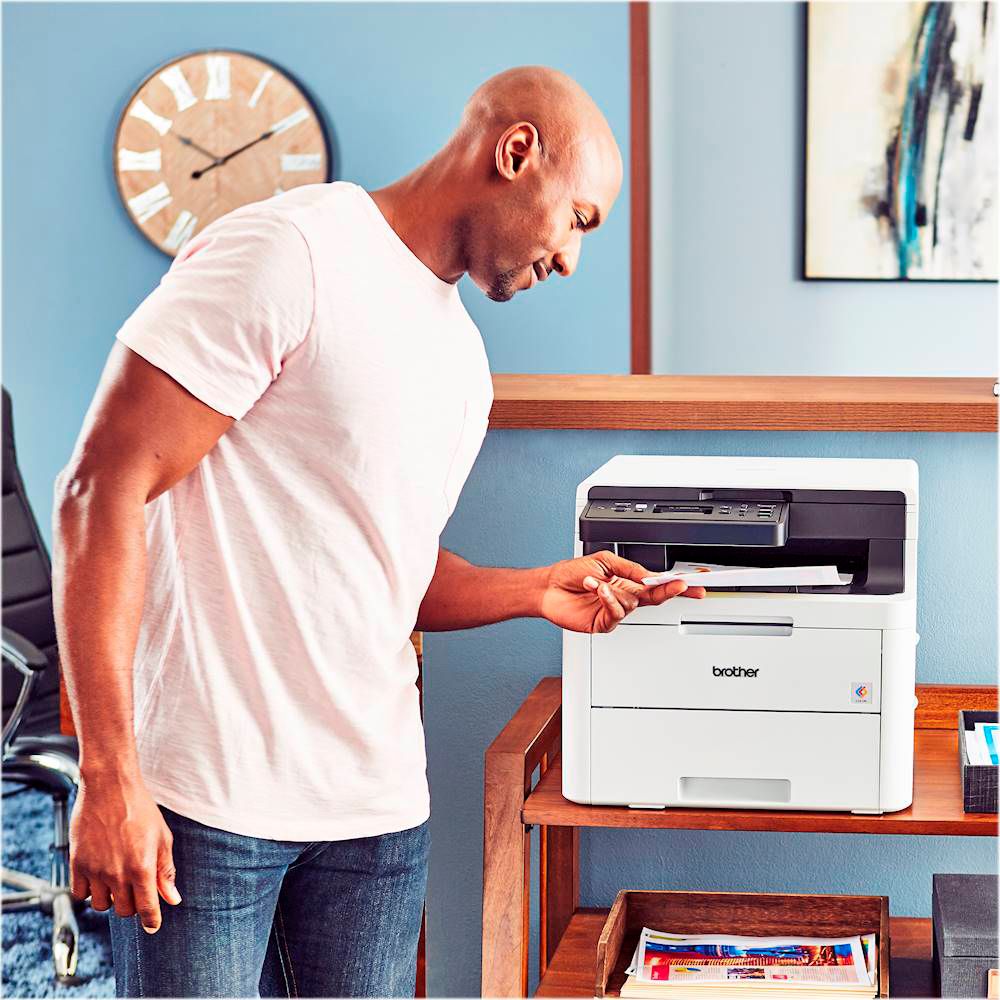
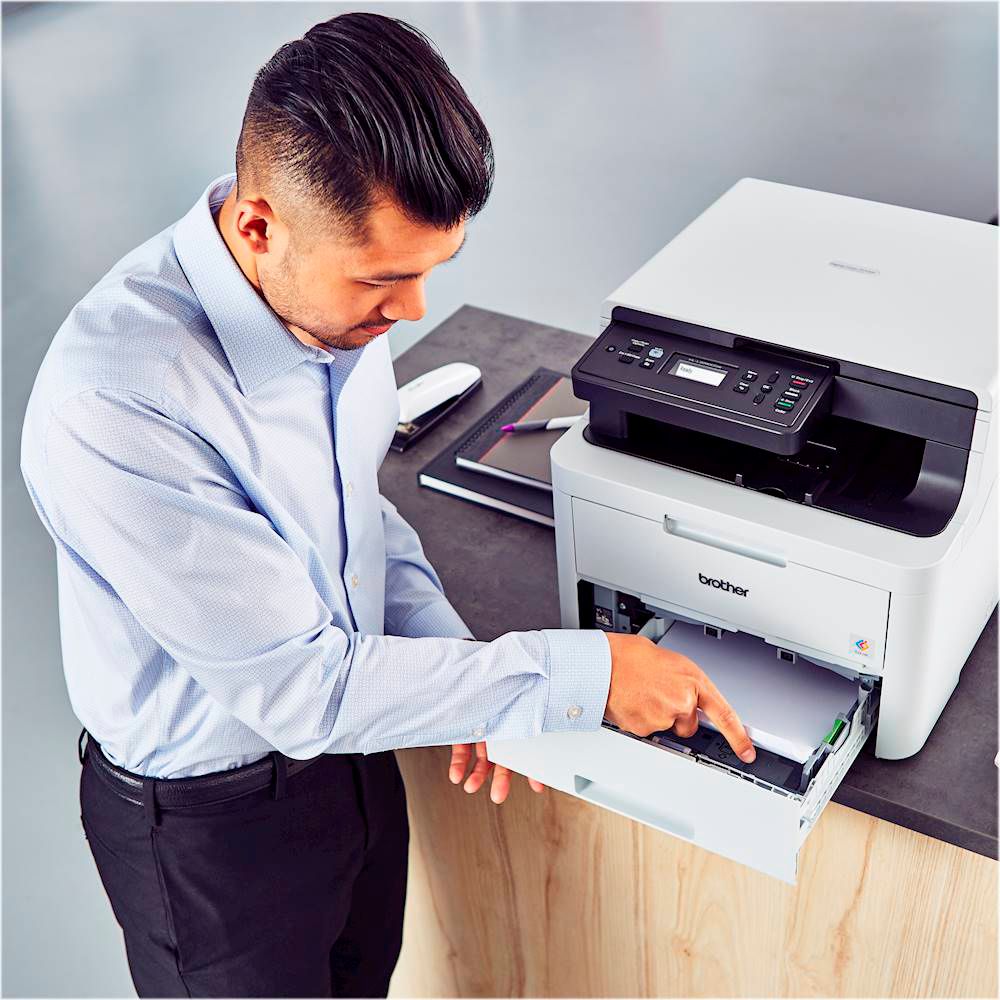
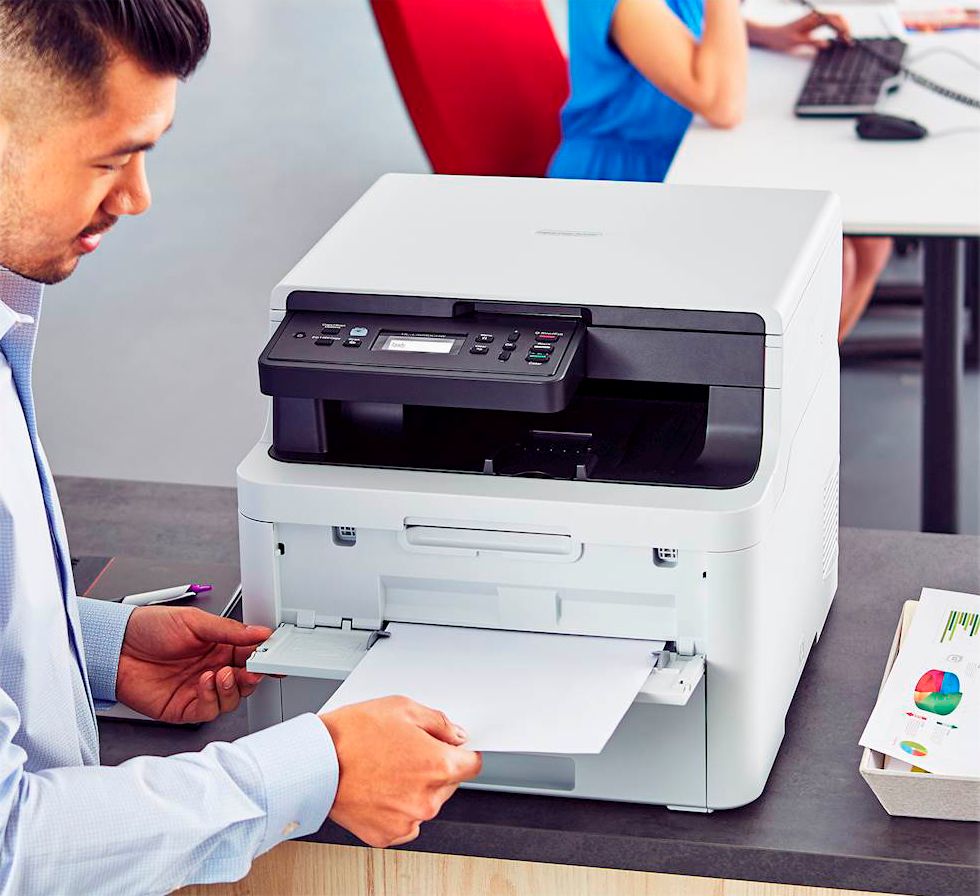
A:AnswerYes this COLOR laserjet is a multifunctional it will COPY, PRINT, SCAN and FAX. It has wireless capability it is compatible with Microsoft and Apple devices. The only downside is the cost of the toner cartridges but after having so many issues with color inkjets...I think it’s worth it as toner cartridges don’t dry up on you. I was an IT admin in the past and I’ve purchased hundreds of brother printers they are rock solid for home or small business use.
A:AnswerYou can print and scan over wireless or USB. A USB cable is not included. I've used both wireless and USB, and the speed for each connection type is about the same, so I've gone purely wireless.
A:AnswerThe starter toner cartridges for the Brother HL-L3290CDW yield approximately 1,000 pages. Stated page yields for genuine Brother cartridges are based on the ISO testing standards. The number of pages that can be printed with a cartridge is affected by several factors, including paper size, number of pages per print job, amount of print on each page, font size, and print content (graphics, charts, etc.). Print jobs with large text fonts, graphics, charts, and/or large amount of solid coverage (black or any given color) will use much more toner and will shorten the life of the toner cartridge.
Below are the approx yields for all cartridges:
Starter Toners that come with the machine - approx. 1,000 pages
TN223BK Standard-yield Toner, Black, Yields approx. 1,400 pages
TN223Y/M/C Standard-yield Toner, Colors, Yields approx. 1,300 pages
TN227BK High-yield Toner, Black, Yields approx. 3,000 pages
TN227Y/M/C High-yield Toner, Colors, Yields approx. 2,300 pages
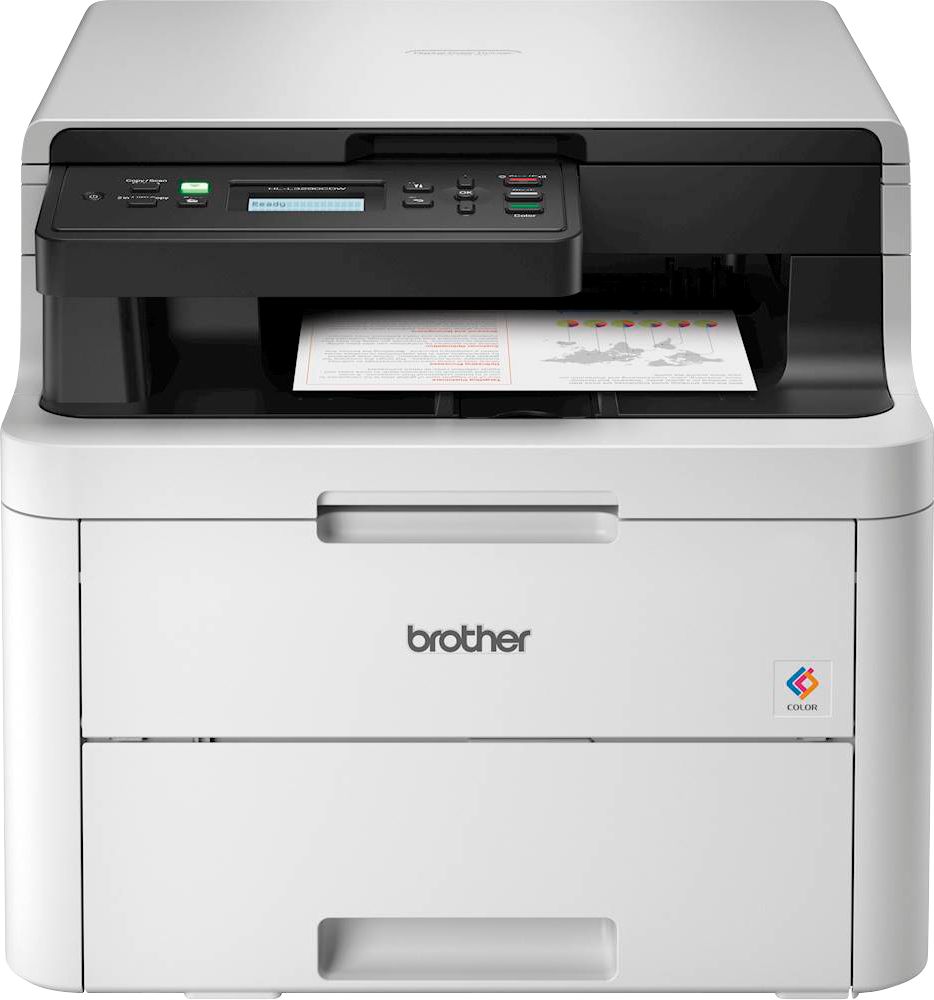
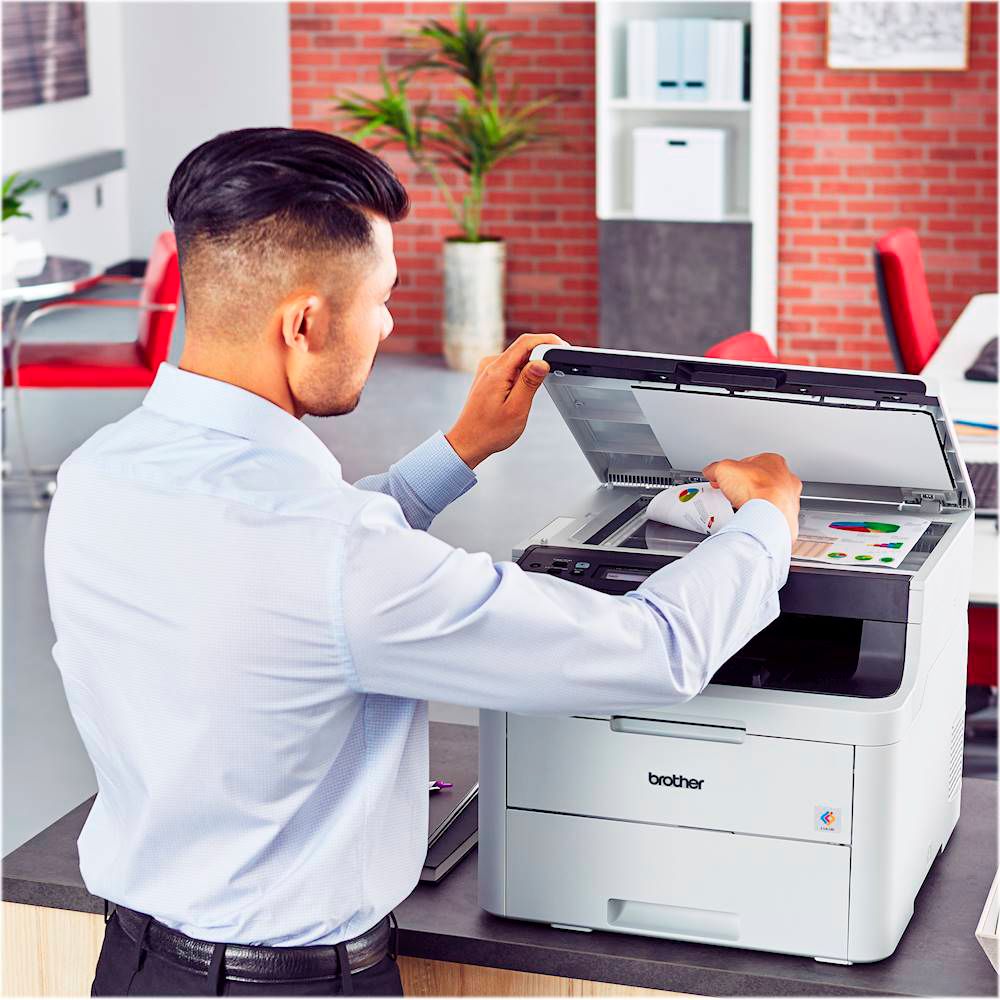
A:AnswerThe Brother HL-L3290CDW does not have an Automatic Document Feeder (ADF). It does have a flatbed scanner though. That means it will not feed scans. You will manually need to open the flatbed cover and to put whatever you want to scan on the first page face down on the glass and scan it. Then, you will have the option to continue scan. If you choose to continue the scan, you can scan something for page 2 and so on unless you choose no to continue scanning. Then all the scanned images will be on on the same file or document. So, yes you can scan multiple pages one at a time.
If you want a machine in this series with an ADF so that you can feed multiple pages for a scan, you should look at any of our Multifunction Center (MFC) models, such as MFCL3710CW, MFCL3750CDW, and MFL3770CDW. You will also be able to fax with these models.
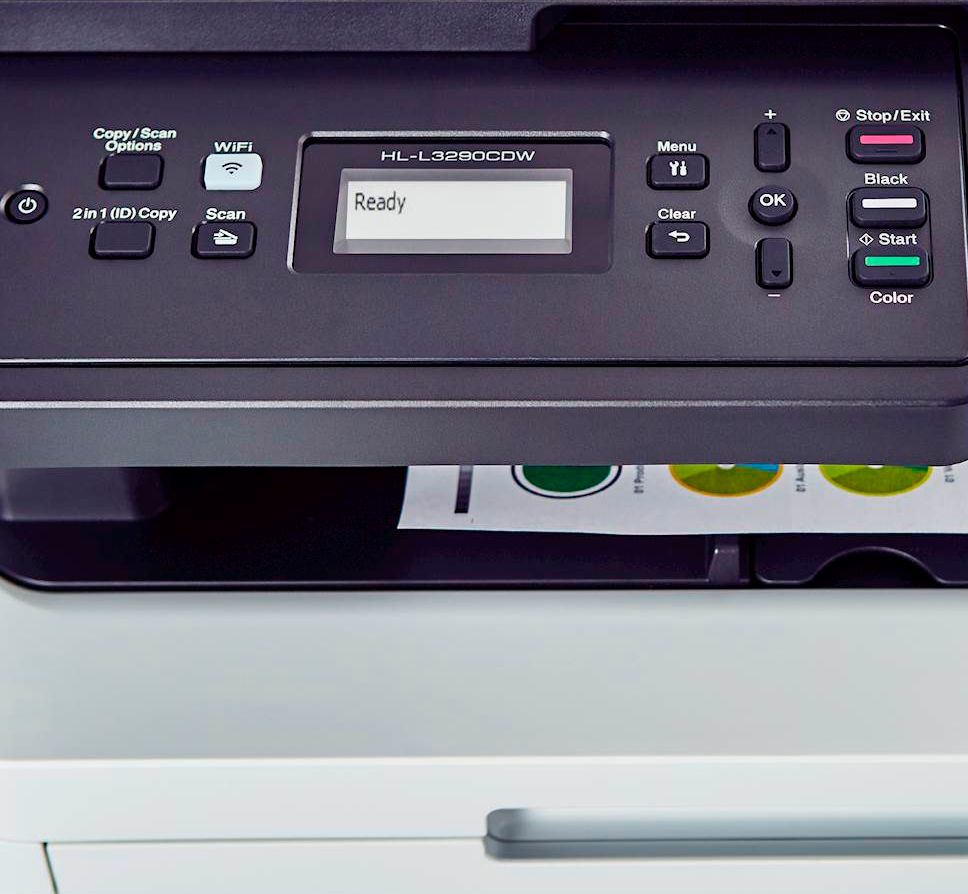
A:AnswerTo check the remaining toner levels on the Brother HLL3290CDW printer, press Menu → Machine Info → Parts Life. In the Parts Life section you can select the color toner you wish to check.
A:AnswerI set this up on my new iMac and it worked flawless. I recommend connecting the printer to the WiFi first, then to the iMac. This will alleviate frustration unless you have a cable to hook it up to the iMac (not included). But wireless printing works perfect and once on the WiFi, phones can print to it as well.
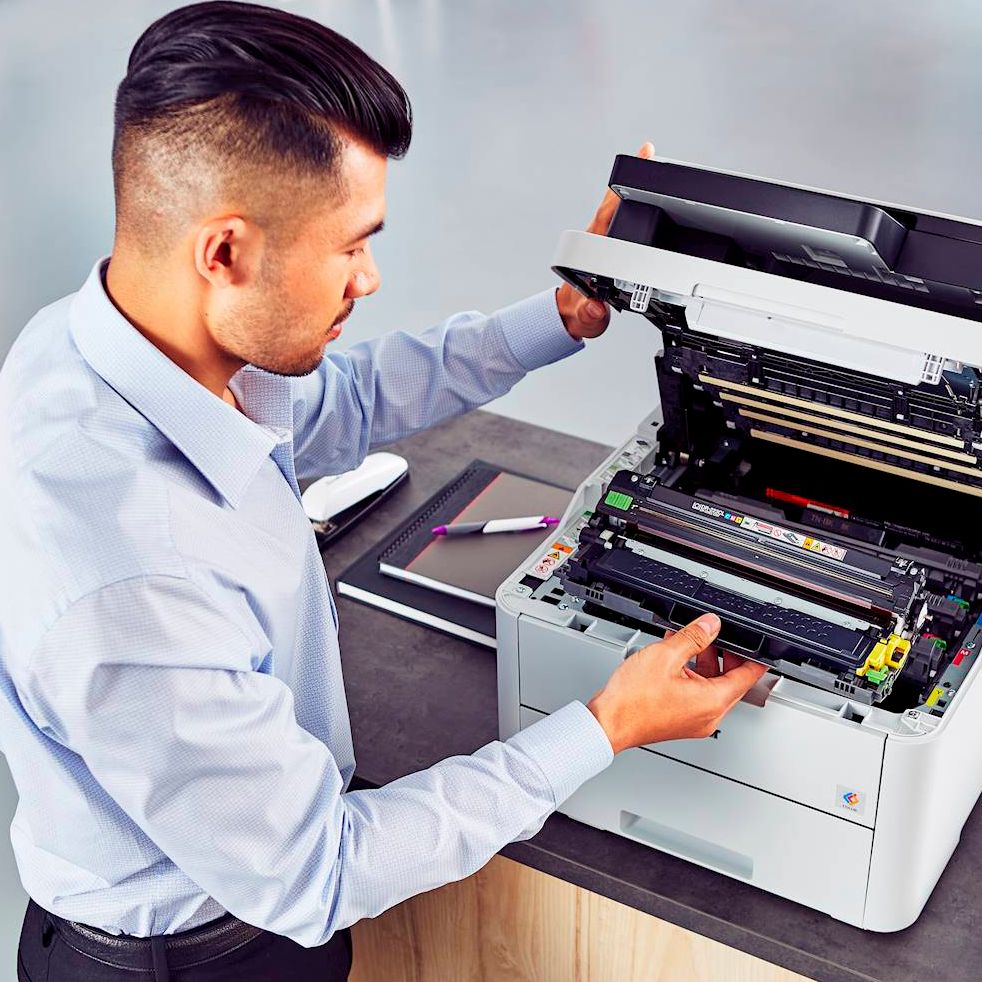
A:AnswerThe Brother HL-L3290CDW printer requires less than 18" to replace the toner cartridges. For more information, feel free to contact Brother Customer Service directly.
A:AnswerNo, the Brother HLL3290CDW does not support Ethernet connection. However, you still can print by plugging your non WiFi capable computers to the router via Ethernet cable, and your printer via WiFi connection.
A:AnswerYes, it comes with starter toner - not sure how many pages but so far they haven’t run out. It depends on volume of printing you do - mine is not excessive although I did purchase toner for when these run out. I am really happy with this printer,
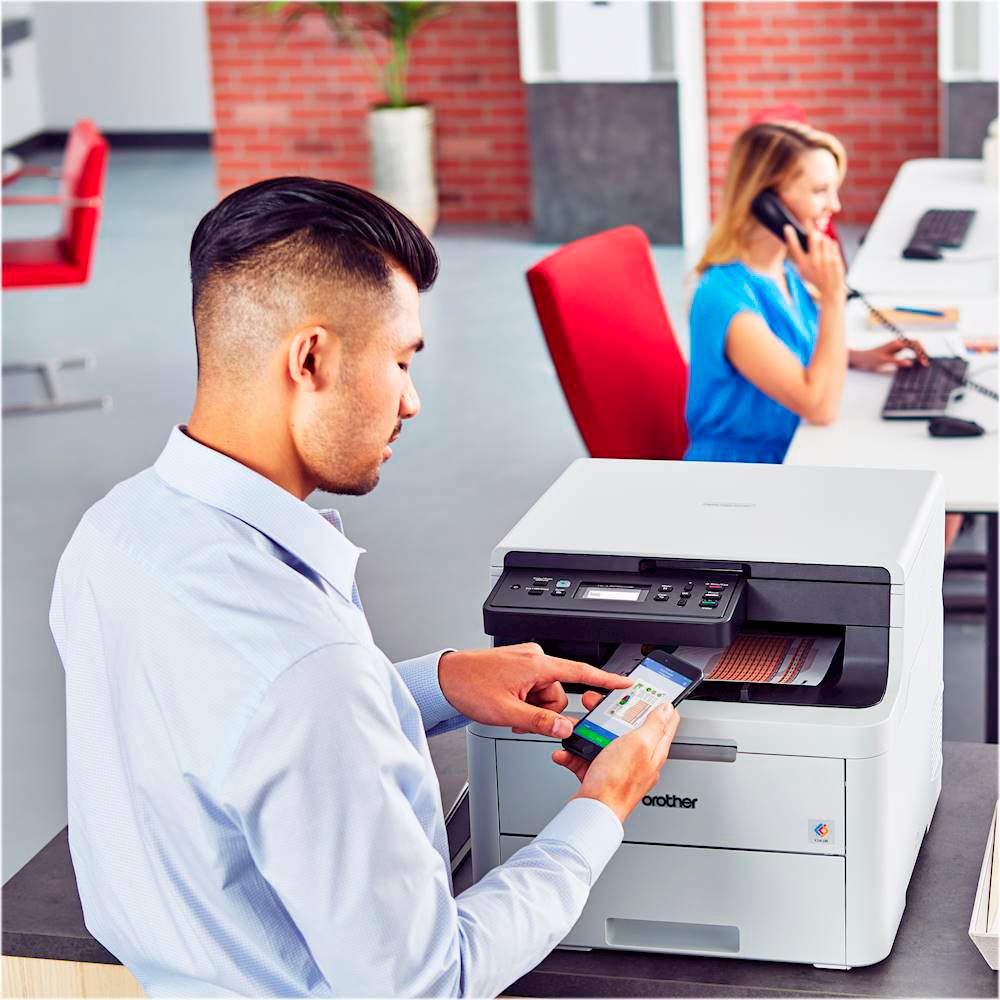
A:AnswerYes, but that depends entirely upon the app that you wish to print from. For instance, one can print to this printer directly from the Chrome or Photos app. For general printing and scanning needs, there is the Brother iPrint&Scan app.
A:AnswerThe drum unit is the part of the printer that transfers the toner to the paper. The laser printer puts the toner on the drum, and then the drum prints the letters and images onto the paper. The DR-223CL is the drum unit model for the Brother HL-L3290CDW machine.