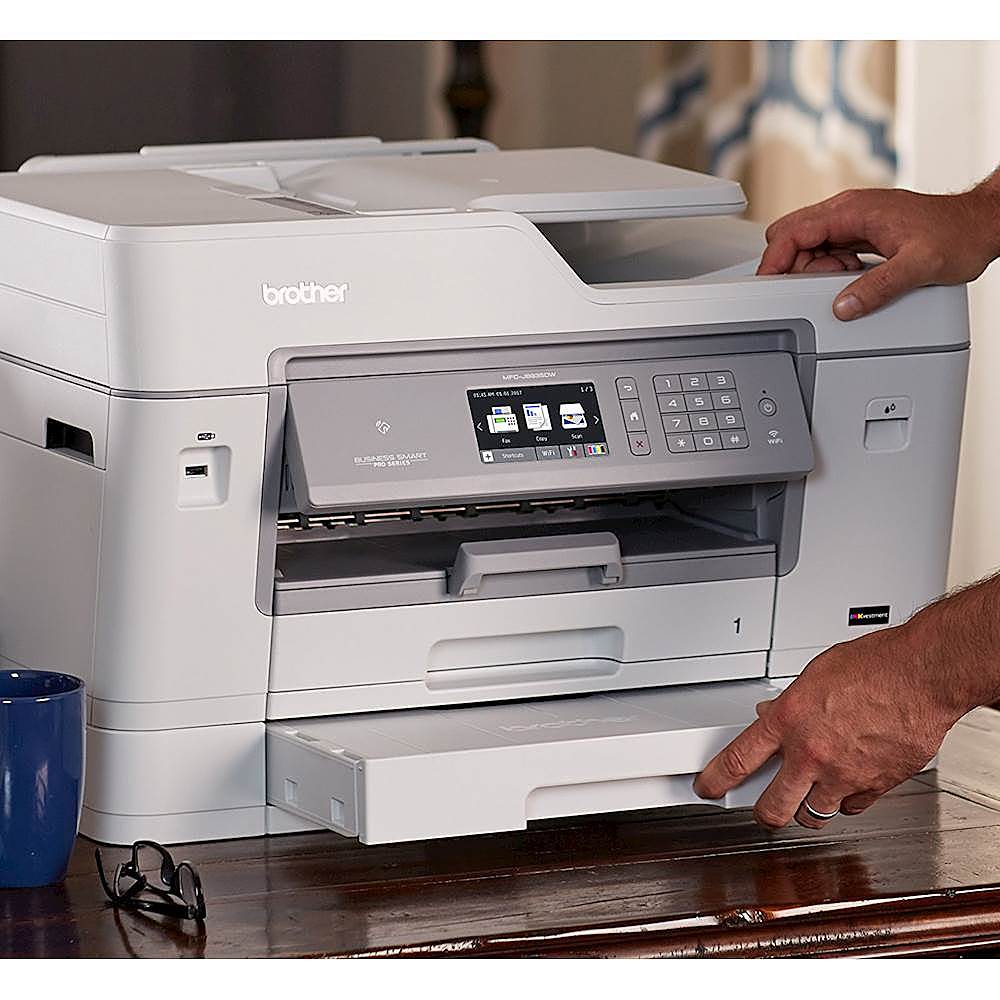
Questions & Answers
- Model:
- MFC-J6935DW
- |
- SKU:
- 5789602
Highly rated by customers for: Print Quality, Connectivity, Ease of use
Page Showing 1-14 of 14 questions
Q: QuestionIs there a ll x 17 tray?
Asked by Rave64.
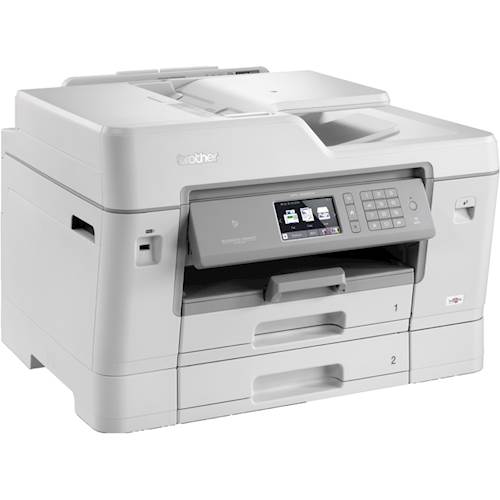
- A:Answer Yes. The 2nd tray can configured to be any size you want (including 11 x 17)
Answered by bill
Q: QuestionWill it print and scan A3-size paper (the metric version of 11x17, slightly taller)?
Asked by tektonic7.
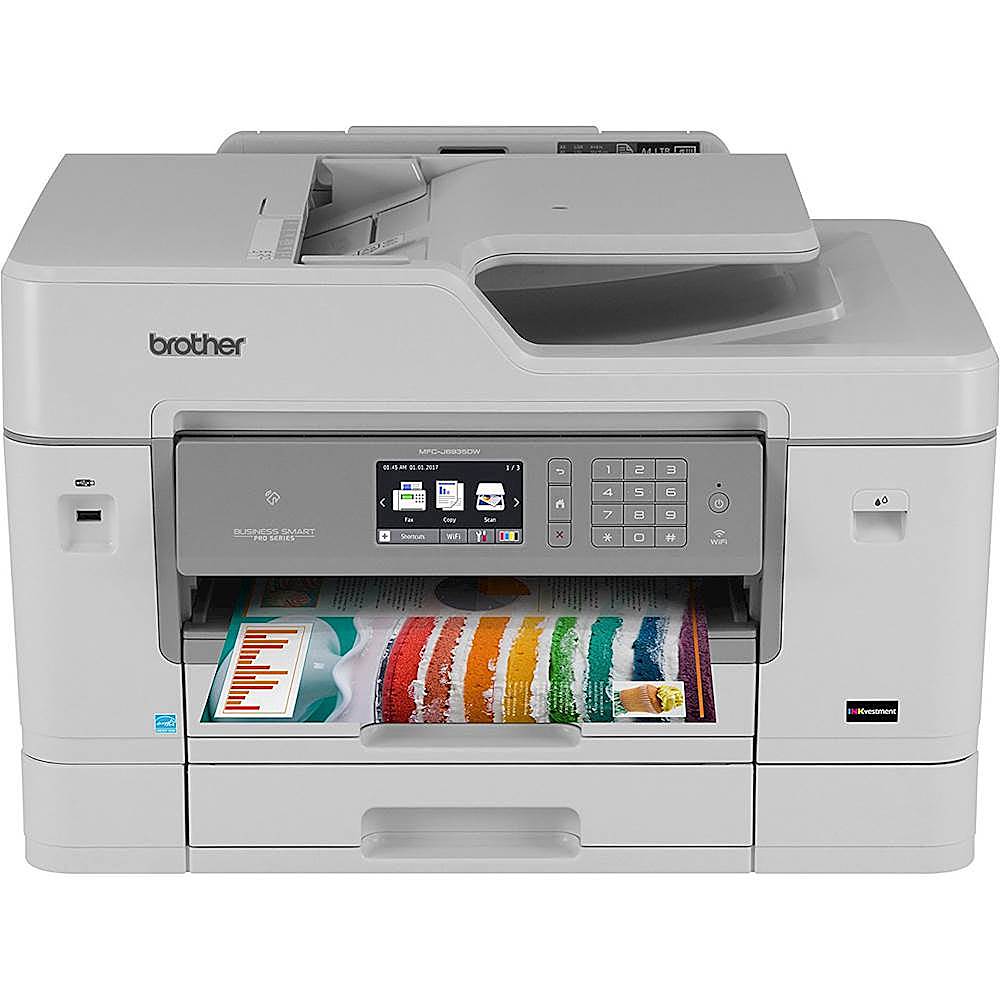
- A:Answer Yes, it will print and scan on A3 size paper. This is the max that it will print or scan.
Answered by Brother
Q: Questiondoes this fax also?
Asked by niccolebella13.
- A:Answer Yes, this unit will fax.
Answered by CommunityAnswer
Q: Questionwill this printer automatically sort choosing which paper sizes to use. I will be printing a packet with both legal and letter size paper and need to keep these in order.
Asked by cc.
- A:Answer I don't think so. You need to select which size paper...
Answered by Larry
Q: QuestionDoes this printer come with a printer cable to be directly connected to the computer and not use the wireless connnection?
Asked by Tom.
- A:Answer No, the MFC-J6935DW does not come with a printer cable.
Answered by Brother

Q: QuestionDoes this printer use up ink when idle for a couple days?
Asked by Kendal857.
- A:Answer The machine will clean as needed based on temperature and humidity in order to keep ink from drying out in the print head.
Answered by Brother
Q: QuestionCan this be used as a copy machine in a library?
Asked by Hay.
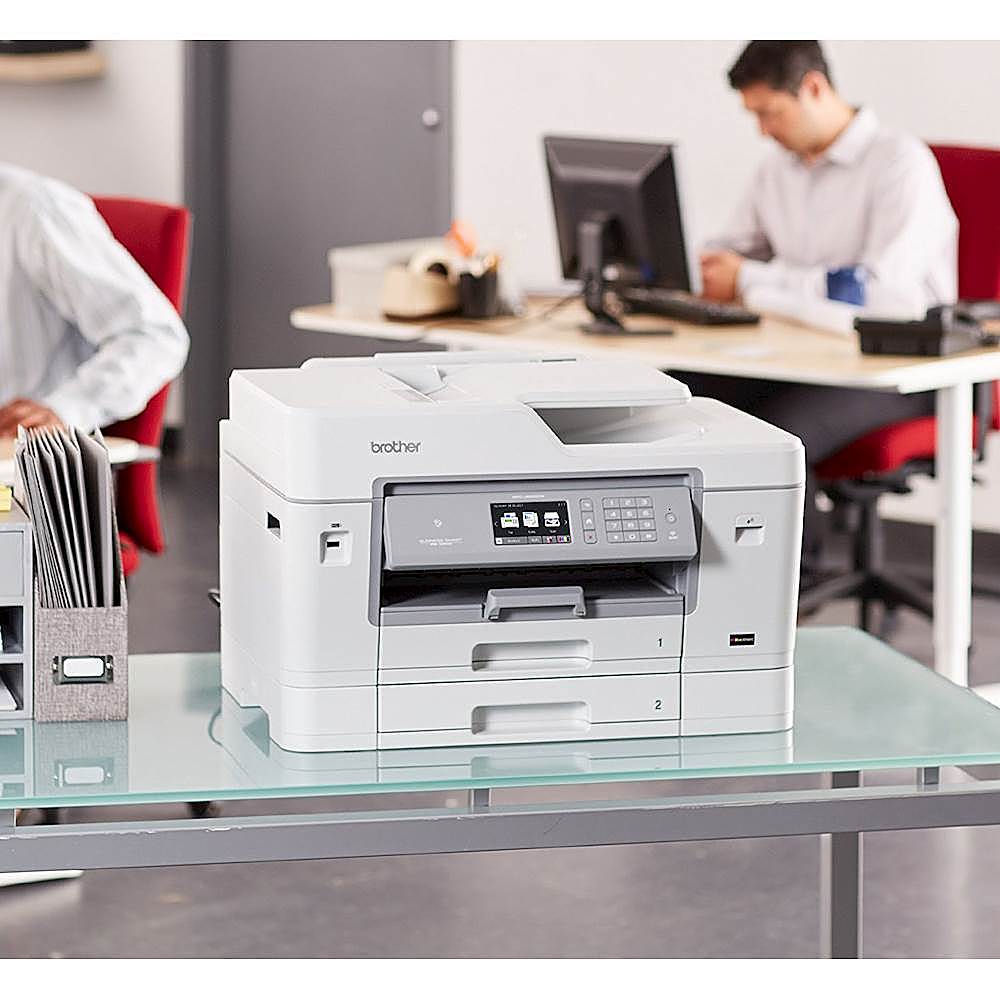
- A:Answer It would really depend on the volume of use expected. The volume specifications for this model are: Maximum Monthly Duty Cycle‡ Up to 30,000 pages Recommended Monthly Print Volume‡ Up to 2,000 pages.
Answered by CommunityAnswer
Q: QuestionWill this scan if the printer is out of ink? If it will not scan, what all in one will? Thanks
Asked by Scanning.
- A:Answer Yes, this machine will still scan if the printer is out of ink.
Answered by Brother
Q: QuestionWill the printer still work if one of the colors runs out?
Asked by LCH.
- A:Answer Yes, the printer actually asks you if you would like to print in only black if one or more of the colors is low or out.
Answered by tlerickson73
Q: Questionwarranty -- what included for how long
Asked by cliff.
- A:Answer The machine is covered for two-years (excluding damage and normal wear and tear). Consumables and accessories are warrantied for 90-days from purchase date (essentially the ink and paper that comes with it).
Answered by Todd
Q: QuestionWill this printer do dual printing, regular and legal pages from documents that have dual size pages.
Asked by Joyce.
- A:Answer Duplex printing means it will print on both sides of a sheet of paper what you are referring to is not the meaning of
Answered by Nunya
Q: QuestionWill this printer print PDF documents from a thumbnail drive? Will it scan into PDF format to a thumbnail drive?
Asked by Pete.
- A:Answer Yes, it does both. Once you put the USB in the printer, it automatically reads the drive and brings up a menu that will allow printing of documents from the drive, and allow you to select a "Scan to Media" option. It was amazingly easy both ways!
Answered by ndrambler
Q: QuestionHow well will this print color photos?
Asked by Anonymous.
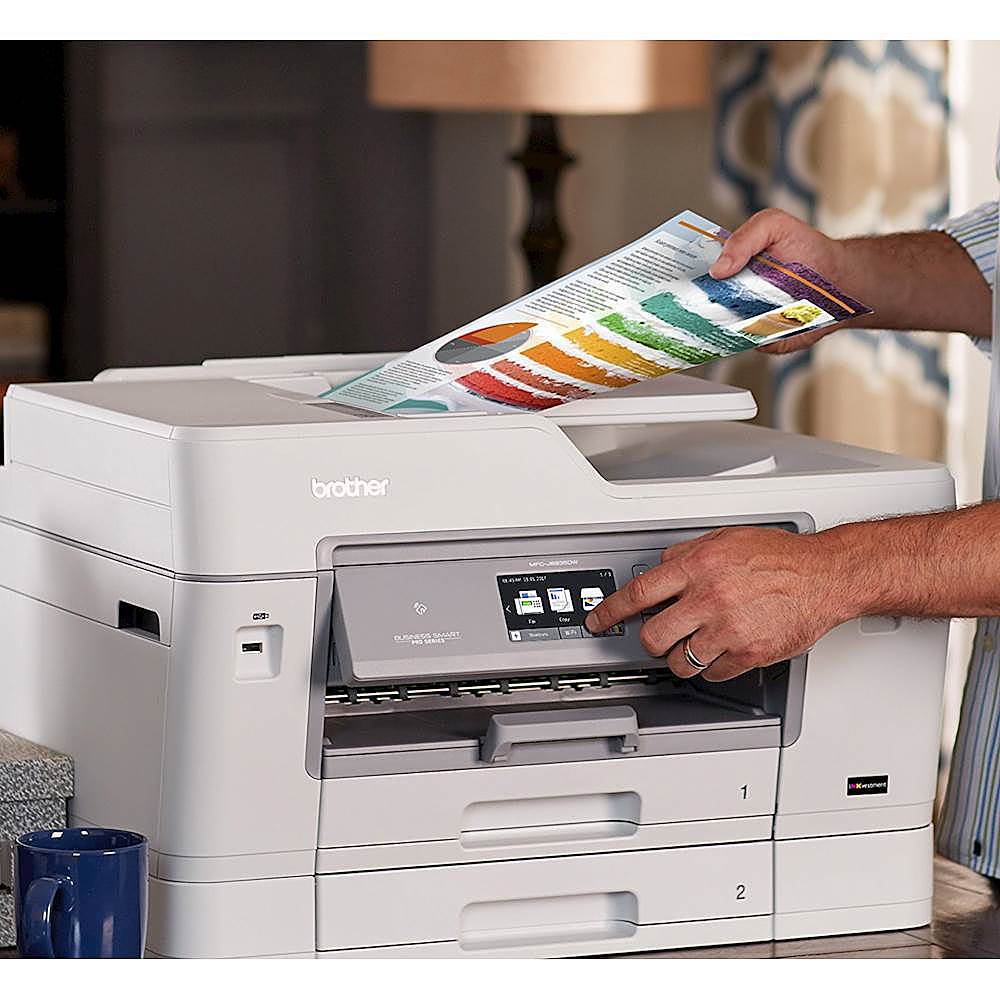
- A:Answer I think it can do photos very well, but you'll need to find the right paper. I use it to print small photos (4x6" max). I am an amateur photographer but not very picky about my prints, so my opinion may not carry a lot of weight. It's nowhere near as good as a true photo printer that does 4800x2400 and has more than 4 inks. The "right" paper will vary with the print. I've found that smaller prints on Canon 8x11" matte photo paper turned out beautifully, while larger ones on no-name paper were way too faded--sort of the spectrum from best case scenario to worst. Most of what I print are black and white photos which I deliberately make low contrast and print on 28lb Hammerhill Digital Copy paper as part of small books that I produce (typically no larger than 5x8"). Bottomline: if you're picky this is not the printer for you.
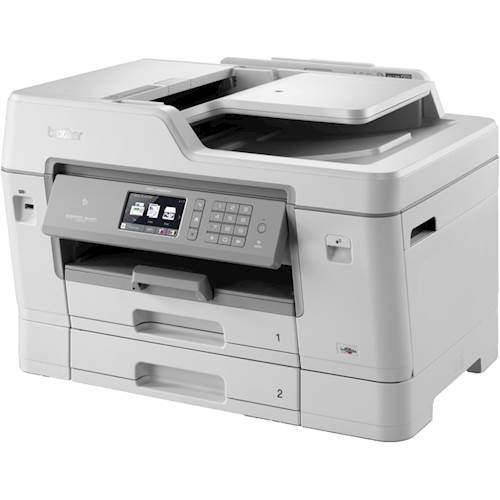
Answered by o3zine
Q: QuestionHow many envelopes can you print at one time?
Asked by bdilgen.
- A:Answer The manual feeder tray in the back will support several envelopes to be fed one at a time. I haven't tried to determine how many total it will hold. I believe it supports 50 pages, so I would assume ~25 envelopes. Haven't checked if envelopes could be fed from the trays.
Answered by Todd
Page 1, Showing 1-14 of 14 questions
Most-viewed items
- $449.99$449.99The price was $899.99
- $329.99$329.99The price was $469.99
- $299.00$299.00The price was $349.00
- $449.99$449.99The price was $649.99
- $99.99$99.99The price was $129.99
- $1,149.00$1,149.00The price was $1,299.00