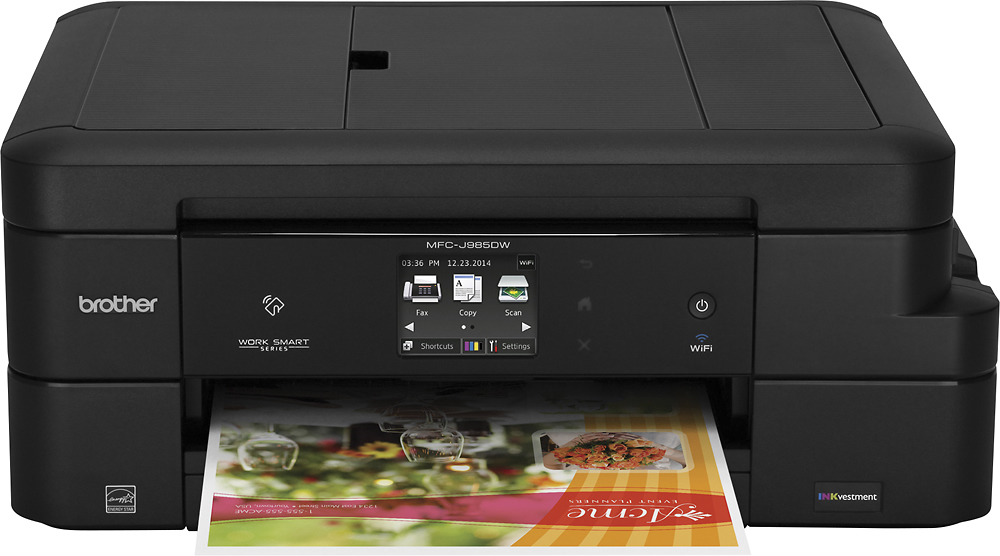
A:AnswerThe printer will scan documents. It has a top loader where you place your scan documents face down and press the scan button on the digital display on the front of the printer. It will scan as many documents as you want at one time.
A:Answerprevious answer seems to be incorrect - no extra ink cartridges
what's in box? J 985DW BROTHERS PRINTER
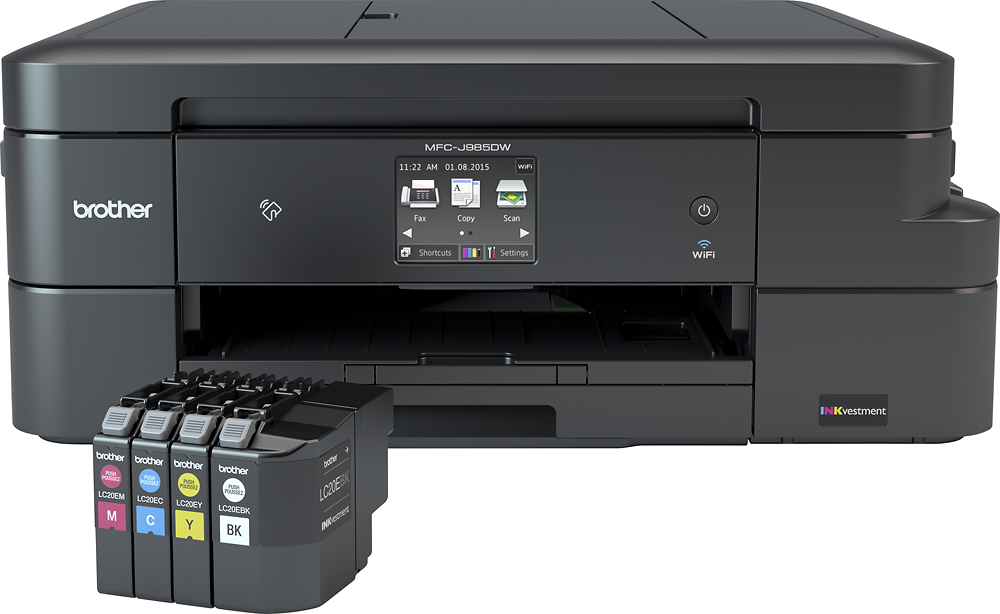
Consumables Included1 x cartridge ( black ) 1 x cartridge ( cyan ) 1 x cartridge ( magenta ) 1 x cartridge ( yellow )
A:AnswerI have only double sided printed once. And yes it is automatic if you choose double sided printing in the options menu. Once you choose the double sided option it prints one side of the page then it sucks it back into the printer and prints the other side of the page. Pretty nifty!
A:AnswerYes you can install the software by means other than the disc. Actually the disc just connects you to the brother website to download the appropriate firmware and drivers. So I am sure that you can go directly to the brother website and download manually.
A:AnswerYes, this printer works in a stand alone mode for copies. Just push a couple of buttons on the front, number of copies, and add options for darkness, resolution, color/BW etc. if needed.
A:AnswerIt has one paper tray but the tray has an adjustable bin for letter size paper which can also be adjusted for other paper sizes and envelopes. The tray also has a separate spot for 4X6 photo paper.
A:AnswerYes it does come complete with four cartridges. My understanding is they are XXL cartridges but come with a little less ink then the refills that you purchase. It also appears that the J 885 is not labeled as an "inkvestment" printer. The investment printers, (j985 series ) have much larger ink capacity for about the same price as the j885 cartridges. Hope this helps.