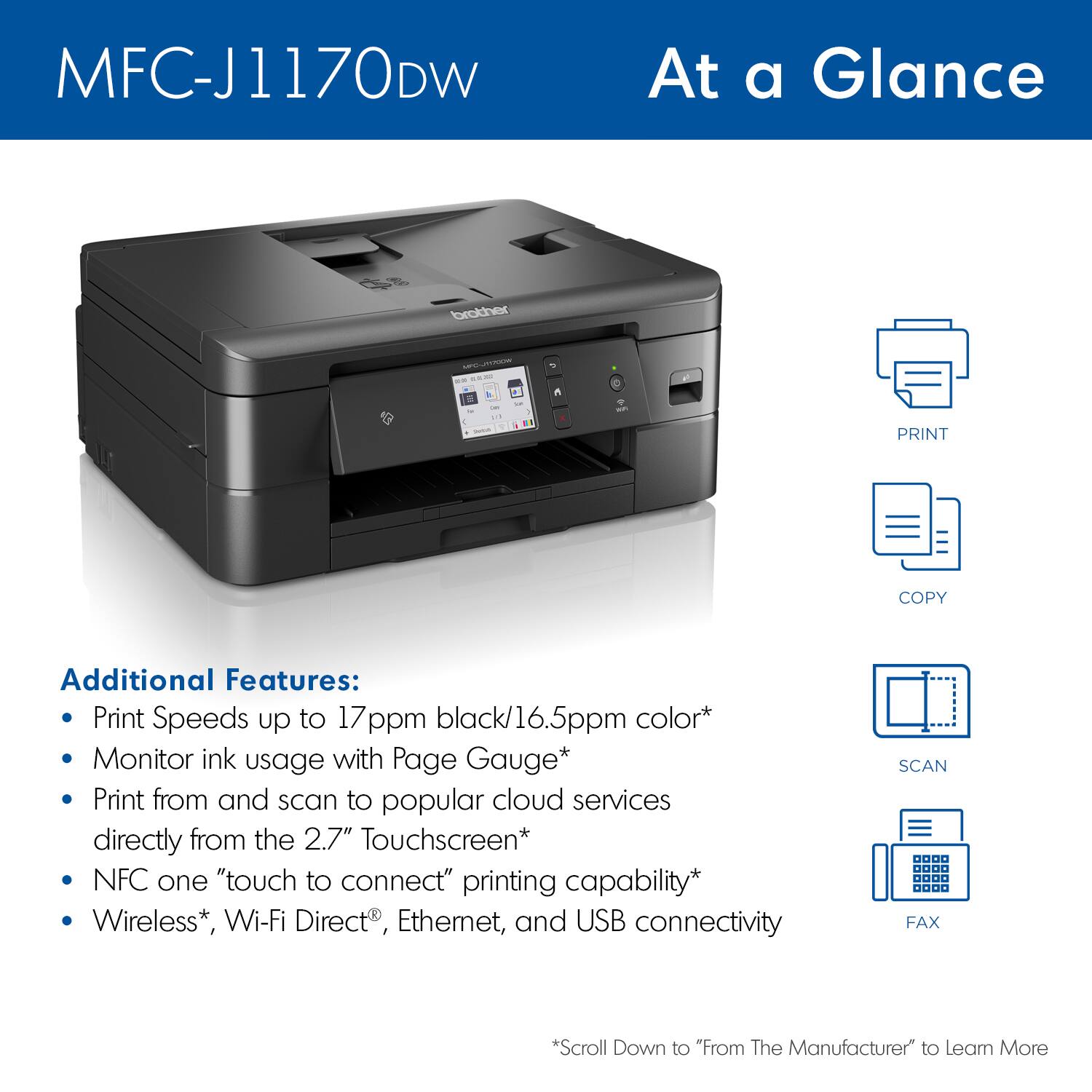
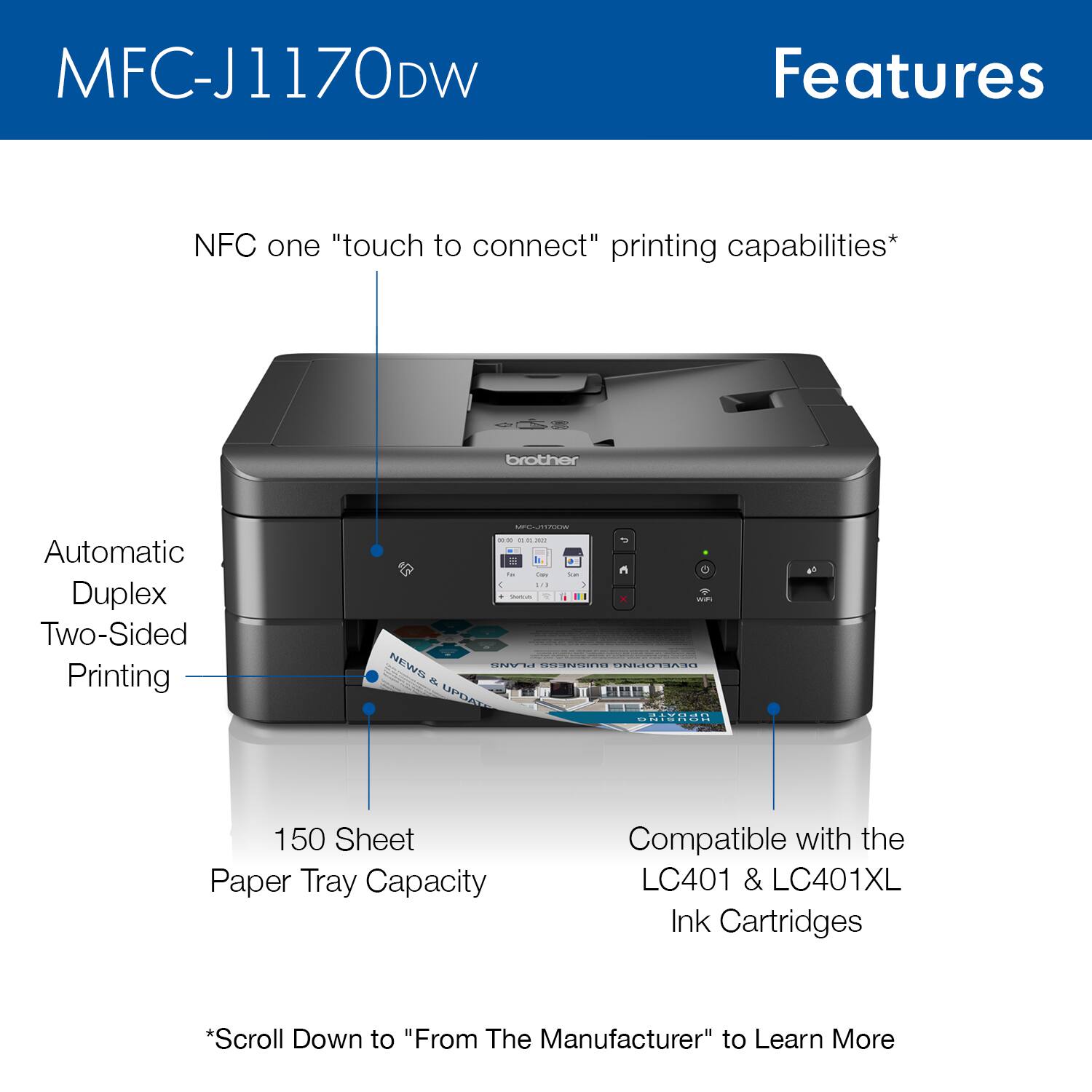
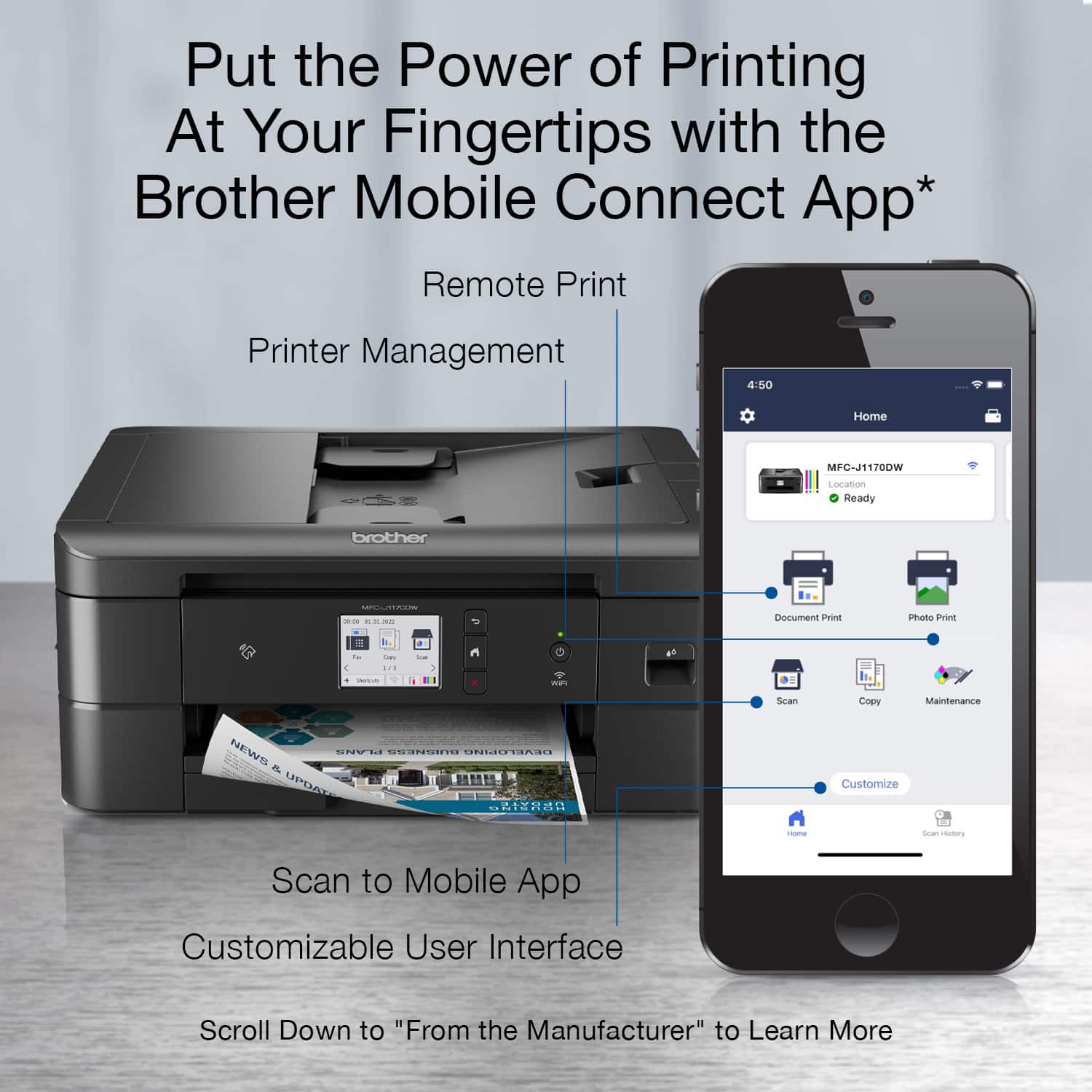
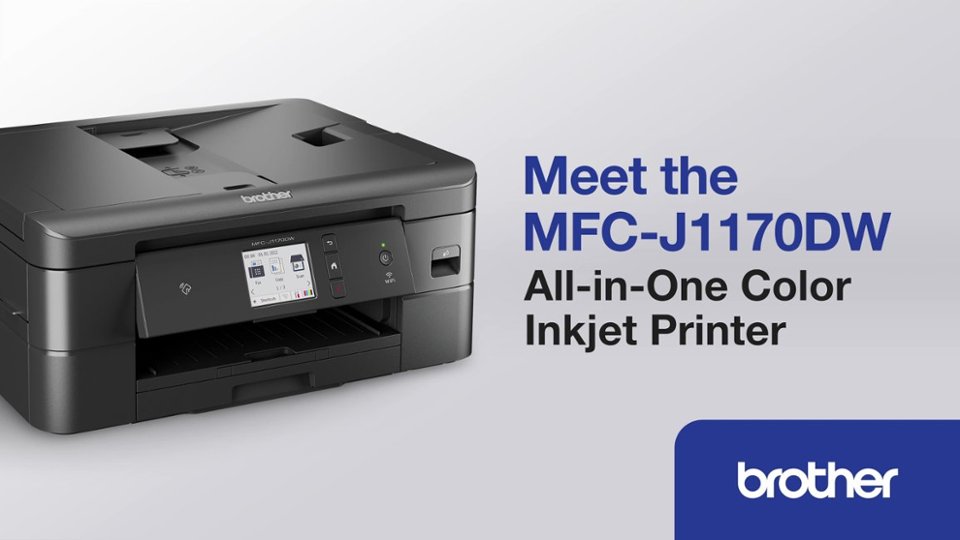
A:AnswerYes, you can purchase regular LC401 or LC401XL ink cartridges for the Brother MFC-J1170DW without enrolling in a subscription program. The Brother Refresh EZ Print Subscription Program is optional, not mandatory.
A:AnswerYes, the Brother MFCJ1170DW is able to Enlarge or Reduce Copied Images. I have included a link to the FAQ answer that should assist you. Please follow all the steps listed in the following link:
Answer Link: https://support.brother.com/g/s/id/htmldoc/mfc/cv_mfc1010dw/use/html/GUID-5DBA89D2-E995-4809-AB52-5D071D6BBF8E_1.html?c=us&lang=en&prod=mfcj1170dw_us&broug=in
Answer Link: https://support.brother.com/g/s/id/htmldoc/mfc/cv_mfc1010dw/use/html/GUID-B1D8C272-9D9B-4723-A79B-033D9EC8B538_1.html?c=us&lang=en&prod=mfcj1170dw_us&broug=in
A:AnswerYes, the Brother MFCJ1170DW is easy to set up wireless. You can setup the wireless network from the Brother MFCJ1170DW screen, and it is similar to the MFCJ870DW for wireless setup.
I have included a link to the FAQ answer that should assist you. Please follow all the steps listed in the following link:
Wireless setup: https://help.brother-usa.com/AgentWeb/api/contextmanager/v.32404030001/workspaceContext/workspace/processedPrint/Answer/174308
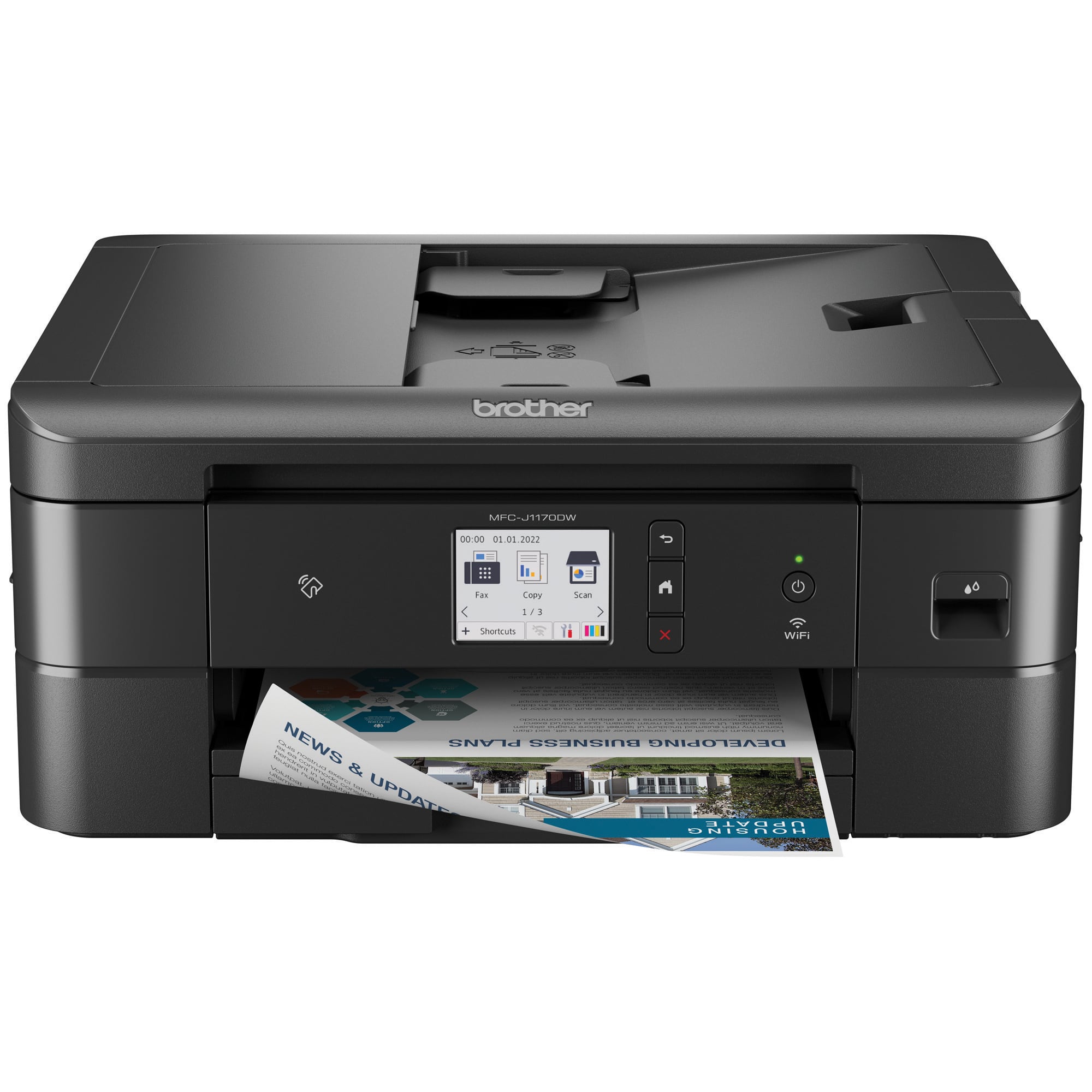
A:AnswerNo, you do not need to sign up for the Brother Refresh EZ Print Subscription Program in order to used the Brother MFCJ1170DW. The Brother Refresh EZ Print Subscription Program is optional not mandatory. If you would like more information on the Brother Refresh EZ Print Subscription Program, click on the link below.
Learn more today: https://www.brotherusa.com/supplies/subscriptioninfo?utm_source=Customer+Service&utm_med ium=Support+Call&utm_campaign=2022_Everg reen_Refresh
A:AnswerNo, the Brother MFCJ1170DW does not automatically copy a 2-sided to 2-sided document. Instead, use the scanner glass for a manual 2-sided to 2-sided copy. Below is a link to the Brother MFCJ1170DW specifications.
Brother MFCJ1170DW specifications: https://support.brother.com/g/b/spec.aspx?c=us&lang=en&prod=mfcj1170dw_us
A:AnswerYes, The Brother MFCJ1170DW is able to fax. Below is a link to the Brother MFCJ1170DW specifications.
Answer Link: https://support.brother.com/g/b/spec.aspx?c=us&lang=en&prod=mfcj1170dw_us
A:AnswerThough your mobile hotspot may work for a wireless connection, Brother does not offer support for this type of connection and can't guarantee compatibility. We recommend that you connect your Brother machine to a wireless network using a router or access point. If your machine is compatible with Wi-Fi Direct, you may also use this connection method instead of a hotspot to connect wirelessly without a router or access point.
I have included a few links to the FAQ answer that should assist you. Please follow all the steps listed in the following link.
Answer Link: https://help.brother-usa.com/AgentWeb/api/contextmanager/v.32311020002/workspaceContext/workspace/processedPrint/Answer/182630
Answer Link: https://help.brother-usa.com/AgentWeb/api/contextmanager/v.32311020002/workspaceContext/workspace/processedPrint/Answer/131199