A:AnswerI am answering my own question. I bought this model and files work great with wifi. But for SCANNING I hooked up a USB cord- printer to Apple laptop >system preferences >scan and print > scan > an error message came up AND a message from Apple also came up. It reads would I like to download an app to join with this printer > click accept > wait about 2 minutes for the download > try to scan a picture and it should work > remove the USB cord > try to scan again > everything should work fine with the wifi ( I set up the wifi with wizard setup previously). I am going to keep the USB cable as backup in case the wifi ever stops working. My laptop is an OS X El Capitan 10.11.6 So far everything works great.
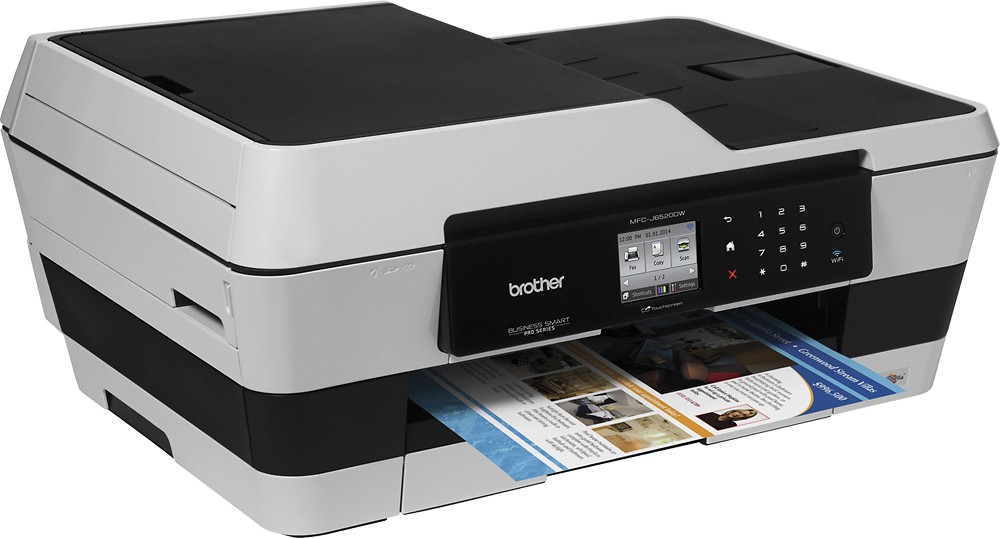
A:AnswerI think you mean to ask- does it have a "11x17" tray. The tray extends out to accommodate larger paper. Yes 11x17 paper or the tray collapses to hold 8.5 x 11 paper. There is also a" back feeder" to put in paper one at a time.I have used that feeder for 4x6 photo paper and I do not have to empty out the front paper tray. Very convenient!!!
A:AnswerOh, that's the other thing about this printer/scanner, it does not come with a cable to hook to the computer, if you want. We used one we had in the office, thankfully. Not sure what kind it is