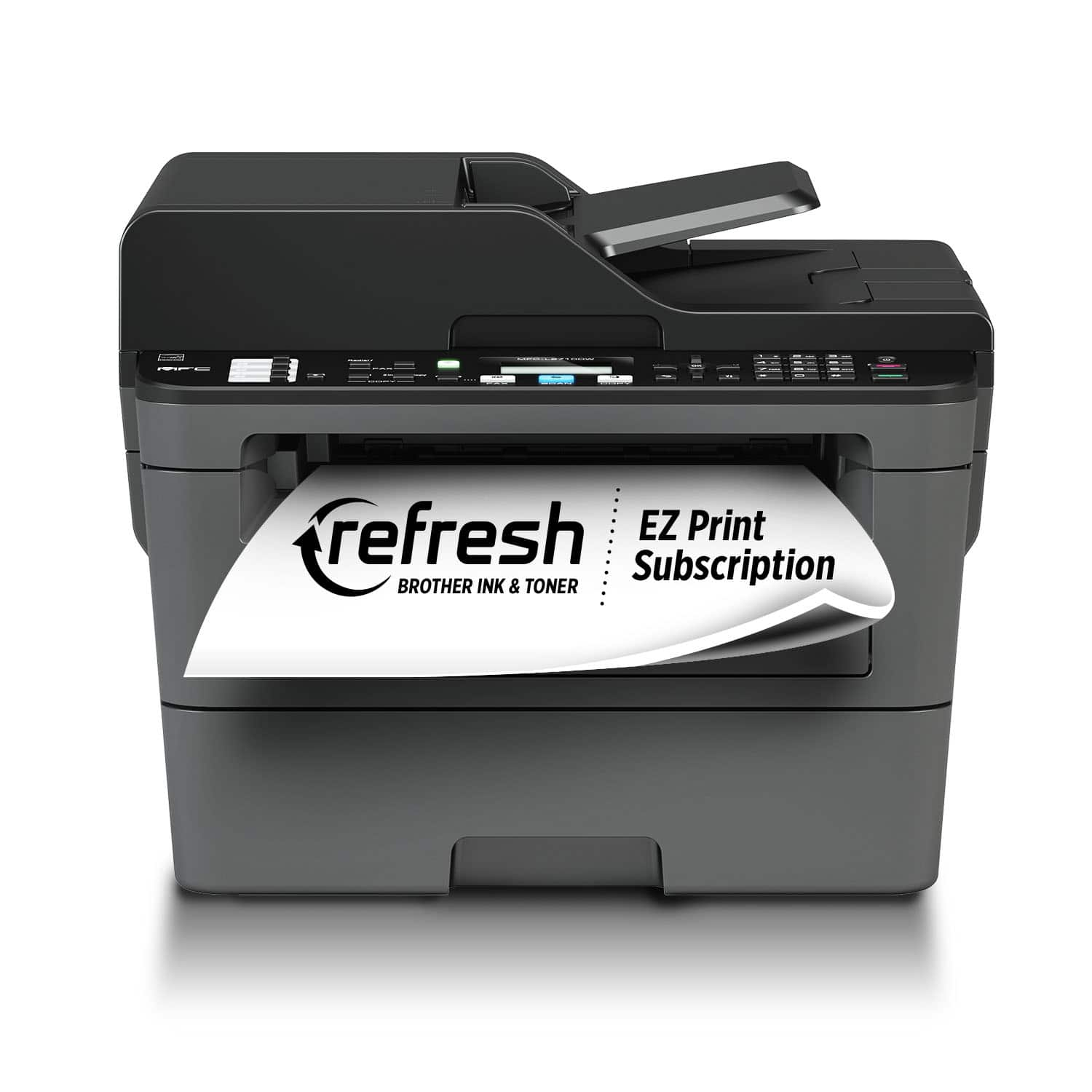
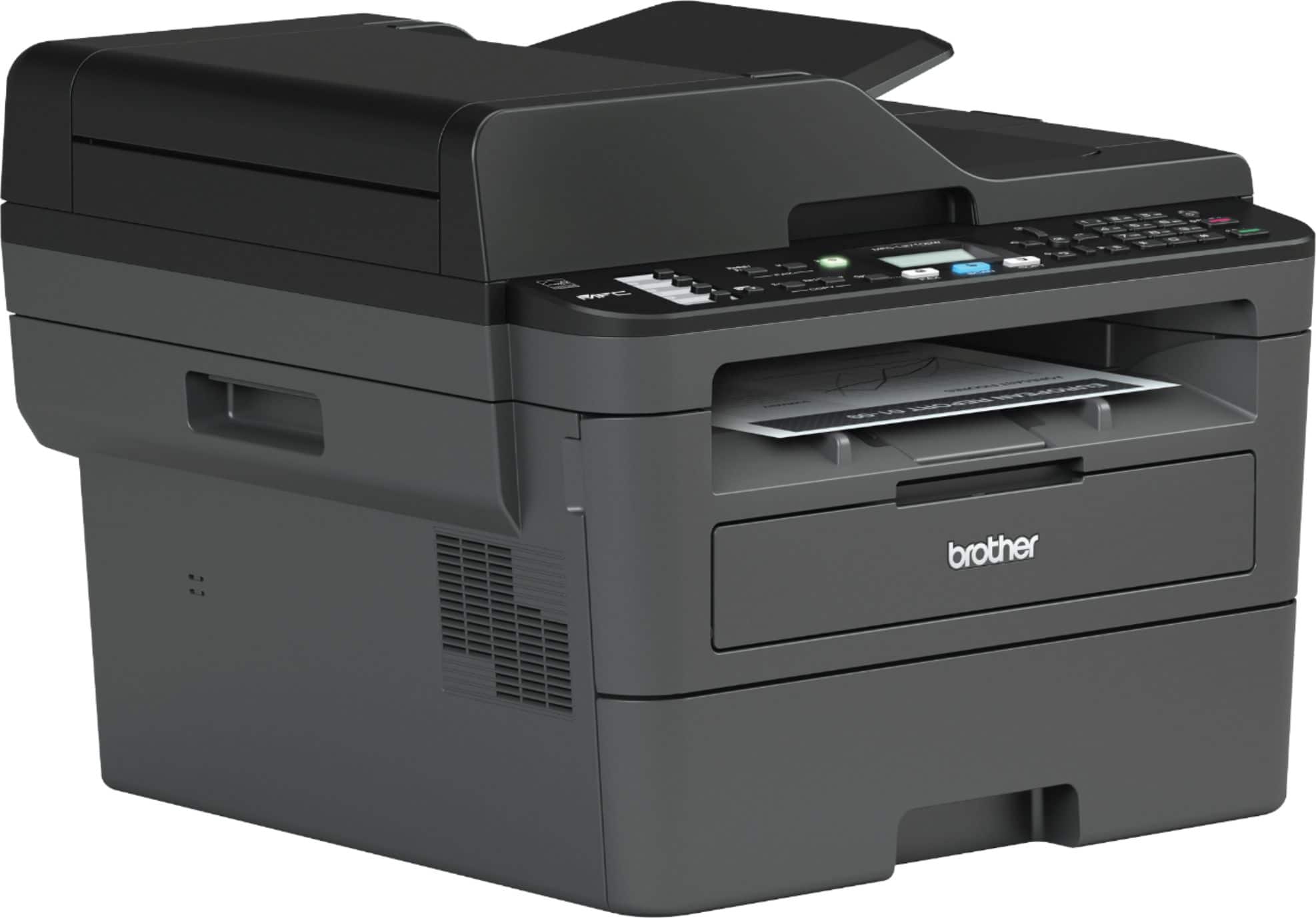
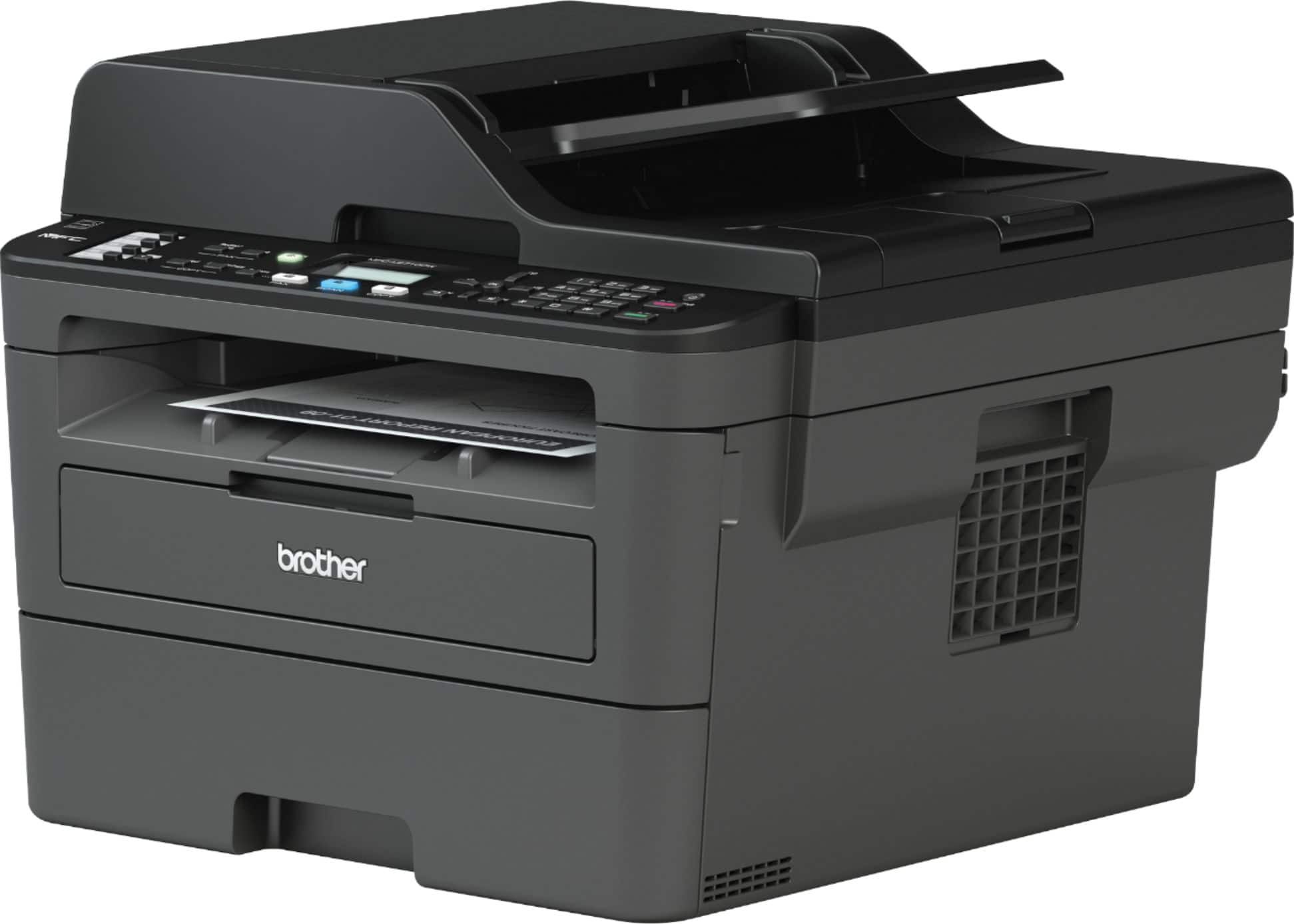
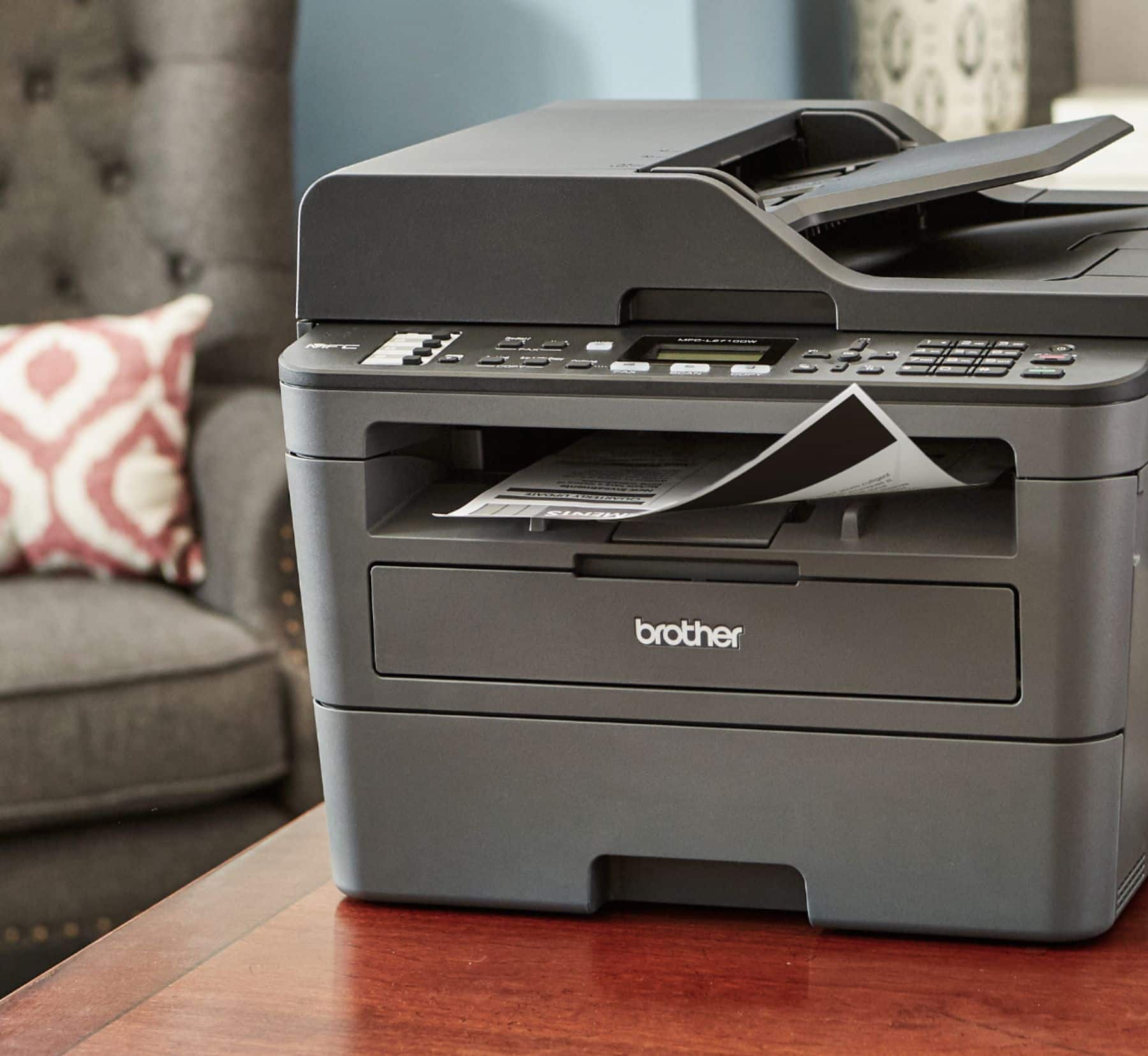
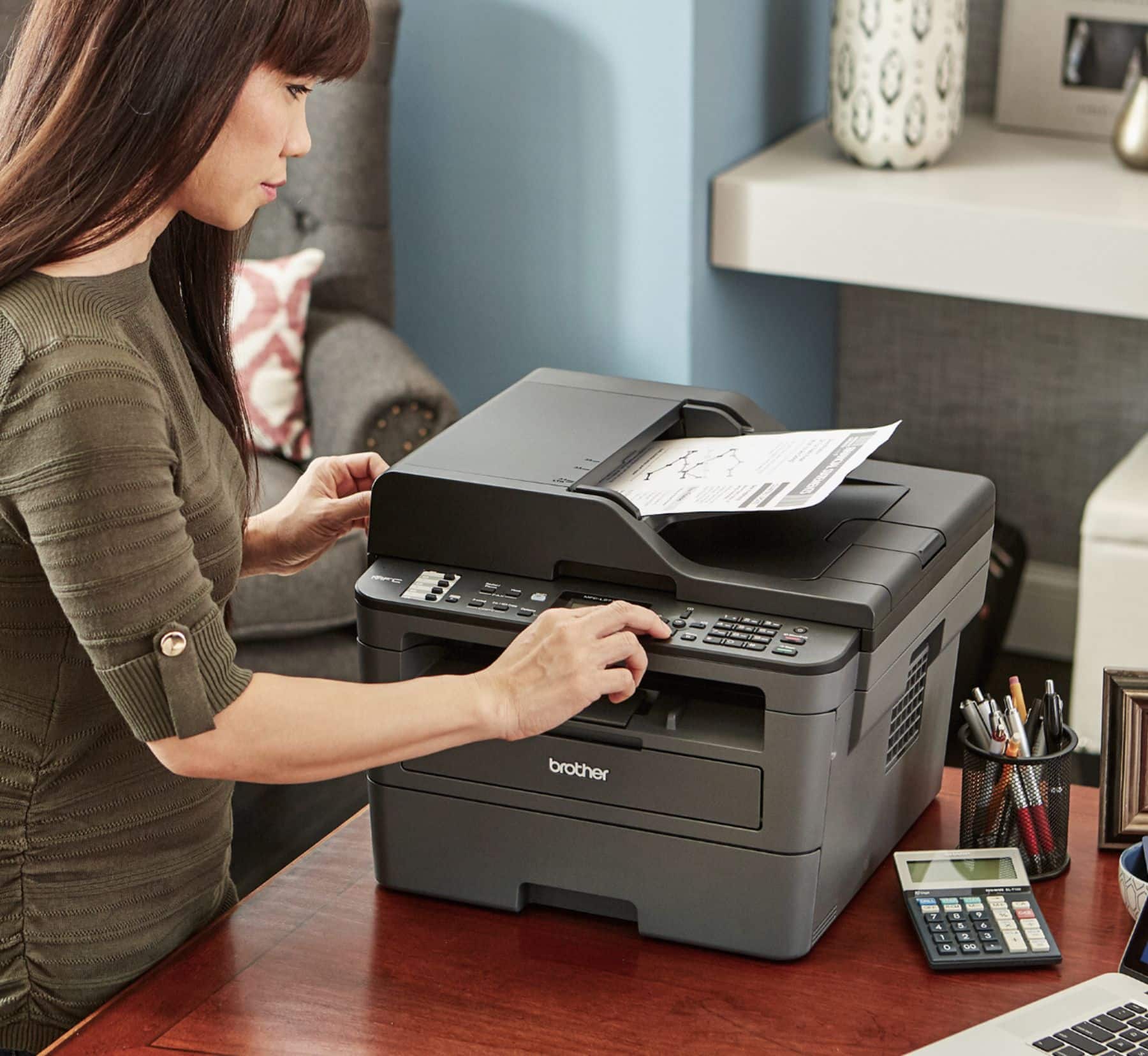
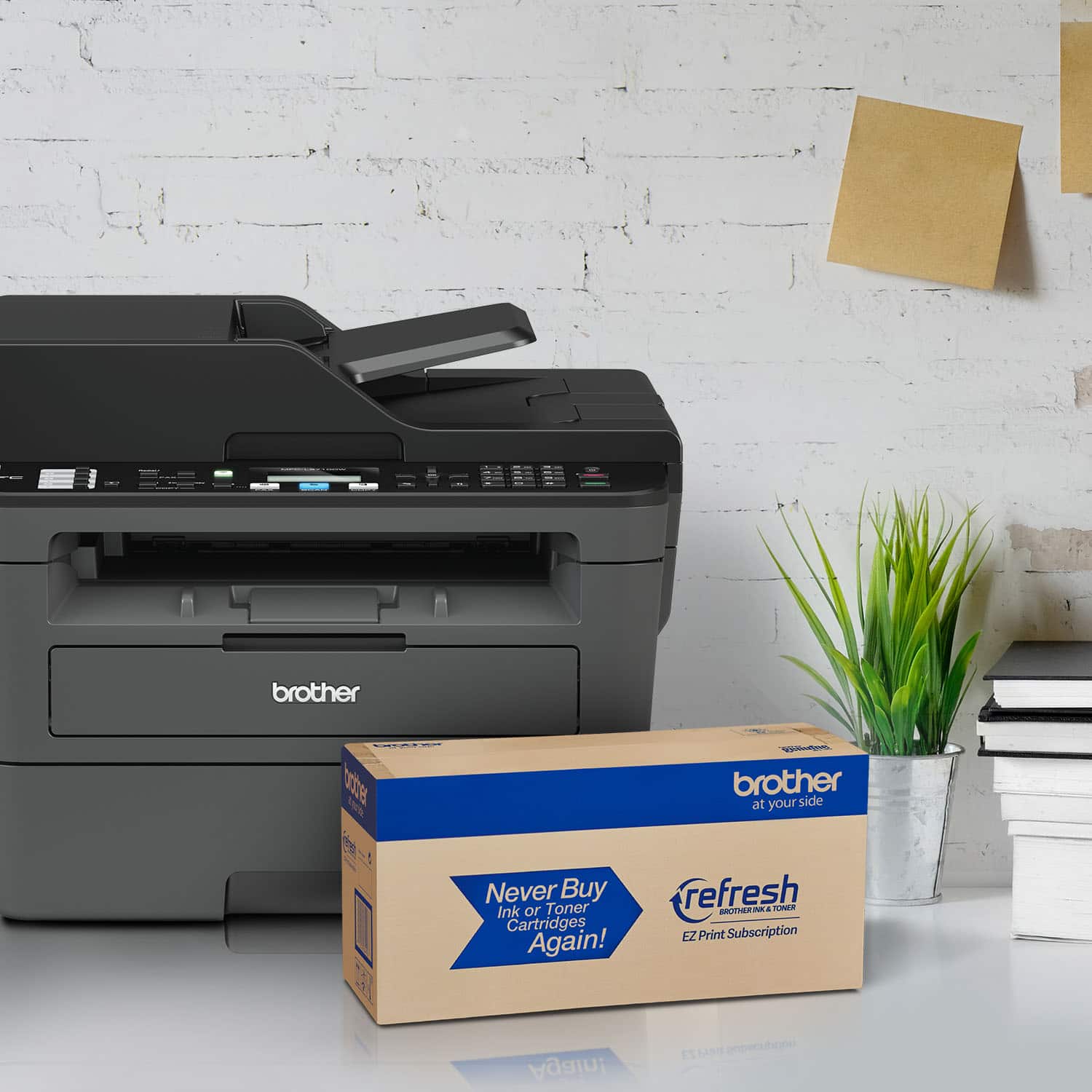
A:AnswerYes it has document feed. I’ve had this printer about two months and really like it. Wish I would have bought it before I bought two inkjet printers.
A:AnswerWe don't currently offer Google Chrome OS-compatible printer or scanner drivers. However, you may print to your machine using the Google Cloud printing feature. Refer to how to "Register and Print using Google Cloud Print", for your model.
We don't offer support for scanning to your Chrome OS device or Chromebook.
A:AnswerPrinting a section on a page is not a function of the printer. Printing a section of a page is selected on the computer not by the printer. A printer will print whatever data the computer sent. So you should be asking if a Mac is capable of printing a section of a page. I believe the answer is yes. All computers are able to print a section on a page. And all printers are able to print the data provided by any computer.
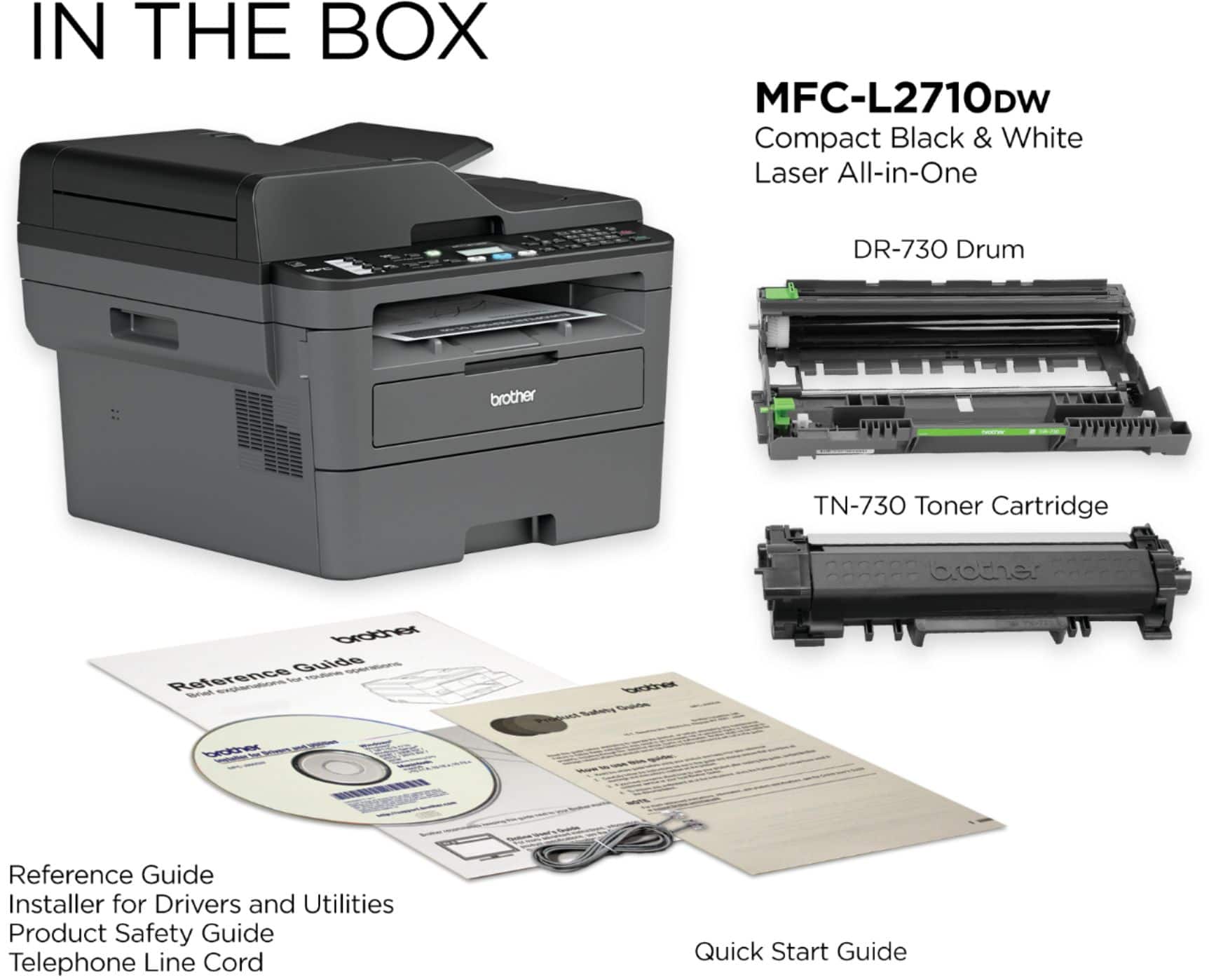
A:AnswerThe full driver and software package for your MFC-L2710DW can be downloaded from the website:
https://support.brother.com/g/b/downloadlist.aspx?c=us&lang=en&prod=mfcl2710dw_us_eu_as&os=10013
A:AnswerWe don't currently offer Google Chrome OS-compatible printer or scanner drivers. However, you may print to your Brother MFC-J2710DW using the Google Cloud printing feature. Refer to how to "Register and Print using Google Cloud Print", for your model.
We don't offer support for scanning to your Chrome OS device or Chromebook.