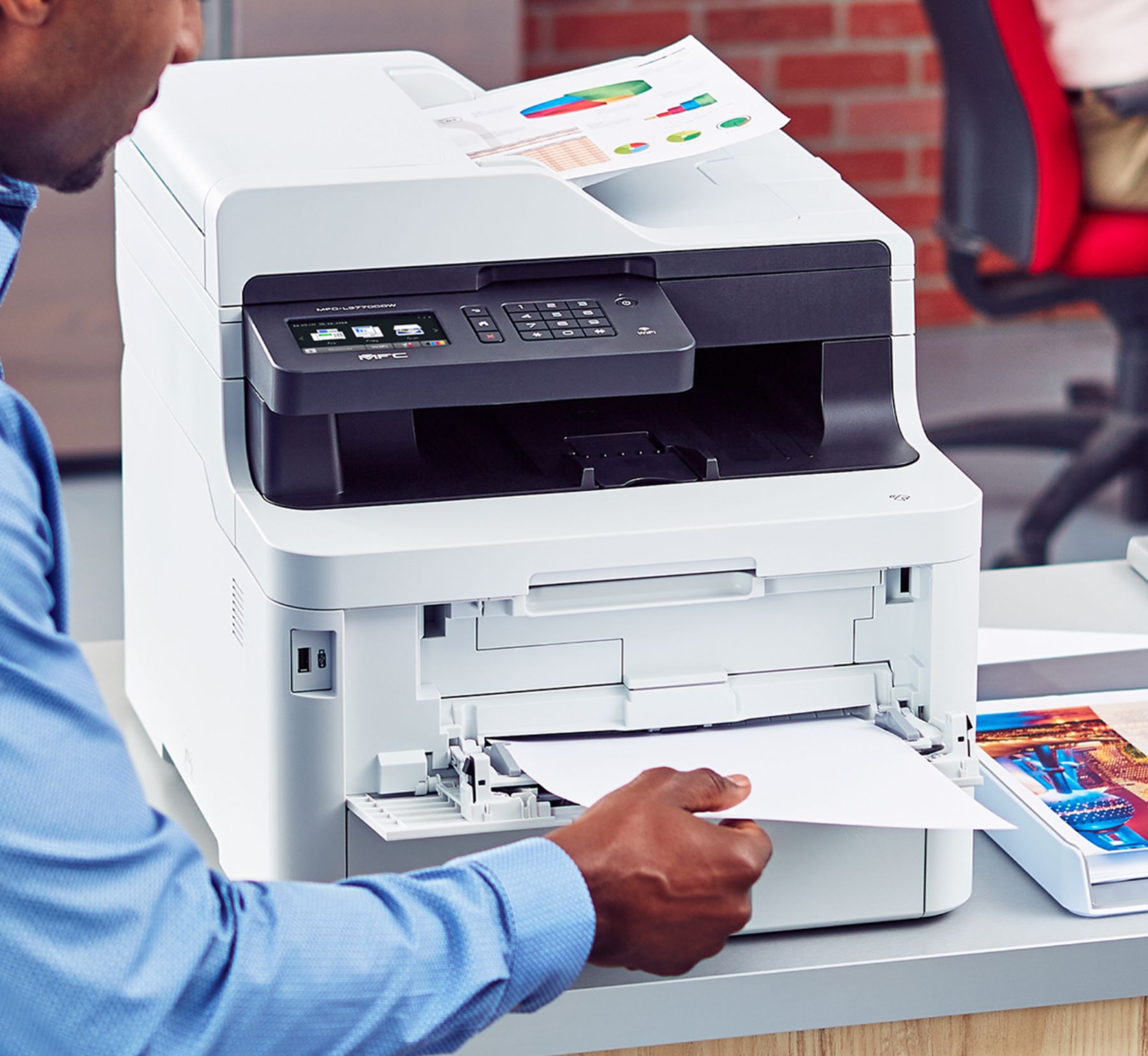
A:AnswerThe critical question for me was: "how much clearance behind the unit is needed?"
The answer(s):
- only 2" for hinged access to flatbed scanner.
- 5" for hinge to access toner cartridges.
- 7" to flip down rear special-printing door.
Bottom line: allow a total of 27" for depth of unit if backing up to a wall.
A:AnswerYou cannot reset the toner counter but you can switch it in the settings to only print in b&w, thus saving on the color cartridges. You can replace them individually when one gets low.
A:AnswerMy original question was:
Will this device scan to USB drive when the toner runs out.
Brother gave a contradictory answer saying:
"Yes, the MFC-L3770CDW will still scan to a USB or computer when the the toner is low."
I take this to mean that when the toner is low it will scan,
BUT when the toner runs completely out,, it will not scan.
In the same way that the all in one I have now will not scan if the ink cartridge runs dry.
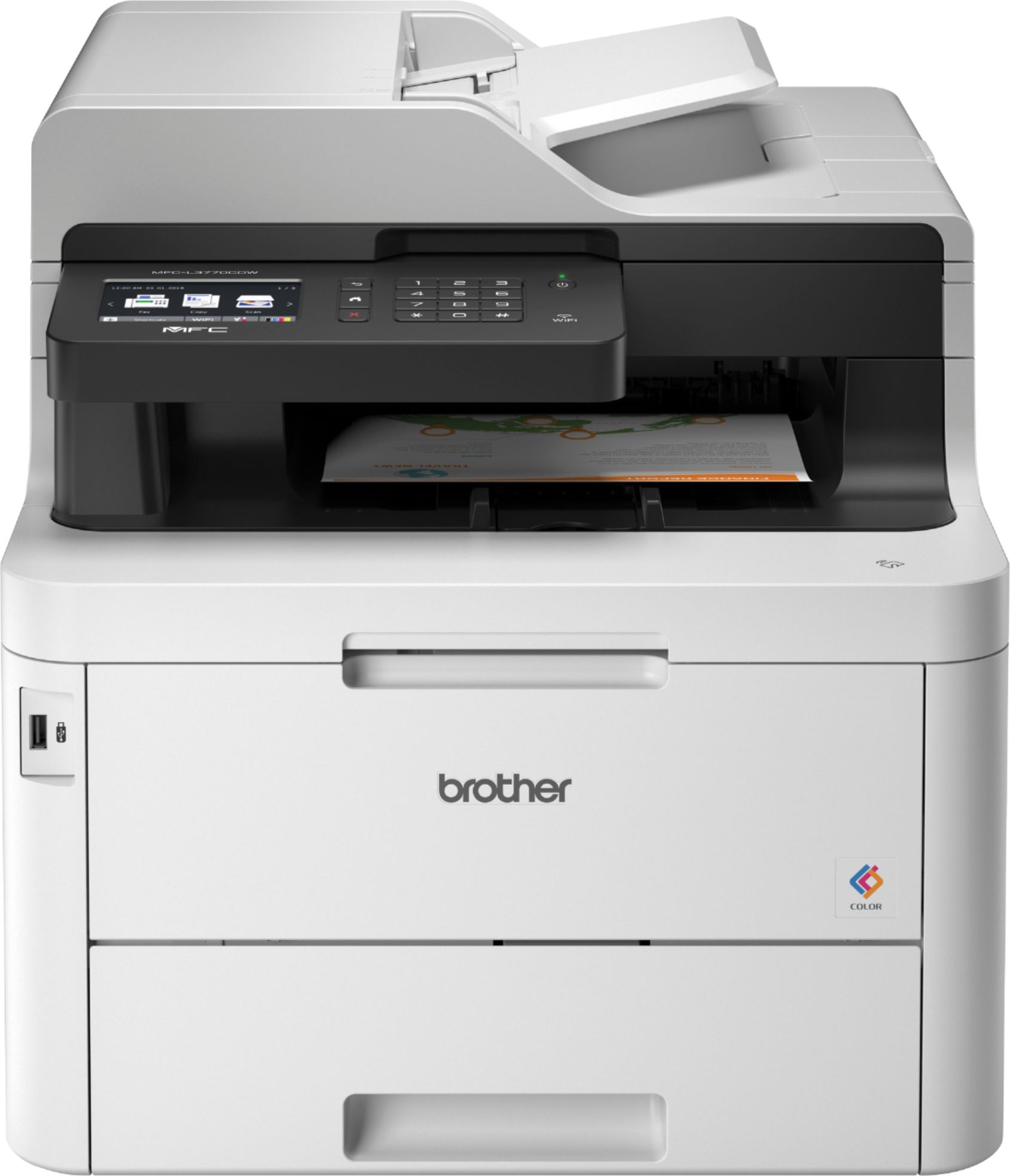
A:AnswerWhen using your Brother MFCL3770CDW machine on a Windows 10 computer with a Snapdragon ARM processor, you must use the built-in printer or scanner drivers that are included with Windows 10. The built-in drivers support the basic functions of your Brother machine: printing and scanning.