Black Friday is hereShop new DoorbustersShop now

Main Content

Questions & Answers

Your price for this item is $950.46
Page Showing 1-12 of 12 questions
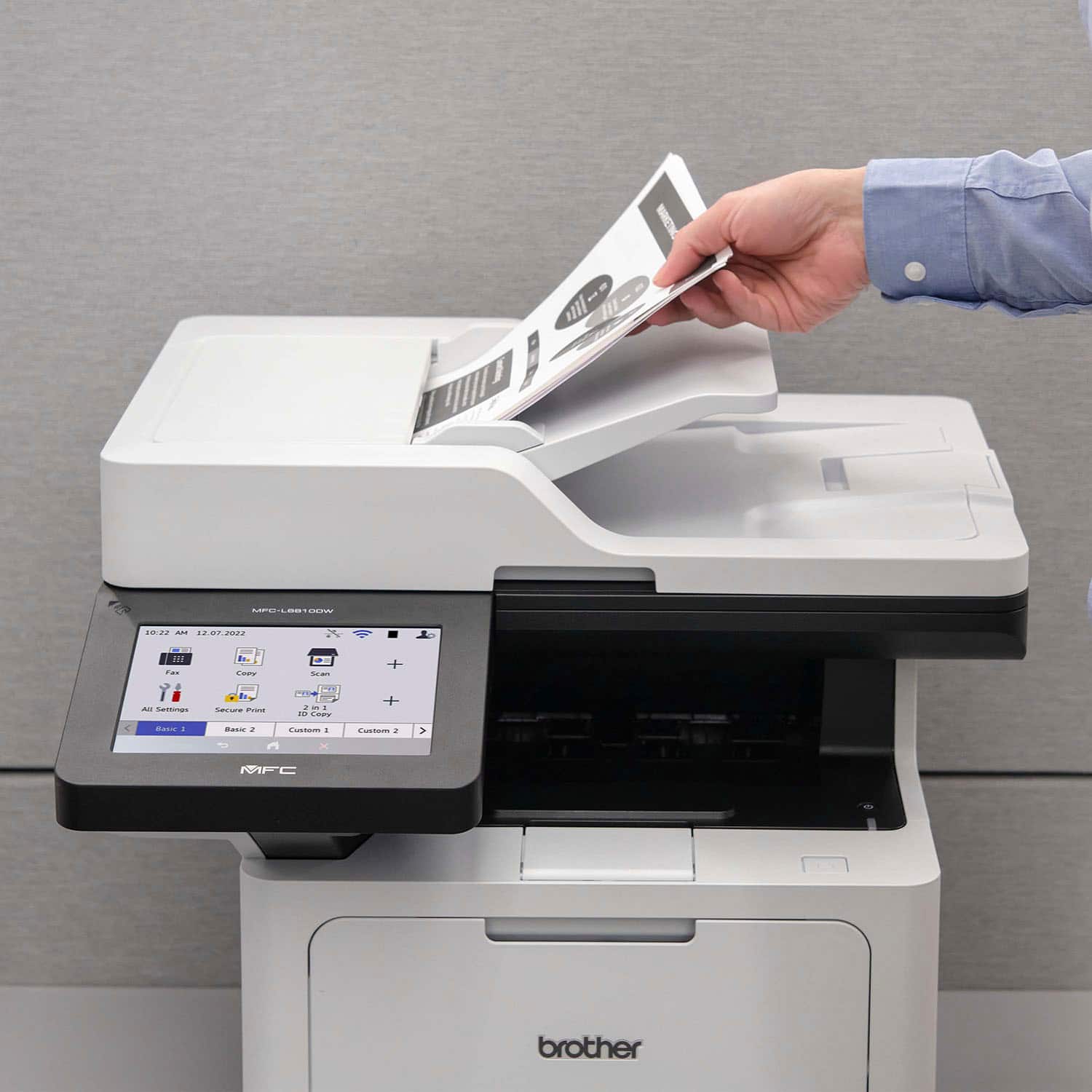
  • QuestionHow fast can this printer copy documents?

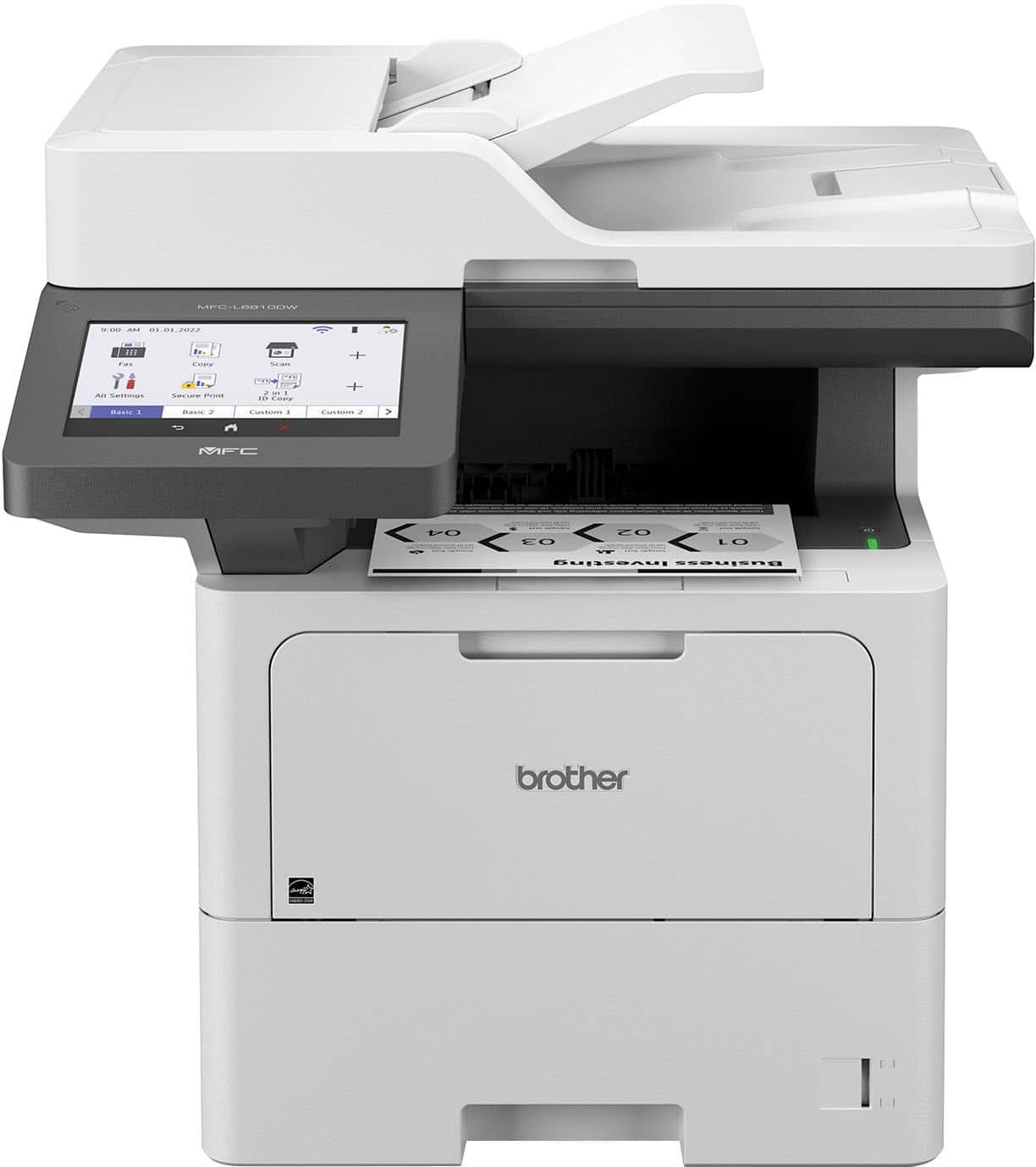
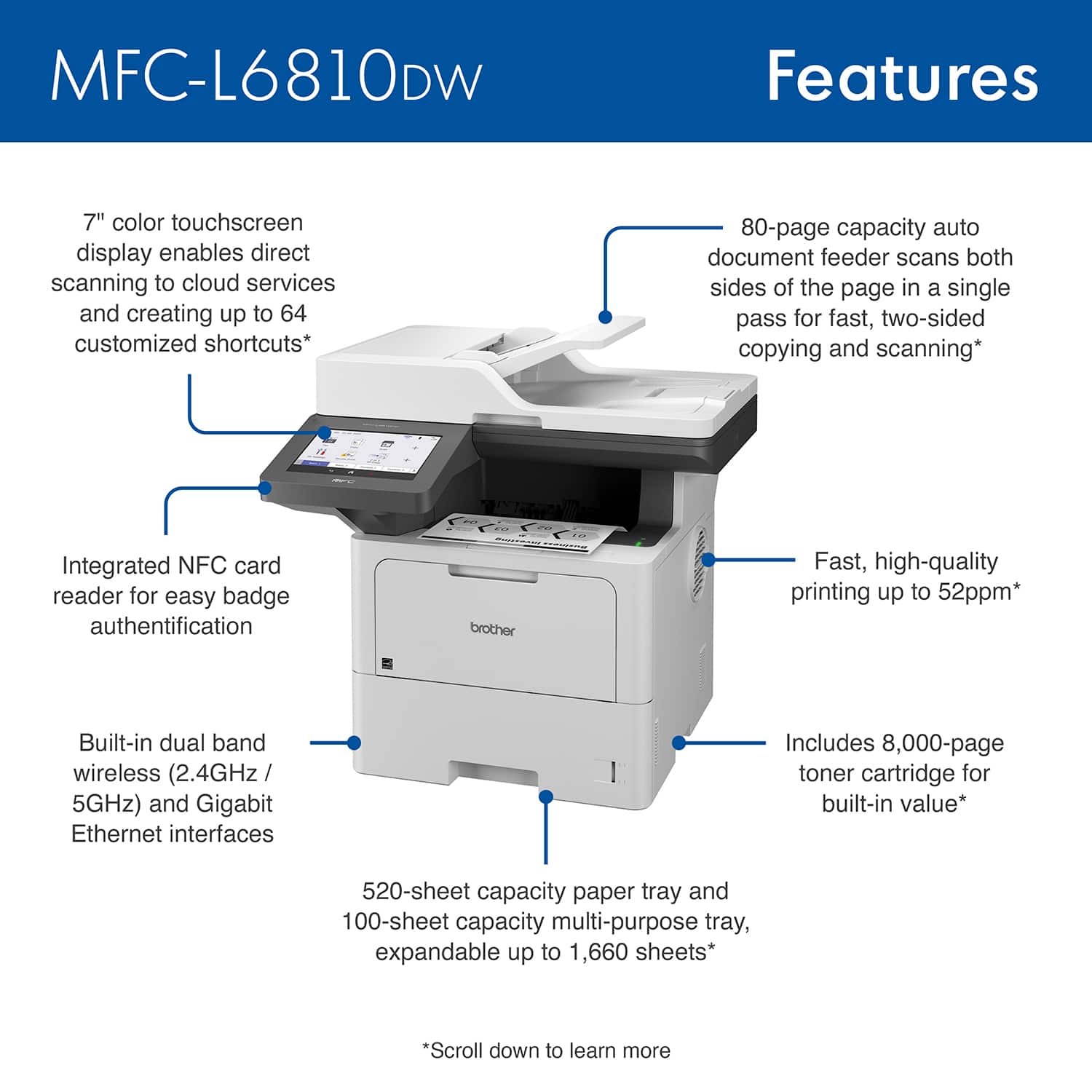
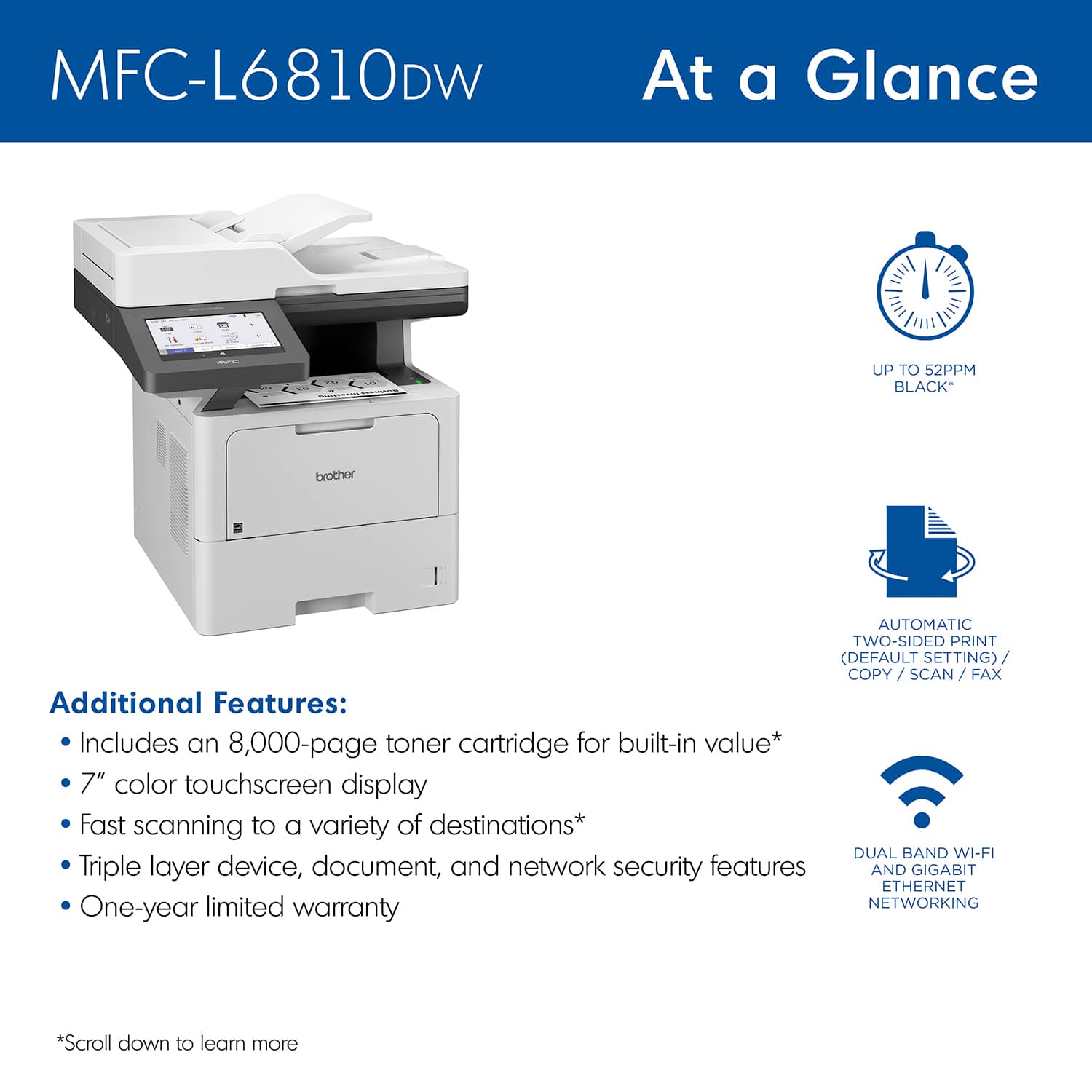
    • Answer This printer can copy documents at speeds up to 52 pages per minute (ppm).
    This question and answer was generated by AI based on customer and product data.

  • QuestionDoes this printer offer duplex printing?

    • Answer Yes, the printer comes with default duplex printing to help save paper.
    This question and answer was generated by AI based on customer and product data.

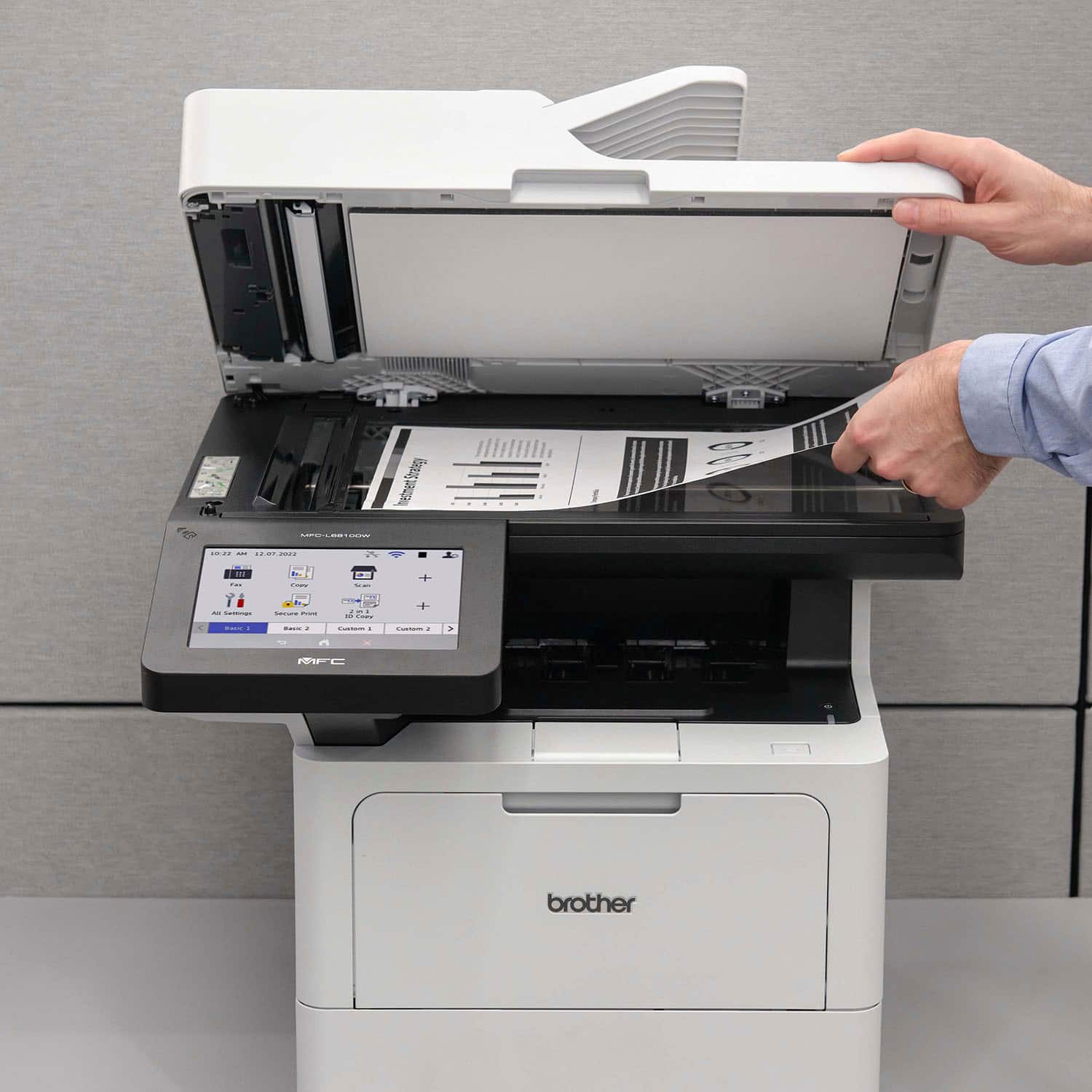
  • QuestionWhat is the scanning resolution of this all-in-one printer?

    • Answer The scanning resolution of this printer is up to 19200 x 19200.
    This question and answer was generated by AI based on customer and product data.

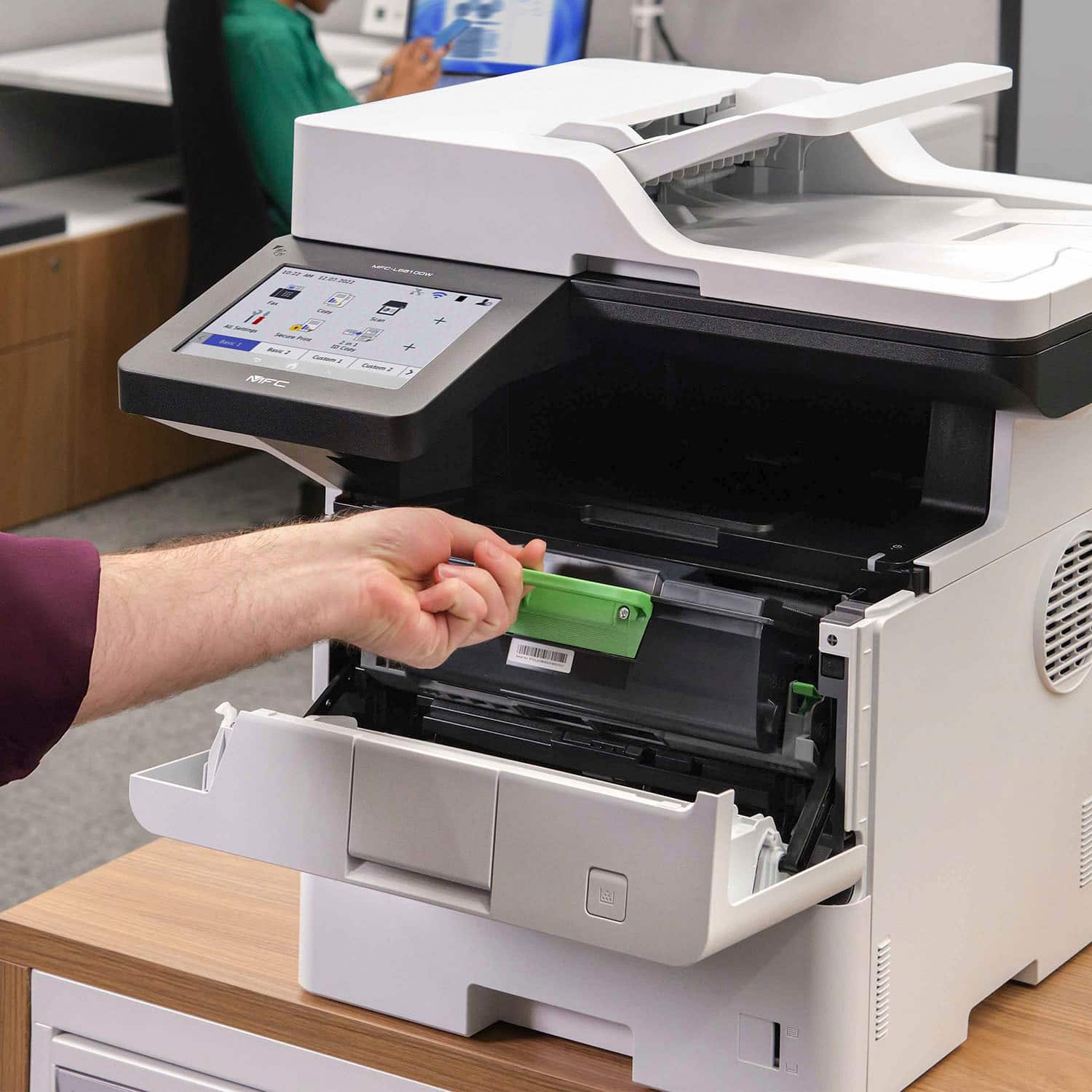
  • QuestionHow many pages can I print with the included toner cartridge?

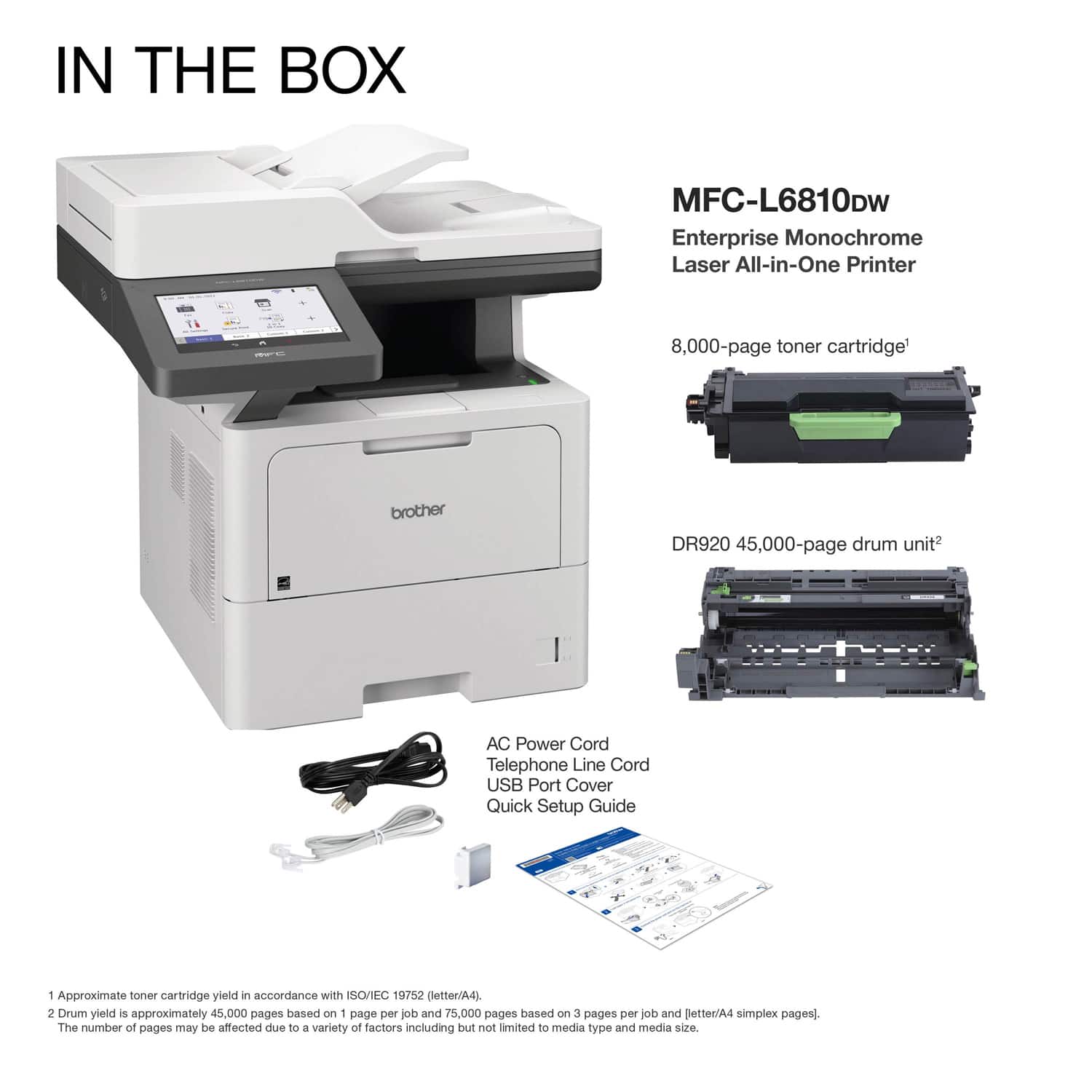
    • Answer The included Brother Genuine toner cartridge can print up to 8,000 pages.
    This question and answer was generated by AI based on customer and product data.

  • QuestionWhat is the maximum paper size that this printer can handle?

    • Answer The printer can handle paper sizes up to 8.5 inches wide and 14 inches long (legal size).
    This question and answer was generated by AI based on customer and product data.
  • QuestionDoes this printer, when networked, have the ability to direct scan to an email address?

    Asked by Jason.

    • Answer Yes, the Brother MFCL6810DW is able to scan to email. I have included a link to the FAQ answer that should assist you. Please follow all the steps listed in the following link: NOTE: On the Scan using iPrint&Scan answer please select Attach to Email - in order to attach to an outgoing email. Answer Link: https://help.brother-usa.com/AgentWeb/api/contextmanager/v.32410250004/workspaceContext/workspace/processedPrint/Answer/169464 Answer Link: https://help.brother-usa.com/AgentWeb/api/contextmanager/v.32410250004/workspaceContext/workspace/processedPrint/Answer/185725#Attach If you still have difficulties please contact Brother Customer Service at: https://www.brother-usa.com/support/MFCL6810DW

      Answered by Brother

  • QuestionWILL THIS PRINT ON 11X 15 PAPER SIZE?

    Asked by deedre.

    • Answer No, the Brother MFCL6810DW is not compatible with 11x15 paper sizes.

      Answered by Brother

  • QuestionIs this a black and white printer?

    Asked by Anonymous.

    • Answer Yes, only a black laser cartridge is used with this printer.

      Answered by BarbaraE

  • QuestionCan print regular and legal size documents?

    Asked by Anonymous.

    • Answer Yes, the Brother MFCL6810DW is able to print a document with mixed paper sizes like legal and letter.

      Answered by Brother

  • QuestionWill my third party scanning software work with this scanner?

    Asked by ricecpa.

    • Answer The Brother MFCL6810DW may work with a third party scanning software, but we recommend to use the Brother iPrint&Scan. I have included a link to the FAQ answer that should assist you. Please follow all the steps listed in the following link: Download and install Brother iPrint&Scan: https://help.brother-usa.com/AgentWeb/api/contextmanager/v.32404030001/workspaceContext/workspace/processedPrint/Answer/174288 Scan using iPrint&Scan: https://help.brother-usa.com/AgentWeb/api/contextmanager/v.32404030001/workspaceContext/workspace/processedPrint/Answer/173851 Unable to scan from computer: https://help.brother-usa.com/AgentWeb/api/contextmanager/v.32404030001/workspaceContext/workspace/processedPrint/Answer/185179

      Answered by Brother

  • QuestionHOW MANY PAGES CAN I SCAN INTO ONE FILE BEFORE IT BREAKS IT DOWN INTO MULTIPLE FILES?

    Asked by ADDYF.

    • Answer There is no specific limit to the number of pages that can be in a PDF file. The number of pages in a PDF file can vary based on factors such as file size, content complexity, and the capabilities of the software or device being used to open the PDF.​​​​​​​

      Answered by Brother