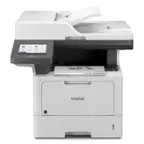
Questions & Answers
- Model:
- MFC-L5800DW-US
- |
- SKU:
- 5043700
Highly rated by customers for: Print Quality, Speed, Ease of use
$449.99Your price for this item is $449.99
Page Showing 21-33 of 33 questions
Q: QuestionWhat are the dimensions. I need to know how tall it is
Asked by Maryrose.
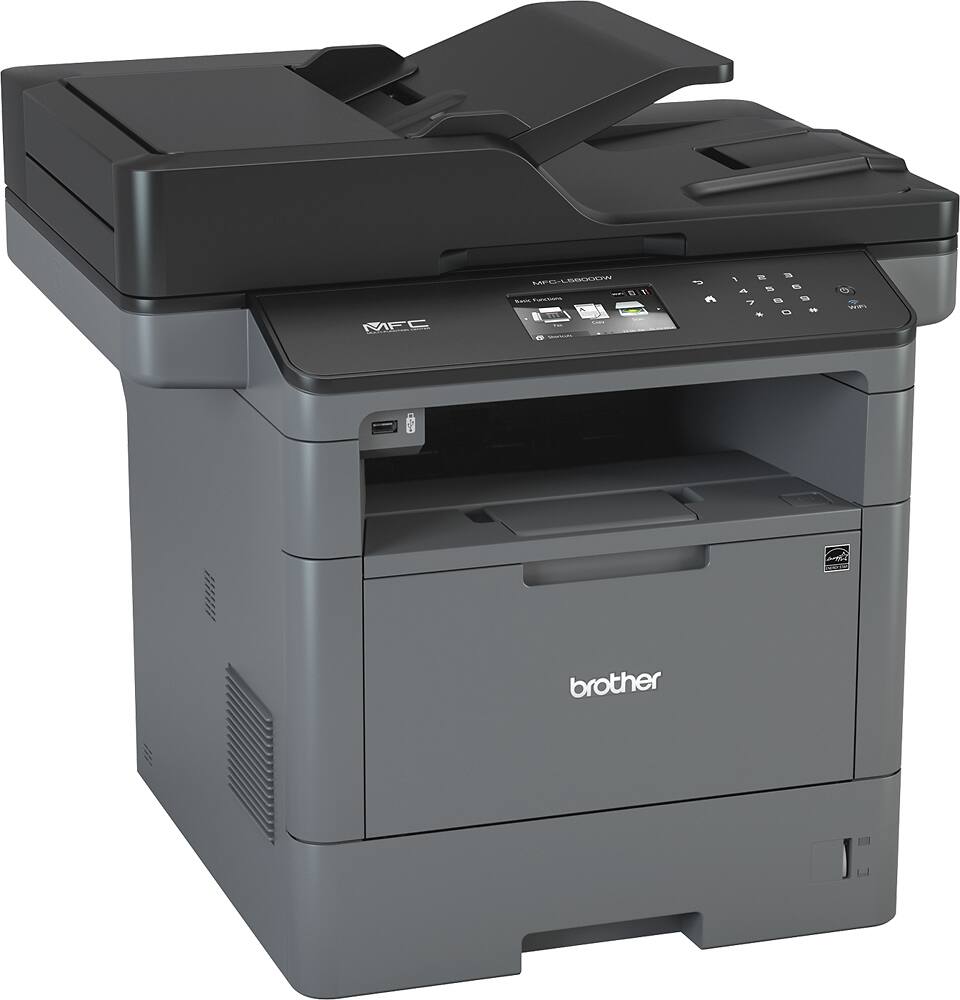
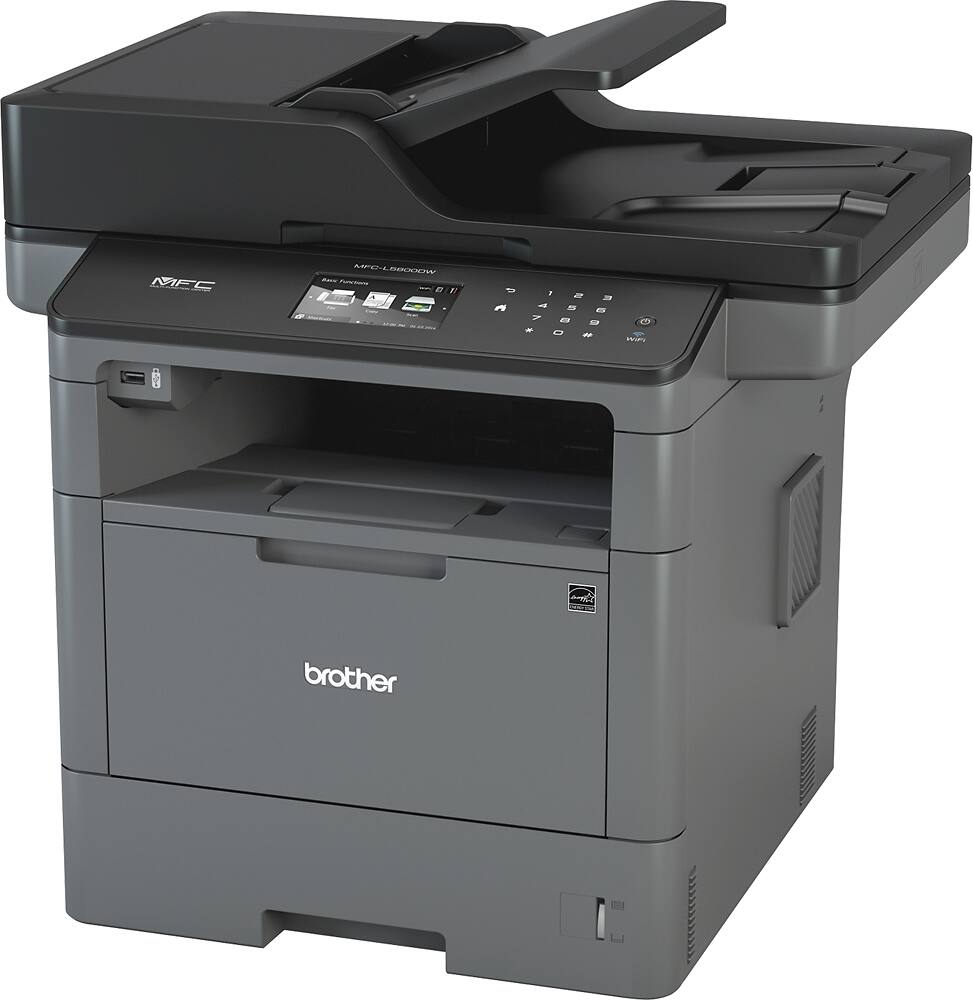
- A:Answer The Brother MFC-L5800DW dimensions:19.5" x 16.8" x 19.1".
Answered by Brother

Q: Questioncan I have a separate fax line with this printer
Asked by Lindy.
- A:Answer This machine supports a fax line, as well as an output for a handset. It all so has a PC fax feature that lets you send and receive using your PC, which lets you vie all incoming faxes without wasting the paper to print them
Answered by BoiseHelpDesk
Q: QuestionCan I email the scanned docs from the printer directly?
Asked by Will.
- A:Answer Yes, MFC-L5800DW has Easy Scan to Email.
Answered by Brother

Q: QuestionCan I use the wireless scanning function if the receiving computer is an apple? With other printers, only windows PCs were able to receive wireless scans.
Asked by Ryan.
- A:Answer Not 100% sure, but yes you can. You will need to log in via printer's web GUI, go to "scan" and setup network scan to apple shared folder. You need a shared folder on your apple (folder can be any name given) for it scan into and apple's user ID and password for AiO printer to access the apple. Once is set, just use the printer LCD panel and choose "scan to folder" and find the apple folder that you just created and press scan. You will see your scanned file in your apple shared folder once is completed. To be more EZ, just plug in a USB thumb drive and choose scan to USB. It takes about 3 min for 40 pages scan, then bring the USB thumb drive to your apple computer. The concept is, Share a folder on the network and set the AiO printer to locate the shared folder to store the scanned pdf. If Im understand correctly, it works with or without wires and it works with PC and MAC. I know you can print using iPhone/iPad, but I dont see a app for scan feature on iOS.
Answered by Poisonz
Q: Questionhow much will cost the toner cartridges and how frequently replaced?
Asked by tt.
- A:Answer TN 850 prints about 8000 to 10000 pages, so about a case and 1/2 of paper, it goes for around $110 TN 820 prints about 3000 to 4000 pages, so about 3/4 of a case of paper, it goes for around $70 The TN 850 is a better deal Also, You get about 50,000 pages from the drum, so about 10 cases of paper, it goes for around $120
Answered by Edward
Q: Questiondoes the scanner accomodate 11x17"
Asked by rugbyman.
- A:Answer No 8.5" is the widest the scanner handles
Answered by Edward
Q: QuestionDoes this printer remember all settings during a power outage? Specifically, does the unit remember the time and whether to auto answer incoming calls if it has been unplugged or turned off? Thanks!
Asked by Dave.
- A:Answer Yes to both, once turned back on, it will keep time and remember previous settings
Answered by Edward
Q: QuestionWhat is the length of the platen glass underneath the lid of the printer? Is it letter or legal size?
Asked by Darlene.
- A:Answer Legal sized flatbed
Answered by Mason
Q: QuestionWhy do the specs for MFC-L5800DW say yes to duplex scanning when this MFC-L5800DW does not duplex scan?
Asked by consumer.
- A:Answer https://www.brother-usa.com/products/mfcl5800dw#specification Duplex Scanning No Keep it up, Brother, and it will be fraud.
Answered by consumer
Q: QuestionCan this scanner scan a two sided document?
Asked by Kylie.
- A:Answer The MFC-L5800DW will not duplex scan.
Answered by Brother

Q: Questioncan I purchase a second tray for the mfc-L5800 if so how much and is the unit and the tray available for pick up at any store?
Asked by mikel.
- A:Answer You absolutely can. here is the link and they are easy to install. Check with your BestBuy rep. to see if they can order it if not you can get it direct from Brother USA using the link below https://www.brother-usa.com/products/lt6500
Answered by BoiseHelpDesk
Q: QuestionIs MFC-L5800DW able to scan document in landscape and portrait orientation?
Asked by landscapescanning.
- A:Answer Yes it can, and if you use the Included Paperport software you will have additional PDF features for you scanned image
Answered by BoiseHelpDesk
Q: QuestionIs this All In One a full duplex device? Such as front and back scanning, printing and copying?
Asked by kelvin31063.
- A:Answer No, the MFC-L5900DW can scan and copy duplex. This MFC-L5800DW can only print duplex.
Answered by Mason
Page 2, Showing 21-33 of 33 questions
Top Rated
- $149.00Your price for this item is $149.00$209.00The comparable value for this item is $209.00
- $219.00Your price for this item is $219.00$279.00The comparable value for this item is $279.00
- $134.98Your price for this item is $134.98
- $539.00Your price for this item is $539.00$659.00The comparable value for this item is $659.00
- $179.98Your price for this item is $179.98
- $289.99Your price for this item is $289.99$379.99The comparable value for this item is $379.99
- $159.99Your price for this item is $159.99$169.99The comparable value for this item is $169.99
- $209.99Your price for this item is $209.99$239.99The comparable value for this item is $239.99
- $379.99Your price for this item is $379.99
- $249.99Your price for this item is $249.99
- $237.99Your price for this item is $237.99
- $292.69Your price for this item is $292.69
- $489.98Your price for this item is $489.98$489.99The comparable value for this item is $489.99
- $504.95Your price for this item is $504.95$659.99The comparable value for this item is $659.99
- $260.05Your price for this item is $260.05