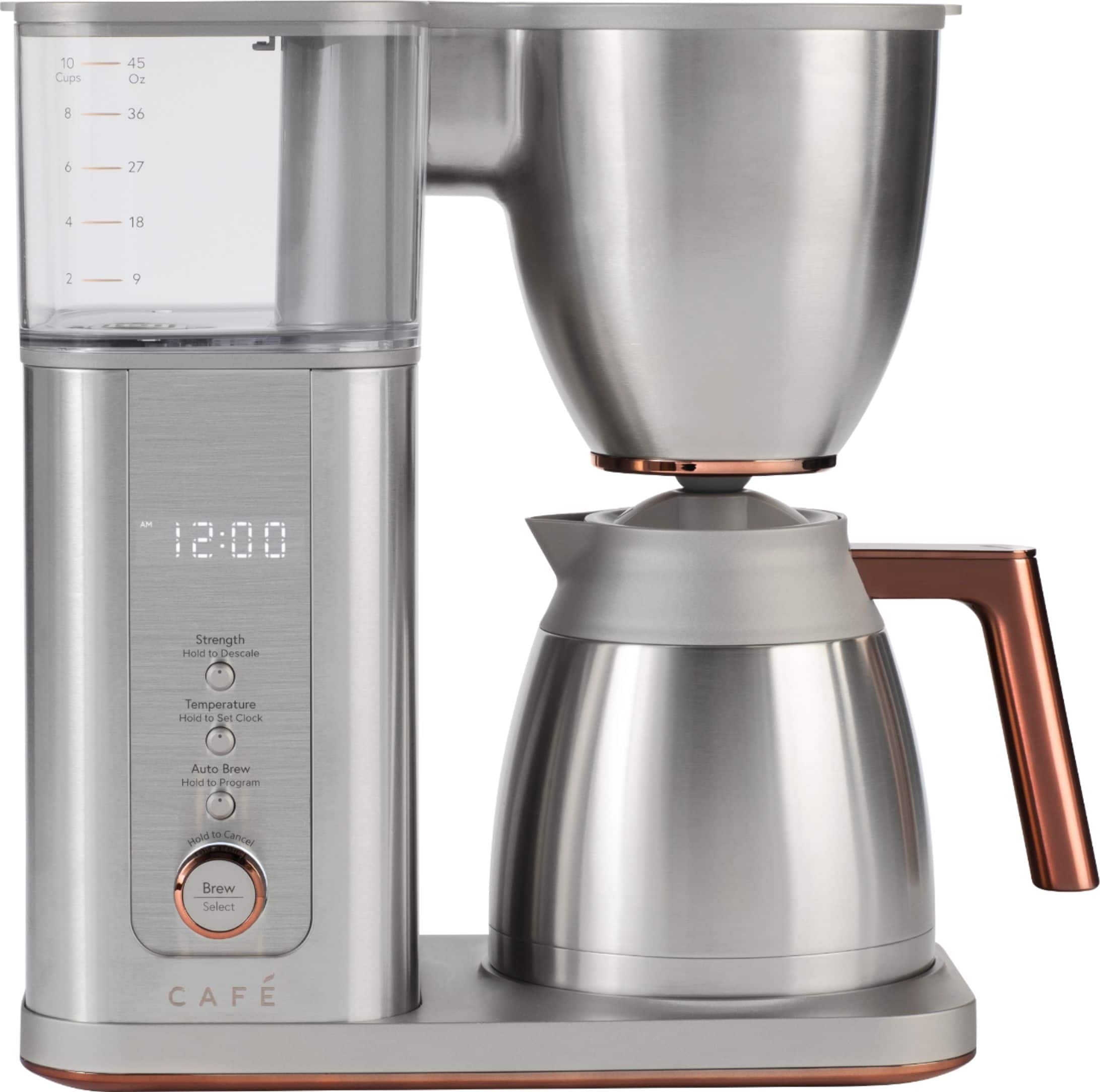
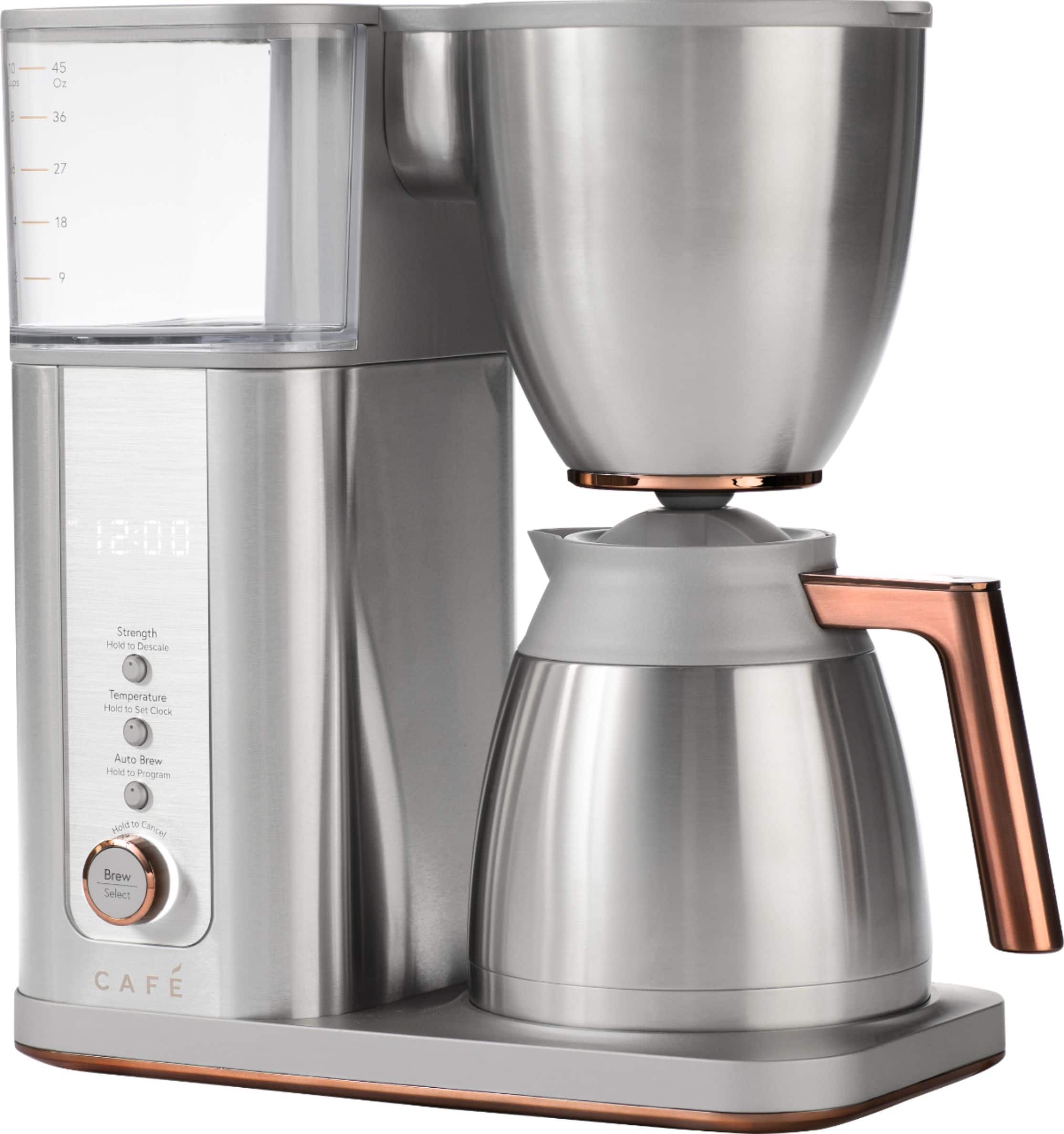
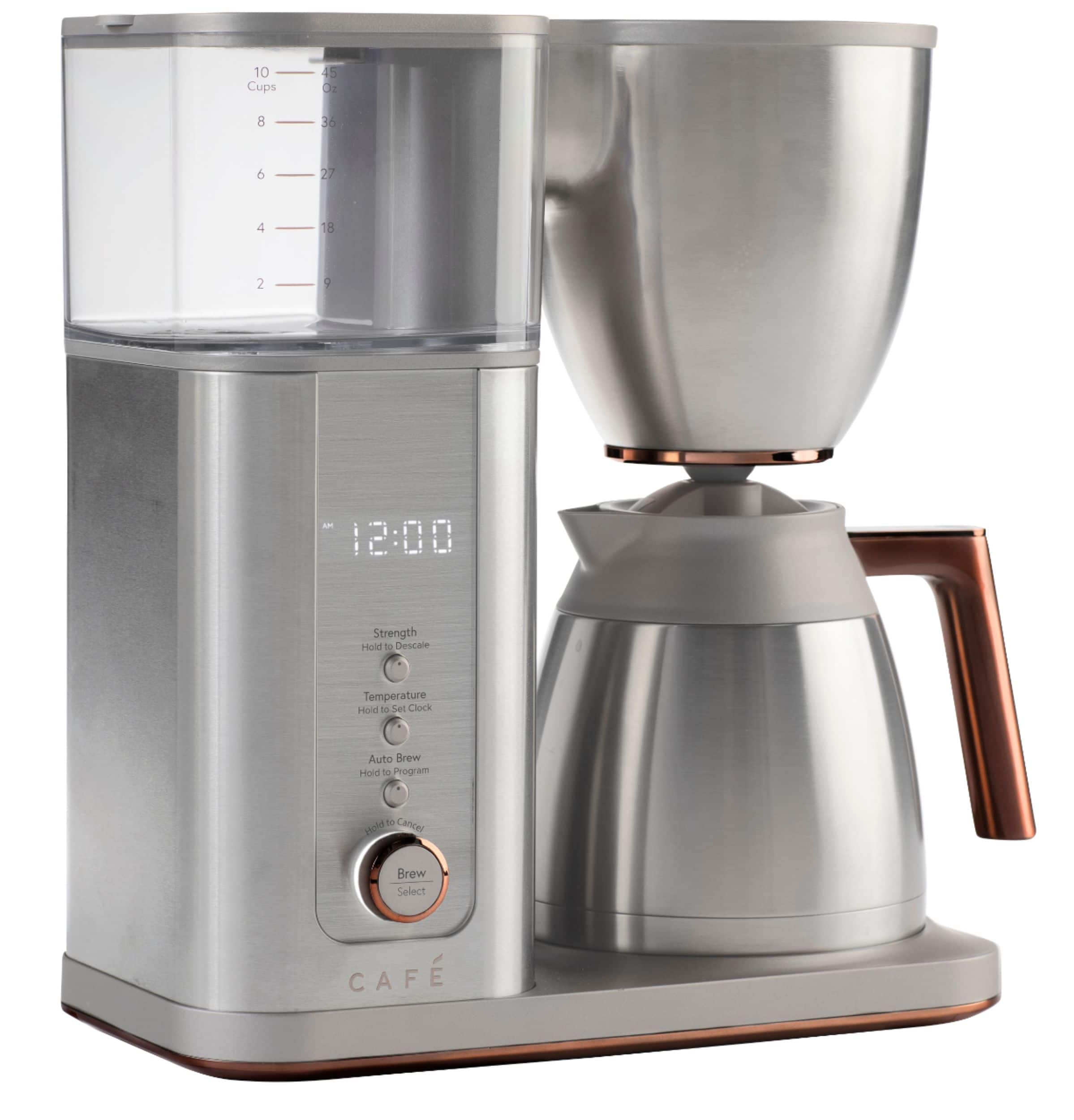
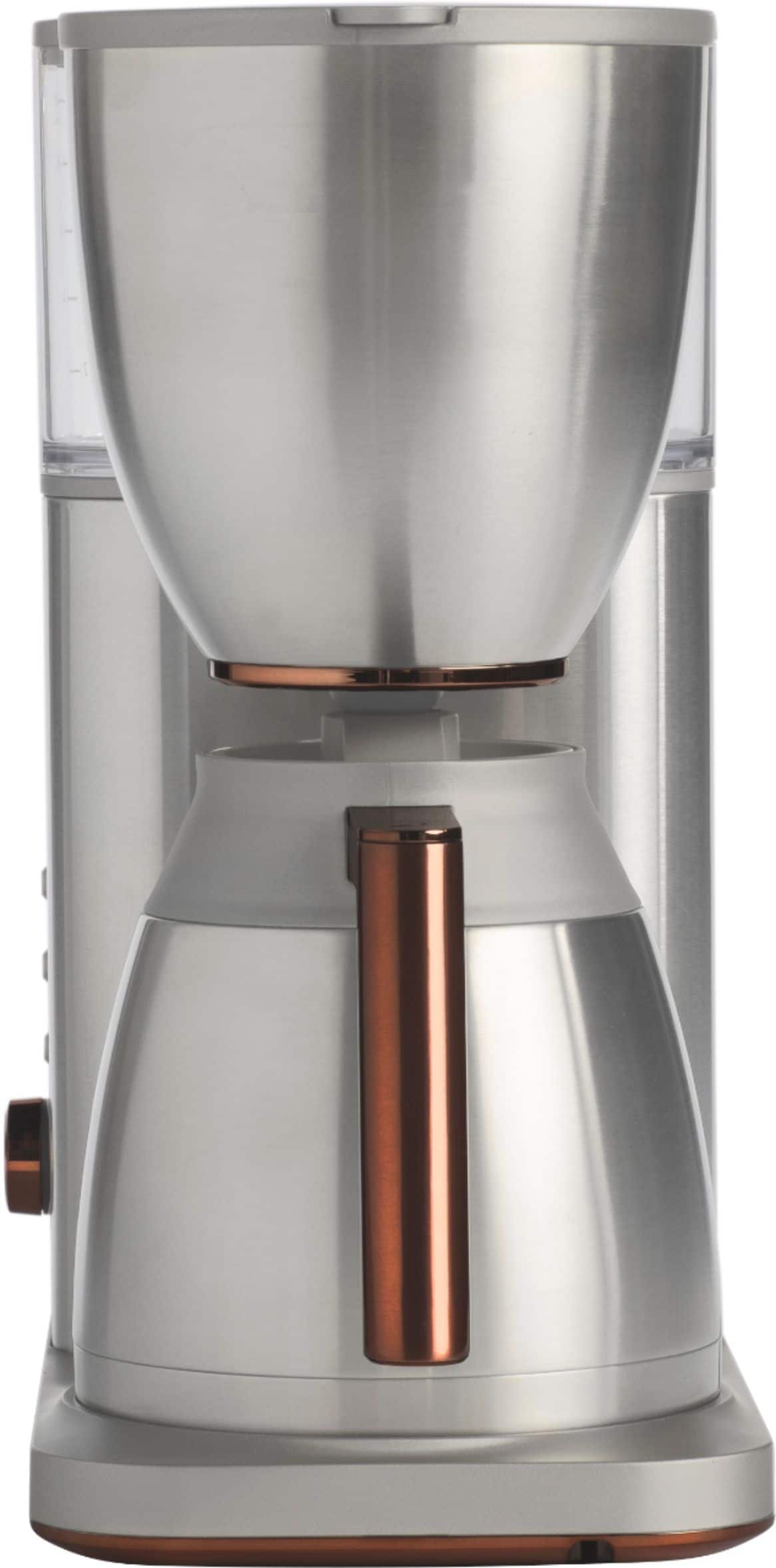
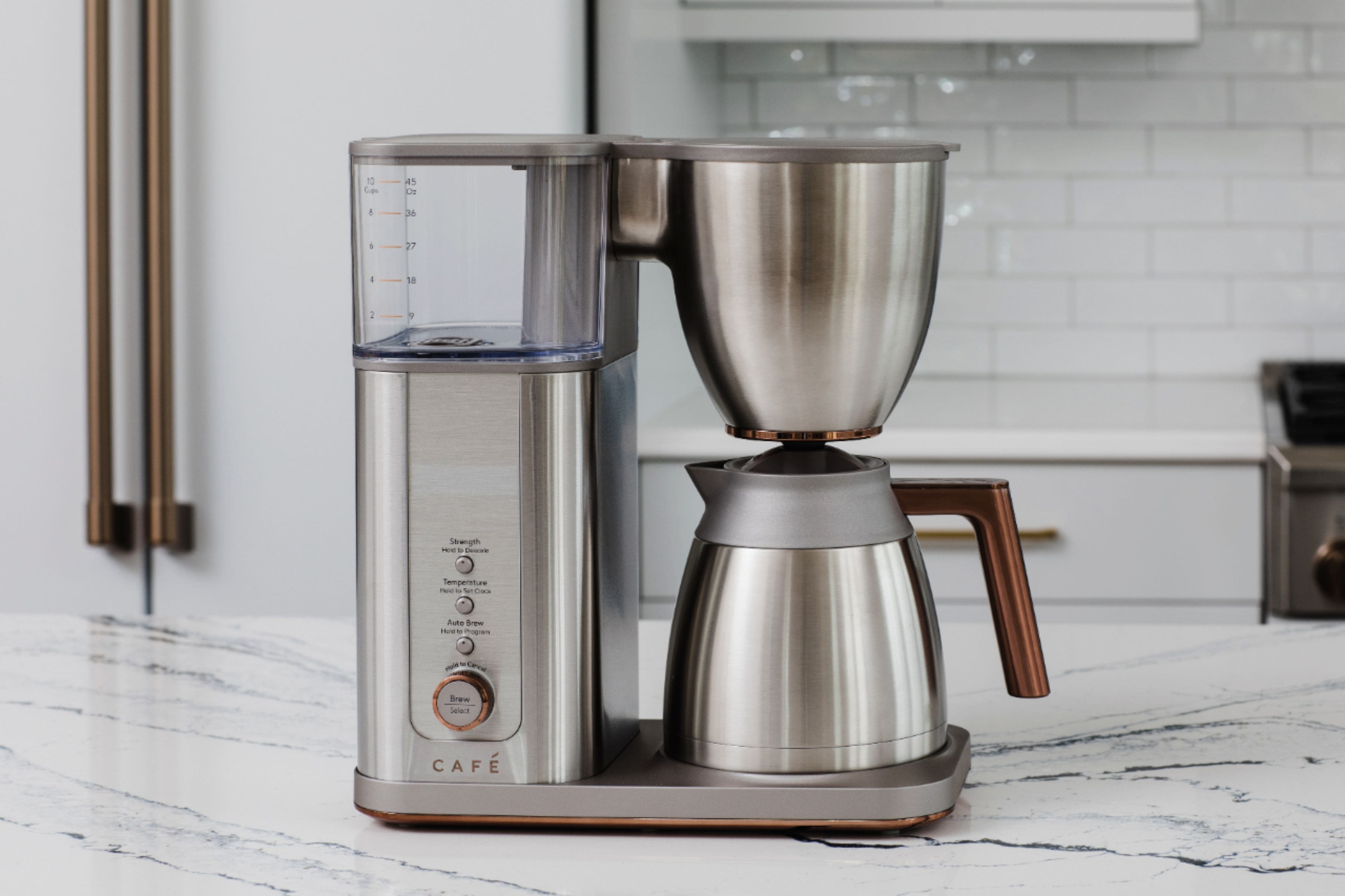
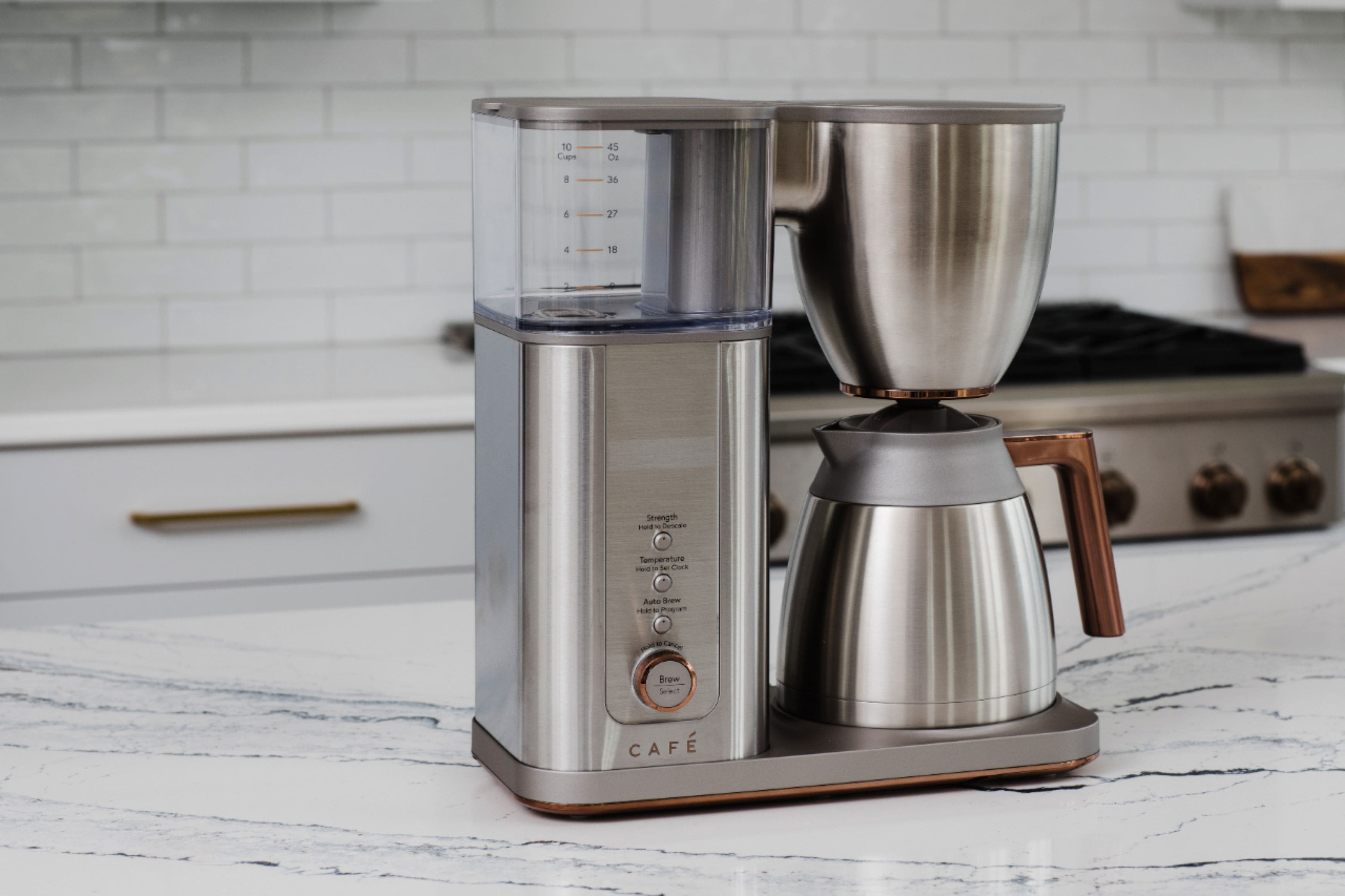
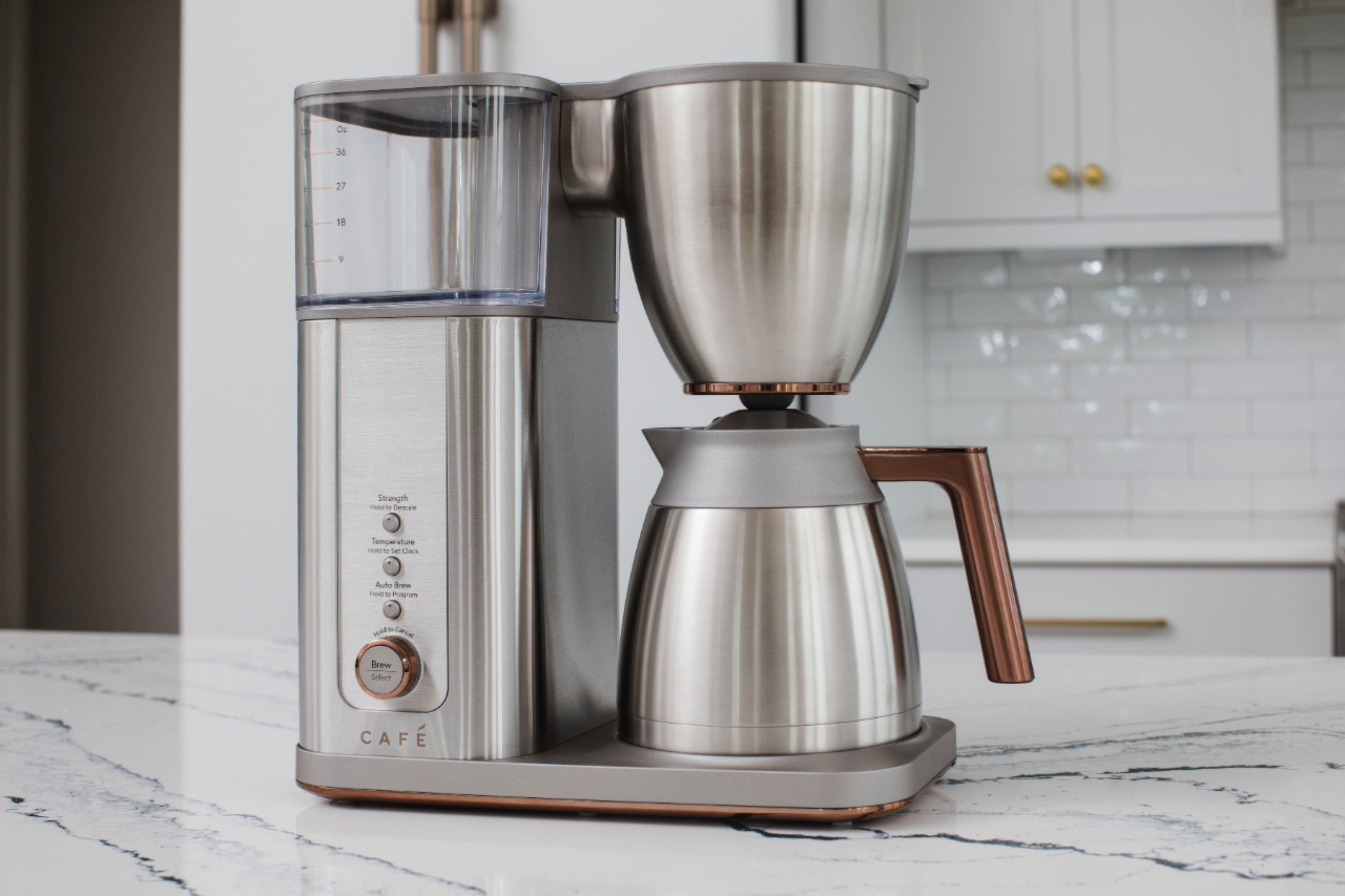
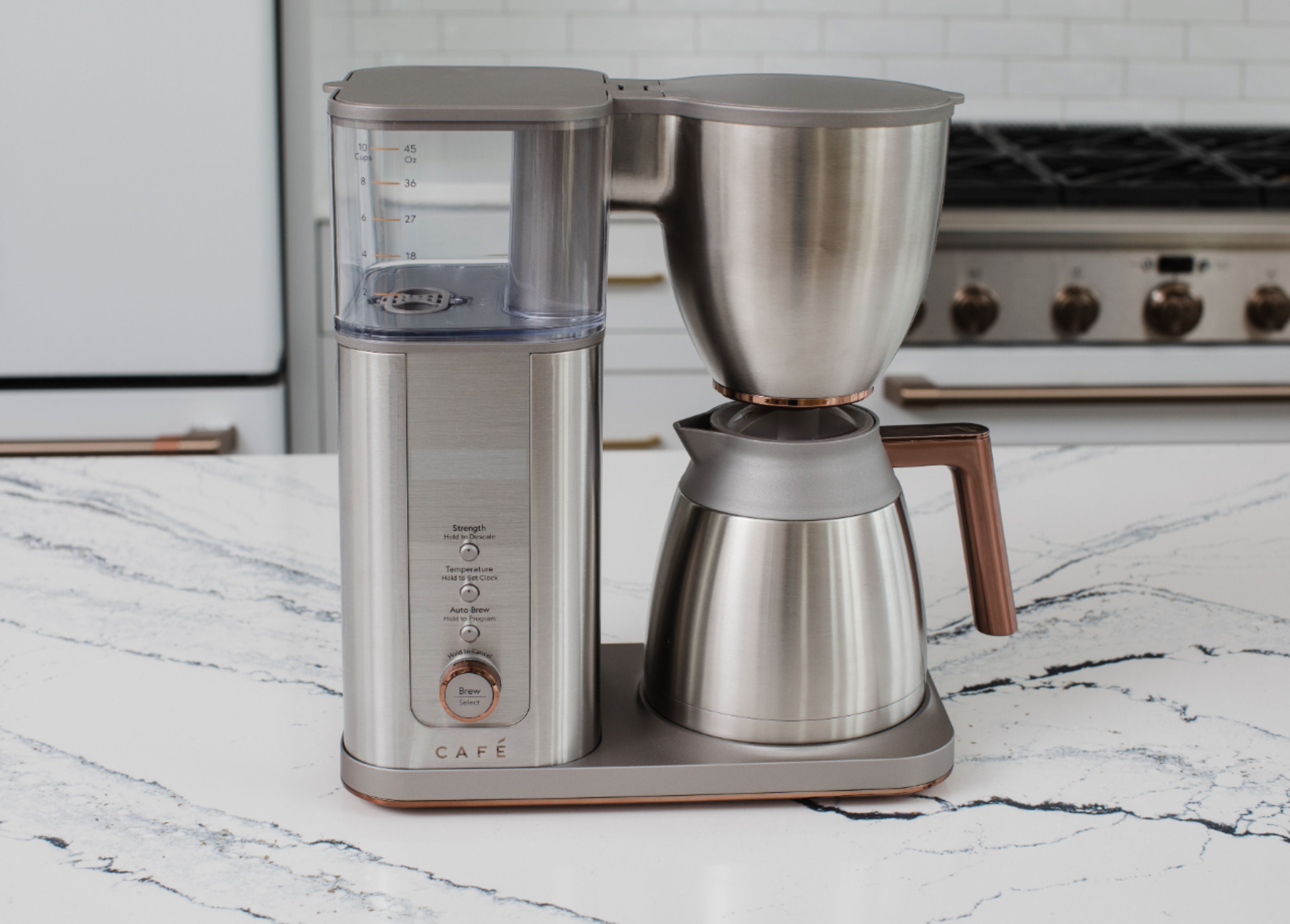
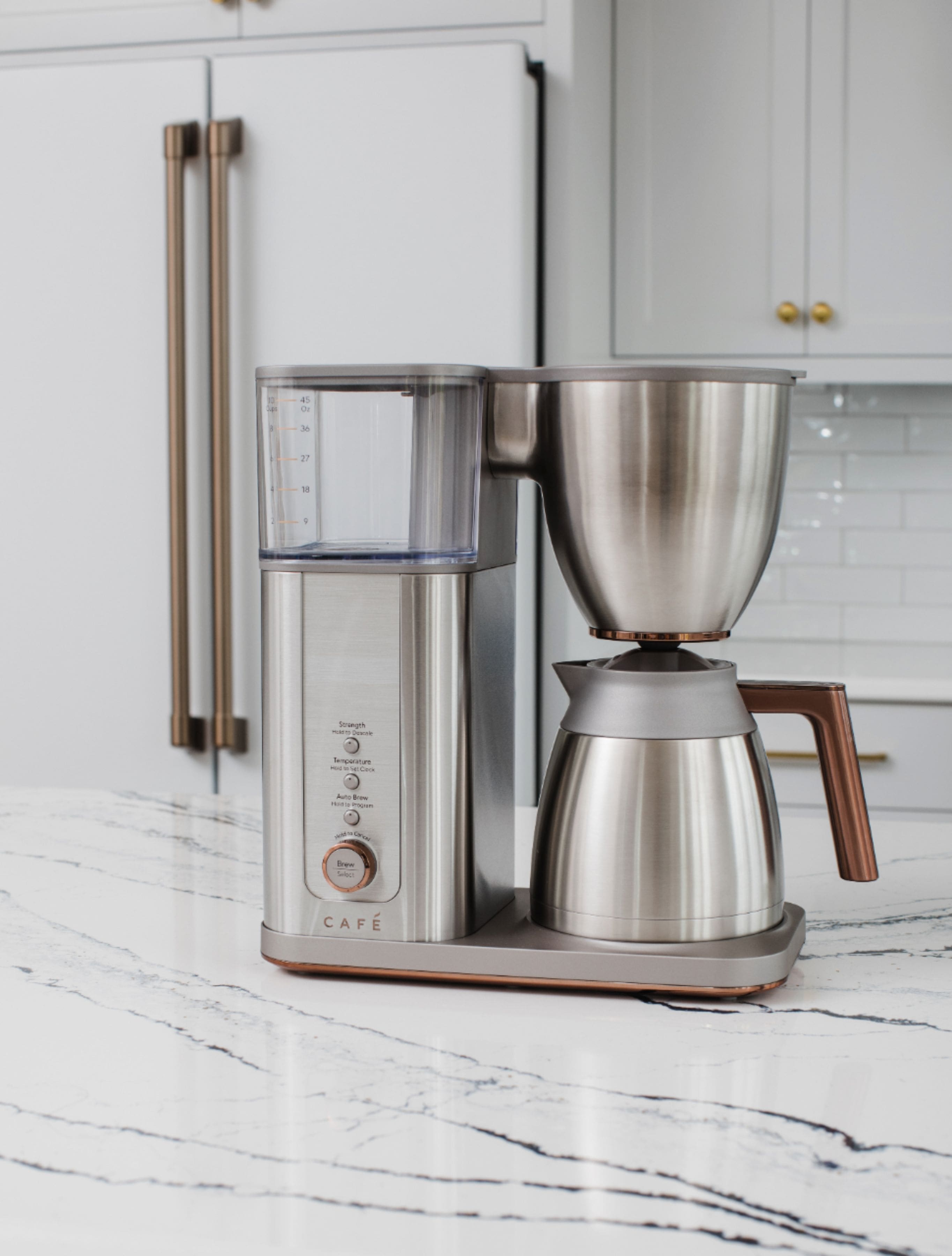
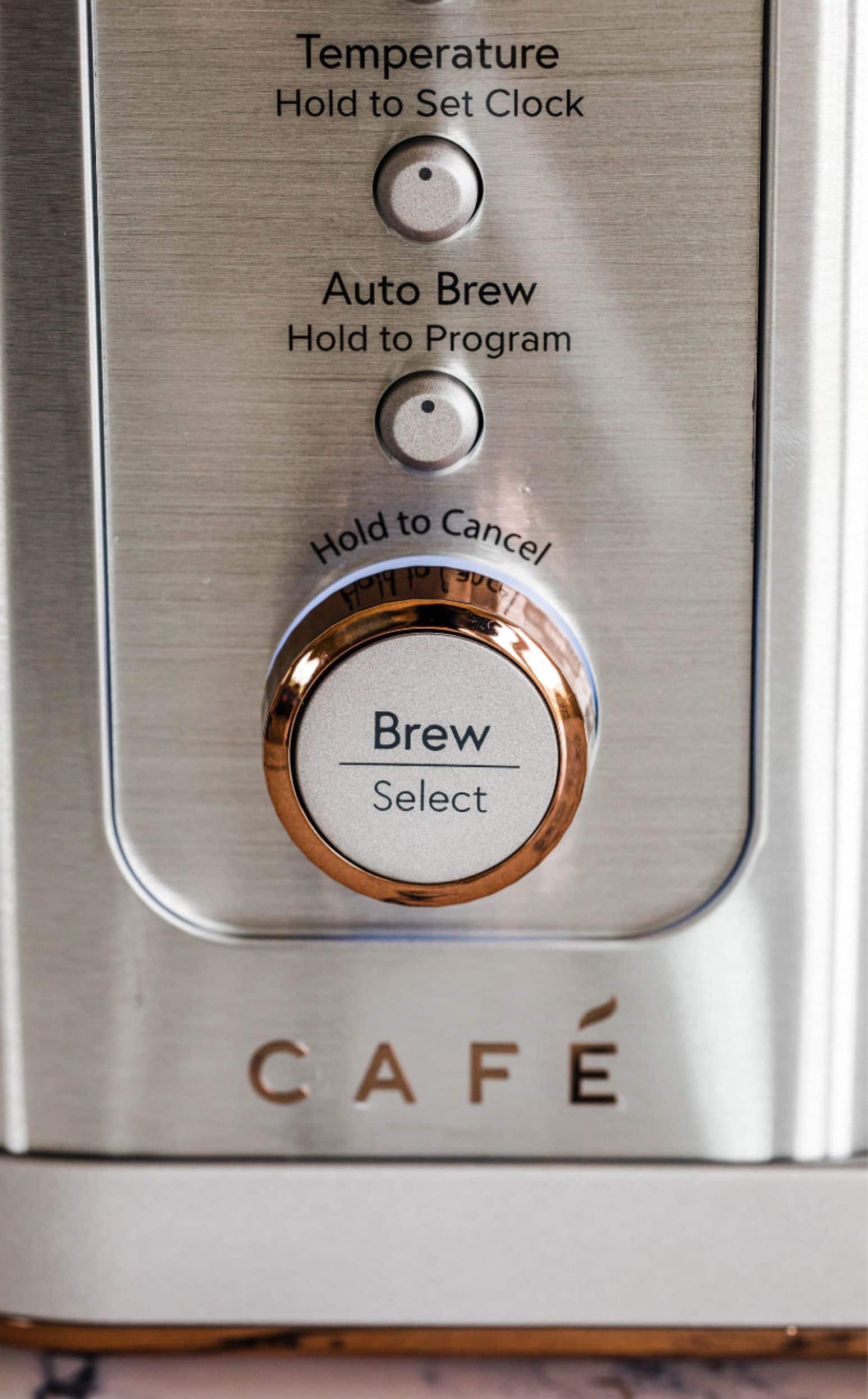
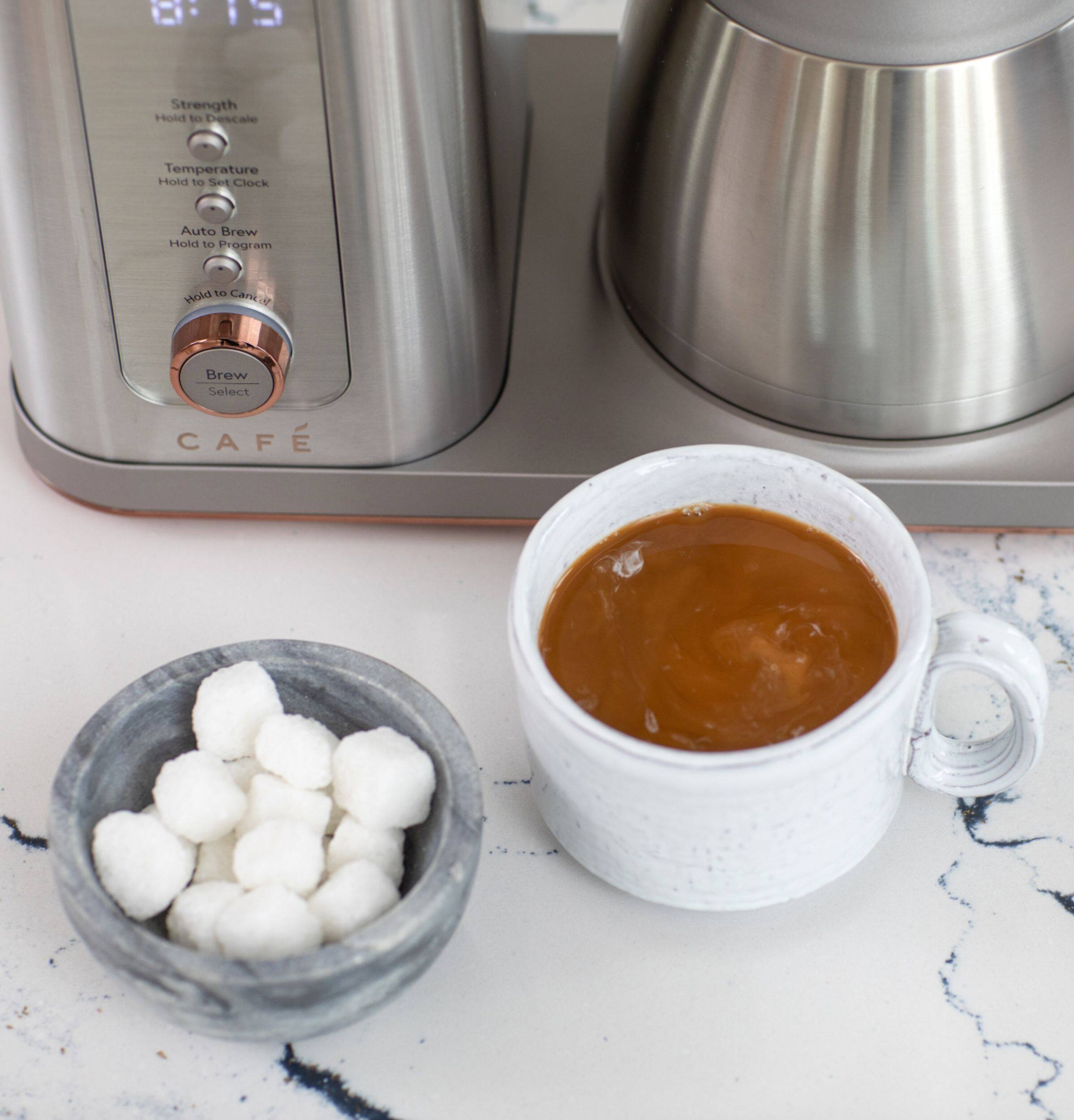
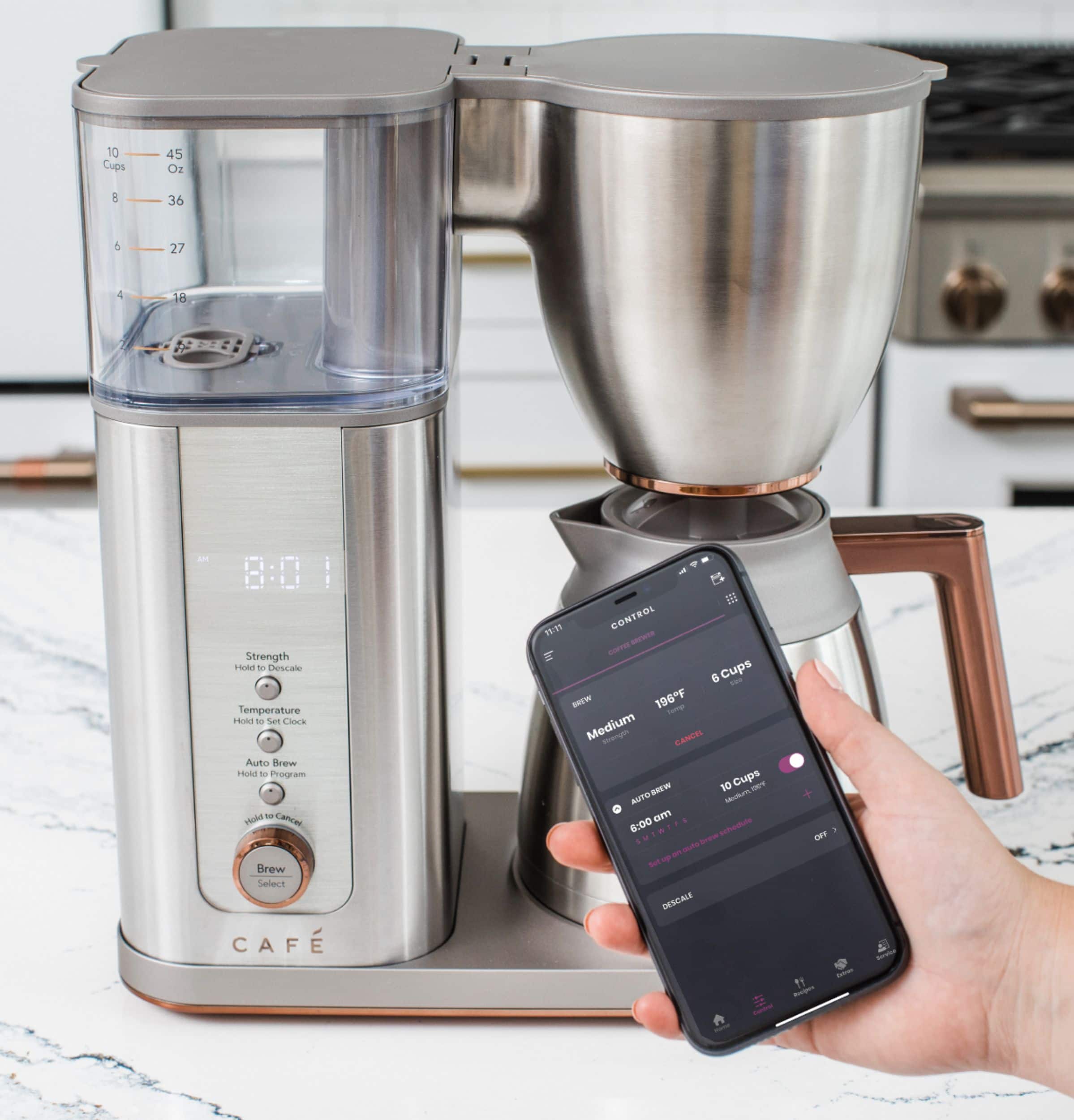
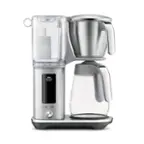
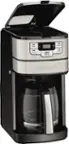
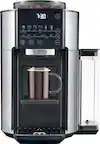
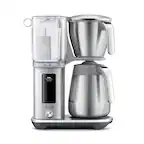
A:AnswerNo, there's not a feature that notifies you when the coffee is ready. When connected to WiFi, it can be voice controlled to turn on the coffee brewer or turn off the coffee brewer using Alexa or the Google Assistant. Use the command Alexa/OK Google, turn on (or turn off) the coffee maker.
A:AnswerIt can't be removed but you can clean it by wiping down the surface with a mild soap and water solution after every use. We recommend drying it afterwards.
A:AnswerHello - Thanks for reaching out to us. You will need to use the SmartHQ app to turn off the WiFi on your coffee maker. If you need assistance with this step, please review the section titled" "WiFi Connect" on pg. 12 of the Owner's Manual. We appreciate you being part of the Café family. Take care! -Don@Café
A:AnswerHello – we’re glad you reached out and would love to share some troubleshooting tips. First, if you haven’t done so already, try unplugging your unit for a few minutes and then plugging it back in to reset it. If you continue to experience issues after that, we recommend reaching out to our Connected Home Support Team specialists who are always happy to lend their expertise. You can reach them at 1-800-220-6899 M-F 9AM-11PM ET, Sat-Sun 9AM–3PM. We hope this is helpful and don’t hesitate to reach out if there is anything else we can assist with. Take care. Lauren@Café
A:AnswerHi - We appreciate you reaching out to us. The water reservoir is made of ABS plastic. We don't make any claims for BPA free. Wishing you the best! Vikki@Café
A:AnswerHi there,
Congratulations on ordering your new coffee maker! We're excited for you to try it out. The warming plate is built inside the coffee maker and it will keep your coffee hot for two hours or four when adjusted. If we can explain anything else, be sure to reach out to us. Thanks for choosing Cafe! Mike@Cafe
A:AnswerHello there,
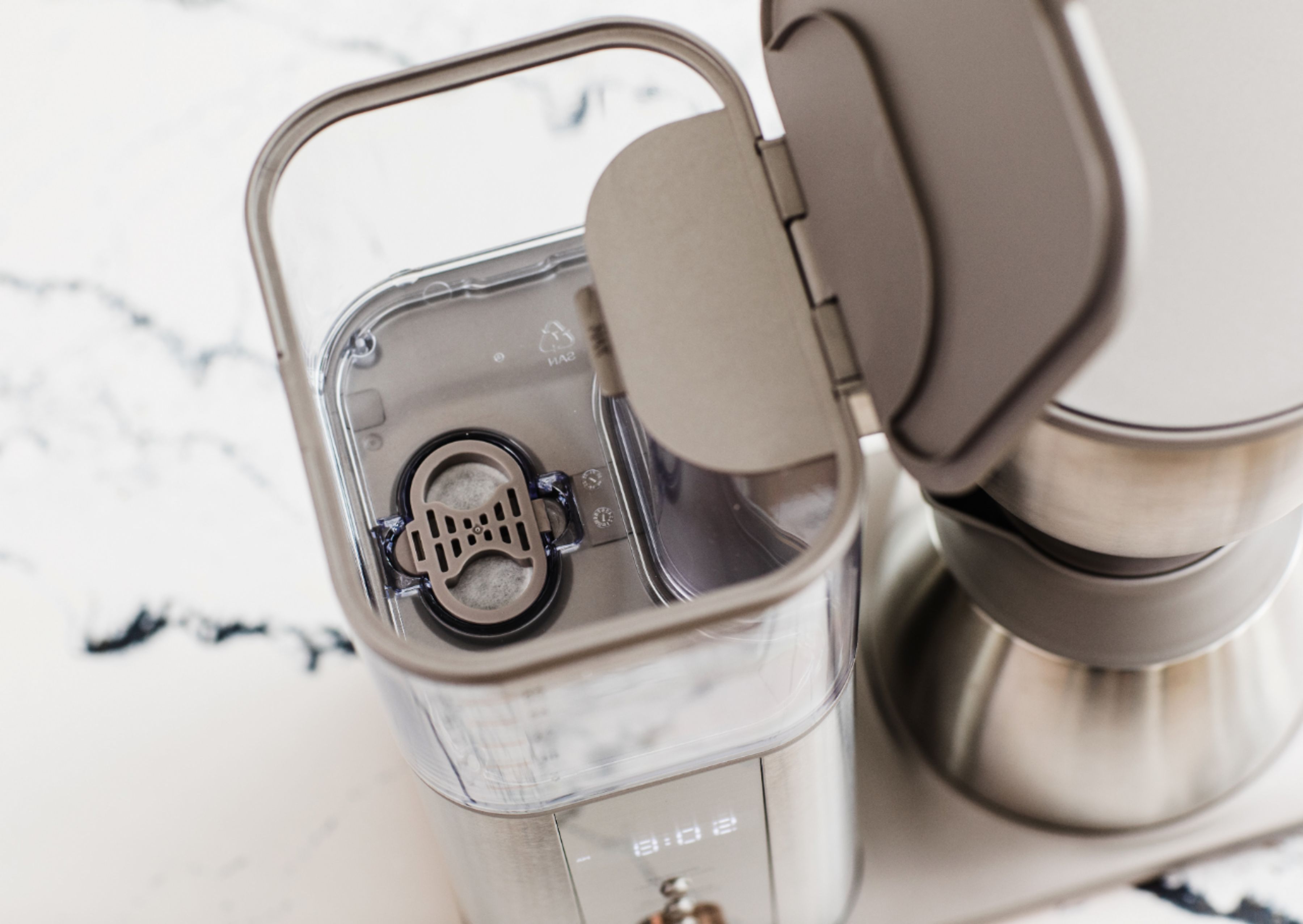
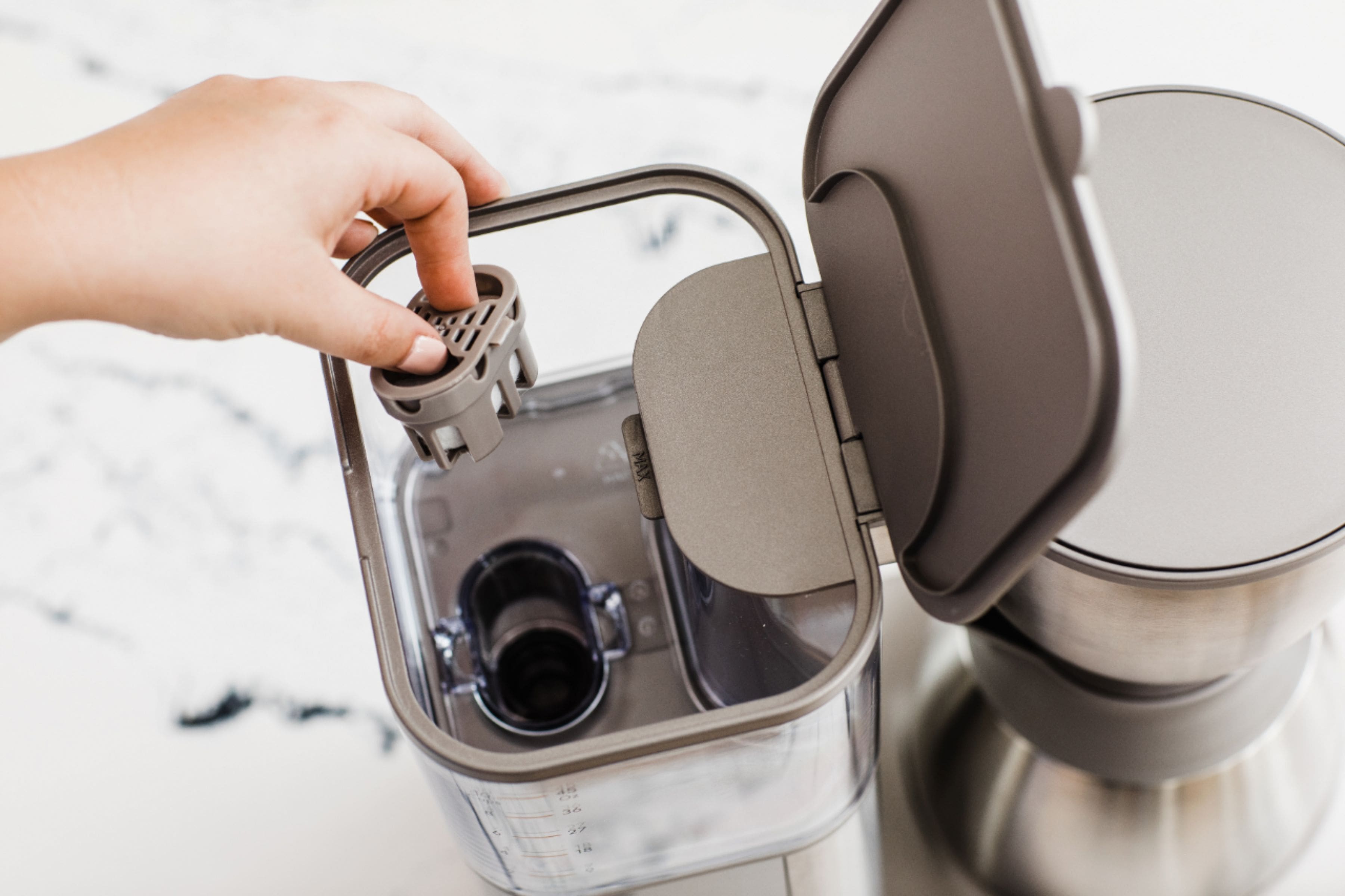
Our apologies to hear that the instructions are not helpful when replacing the carbon filter. While we do not have any additional instructions on changing the filter, you may be able to find instructional videos by searching online. Wishing you well. Mike@Cafe
A:AnswerHi,
This is a good question to ask! The glass carafe model C7CDAAB DOES have a warming plate. It will only come on during the brew cycle and will shut off after the 2 hours. This is built into the software. You can turn it off any time but can not turn it on. We hope this is helpful. Have a fantastic day! Mike@Cafe
A:AnswerYou don’t need to just fill it to the water line for two cups and select 2 for number of cups and let it brew the last two cups. It will empty itself
A:AnswerHello there - we're sorry to hear that you've had to experience this situation with your carafe handle. If this is the model for your coffee maker, the part number for the carafe is #WC02X20414, and you can find it online on our GE Appliances website. -- You can also reach out to us on social media with a copy of this questions and your model number so we can assist you further. Take care. - Pablo@Café
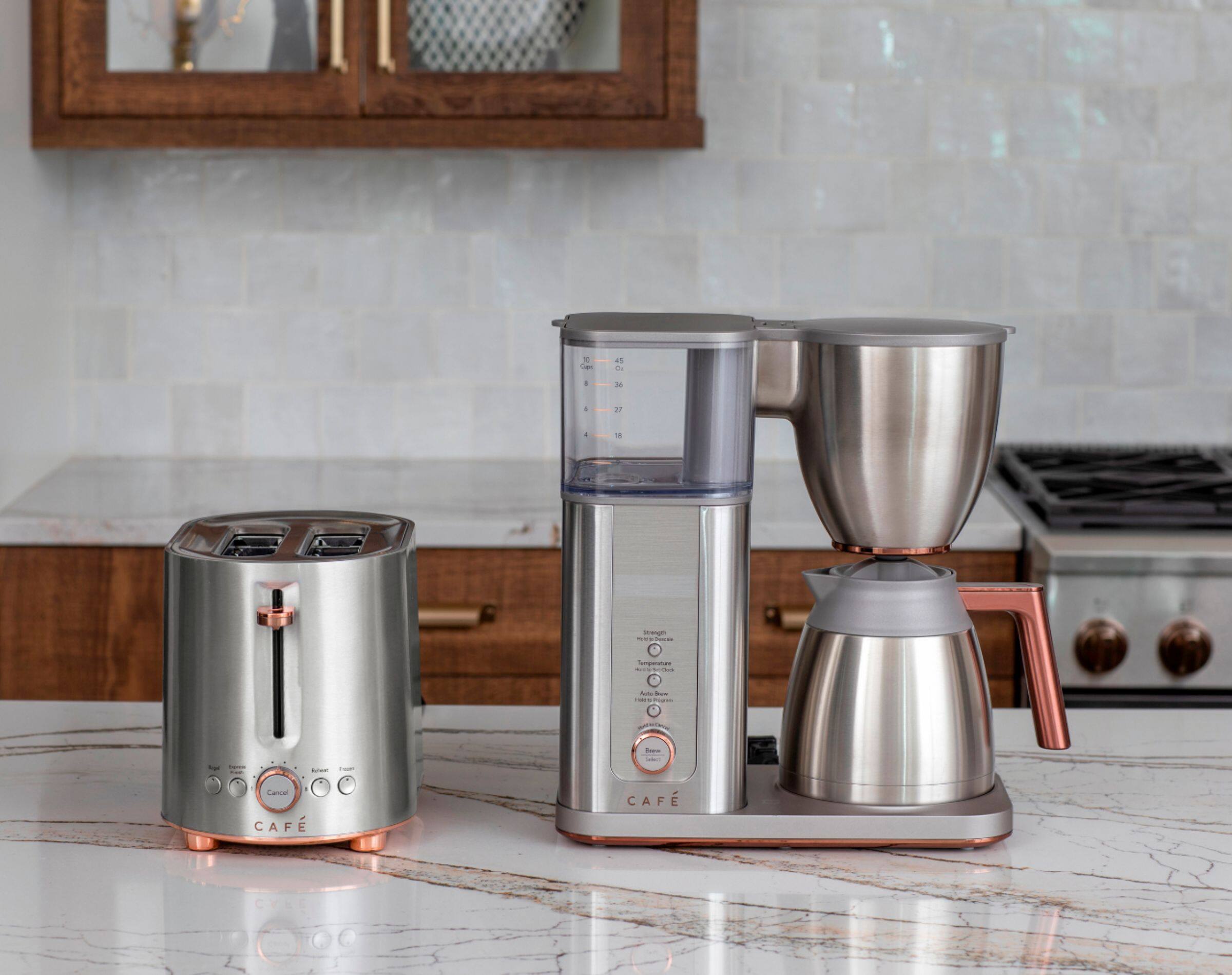
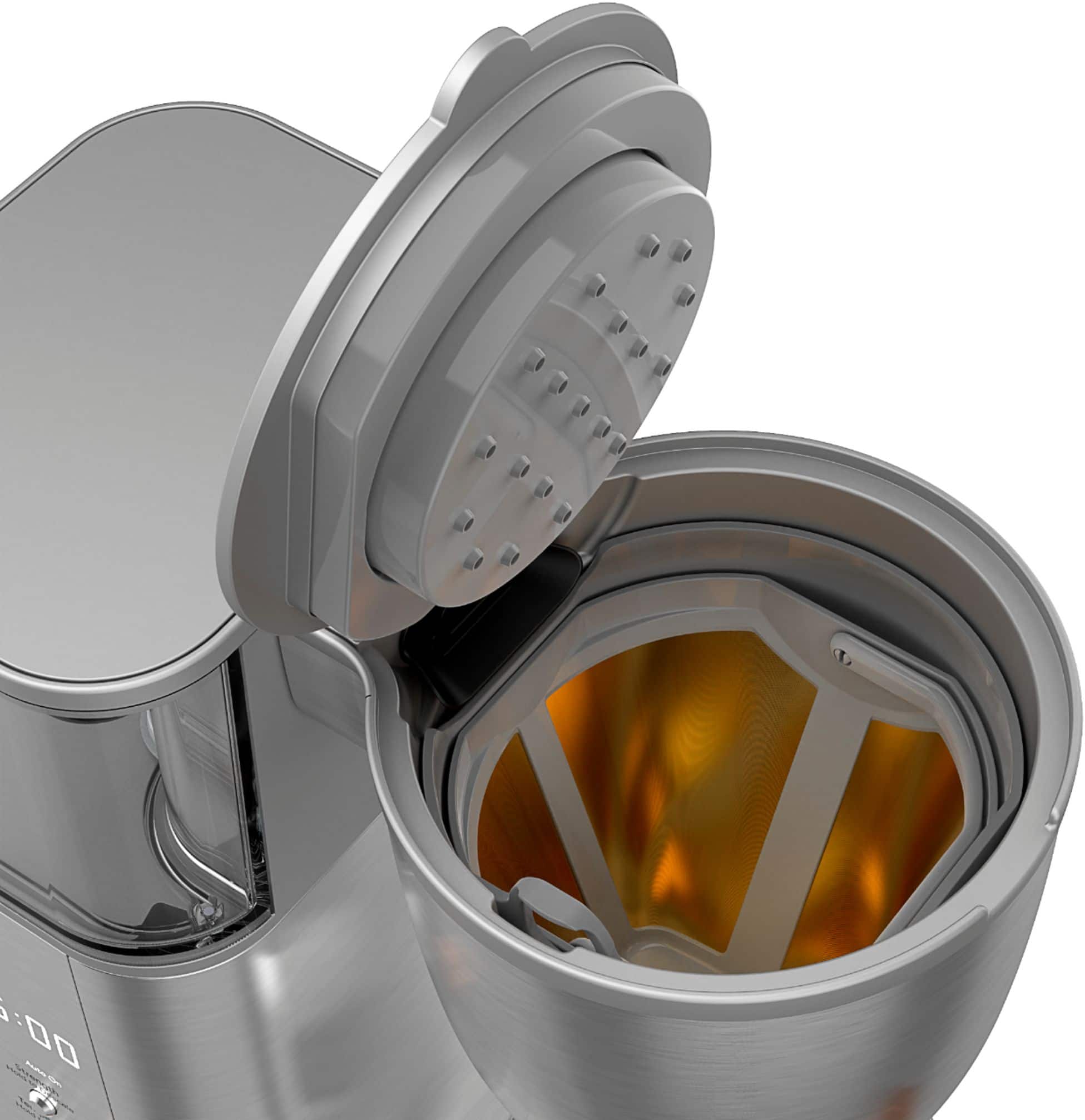
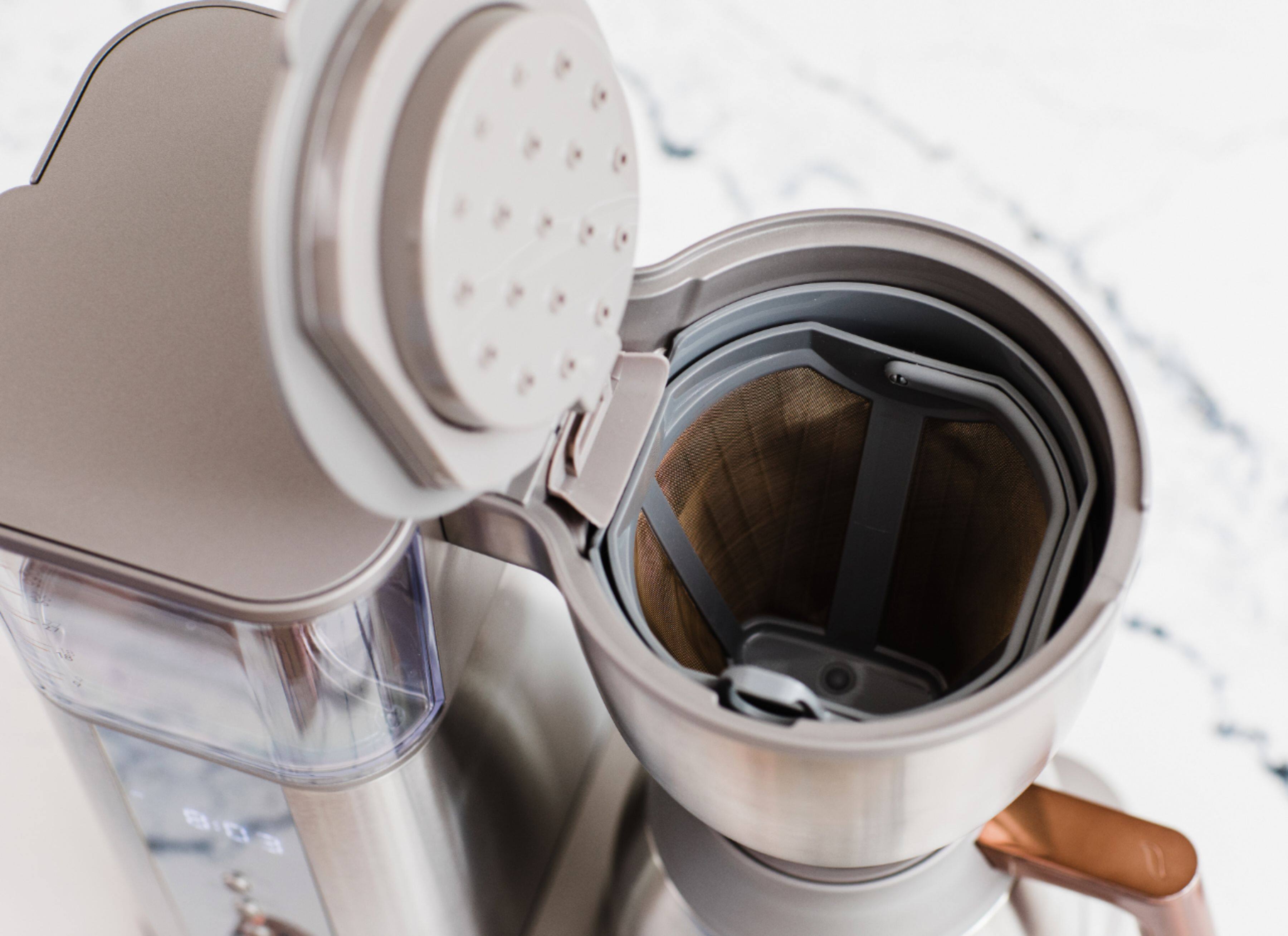
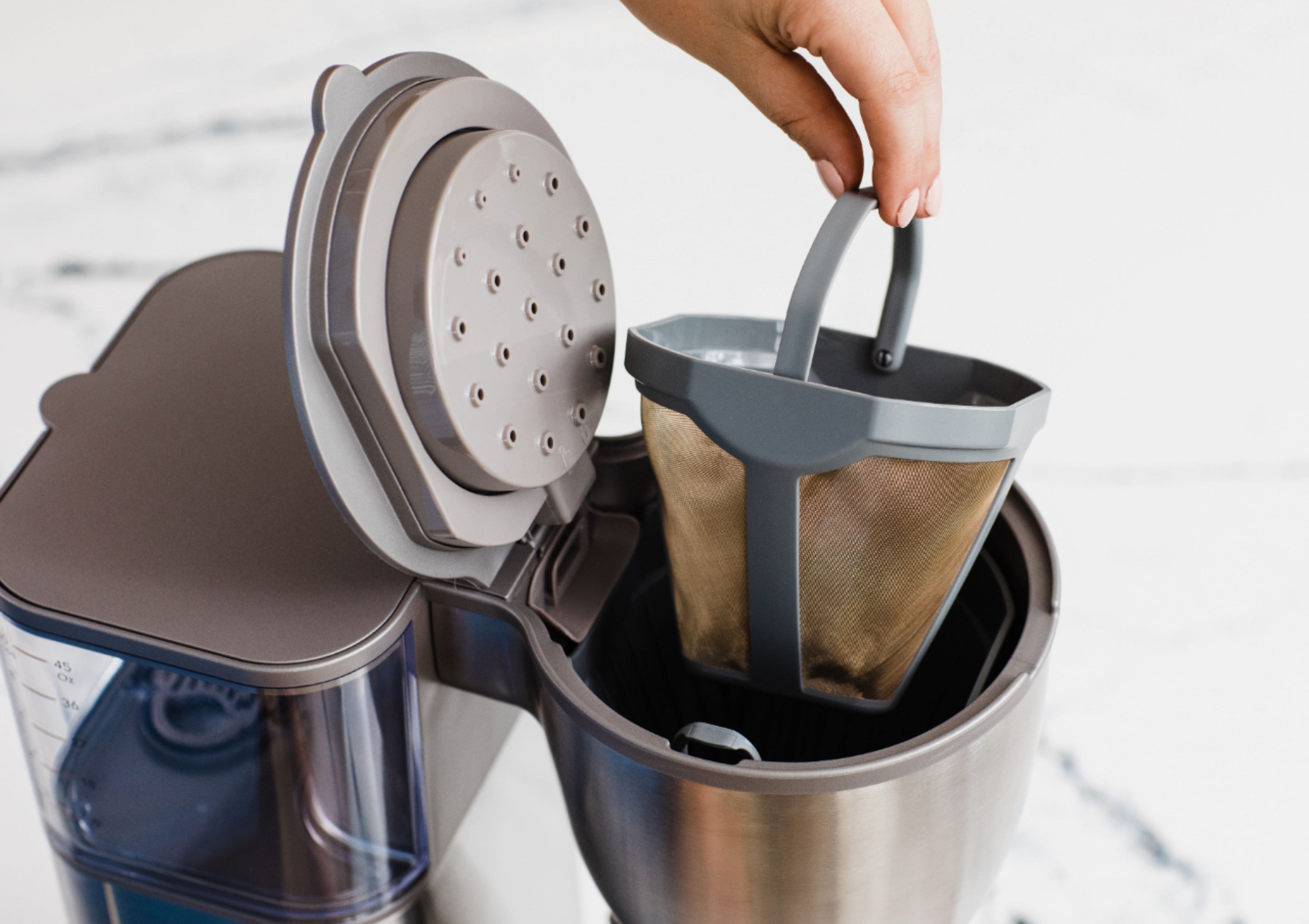
A:AnswerHi - thank you for reaching out. We checked the information for this unit, and we can confirm that you can purchase a new filter frame by looking up part number #WC02X20407 on our GE Appliances website. You are also able to use a No. 4 paper filter with this coffee maker if you desire. -- We hope this response was helpful, and please reach out to us once again if we can help with anything else. Take care. - Pablo@Café
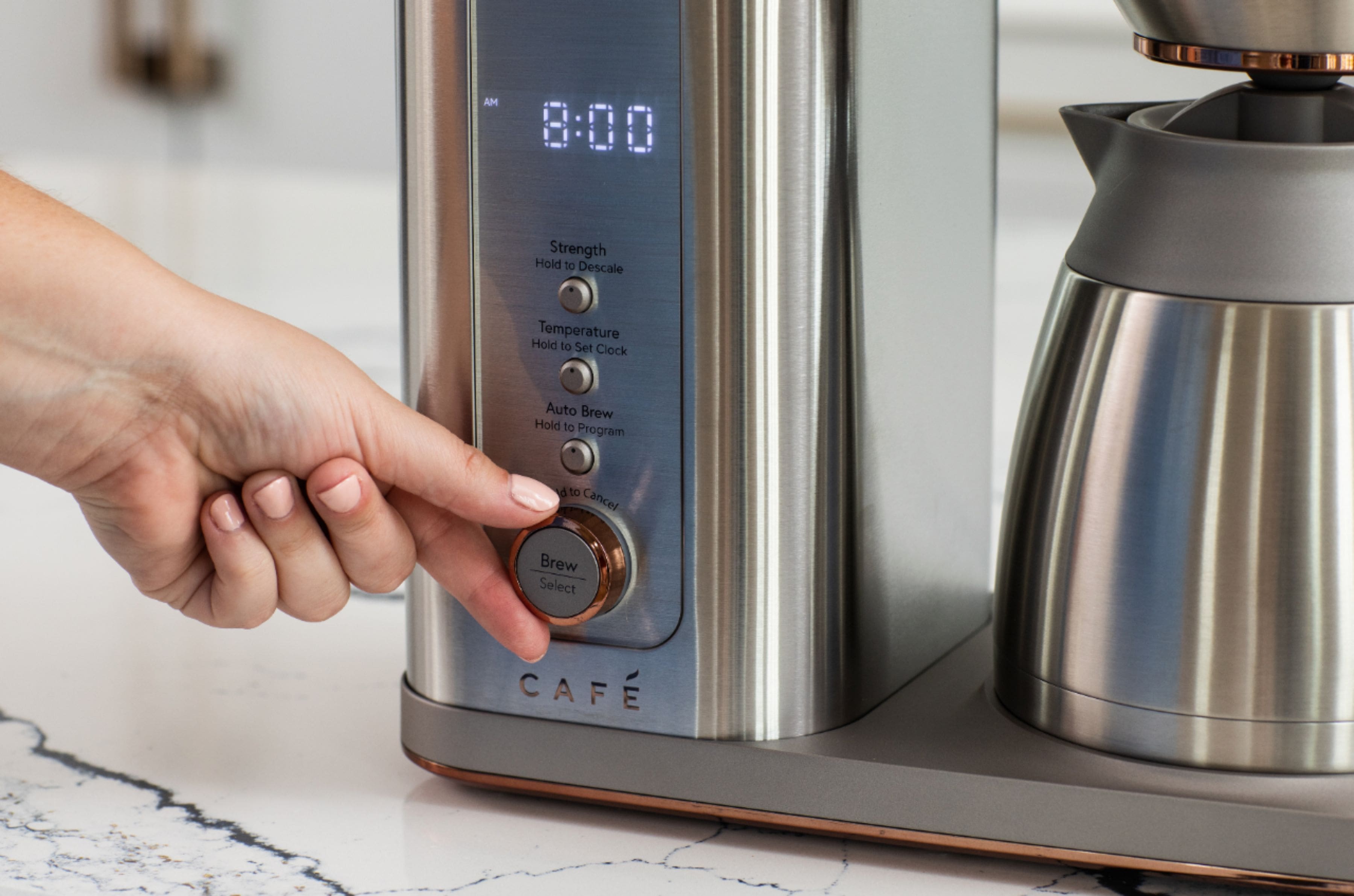
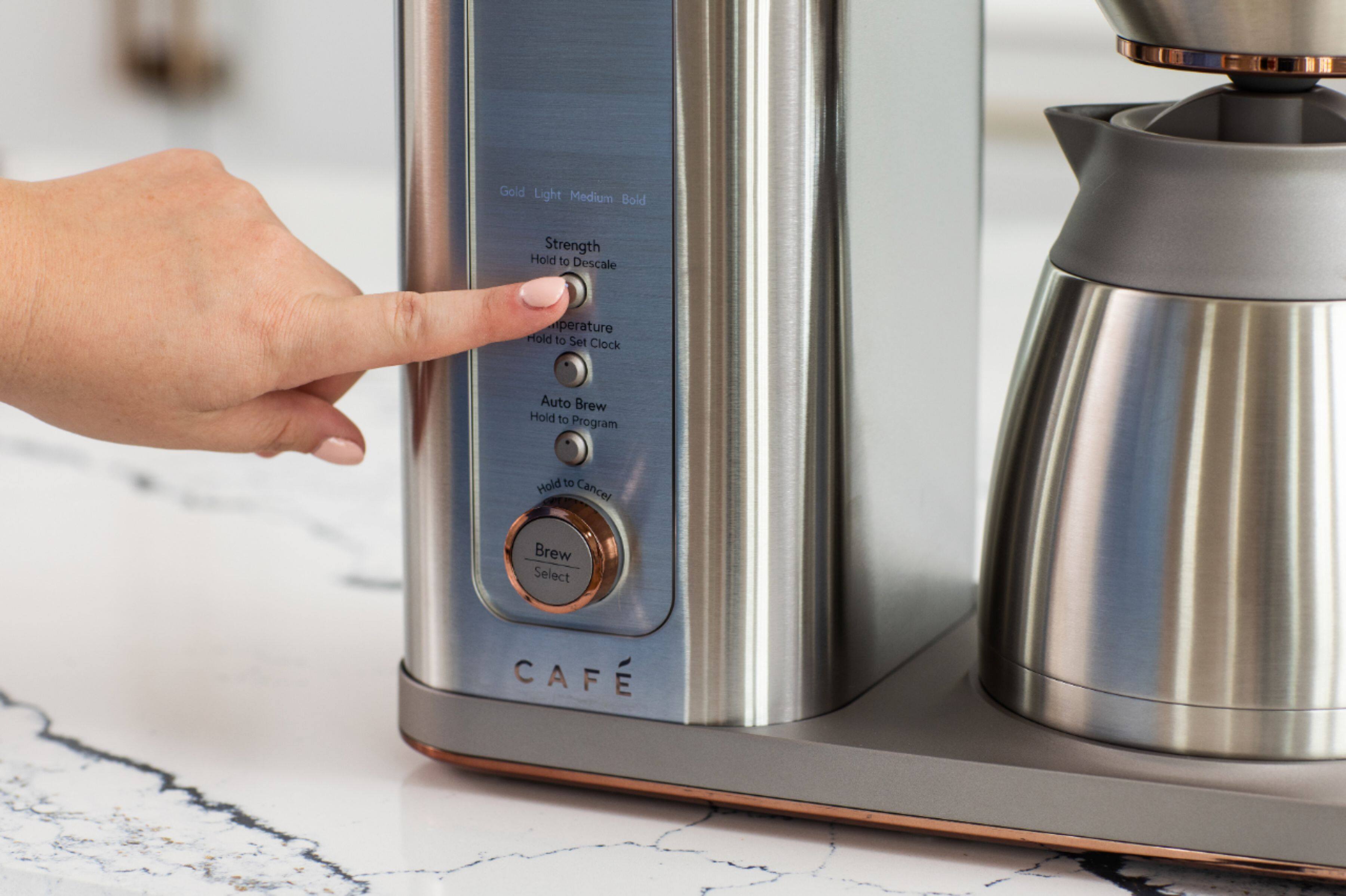
A:AnswerHi there - thanks for reaching out. We're happy to inform you that this is an SCA Certified (Specialty Coffee Association) coffee maker. When using the "Gold" brew setting, the appliance meets SCA's exacting standards for temperature, time, extraction, and consistency. This situation sounds like you had "Gold" selected, which is why you are seeing "SCA" on the display and can't change the temperature. We do apologize for any inconvenience this may cause. Have a great one. - Pablo@Café