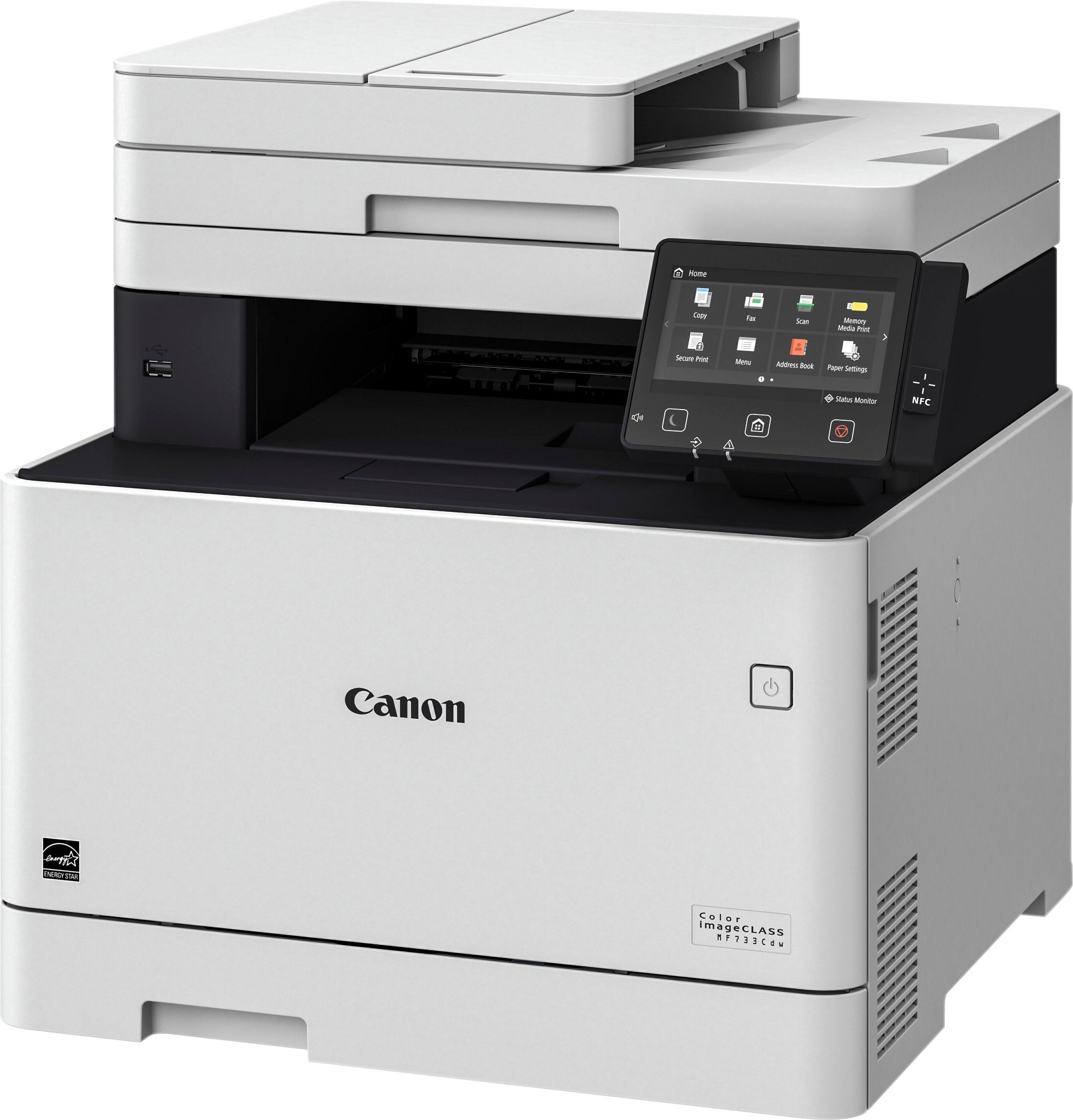
A:AnswerAre you using an Apple by chance? If so, you may need to delete the driver and re-install with canon driver. If on a windows computer you may want to make sure you have the most current driver and try same.
A:AnswerShould be no problem. If not, just scan to computer, then transfer that to your thumbdrive. That is actually my preferred way to do it anyway. I usually want a record of scans on my computer. Oh, it does have a thumbdrive port, just no SD card slot.
A:AnswerSadly, you cannot print borderless (full bleed) photos or documents on this laser printer. Laser printers do not print all the way to the edge because it needs to be sure that any toner applied to the drum gets transferred to paper, otherwise it will accumulate and destroy the drum and/or fuser. Borderless printing requires going past the edge, even just a little, and this would create problems for laser printers.
Inkjets can print off the edge of the paper because the extra ink lands on an absorbent strip and harmlessly dries up there.
So, no borderless single or double sided prints.
A:AnswerYou have to install the canon utilities that comes with the printer or from the canon website for 733 printer support page on the computer you want scan to computer should be working.
Hope this helps