A:AnswerMy RIng chime also disconnects every few of minutes and immediately reconnects. Does it even after I moved it to be very close to the router 6 feet or so. Very annoying. The router is TP LINK C7 and the speed is about 80Mbit on both 2.4Ghz (this is where chime is connected) and 5Ghz.
A:AnswerHi Rick,
Thanks for reaching out.
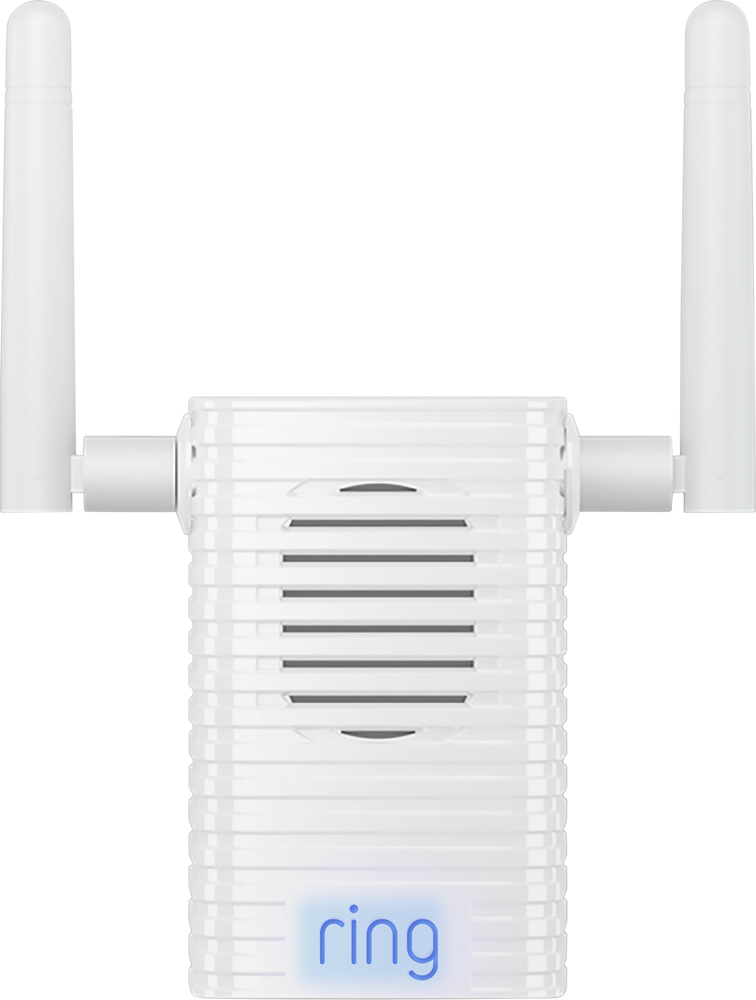
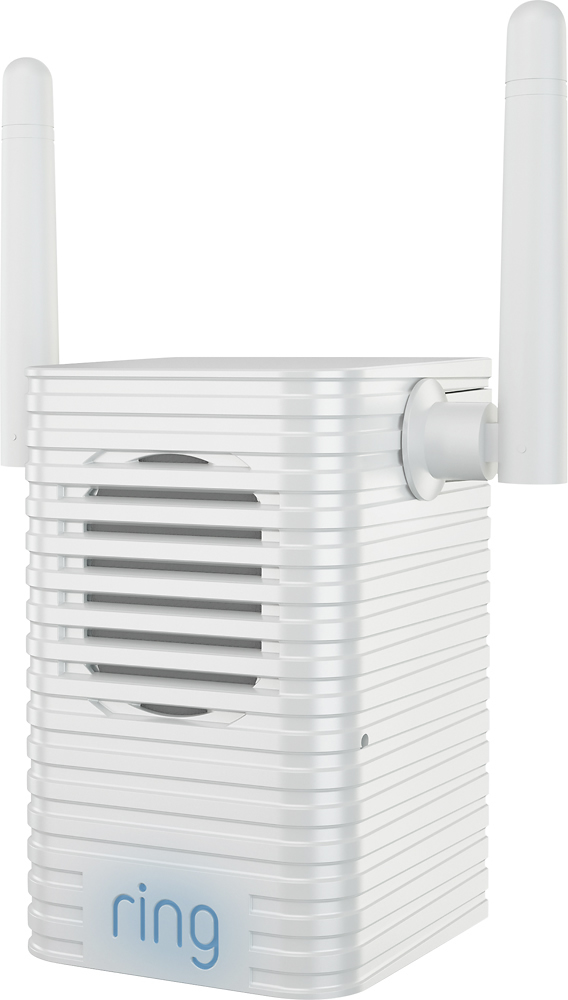
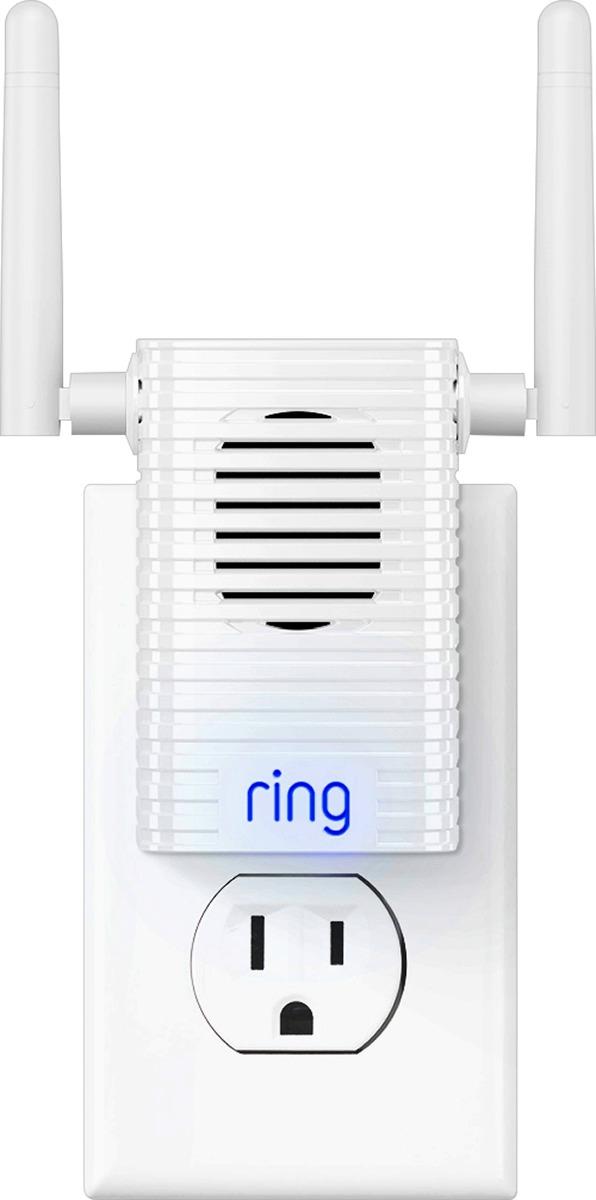
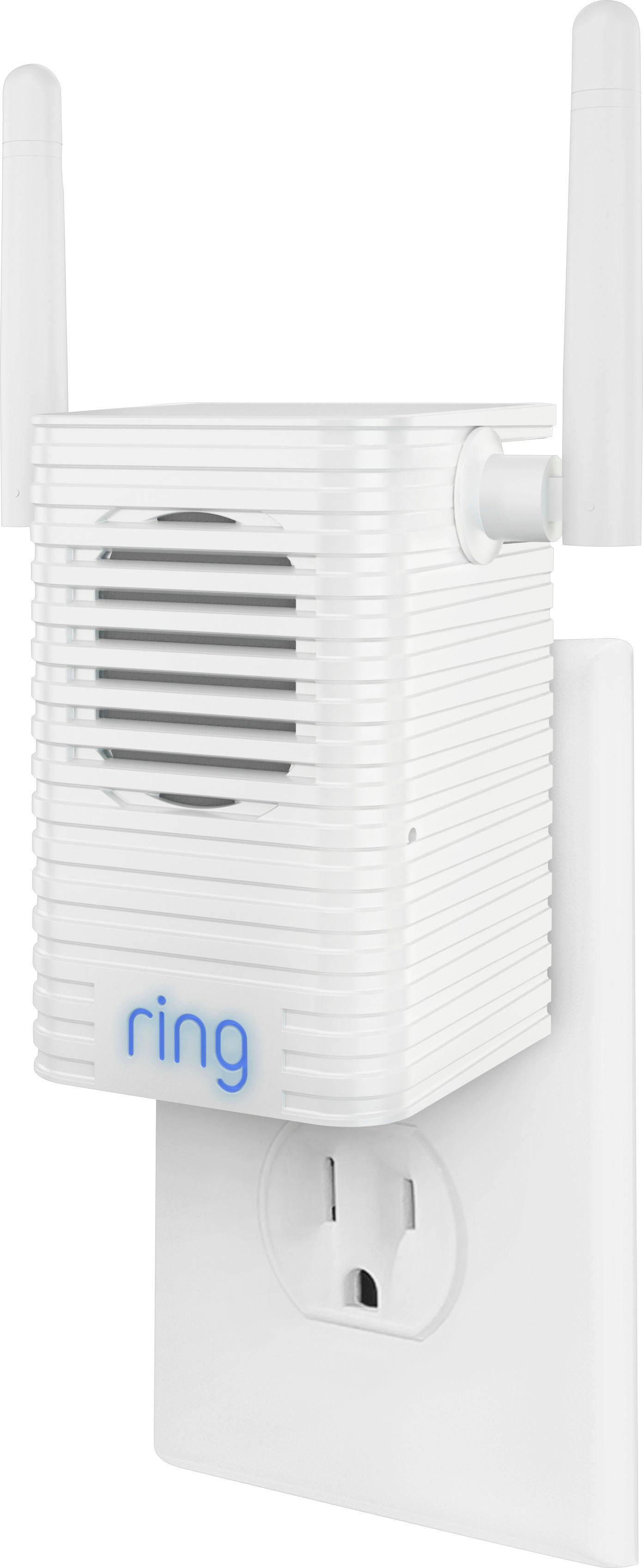
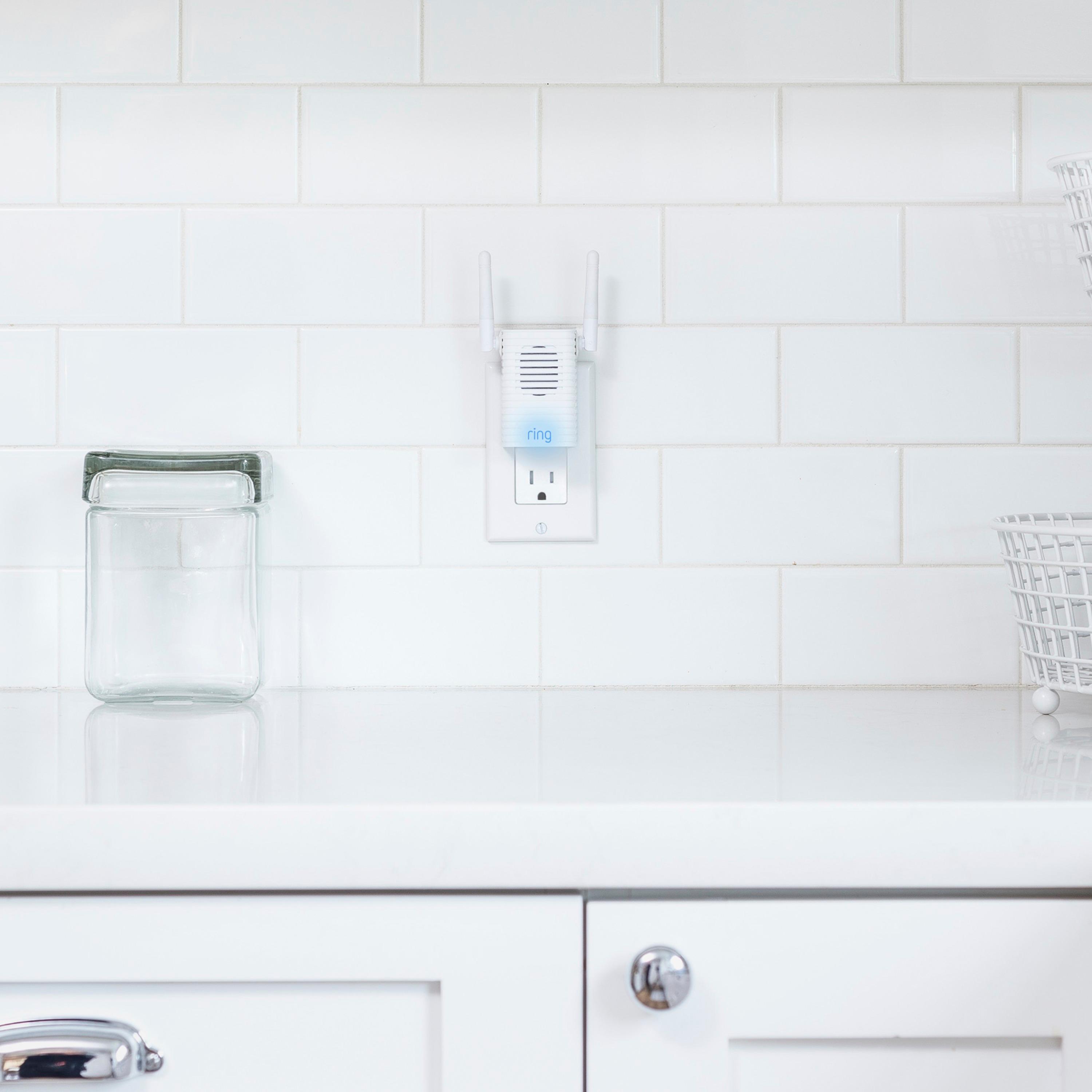
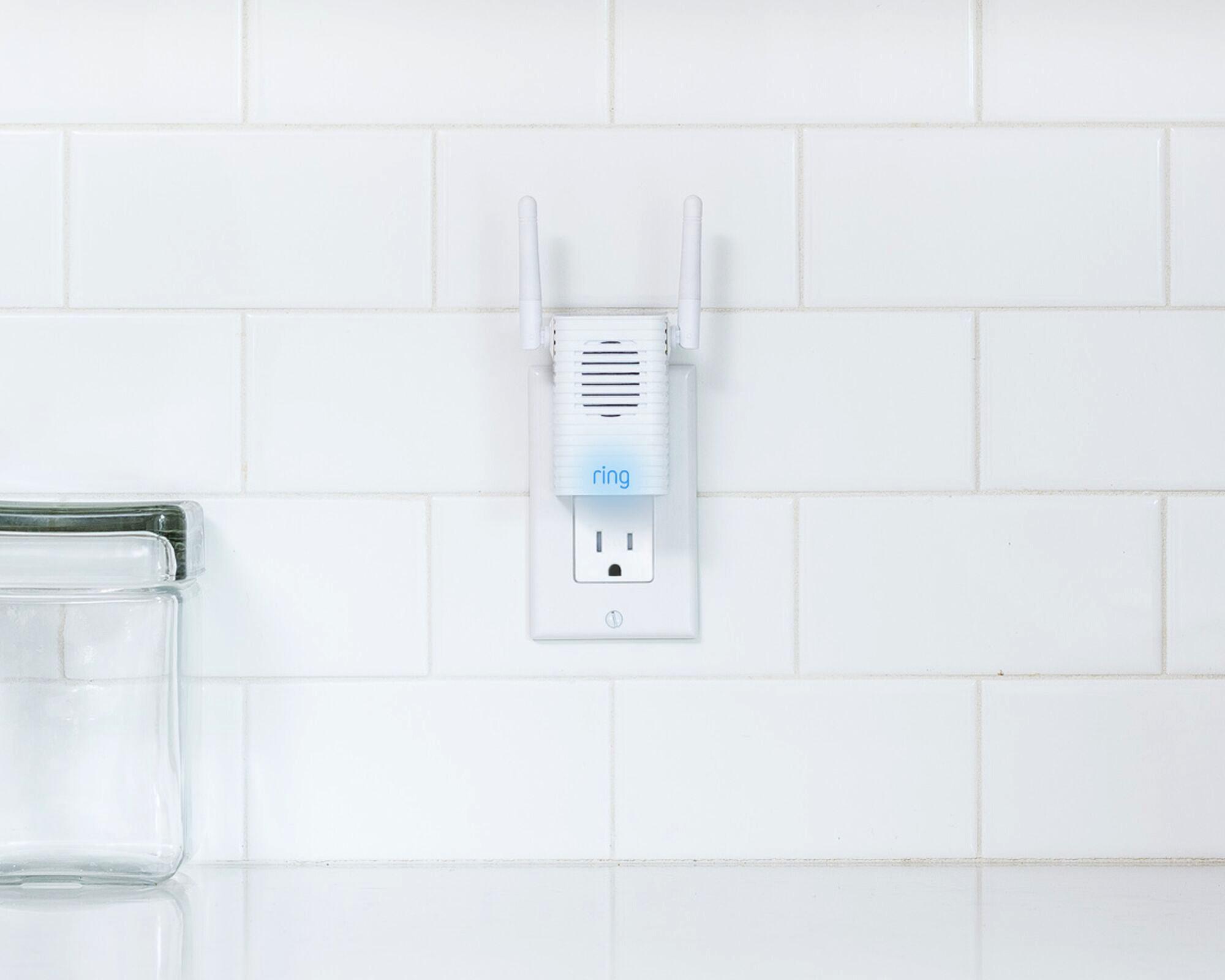
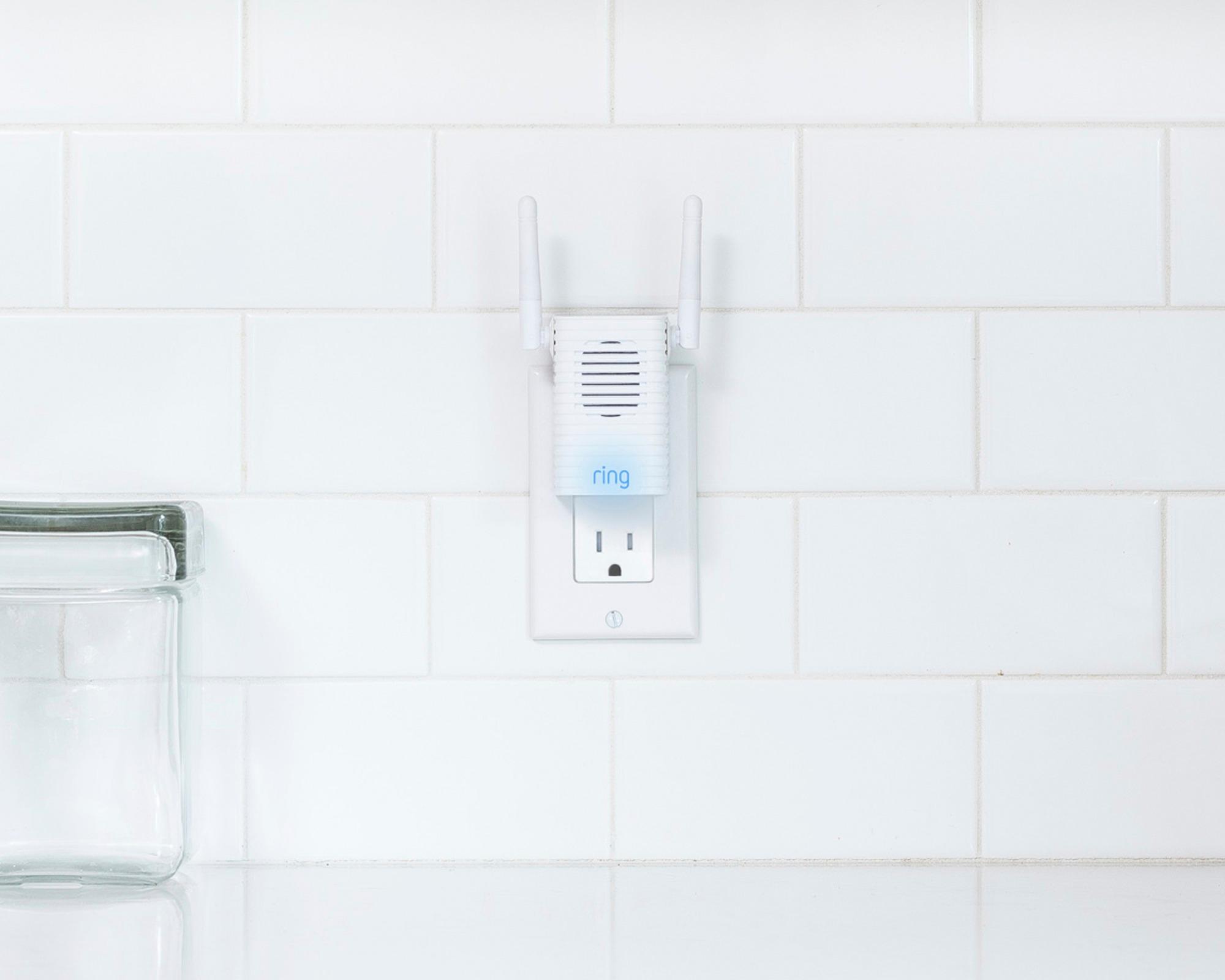
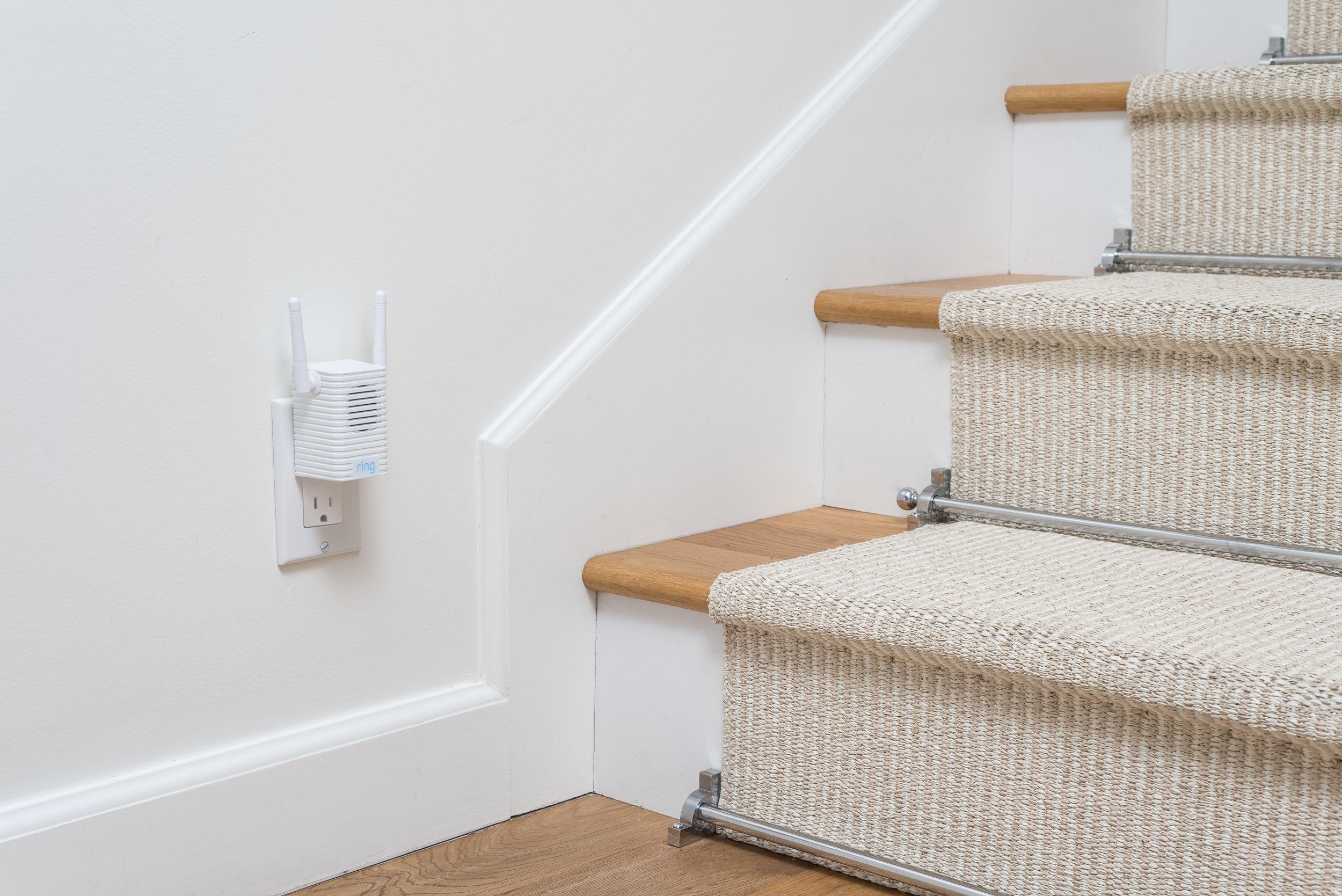
For best streaming performance, we recommend that your Ring device is no further than 30 feet from your router. Do you currently have our Ring Chime Pro? The Ring Chime Pro extends your Wi-Fi and increases the signal strength and coverage area of your network. With proper setup, your Ring Chime Pro should improve the signal received by your Ring device and overall device performance.
If you would kindly email me directly at [email protected] I would be more than happy to assist you further.
Thanks,
Kaitlyn R., Neighbor Satisfaction Specialist
[email protected]
A:AnswerI wouldn’t even bother with a WiFi extender system as your WiFi quality gets watered down the further the extenders get from the main router “.
A:AnswerUnless I am mistaken the 2.4ghz band signal travels further than the 5.0ghz signal, while the 5.0ghz is faster but does not reach as far. Some devices have automatic band switching, so that the best signal is chosen by the device in use. I think only recently Ring might have started using dual band in some of their devices, but when I bought my Ring doorbell and accessories about 2 yrs ago they only used the 2.4ghz band. If you are having signal strength issues you might try a Ring chime extender, or call the Ring Help line for suggestions. They have been very helpfull the times I called them.