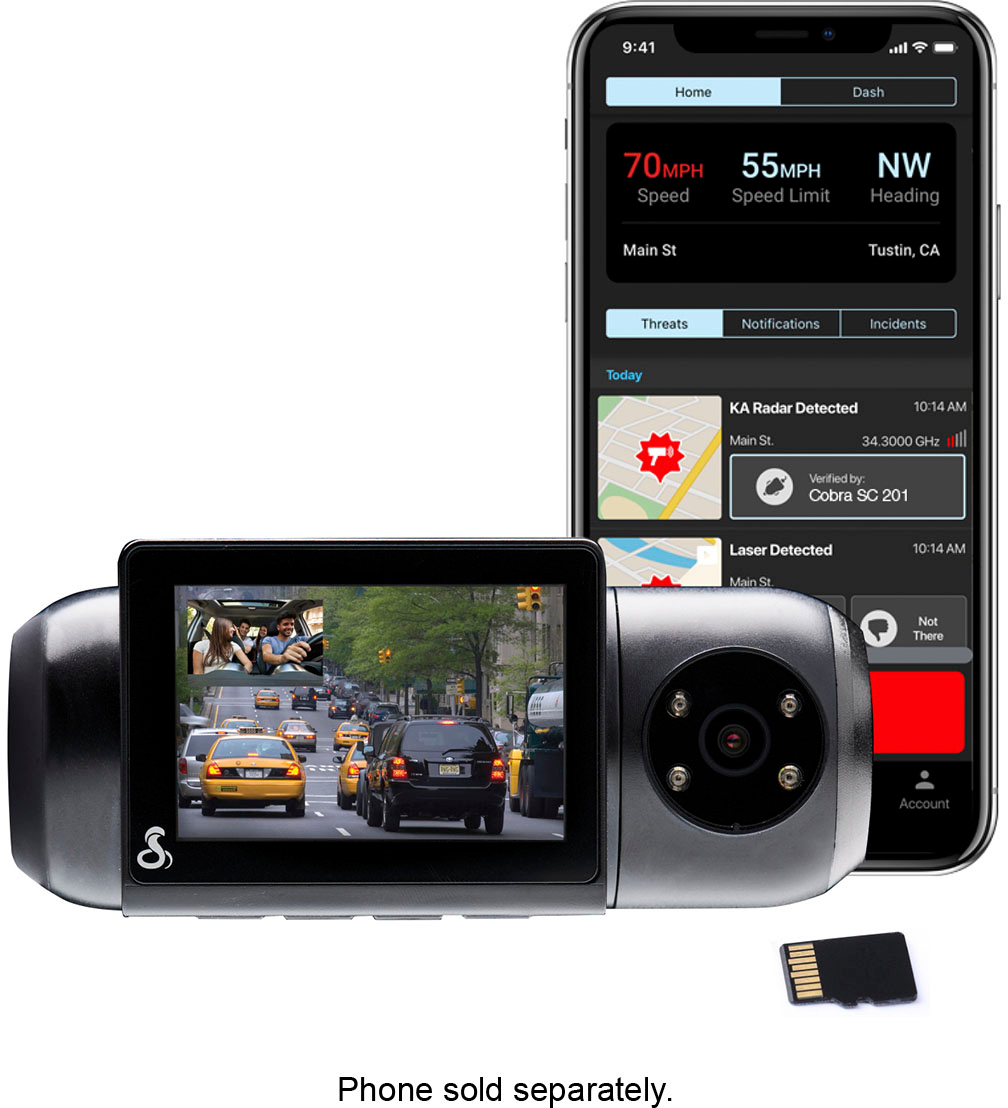
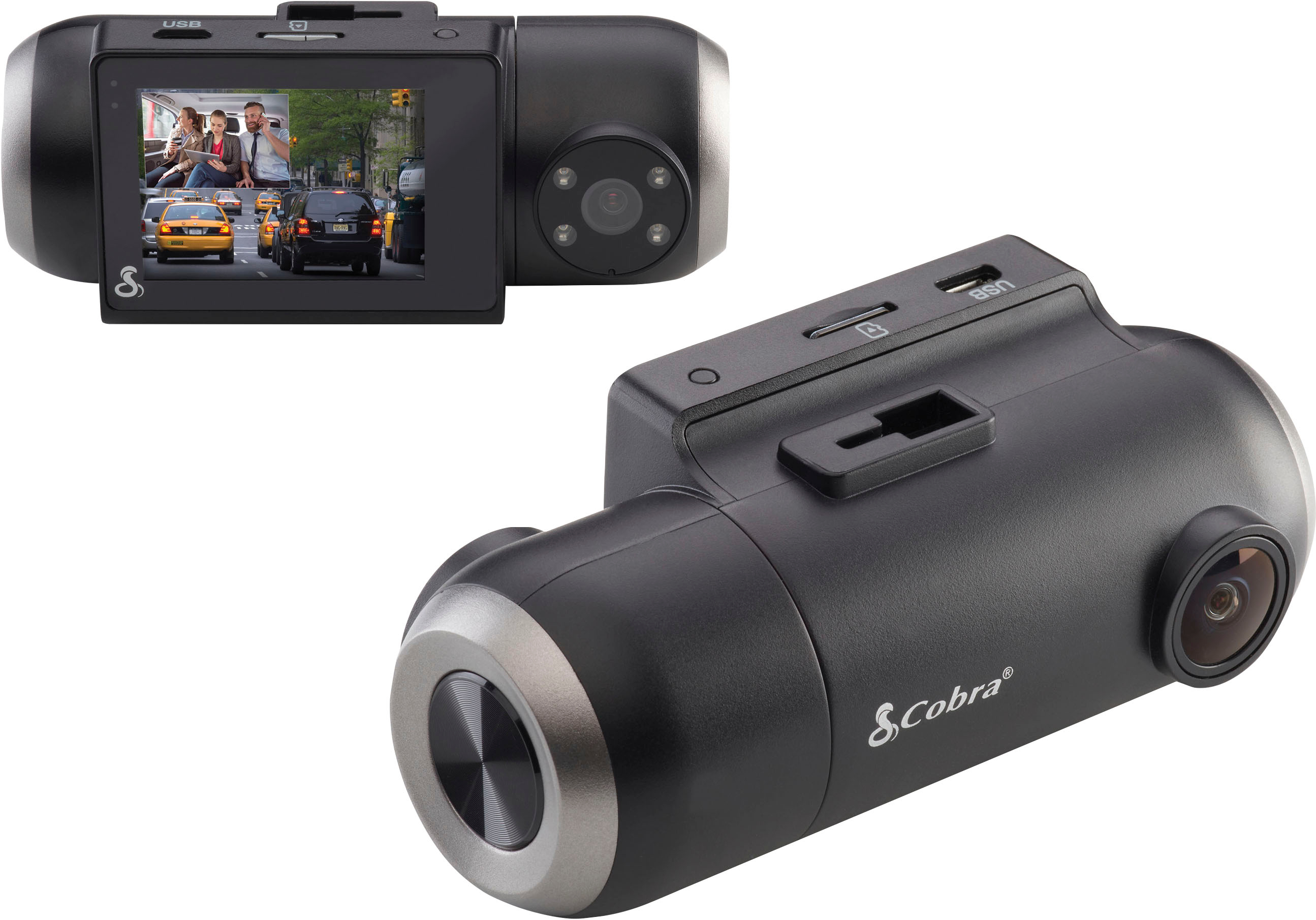
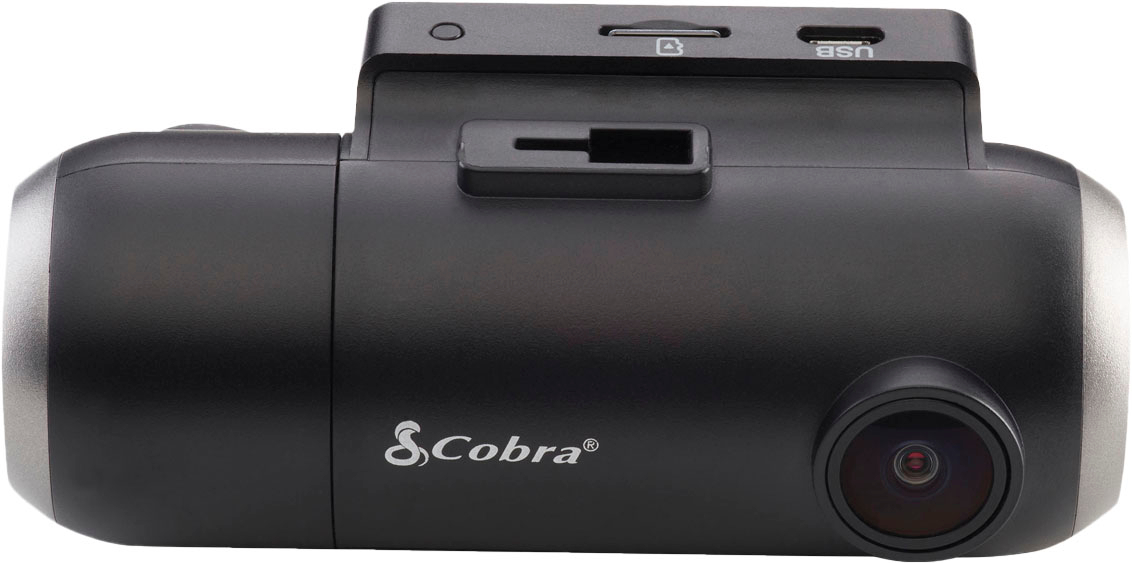
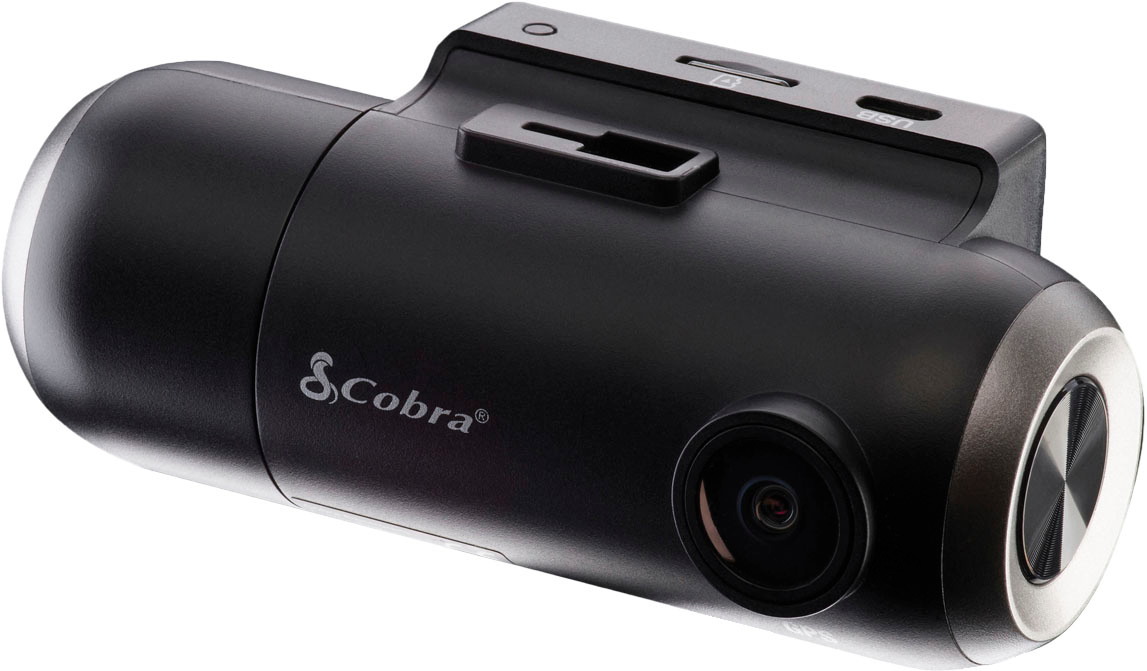
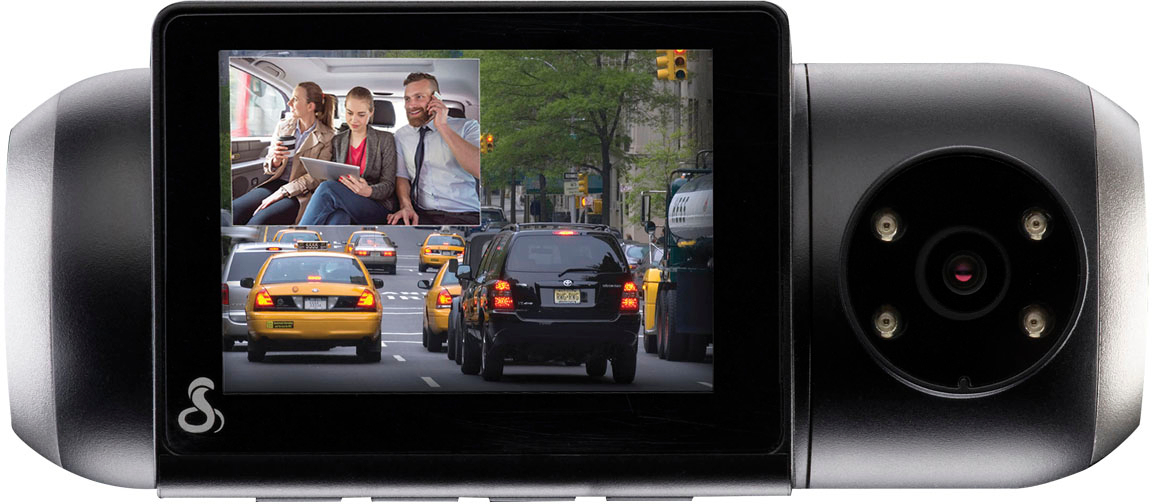
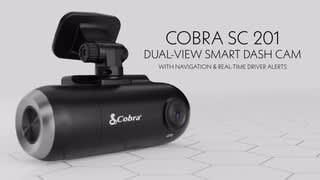
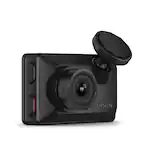
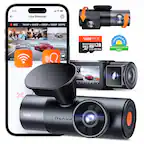
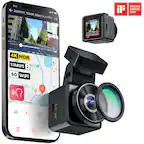
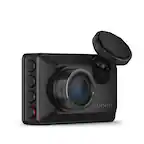
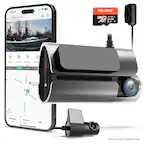
A:AnswerYou can't turn off the cabin camera at this time, but you can change the display on the camera to not show the Cabin view camera. You can also rotate the camera to record across the street.
A:AnswerYour SC201 should be saving preference settings correctly. Reminder, you can change all of the settings on the camera itself if you're having trouble changing it with the app.
Cobra Team
A:AnswerGood question. I don’t think it can be done. Also never considered that because it would defeat the purpose of having a dashcam if one were to remove it. That being said, I still have to get the cable to ensure recording while my car is on parking mode.
A:AnswerThis camera will record without Bluetooth on when your ready to transfer the videos to your phone you connect through Bluetooth and transfer through the app
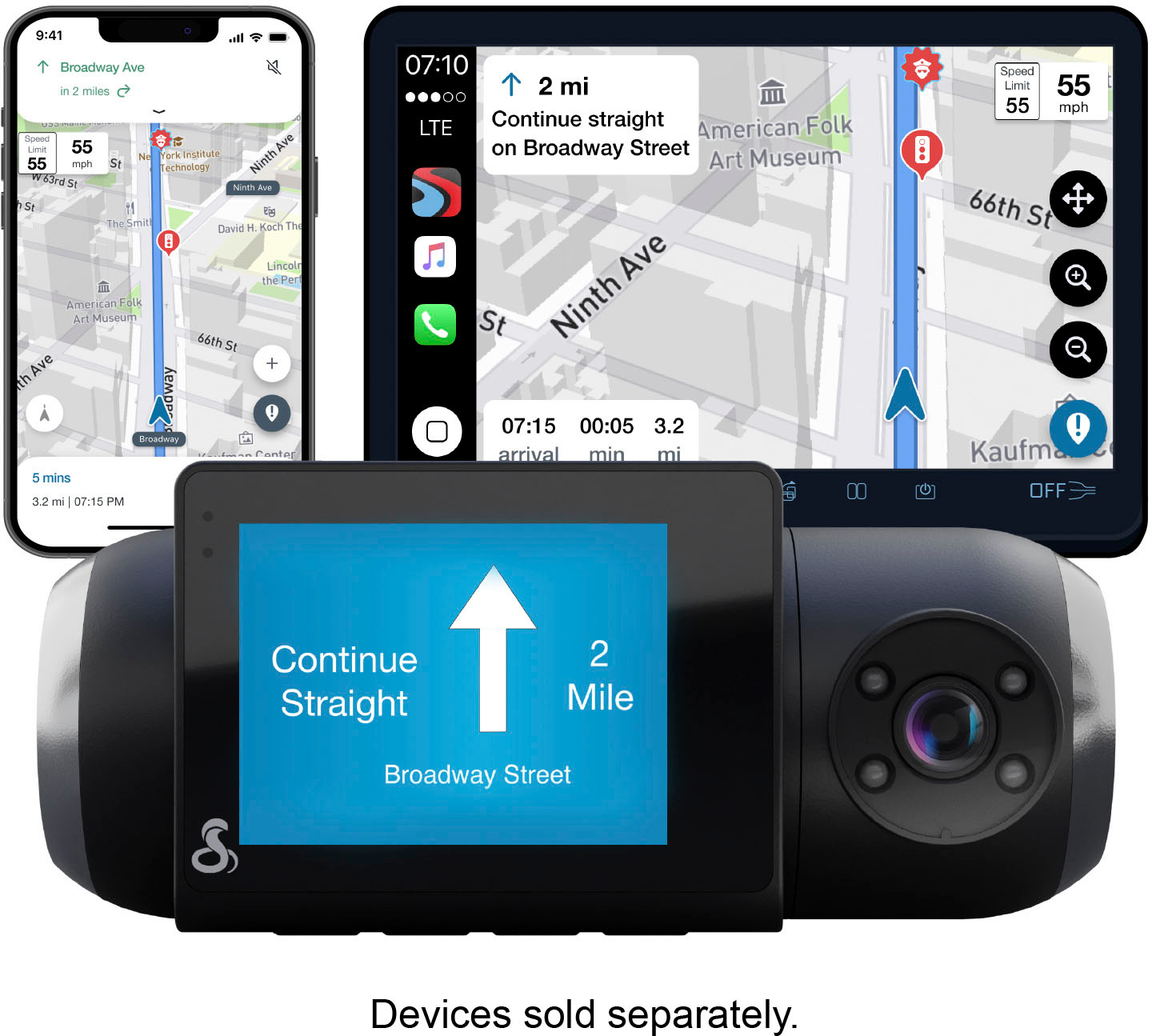
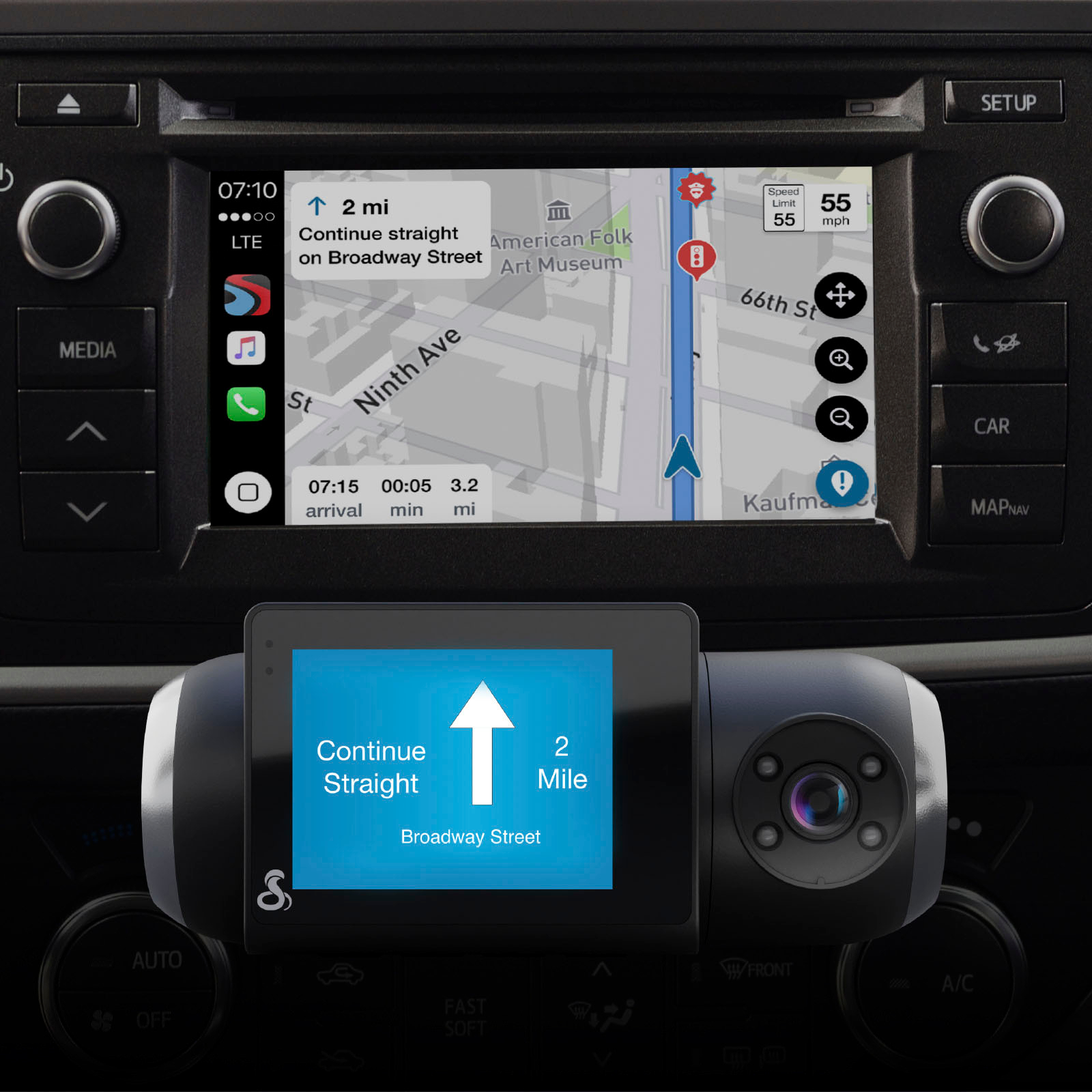
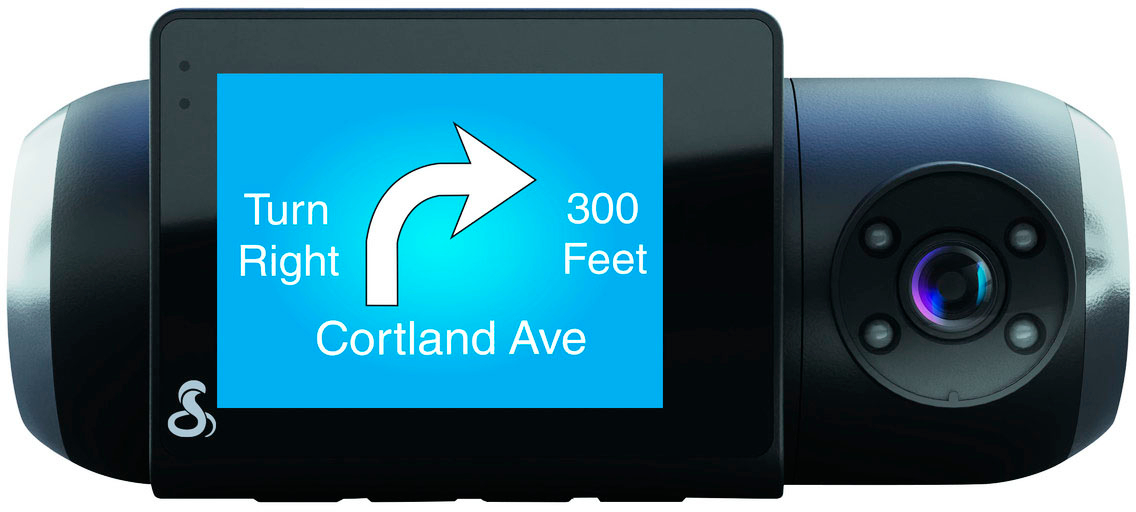
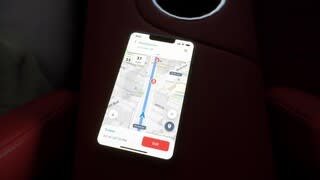
A:AnswerI have the same issue with mine also. No looking glass in the app to type in an address and when I long press and select the option to start navigation the turns don't show up on my camera! This camera sucks and so does the app!