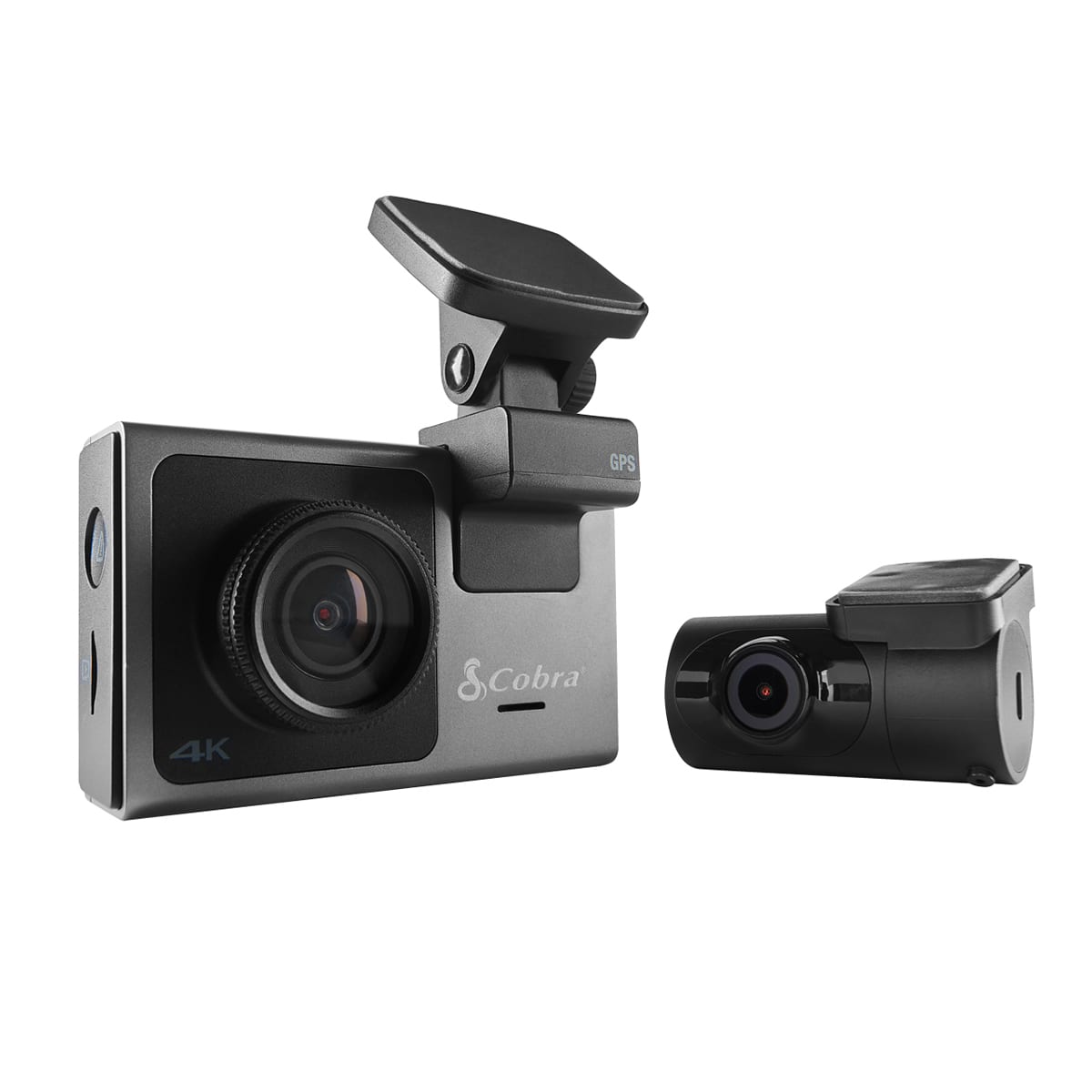
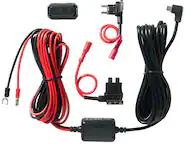
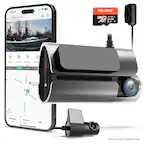
A:AnswerThank you for your question. Please make sure your connections are secure and are not damaged. Also, make sure your camera is on the latest version of firmware. Please see the included link for more information. If these steps do not resolve the issue, please contact us for further troubleshooting at 800-543-1608 -- https://www.cobra.com/pages/software-downloads
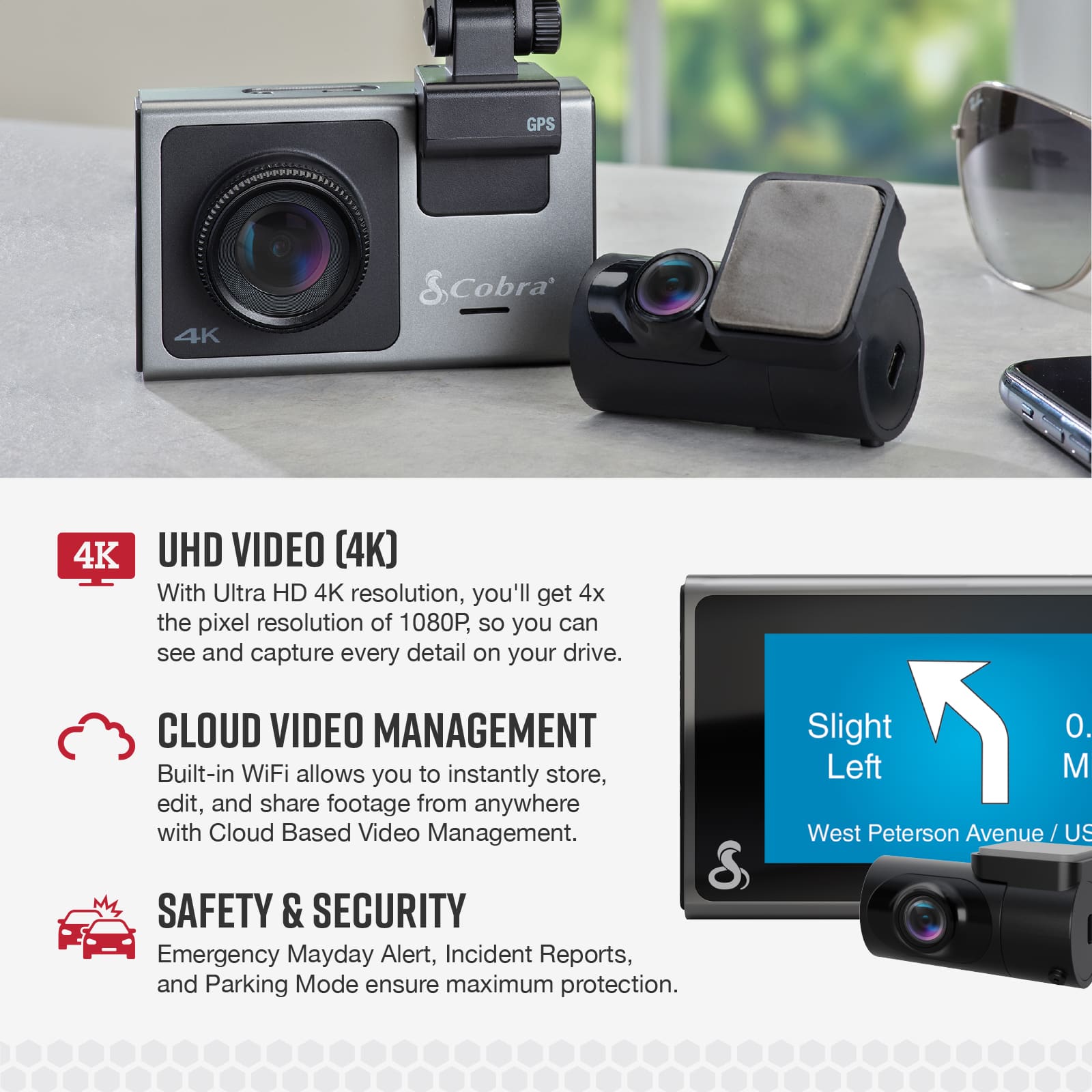
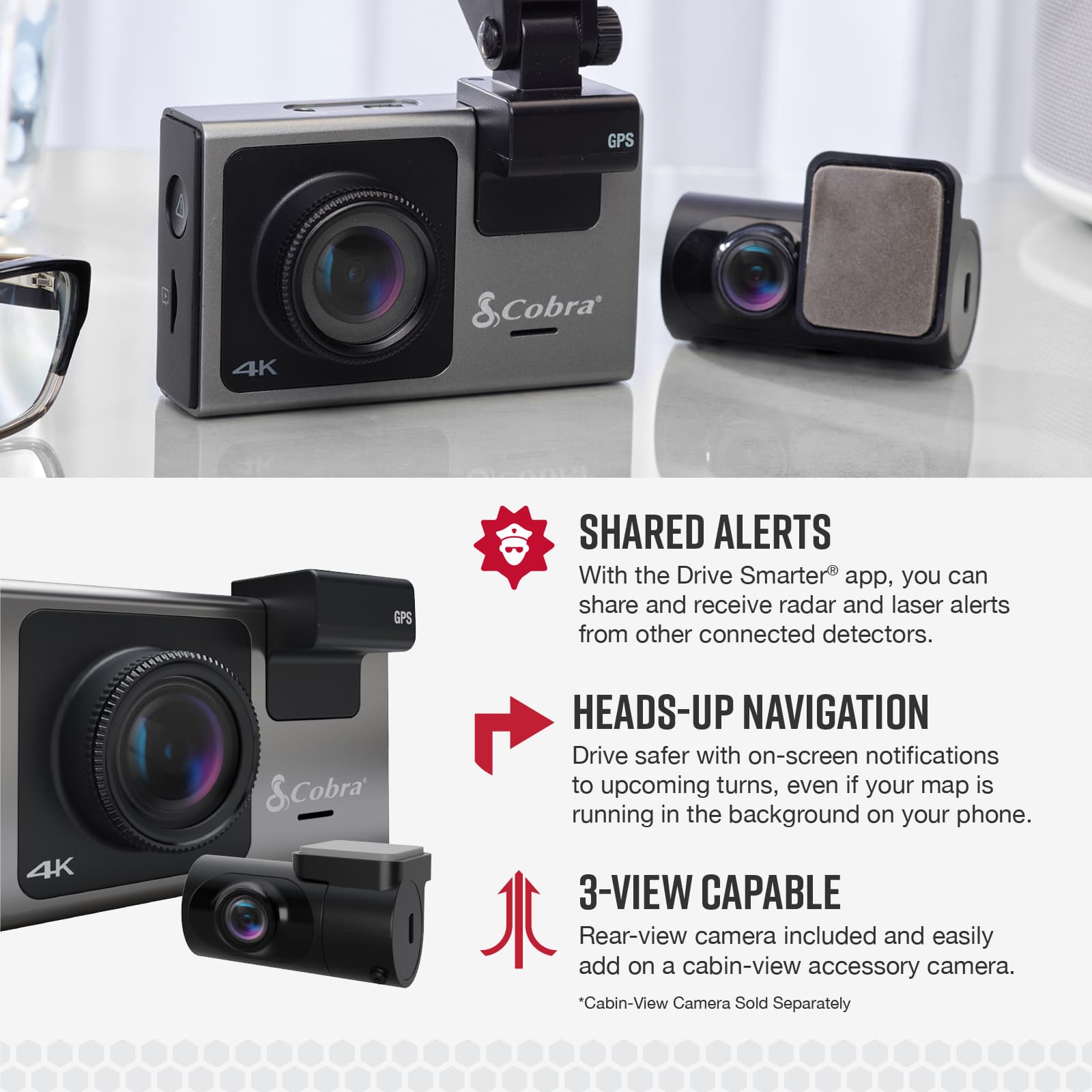
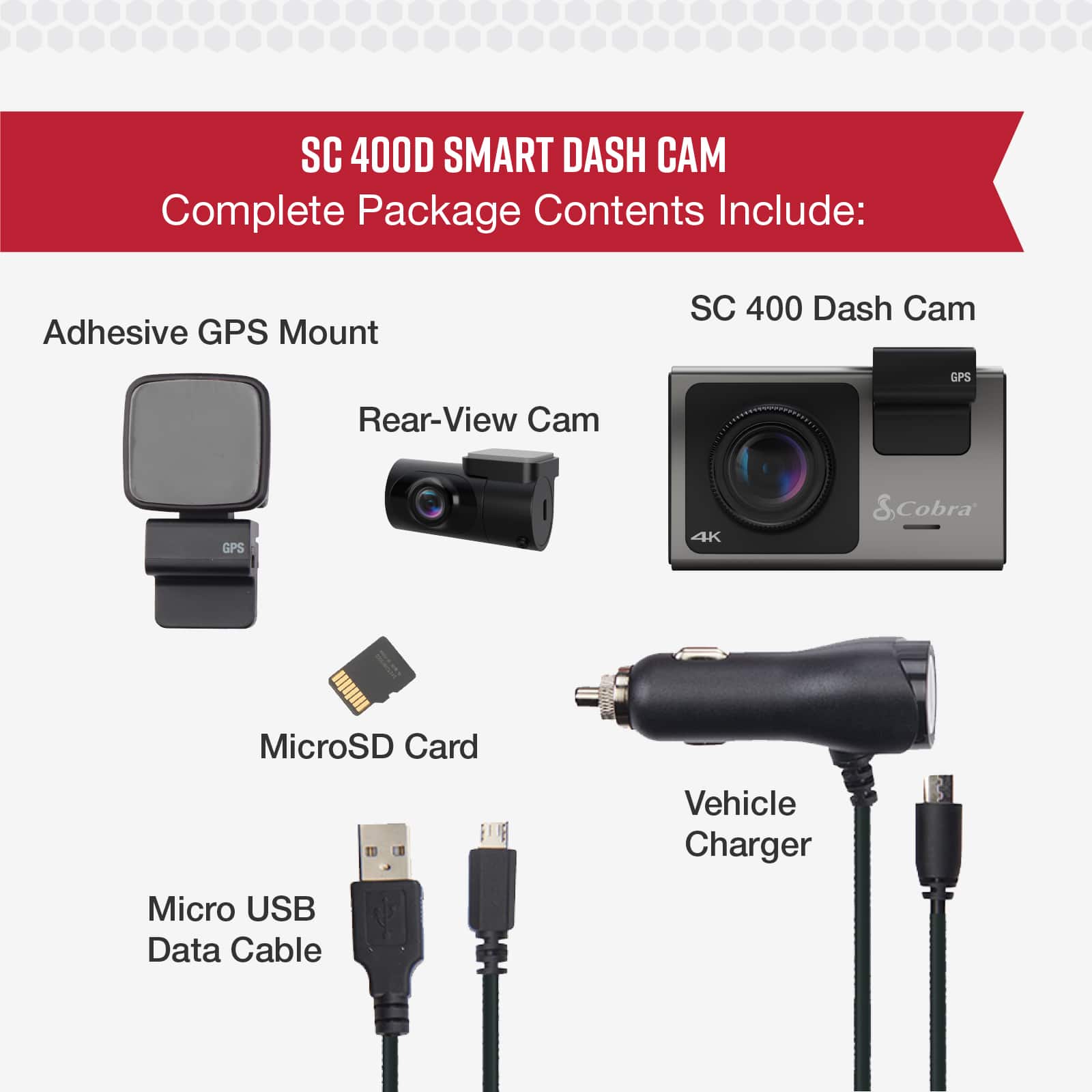
A:AnswerThank you for your question. Only one rear-view camera can be connected to the front-view camera. You can also add our cabin-view camera for interior recording. If you have any questions, please contact us at 800-543-1608.
A:AnswerThank you for your question. Rear window defoggers typically should not have a direct impact on adhesives, provided that the adhesive is applied correctly.
A:AnswerThank you for your question. There is no specific lifespan for these dash cameras, as they are designed to be durable and long-lasting. If you are experiencing any issues, please check for available firmware updates. For further assistance, please contact us at 800-543-1608. Additionally, the SC 400D comes with a 1-year warranty.
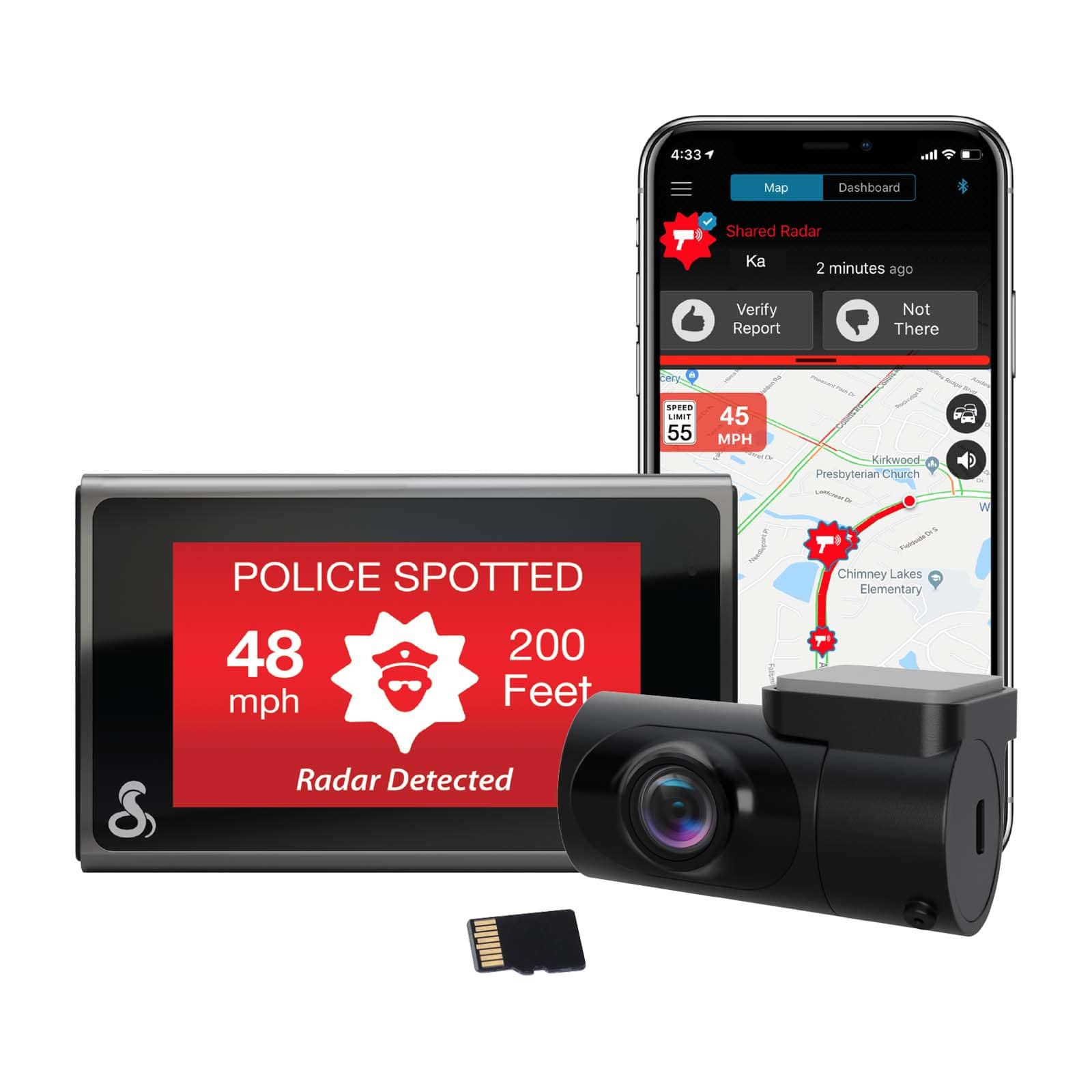
A:AnswerThank you for your question. Hardwiring is achievable in most vehicles. However, it is always recommended to check with an installer to get more details on your vehicle's specifications and ensure that hardwiring is feasible.
A:AnswerThank you for your question. The SC 400D does record voice. The microphone can be enabled or disabled via settings or on the main screen. When disabled your recorded videos will be silent.
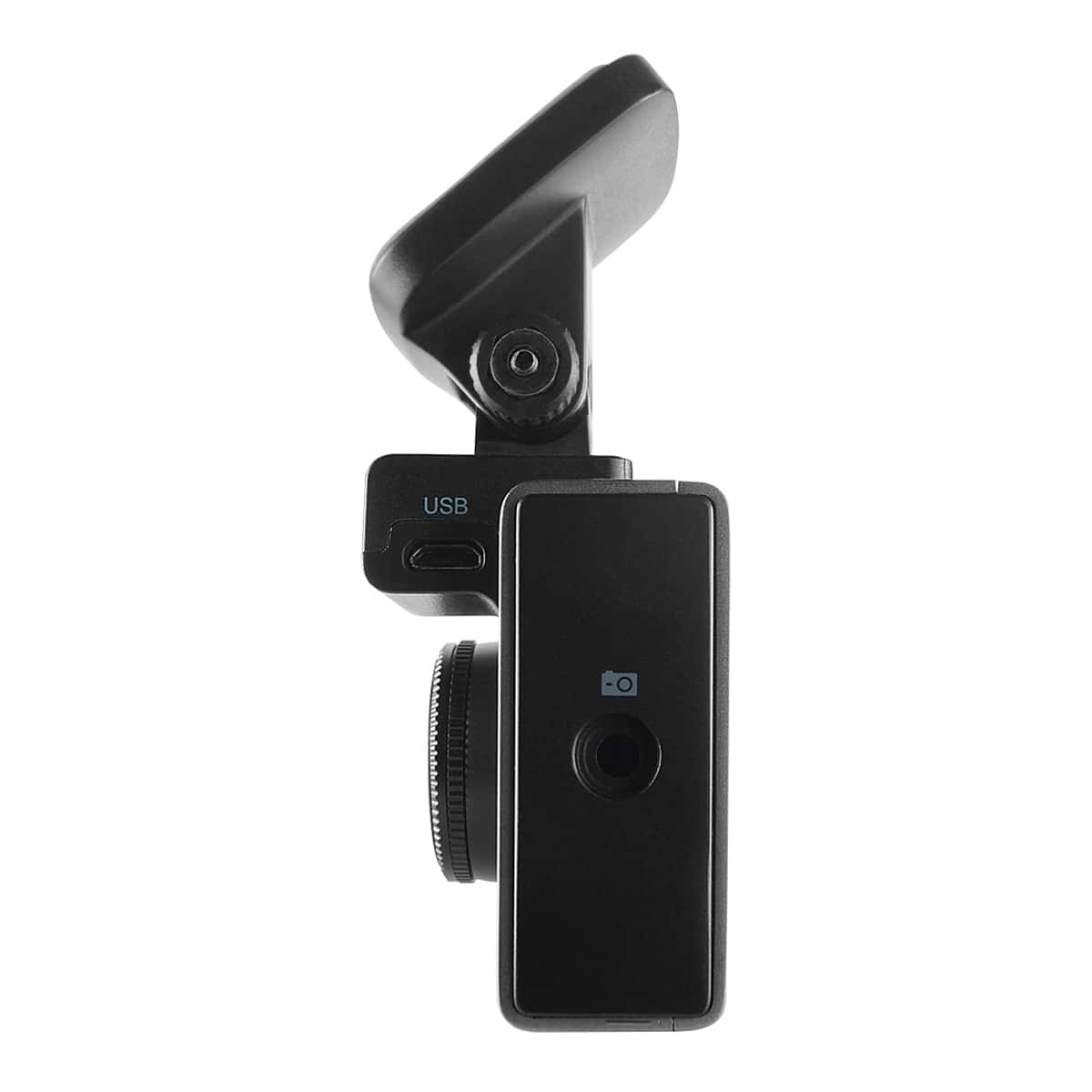
A:AnswerThank you for your question. You should use the micro USB port on the window mount for power, as it is designed to supply the full power amount to the camera, and also it contains the GPS module which would be not be functional if powering from the camera and not the window mount. The micro USB port on the camera is designed for transferring data directly to a computer, and manually updating firmware. We hope this helps.