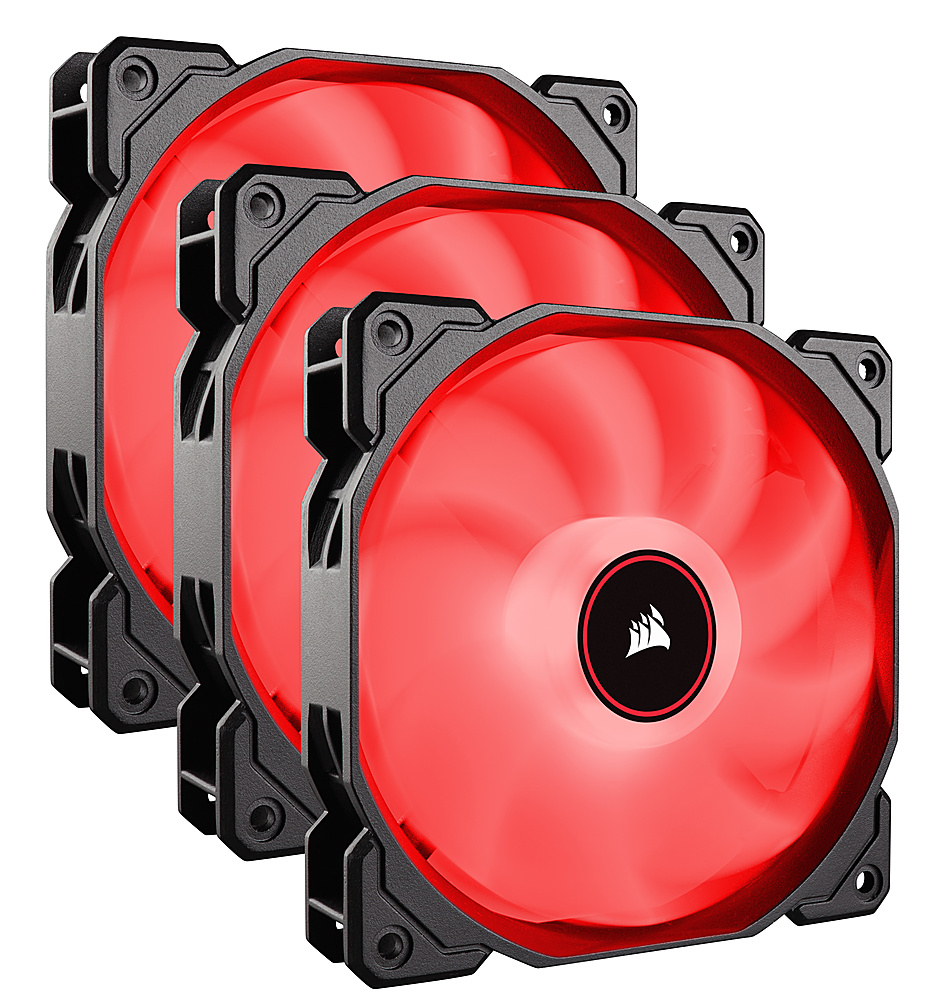
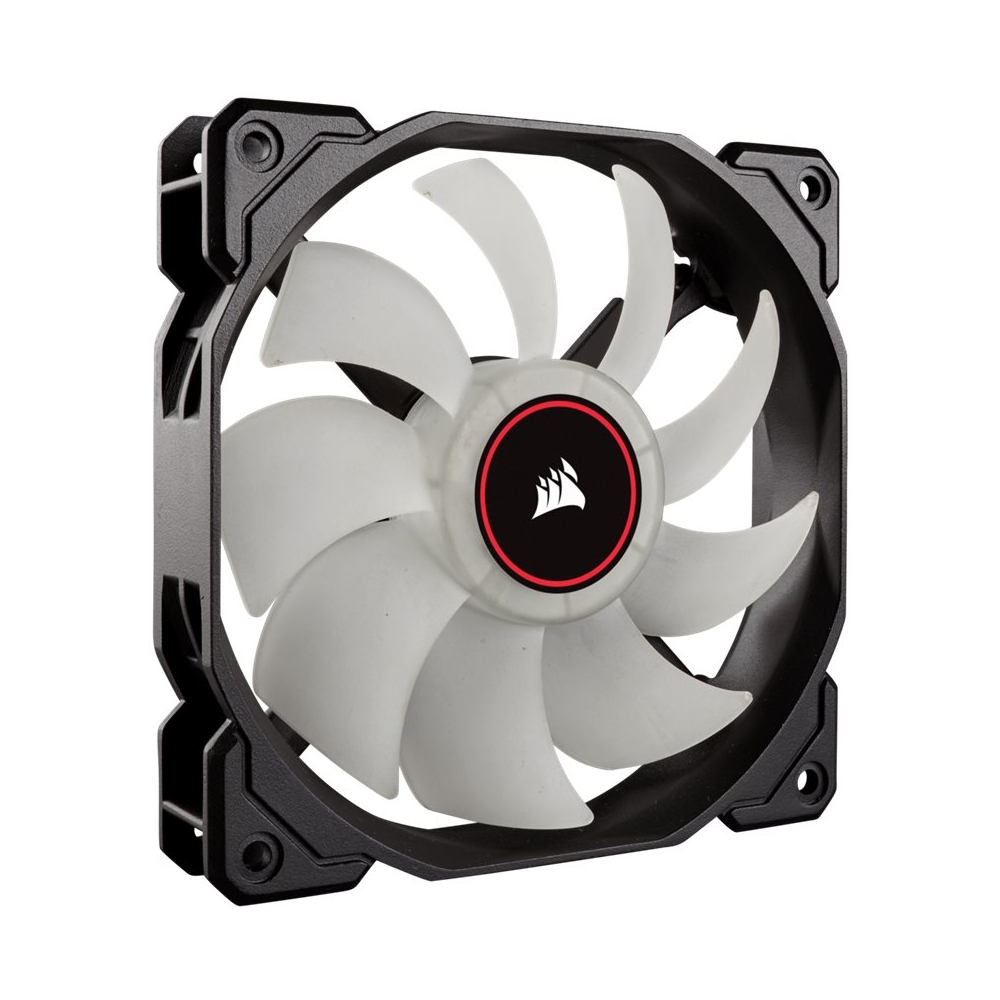
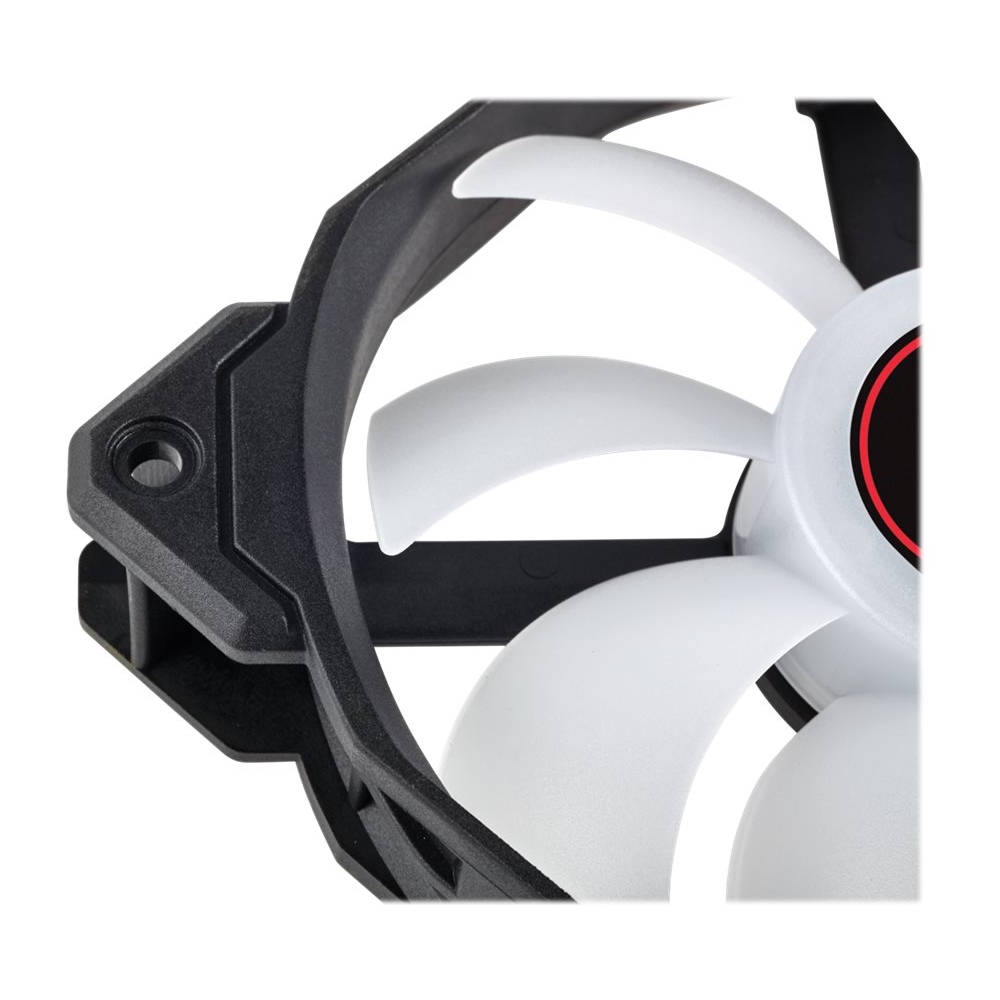
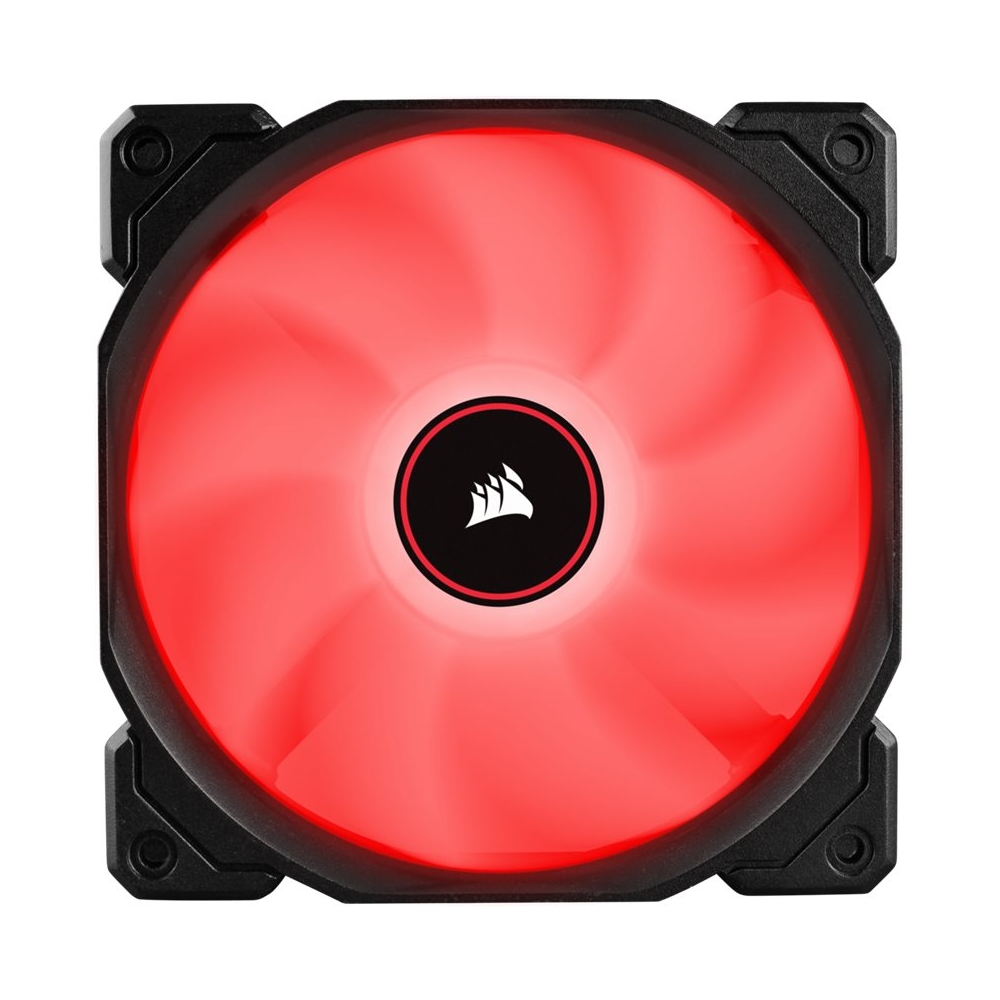
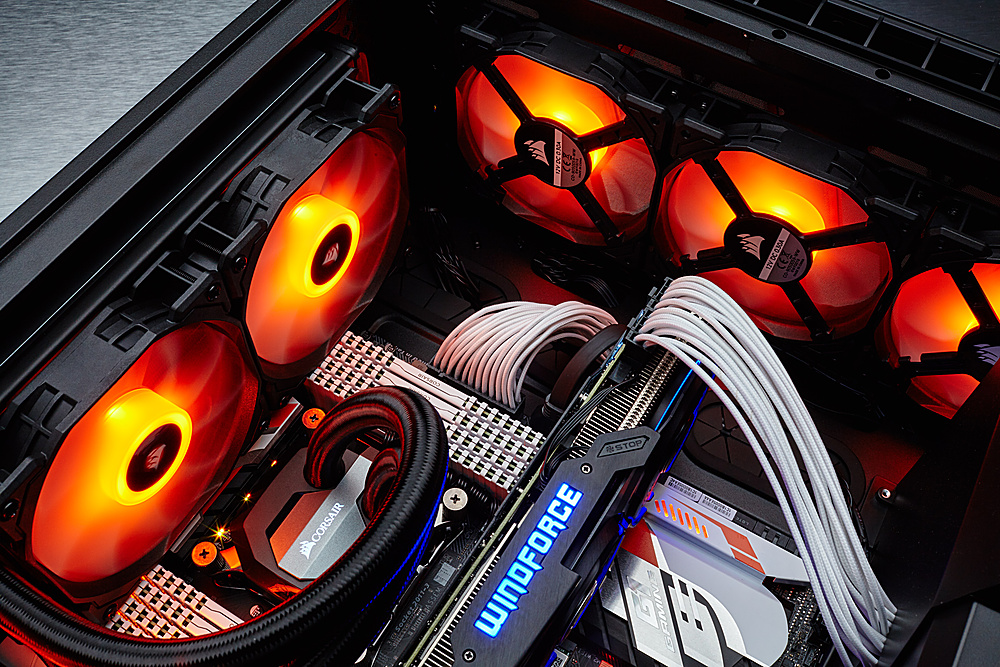
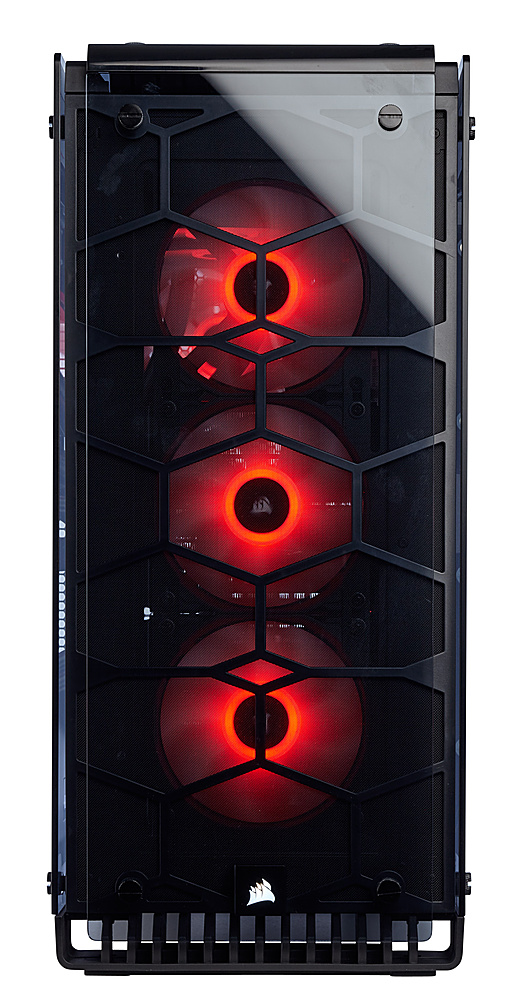
A:AnswerThese fans are 3 pin to answer your question, but they can be plugged into 4 pin fan slots on your motherboard. I’m not sure how many slots that motherboard has but almost all motherboards do support at least 3 system fans (not including the cpu fan). I attached an image of what mine look like while connected to my 4 pin slots, even though they’re 3 pin connectors they’re working fine.
A:AnswerThis is the fan splitter I bought from Amazon
Cable Matters 2-Pack 3 Way 4 Pin... https://www.amazon.com/dp/B07PXLHNZ6?ref=ppx_pop_mob_ap_share
A:AnswerI haven’t found a need for a remote or software, you pretty much just plug them in and turn the computer on and the fans default to whichever color fan you bought.
A:AnswerThey definitely do. I got the CORSAIR - Commander PRO Hardware Controller. The Icue software let's you set the lights on quiet, medium and high speeds.
A:AnswerHello,
It'd be 3: https://www.corsair.com/us/en/Categories/Products/Fans/AF-LED-Low-Noise-Cooling-Fan/p/CO-9050084-WW
If you have anything else we can help with, please reach out: support.corsair.com
-Art
A:AnswerHi Bubby,
If you're asking if you can replace those fans with these, then just make sure that those are 120mm as well or you have 120mm mounting for them.
If you have any other questions, please reach out: support.corsair.com
A:AnswerYes. the fans come with a 3 pin connector, you need to make sure your motherboard has the necessary plugins to connect all 3 fans, other wise you will need to use a spliter