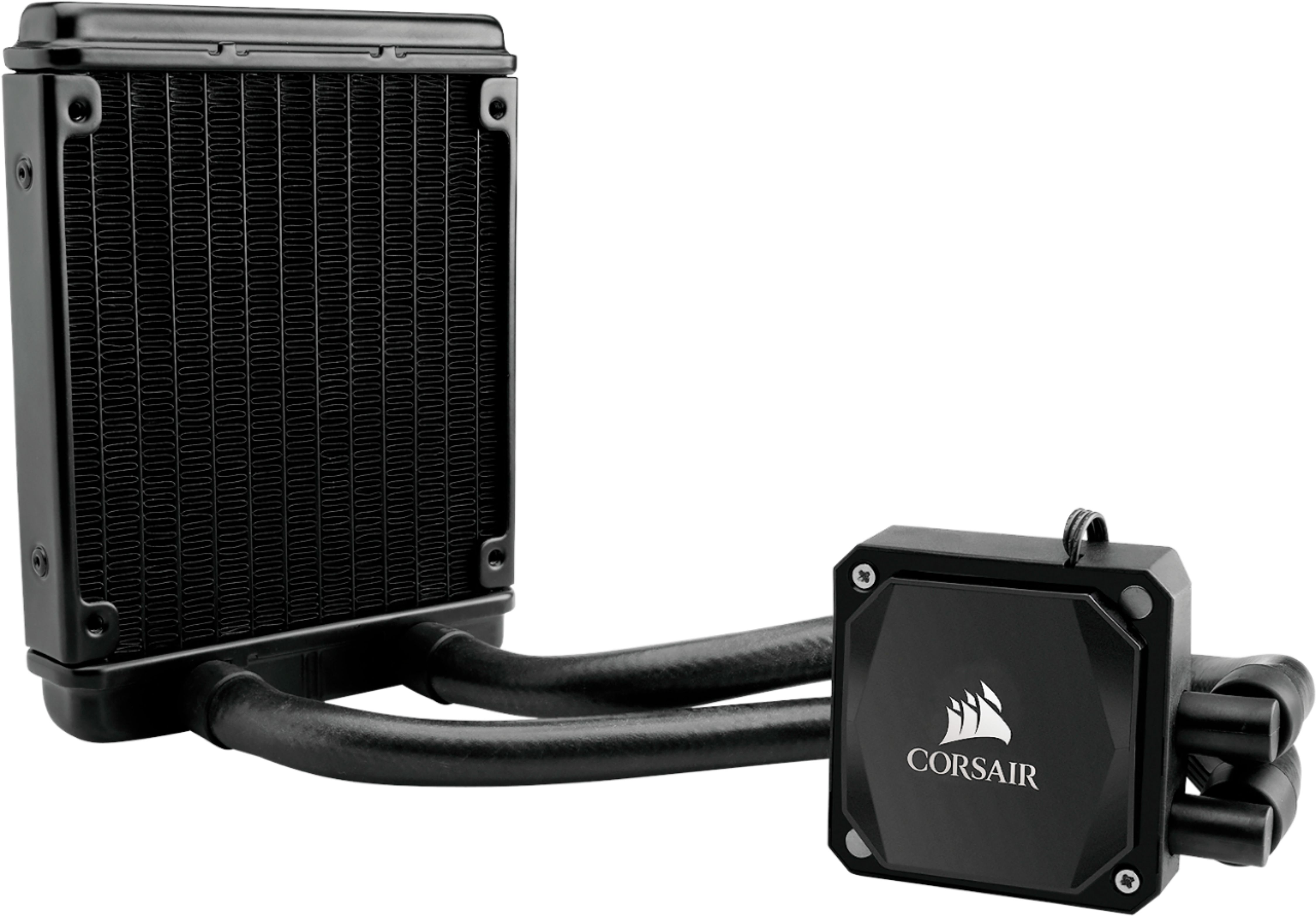
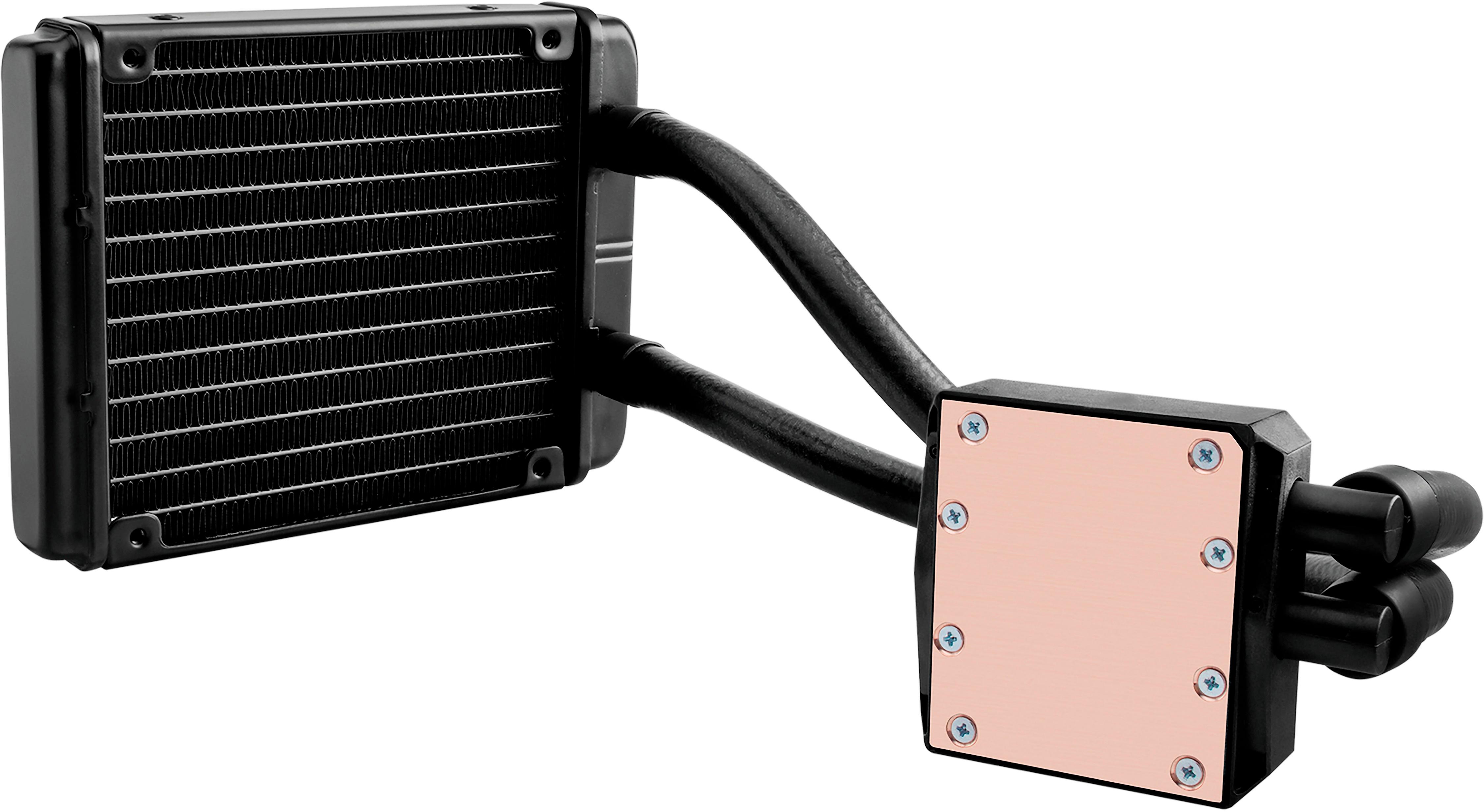
A:AnswerThis is a SLIGHTLY older version which appears to be compatible with LGA1156, AM2, LGA1366, AM3, LGA1155, LGA2011, FM1, FM2, LGA1150, LGA2011-3 and AM4 sockets.
I had to return and reorder the SLIGHTLY newer version directly from Corsair because I made this exact mistake - note the list does not support LGA1151 sockets.
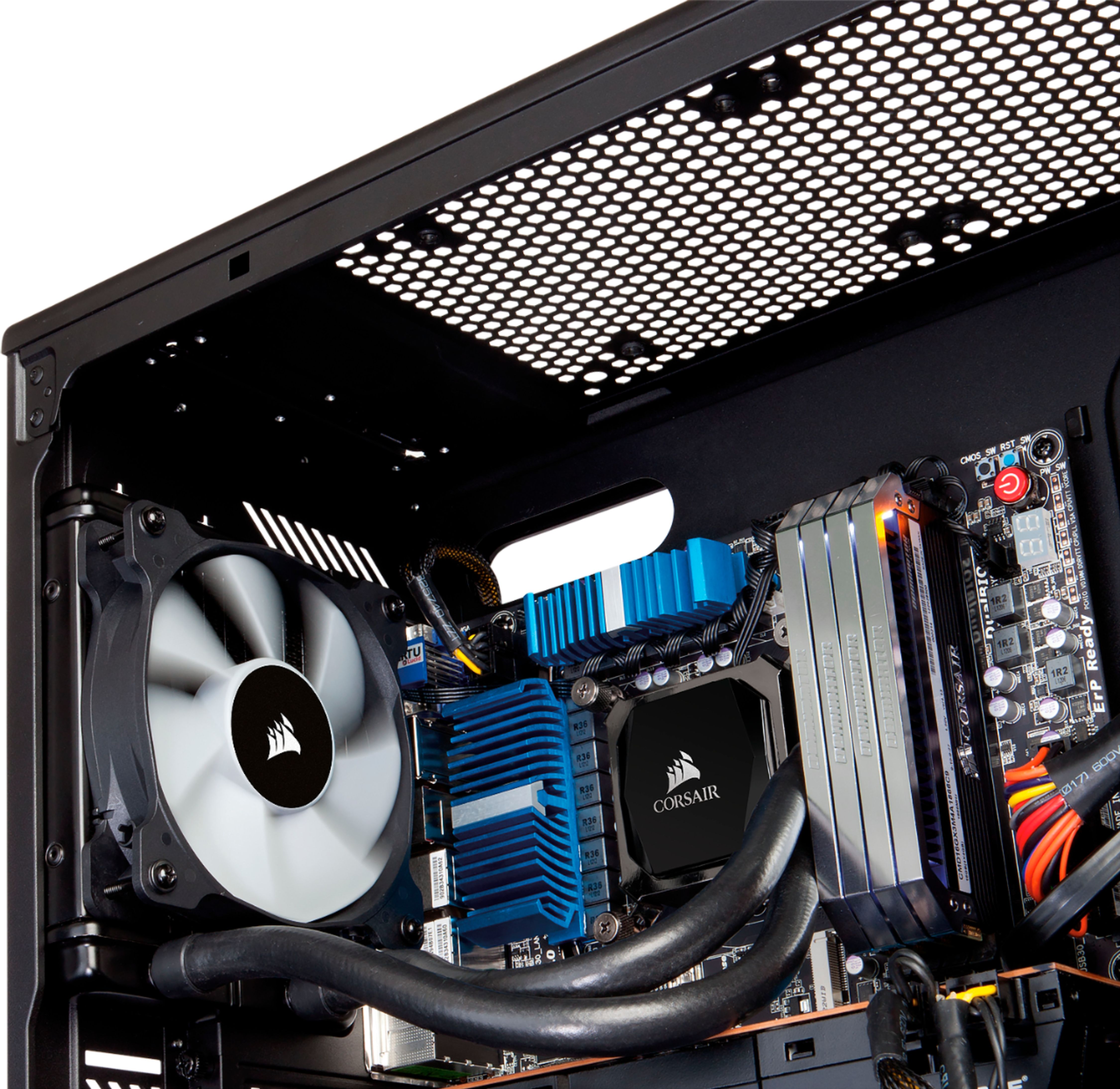
A:AnswerYes it works without issue other than the cooling tubes are a little on the stiff side. I installed it on a Ryzen 7 using an AORUS mother board. I used a full sized cabinet so it was somewhat easier I believe than on a mid-tower.
A:AnswerIt works well in the 30 L if applied correctly. I put it in my 30L Ryz7 Gtx 2060 and the temps have dropped 30c. I recommend, although you may have found out by now.
A:AnswerHi,
It is not, this one would be the 2018 version: https://www.corsair.com/us/en/Categories/Products/Liquid-Cooling/Single-Radiator-Liquid-Coolers/Hydro-Series%E2%84%A2-H60-%282018%29-120mm-Liquid-CPU-Cooler/p/CW-9060036-WW
If you have any other questions, please contact us: support.corsair.com
A:AnswerHi Crepus,
This cooler supports the mounting on to Intel i7 10th Gen CPUs. If you need any assistance with installation, please feel free to contact our support team: support.corsair.com
-Brian
A:AnswerHi,
To sufficiently cool your i7-12700K, it would be recommended to use our H100i/H115i/H150i/H170i coolers. If you plan to do any overclocking, the H150i/H170i would be even more ideal. Make sure you check your case's radiator mounting support! If you have any questions, we'd be happy to help: support.corsair.com
-Albert
A:AnswerHi hellfireplague,
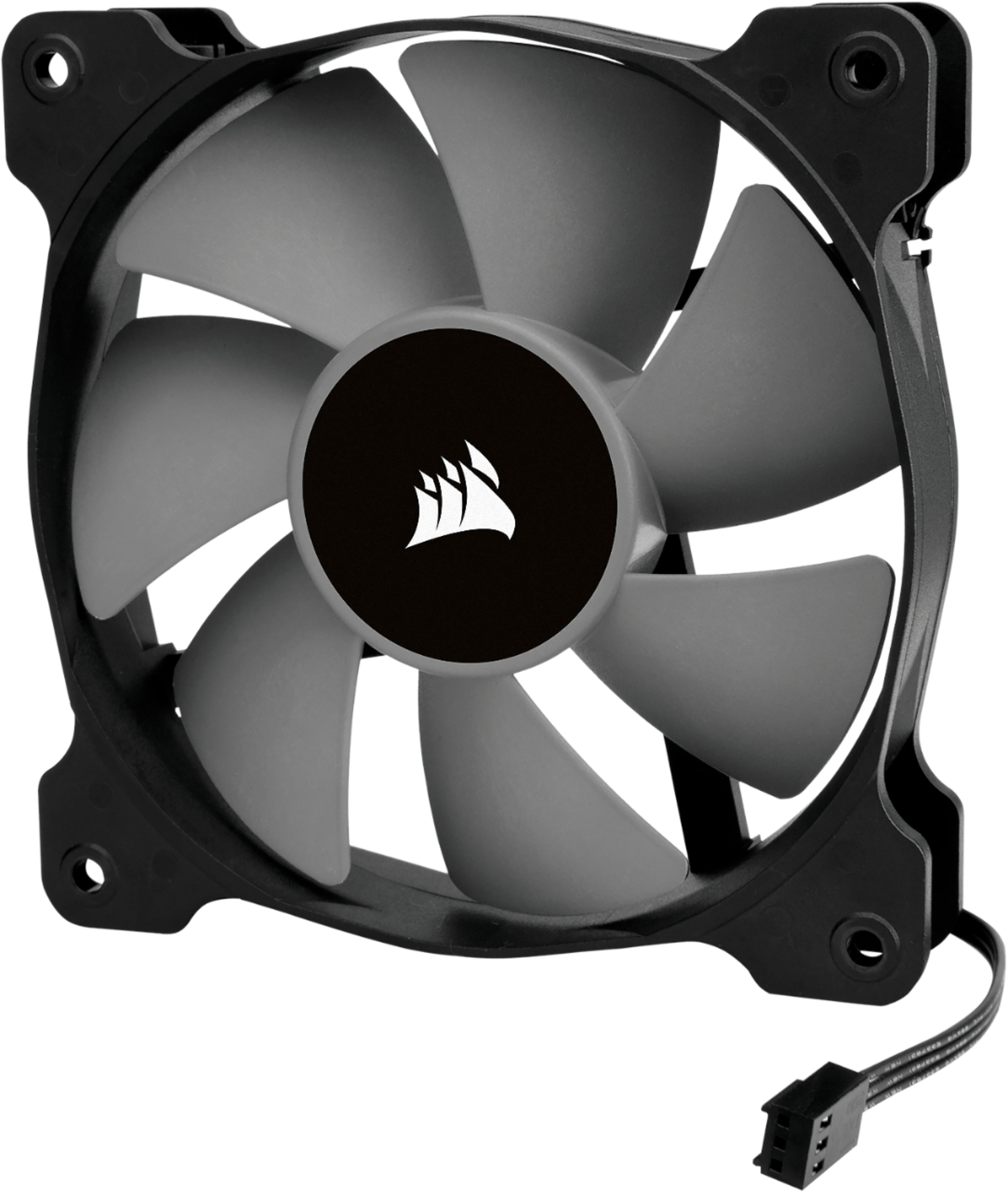
You may run into fitment issues if there isn't enough clearance there. We recommend you reach out to ASUS to determine how much clearance you have and to get the recommended thickness of the fan that could fit.
-Brian
A:AnswerHi,
This AIO should be compatible with that motherboard since it has an LGA 1151 socket, however
I would contact ASRock or iBUYPOWER to verify that motherboard will be able to use the traditional LGA 1151 bracket. Full list of compatible sockets:
Intel: 1200, 1150, 1151, 1155, 1156, 1366, 2011, 2066
AMD: AM3, AM2
If you have any additional questions, we'd be happy to help: support.corsair.com
-Albert
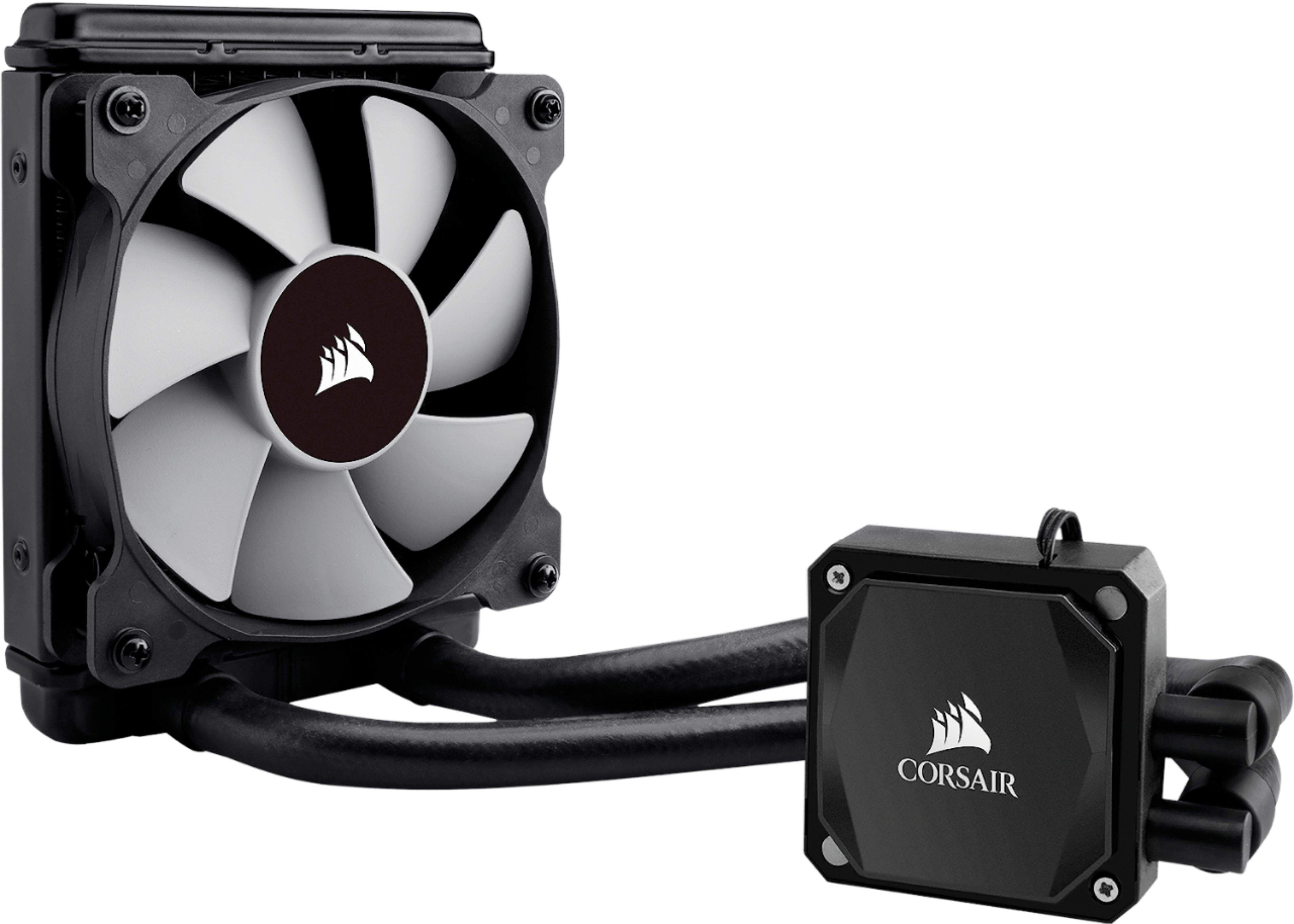
A:AnswerYes you can and actually they give you a intel mounting bracket specific to your intel processor. But if you have an amd you still use the intel mounting bracket. I wish someone told me that before it took me an hour to figure it out. This will work great for you.
A:AnswerIt has two 3 pin connections. One for the plate that plugs into where your old cpu fan is plugged into. The second is for the fan that plugs into any available 3 or 4 pin connection.
A:AnswerIt is but you have to factor in store supply. Most stores I've been to has had the new version on the shelf in place of the older version. Same price