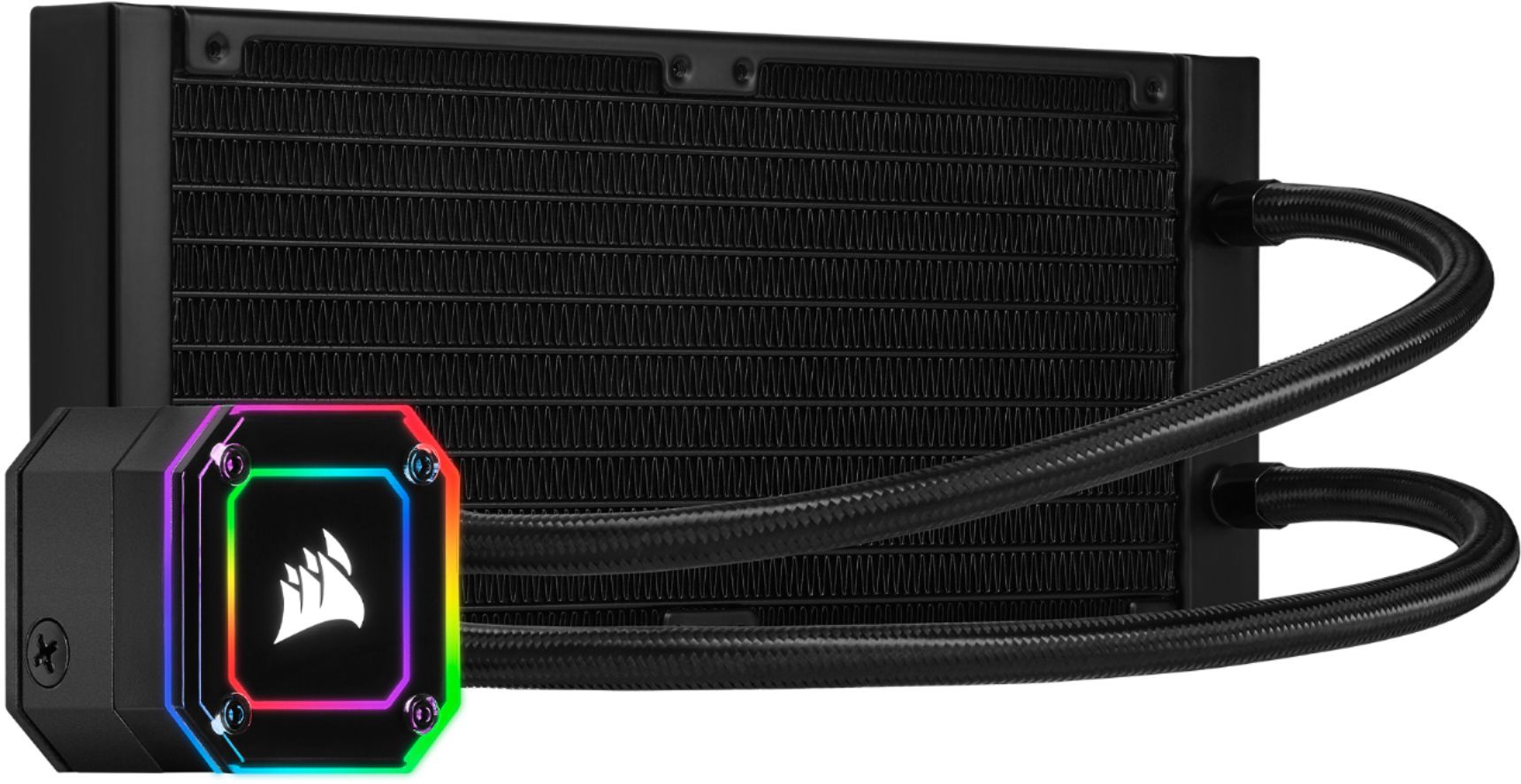
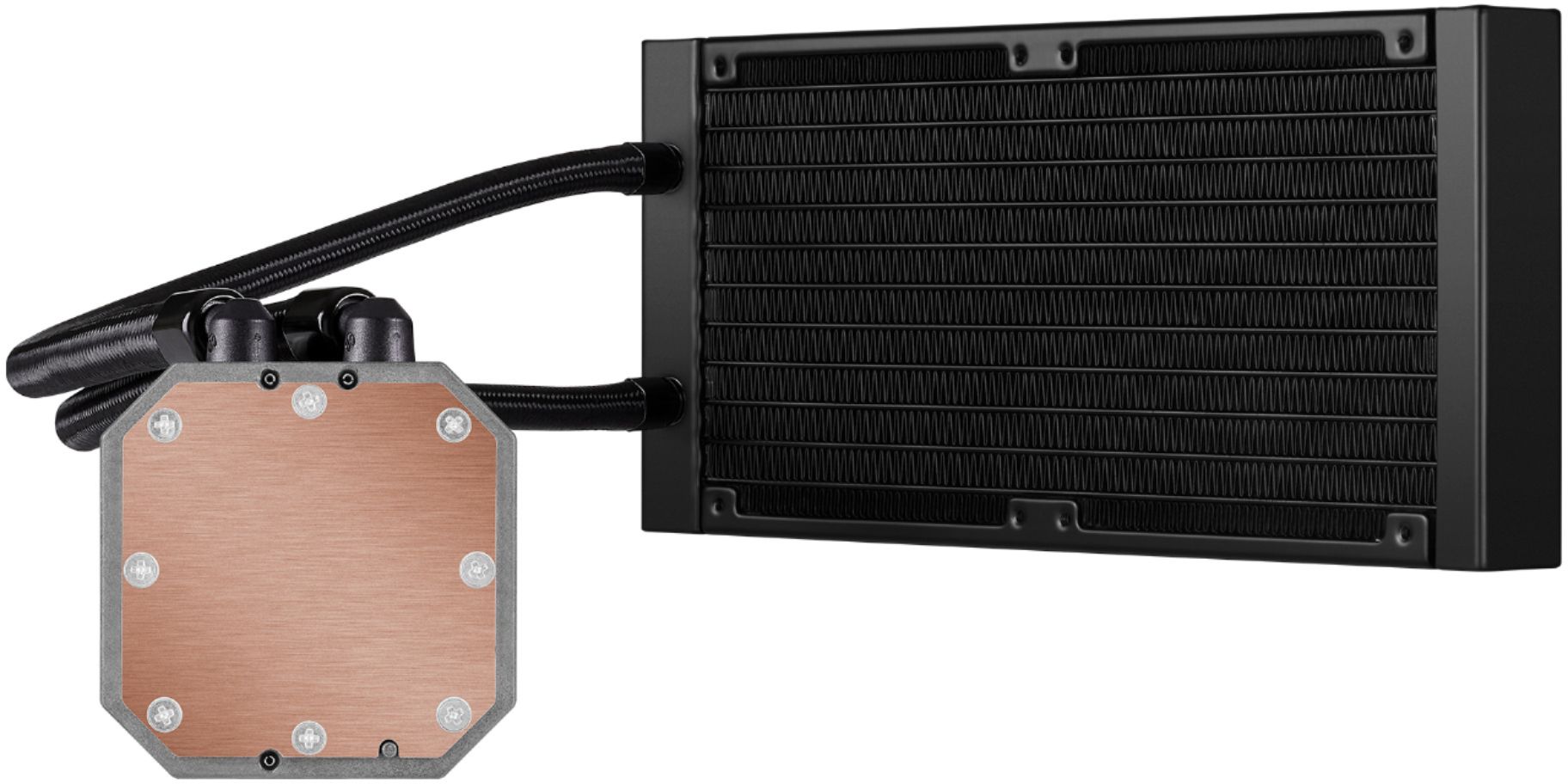
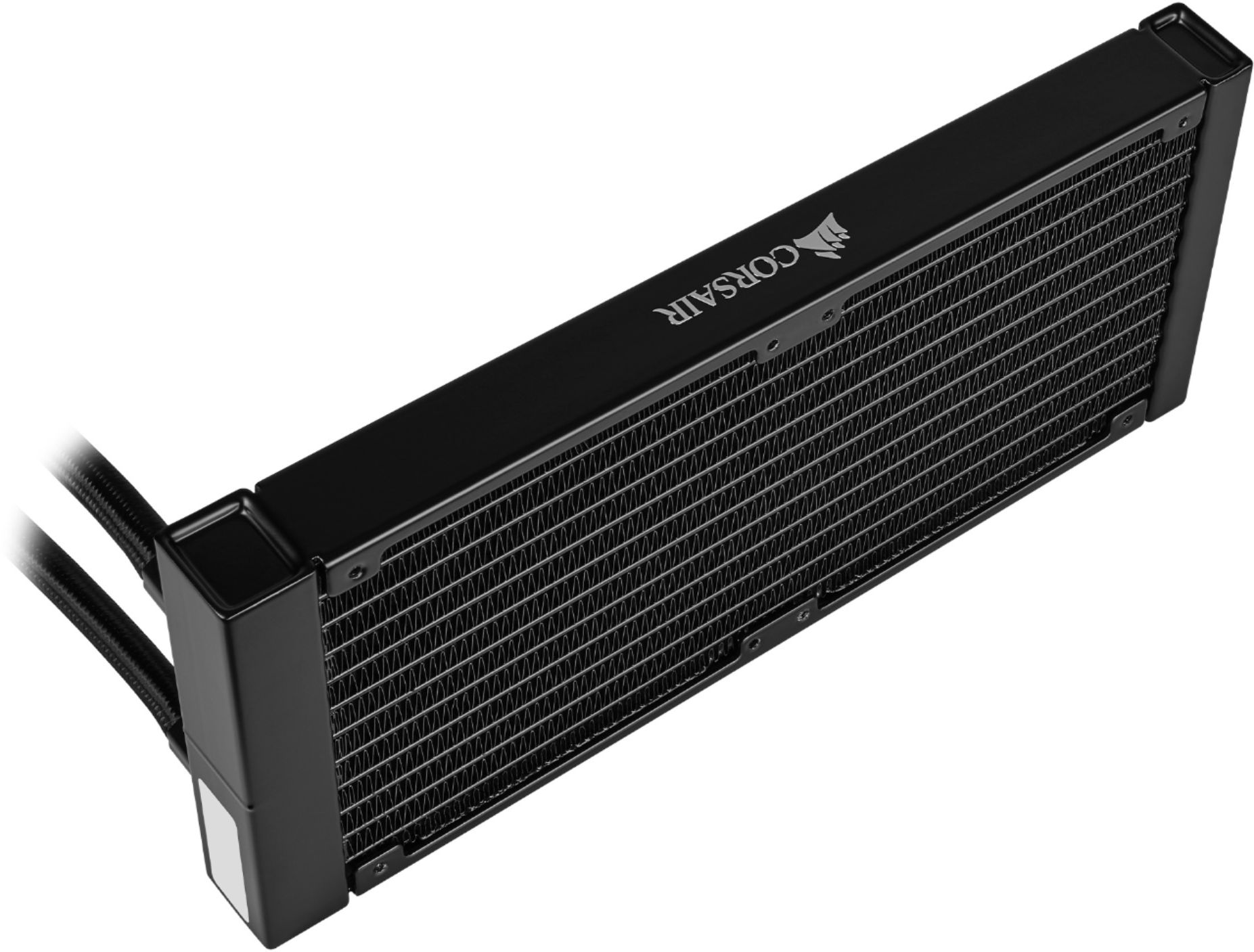
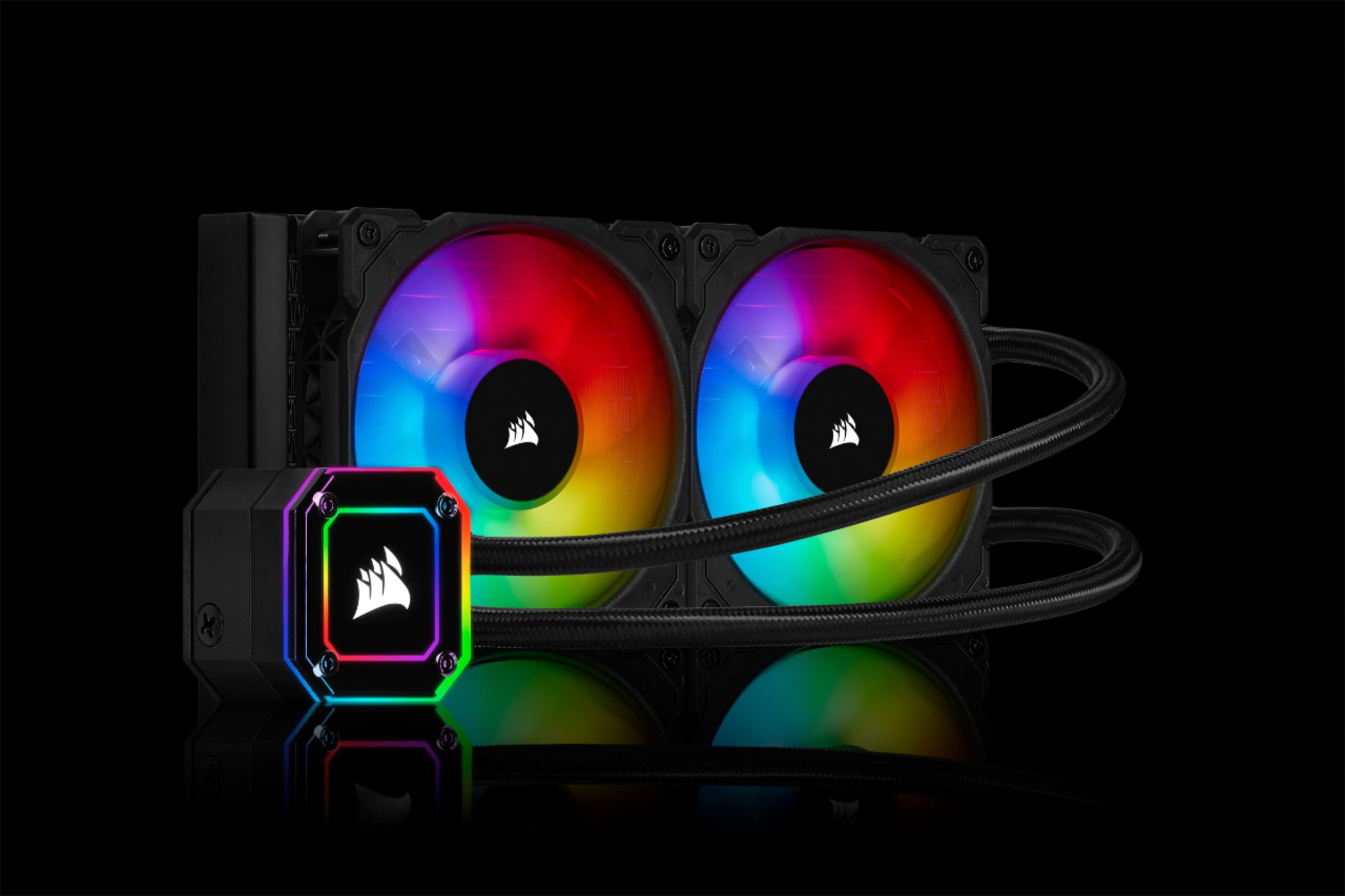
A:AnswerYes, this AIO is a "Closed Loop" liquid cooler and comes with the coolant internally. The liquid coolant it contains is a type similar to the fluid in your cars radiator. By the way, you don't have to fill or refill these coolers ever since a closed loop cooler and should never leak.
A:AnswerHi Marco,
The mounting bracket will adjust for the new socket positions however you will need new standoffs due to the adjusted stack height. They LGA1700 Retrofit kit is available on our site for $2.99 with free shipping.
https://www.corsair.com/us/en/Categories/Products/Accessories-%7C-Parts/PC-Components/Cooling/LGA1700-Retrofit-Kit/p/CW-8960091
-Brian
A:AnswerIt does not say. They only recommended that the fans are an intake. However, I would recommend mounting it to the top so that the pump isn't being starved. The fluid naturally flows down into it by gravity.
A:AnswerHi,
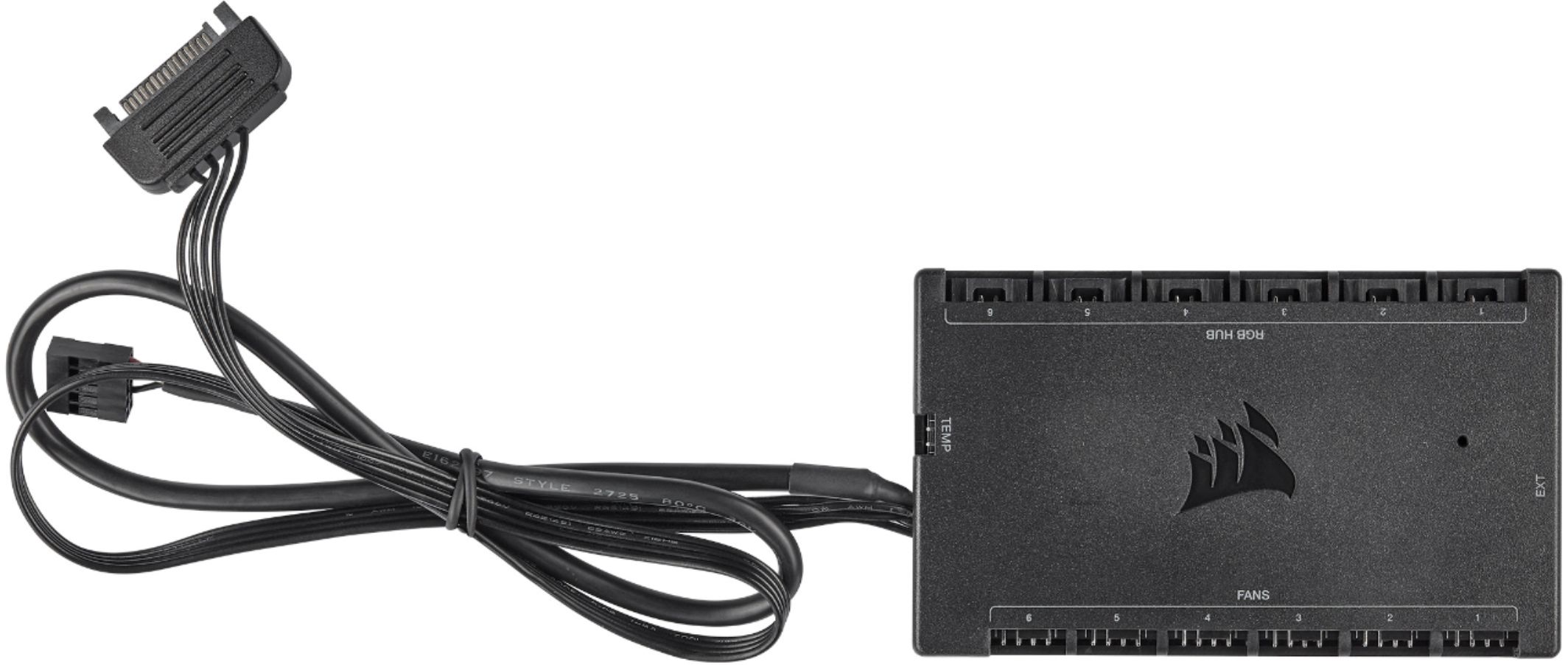
The included Commander CORE is required to be used with the ELITE CAPELLIX AIO since it uses a newer connection. You can connect your current RGB fans to the Commander CORE since it accommodates six RGB fans (has six RGB ports and six PWM ports). Feel free to let us know if you have any additional questions: support.corsair.com
-Albert
A:AnswerHi Zion,
Yes, this would be a great cooler for your Ryzen 5 3600. If you'd like help with installing it, reach out to our support team: support.corsair.com
-Brian
A:AnswerHi Mac22,
As long as this cooler is not stored in freezing temperatures for an extended period of time, you will have no worries. If you have any additional questions, we'd be happy to help: support.corsair.com
-Albert
A:AnswerNo. I learned the hard way that you need separate controllers for each types of fan. For example I have the 2 ML fans included with this AIO and purchased the 3-pack SP Pro fans. I have all 5 fans plugged in for power at the controller for the AIO but as for the RGB connector, I have the 2 ML fans connected to the AIO controller and the 3 SP Pro fans connected to the controller that came with them.
Unless you have the space for it, it's best you get all the fans in your computers to be the same or else you're gonna have a forest of controllers and wires in the back of your PC.
This is the case for any of their iCUE or non-iCUE controllers. You have to separate all your fans by model number.
A:AnswerThe only thing to consider is whether it will work with your cpu socket and fit within your case. It IS compatible with your AM4 socket (and many others). As long as you have space in your case, you are fine.
A:AnswerThe pump cable is 3 pin that slots into the motherboard. Then the other cable connects to the included Corsair node core pro. The included fans are 4 pin PWM ML series fans.
A:AnswerThe hose cables should be long enough for just about any orientation you’re wanting. If you’re front mounting the radiation I advise to have the tubes facing downward with the radiator placed higher than the pump. Or top mounted is very good as well.
A:AnswerHi,
Yep! You'll be able to easily adjust RGB lighting and cooling performance via our user-friendly iCUE software. Our iCUE ELITE CAPELLIX Coolers' wiring do not connect to your case - rather your motherboard's USB 2.0 header + CPU_FAN header, and PSU's SATA connector. For more guidance on setup, please refer to our CORSAIR LAB video: https://www.youtube.com/watch?v=7vWcJqC52Dw. If you have any additional questions, we'd be happy to help: support.corsair.com
-Albert
A:AnswerHi Heath,
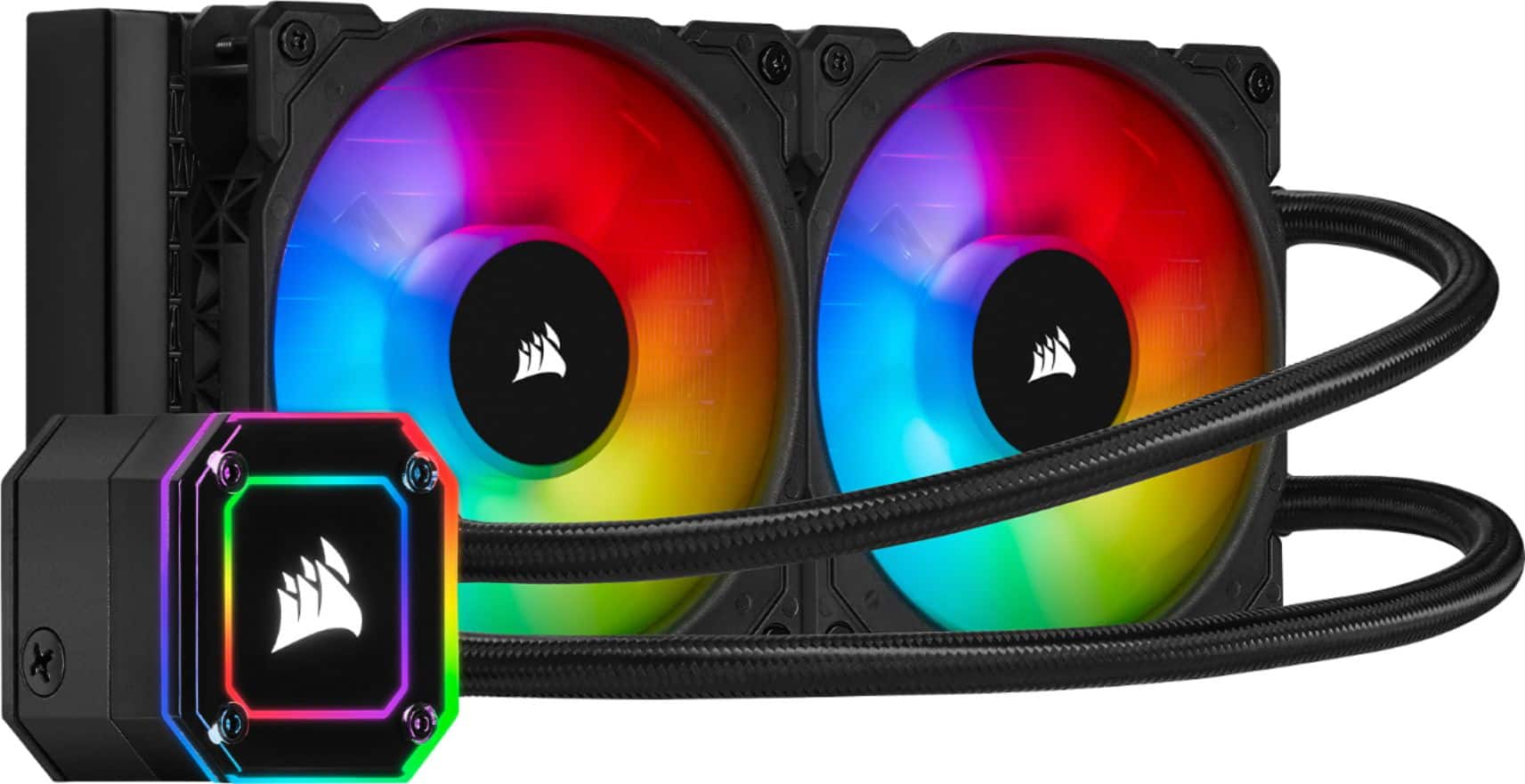
The included Commander Core provides power for the cooler's pump and is required. You can then connect your fans to either your Commander Core or the Commander Pro. If you'd like help with setup, please contact our support: support.corsair.com
-Brian
A:AnswerHi Van7777,
We recommend that you reach out to HP to ensure that the case for your system has the proper mounting locations for this cooler. It would require the space for the radiator which occupies the space for 2x 120mm fans. You can also contact our support team for installation assistance: support.corsair.com
-Brian
A:AnswerHi Cameron,
Yes, the fans included are standard 120mm size and can be replaced with the LL120 model. If you'd like help with your setup, please feel free to reach out to our support team: support.corsair.com

-Brian
A:Answerusually the company (Corsair) themselves will offer a one year manufacturers warranty on an item. call their customer support and they should be able to help you.