Questions & Answers
- Model:
- LIGHTING NODE PRO
- |
- SKU:
- 5845213
Highly rated by customers for: Ease of use, Brightness, RGB
Page Showing 1-10 of 10 questions
Q: QuestionCan I use this to put behind my monitor and behind my desk setup for ambient lighting in the background?
Asked by outtykid.
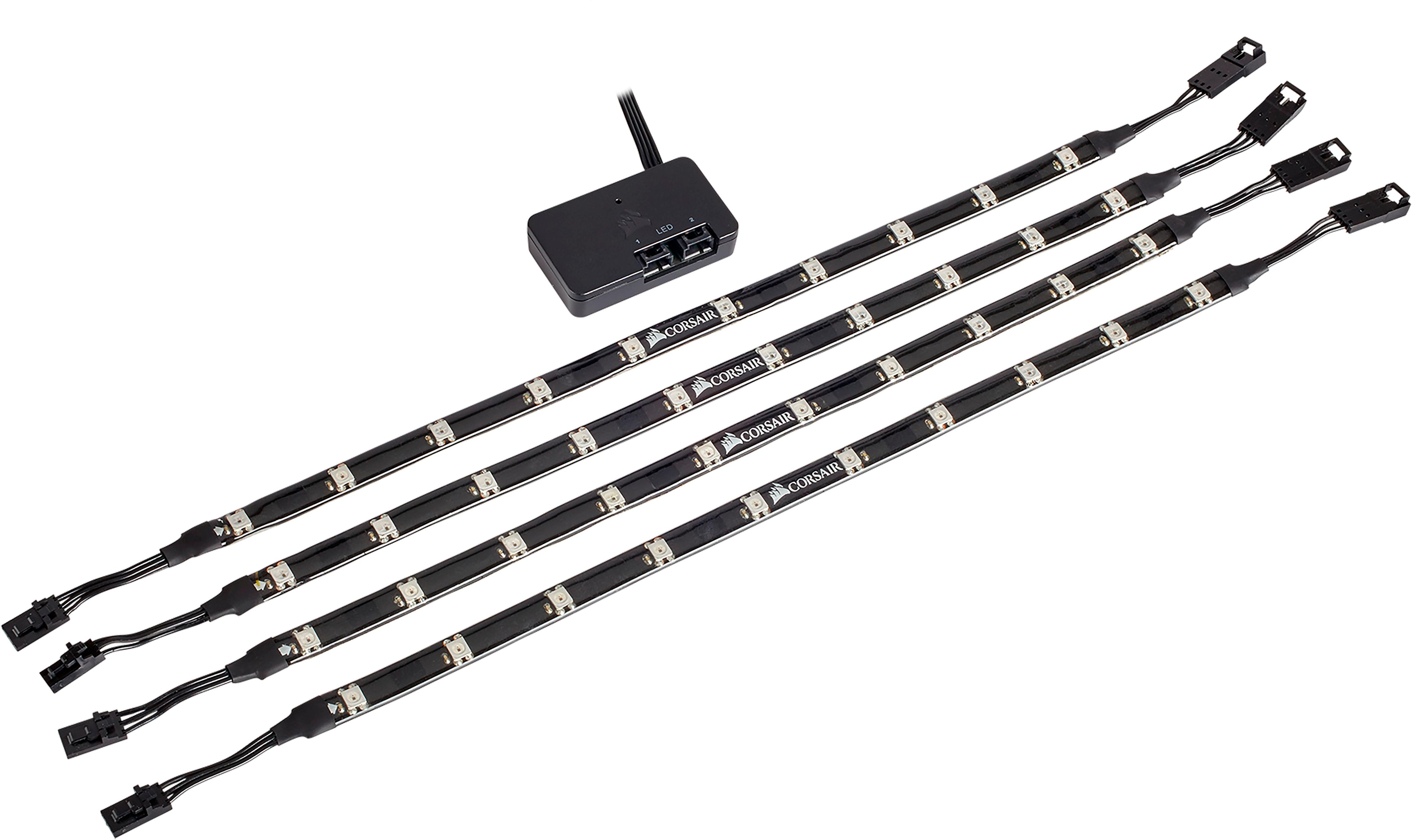
- A:Answer I do not think this is the best product for that, although it would probably work. The main module has to be plugged into SATA power off your PSU, so that means it will reside inside or very near your PC case. Then you would still have to connect the module through USB to your PC using the supplied cable or an aftermarket one. Once thats done, you can plug in the strips... They need to be connected to the module, so that means additional wiring from the main module (which is likely inside your case) to the monitor. This wont be pretty, durable, or convenient without some more work. Then you would stick the led strips to your monitor in exactly the place you want them first try, because the magnets would be useless. Then I would worry that the magnets in the strips would somehow affect the monitor signal/picture, although I could be completely wrong. I have to believe there are leds much more suited to this available and for a cheaper price.
Answered by Drewski989
Q: QuestionWere do you plug them into in your PC.
Asked by Brayden.
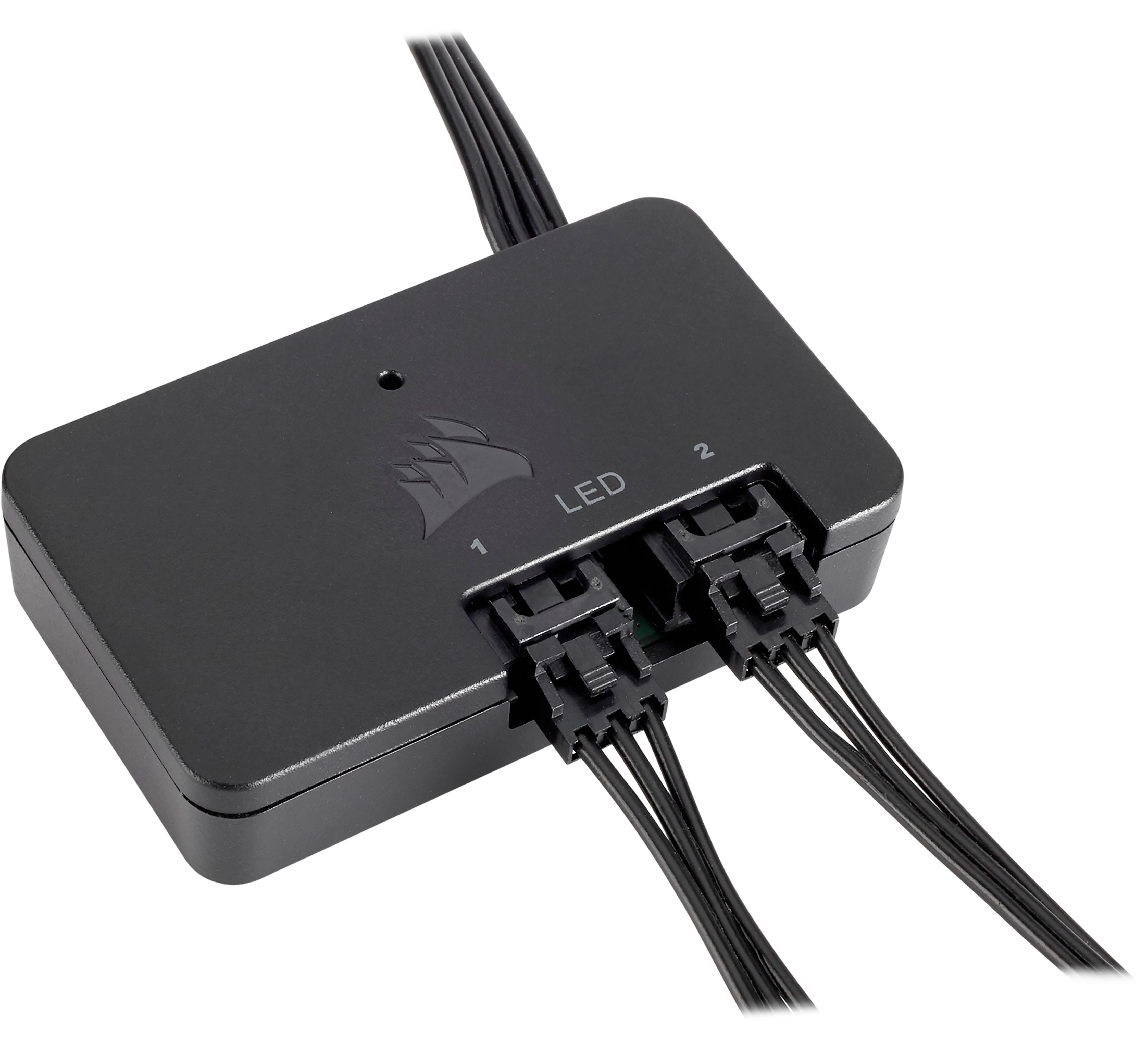
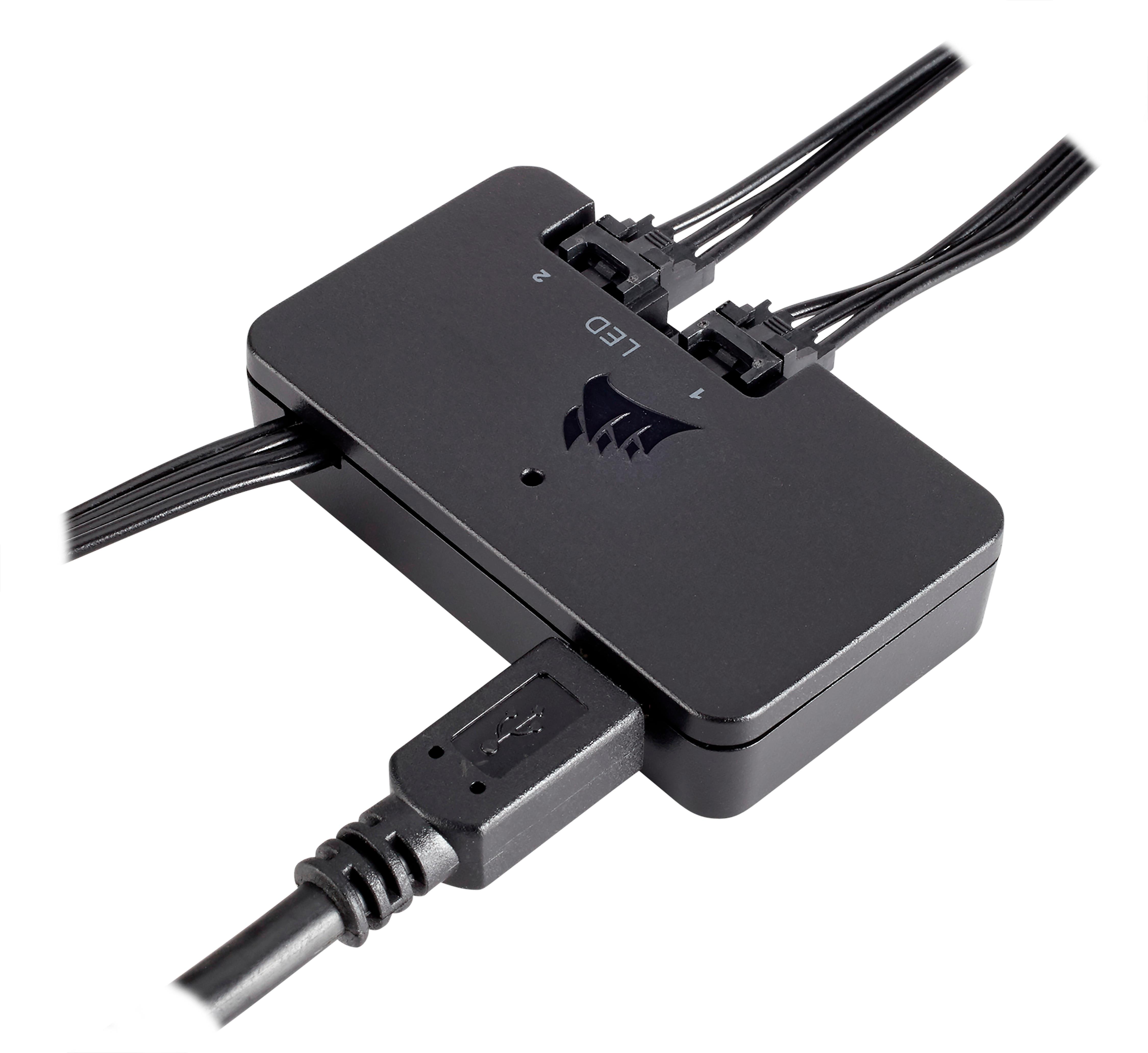
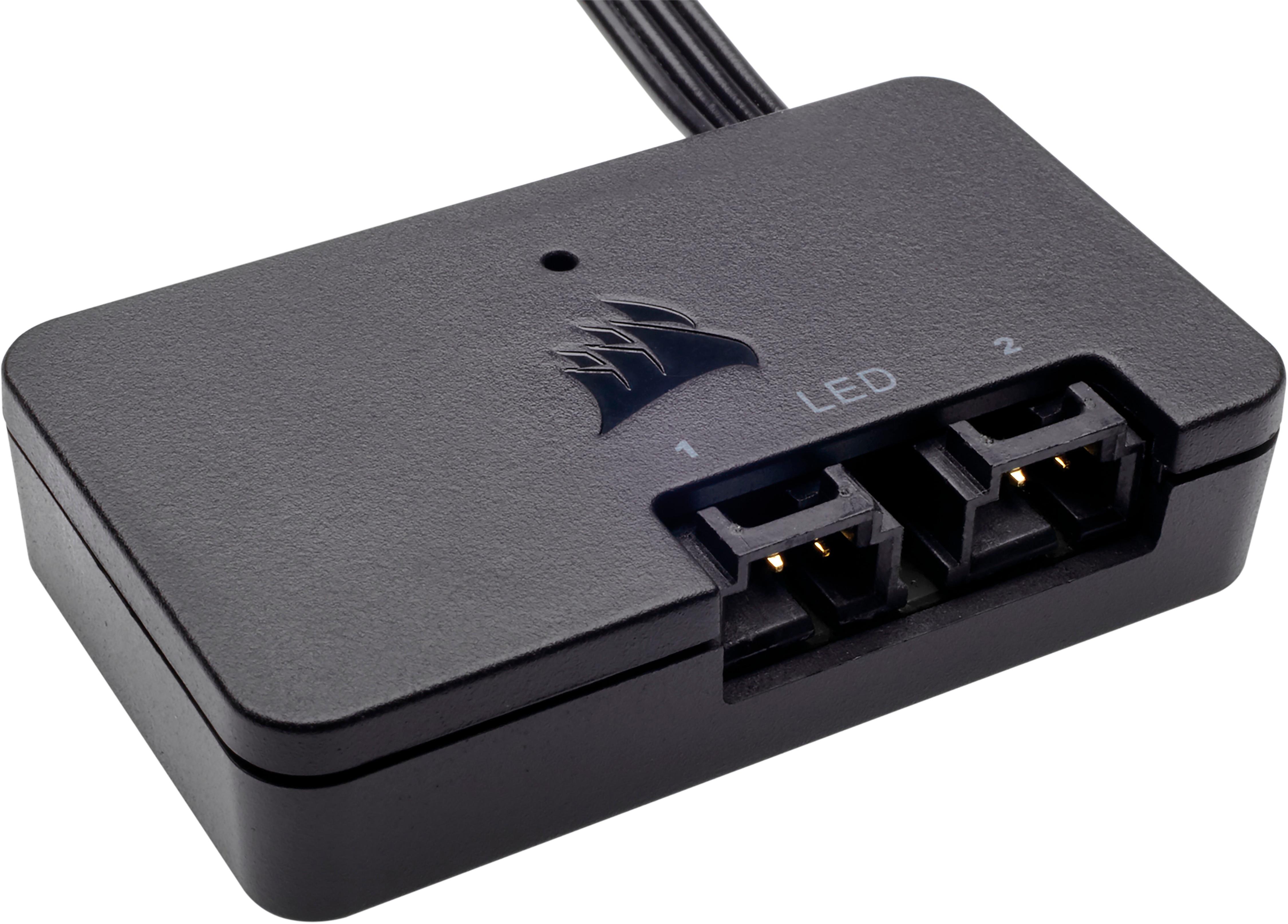
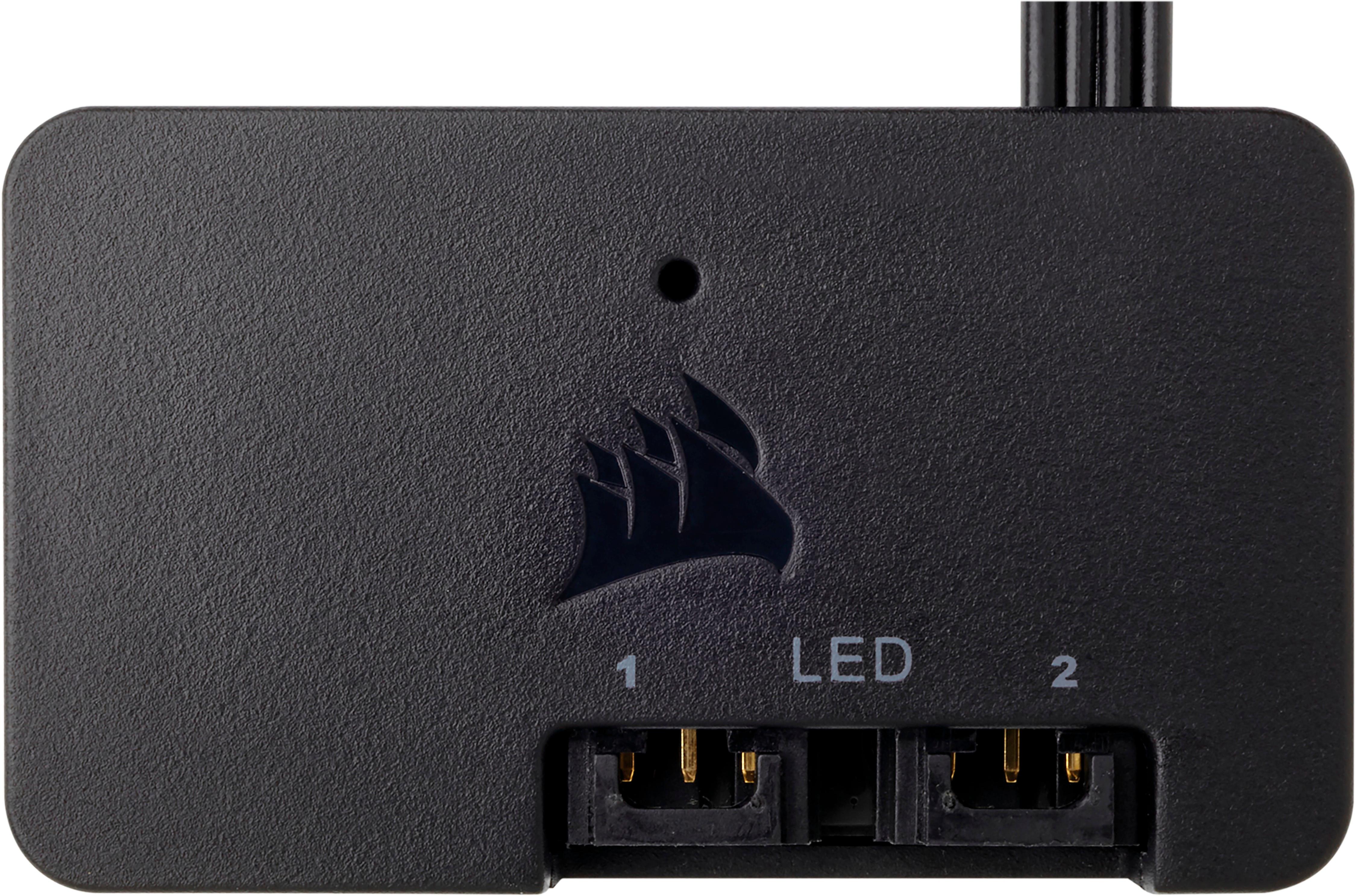
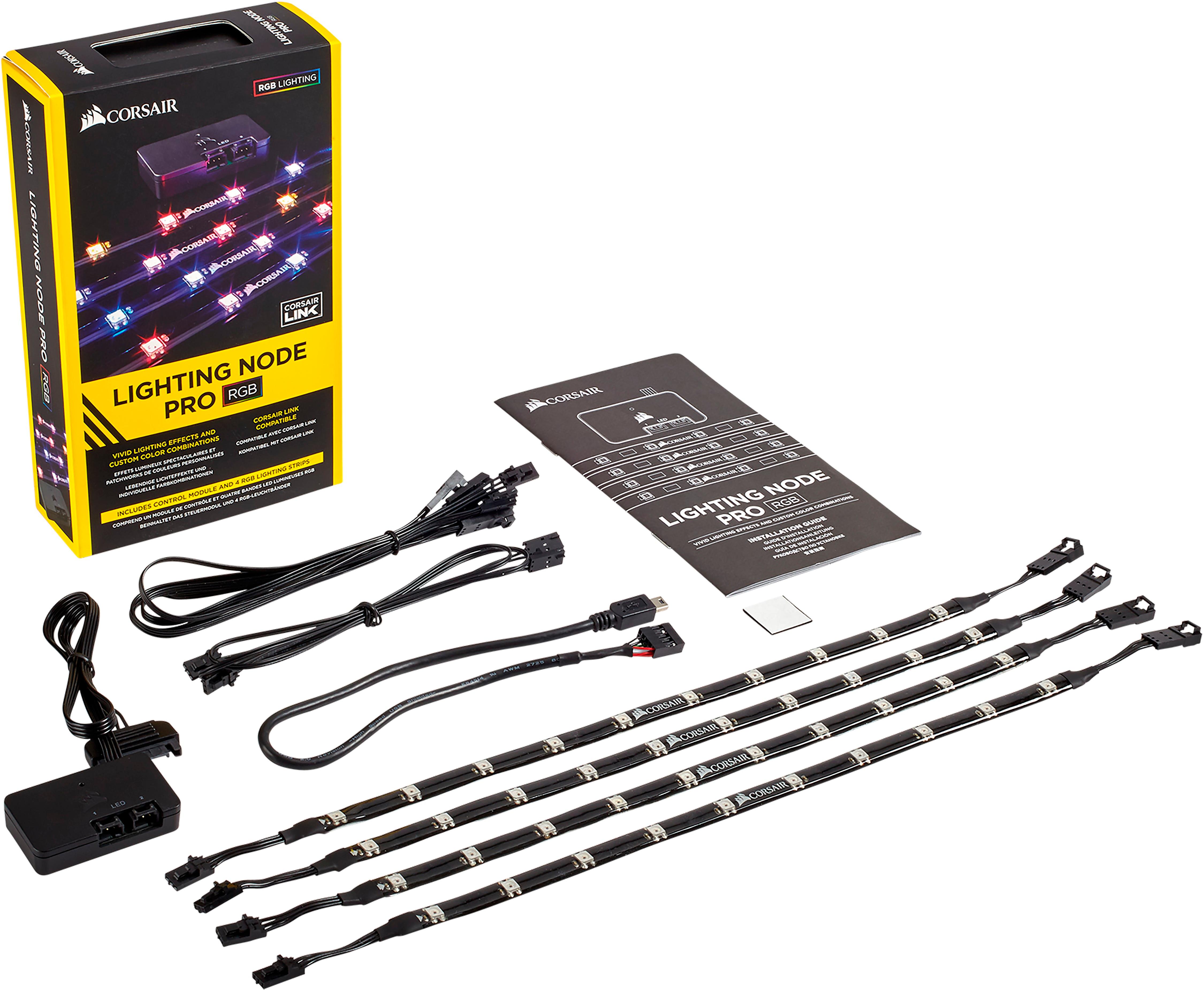
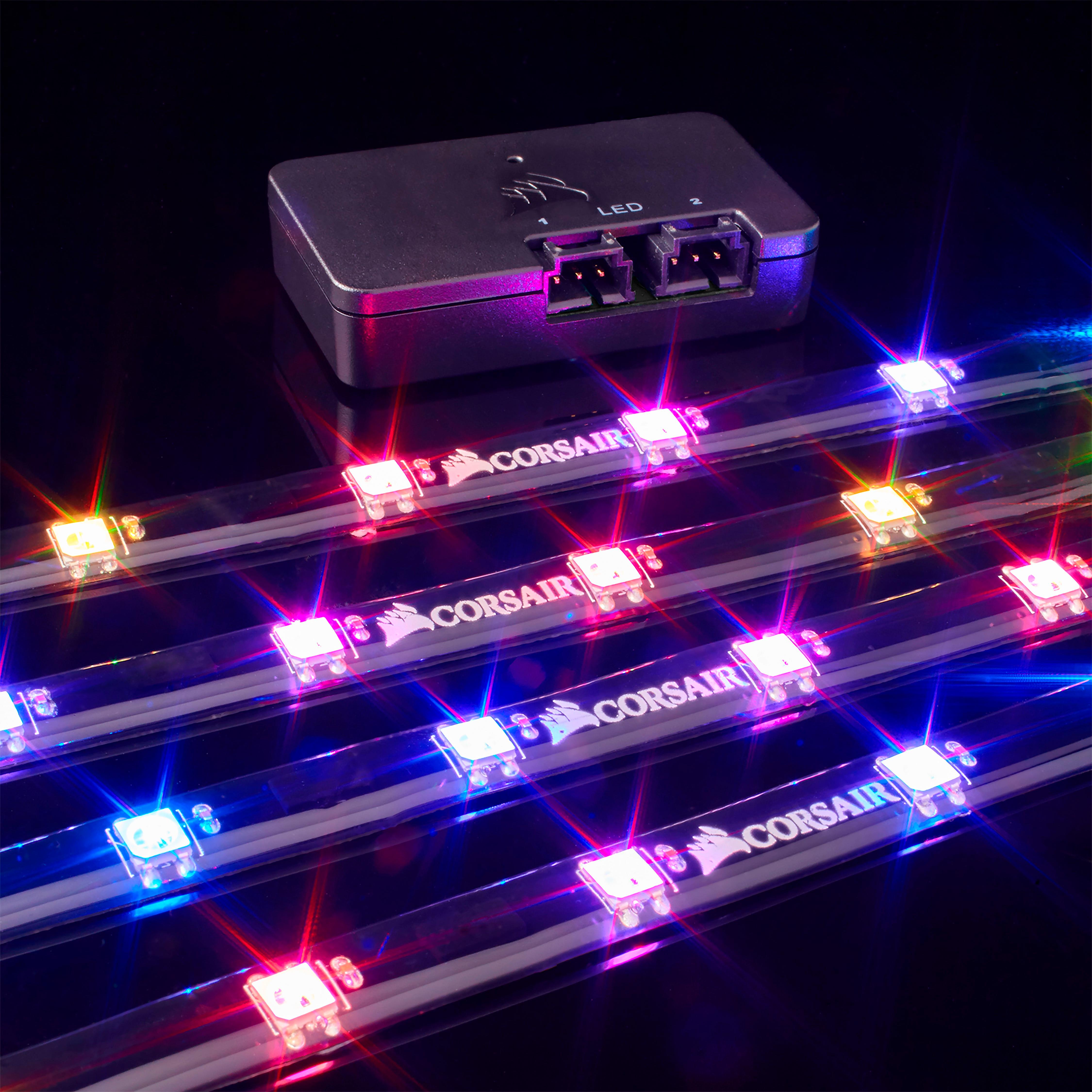
- A:Answer Google "Zotty's iCUE" and the top result has everything about it. But the strips plug into the Node Pro (included in this kit). The Node Pro connects to a USB header and a SATA connector. If you dont have any available USB headers on your motherboard, you can get the NZXT hub (I did) or a similar USB hub. Just make sure it's the motherboard style USB, not external.
Answered by formVSfunction
Q: QuestionWill this work with the new MSI Z690 Pro motherboard? Also, I would like to add one or two Corsair LL120 or LL140 RGB exhaust fans at the top of my case and wanted to know if you can connect those with these strips with the accessories it comes with
Asked by Jpaul.
- A:Answer Hi Jpaul, The Lighting Node PRO uses a USB 2.0 internal header connection to the motherboard, it looks like you should have 1 header available. Fan RGB connections would need to go to an RGB Fan Hub which would then connect to an LED channel on the Lighting Node PRO. If you'd like assistance with your setup, please feel free to contact our support team: support.corsair.com -Brian
Answered by Corsair

Q: QuestionCan it work off your phone?
Asked by Thomas.
- A:Answer absolutely NO. this is specifically made for PC.
Answered by Anonymous
Q: QuestionWill this product work in a car say a lighting source???
Asked by Thomas.
- A:Answer definitely NO.
Answered by Anonymous
Q: QuestionAre these in the stores?
Asked by Anonymous.
- A:Answer In most stores yes.
Answered by lockon7500
Q: QuestionWill this work with a MSI LED controller? I have a MSI MPG Serra’s 500x
Asked by Andrew.
- A:Answer Hi Andrew, The Lighting Node PRO kit's LED strips are designed to work with the provided lighting controller. If you have any additional questions, we'd be happy to help: support.corsair.com -Albert
Answered by Corsair

Q: QuestionCan I skip the lighting node if I already have a Commander pro?
Asked by Mike.
- A:Answer Yes you can as the commander pro has a slot for leds
Answered by TimothyF
Q: QuestionCan i use these with the Aura software? my MOBO is a ASUS ROG STRIX Z370-E gaming MOBO.
Asked by Nate.
- A:Answer As far as I am aware these are only controlled with iCUE software. However don't let that discourage you. That software is amazing.
Answered by Aubrey
Q: Questionis this will work in my ibuy powre pc decktop? i dont have corsair pc only ibuy power decktop. had other one hp pavillon before that .
Asked by Anonymous.
- A:Answer as far as you have a spare USB connector on your motherboard, and a power supply connector you'll be fine. This is an accessory for Gamer PC, not for a standard PC.
Answered by Anonymous
Page 1, Showing 1-10 of 10 questions
Most-viewed items
- $499.99$499.99The price was $899.99
- $329.99$329.99The price was $469.99
- $99.99$99.99The price was $129.99
- $299.00$299.00The price was $349.00
- $449.99$449.99The price was $649.99
- $1,149.00$1,149.00The price was $1,299.00