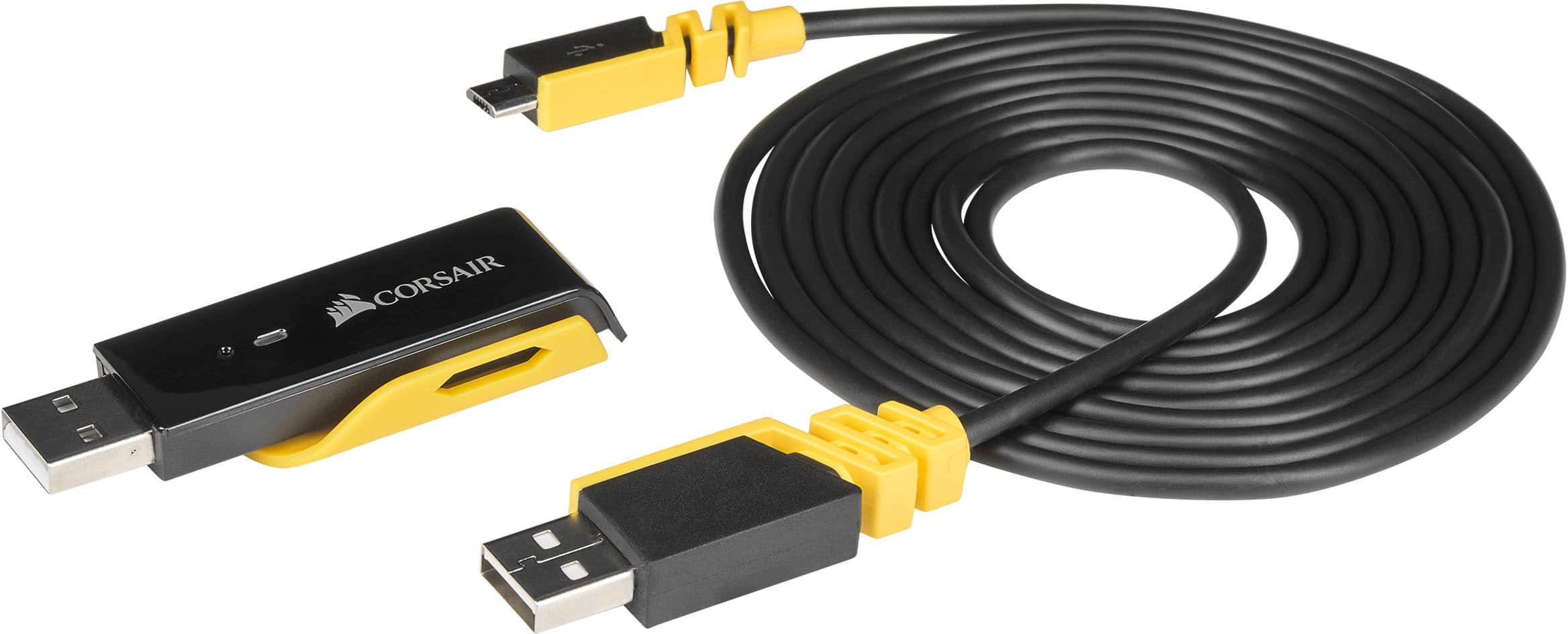
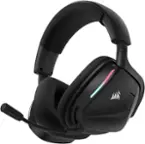
A:AnswerYes, it does. You'll have to plug the headset and the adapter into a computer download the software from corsairs website. After that download the update for the headset. You'll have to force the update to the headset then switch to stereo from 7.1.
A:AnswerThe 7.1 for " VOID RGB USB, WIRELESS, SURROUND" is only available with the iCUE software on PC only that you can download on CORSAIR's website.
A:AnswerHi Griffy,
It'd have both, sorry for the confusion. When in doubt, go by what the product page at Corsair.com says.
If you have anything else we can help with, please reach out: support.corsair.com
-Art
A:AnswerSimply plug the USB dongle to PS4 or Xbox USB port and turn on the headphones and synch. It may ask you to download and install updates for the headphones.
A:AnswerUnfortunately not, however, I do believe you could probably get it working if you loaded ICUE software onto the SSD, and had ICUE run in the background. For your second question: "Why can't this work on xbox if it does work on pc which is also by Microsoft?" The reason this doesn't work is because Xbox has it's own operating system on it, while a PC (I'm assuming based off what you've said), runs on Windows 10; it comes down to the fact that Xbox op (operating system) wasn't made to support ICUE or any external software.
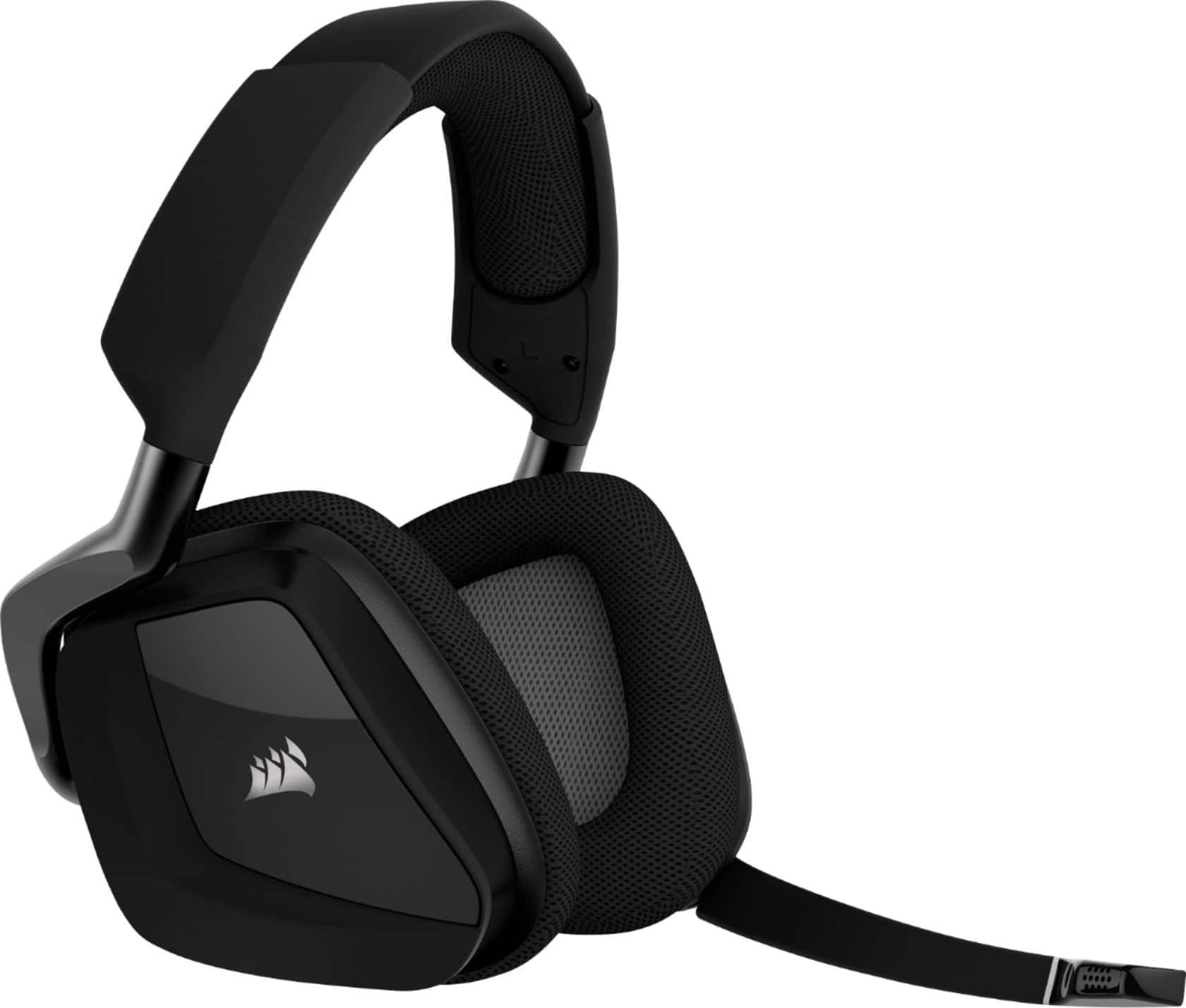
A:AnswerYup, the USB dongle works with Pc, and PS4, and you can even get it working on Xbox if you load the ICUE software onto a SSD or HDD. By extension, the USB dongle is compatible with the built-in audio mixer on a PS4. In short the answer is yes, it will work.