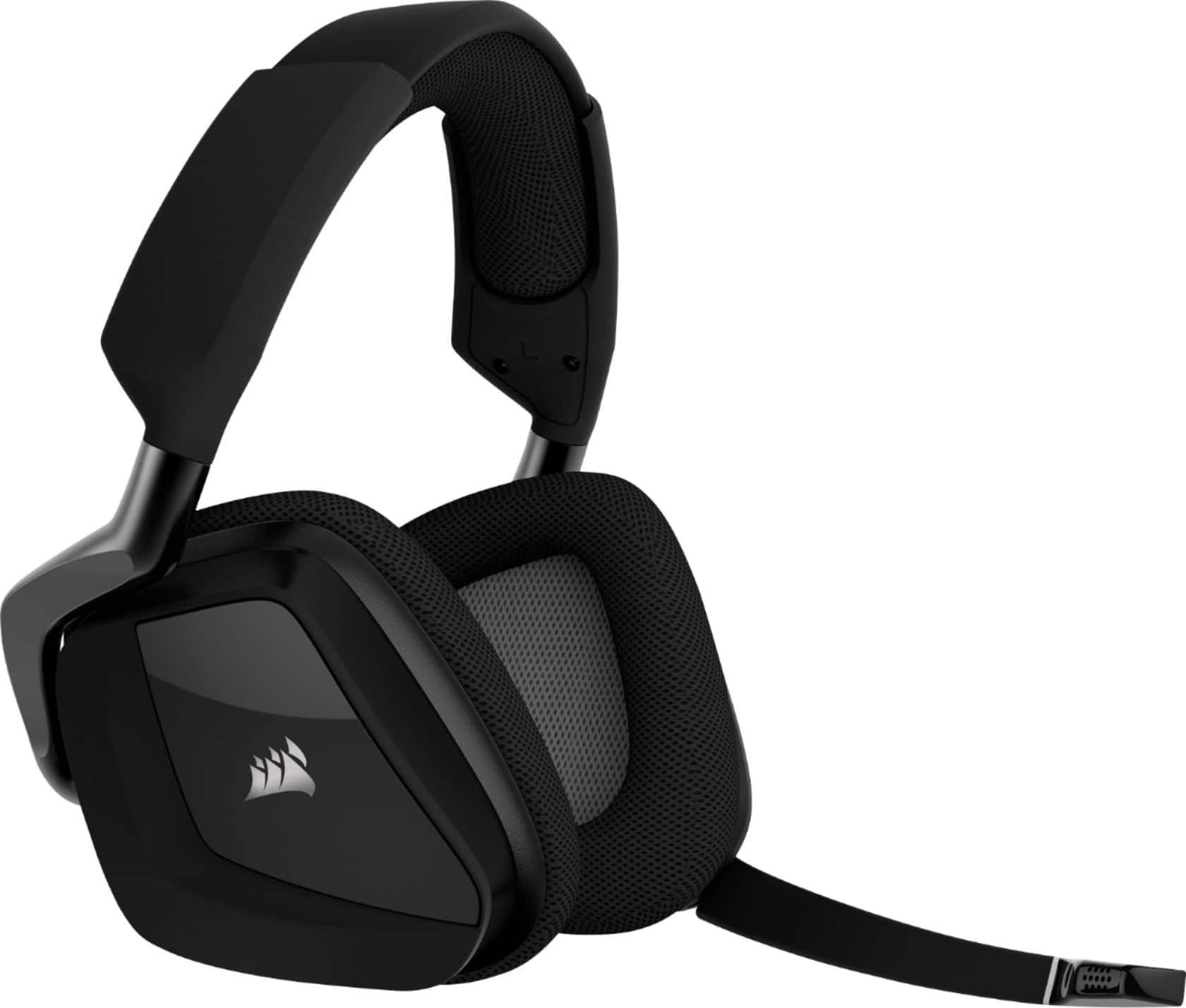
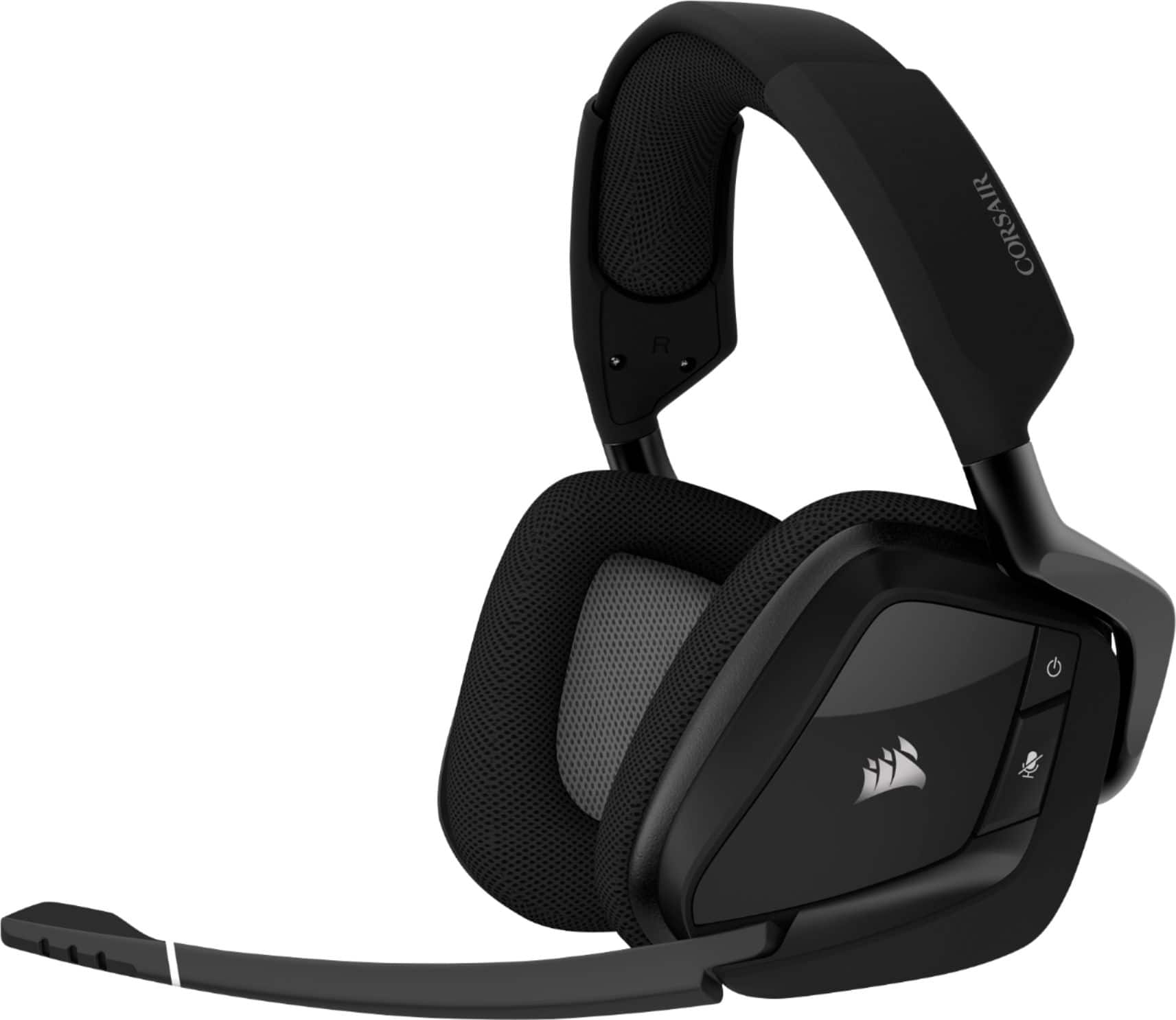
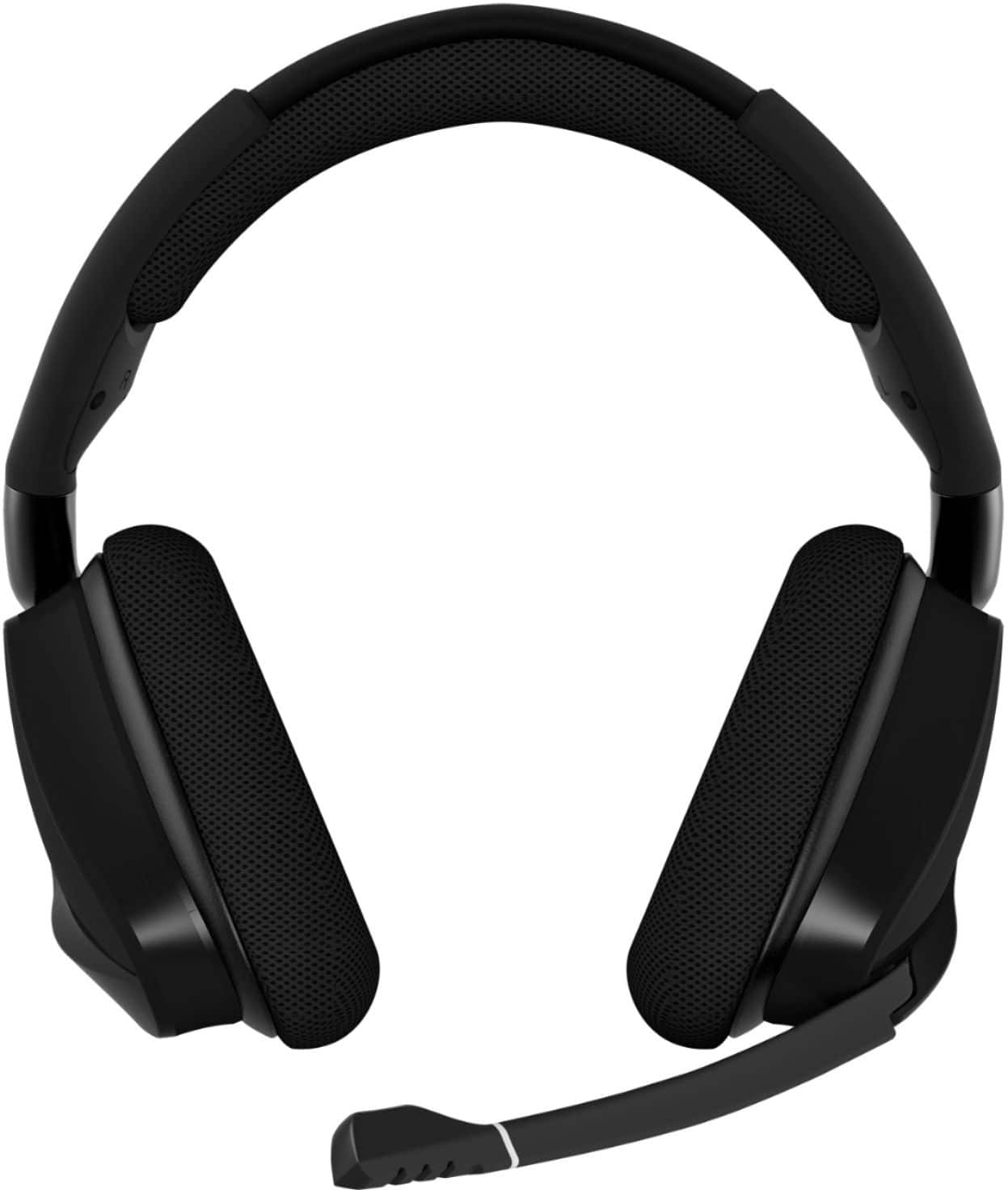
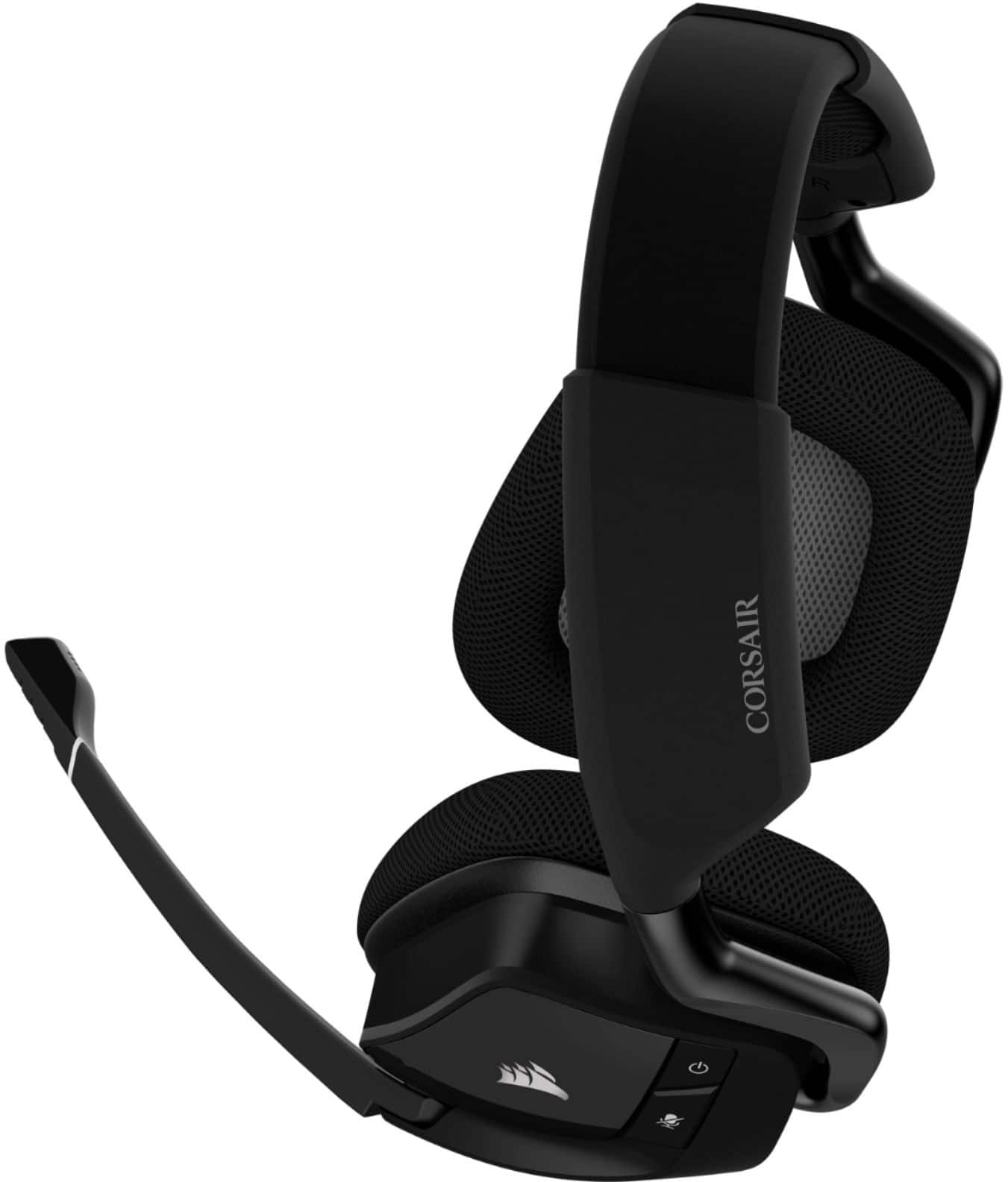
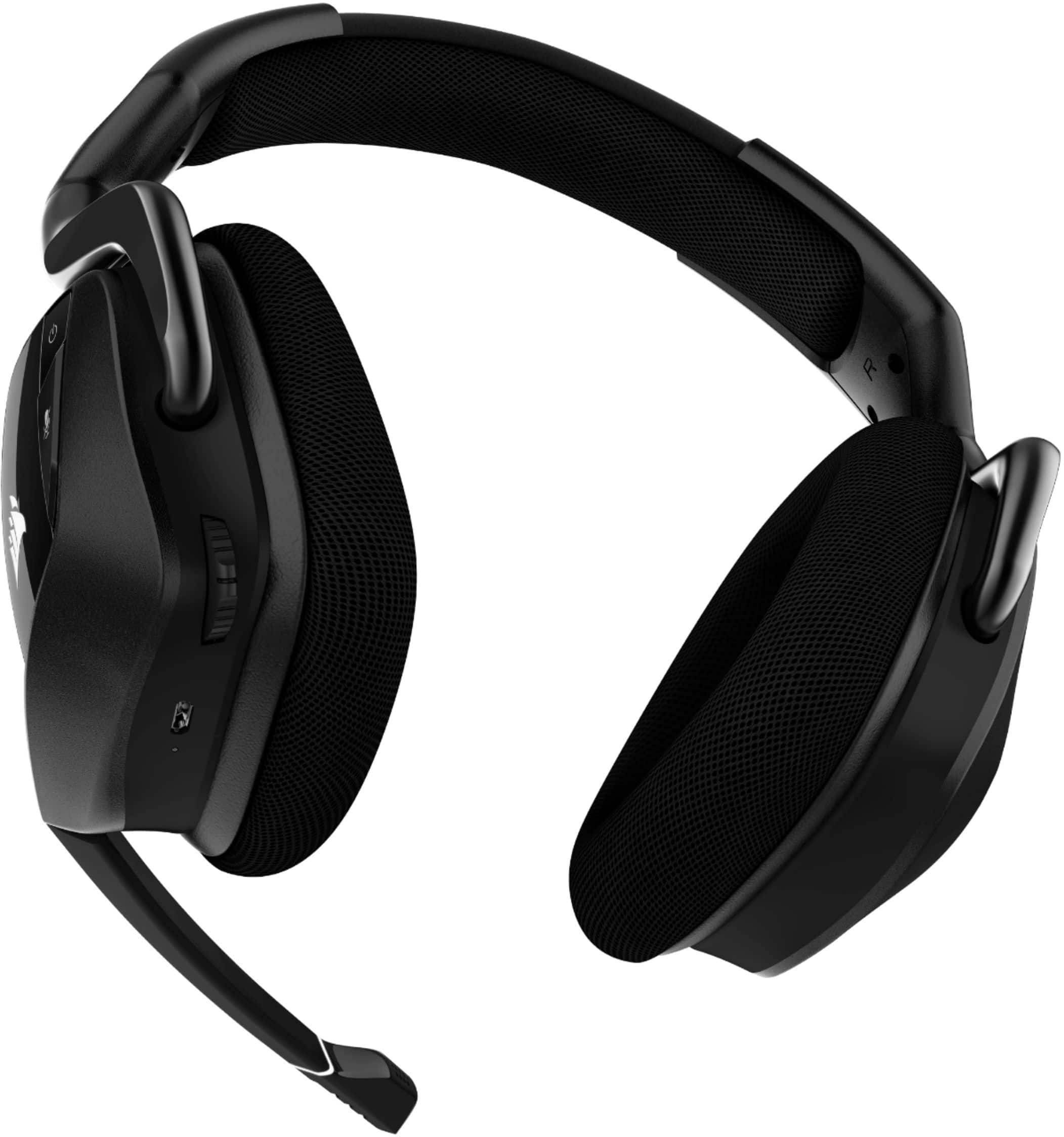
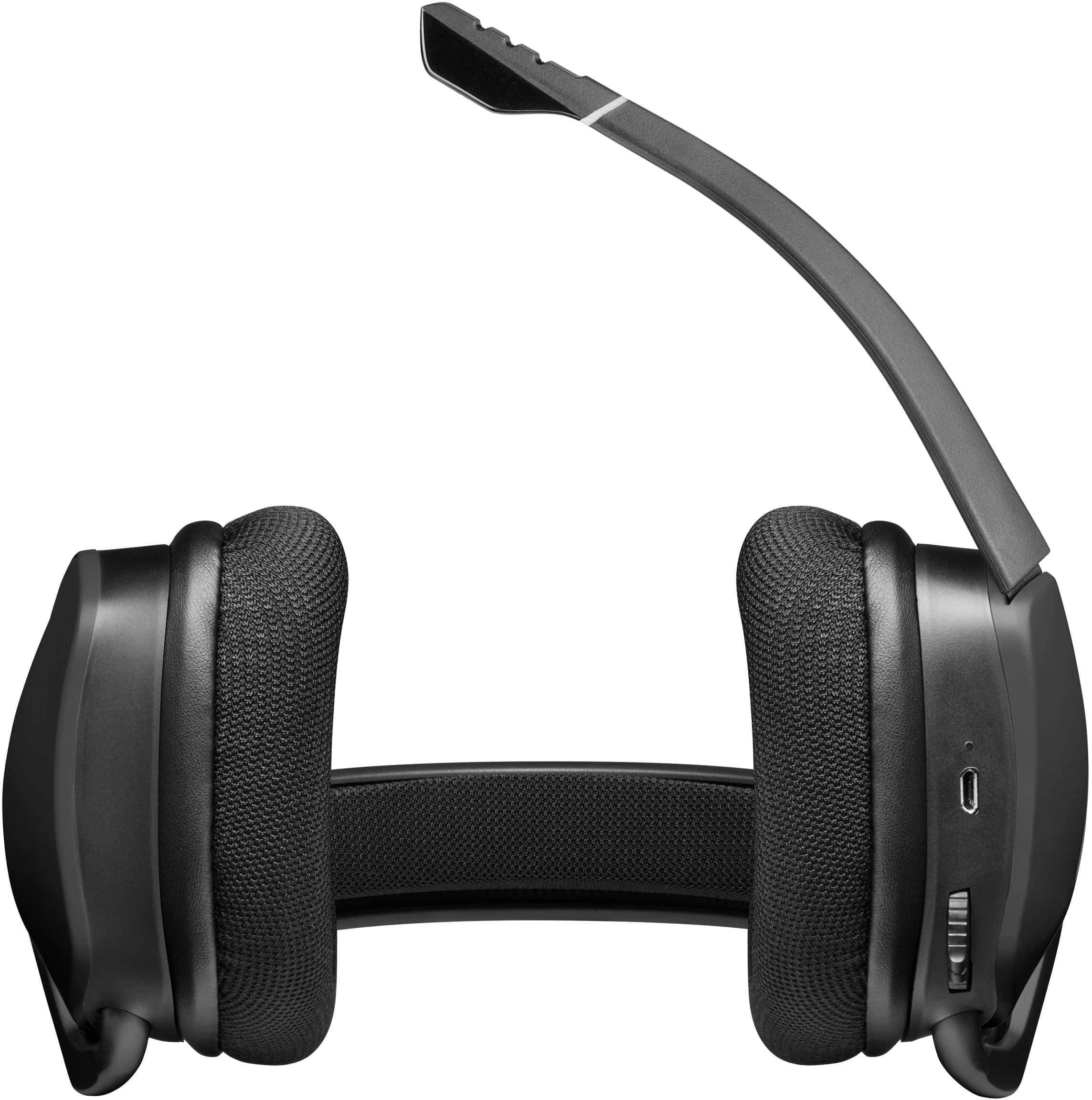
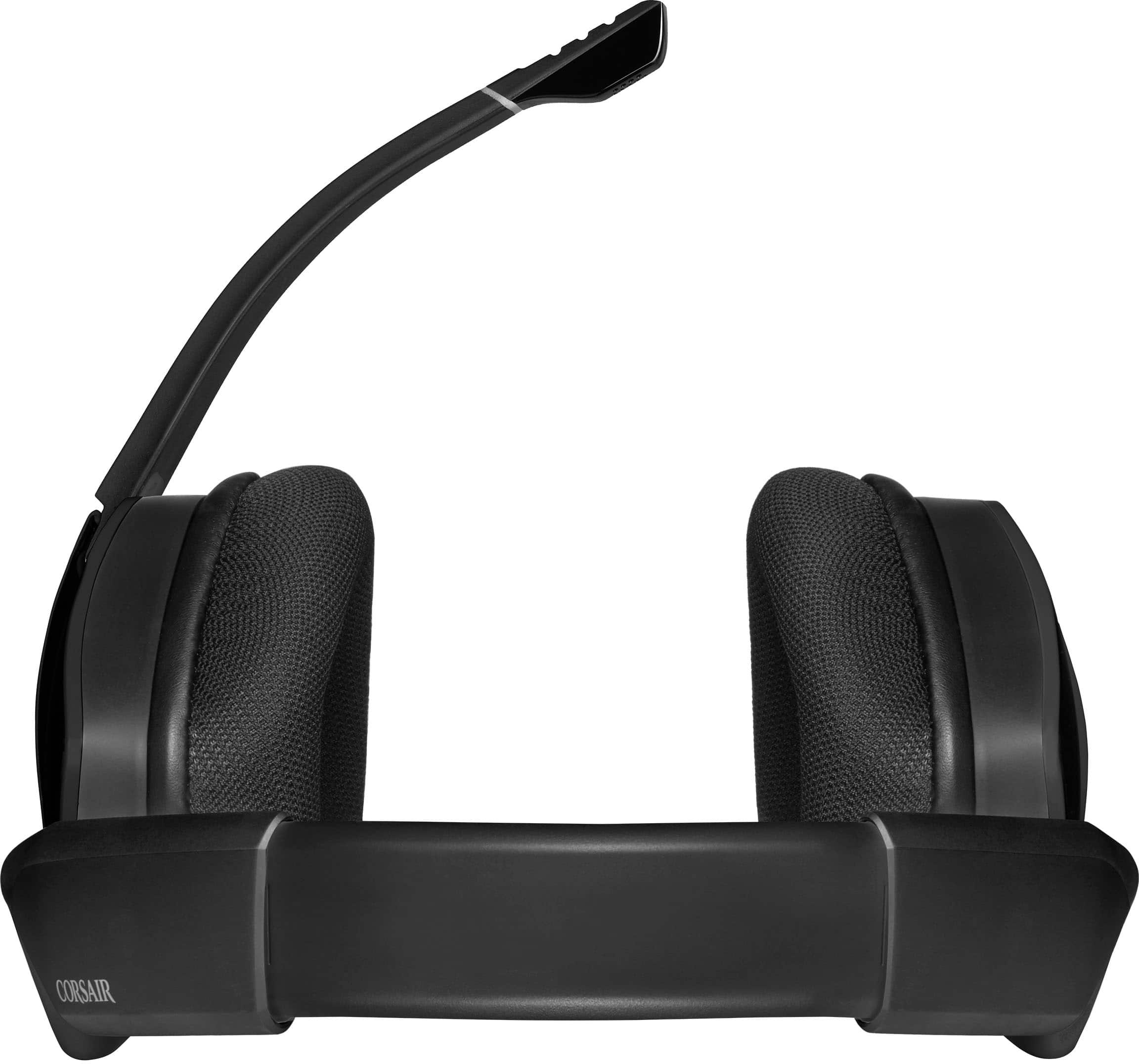
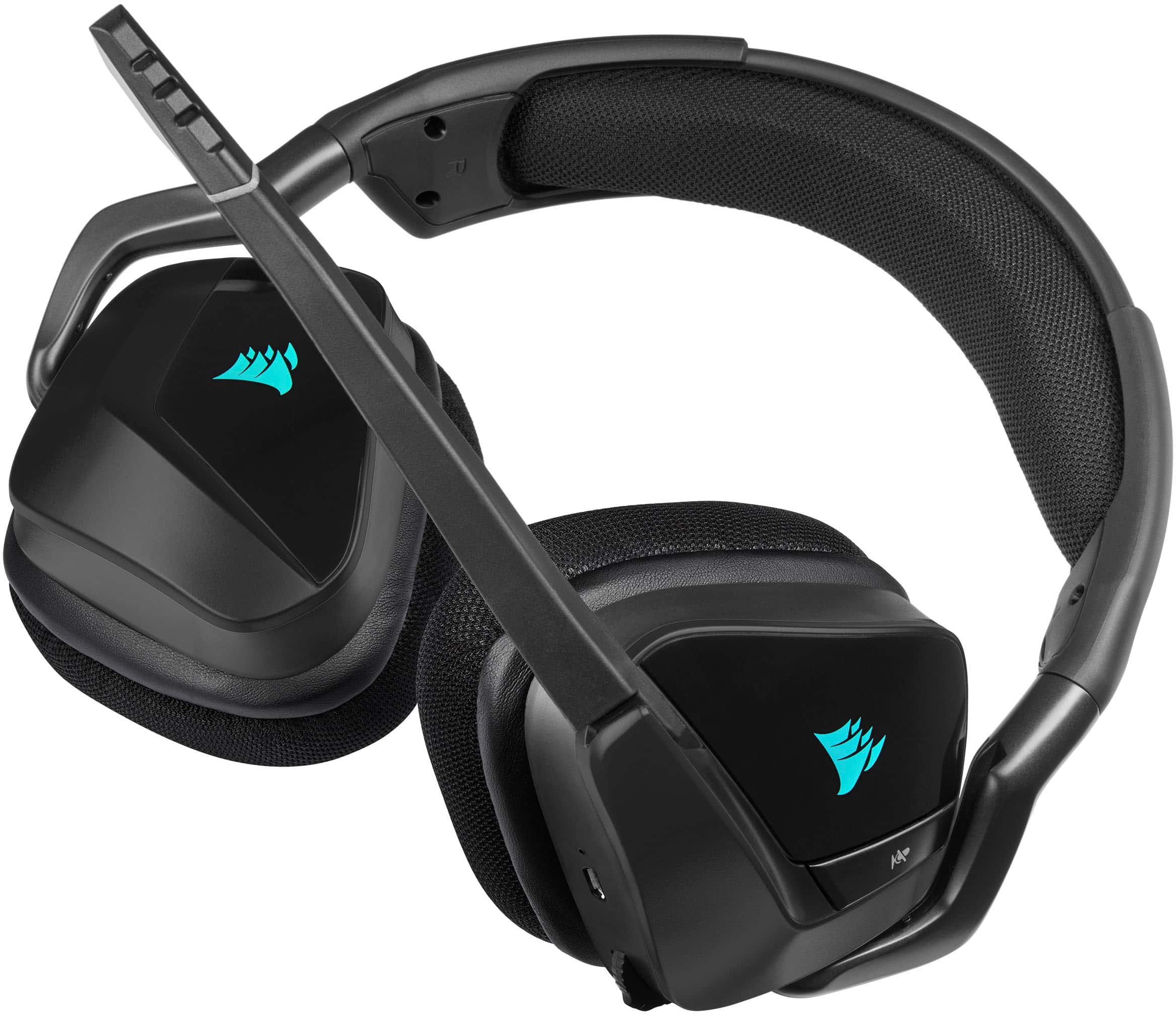
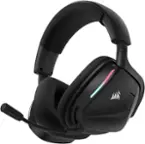
A:Answer It's of horrible quality. It's very quiet and has tons of issues when you use the ICUE software. It is NOT nearly as discord-friendly as it claims. I personally spent 2 hours figuring out how to make my mic work because it was so quiet my voice sounds like a whisper when I'm shouting. The mic comes at -10db as default and this is unheard of, like... Nobody does this. Ever. They don't do this because -10db is barely louder than a whisper. I used a free third-party software called Equalizer APO and used configurator, then editor, and increased the db to +14db. Anything higher breaks the microphone. After that, I use Krisp which is 60$ a year for noise cancelation. I can attest after doing this, they sound the same as my 250$ blue yeti x professional microphone and even gets rid of the echo I have in my apartment. My expensive Blue Yeti did not. It picked up EVERYTHING. So ya, the mic is good. Sorta.