Black Friday is hereAlso, shop the 24-Hour Flash Sale.Shop now

Main Content

Questions & Answers

Your price for this item is $119.99
Page Showing 1-20 of 41 questions
  • QuestionWill this work with the ps5???

    Asked by Luie.

    • Answer Thank you for contacting Crucial. We are sorry to inform you that according to the details it states that you will be not able to install P5 drive internally in the system however you can connect that drive externally using USB-M.2 PCIe adapter which will help you to access that drive for storing as well as for playing games. Regards.

      Answered by Micron CPG Support

  • QuestionDoes the Crucial P5 1TB PCIe M.2 2280 SSD need a screw to hold it down? I have a HP 670-0067C desktop and it says that there is no screw to hold it down.

    Asked by junieman.

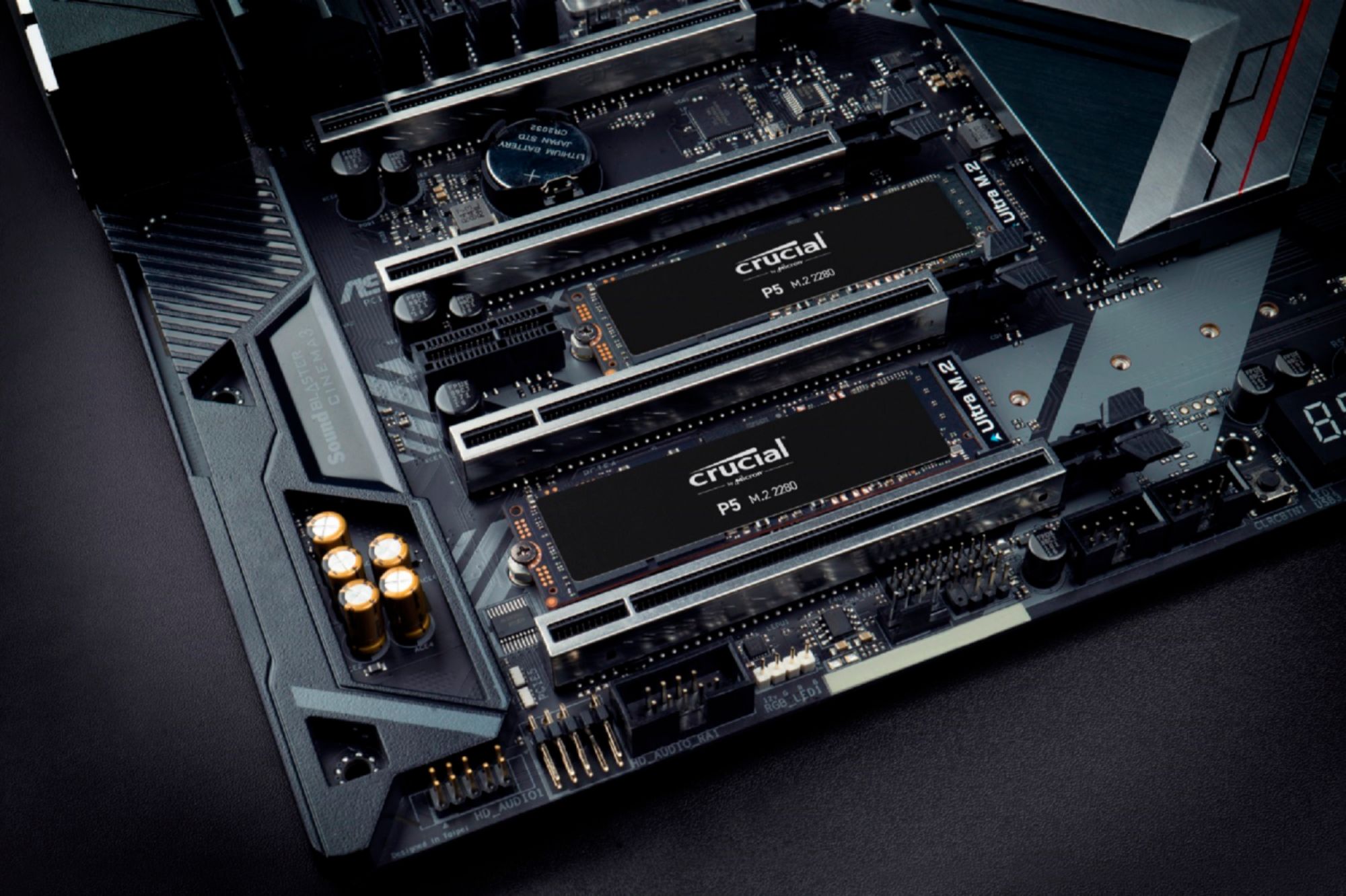
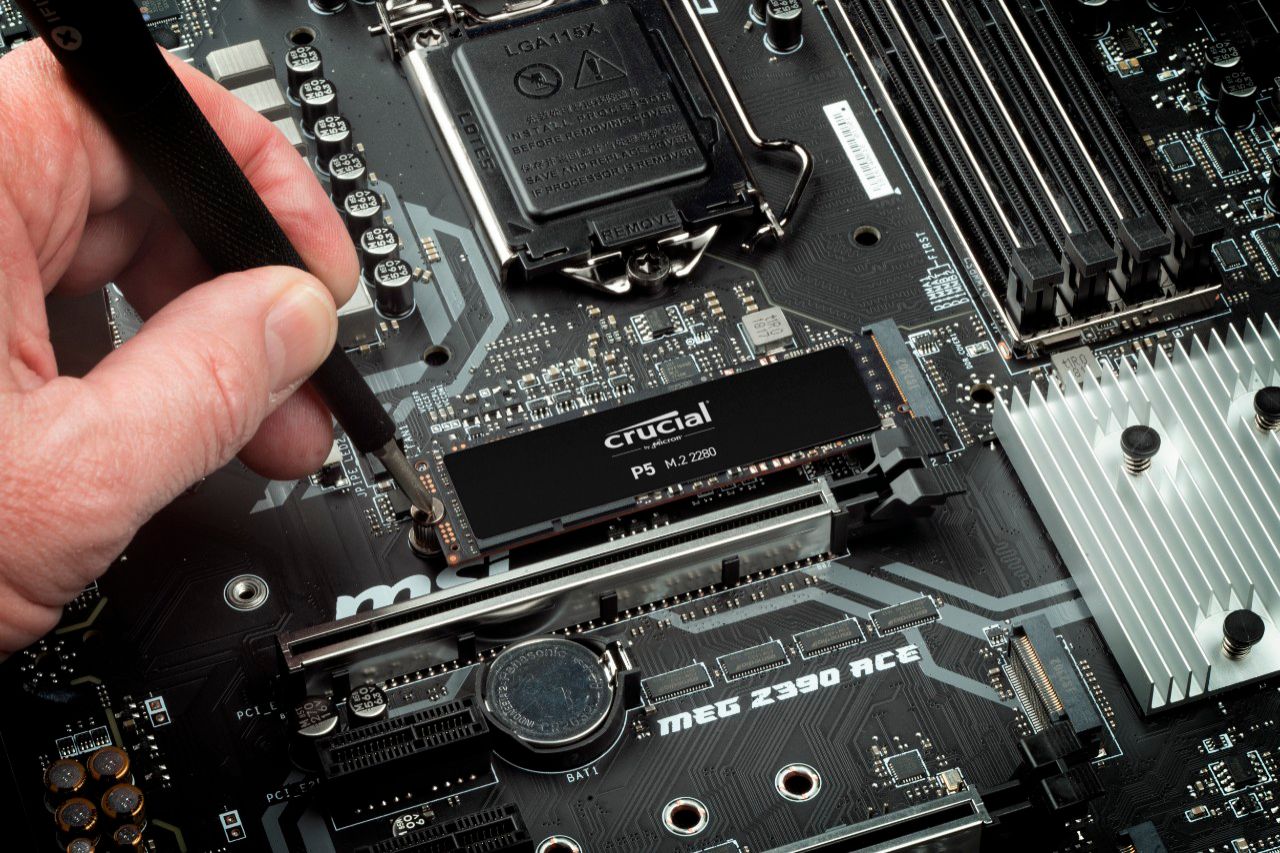
    • Answer NVME drives are usually inserted into the slot at an angle around 45 degrees, and then secured to the motherboard with a screw. Some motherboards use other methods like push-pins to secure the drive.

      Answered by Cryos

  • QuestionWill this work as a windows boot drive configuration?

    Asked by George.

    • Answer Thank you for considering one of our award-winning Crucial storage products!
      Assuming the P5 is determined to be compatible with your system (crucial.com offers a system compatibility 'scanner'), then yes, you may configure the drive as a primary or boot drive.
      Crucial is happy to provide customer and technical support regardless of where you purchased the product. Please let us know if we can be of any assistance.
      - The Crucial Team

      Answered by Micron CPG Support

  • QuestionWill this work on my MacBook Pro mid 2015

    Asked by Anonymous.

    • Answer Some people have reported it working well. One person didn’t get it to work initially, but that was because they didn’t have the latest firmware. Upon the firmware upgrade, they got it working but had kernel panics every 10 minutes or so, but I believe that is likely due to damaging the pins upon uninstalling and reinstalling. Aside from that one person, everyone else has had good luck with using a P5. Please make sure you’re using an NGFF adapter for the NVME blade as the 2015 MacBook Pro uses AHCI. Additionally, make sure you’re on the latest firmware for your device. Keep the original Apple AHCI SSD around for future firmware updates as you won’t be able to update the firmware without it.

      Answered by Alex

  • QuestionWill this storage work for an asus tuf gaming x570 - plus motherboard??

    Asked by Seb.

    • Answer Yes, it's M.2 NVME and the board referenced supports that.

      Answered by Casey

  • QuestionWill this work with an ASRock B360M IB-R Motherboard?

    Asked by Nat.

    • Answer Yes

      Answered by Joemama

  • QuestionIs this compatible for asus tuf f15 laptop

    Asked by kleine.

    • Answer Thank you for your inquiry. Regarding your query of the SSD, we would like to inform you that the part#CT1000P5SSD8 is compatible with the system asus tuf f15 as it supports M.2 NVMe slot in it. If you have any further query, we welcome your reply. Regards.

      Answered by Micron CPG Support

  • QuestionIs this SSD compatible with MacBook Pro late 2013 A1502?

    Asked by Gary.

    • Answer Thank you for reaching out to us and for your question. Apple has decided to use a unique M.2 connection that we do not make or sell. There may be adapters or converters out there that can be used but the Crucial P5 will not have the same M.2 connection type that your MacBook Pro utilizes. I hope you have a great day!

      Answered by Micron CPG Support

  • QuestionCan I keep the old drive installed. Will it work along side HDD or does it get replaced?

    Asked by currentdrive.

    • Answer Yes, you can tell your bios to boot to your new drive, and then you can wipe your old drive and use it to back up current. They include a download of Acronis software that is easy to use.

      Answered by KyGeek

  • QuestionIs this compatible with Dell Inspiron 13-5378?

    Asked by Murali.

    • Answer Hello, We thank you for your question. We are sorry to inform you that the SSD is incompatible for your system. If you have further questions, we welcome your reply. You can also visit our Contact page for other ways to reach us. Regards, The Crucial Team  The memory and storage experts. ™  Micron Consumer Products Group  Contact us:  https://www.crucial.com/support/contact Micron Consumer Products Group, a division of Micron Europe Ltd Registered in England, Company No. 02341071 Registered Office: Greenwood House, London Road, Bracknell, Berkshire, RG12 2AA UNITED KINGDOM
      Answered by Micron CPG Support

  • QuestionAm I correct in assuming that this is M-Keyed?

    Asked by luislast.

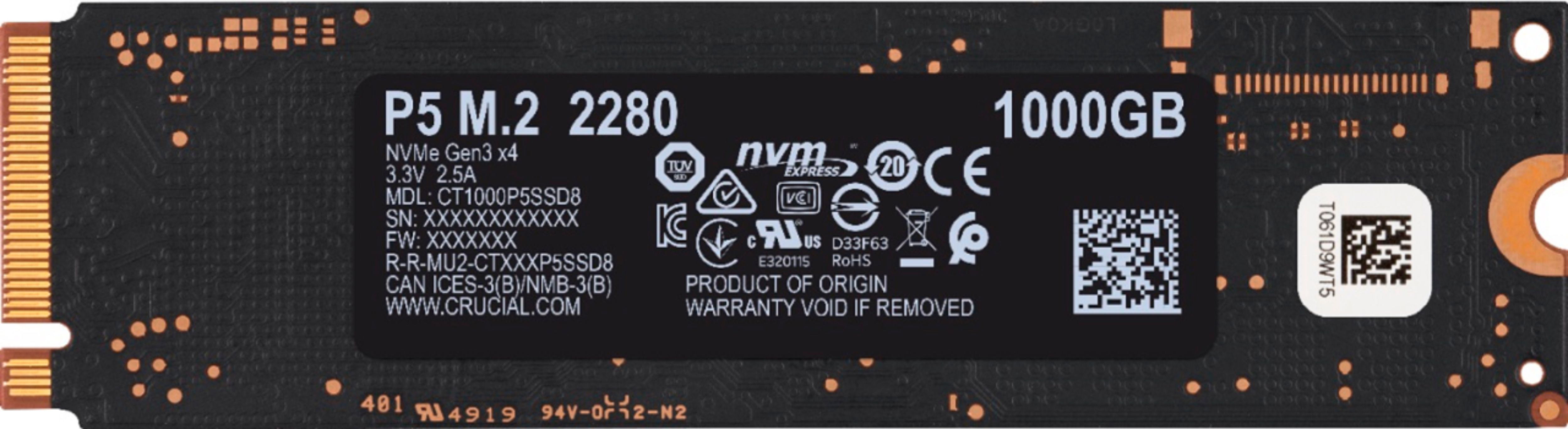
    • Answer Thank you for contacting Crucial. We would like to inform you that the part#CT1000P5SSD8 is M-Keyed PCIe drive and will work after installing it in M.2 PCIE slot. Regards.

      Answered by Micron CPG Support

  • QuestionIs this compatible with my HP - Pavilion 15.6" Gaming Laptop - AMD Ryzen 5?

    Asked by Starter.

    • Answer Hello, Thank you for contact us. We would like to inform you that as per system's specifications HP - Pavilion 15.6" Gaming Laptop - AMD Ryzen 5 has a compatible PCIe NVMe M.2 slot and CT1000P5SSD8 is compatible and should work fine. If you have any questions, we welcome your reply. Have a beautiful day & stay safe! Regards, SS

      Answered by Micron CPG Support

  • QuestionWill this be compatible with 2019 MACBOOK PRO Touch bar? Thanks

    Asked by dinhmacbookprossd.

    • Answer No, the storage is soldered onto the logic board and is not replaceable/upgradable.

      Answered by Casey

  • QuestionIs this compatible with a Dell g5 15 5500 gaming notebook?

    Asked by Cynder.

    • Answer Thank you for your inquiry. Regarding your query of the SSD, we would like to inform you that part#CT1000P5SSD8 is compatible with the system Dell g5 15 5500 gaming notebook. If you have any further query, we welcome your reply. Regards.

      Answered by Micron CPG Support

  • QuestionIs this compatible with a imac 2017?

    Asked by Elopez.

    • Answer Thank you for your inquiry. Regarding your query of the SSD, we are sorry to inform you that the part#CT1000P5SSD8 is not compatible with an iMac 2017. As system does not support M.2 PCIE slot hence it will not work in the system. If you have any further query we welcome your reply. Regards.

      Answered by Micron CPG Support

  • QuestionIs this compatible with my MSI Modern 15 A10M ? Year Released: 2020

    Asked by Tommylee.

    • Answer Thank you for considering one of our award-winning Crucial storage products.
      Unfortunately, we are unable to confirm compatibility without your system's full model/number. We do, however, offer a free Scanner at crucial.com that will show you compatible memory and storage parts. Please also note that you may use our SSD drives with an external USB adapter.
      Crucial is happy to provide customer and technical support regardless of where you purchased the product. Please let us know if we can be of any assistance.
      - The Crucial Team

      Answered by Micron CPG Support

  • QuestionWill this work in my Sony VAIO SVP1321GGXBI

    Asked by LaryD.

    • Answer Thank you for considering one of our award-winning Crucial storage products!
      Based on the specs and (limited) information provided by the manufacturer for this system, it does not appear that the P5 would be compatible. You may want to use our free compatibility scanner tool at crucial.com to confirm this.
      Please keep in mind that our external drives are an excellent storage option.
      Crucial is happy to provide customer and technical support regardless of where you purchased the product. Please let us know if we can be of any assistance.
      - The Crucial Team

      Answered by Micron CPG Support

  • QuestionCan o use this on the ps5?

    Asked by Ps5.

    • Answer Sony has not released an update allowing you to utilize the ssd expansion yet

      Answered by Justin

  • QuestionWill it work and what speed with a PCIE lower,model slot. I have onlyh one newer which has my video card.

    Asked by W0MN.

    • Answer You will have to buy an NVME adapter card that will go into your PCIe slot. Do a search on Google for NVME PCIe Adapter. See attached pic.

      Answered by RangerLG

  • QuestionIs this compatible with my HP 15-dy1091wm?

    Asked by Christian.