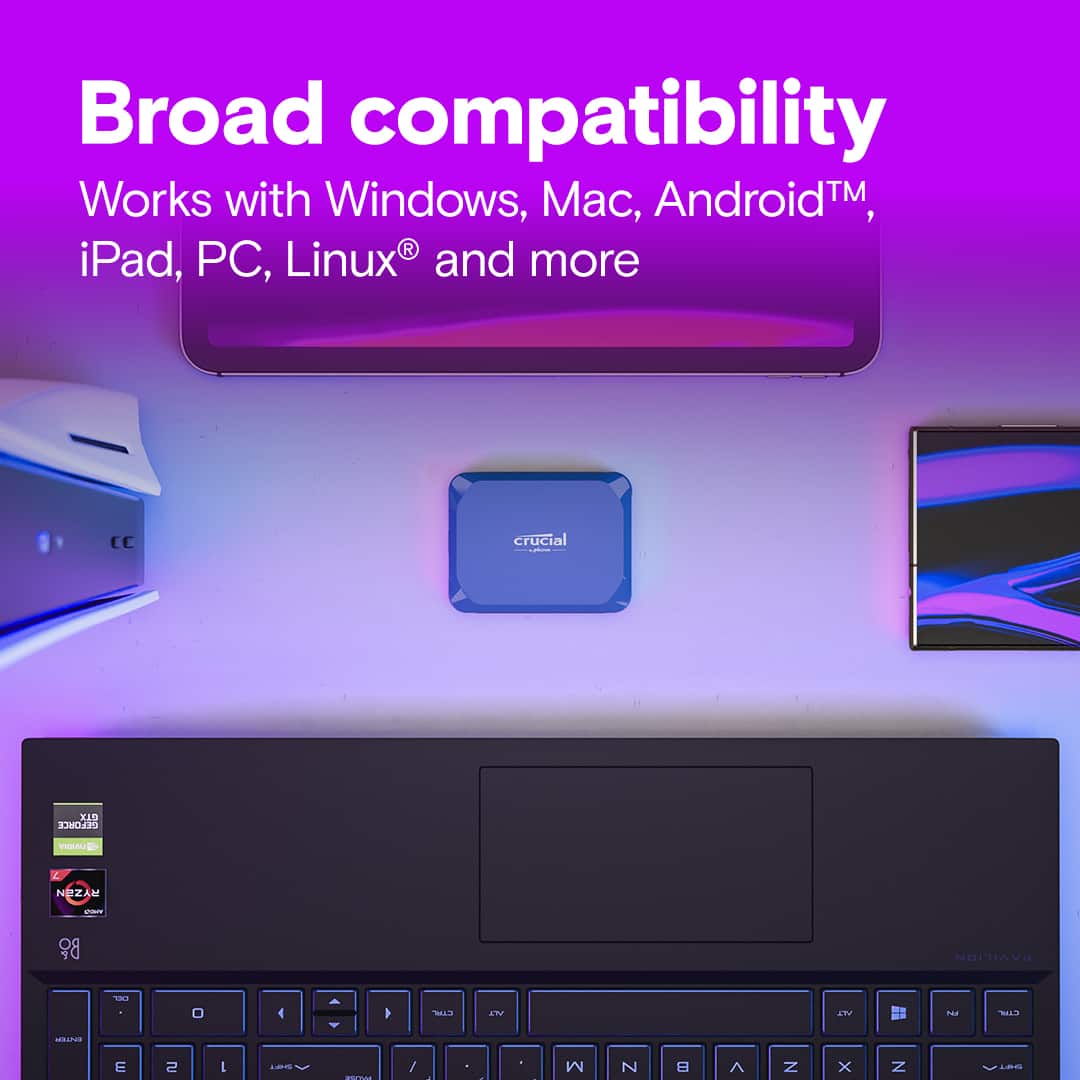
Main Content

Questions & Answers

$139.99
Page Showing 1-9 of 9 questions
  • QuestionWhat is the maximum read speed of this SSD?

    • Answer The maximum read speed of this SSD is 2100 megabytes per second.
    This question and answer was generated by AI based on customer and product data.

  • QuestionHow much storage capacity does this Crucial SSD have?

    • Answer This Crucial SSD has a storage capacity of 1000 gigabytes.
    This question and answer was generated by AI based on customer and product data.

  • QuestionWhat kind of USB port does this SSD use?

    • Answer This SSD uses a USB-C (USB 3.2 Gen2) port.
    This question and answer was generated by AI based on customer and product data.

  • QuestionDoes this SSD have data encryption?

    • Answer No, this SSD does not have data encryption.
    This question and answer was generated by AI based on customer and product data.
  • QuestionCan this external SSD be used with a Mac?

    • Answer Yes, this storage solution works with Mac via USB-C connection.
    This question and answer was generated by AI based on customer and product data.
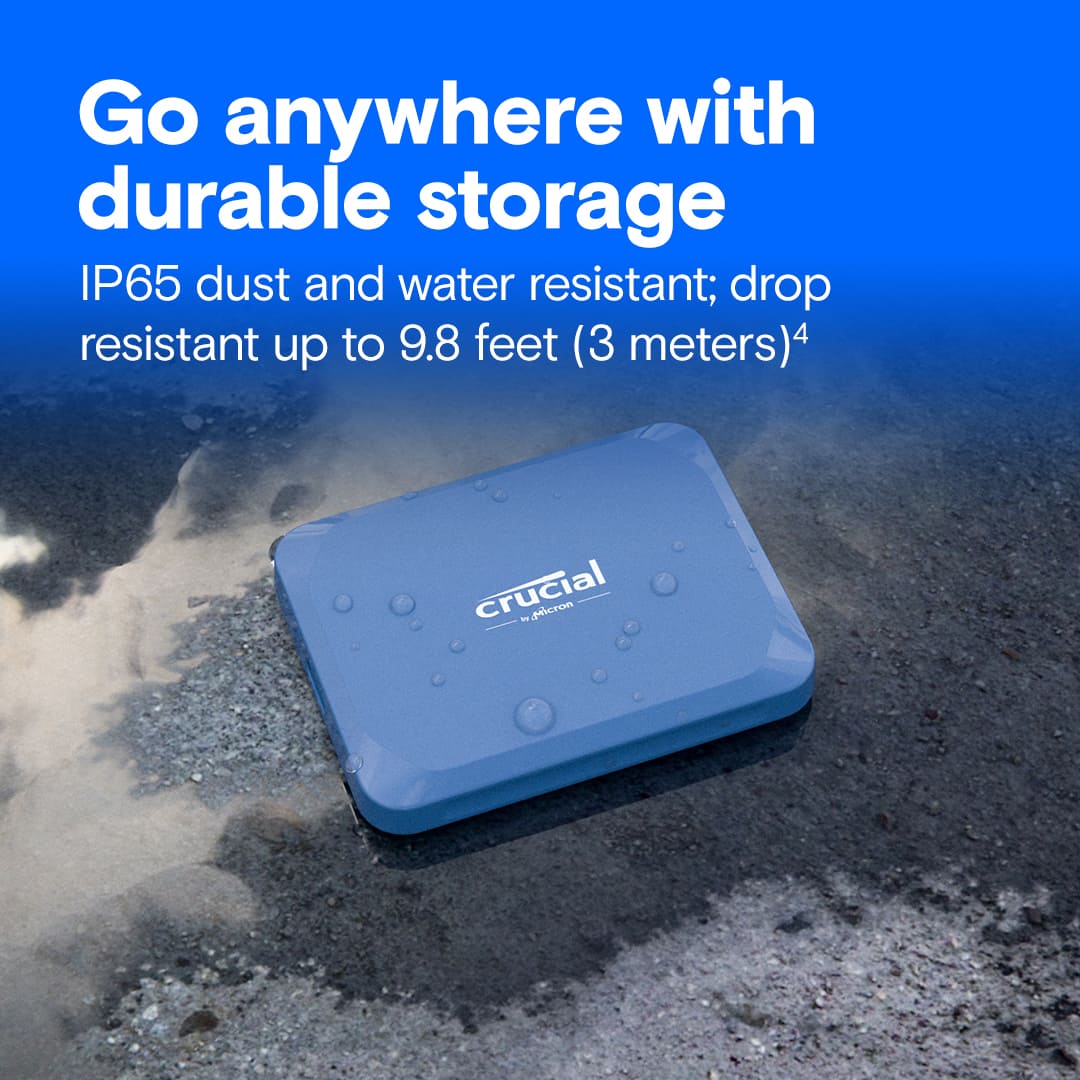
  • QuestionIs this SSD resistant to dust and water?

    • Answer Yes, this SSD is IP65 rated for dust and water resistance.
    This question and answer was generated by AI based on customer and product data.

  • QuestionIs this drive suitable for backing up files?

    • Answer Yes, this portable drive is perfect for backing up all your favorites.
    This question and answer was generated by AI based on customer and product data.
  • QuestionCan this store photos from my iPhone? No iCloud or anything else needed?

    Asked by Loke.

    • Answer Hello Loke, Thank you for reaching out to us, we would like to inform you that Crucial X10 1TB Portable SSD CT1000X10SSD9 is a plug and play device and is compatible with iPhone. You can store photos from you iPhone and no iCloud or anything else is needed to use this drive, however, we still request you to keep copies of the data to avoid any data loss. Please note that an external storage device must have only a single data partition, and it must be formatted as APFS, APFS (encrypted), macOS Extended (HFS+), exFAT (FAT64), FAT32, or FAT. To change the formatting of a storage device, use a Mac or PC. Note: You can use the Files app and other supported apps to access files stored on external devices, connected to your iPhone. An external hard drives often require an external power source when used with iPhone. If an external hard drive doesn’t supply its own power, and your iPhone has a USB-C connector, you can use a powered USB hub. If your iPhone has a Lightning connector, you can use the Lightning to USB 3 Camera Adapter connected to a USB power adapter. You may need the Lightning/USB C to USB Camera Adapter, Lightning/USB C to USB 3 Camera Adapter,(all sold separately). Meanwhile, if you have any further query, please feel free to visit our contact page: https://www.crucial.com/support/contact to know about other ways to reach out to us. Regards, Crucial

      Answered by Micron CPG Support

  • QuestionDoes this support Mac Time Machine over the SMB network protocol?

    Asked by Gandalf.

    • Answer Hello Gandalf, Thank you for reaching out to us, Yes, Crucial X10 SSD support Mac Time Machine over the SMB network protocol. Meanwhile, if you have any further query, please feel free to visit our contact page: https://www.crucial.com/support/contact to know about other ways to reach out to us. Regards, Crucial

      Answered by Micron CPG Support