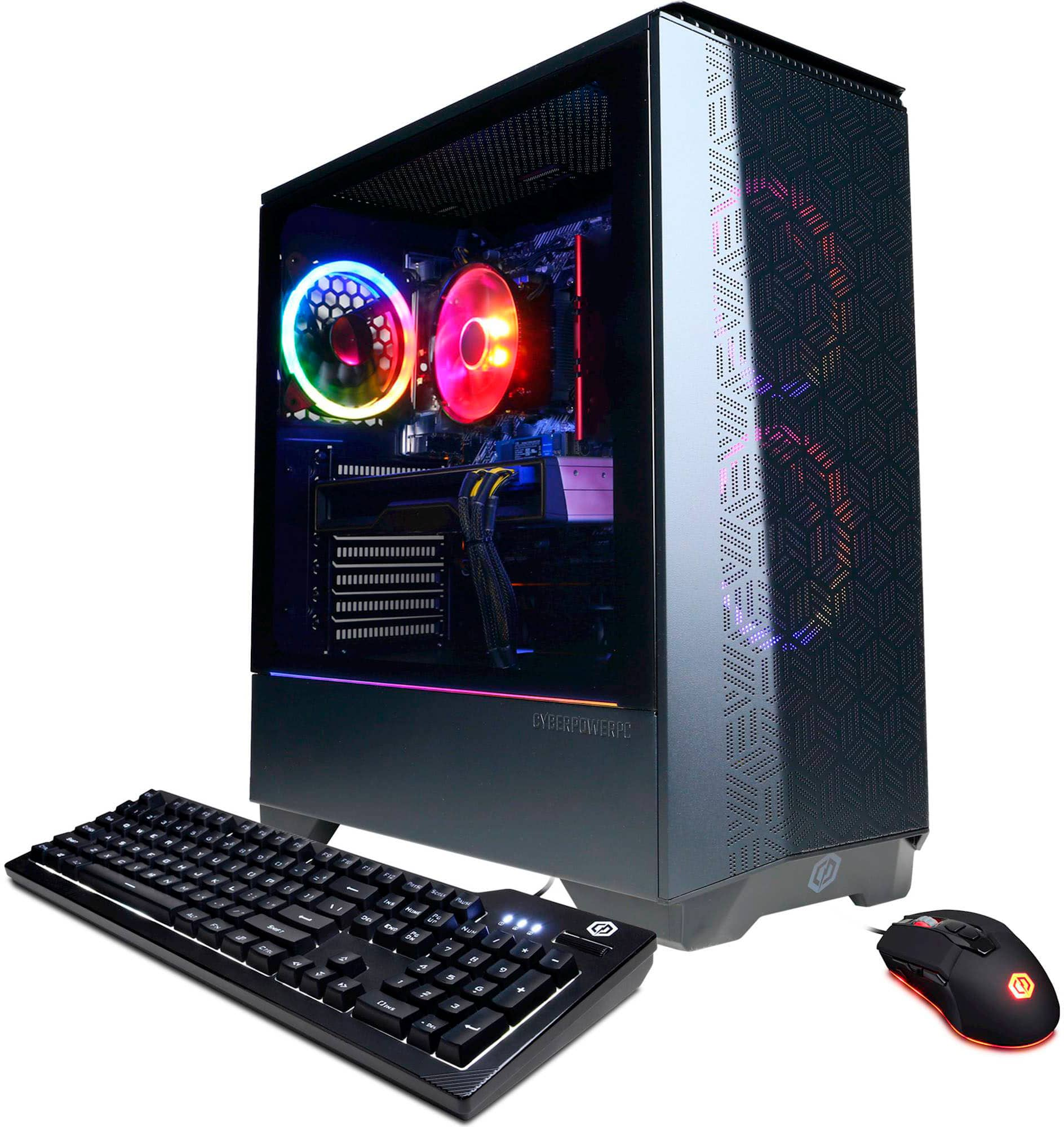
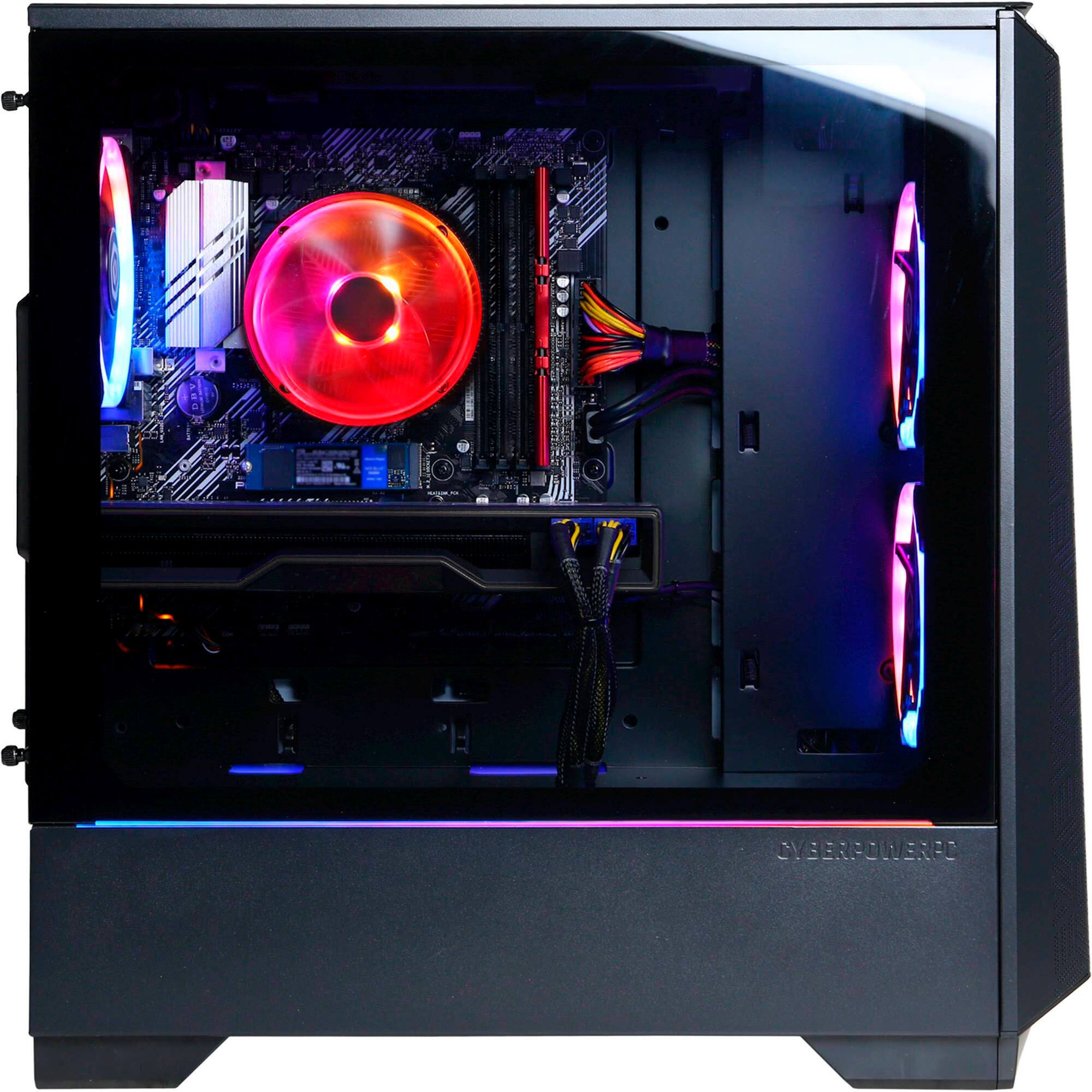
A:AnswerIn response to the previous answer, there are 2 racks, with space for 3, for ssd provided behind the motherboard, just need to unscrew the back of the case. You'll also find some cables running out of the psu there.
A:AnswerYou'd have to install your own rack/mount for it. Odds are that's no problem, but I don't know for sure if the case is big enough or has screw holes in the right places
A:AnswerCheck out Tech power up (dot) com’s review of the different cards. 6600 ran Cyberpunk around 50-60 fps on 1080p. 1440 runs around 30fps https://www.techpowerup.com/review/powercolor-radeon-rx-6600-fighter/11.html
A:AnswerThank you for reaching out. For further assistance on this matter, please contact our tech support team at your earliest convenience; we're always happy to help.
Tech Support:
(855) 888-2039
[email protected]
Discord.gg/cyberpowerpc
Hours of Operation:
Monday - Friday: 8:30AM - 6:00PM PST
Saturday: 9:30AM - 3:00PM PST
-CyberPowerPC Support
A:AnswerThank you for reaching out to us. The components included with this system are upgradeable, however, it is always recommended that you check for compatibility before making your purchase on new hardware. If you have any further questions or concerns then please do not hesitate to give our tech support agents a call for any assistance; we're always happy to help.
Tech Support:
(855) 888-2039
[email protected]
Discord.gg/cyberpowerpc
Hours of Operation:
Monday - Friday: 8:30AM - 6:00PM PST
Saturday: 9:30AM - 3:00PM PST
-CyberPowerPC Support
A:AnswerThank you for reaching out to us. The best way to purchase more RAM for the PC would be to look up the serial number on the side of the RAM and purchase the exact same stick. It is always recommended that you have matching sticks of RAM inside your PC to avoid incompatibility issues. If you have any further questions or concerns then please do not hesitate to give our tech support agents a call for any assistance; we're always happy to help.
Tech Support:
(855) 888-2039
[email protected]
Discord.gg/cyberpowerpc
Hours of Operation:
Monday - Friday: 8:30AM - 6:00PM PST
Saturday: 9:30AM - 3:00PM PST
-CyberPowerPC Support
A:AnswerDefinitely handles the Oculus app through a link cable, but I had trouble using Air Link. It'd connect, but I had horrible latency issues specifically on my Quest 2, not my PC. It might just be my wifi.
A:AnswerYes you would be able to upgrade the video card. Adding ram is definitely a good idea, I bought an extra 32 GB when I bought the computer and installed it before I even powered it up the first time.
A:Answerbest is if you get a external sdd for saving the games i personally have a 1tb external because 500gbs in todays world of gaming is not enough also upgrading the ram to maybe 16gbs would help your son enjoy this even more
A:AnswerThank you for reaching out to us. The keyboard switches that come with the keyboard are membranes. If you have any further questions or concerns then please do not hesitate to give our tech support agents a call for any assistance; we're always happy to help. Tech Support: (855) 888-2039 [email protected] Hours of Operation: Monday - Friday: 8:30AM - 6:00PM PST Saturday: 9:30AM - 3:00PM PST -CyberPowerPC Support
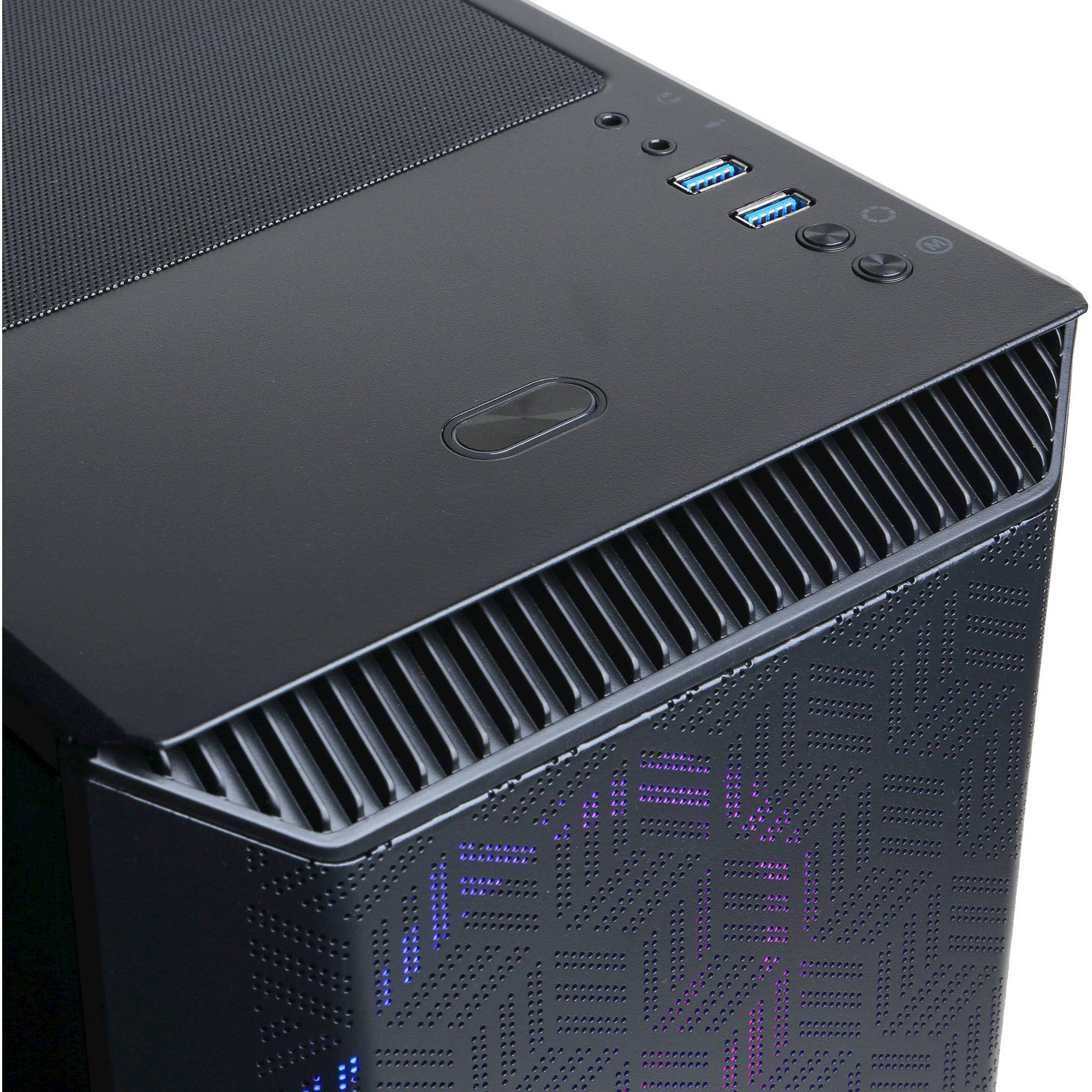
A:AnswerThank you for reaching out to us. The connectivity/ports that this system may have are; Internet Connectivity: Ethernet, Wi-Fi, Wireless Networking: Wireless-AC, Bluetooth Enabled: No, Ethernet Card: 10/100/1000, Number Of Ethernet Ports: 1, Number of HDMI Outputs (Total): 1, Number of USB Ports (Total): 8, Number of DisplayPort Outputs (Total): 2, Number Of PS/2 Ports: 1. If you have any further questions or concerns then please do not hesitate to give our tech support agents a call for any assistance; we're always happy to help.
Tech Support:
(855) 888-2039
[email protected]
Hours of Operation:
Monday - Friday: 8:30AM - 6:00PM PST
Saturday: 9:30AM - 3:00PM PST
-CyberPowerPC Support