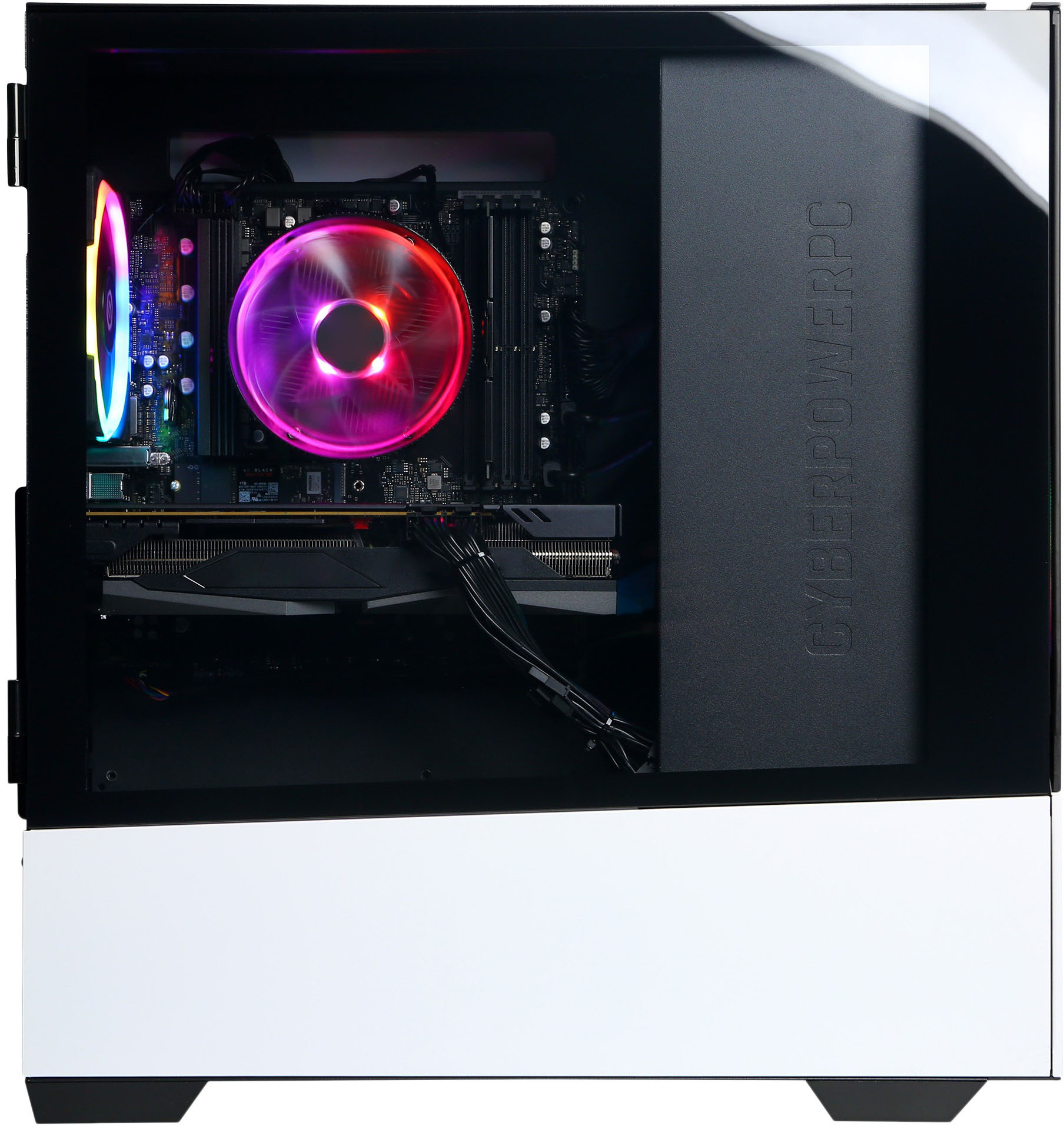
A:AnswerI would start troubleshooting it first by checking it with another ethernet cable and see if it still happens. I would then check the motherboard and see if all the power cables are locked in or fully connected. Sometimes while shipping, the internal cables will shake loose. Otherwise, switch to wifi and see if it connects that way. Finally, I would check the device manager in the operating system and look for any hardware issues under the Network Adapters tab. If you were still unable to find a fix, call support for Cyberpower at 888-937-5582 since it was purchased from a 3rd party. Good luck.
A:AnswerIn my experience the CPU rarely approaches the temperature which it's set to automatically throttle itself at by default, and iirc that's lower than "overheating" by a good amount, as for the GPU, it would take an incredibly GPU intensive game for it to approach a dangerous temperature.
A:AnswerThis greatly exceeds the recommended specs for both of those games, if it doesn't run them well straight out of the box it probably doesn't run them at all straight out of the box due to Windows 11, but installing Windows 10 on a second partition would fix that pretty easily (doing so does require a flash drive to turn into installation media and may require WiFi tethering to install the WiFi drivers, though)
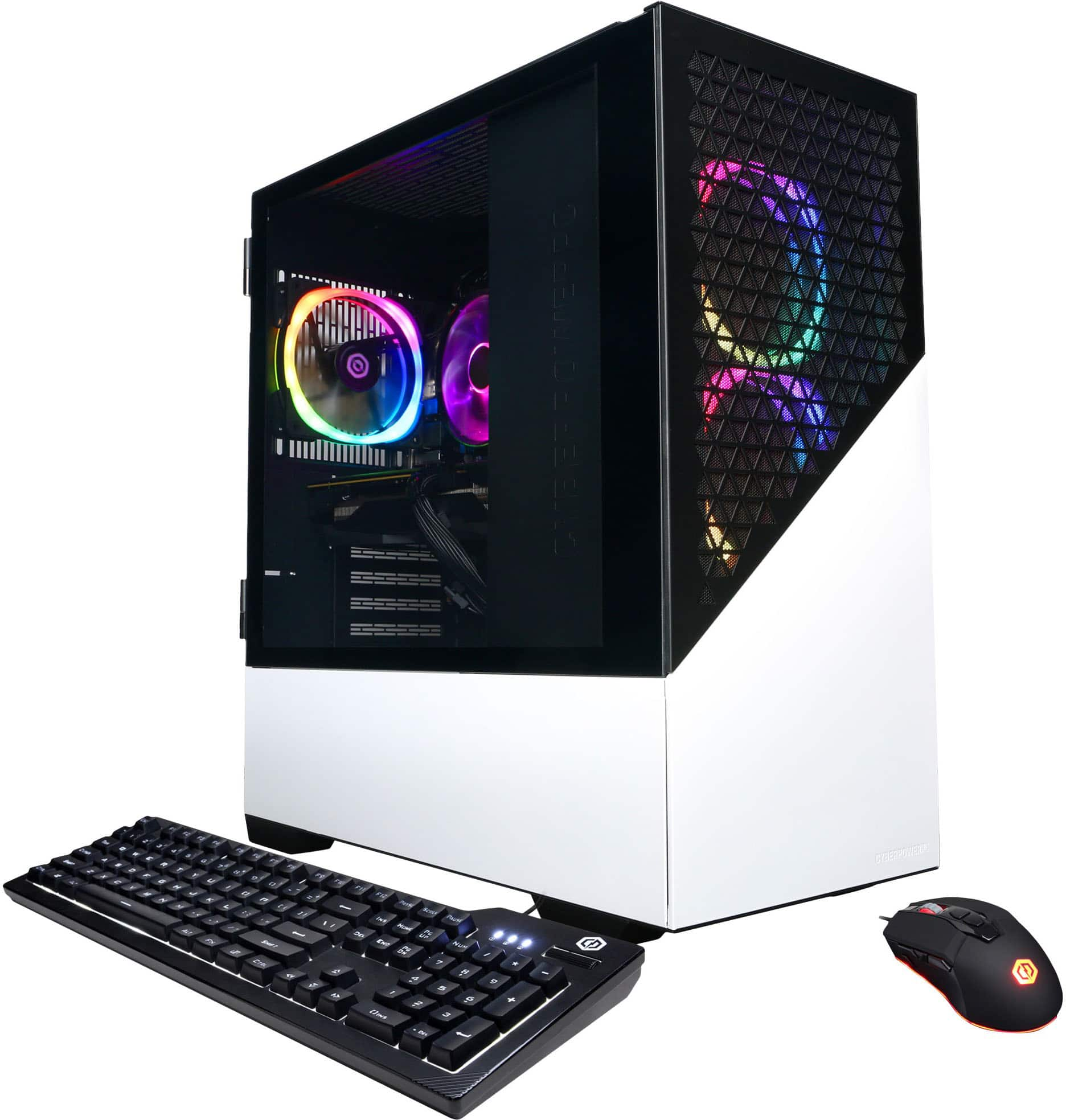
A:Answerit does come with a mouse and keyboard. Its honestly a good starter set. You always can buy a new mouse and key if you end up not liking it later on down the road.