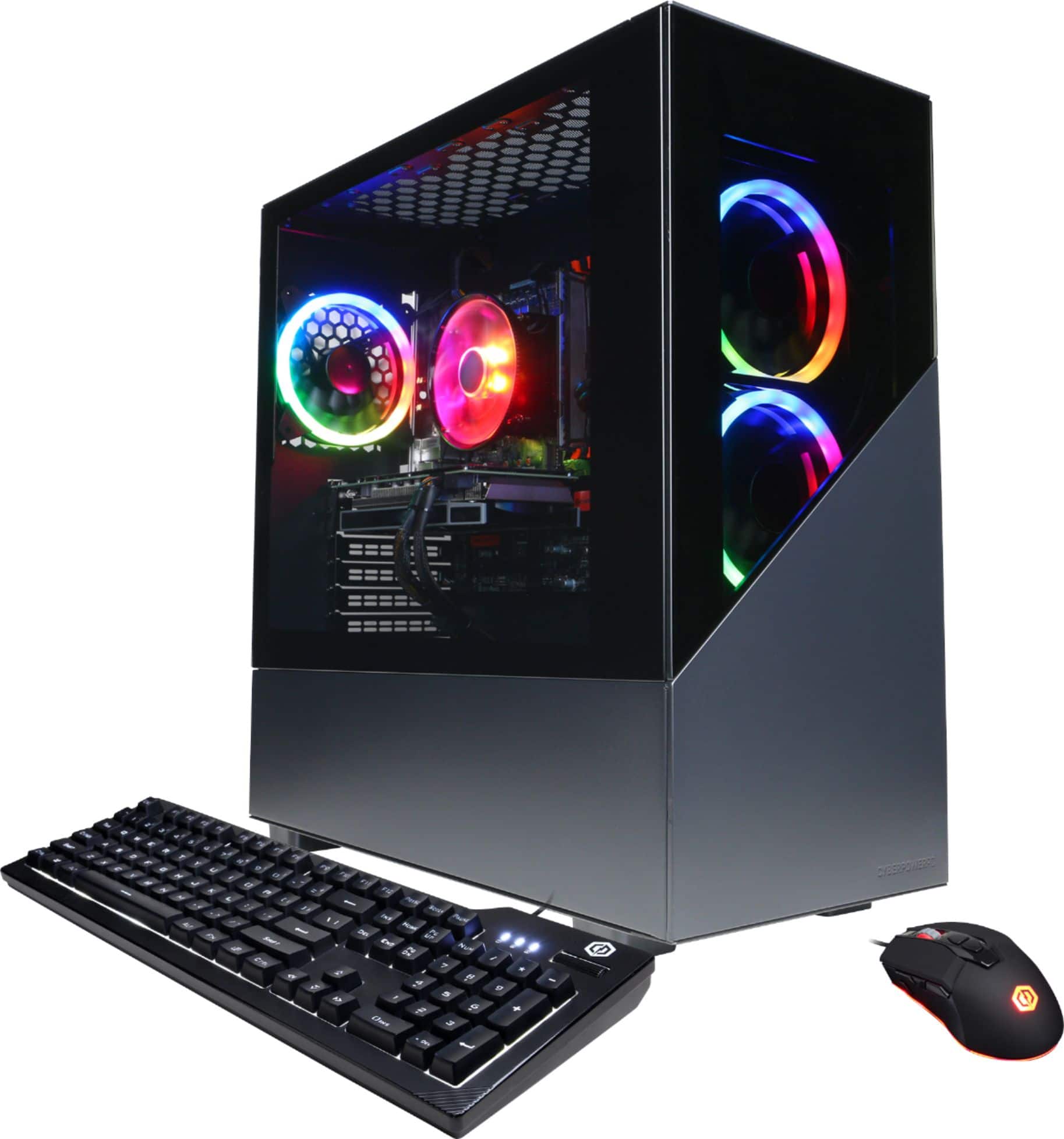
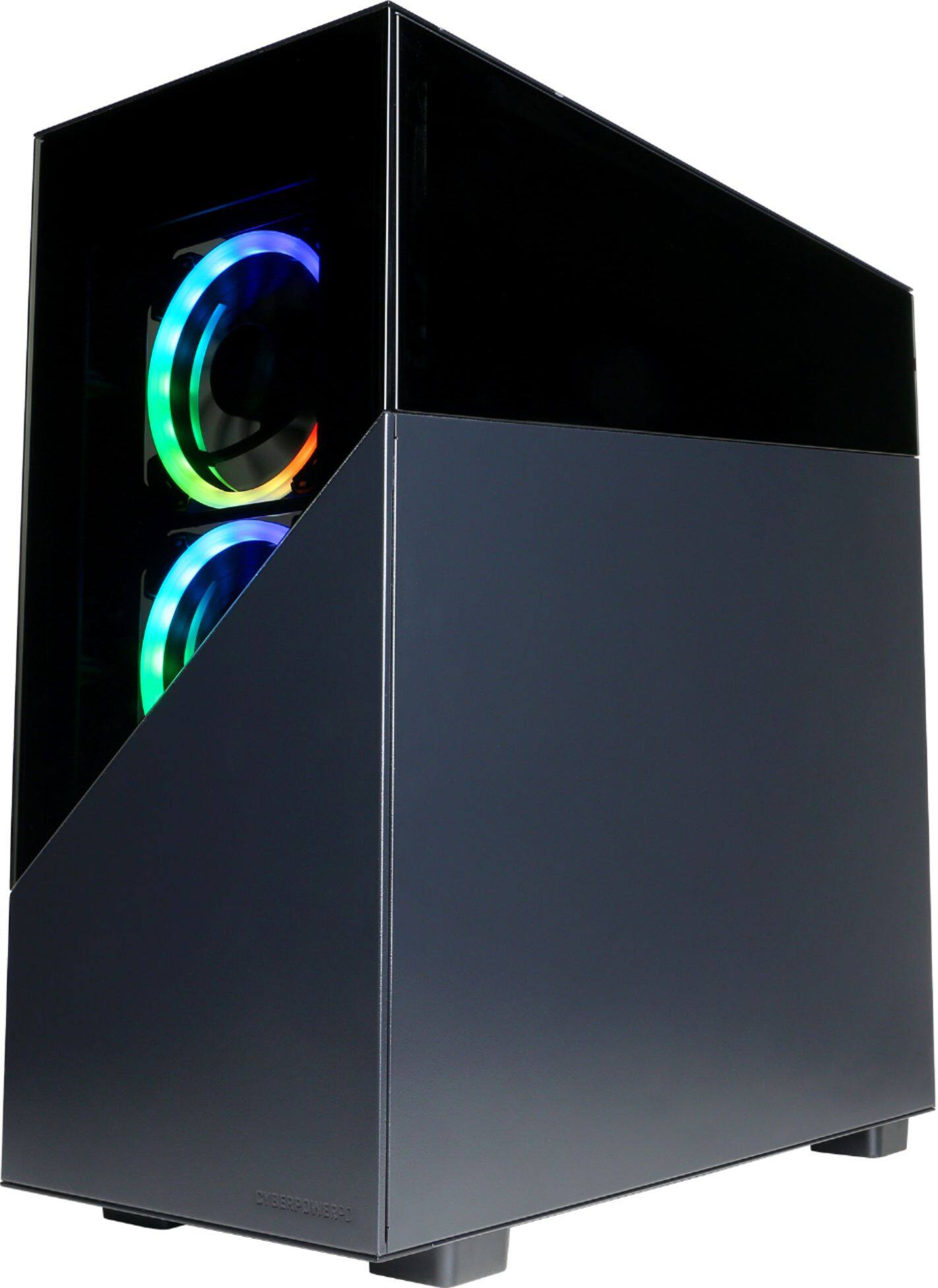
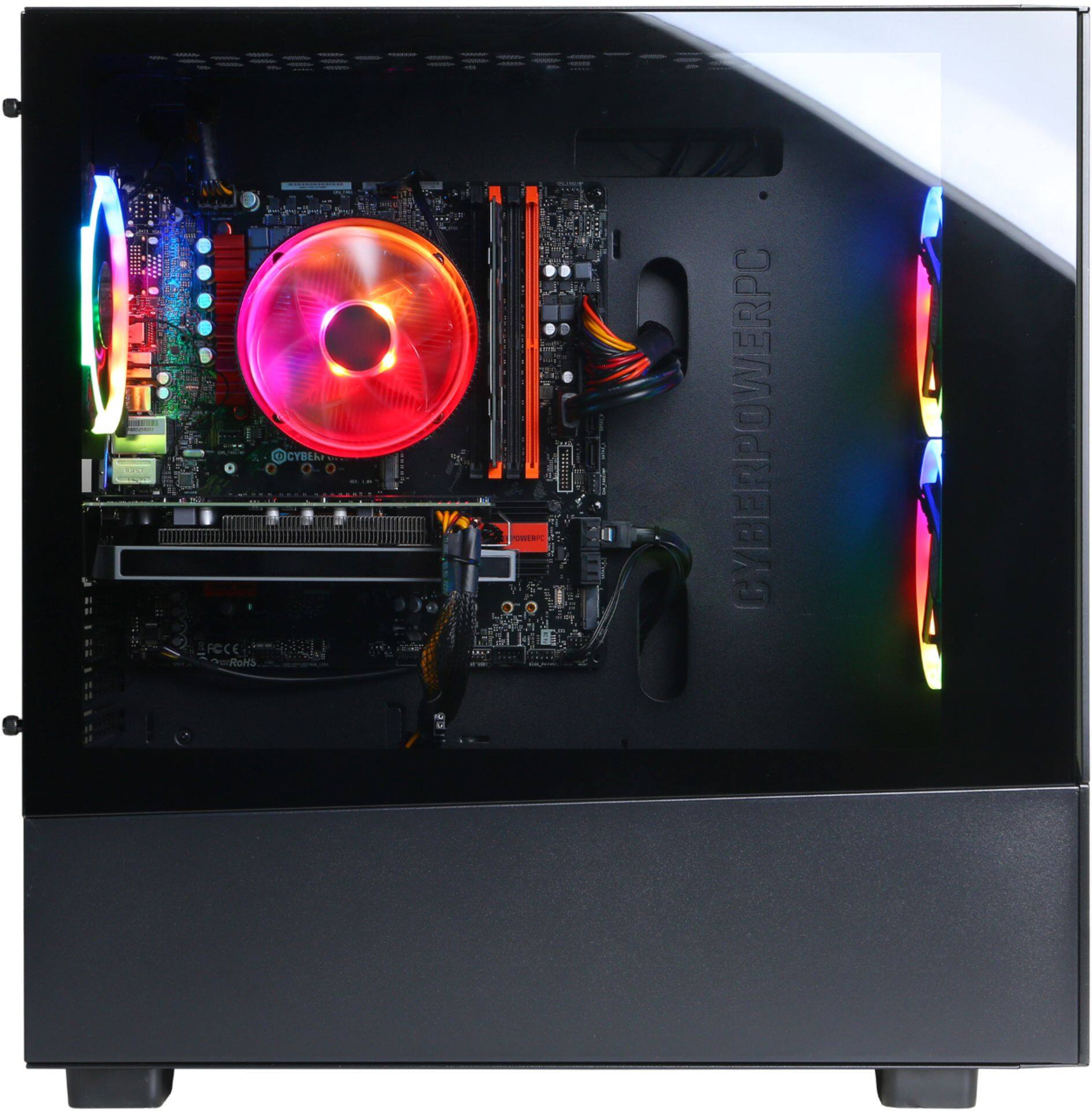
A:AnswerThe short version: No, it would not be bottlenecked. In fact, if you are able to kick that up to a 2060 Super, I would say that's a great combo (the i5-9600KF + the 2060 Super). Just make sure that you get a 2 fan version instead of the 3X OC version just in case the case isn't big enough. If you do the measurements and you can stuff the 2060 super 3X OC version, then, by all means, go for it. You won't be sad about that upgrade.
The long version: When upgrading, the main factor of bottlenecking is key to avoid, and you know that. So seeing as this PC has an Intel i5-9600KF, you are set for a while. Looking at other PCs around this price range (850-1.1K), I see clearly that CyberPowerPC has made the incredible decision to add this instead of a i5-9400F or a i7-9700F. In the case of the i5-9400F, looking at CPU UserBenchmark, the i5-9400F vs. the i5-9600KF; there is a clear winner here. The i5-9600KF beats out the i5-9400F outright in the single, dual, quad, and octacore NON-OVERCLOCKED tests by an average of 14-15% (that is an increase of 30-40 points in all categories). The "K" in i5-9600KF relates to that the CPU can overclock, so it makes sense that the overclocked test as well beat the i5-9400F by an average of 20-23% (that is an increase of about 50-60 points in all categories). The i5-9600KF, in fact, can still beat out the i7-9700F in all categories except for the octacore category. This is because the i5-9600KF is a hexacore and the i7-9700F is an octacore (you can probably see why I don't need to elaborate). At the end of the day you could probably slap a 2070 Super onto this PC and still not have any bottlenecking issues.
MY RECOMMENDATION: This is only my opinion. You don't have to do this at all, I would just do this if it were me upgrading.
If you have the money for it, get a 2060 Super and make sure that you have AT LEAST 16GB of RAM. These days, applications, gaming or not, are getting more resource-intensive, so having that extra leg room will do a lot.
Hope this helps!
A:AnswerThank you for reaching out to us. This system should include a 600 watt power supply and 3000mhz RAM. If you have any further questions or concerns then please do not hesitate to give our tech support agents a call for any assistance; we're always happy to help.
Tech support:
(855) 888-2039
-CyberpowerPC Support
A:AnswerThank you for reaching out to us Joe. This system does not come with any preinstalled software other than Windows. If you have any further questions or concerns then please do not hesitate to give our tech support agents a call for any assistance; we're always happy to help.
Tech support:
(855) 888-2039
-CyberpowerPC Support
A:AnswerThank you for reaching out to us Chris. The best way to purchase more RAM for the PC would be to look up the serial number on the side of the RAM online and purchase the exact same stick. It is always recommended that you have matching sticks of RAM inside your PC to avoid incompatibility issues. If you have any further questions or concerns then please do not hesitate to give our tech support agents a call for any assistance; we're always happy to help.
Tech support:
(855) 888-2039
-CyberpowerPC Support
A:AnswerThe PC is more than ready for VR. Here's a picture from SteamVR Perf Test that confirms that it is. Also, you should have enough USB ports, since i can plug in all my things and still have a few USB slots left.
NOTE - I am using the computer this question is for.
A:AnswerThank you for reaching out to us. This PC should be able to support VR as it does meet the minimum system requirements for some VR headsets. However, the amount of FPS you receive in-game will vary depending on the resolution and refresh rate of your display, in-game graphics settings, as well as your network connection. It is always recommended that you check the system requirements of the game you would like to play before making your purchase. If you have any further questions or concerns then please do not hesitate to give our tech support agents a call for any assistance; we're always happy to help.
Tech support:
(888)937-5582
-CyberpowerPC Support
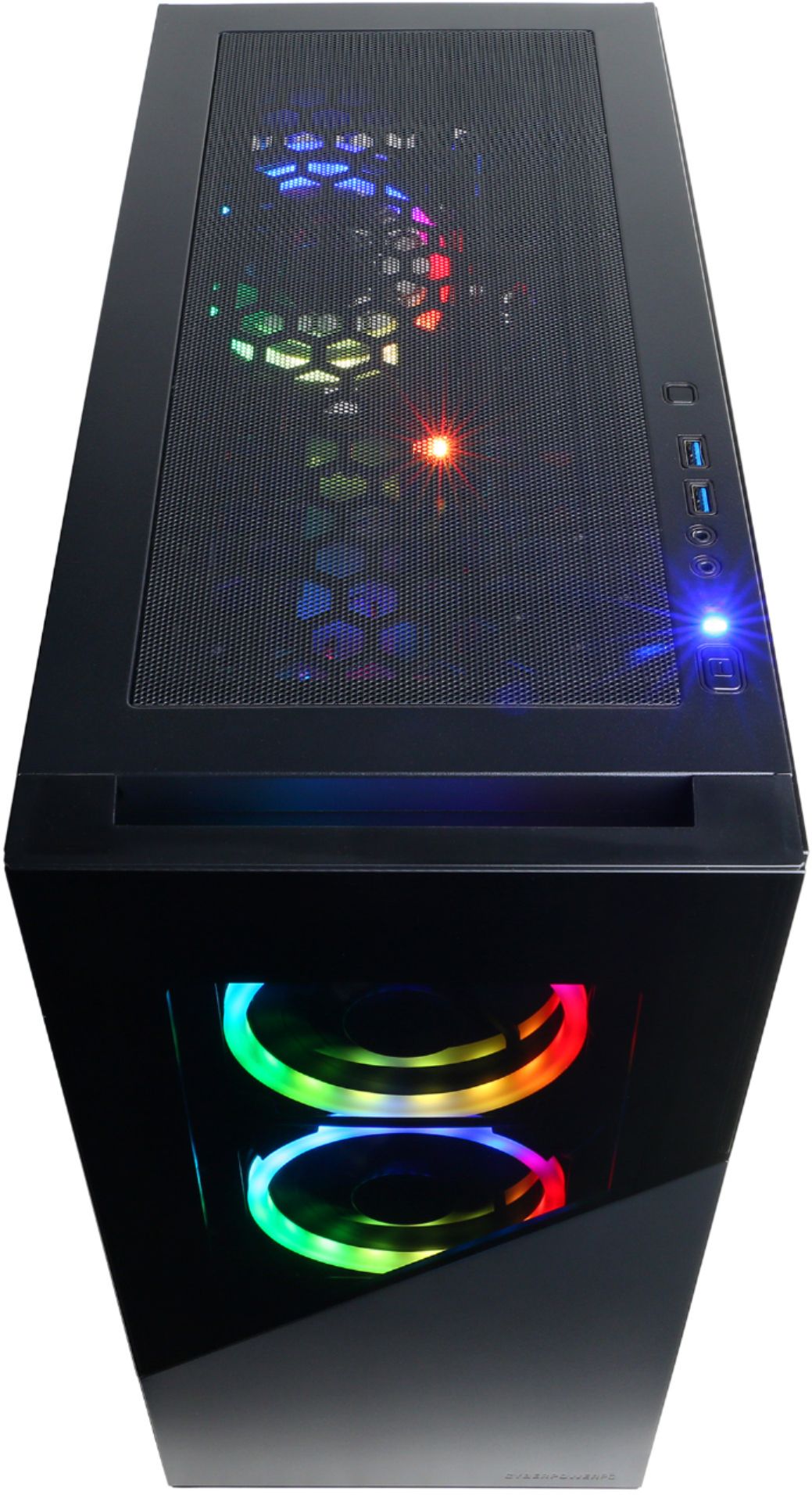
A:Answerair flow is great, could always add another fan on any system. I havent had heat issues even when running Modern Warfare War Zone on high graphics while streaming live no delay. And I stay at least 20C (about 35 F) from hitting the GPU or CPUs max running temp.
A:AnswerThank you for reaching out to us. The components included with this system are upgradeable, however, it is always recommended that you check for compatibility before making your purchase on new hardware. If you have any further questions or concerns then please do not hesitate to give our tech support agents a call for any assistance; we're always happy to help.
Tech support:
(855) 888-2039
-CyberpowerPC Support
A:AnswerSince this PC comes with 3000mhz RAM, I would not recommend going above that. There is another product that is $80 (as of June 12, 2020) which is also a Corsair Vengeance: https://www.bestbuy.com/site/corsair-vengeance-lpx-series-16gb-2pk-8gb-3-0ghz-ddr4-desktop-memory-black/5822467.p?skuId=5822467
There is also another alternative that you could get if you wanted to save a little bit of money. As of June 12, 2020, the 2666mhz version of the corsair vengeance series is 6 dollars off https://www.bestbuy.com/site/corsair-vengeance-lpx-16gb-2pk-x-8gb-2-6-ghz-ddr4-dram-desktop-memory-kit-black/4895508.p?skuId=4895508
As for the max for this motherboard, I haven't checked, but I am pretty sure it is 3000MHz
Just a quick side note and a general rule of thumb, never mix and match RAM MHz speeds because I'm pretty sure that it would default to the lower MHz frequency. Either go for all the sticks as 3000MHz or 2666MHz
Hope this helps!
A:AnswerThanks for reaching out John. Please double check your connections. If you are still experiencing this issue, please do not hesitate to contact our tech support agents at your earliest convenience so they can look into the matter further.
Tech support:
(888)937-5582
-CyberpowerPC Support
A:AnswerThank you for reaching out to us Chris. Unfortunately the size of the graphics cards will vary depending on the manufacturer and model. It is always recommended that you check for compatibility before making your purchase on new hardware. If you have any further questions or concerns then please do not hesitate to give our tech support agents a call for any assistance; we're always happy to help.
Tech support:
(855) 888-2039
-CyberpowerPC Support
A:AnswerThank you for reaching out to us Con. The components included with this system are upgradeable, however, it is always recommended that you check for compatibility before making your purchase on new hardware. If you have any further questions or concerns then please do not hesitate to give our tech support agents a call for any assistance; we're always happy to help.
Tech support:
(855) 888-2039
-CyberpowerPC Support
A:AnswerThank you for reaching out to us Ben. This PC should be able to run the Oculus Rift S as it does meet the minimum system requirements. However, the amount of FPS you receive in-game will vary depending on the resolution and refresh rate of your display, in-game graphics settings, as well as your network connection. It is always recommended that you check the system requirements of the game you would like to play before making your purchase. If you have any further questions or concerns then please do not hesitate to give our tech support agents a call for any assistance; we're always happy to help.
Tech support:
(888)937-5582
-CyberpowerPC Support
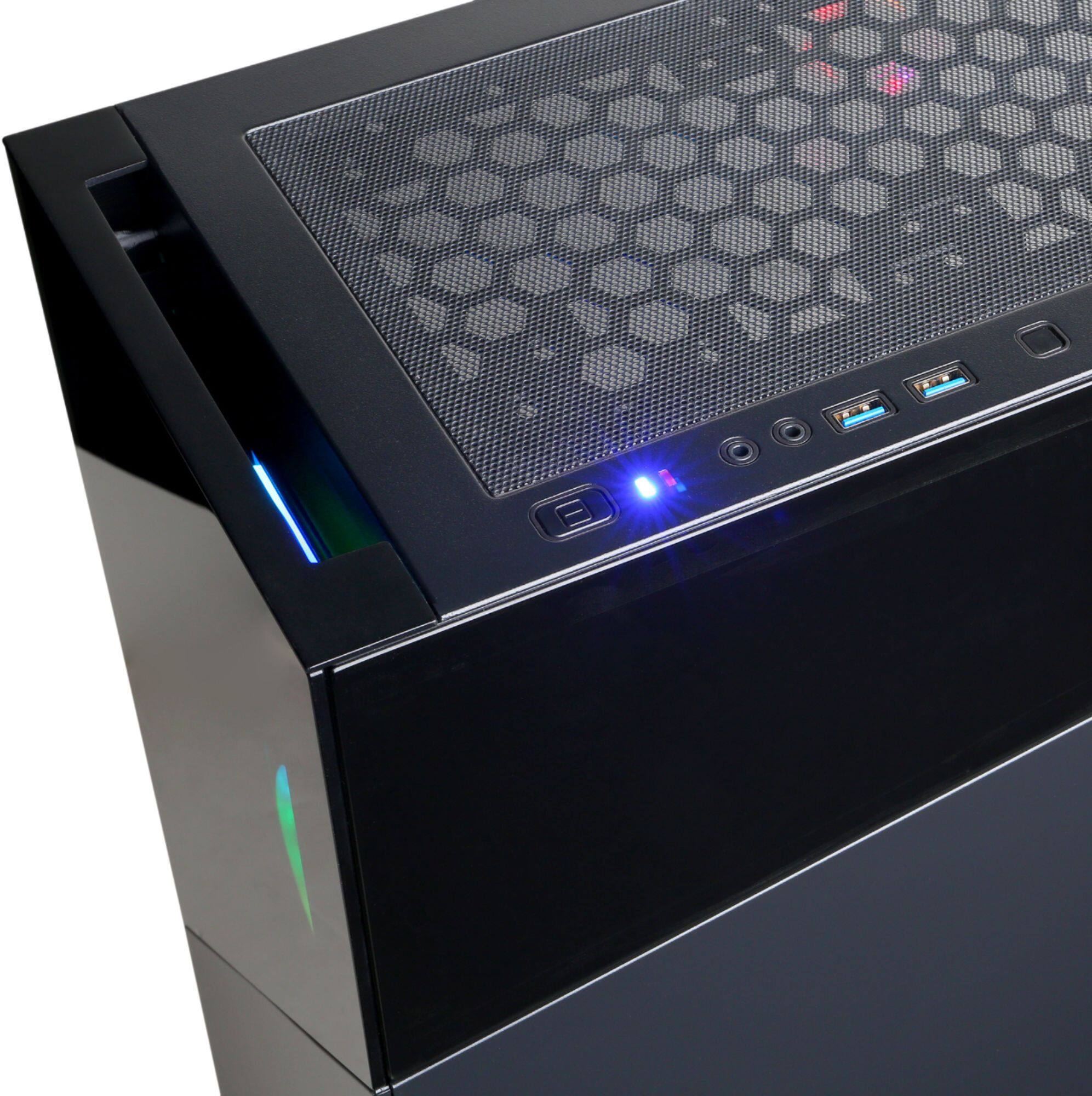
A:AnswerThank you for reaching out to us Joey. The audio jacks should be located on top of the PC towards the front as well as on the back of the system. If you have any further questions or concerns then please do not hesitate to give our tech support agents a call for any assistance; we're always happy to help.
Tech support:
(855) 888-2039
-CyberpowerPC Support