Main Content

Questions & Answers

Page Showing 1,121-1,140 of 1270 questions
  • QuestionHow many fps can i get on fortnite with epic settings?

    Asked by JayE.

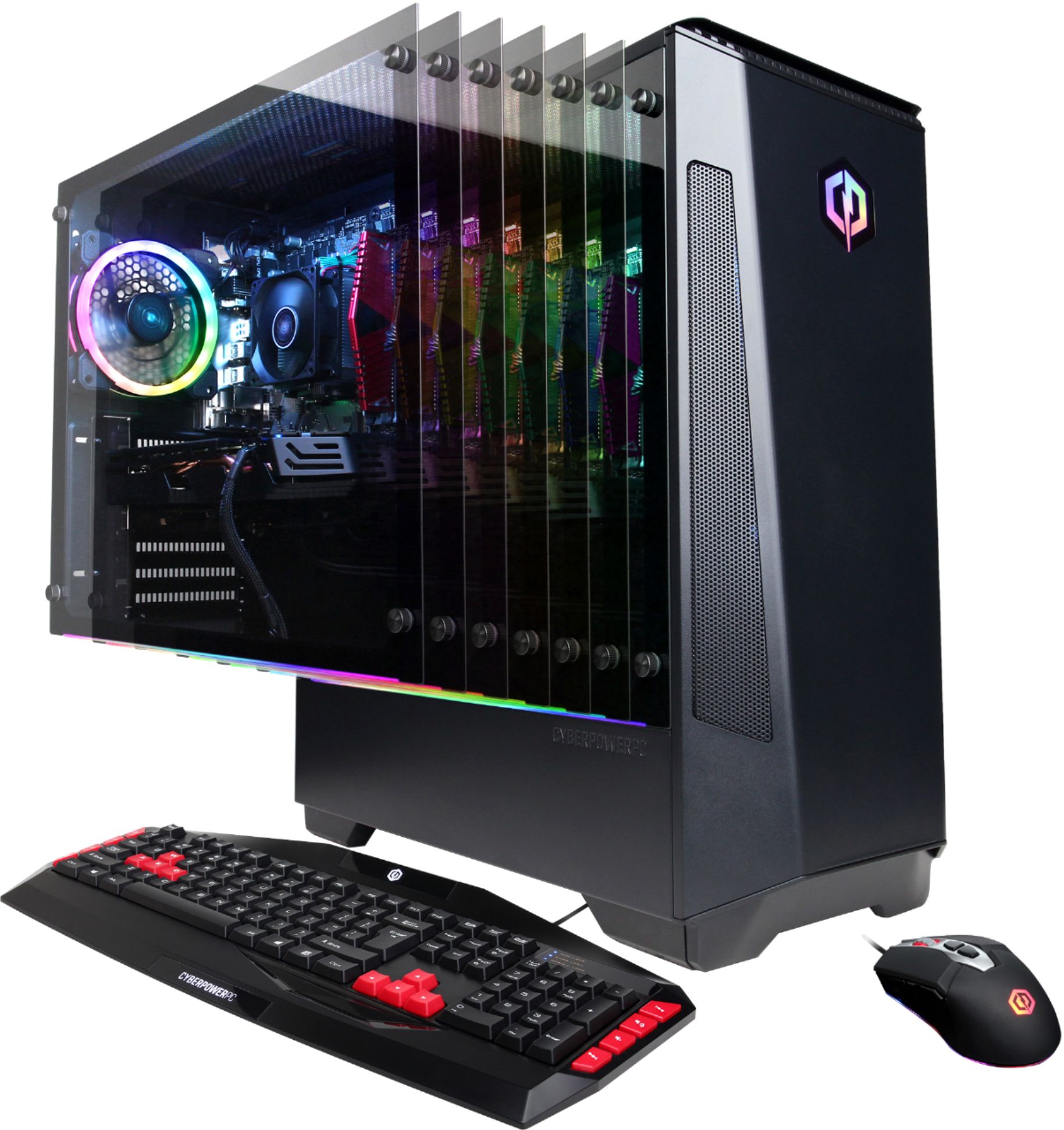
    • Answer Thank you for reaching out to us Marv. This PC should be able to run Fortnite as it does meet the minimum system requirements. However, the amount of FPS you receive in-game will vary depending on the resolution and refresh rate of your display, in-game graphics settings, as well as your network connection. It is always recommended that you check the system requirements of the game you would like to play before making your purchase. If you have any further questions or concerns then please do not hesitate to give our tech support agents a call for any assistance; we're always happy to help. Tech support: (888)937-5582 -CyberpowerPC Support
      Answered by CyberPowerPC Brand Expert

  • QuestionWhat is the model number for the RX 580 within the system?

    Asked by MikeMorrison.

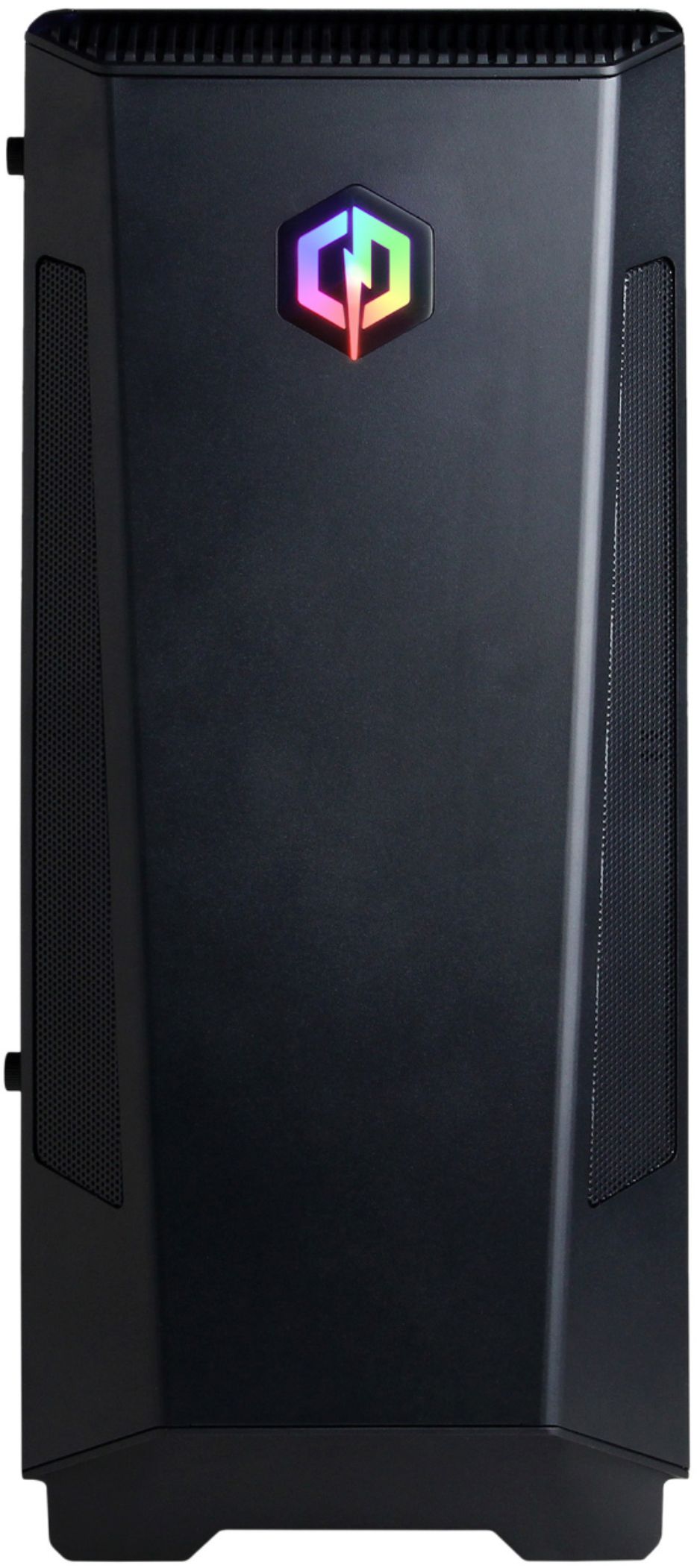
    • Answer Thank you for reaching out to us MikeMorrison. Unfortunately the manufacturer and form factor of the graphics card included with this system may vary depending on what was currently available at the time the PC was built. If you have any further questions or concerns then please do not hesitate to give our tech support agents a call for any assistance; we're always happy to help. Tech support: (888)937-5582 -CyberpowerPC Support
      Answered by CyberPowerPC Brand Expert

  • QuestionI want to upgrade the RAM for this PC. What type of RAM is required/recommended. Also if I were to get a 16 GB (2x 8 GB dual pack) - will I be able to add that to the already existing 8 GB - thus making the overall RAM 24 GB?

    Asked by Basil.

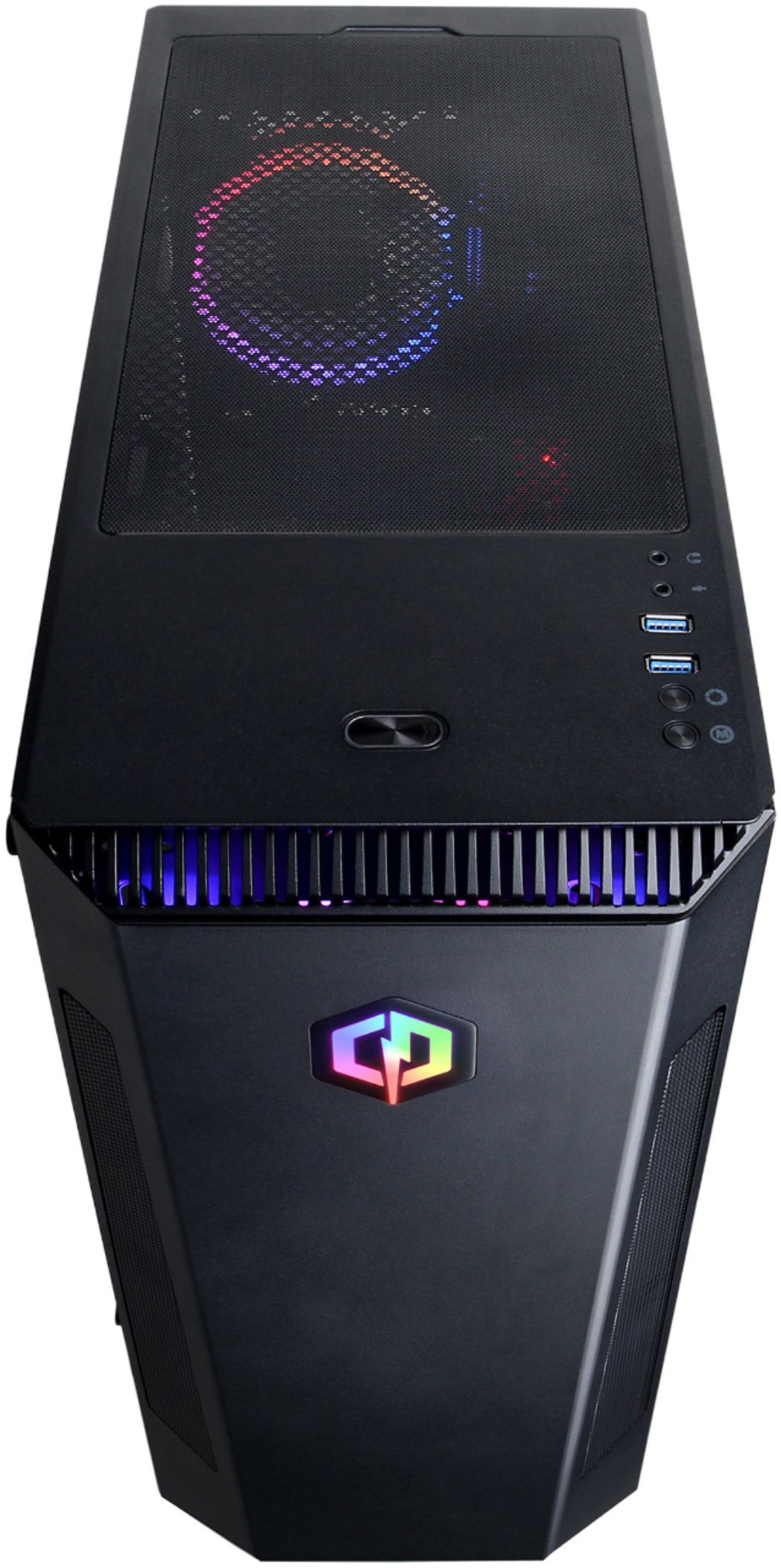
    • Answer Thank you for reaching out to us Eldhose. The best way to purchase more RAM for the PC would be to look up the serial number on the side of the RAM online and purchase the exact same stick. It is always recommended that you have matching sticks of RAM inside your PC to avoid incompatibility issues. If you have any further questions or concerns then please do not hesitate to give our tech support agents a call for any assistance; we're always happy to help. Tech support: (888)937-5582 -CyberpowerPC Support
      Answered by CyberPowerPC Brand Expert

  • QuestionWhat power supply comes with this PC?

    Asked by Toby.

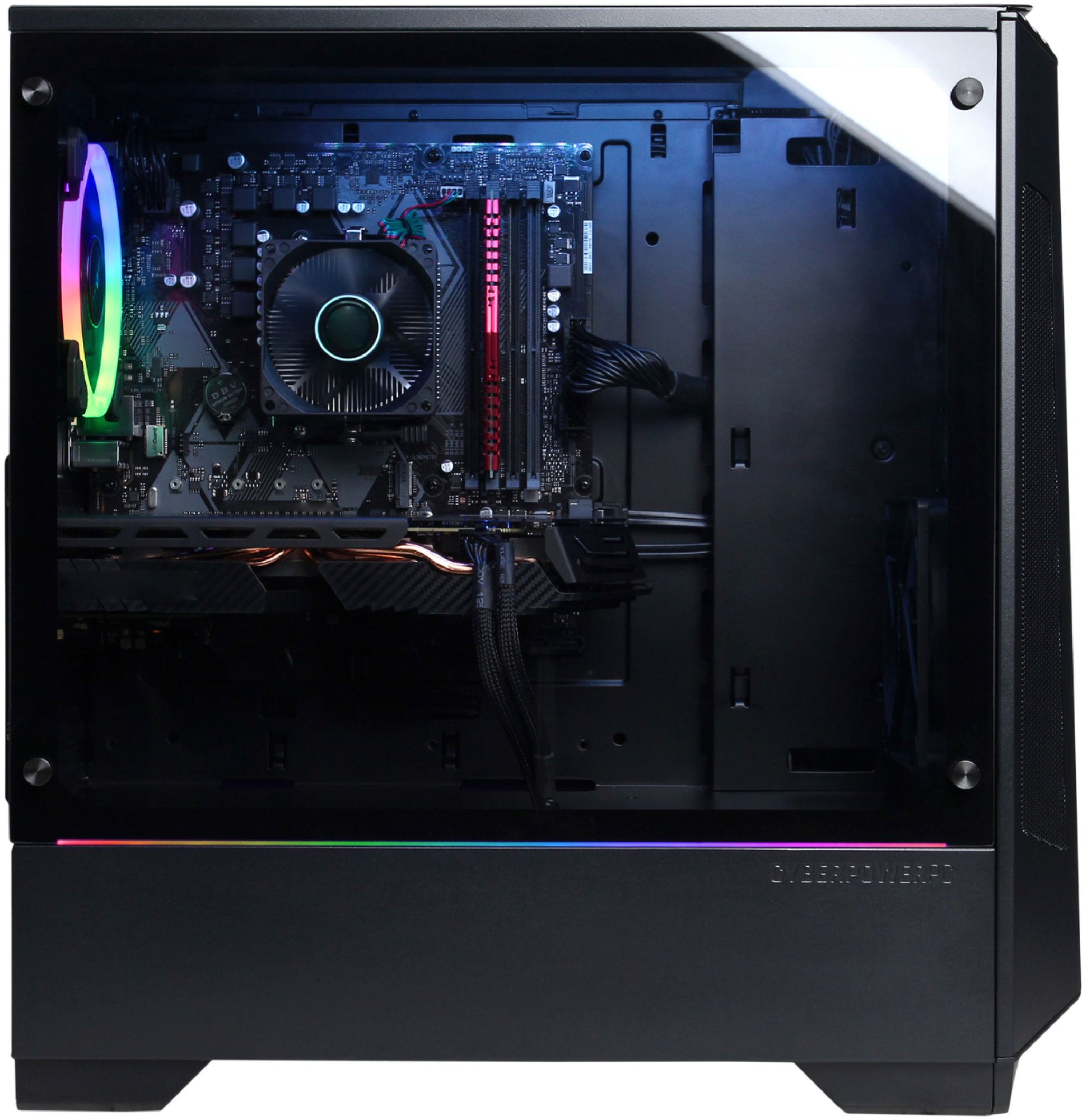
    • Answer Thank you for reaching out to us Toby. This system should include a 600 watt power supply. If you have any further questions or concerns then please do not hesitate to give our tech support agents a call for any assistance; we're always happy to help. Tech support: (888)937-5582 -CyberpowerPC Support
      Answered by CyberPowerPC Brand Expert

  • QuestionIs the mouse and keyboard wired or wireless?

    Asked by Basil.

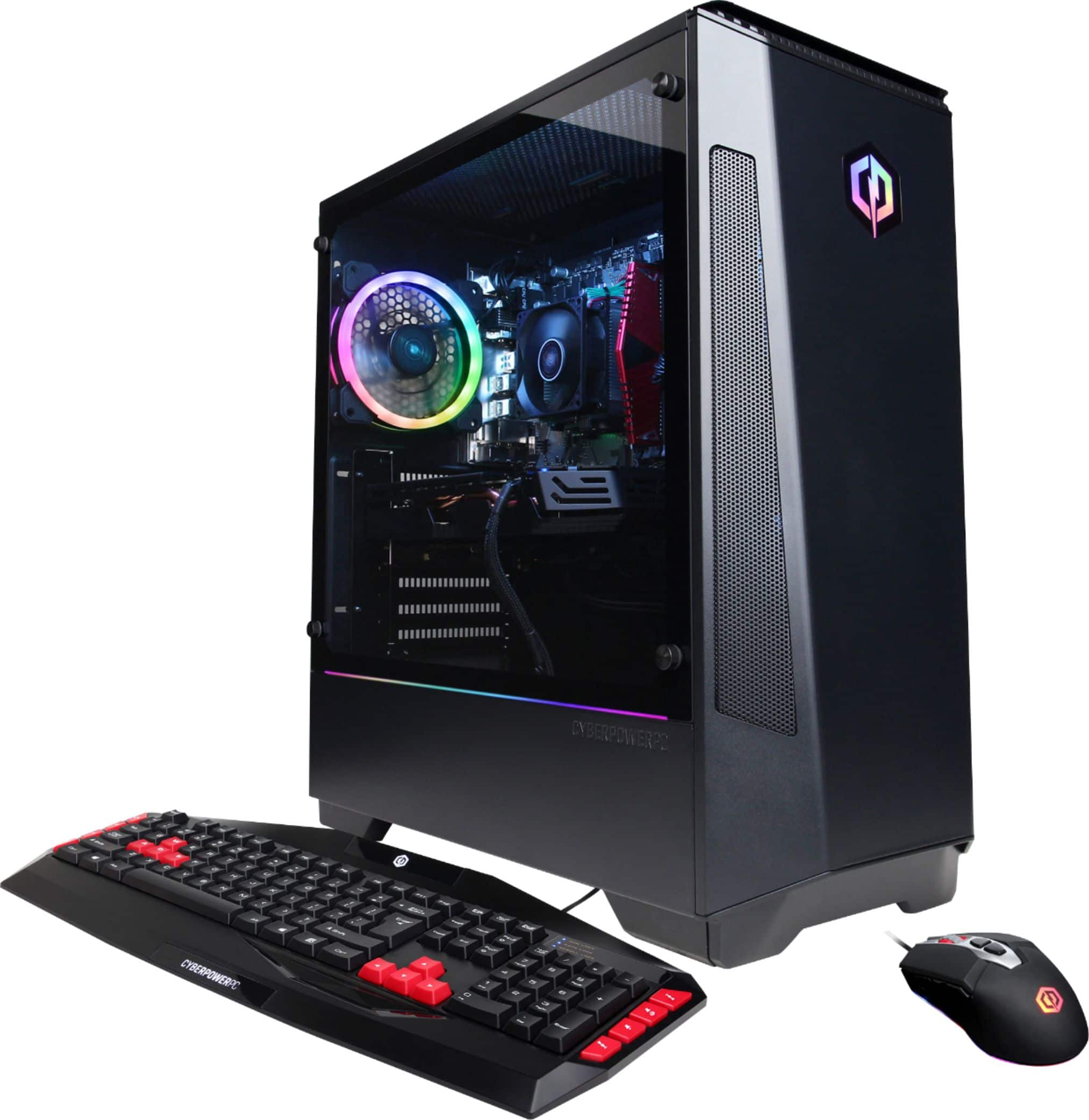
    • Answer Thank you for reaching out to us Basil. The mouse and keyboard included with this system are wired. If you have any further questions or concerns then please do not hesitate to give our tech support agents a call for any assistance; we're always happy to help. Tech support: (888)937-5582 -CyberpowerPC Support
      Answered by CyberPowerPC Brand Expert

  • QuestionWhat PSU does it come with?

    Asked by PineNine.

    • Answer Thank you for reaching out to us PineNine. This system should include a 600 watt power supply. If you have any further questions or concerns then please do not hesitate to give our tech support agents a call for any assistance; we're always happy to help. Tech support: (888)937-5582 -CyberpowerPC Support
      Answered by CyberPowerPC Brand Expert

  • QuestionCan the lights inside the tower be dimmed/adjusted?

    Asked by Venger23.

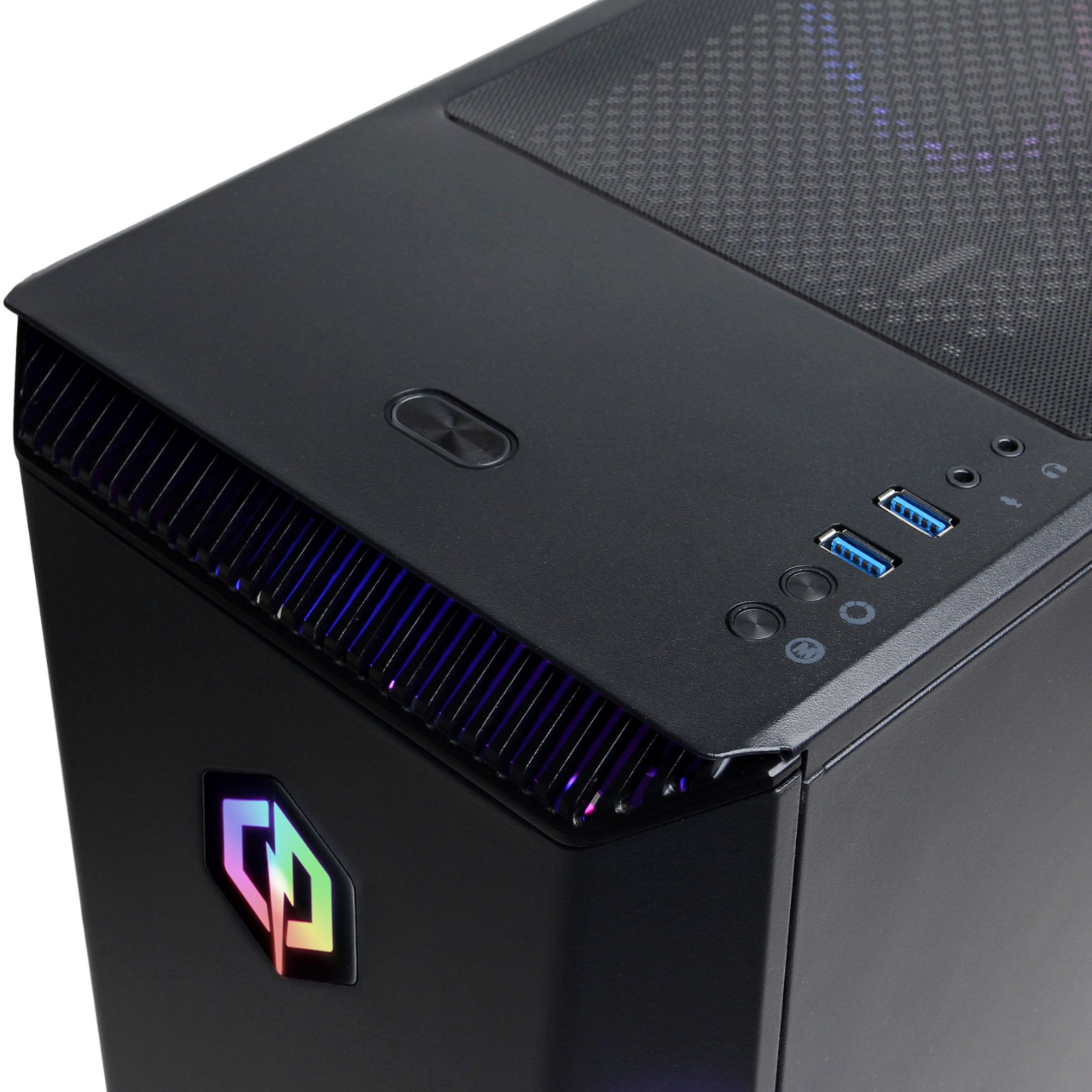
    • Answer The colors can be changed, via a button on top of the tower, but I am unsure about the brightness.

      Answered by Rchitty

  • QuestionCan you do two monitors for this computer?

    Asked by ZachSac.

    • Answer Thank you for reaching out to us Zachsac. You should be able to hook up multiple monitor to this system, however, please make sure your display cables are plugged into the graphics card below the pink, green, and blue ports. If you have any further questions or concerns then please do not hesitate to give our tech support agents a call for any assistance; we're always happy to help. Tech support: (888)937-5582 -CyberpowerPC Support

      Answered by CyberPowerPC Brand Expert

  • QuestionWhat Memory comes with this PC? I'm buying this on Black Friday, and would like to get another matching stick of ram before hand.

    Asked by RajunCajunTV.

    • Answer It includes 8 GB DDR4 SDRAM, which was a single Ballistix stick on my machine. It has 4 slots total.

      Answered by Rchitty

  • QuestionBought this for my son for Christmas. I would like to know the best monitor for this pc. Could you help me please? He is really wanting 240hz but will it matter with this pc? Something fairly reasonable. He likes Asus & Alienware.

    Asked by Vicki.

    • Answer 144hz with AMD freesync is going to be your best option. This computer is great but you are not going to be able to run games at 1080p 240hz. Same with many games at 144hz unless they're older. My i7 quad core 1080GTX w/ 16 gigs of ram has trouble keeping 144hz on poorly optimized modern games in 1080p.

      Answered by JayJay

  • QuestionCan I replace the 8gb RAM or is it integrated into the motherboard?

    Asked by Mimikyu.

    • Answer It is completely replaceable, mine was just an 8 gig stick of corsair brand name memory.

      Answered by JayJay

  • Questiondoes this computer have 1 8 gig ram stick or 2 4 gig ram sticks?

    Asked by anonymous.

    • Answer Thank you for reaching out to us. Unfortunately the number of RAM sticks included with this system may vary depending on what was currently available at the time the PC was built. However, in most cases it should come with 1 stick of 8gb. If you have any further questions or concerns then please do not hesitate to give our tech support agents a call for any assistance; we're always happy to help. Tech support: (888)937-5582 -CyberpowerPC Support

      Answered by CyberPowerPC Brand Expert

  • QuestionWill this product be going on sale for Black Friday?

    Asked by Izzy.

    • Answer nope i asked workers at my best buy, they said if it wasn't a door buster or already on sale then it wont be

      Answered by jeff

  • QuestionCan you hook a vr vive to this computer

    Asked by Sherrayh.

    • Answer Thank you for reaching out to us Sherrayh. You should be able to hook up a VR headset to this system. If you have any further questions or concerns then please do not hesitate to give our tech support agents a call for any assistance; we're always happy to help. Tech support: (888)937-5582 -CyberpowerPC Support

      Answered by CyberPowerPC Brand Expert

  • QuestionWhat video ports does this PC have? I know it shows 1 HDMI port but surely it should have more right?

    Asked by Basil.

    • Answer Thank you for reaching out tou s Basil. The ports on the graphics card may consists of HDMI, DP (Display Port) and DVI-D. If you have any further questions or concerns then please do not hesitate to give our tech support agents a call for any assistance; we're always happy to help. Tech support: (888)937-5582 -CyberpowerPC Support

      Answered by CyberPowerPC Brand Expert

  • Questionwhat kind of power supply does this have?

    Asked by joe.

    • Answer Thank you for reaching out to us Joe. This system should include a 600 watt power supply. If you have any further questions or concerns then please do not hesitate to give our tech support agents a call for any assistance; we're always happy to help. Tech support: (888)937-5582 -CyberpowerPC Support

      Answered by CyberPowerPC Brand Expert

  • QuestionIs the headphone jack on this pc 3.5?

    Asked by Jason.

    • Answer Yes, it is.

      Answered by Newton666

  • QuestionSpecs say this is dual-screen ready. However it only lists one HDMI port, and no vga ports. Does this pc really support dual screen functionality?

    Asked by blumonkey93.

    • Answer Guessing the port count you see listed is for the motherbaord-only (Best Buy should update that on the specs section), which that port would connect the the CPU's integrated graphics (called "Vega" by AMD). Since this has a dedicated RX 580 GPU, however, it will have at least two inputs - probably some mixture of HDMI and DisplayPort. But yeah, you will be fine using 2 monitors with this as long as you are plugging them into the graphics card and not the motherboard :)

      Answered by mooge

  • QuestionWill Rainbow Six Siege work out of the box? Is this 64bit version of W10?

    Asked by TeenGamer.

    • Answer Thank you for reaching out to us TeenGamer. This PC should be able to run Rainbow Six Siege as it does meet the minimum system requirements. However, the amount of FPS you receive in-game will vary depending on the resolution and refresh rate of your display, in-game graphics settings, as well as your network connection. It is always recommended that you check the system requirements of the game you would like to play before making your purchase. Also this system should have a Windows 10 64 bit preinstalled. If you have any further questions or concerns then please do not hesitate to give our tech support agents a call for any assistance; we're always happy to help. Tech support: (888)937-5582 -CyberpowerPC Support

      Answered by CyberPowerPC Brand Expert

  • Questionhooked this up last night it ran great, brought it home and it won’t work to my benq.... i’m not a pc person and don’t want to fiddle around with the cords. what do i do?

    Asked by amber.

    • Answer Thank you for reaching out to us Amber. Please make sure your display cable is plugged into the back of the PC below the pink, green, and blue audio ports. If your display cable is already plugged in there and you're still not getting a display, please feel free to contact our tech support team at your earliest convenience for further assistance on this matter; we're always happy to help. Tech Support: (888)937-5582 [email protected] Hours of Operation: Monday - Friday: 8:30AM - 6:00PM PST Saturday: 9:30AM - 3:00PM PST -CyberPowerPC Support

      Answered by CyberPowerPC Brand Expert






