A:AnswerThank you for reaching out to us Spencer. This system should have Windows 10 preinstalled. If you have any further questions or concerns then please do not hesitate to give our tech support agents a call for any assistance; we're always happy to help.
Tech support:
(888)937-5582
-CyberpowerPC Support
A:AnswerThank you for reaching out to us Luis. We recommend getting in contact with Best Buy directly for further assistance on this matter as they handle the promotional codes.
A:AnswerThis is more in response to the cyberpowerpc rep that says this computer doesn’t have Wifi.
In both the description and list of specifications on this site it’s listed as having AC wireless built in. Is the listing incorrect or does it in-fact have WiFi built in?
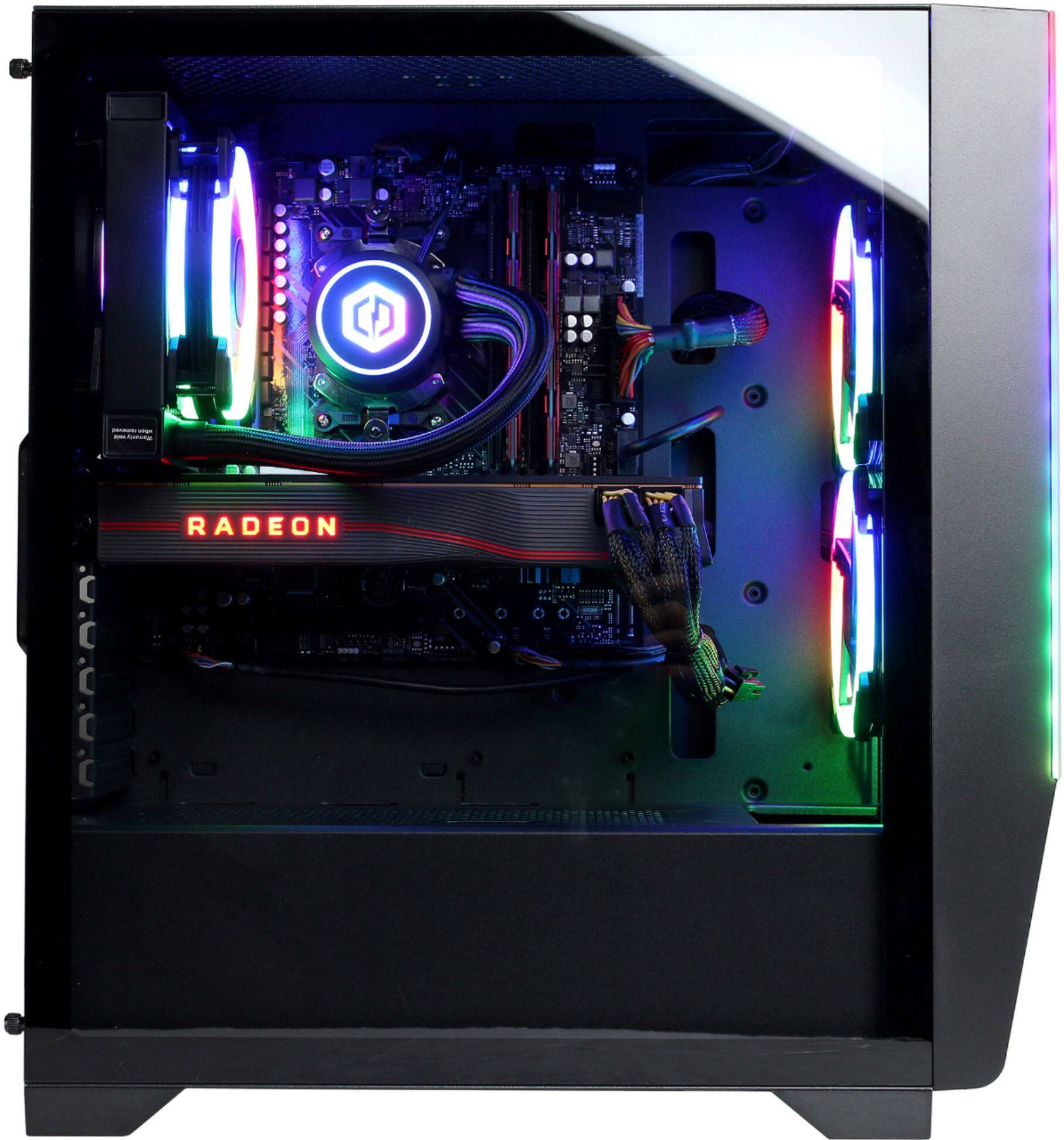
A:AnswerYes there is a slot for M.2. It is under the video card. You will have to do some careful removal and best to also review the manual. Here is a link to it.
http://www.cyberpowerinc.com/drivers/Motherboards/MB-478-101%20B550AM%20GAMING/Manual/MB-478-101%20B550AM%20Gaming%20Manual.pdf
A:AnswerIt takes a 120mm fan. replacing the fan is simple, the radiator of the AIO is what you attach the fan to, do not mess with that. Just remove the screws, make sure you know where you unwired the fan from and install the new one. I am providing a link to a recommended replacement.
https://www.bestbuy.com/site/corsair-ll-series-120mm-case-cooling-fan-kit-with-rgb-lighting/6181283.p?skuId=6181283
A:AnswerI saw this was a year old but thought I would answer anyways. That would be a bad power supply, or you have too much amperage going through your breaker. What is your breaker rated for 10, 15, or 20 amps? Make sure you don't have too much plugged into that breaker, it may have several receptacles and if you also have several power bars going off of those receptacles you may be exceeding the limit for the breaker.
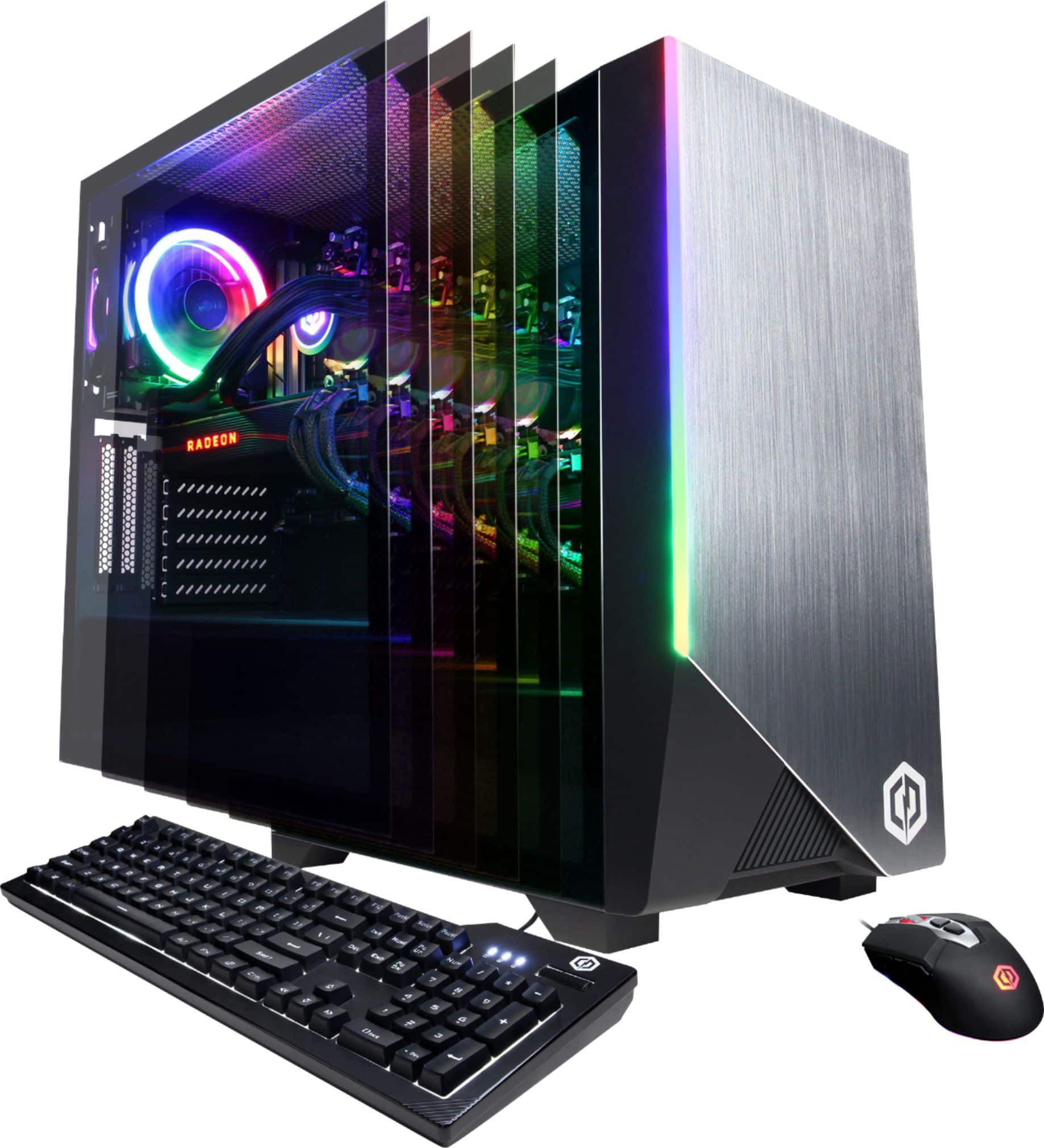
A:AnswerAre you by chance just getting audio from your HDMI output or are you actually using the AUX audio ports on the PC? If it's the HDMI I suggest downloading the newest Video drivers for the GPU. After that go ahead and uninstall the Radeon software and drivers. Then reinstall using the newest software you downloaded. See if that fixes the audio issue.
A:AnswerYes, both can be. Make sure you have a compatible CPU, this motherboard is designed for AMD. Graphics card just needs to be a pcie either Nvidia or AMD will be fine.