A:AnswerNo subscription is required. You can sign on and see what the camera sees anytime. For recording, you get 3 camera and one day cloud recording free, and can upgrade that for a fee.
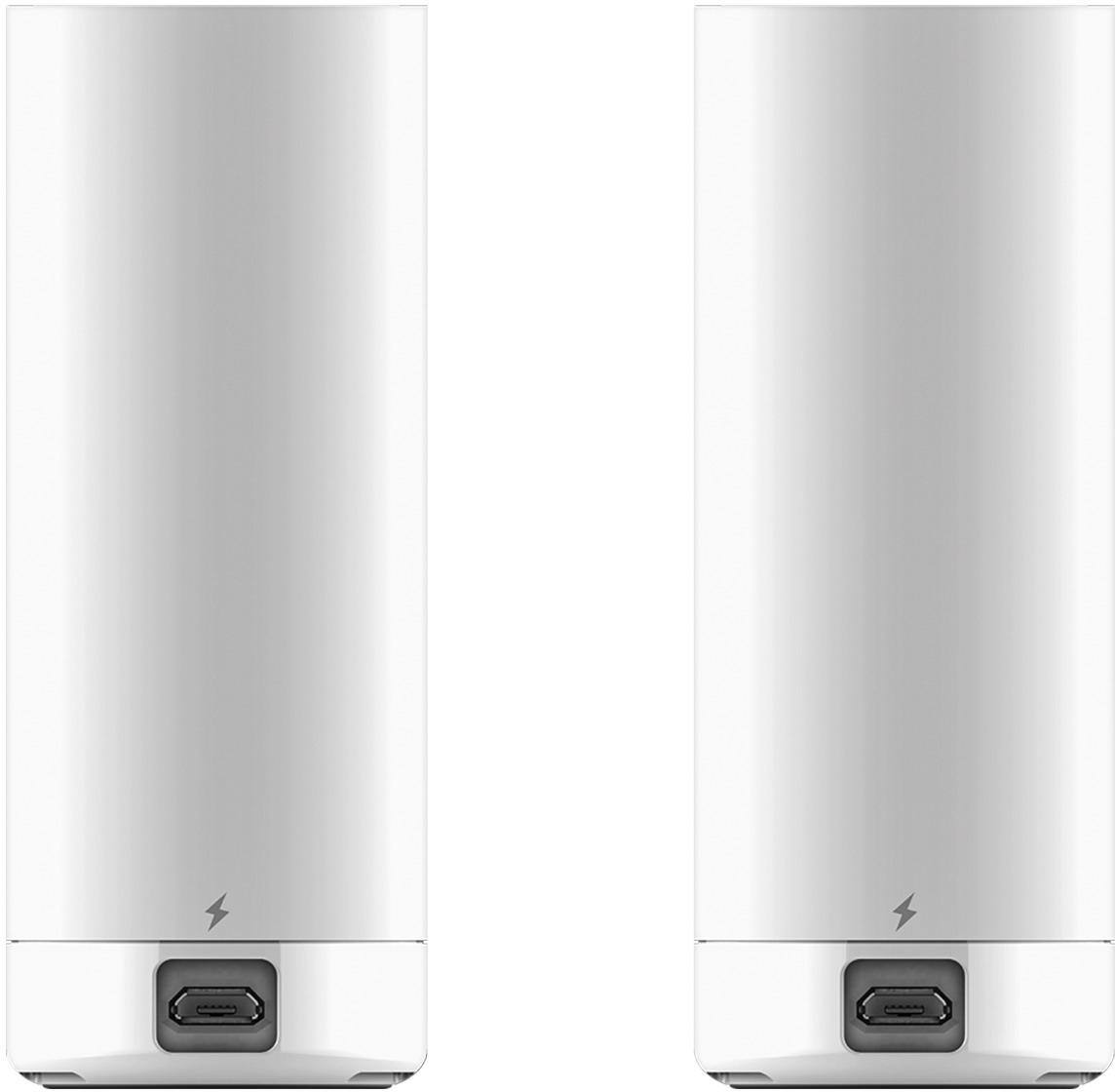
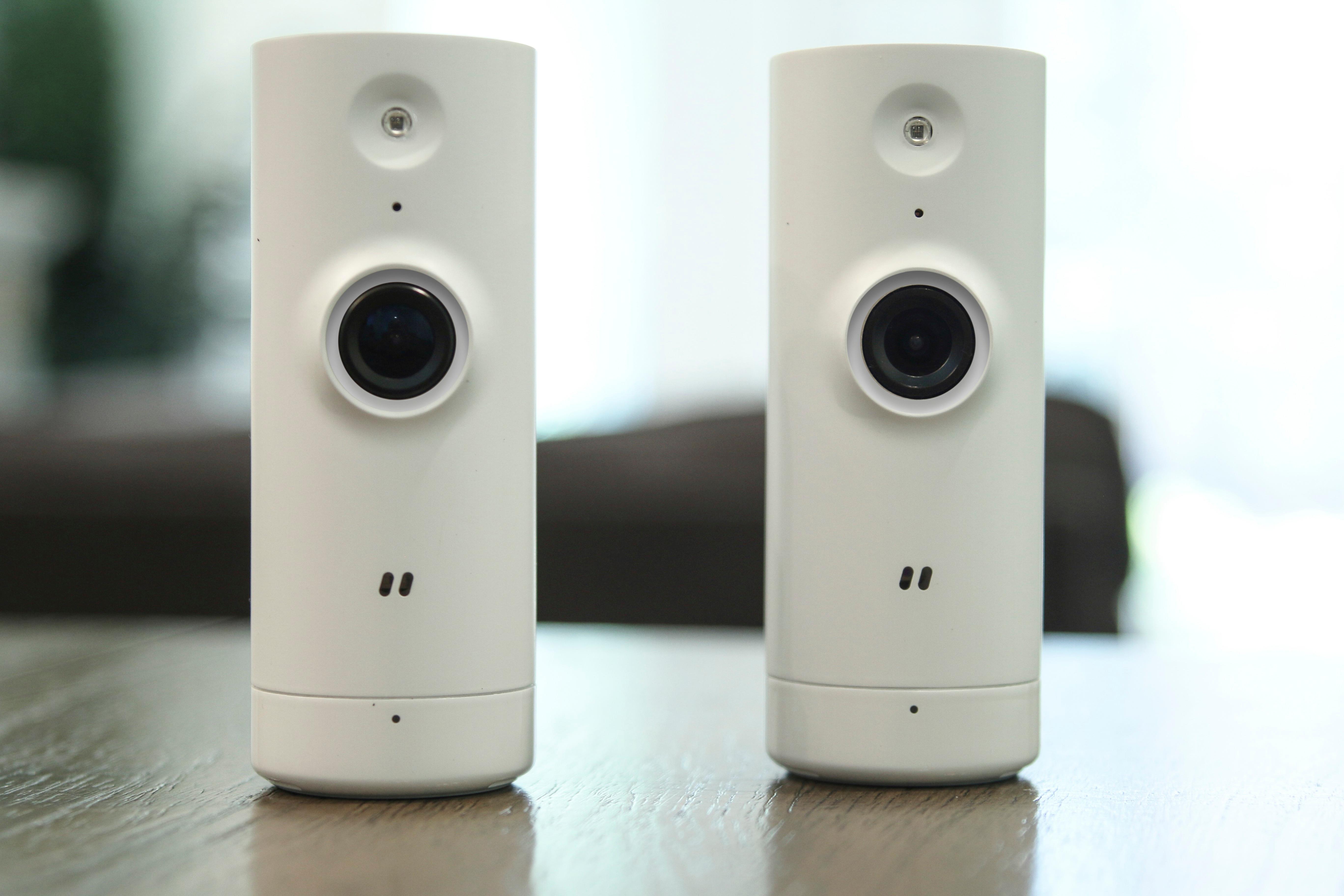
A:AnswerHas a power cord with micro USB port on the back. The cord clicks into the camera for secure connection. Cord length isn't very long, only about 4 feet. No batteries and indoor rated only.
A:AnswerThis is a good security camera. It records the slightest movement. It has an amazing microphone as well that records sound. You will be able to get notifications and the recording are save . You will need to go to events to view. He can also schedule the times you want the camera to record. You can also download the recording clips.
A:AnswerYes, one will create a username (email address) and password with the mydlink app (Android & Apple). You both can use the same username and password to login.
A:AnswerYou can set up a cloud recording solution if you need to, but you can mainly only record on your phone while you are watching it, which to me defeats the purpose of a security camera. There are other D-Link Cameras available that allow local recording to a PC.
A:AnswerThere's no obvious way to mount it to a pedestal (other than gravity). If you want to mount it to anything, you'll need to get creative. I mounted mine to a top window sill by using Velcro.
A:AnswerThe reset button is on the back. Hold this button down with an unfolded paperclip until the status LED starts flashing to reset the camera to factory default settings.