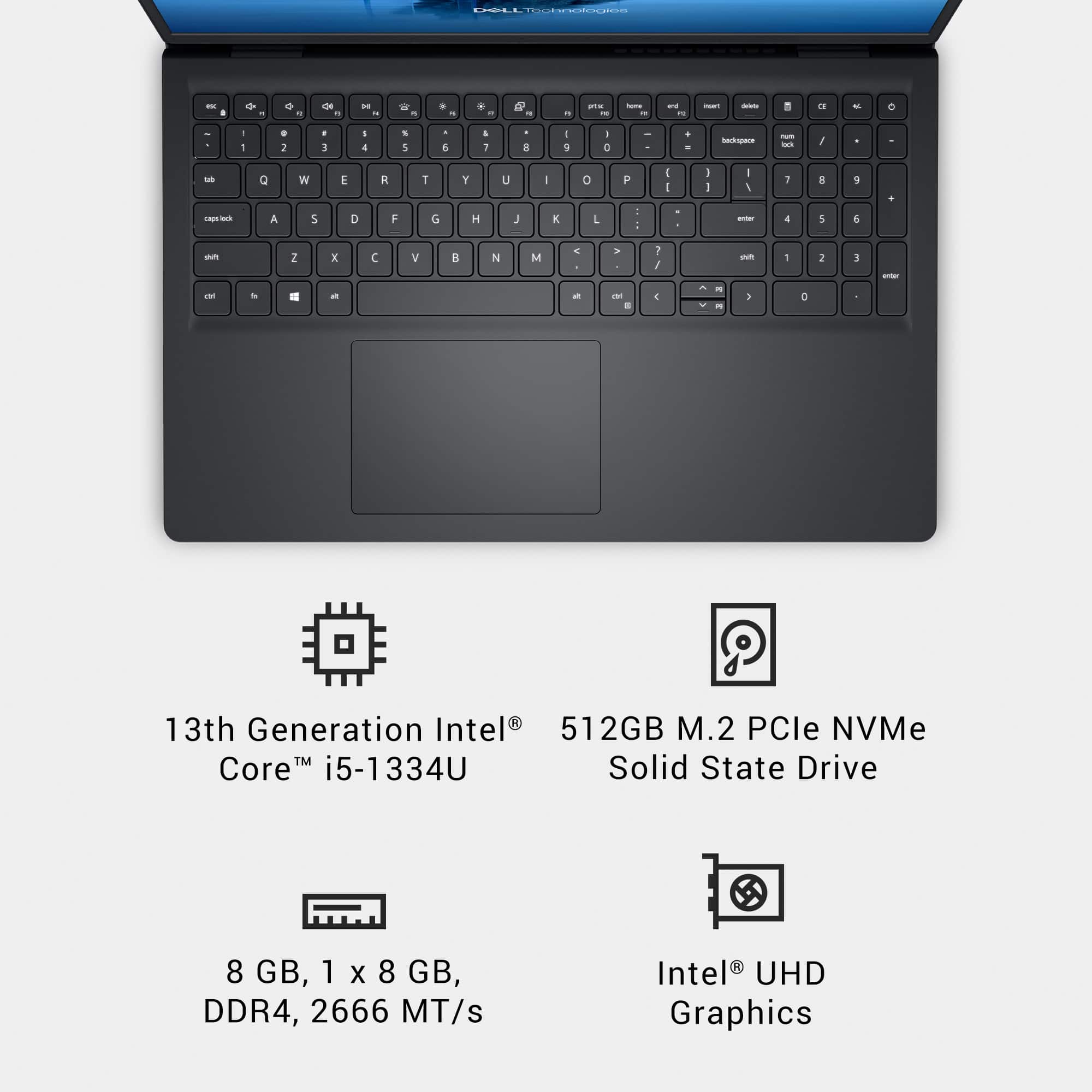
A:AnswerYes, RAM can be upgraded. Add another 8 GB DDR4 2666 MHz SO-DIMM module in the second slot to reach the maximum 16 GB.
Or replace the existing 8 GB module with a 16 GB one, though the system only supports up to 16 GB
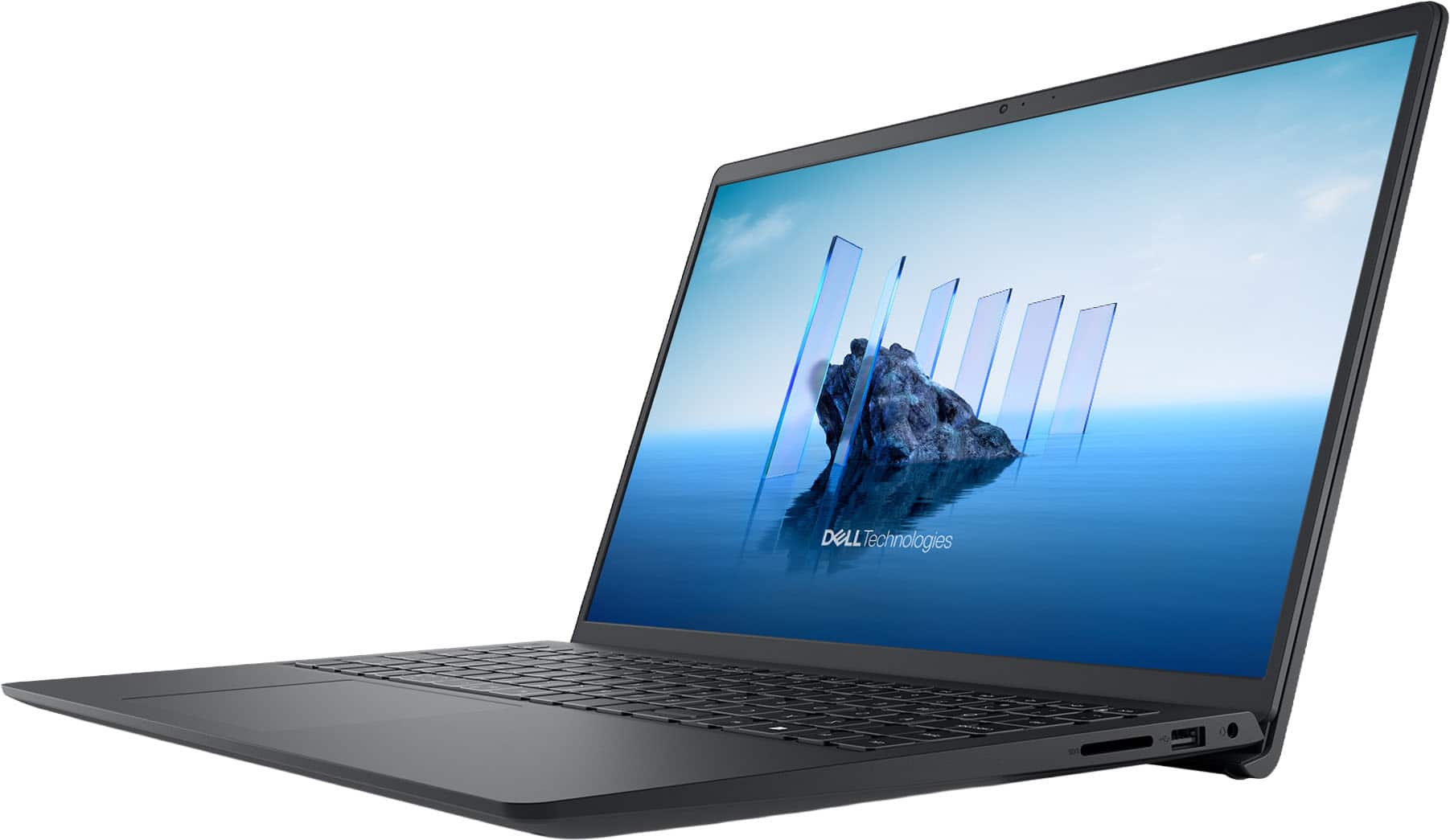
A:AnswerHere are the steps to disable the touchscreen using Device Manager:
Open Device Manager:
Press Windows + X and select Device Manager from the menu.
Locate the Touchscreen Device.
Expand Human Interface Devices.
Look for HID-compliant touch screen in the list.
Disable the Device:
Right-click on HID-compliant touch screen.
Select Disable device.
Confirm the action when prompted.
Restart (Optional):
Some systems may require a restart for the change to take effect.
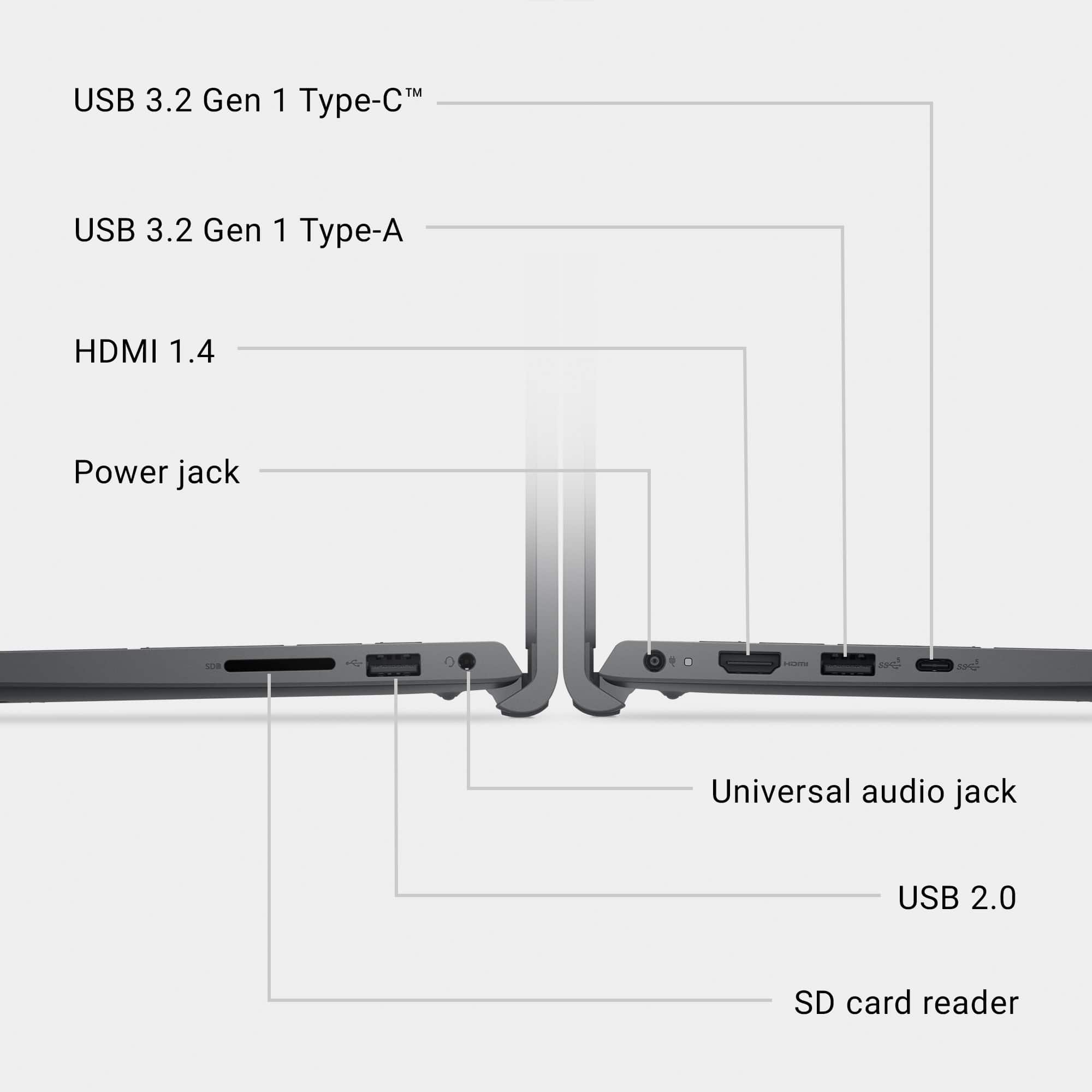
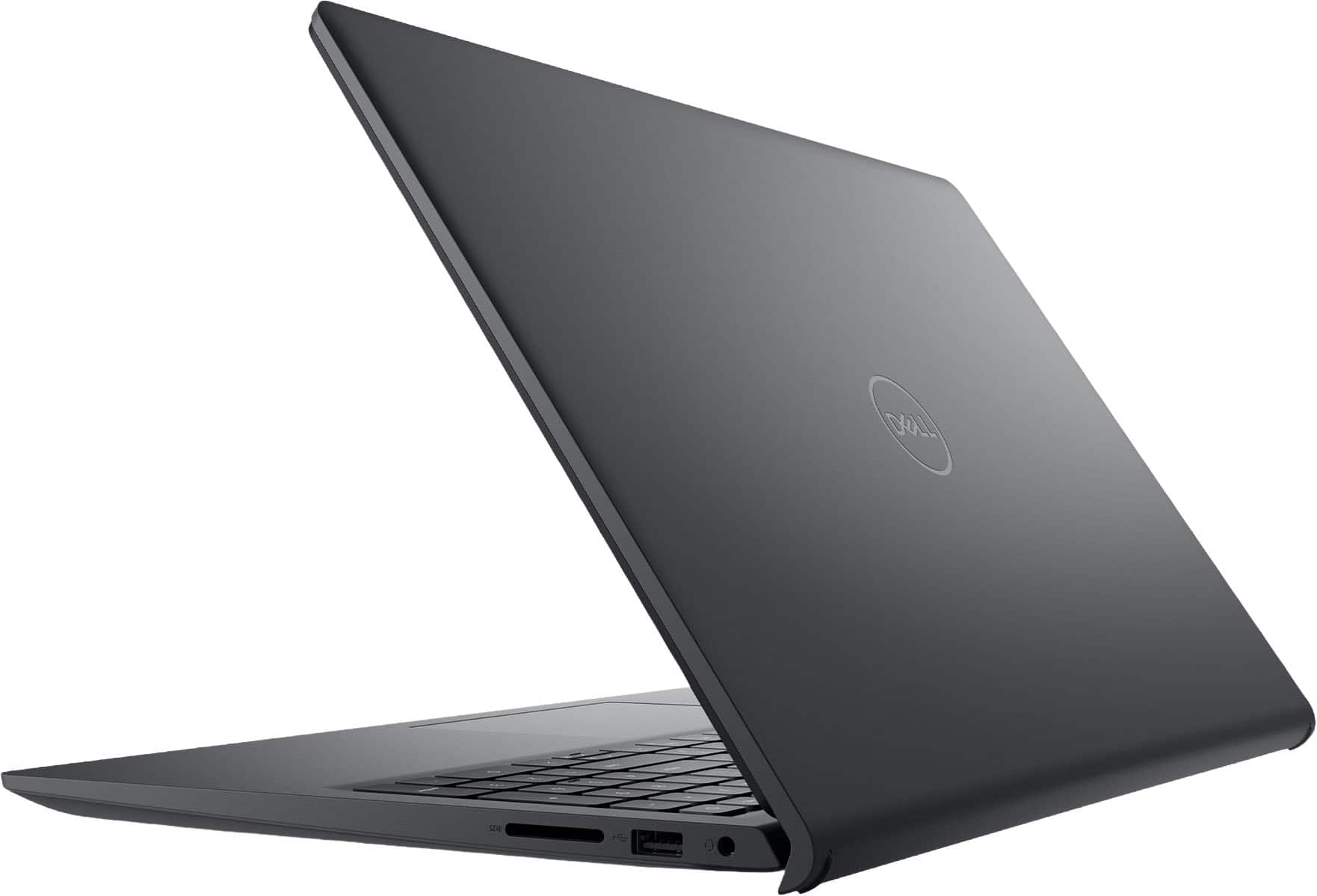
A:AnswerWe apologize for any confusion with the specification and the inconvenience caused. The laptop does have a USB-C 3.2 Gen 1 port, but it is data-only. Meaning it does not support DisplayPort Alt Mode for video output and does not support Power Delivery (PD) for charging.