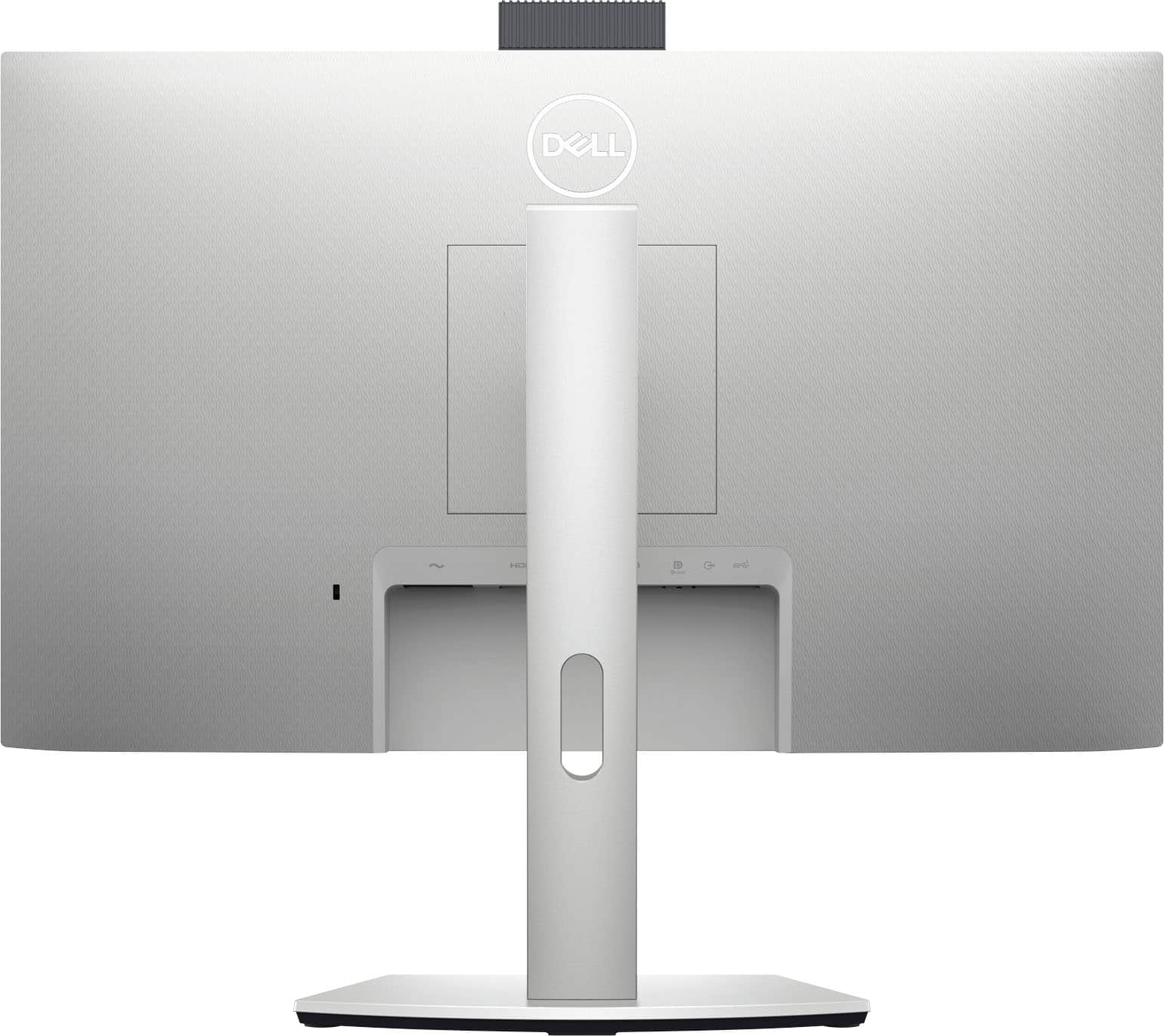
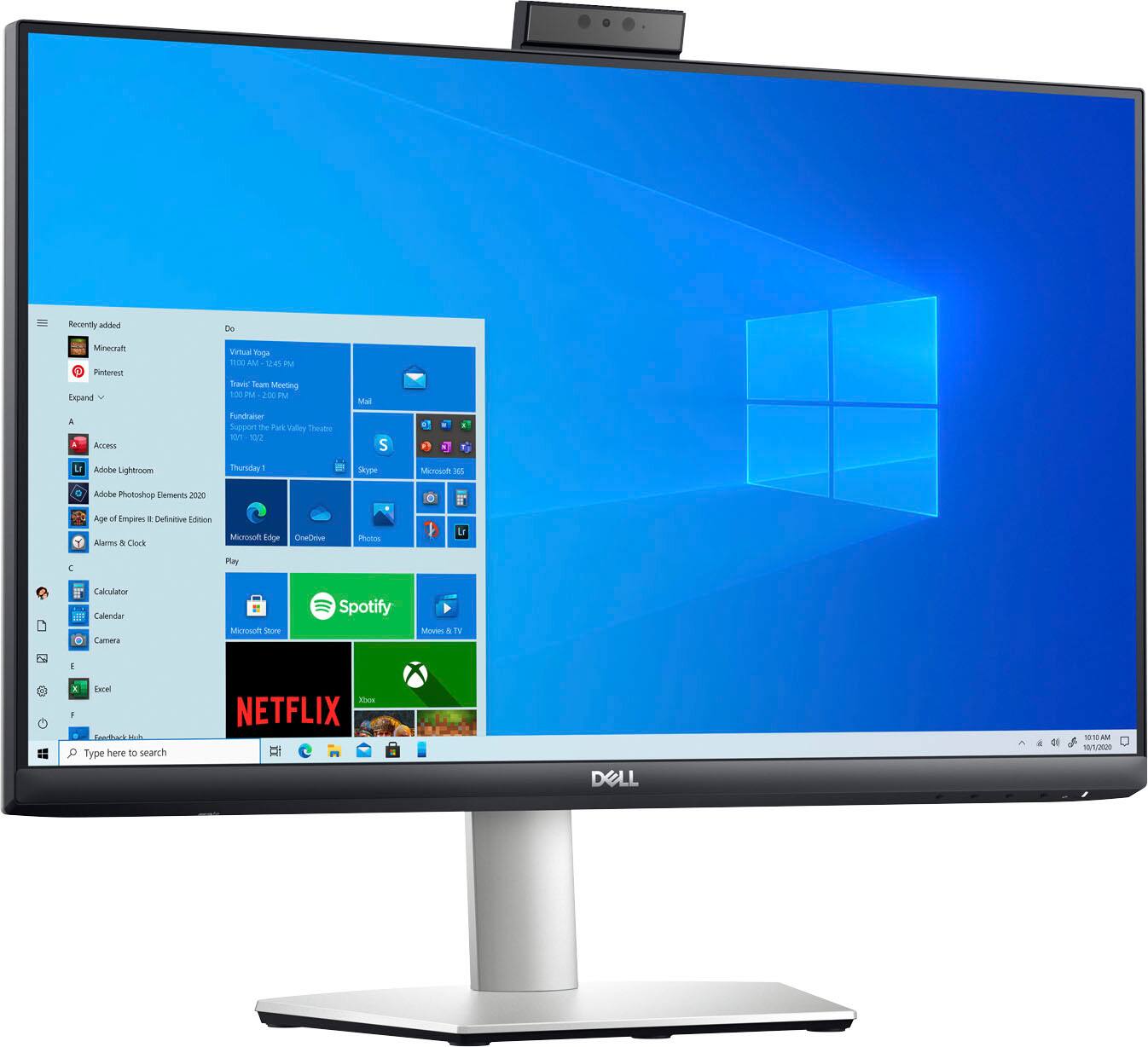
A:AnswerThe USB-C cable is adequate to connect this monitor to the PC. Should you experience issues, in using the monitor with the USB-C cable, please reach out to the Dell technical support team. They are available 24/7 on Facebook and Twitter(@Dellcares).
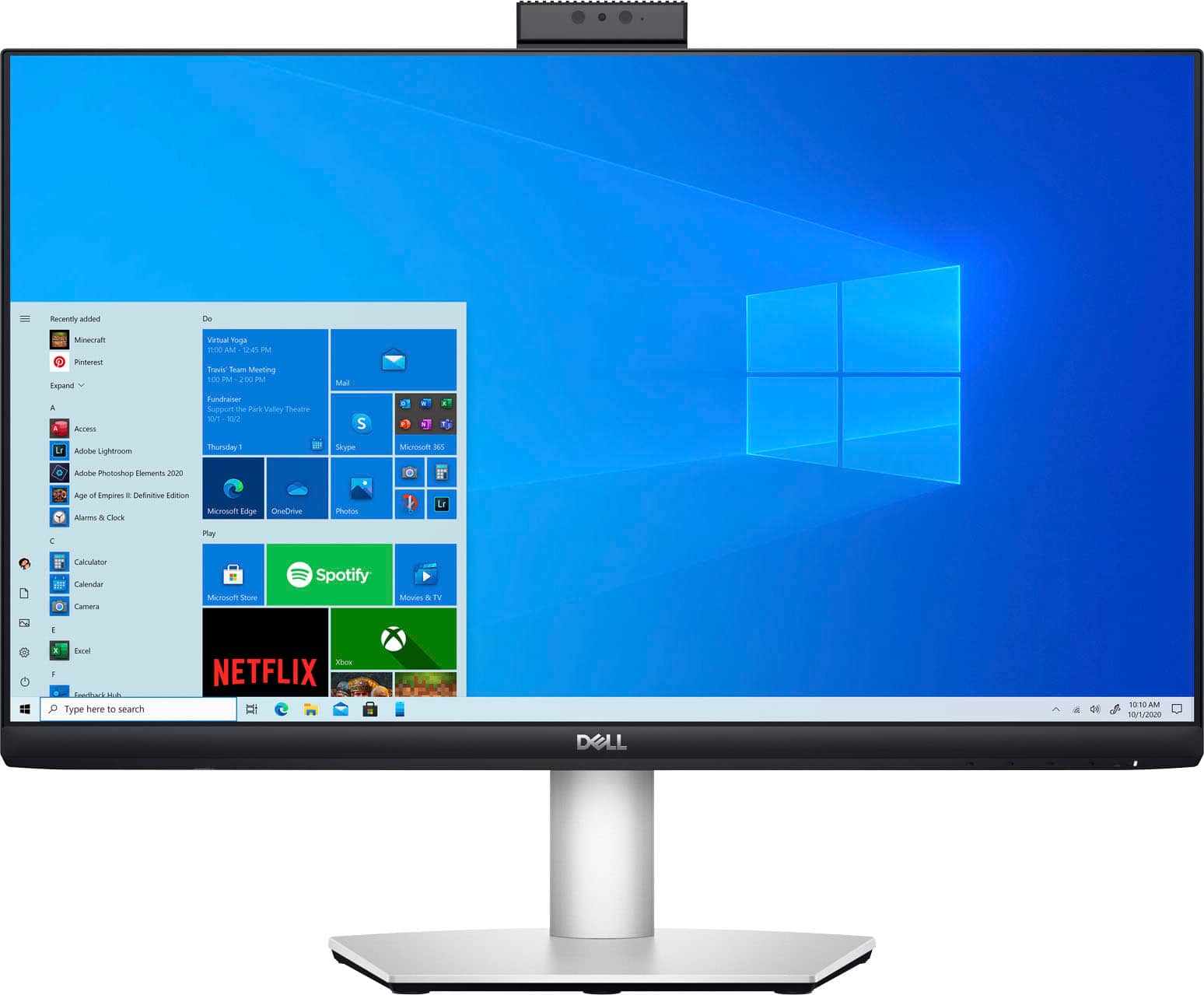
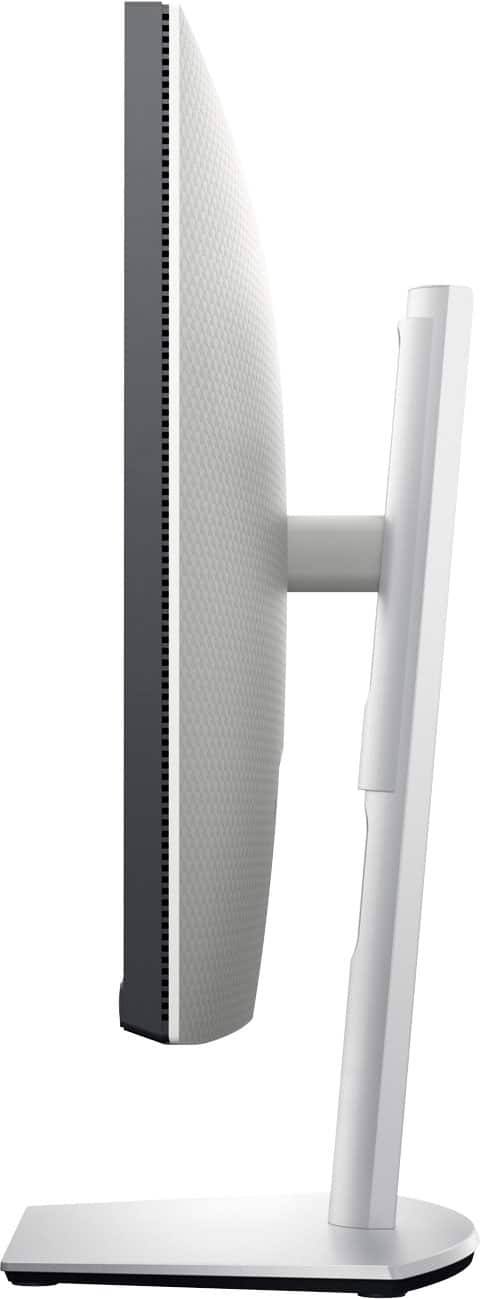
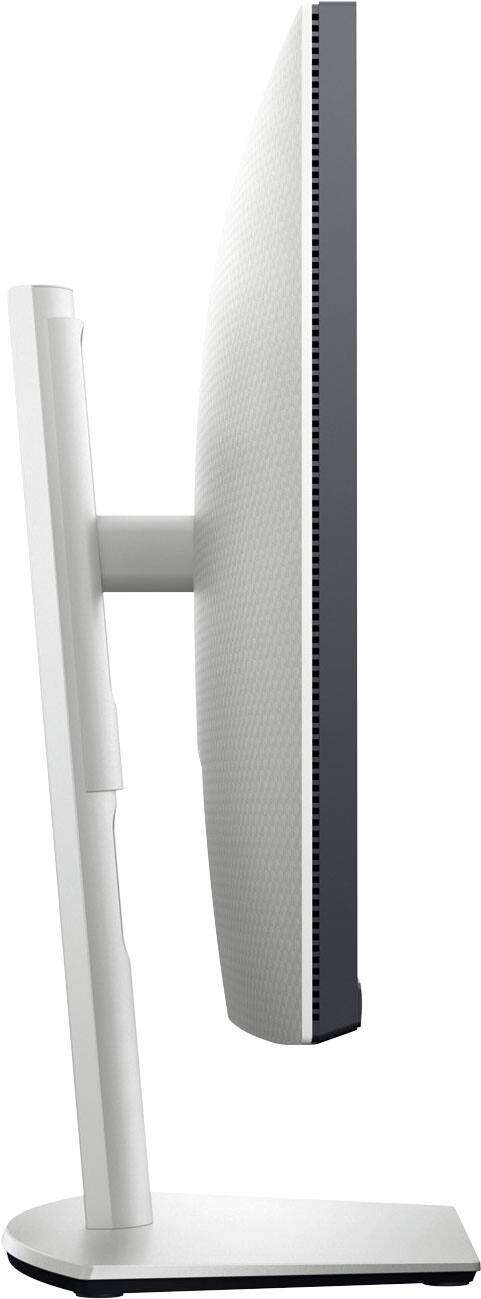
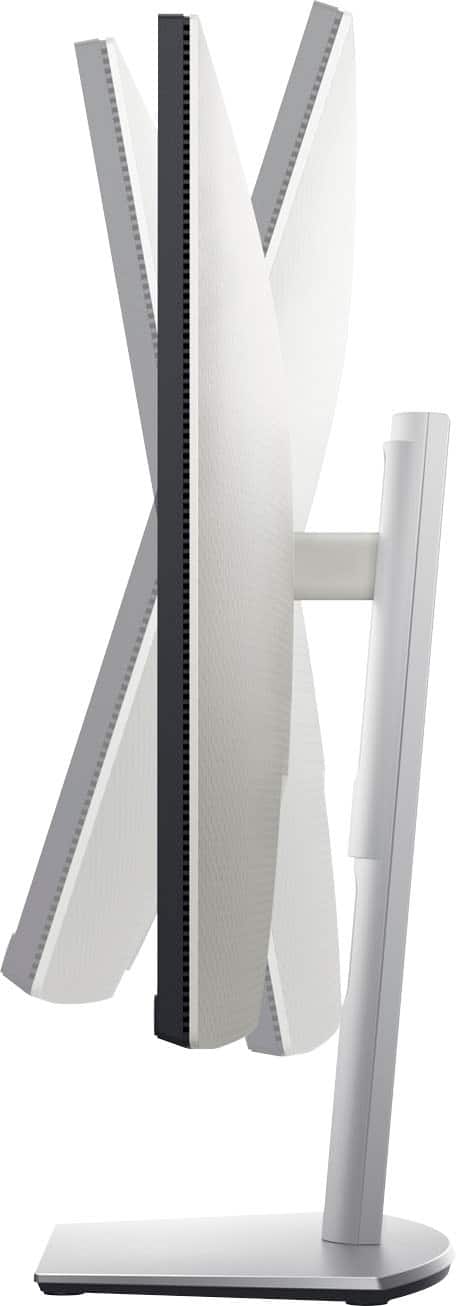
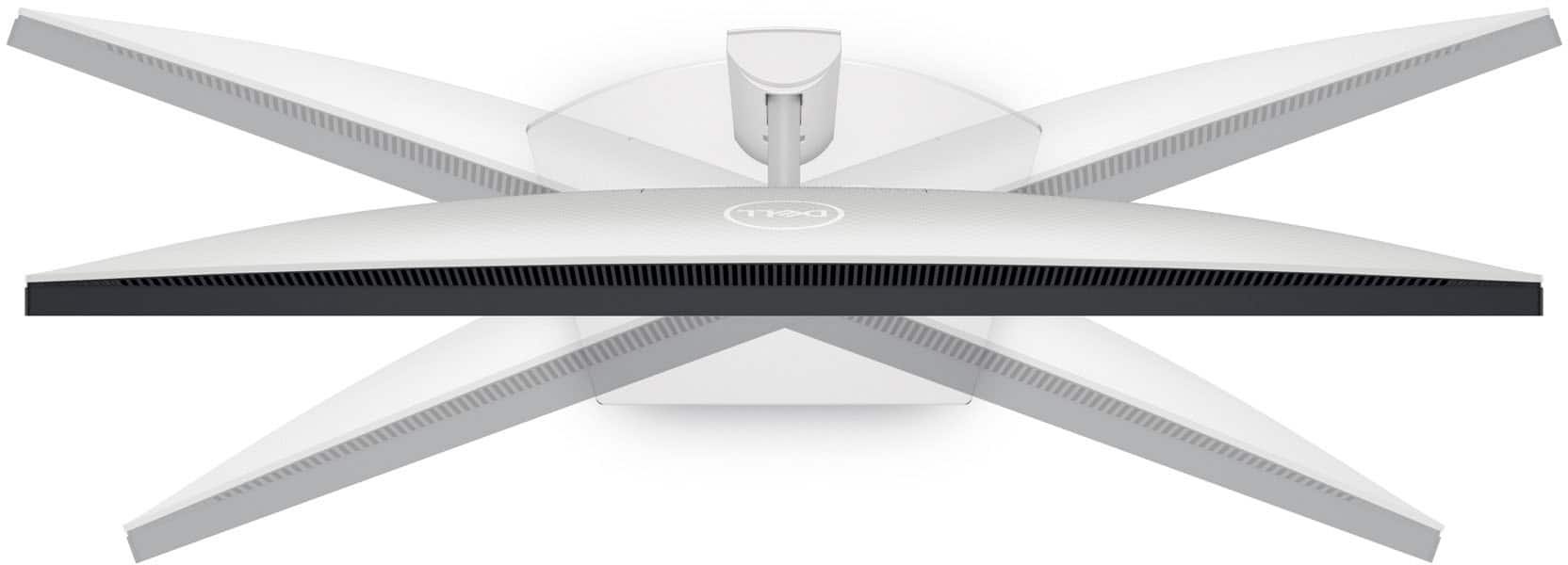
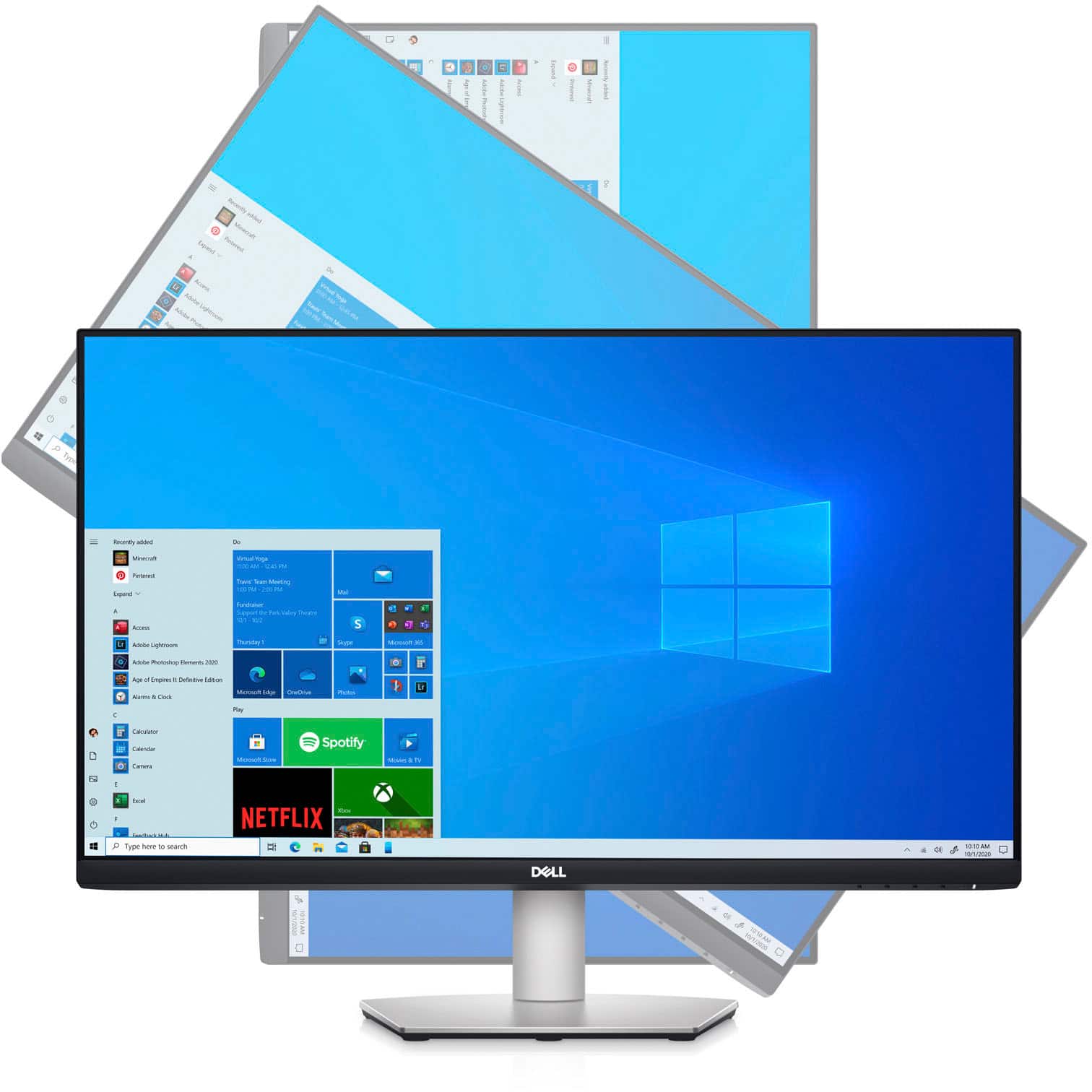
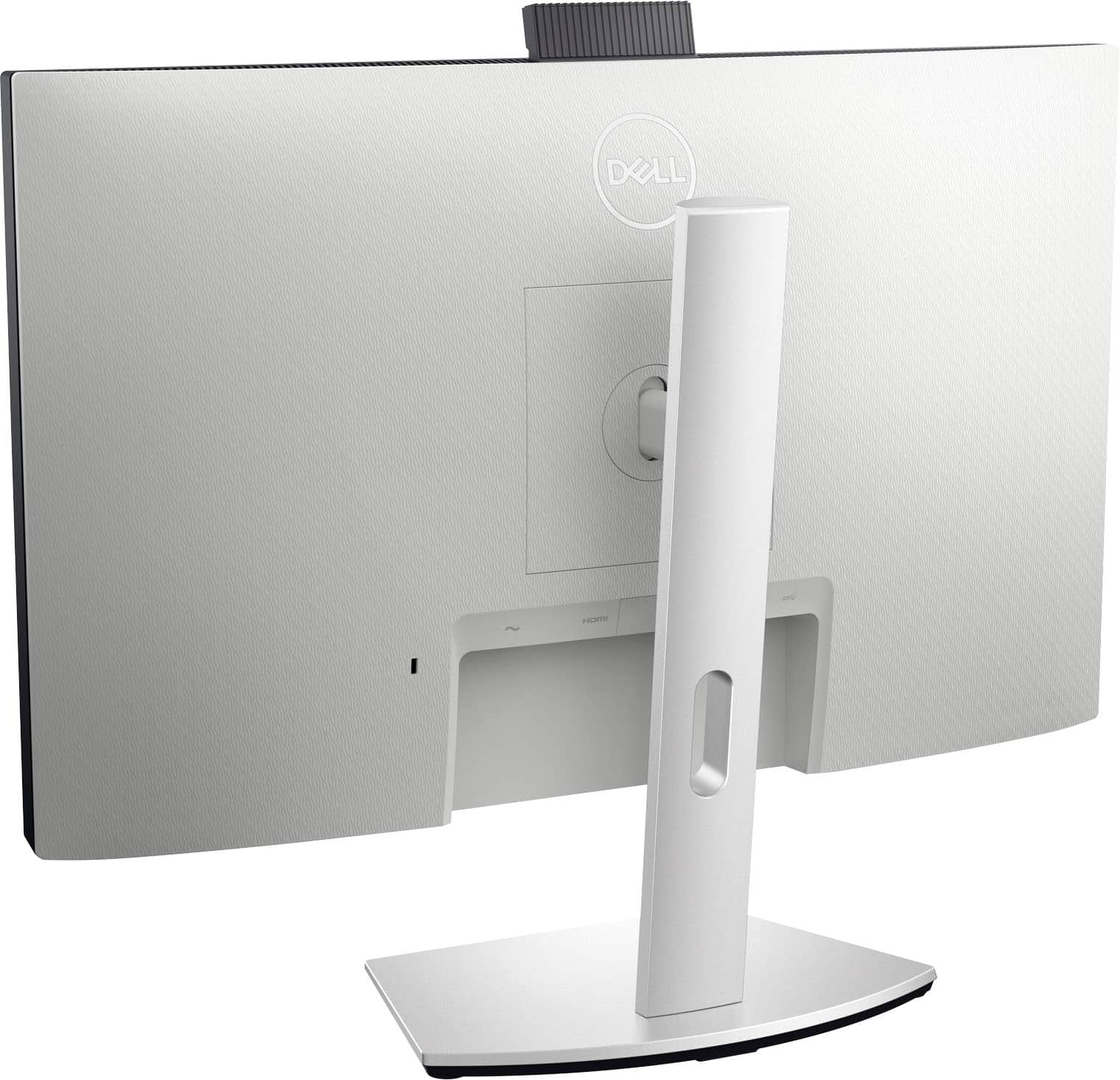
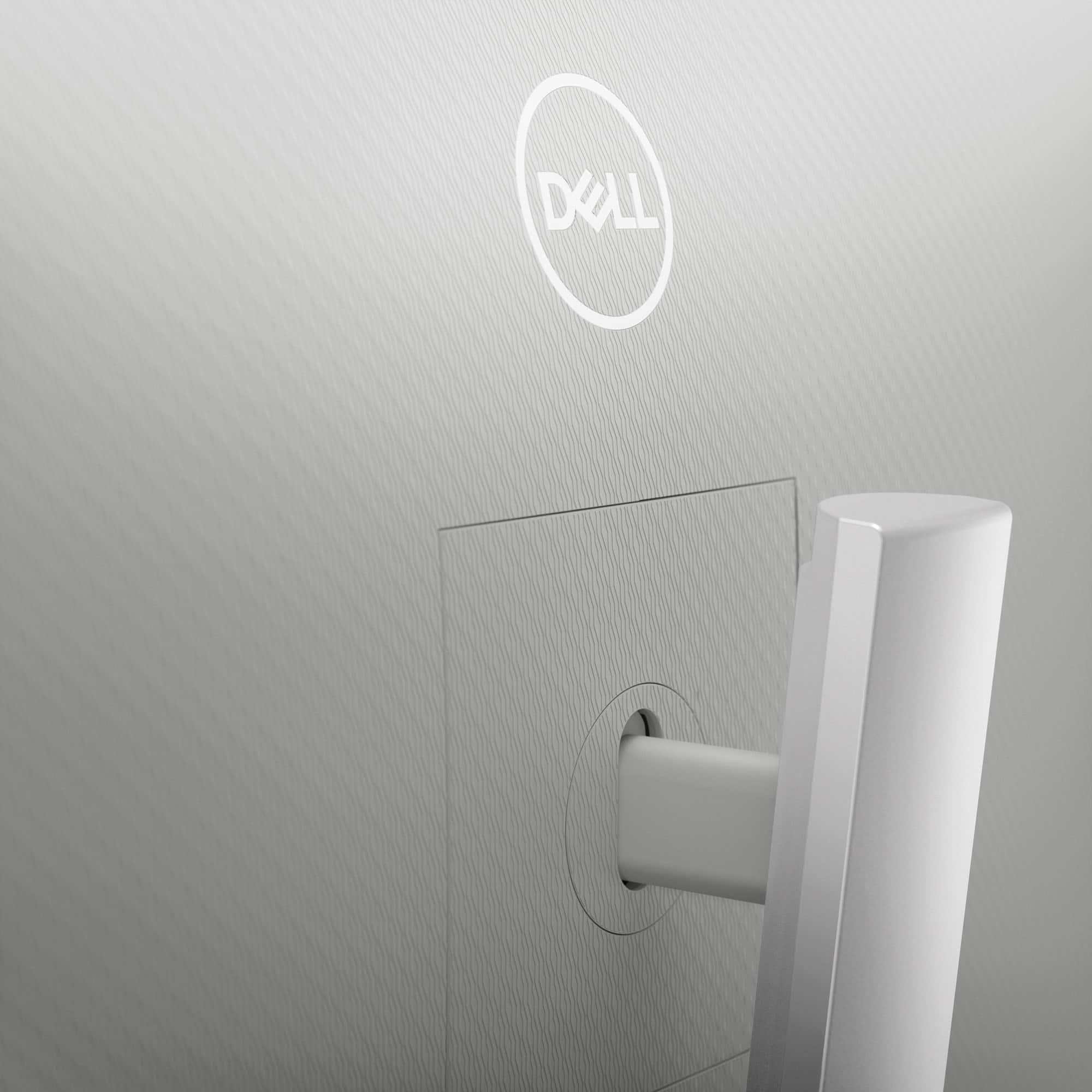
A:AnswerUnfortunately there isn't much raising or lowering. The stem that supports the screen is fixed at the back.
When you set it up there are 4 tabs that you side into place.
A:AnswerWe are sorry for the experience. Please reach out to the Dell technical support team for assistance in resolving this issue. They are available 24/7 on Facebook and Twitter(@Dellcares).
A:AnswerFor my laptop, the USB-C cable provides the video and audio to the monitor. The monitor sends power to the laptop to charge it. I have high resolution signal going to the monitor without using a HDMI cable. Granted, your computer may not be capable of using this configuration.