A:AnswerThe Wireless card in this Desktop is Wi-Fi 6 (802.11ax) which is fully backward compatible with:
Wi-Fi 5 (802.11ac) and Wi-Fi 4 (802.11n) Even older standards like 802.11g/b/a. Hence even if your router does not have Wifi-6 the internet should work fine.
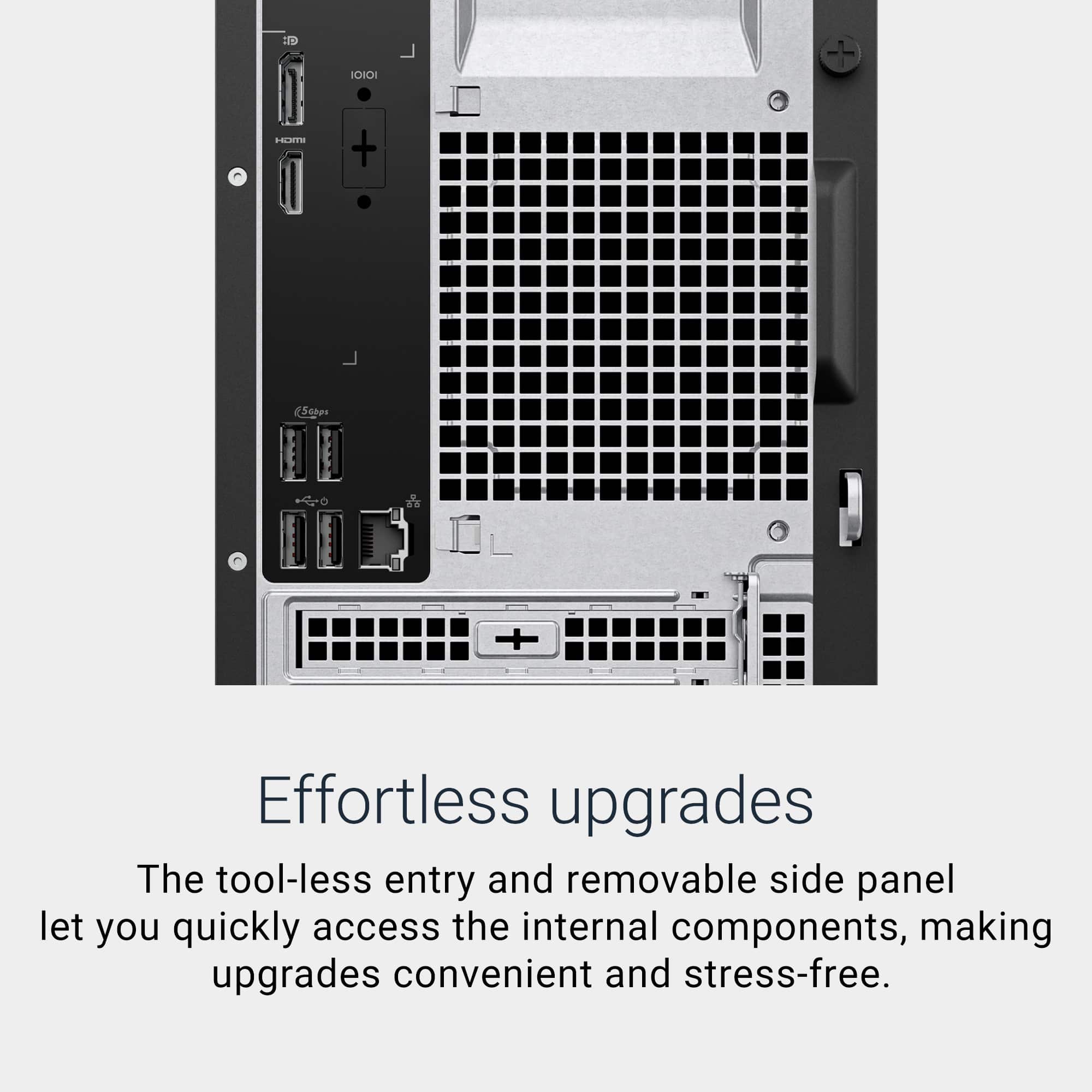
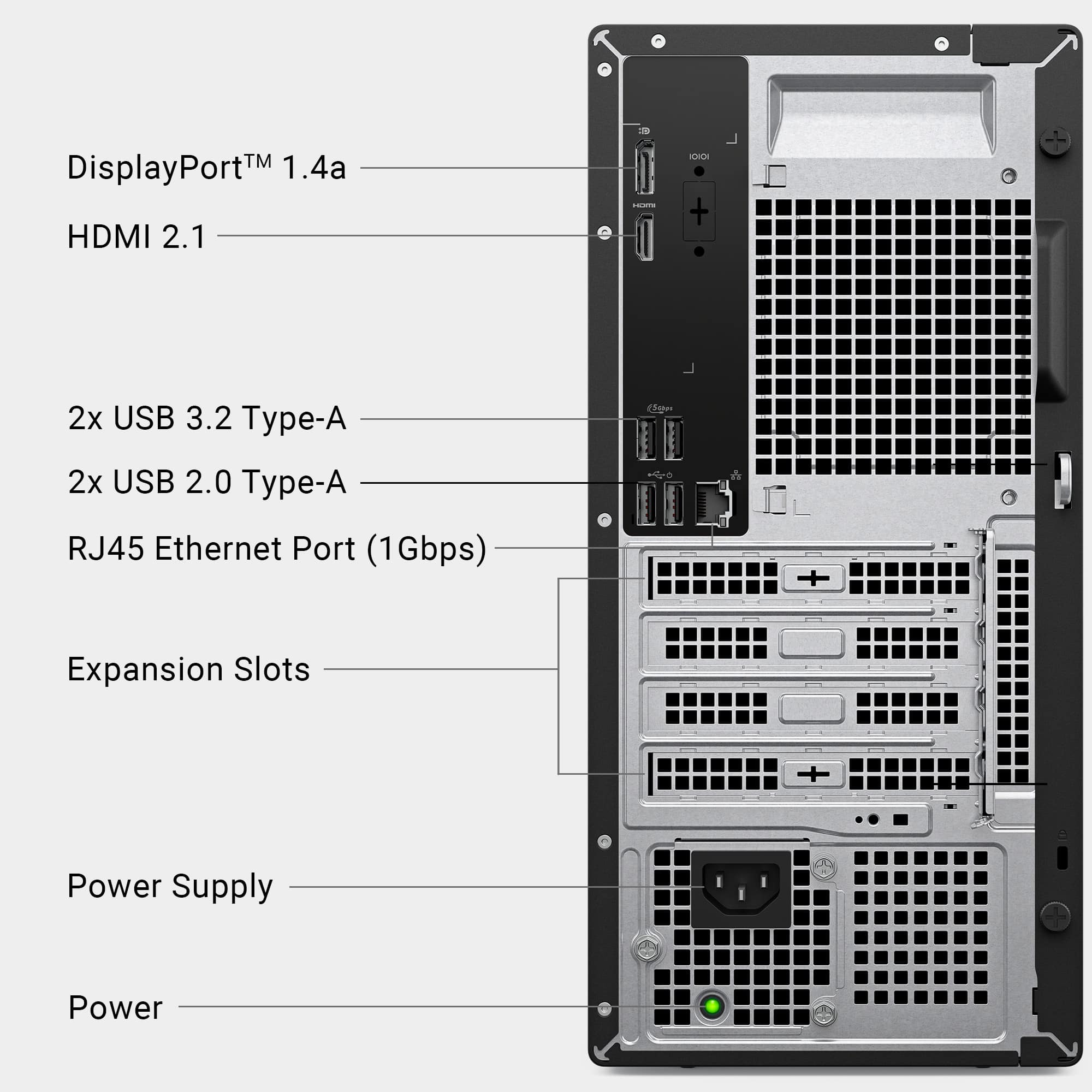
A:AnswerYour terminology is incorrect (monitor cables are not parallel cables, those were mostly used for printers), but assuming you mean a standard 15 pin Dsub VGA cable (3 rows of 5 pins, usually blue) you CAN get an adapter to allow you to use one. It will not connect out of the box without additional hardware, but the adapters are fairly cheap. This has HDMI and DisplayPort, so you could get an HDMI to VGA adapter, or DisplayPort to VGA, or even USB-C to VGA. The direction is important- most devices are the direction you would need, but the source end has to be the HDMI or DisplayPort and the output end the VGA.
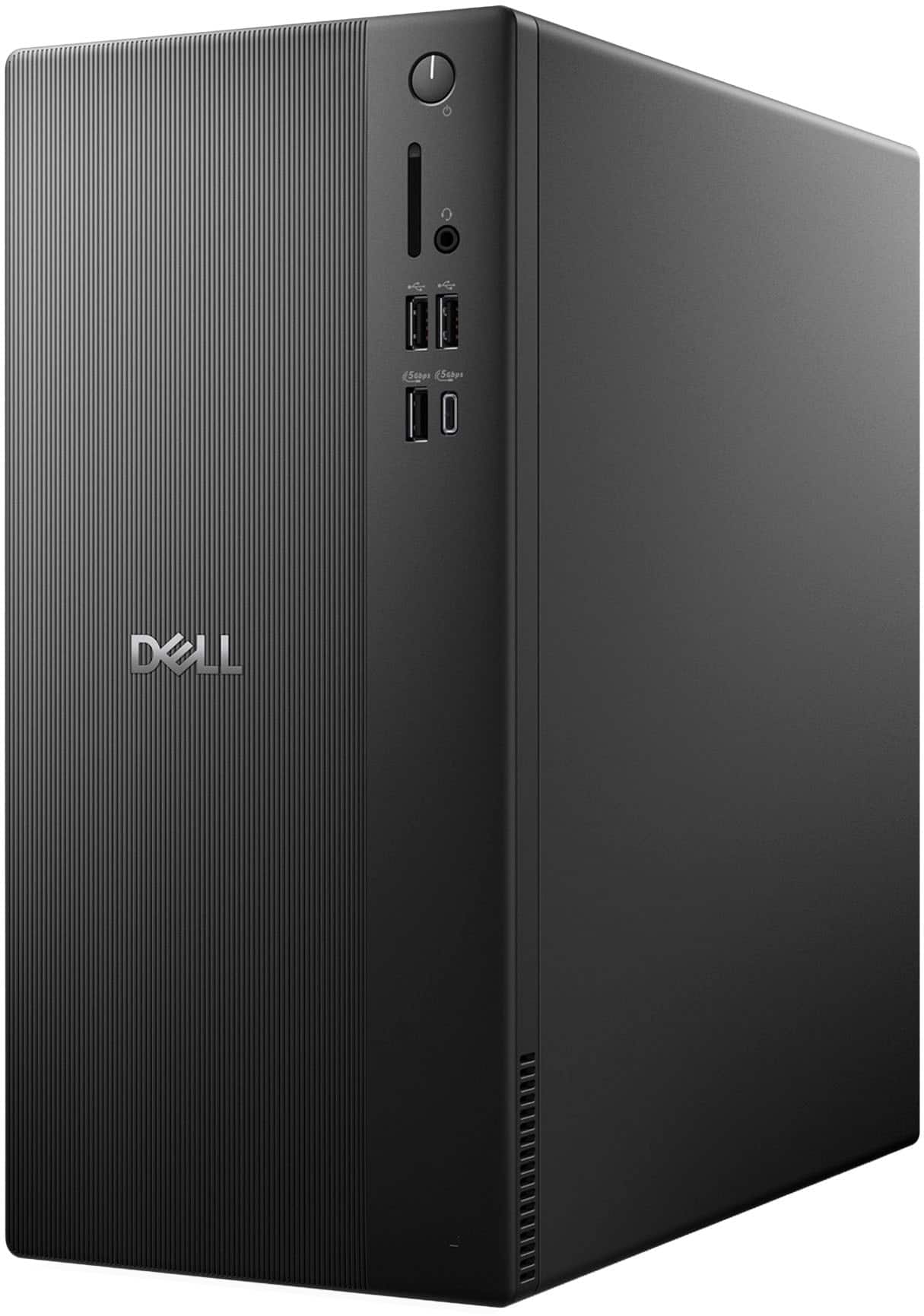
A:AnswerThe system I found a pic of has one internal SATA port. It also appears to have a connector on the MB for a SATA power cord, probably need to get from Dell.
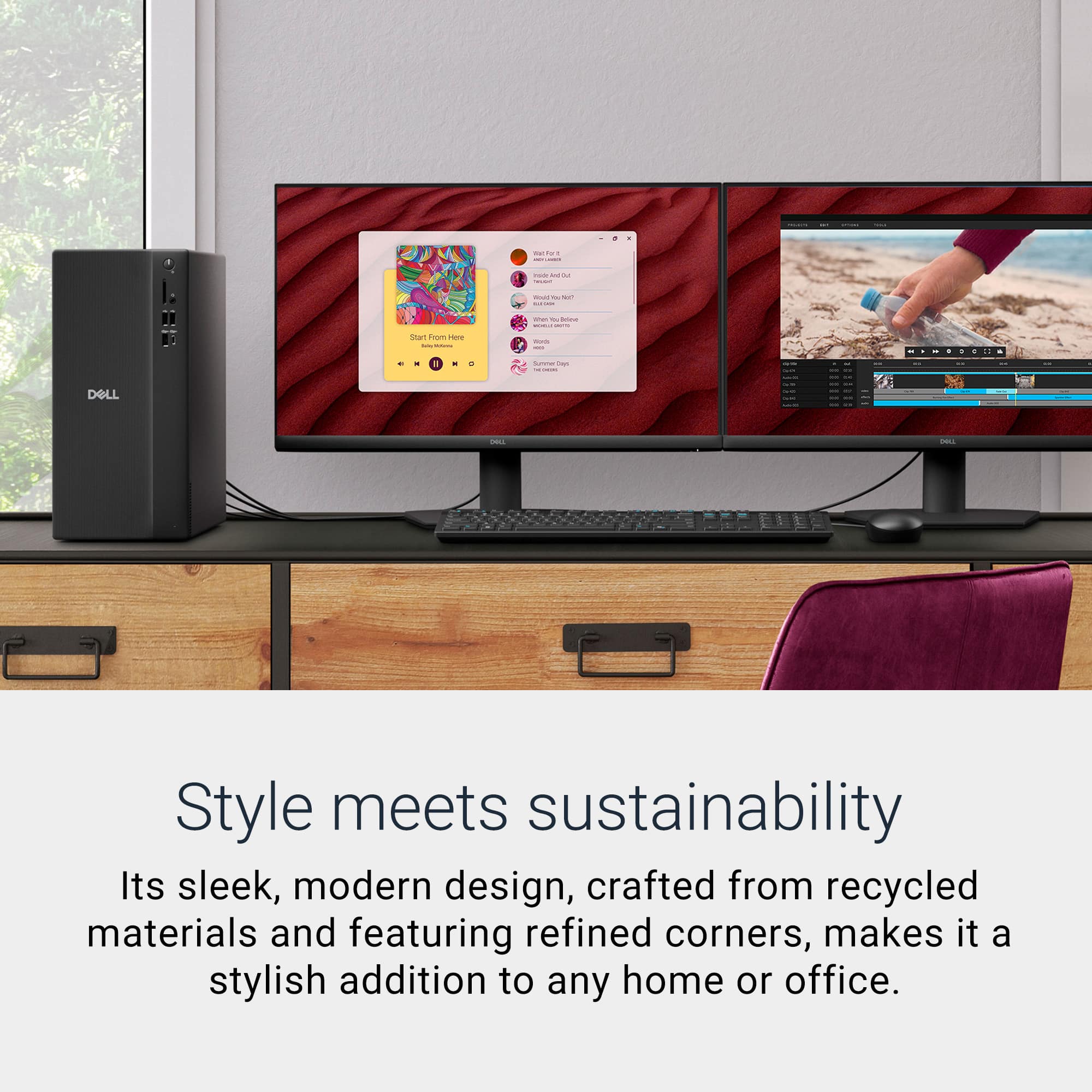
A:AnswerYou can connect two external Monitors for extended Display setting. DisplayPort Multi-Stream Technology is a feature that allows you to connect up to four displays to a single DisplayPort port on your device using a daisy chain.
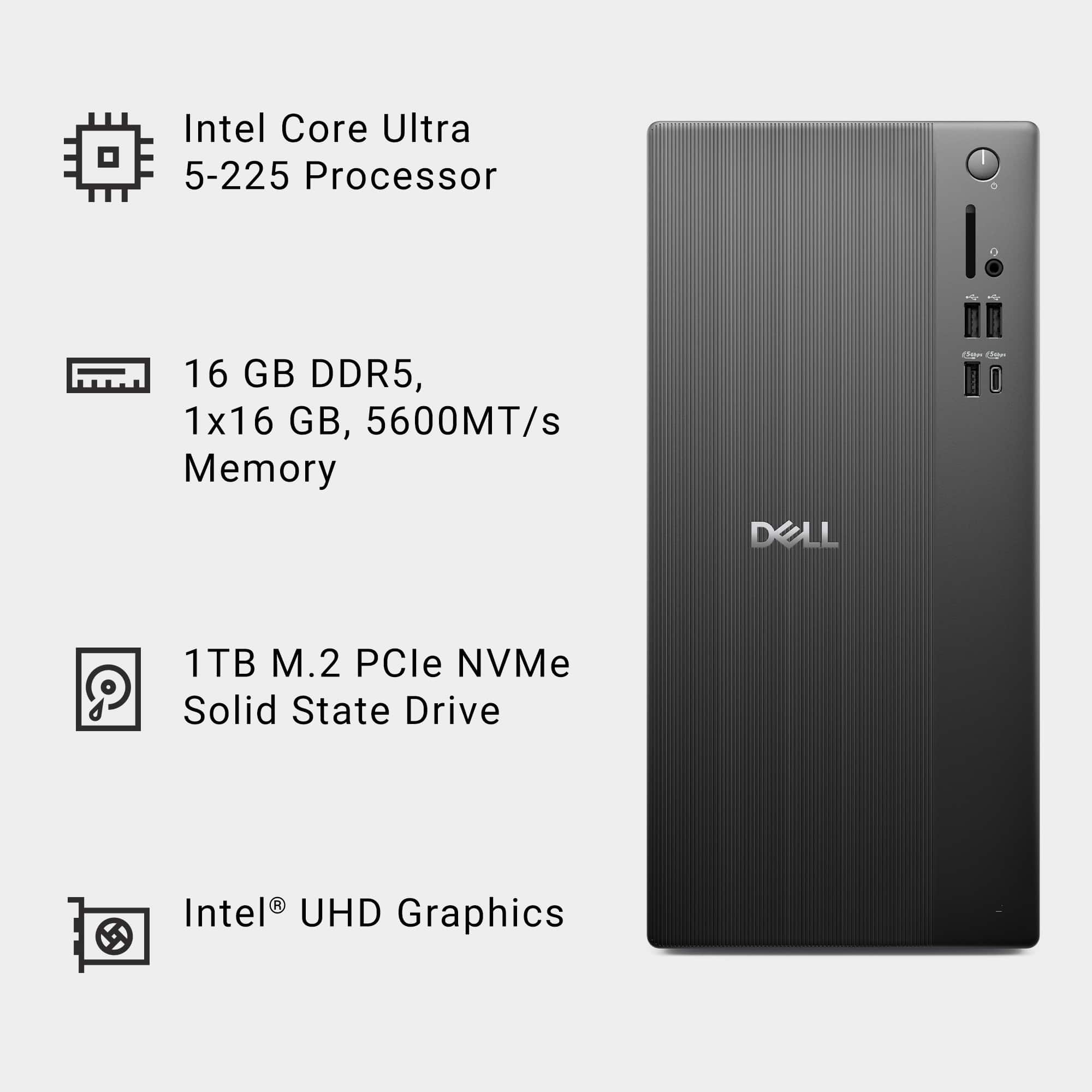
A:AnswerYes, The device contains 2 Memory Slots with maximum size per slot up to 32GB and in total it can upgraded up to 64 GB including both the slots.
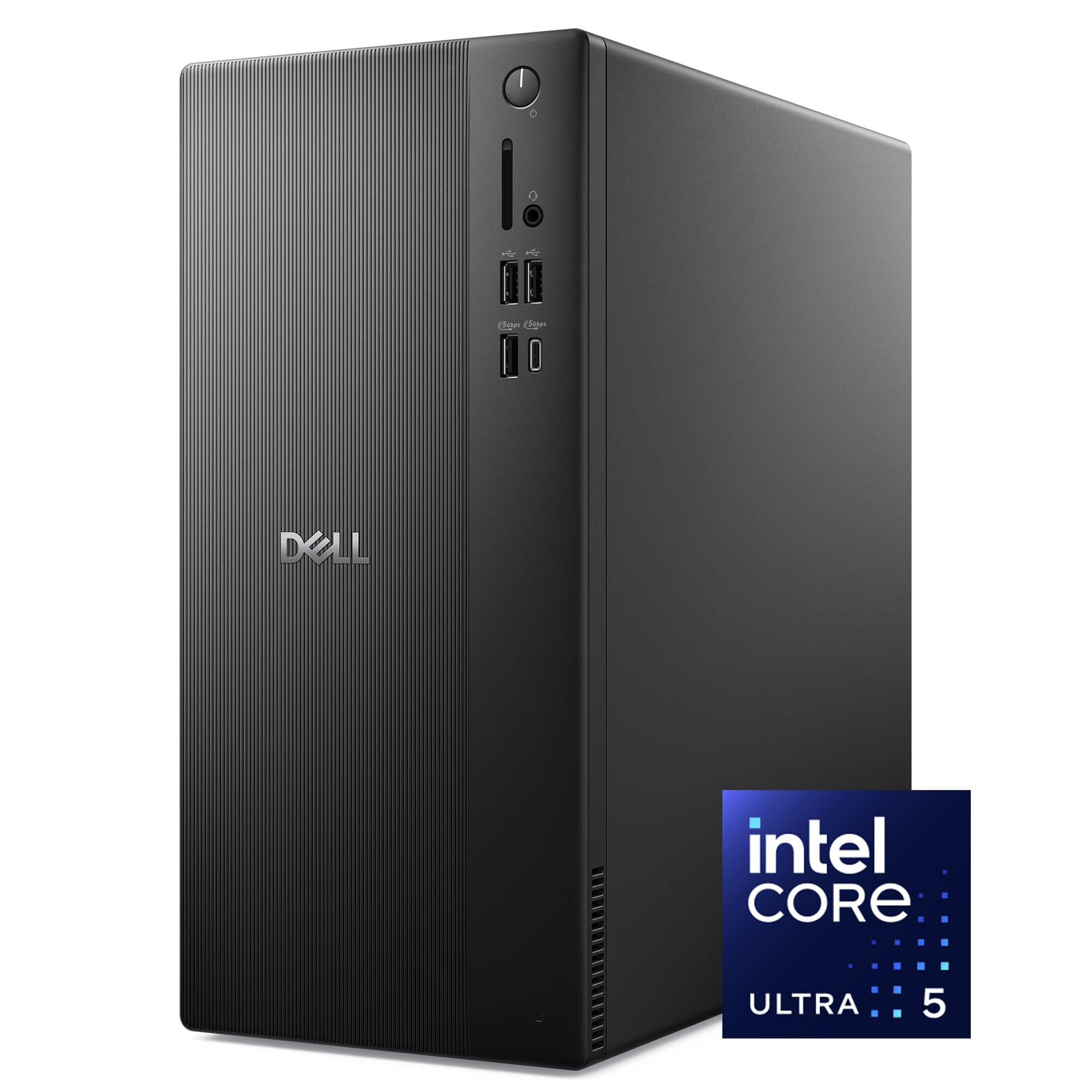
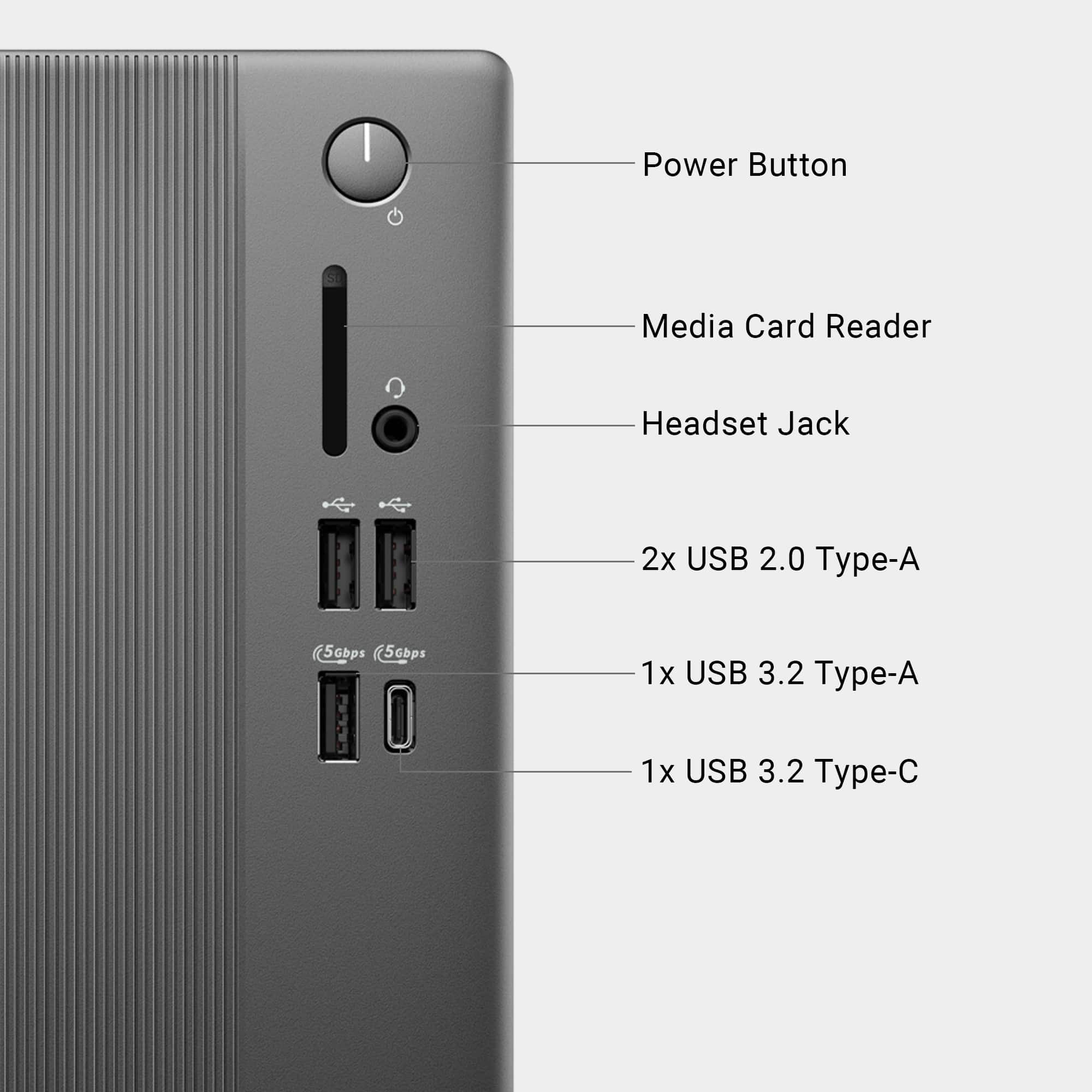
A:AnswerUnfortunately, Dell has chosen not to have a speaker input on the back, telling us to plug in our speakers on the front of the desktop instead. Very inconvenient if you want your speaker cables in the back of your computer. This is a huge and awkward mistake on the part of Dell. They need to change this now, and return to inputs back inputs ASAP.
This from a longtime, and very disappointed Dell customer!