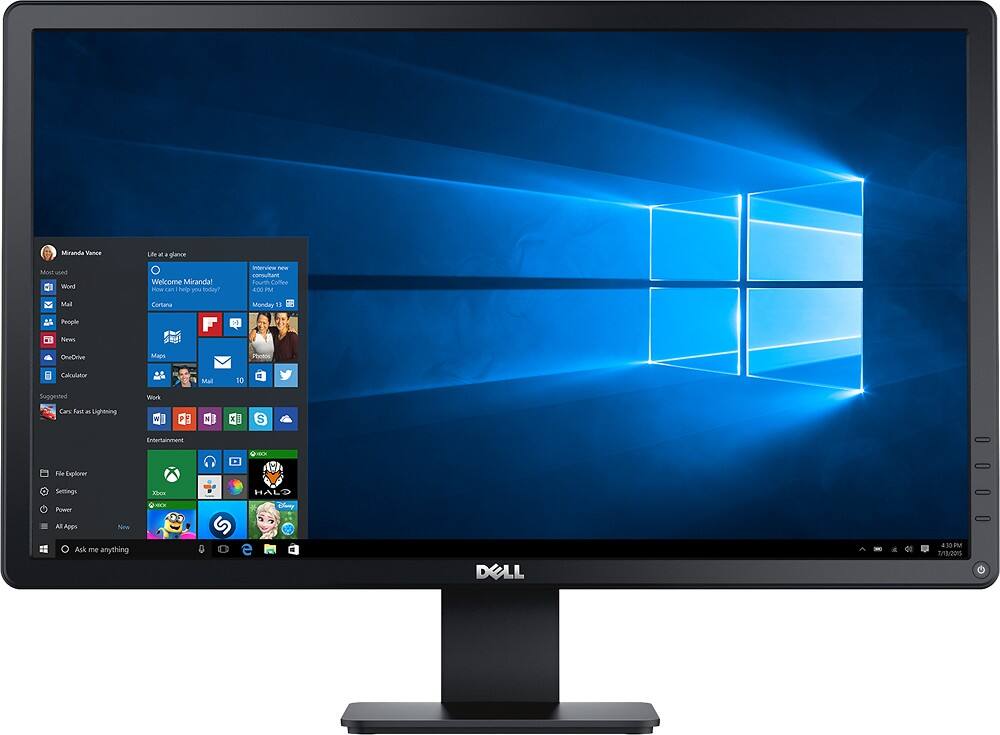
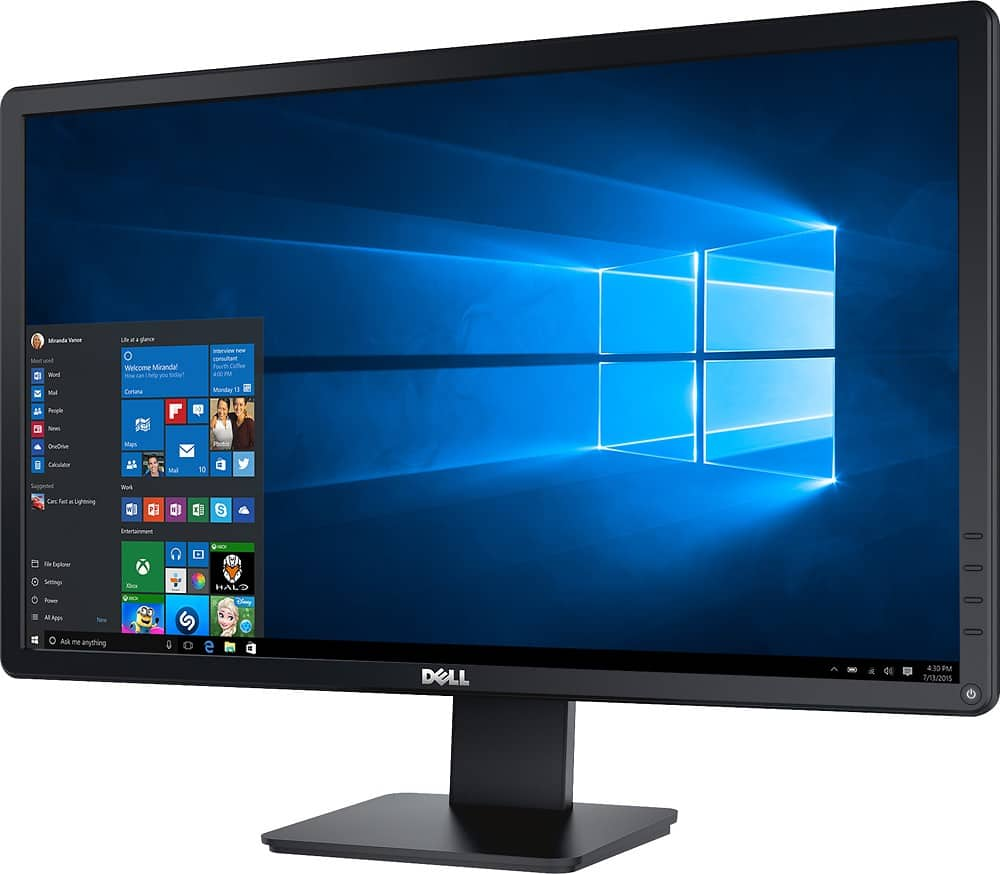
A:AnswerYes, you would just need a hdmi to dvi cable or converter since the macbook only has a hdmi output and the monitor only has dvi or vga as inputs.
A:AnswerAbsolutely. However I recommend getting the thunderbolt to dvi adapter for your macbook in stead of trying to connect hdmi out of the mac. Will look much better.
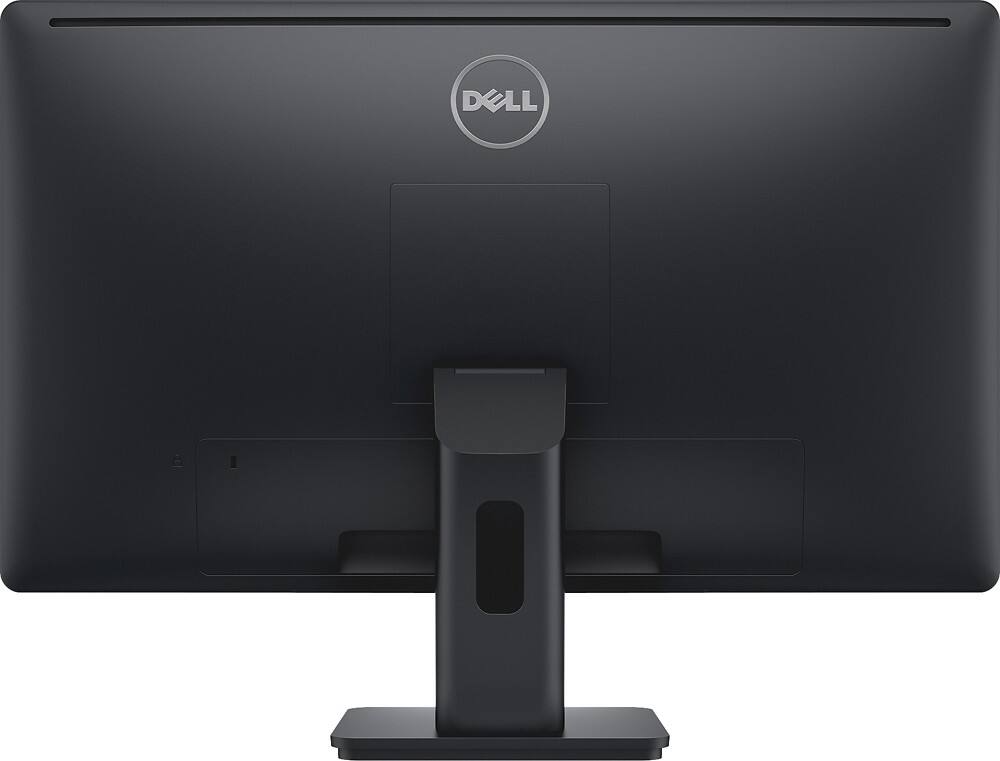
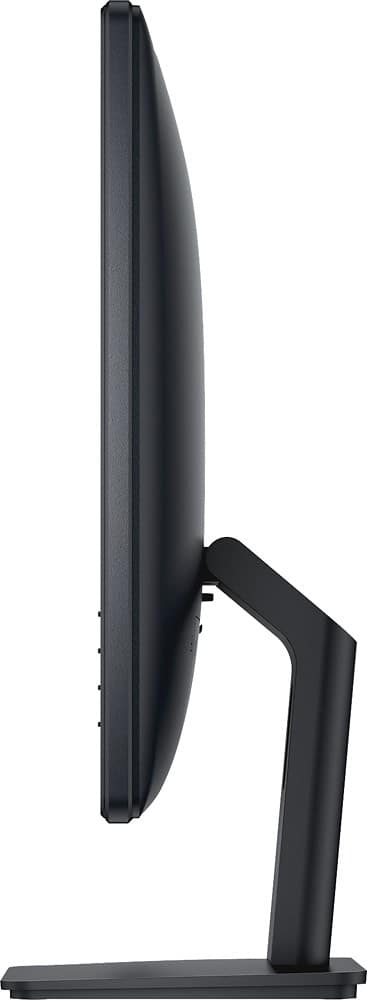
A:AnswerI do not see how you can mount this unit on the wall, based on what it includes. It has the monitor, and a handler that can only be hooked up with the monitor itself.
A:AnswerBeing that every computer and even monitor is differernt you'll have to play with the settings. I alwayd start with the brightness and contrast settings first though.
A:AnswerYes, the mounting screw/set is behind the cover.
This monitor can be secondary mounted (not using the stand) with a VESA-campatible mount to wall or mulit-monitor stand (not included).
Per owners manual. :
(screw dimension;m4x10mm). "note:fore use only with UL listed Wall Mount Bracket with minimum weight/load bearing capacity of 3.0kg."
source:
http://images10.newegg.com/UploadFilesForNewegg/itemintelligence/dell/dell_e2414h_User_s_20Guide_en_us1400132504917.pdf