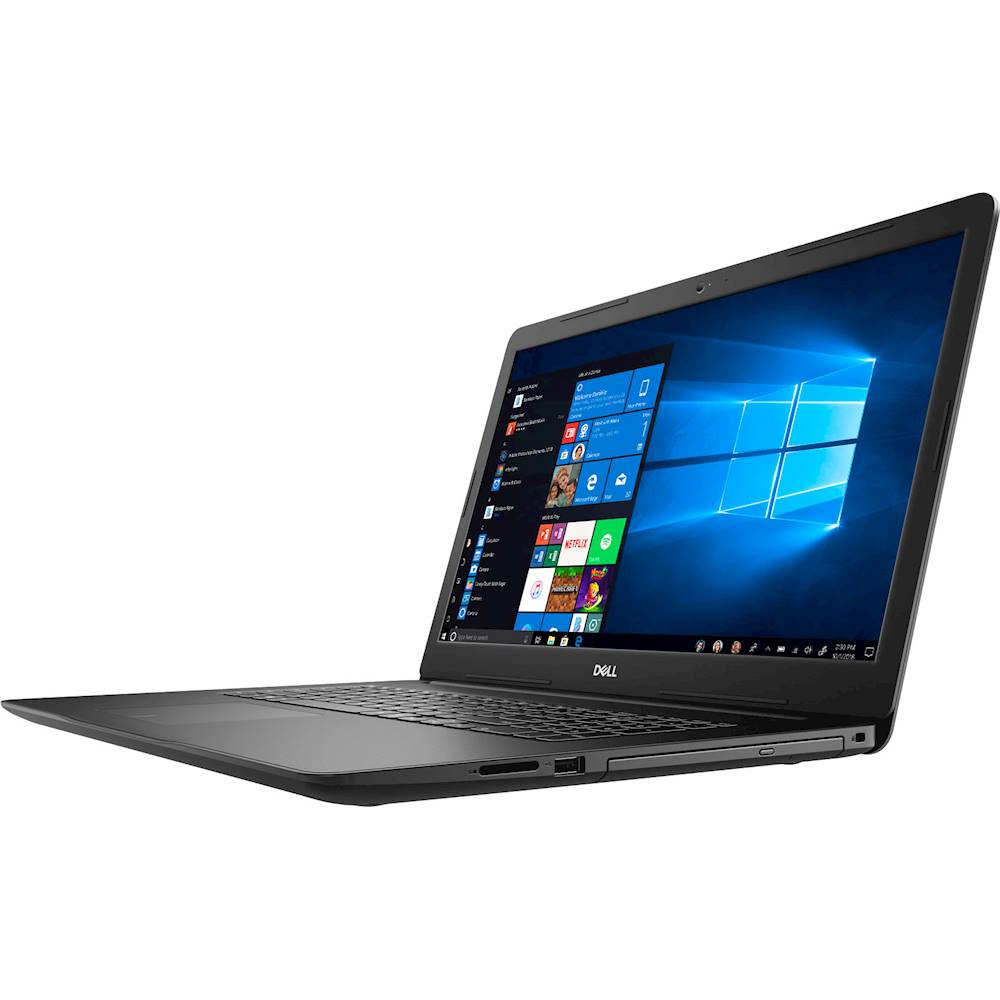
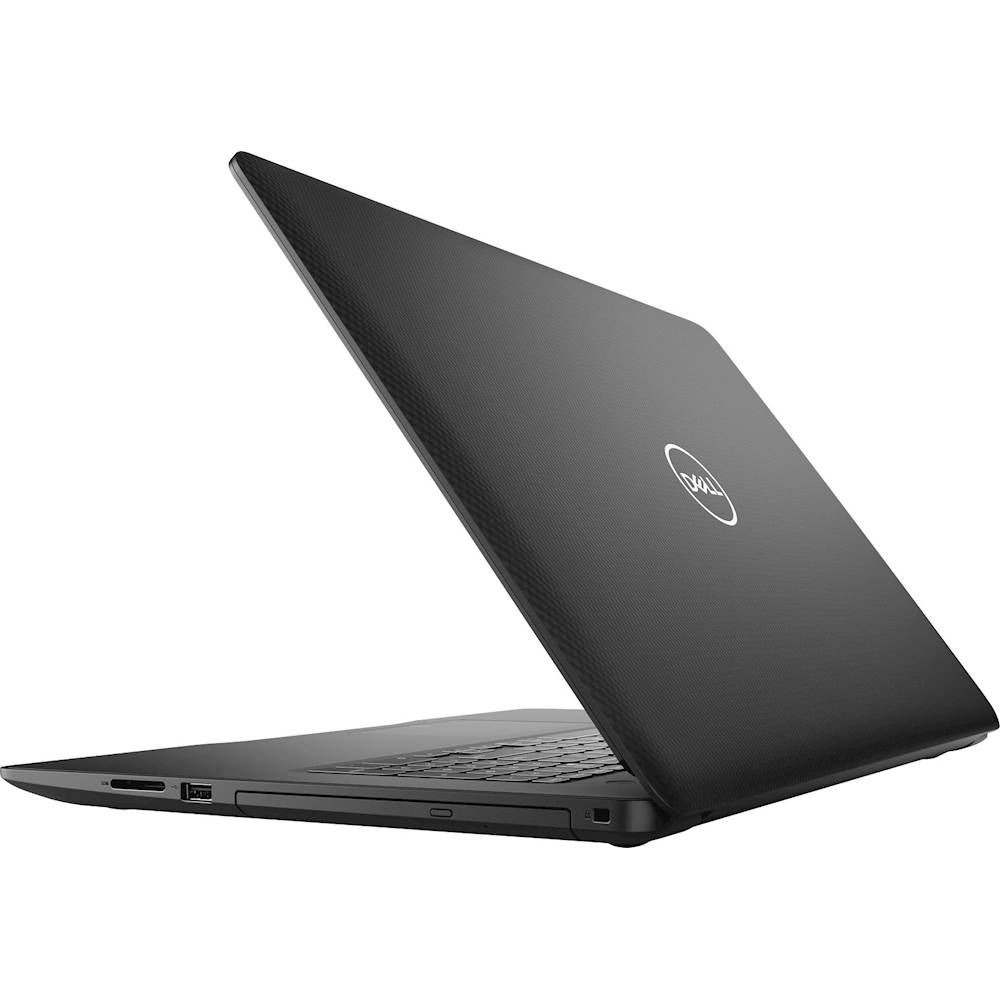
A:Answeraccording to the listing it had better be new. Best Buy could get in a lot of trouble if they don't include the previously owned or refurbished in the main listing. If you search for refurbished or previously owned you will see others that have that listed in the main listing line.
A:AnswerThis system supports one of the following storage configurations: (a) One 2.5-inch hard-drive
(b) One M.2 2230/2280 solid-state drive or M.2 2280 Intel Optane Memory H10 with solid-state storage
(c) One 2.5-inch hard-drive and one M.2 2230/2280 solid-state drive
(d) One 2.5-inch hard-drive and one M.2 2280 Intel Optane memory or Intel Optane Memory H10 with solid-state storage.
Yes, you can upgrade the system storage to a 512 GB SSD and the 1 TB storage is an internal hard drive.
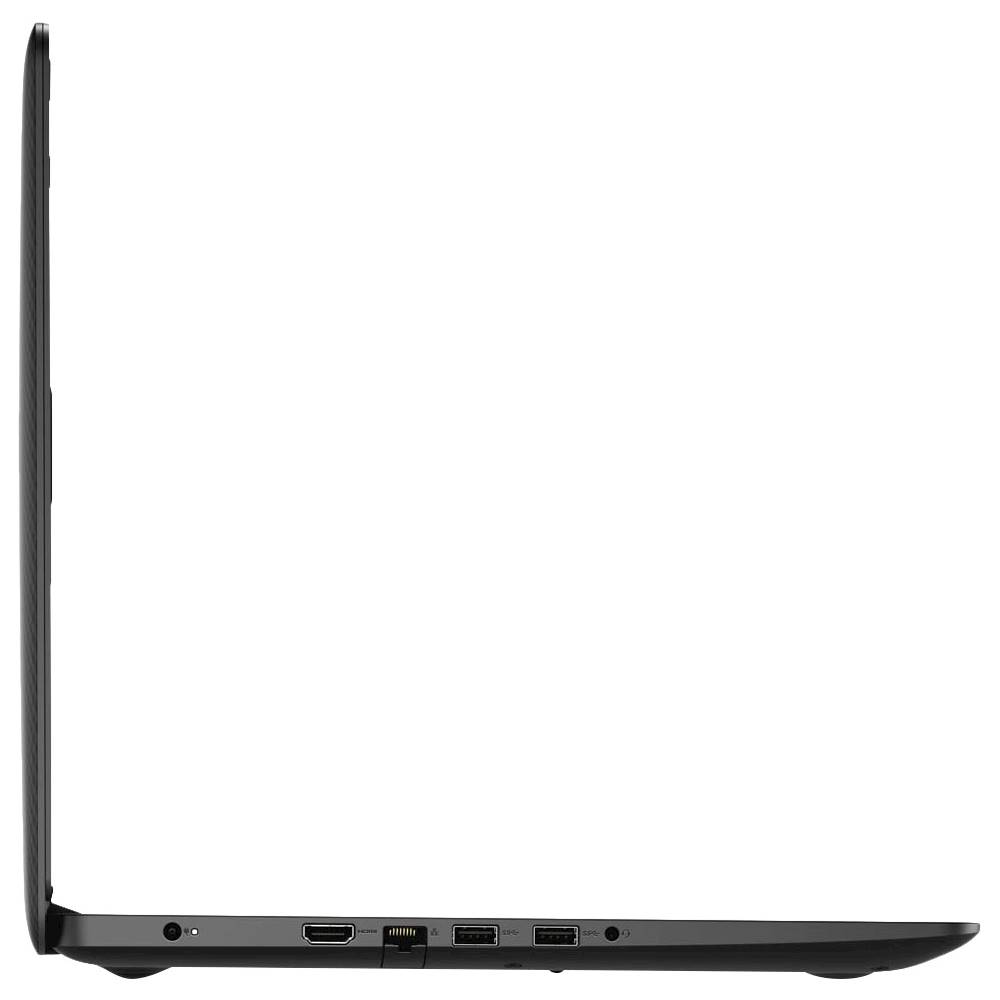
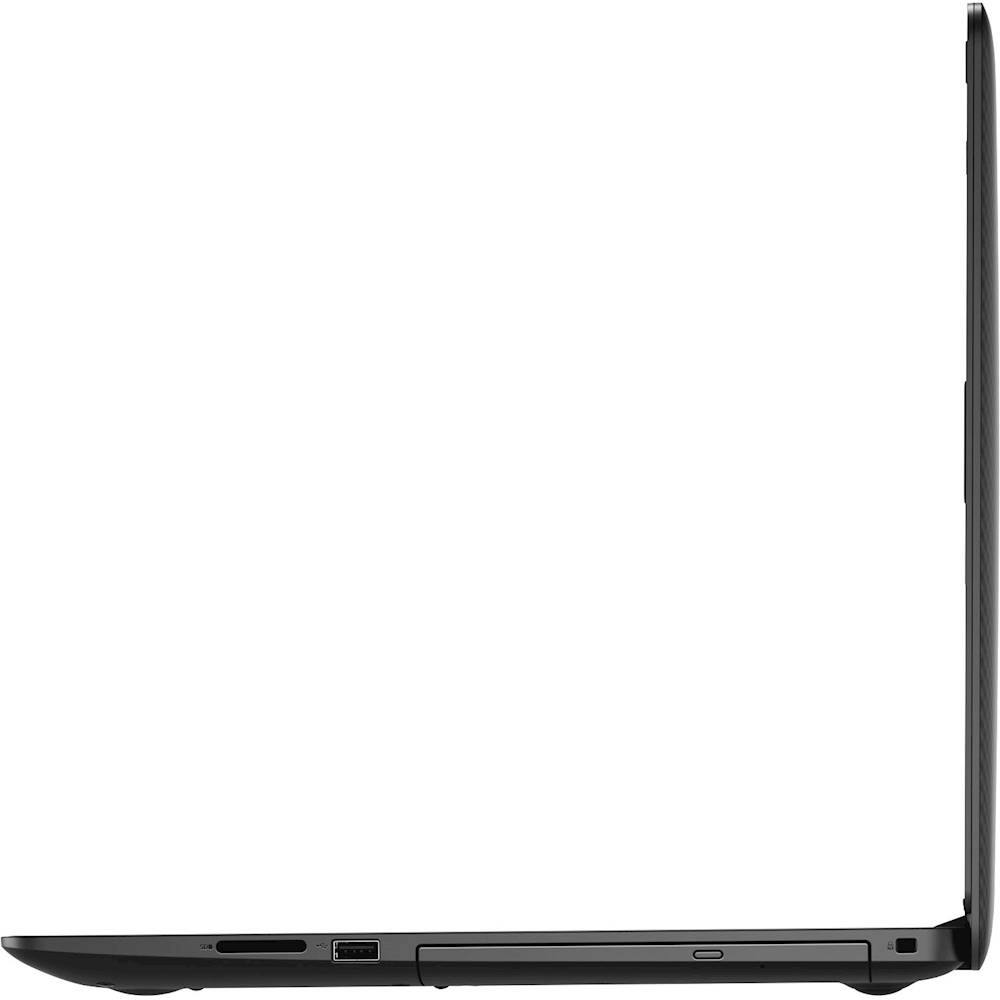
A:AnswerNo, you cannot connect two monitors with this system directly. You can connect only one monitor via HDMI. However, you can use the Dell Universal Dock - D6000 to connect multiple monitors to the system.
A:AnswerWe request you to contact Best Buy's customer care team and they will help you with this information. This system supports the following configuration for the storage:
(a) One 2.5-inch hard-drive
(b) One M.2 2230/2280 solid-state drive or M.2 2280 Intel Optane Memory H10 with solid-state storage
(c) One 2.5-inch hard-drive and one M.2 2230/2280 solid-state drive
(d) One 2.5-inch hard-drive and one M.2 2280 Intel Optane memory or Intel Optane Memory H10 with solid-state storage.
The SSD can be upgraded to maximum of 512 GB.
A:AnswerYes there is but it is the old 10/100 Mbps speed, not the newer 1000 Mbps (1 Gbps) speed. Which means it is most likely slower that the WiFi speeds of this laptop.