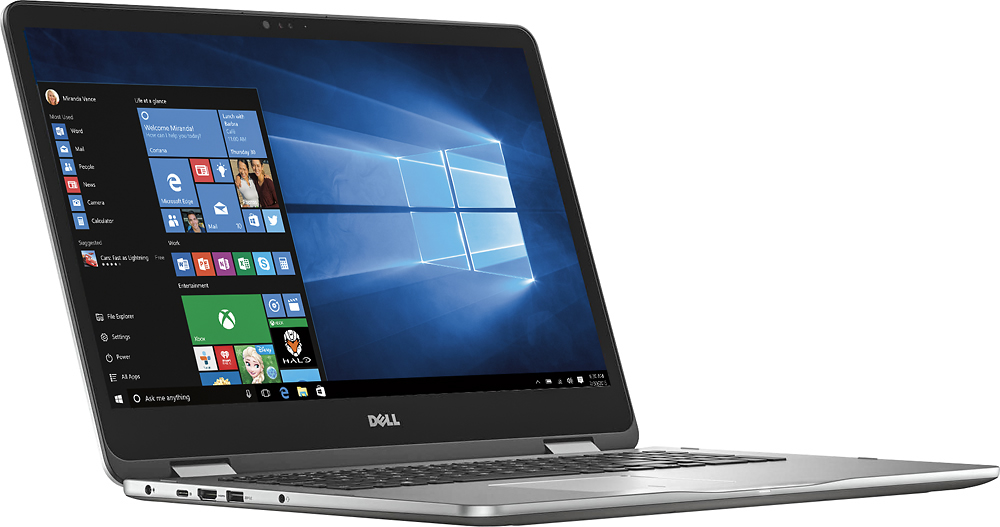
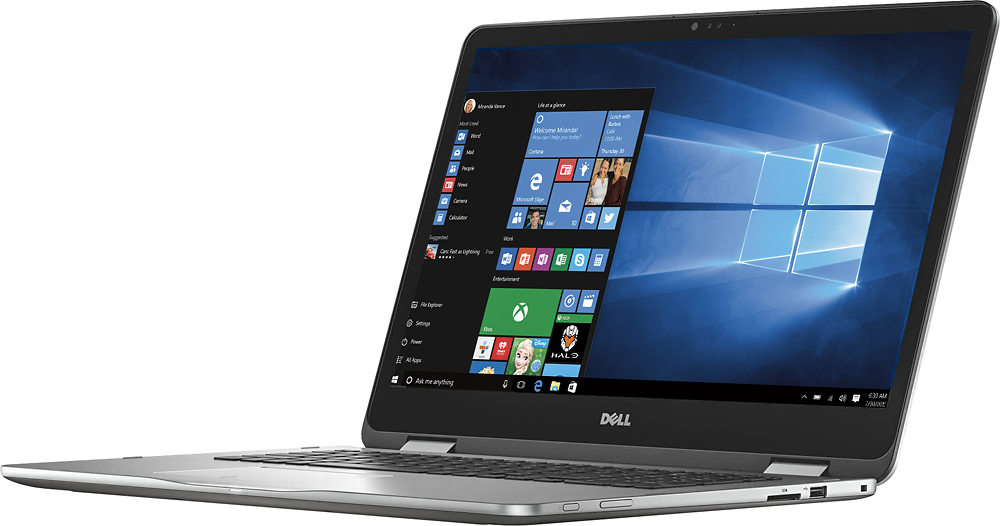
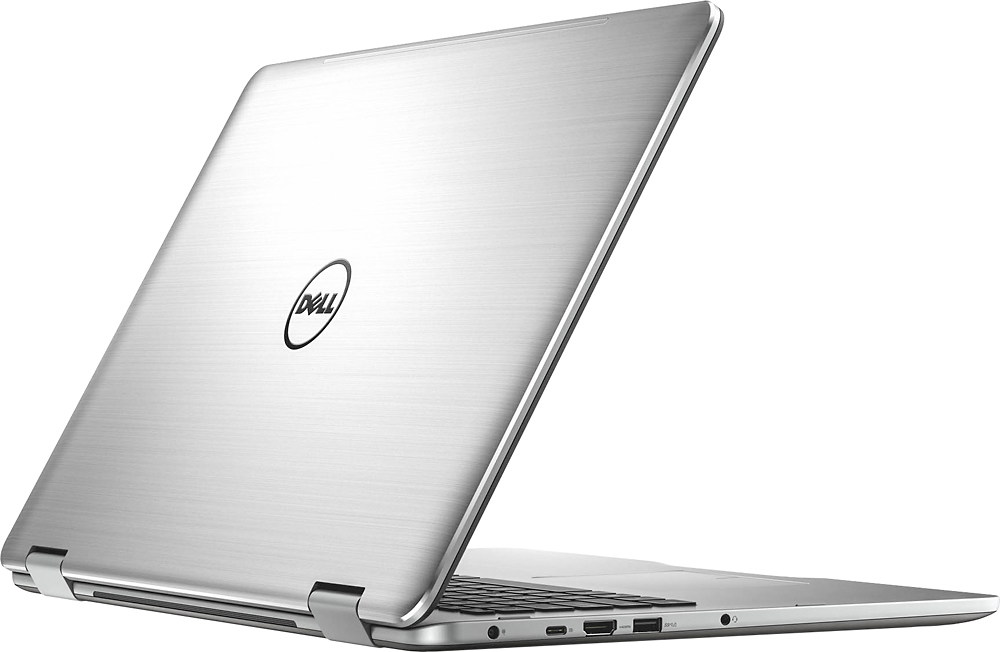
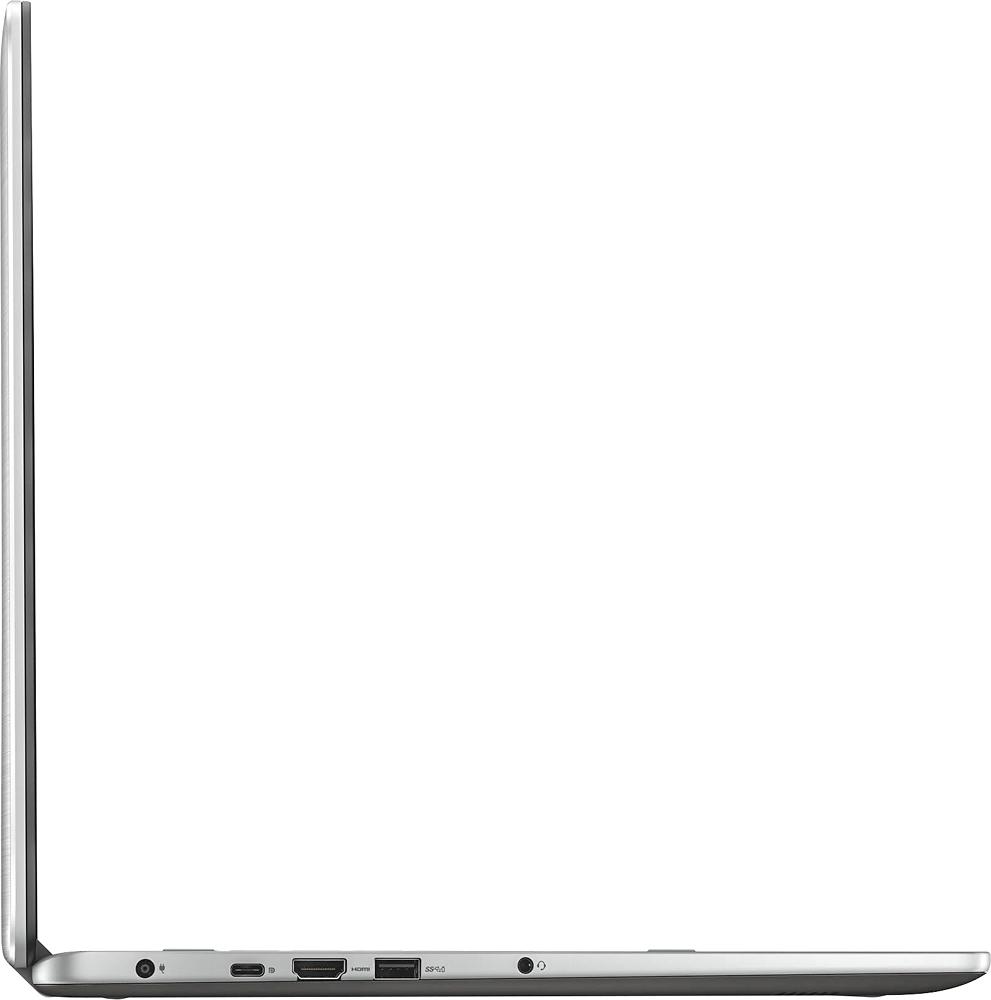
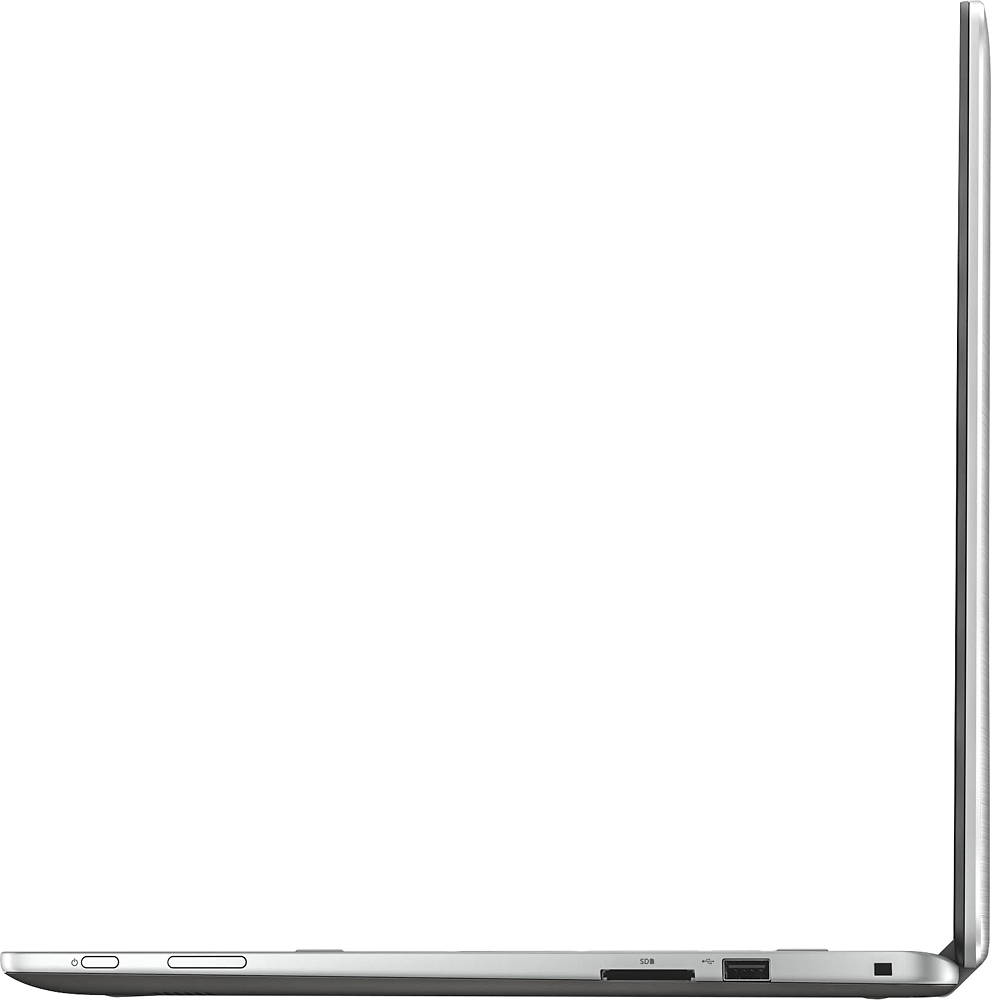
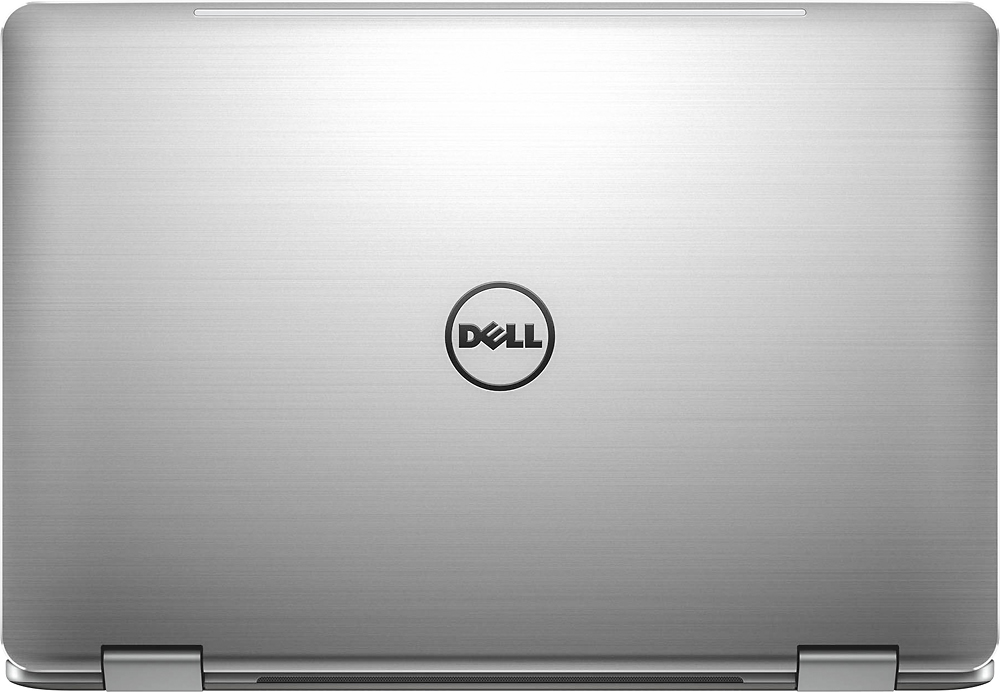
A:AnswerI have not experienced a problem with overheating on this laptop. I do make sure not to block the vntilation ports on the back of the laptop. They are located between the hinges.
A:AnswerJust buy New in the box. That's what I did. But my friend bought the open box and is happy. Best Buy will take care of any problem you might have. Anytime I buy open-Box items Best Buy has always been great. Never had any problems.
A:AnswerDo a simple google search for this card. It is a good card,, there is a 950 which is better but this is what you get for this unit.
Basically a very good card, a search will give you all kinds of comparison's.
A:AnswerI sit here on the Isle of Skye editing pics from this trip as I respond to your Q ... great screen and the packaged photo editor does a really respectable job on iphone photos & vids ... like basically almost the freely available editing software, it has limitations (pixel level manipulations, limited color controls, etc.) but it does a reasonable and respectable job for the non-professional ... if you are looking for professional quality editing, well, professionally focused software offers many more tools but one has to both pay for that in terms of dollars and time it takes to learn how to use it ... Hope that helps a bit more than confuses ...
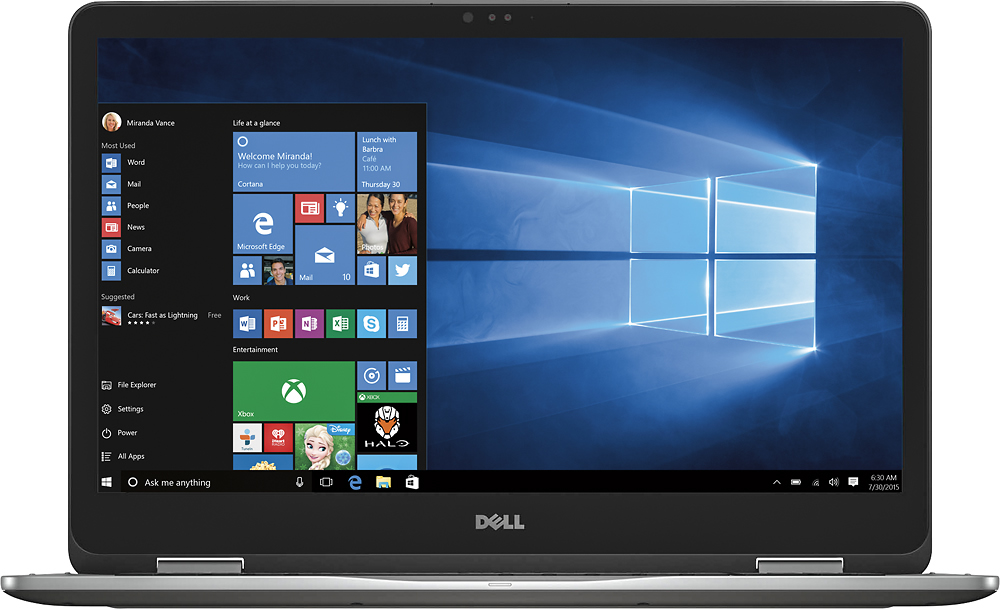
A:AnswerDid you try resetting it back to factory default settings. You can restore it back to the original state via the UEFI Bios. You may have gotten an update on Windows 10 causing a driver issue causing the BSOD.
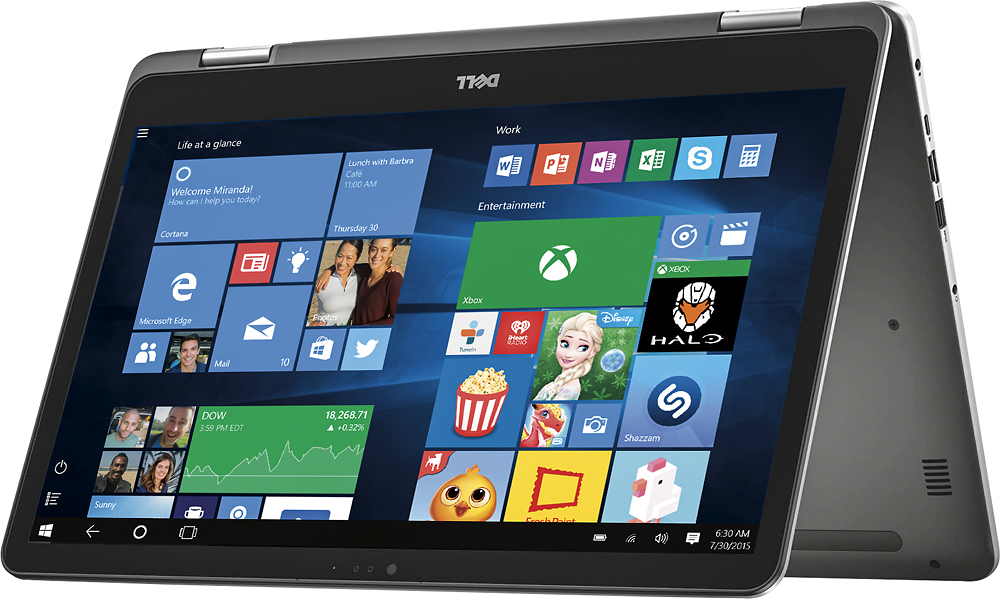
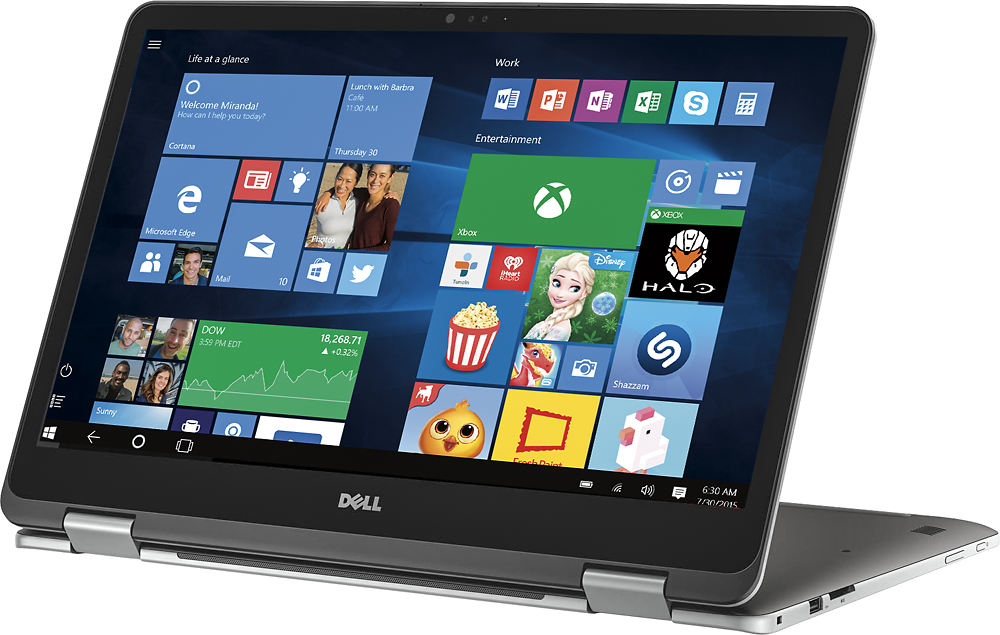
A:AnswerYes, this is an Inspiron 7000. It is a Best Buy specific variant, that is fairly common with Dell/Best Buy. The exact model is "Dell Inspiron 17 7779 2-in-1"