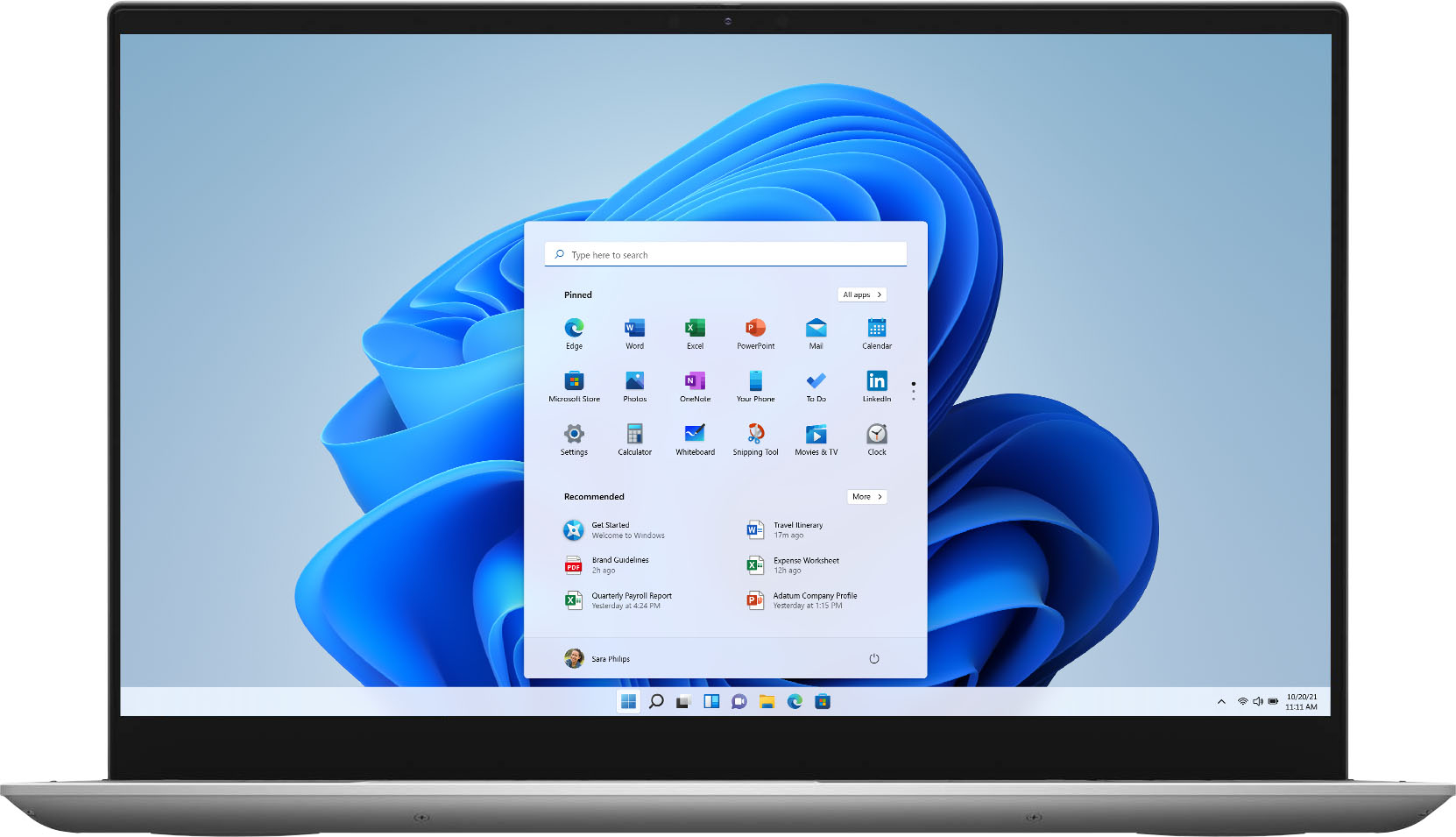
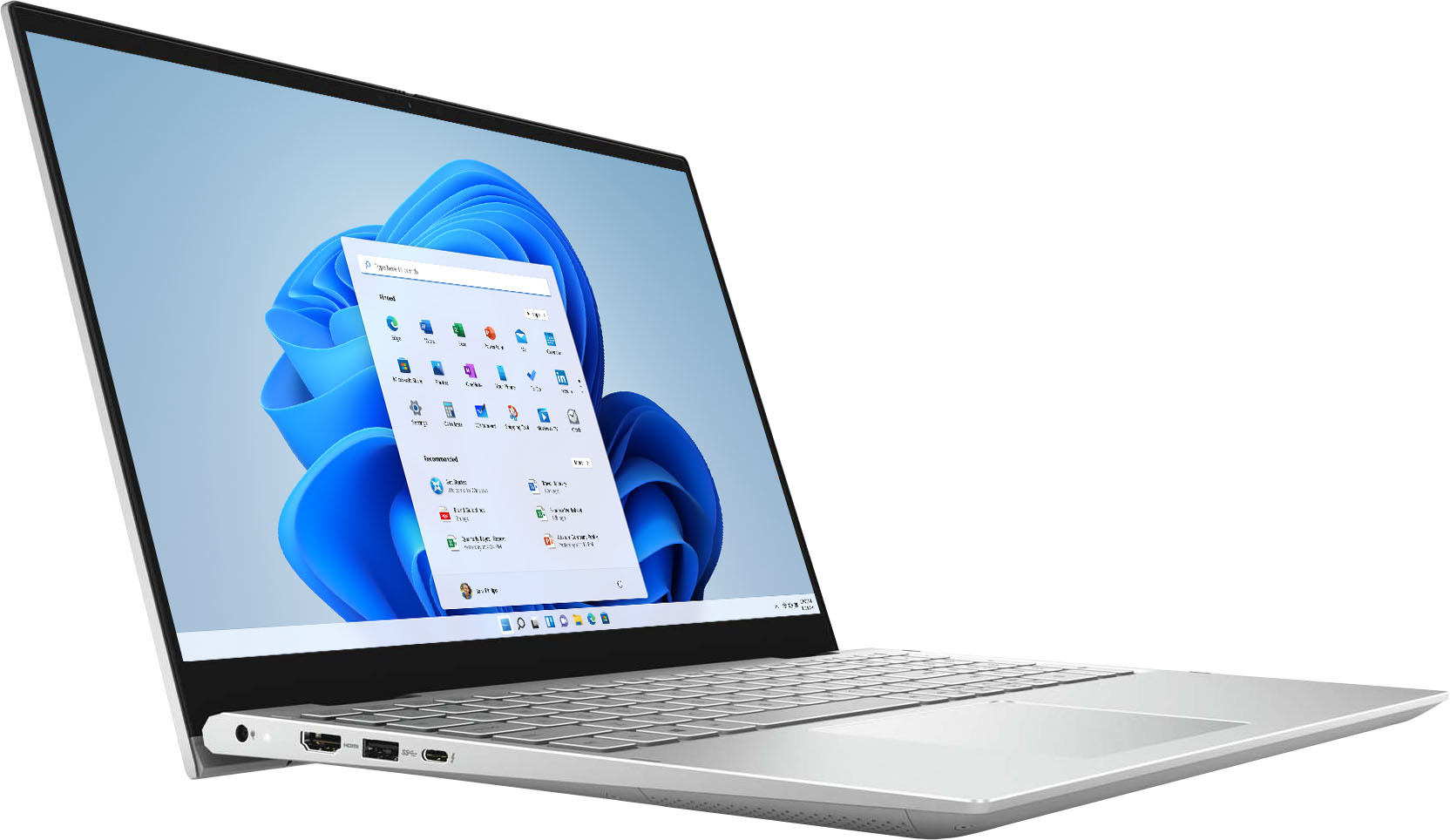
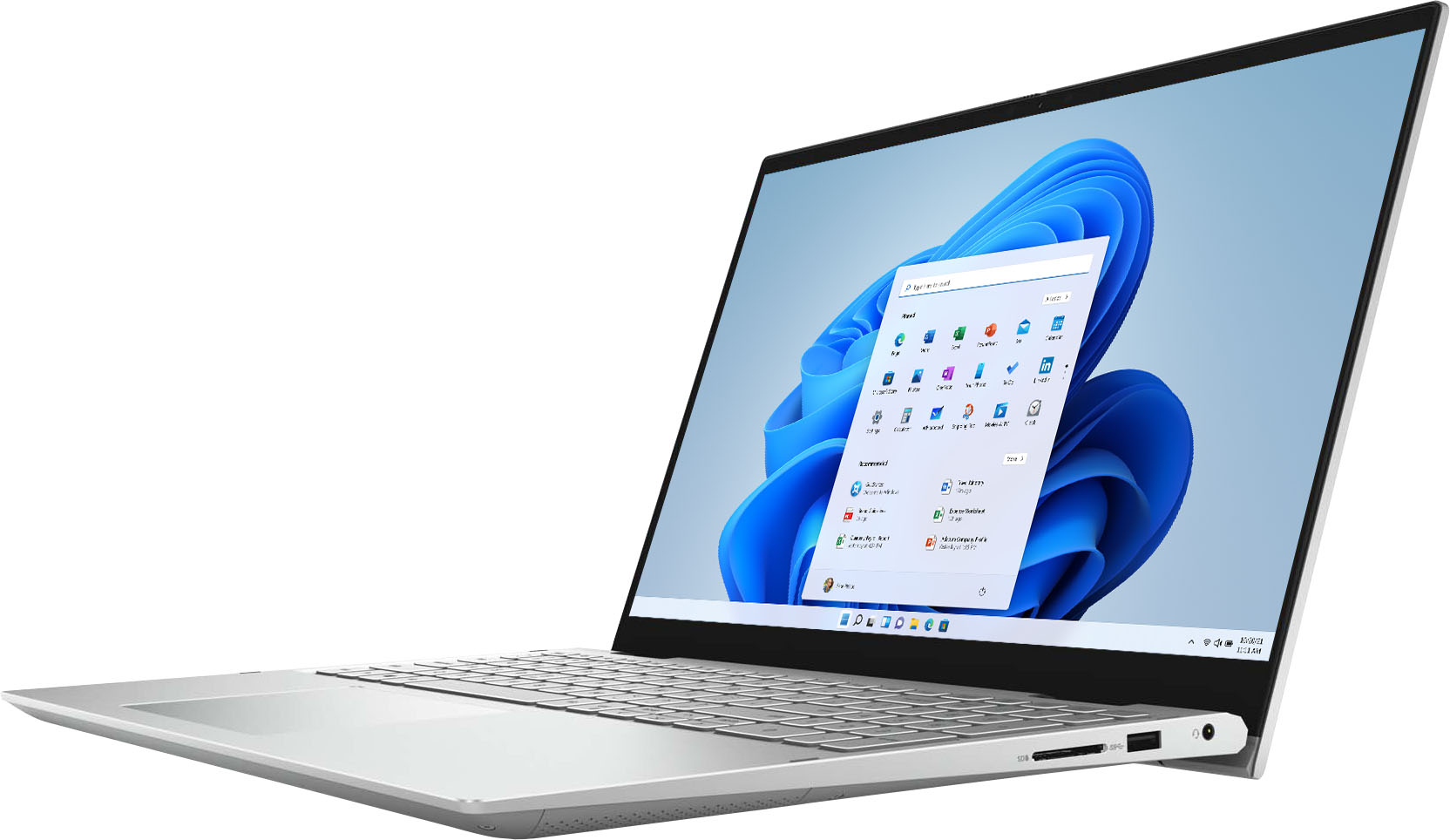
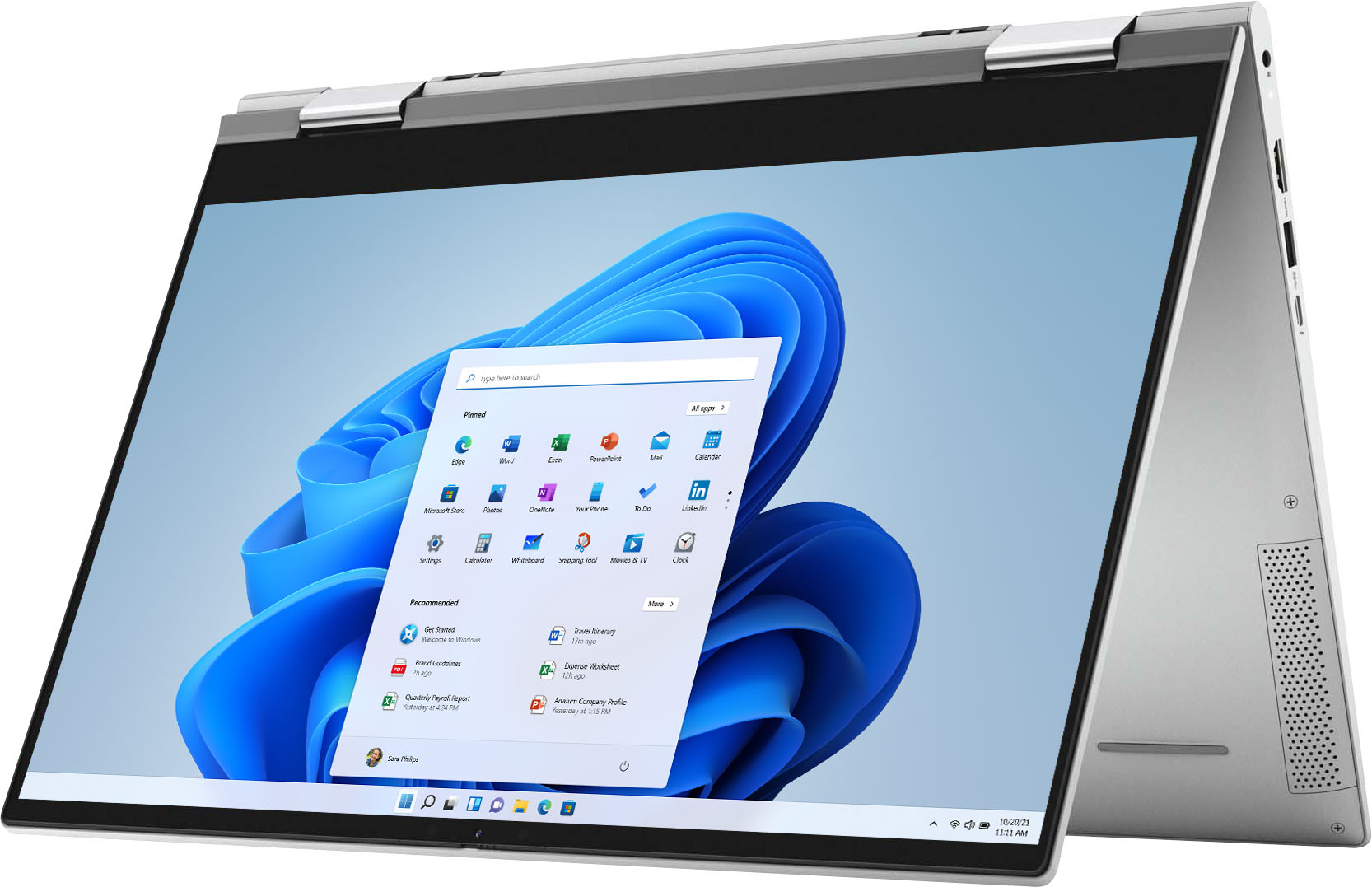
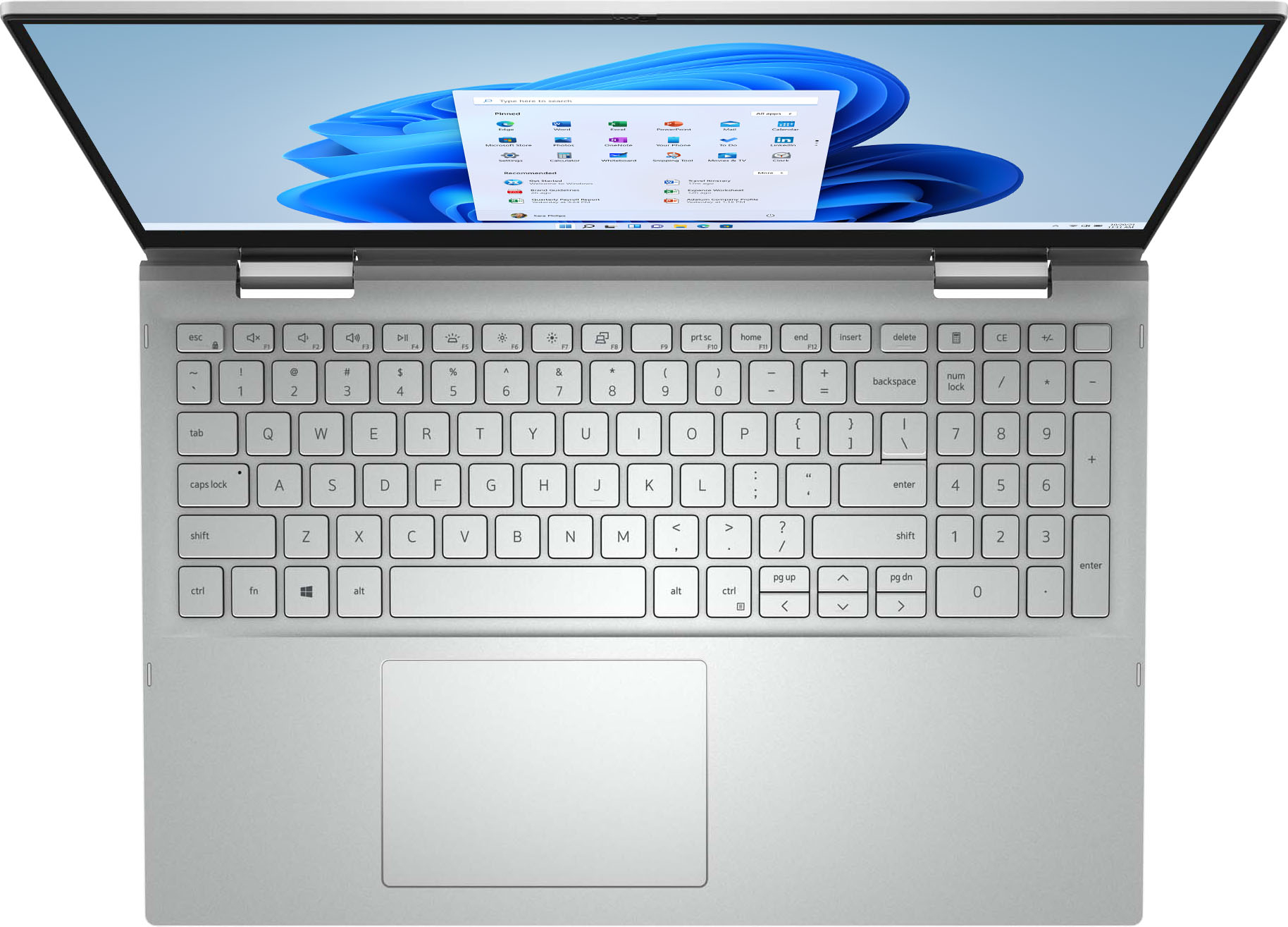
A:AnswerYou can use either one or both. Sometimes it is nice to have the touch screen available for some kinds of input, but you can use the touchpad, touch screen or mouse as input devices.
A:AnswerYou can try the steps mentioned on this link: https://dell.to/37Kp7Rr
In case this doesn't work, we suggest you to contact the Dell technical support team and one of the technical support representative will assist you further.
A:AnswerIt appears to be a product issue, ours did the same thing and crashed. Now it wont start and Dell customer support has been terrible for us. Good luck.
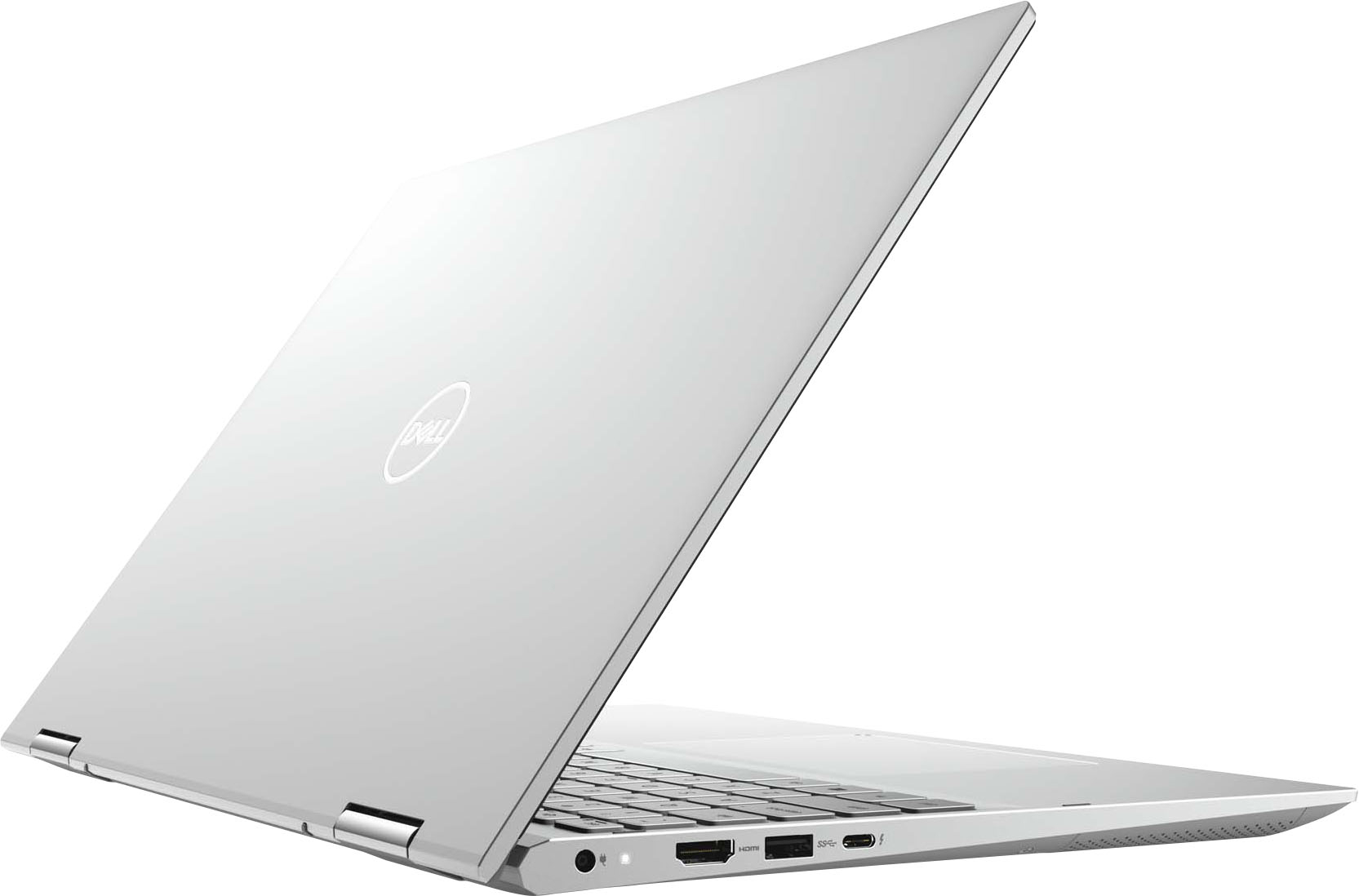
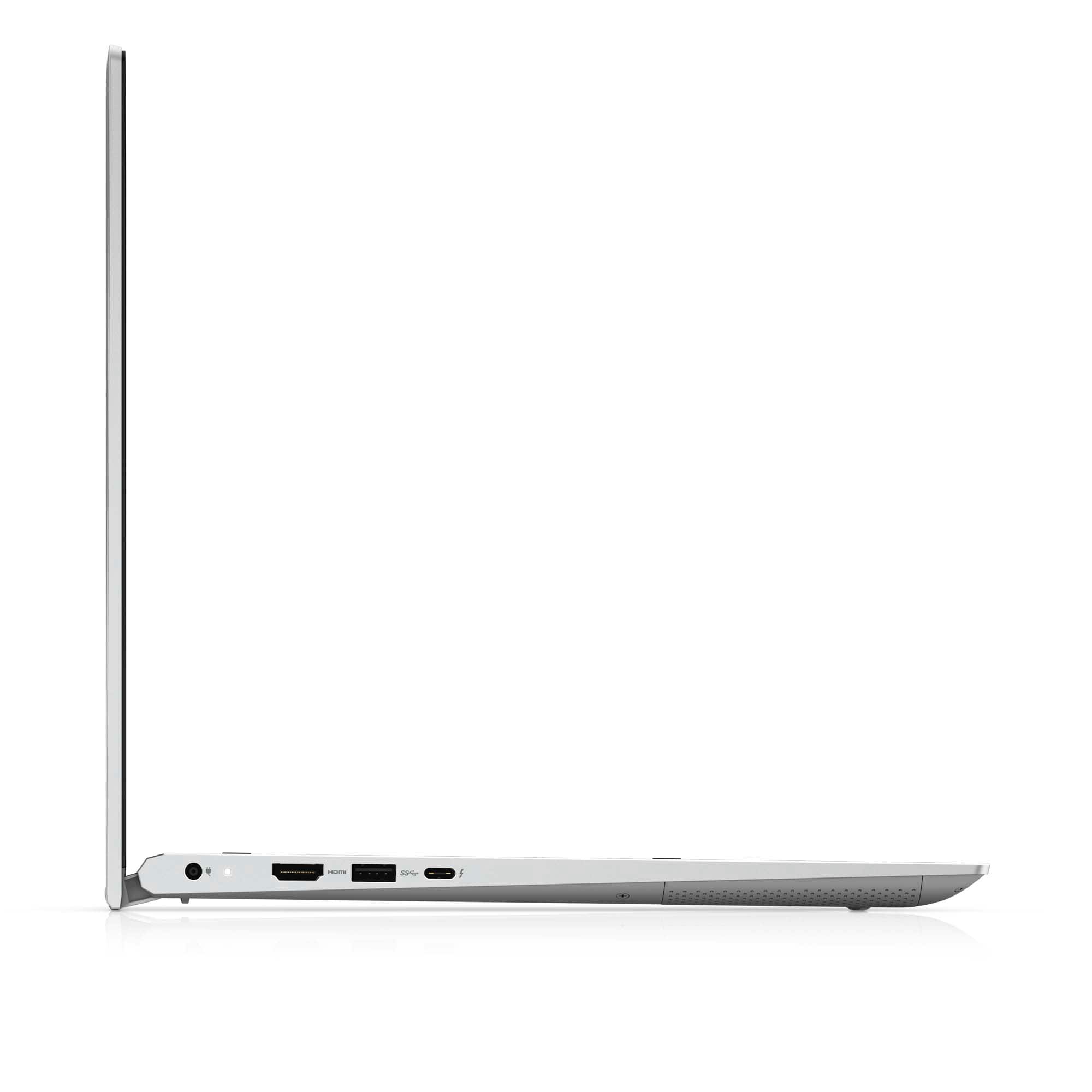
A:AnswerThe Thunderbolt 4 USB Type-C port on this laptop supports USB4 Gen 3 Type-C, DisplayPort 2.0, Thunderbolt 4 and also enables you to connect to an external display using a display adapter. Provides data transfer rates of up to 20 Gbps for USB4 Gen 3 and up to 40 Gbps for Thunderbolt 4. Supports Power Delivery that enables two-way power supply between devices. Provides up to 5 V/3 A power output that enables faster charging.
A:AnswerYes you can but I wouldn't recommend keep the laptop on your lap because it does get hot enough to burn, or anything that can suffer from high heat. I would check the specs of the game you are trying to run and compare it to the laptop for a better fit
A:Answeri couldn’t even get to download photoshop & the other adobe apps without it freezing & reseting it self. don't waste ur money & time. trust me. 2nd time this week i'm returning this laptop & the last time i get a dell.
A:AnswerThe laptop comes preinstalled with windows 10. Yes, it does come with MS office preinstalled, but in order to use it you need to buy MS office 365 subscription.