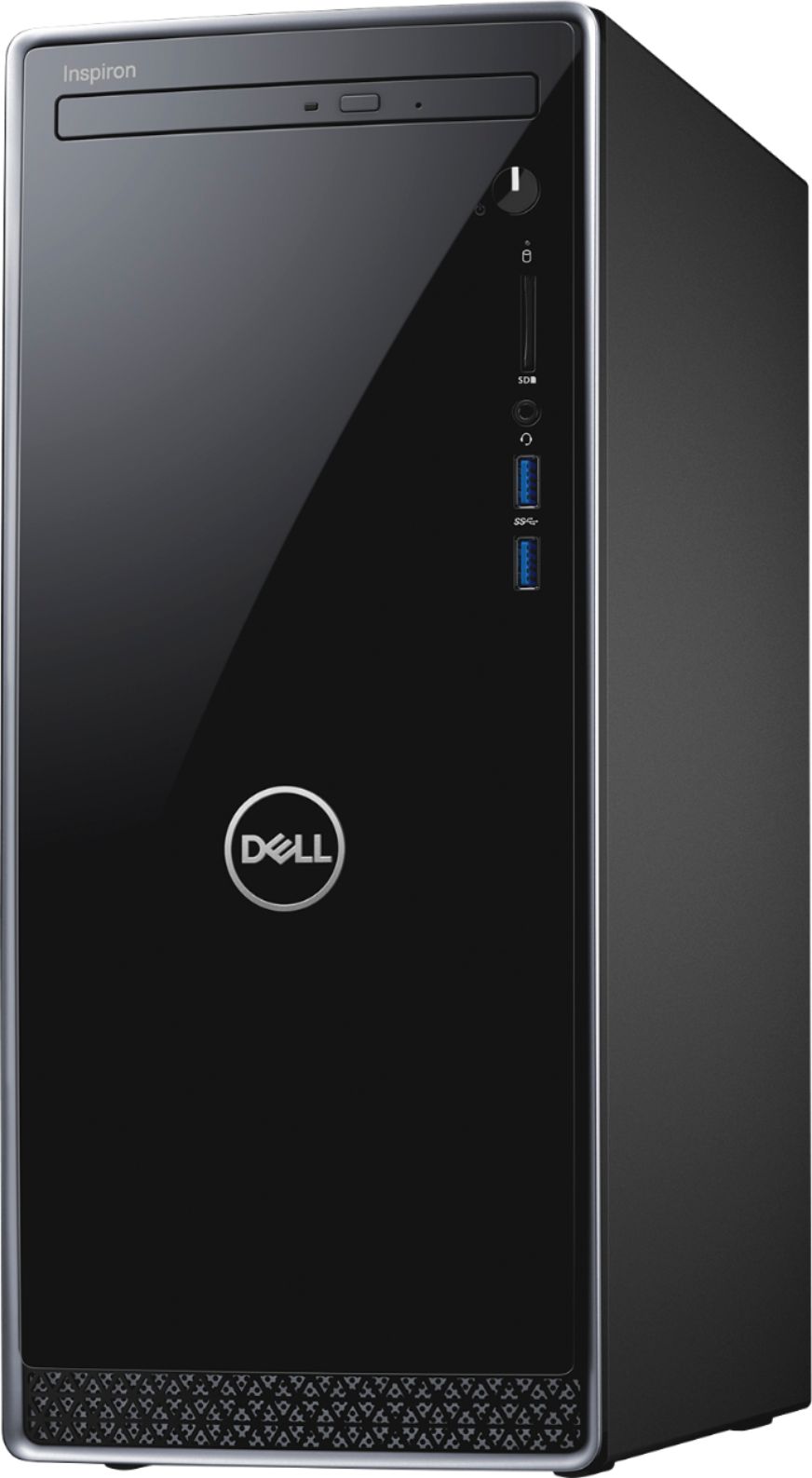
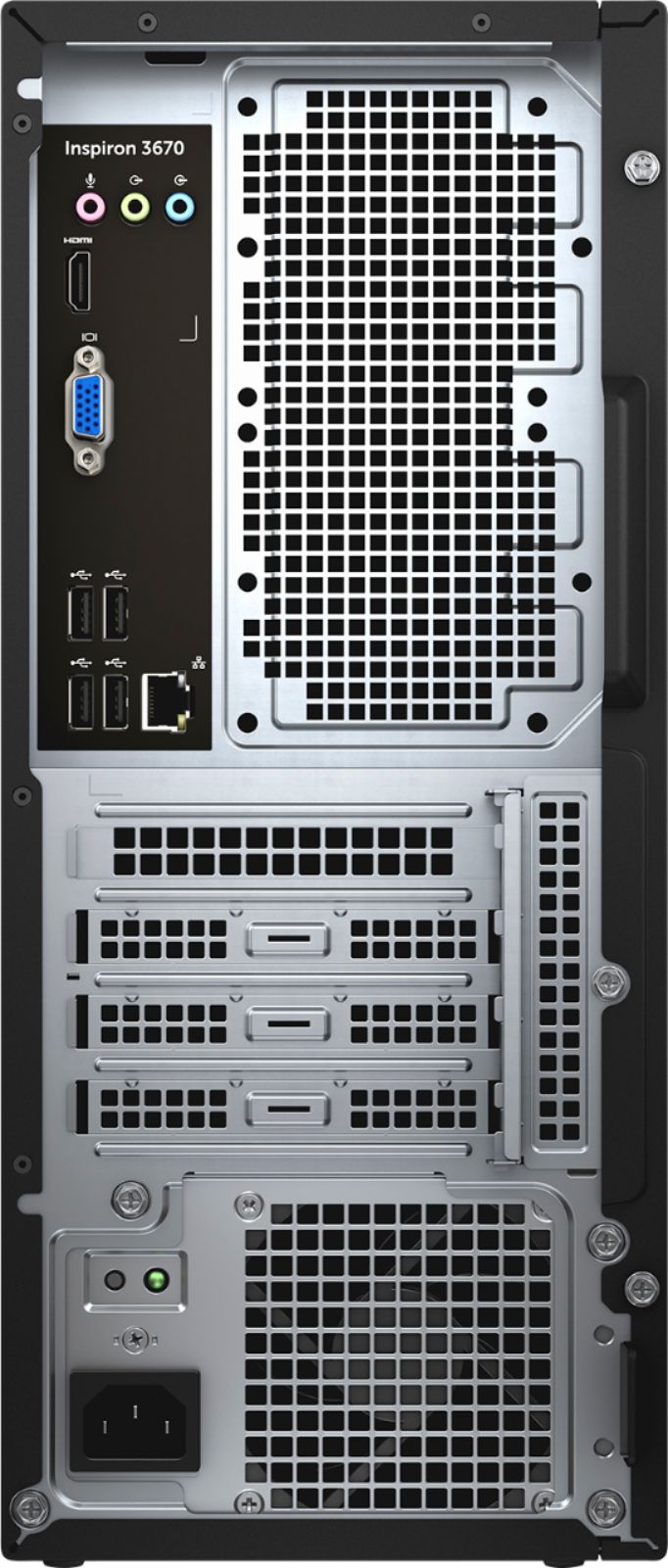
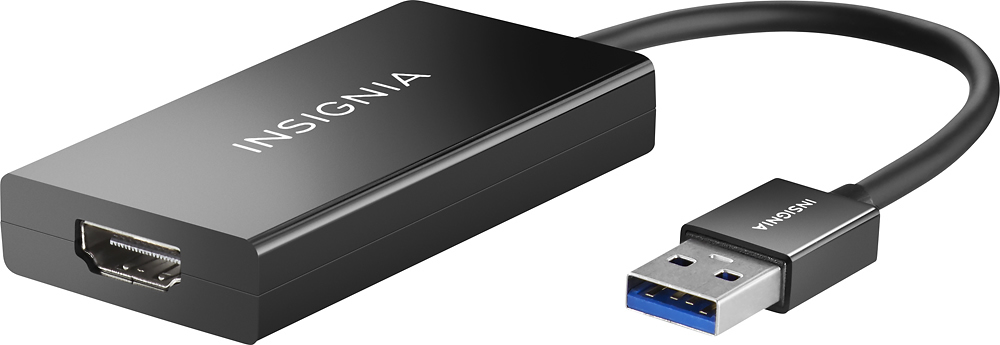
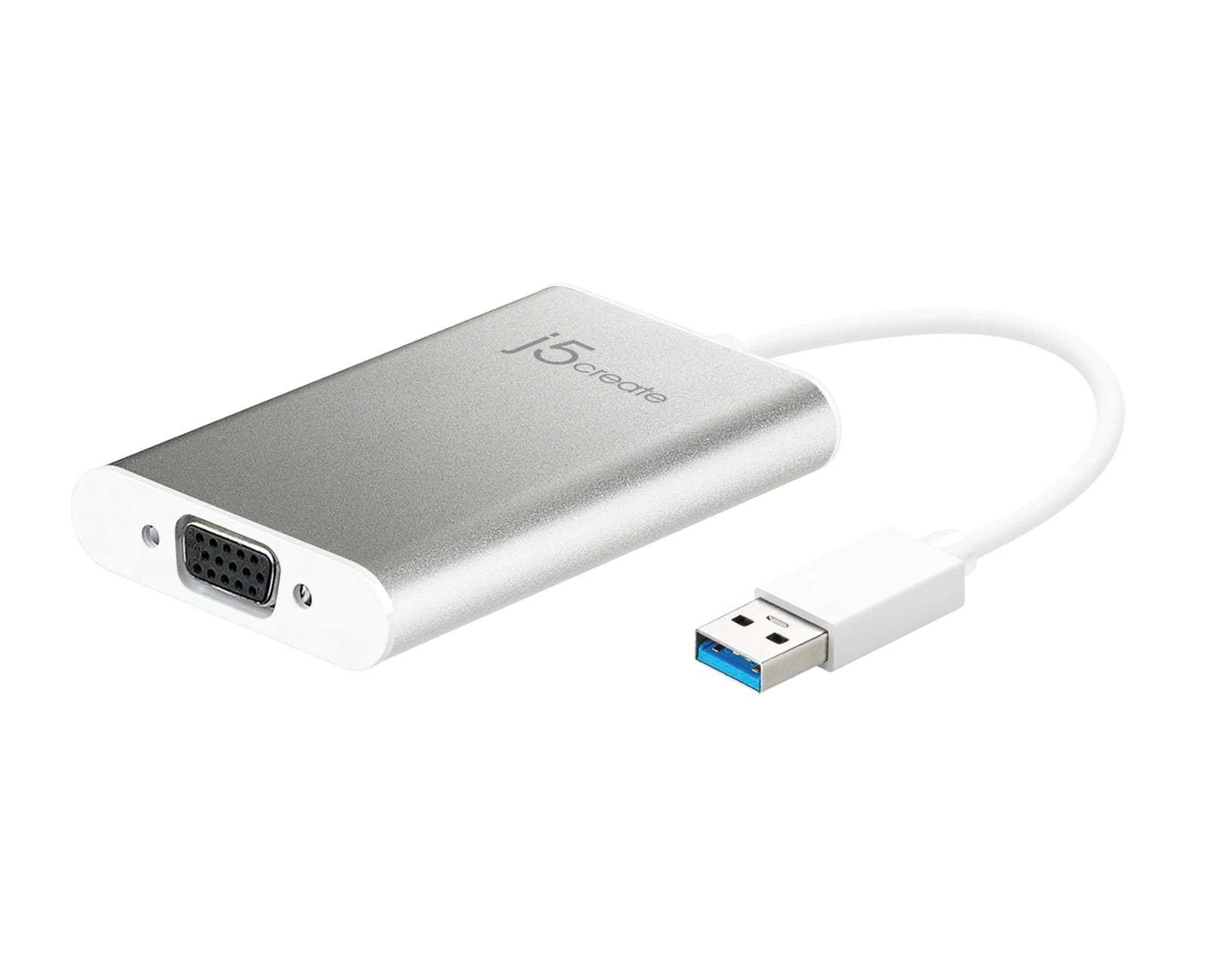
A:AnswerBy default, no. There are only 2 ports on the video card. However you can purchase a usb adapter to add additional monitors. We did this at my work to support users who needed 3 monitors. See the products I recommended.
A:AnswerSamsung evo870 work great. I would add this to the system as the Boot drive and use the 1tb drive as storage. The motherboard has a slot for it already.
A:AnswerThere's room in the case, but there's no place to mount a 2nd drive. It simply lays on top of the primary drive. Also, there's no extra power plug for an additional drive. You have to get a Y adapter or a power connector from Dell.
A:AnswerIt has the capability as it contains an NVMe slot. You will need to add the driver, however. I put a Samsung 970 Pro on mine and it works like a charm.
A:AnswerThis small inspiron runs surprisingly well with its i7 CPU
... and 12-16Gb RAM.
I did have to upgrade the minimal Nvidia GTX 1030
to a Dell GTX 1050 4Gb to improve GPU performance.
Given the "short" motherboard I had to order from Dell
a compatible "Short" GPU Card and uograded PSU.
These upgrades were not too expensive and now
t hi is Inspired should play PUBG even better than
before.
A:AnswerYes, providing you have the correct cables and matching inputs on your monitors. I have 3 connected and working well.
They are using 3 different style ports, HDMI, DVI and VGA. I would encourage you to research what the various video port types and cables look like before you purchase.
A:AnswerThe Nvidia GTX 1050ti graphics card should be enough graphics processing power and should work. See "Tom's Hardware" website for a table ranking the various graphics cards. They rank the GTX 770 and the GTX 1050ti close to each other in power.
A:AnswerYes, it has a VGA and an HDMI port. If you click on the image showing the back of the PC and zoom in, it is fairly easy to spot, you can even kind of read the label 'HDMI'. It's on the left hand side, near the top, just above the VGA port.