Questions & Answers
- Model:
- S2425H
- |
- SKU:
- 6619103
Highly rated by customers for: Overall Performance
$109.99$109.99
Save $25
The comparable value is Comp. Value: $134.99
Page Showing 21-40 of 45 questions
Q: QuestionCan this connect to a mac using the USB-C port?
Asked by Anonymous.
- A:Answer Yes, but you have to buy an HDMI to C cable to connect your laptop.
Answered by Rulis
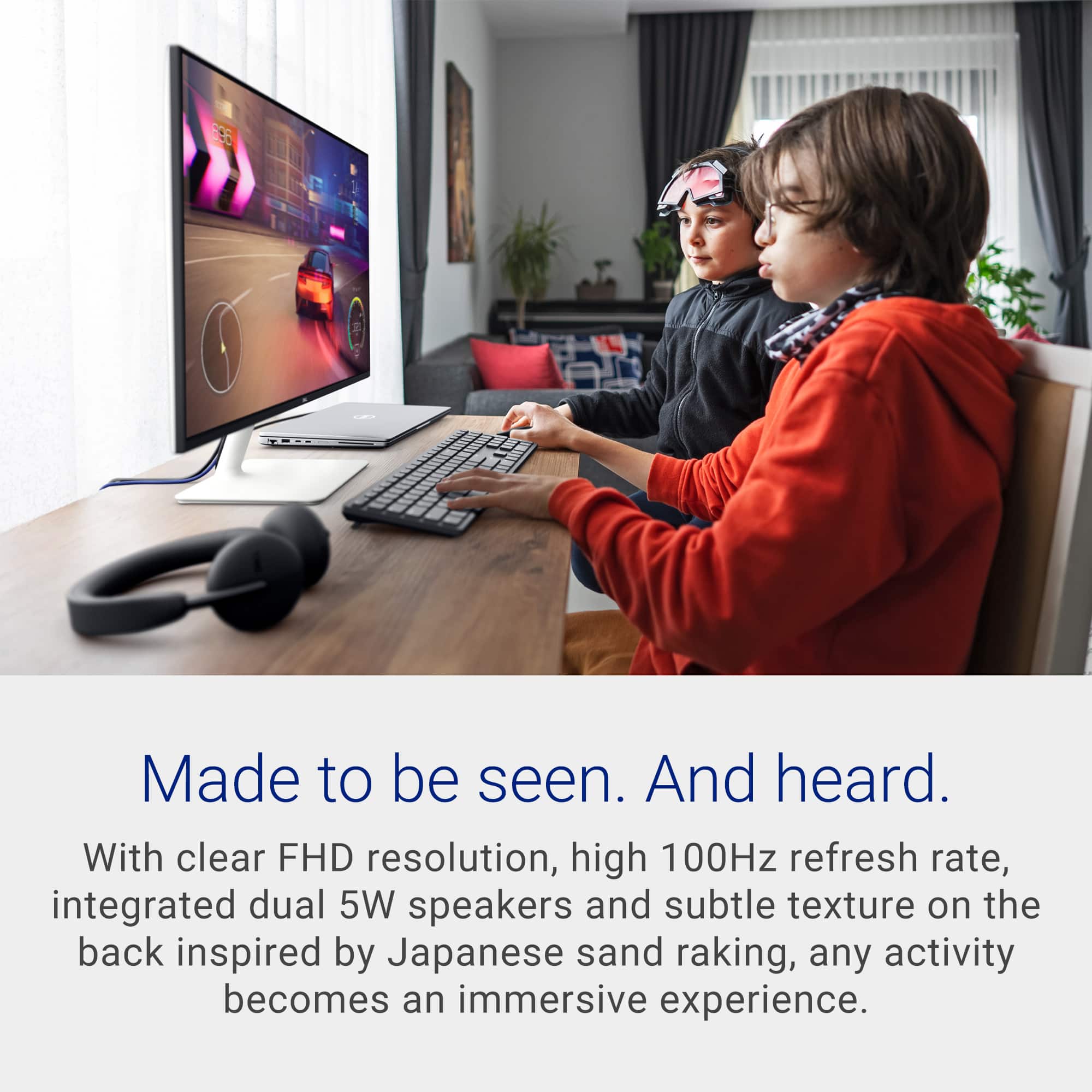
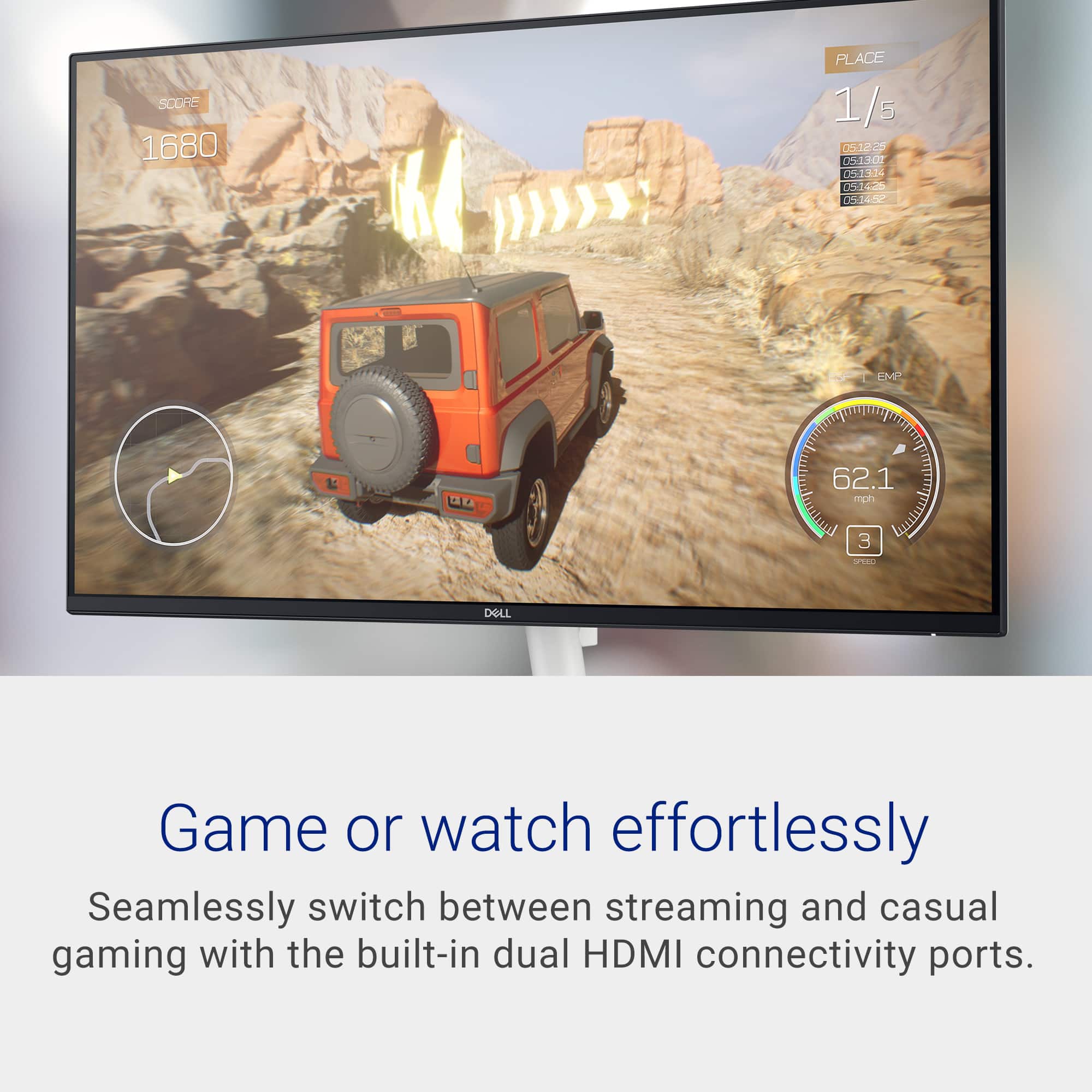
Q: QuestionCan this be used for gaming?
Asked by Wolvy88.
- A:Answer I would think so but I don’t use them for that, so can’t really say . I do stream on them and they do look great for that.
Answered by Bigdaddy
Q: QuestionCan you access or download streaming apps?
Asked by Builder.
- A:Answer The Dell S2425H is not a smart monitor and cannot access or download streaming apps by itself.
Answered by YourDellTeam
Q: QuestionIs this monitor designed for 24/7 for cctv - continuous use monitoring for surveillance systems?
Asked by Michael.
- A:Answer No, the Dell S2425H is not designed or rated for true 24/7 CCTV / surveillance‑grade continuous monitoring. Can it technically run 24/7? Yes, it will power on and display video continuously, The Dell S2425H is a great everyday monitor, but it is not a surveillance‑grade, 24/7‑rated display. For CCTV, you should choose a monitor explicitly designed and certified for continuous operation like Dell P‑Series or UltraSharp (some models).
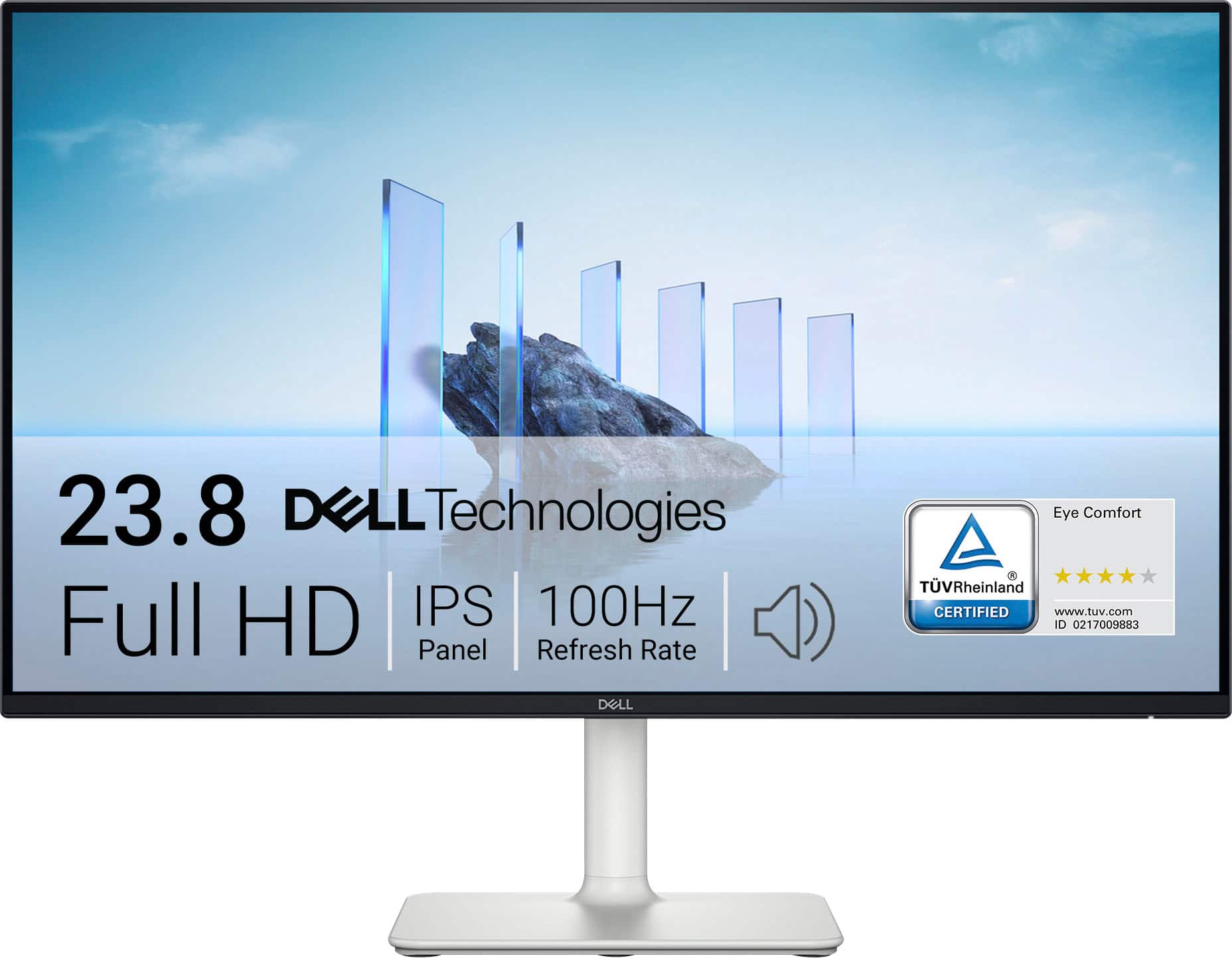
Answered by YourDellTeam
Q: QuestionCan this monitor be connected to a lap top
Asked by Cookielady.
- A:Answer maybe if you have HDMI to HDMI
Answered by FloaCl
Q: QuestionHow many pixels per inch does this monitor have?
Asked by prof2000.
- A:Answer The Monitor has a pixel density of about 93 PPI.
Answered by YourDellTeam
Q: QuestionCan this monitor connect to computer tower? Or is it only compatible with laptops?
Asked by Thinking.
- A:Answer yes
Answered by FloaCl
Q: QuestionDoes this monitor works with a docking station and a laptop for research
Asked by Kingz.
- A:Answer yes
Answered by KennethW
Q: QuestionDoes this include a microphone and camera?
Asked by Microphone.
- A:Answer It does not. You will have to purchase a separate camera and mic for your needs.
Answered by MacMiniPair005
Q: QuestionIs this monitor compatibile with Apple products/Macbook?
Asked by Sarah.
- A:Answer The monitor supports HDMI input, which is compatible with MacBooks and iMacs using the appropriate adapter. MacBooks with USB-C/Thunderbolt ports will need a USB-C to HDMI adapter to connect. The monitor supports 1920 × 1080 resolution at 100Hz, which works well with macOS
Answered by YourDellTeam
Q: QuestionDoes this monitor work with Apple products?
Asked by Sarah.
- A:Answer Yes, it is compatible with Apple products such as MacBooks, iPads (with USB-C to HDMI adapters), and iPhones (via Lightning to HDMI adapters).
Answered by YourDellTeam
Q: QuestionHow do I remove "OWNER" from start-up screen & replace it with something else?
Asked by Anonymous.
- A:Answer Please check stickers on your computer and paperwork for warranty contact
Answered by Joy Systems
Q: QuestionIs this monitor a touch screen
Asked by Susie.
- A:Answer No, it does not have touchscreen option.
Answered by YourDellTeam
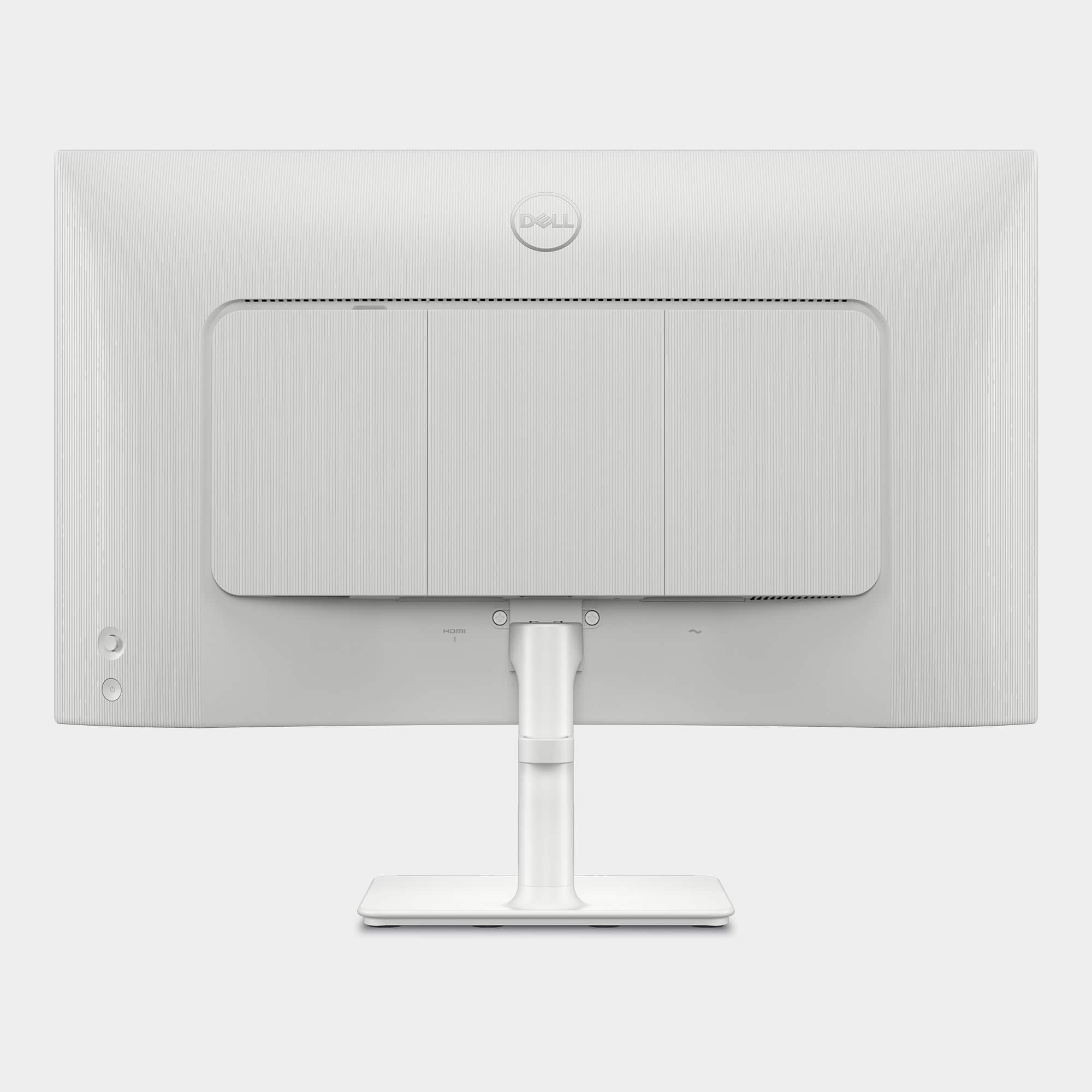
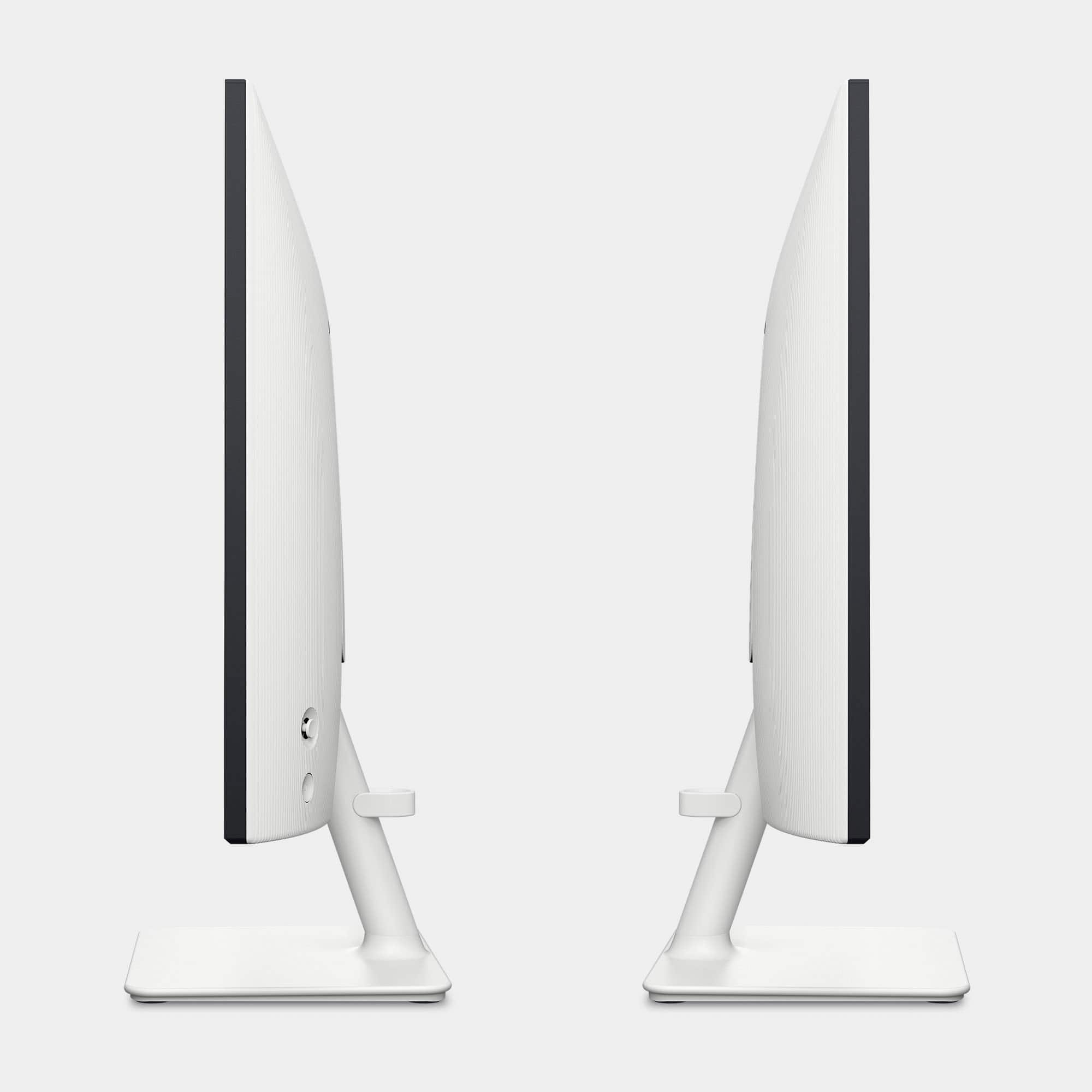
Q: Questionwhat is the height of the monitor including the stand
Asked by contest31.
- A:Answer maybe 23" guessing
Answered by FloaCl
Q: QuestionDoes the monitor come with a cable?
Asked by maria.
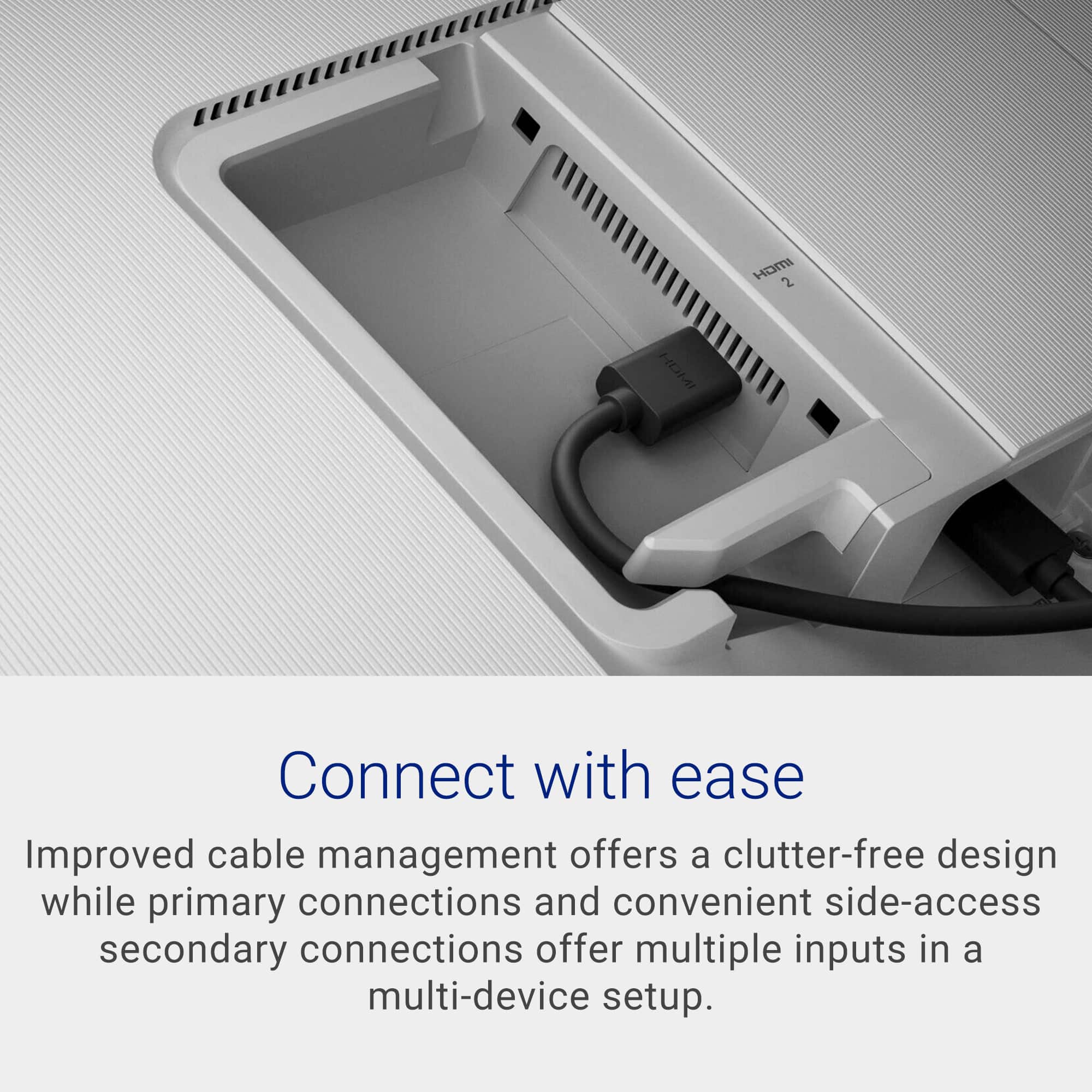
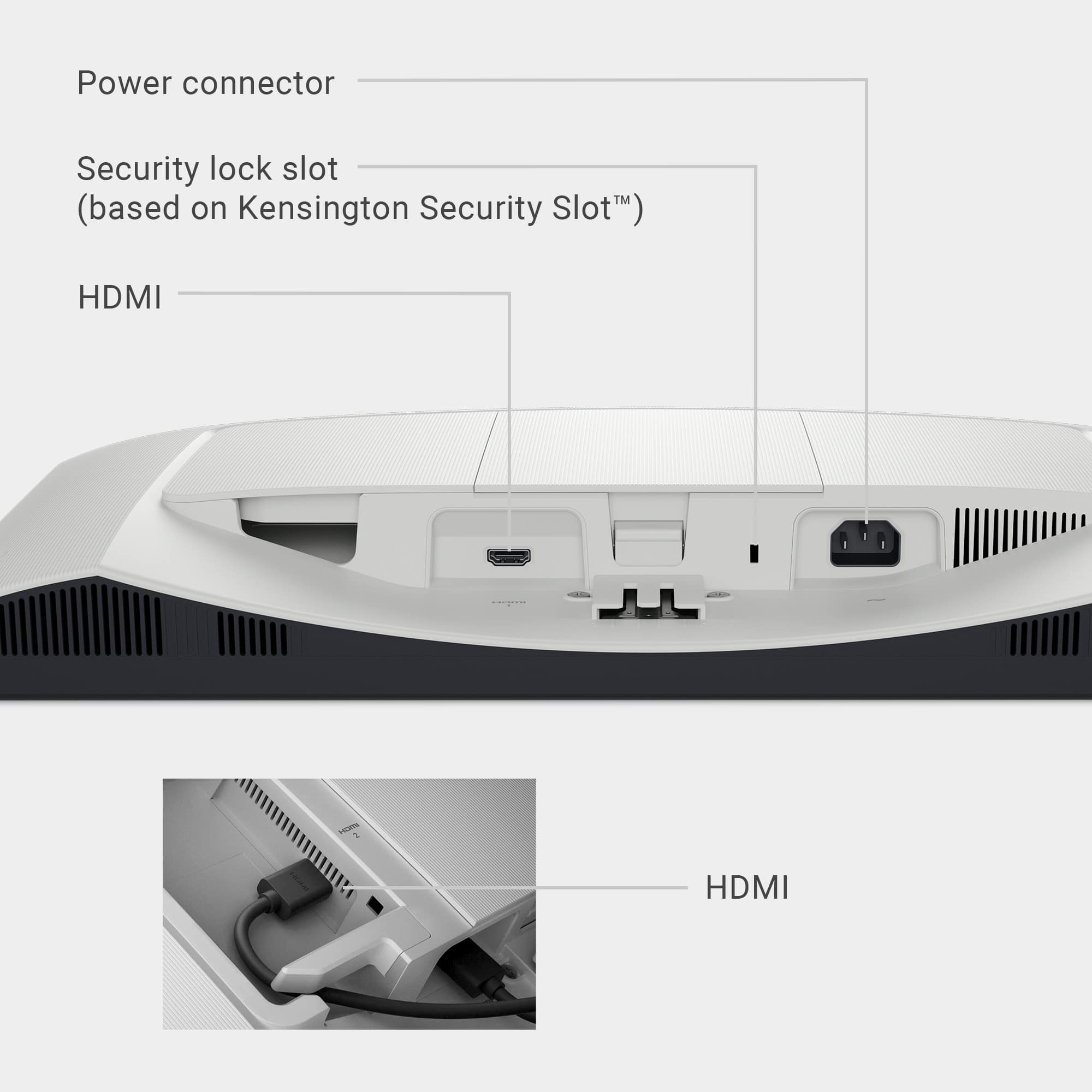
- A:Answer Yes HDMI and power cable are in the box
Answered by Imaguest
Q: Questiondoes it have any usb ports
Asked by Anonymous.
- A:Answer No, the monitor does not feature any USB input ports.
Answered by YourDellTeam
Page 2, Showing 21-40 of 45 questions
Most-viewed items
- $109.99$109.99The price was $139.99
- $74.99$74.99The price was $109.99
- $109.99$109.99The price was $149.99
- $299.99$299.99The price was $399.99