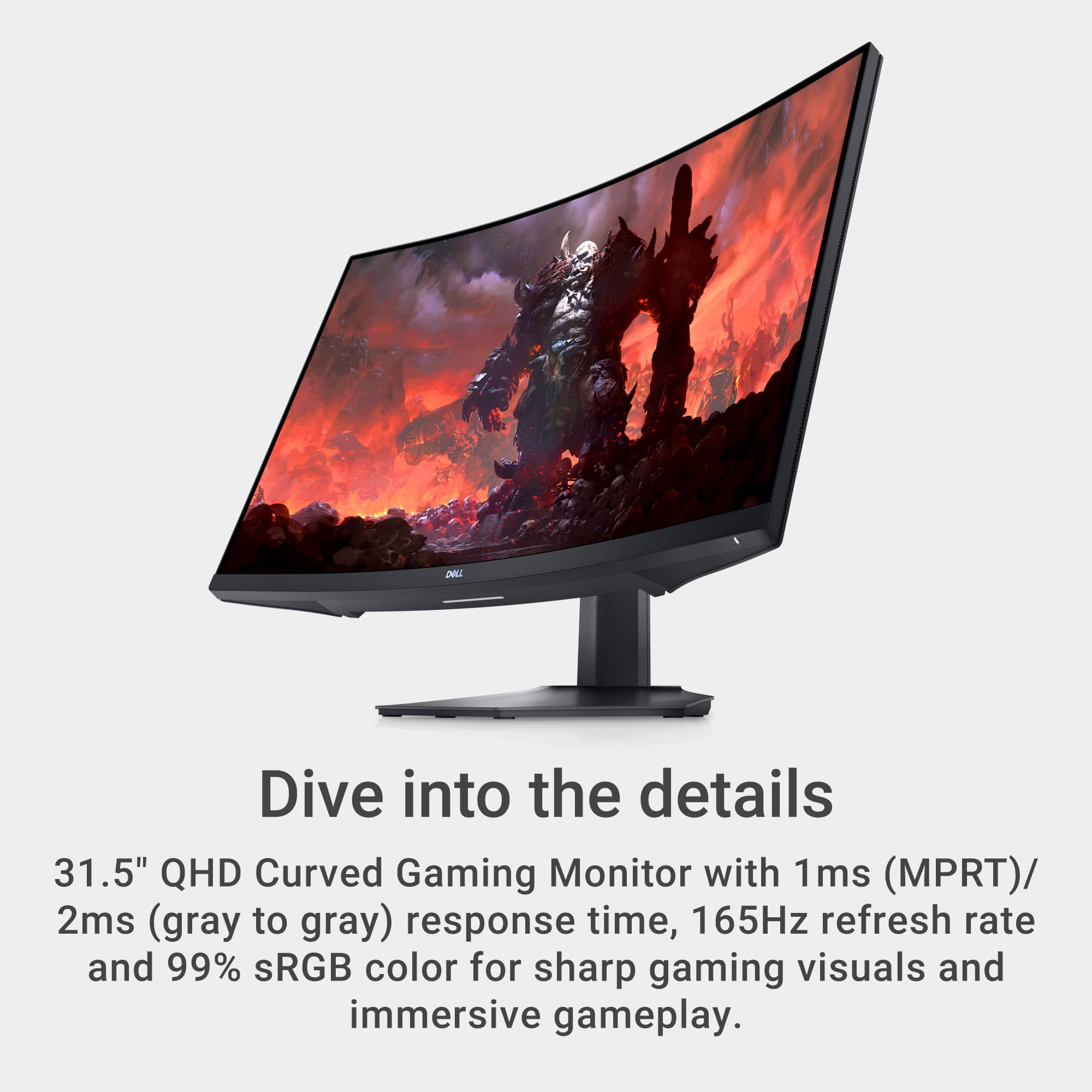
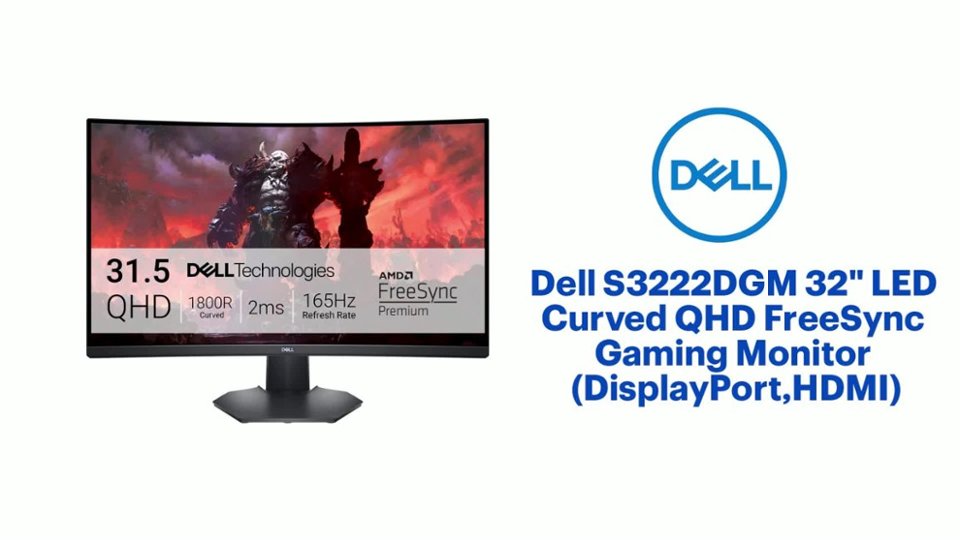
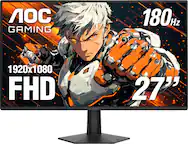
A:AnswerBest resolution stated by the product page is 2560 x 1440 with 165Hz refresh. Anything beyond that might be YouTube magics I'm guessing to get clicks and subs.
A:AnswerSo long as the surface has a proper connector type for the monitor it should work. HDMI or DP for display. It's not a touch screen so you won't be able to poke at it with your finger and get anything more then smears on the screen from your fingers. Please make sure you wash your hands regularly.
A:AnswerFind an adapter that goes from the older style connector to the HDMI/DP or get a new graphics card. Google has that answer depending on how much you want to pay for the adapter. Graphics card will vary as much but a greater cost for better graphics then the 1060.
A:AnswerI think those have an HDMI port on them so I don't see why they wouldn't. There's also that USB-C to display port cable option you could use according to the Mac Mini display options page on Apple's site. Long as you have the proper display output options on the Mac you should be fine.
A:AnswerIt has an audio out port on the back, where you can connect speakers. But it has no speakers of its own. There are volume controls on the back buttons that will help regulate the audio output.
A:AnswerAccording to the websites for these respective software packages that list their system requirements after a quick Google I don't think you'll have to much problem since they require computer hardware that is 5+ year old or newer. Especially when you compare Adobe's 1280×800 requirement to the product listings top resolution available of 2560 x 1440.
A:AnswerYes, the Dell S3222DGM 32" Curved QHD Gaming Monitor is compatible with adjustable monitor arms. This monitor has a 100mm x 100mm VESA mounting pattern on the back, which is a common standard for many monitor arms. As long as the arm supports 100x100 VESA mounts and can hold the weight of the monitor (approximately 16.4 lbs or 7.44 kg without the stand), it should work well.