Questions & Answers
- Model:
- DELL-WD22TB4
- |
- SKU:
- 6514259
Highly rated by customers for: Ease of use, Thunderbolt 4
$299.99Your price for this item is $299.99
Page Showing 41-53 of 53 questions
Q: Questionwill this docking station work with new Lenovo T15 Thinkpad laptop
Asked by me.
- A:Answer Yes, this docking station will work with new Lenovo T15 Thinkpad laptop.
Answered by YourDellTeam

Q: QuestionIs a wired internet connection required for use, or can wifi connection be used?
Asked by Wfh73.
- A:Answer This dockingh station does not need an Ethernet or WiFi connectivity to function.
Answered by YourDellTeam

Q: QuestionDoes it require software instruction?
Asked by User.
- A:Answer This docking station does not require a software instruction.
Answered by YourDellTeam

Q: Questiondoes this docking station work with a Dell Latitude 5530 laptop?
Asked by TJK1.
- A:Answer Yes, this docking station is compatible with Dell Latitude 5530 laptop.
Answered by YourDellTeam

Q: Questionis this complatible with all Dell Laptops, specifically a XPS 13 Pluse laptop?
Asked by Shiloh63.
- A:Answer Yes, this docking station is compatible with XPS 13 9320.
Answered by YourDellTeam

Q: QuestionIs this compatible with DELL XPS 15 9500
Asked by Pavan.
- A:Answer The item should be compatible depending on usage.
Answered by Joy Systems
Q: QuestionIs this docking station compatible with Lenovo Yoga 7i (16")?
Asked by Anon.
- A:Answer Please contact the Best Buy sales support team or the Lenovo support team to check on the compatibility of the WD22TB4 Thunderbolt 4 Docking Station.
Answered by YourDellTeam

Q: QuestionIs this dock compatible with any Microsoft Surface devices?
Asked by Anonymous.
- A:Answer Dell has not tested this docking station with Microsoft Surface devices hence the compatibility is not assured.
Answered by YourDellTeam

Q: QuestionI have a Microsoft surface laptop 3, will this dock will be compatible with my laptop? Also, will I be able to connect one HDMI monitor and another HDMI monitor with USB C adapter?
Asked by ctor.
- A:Answer Dell hasn't tested this docking station with the Microsoft Surface Laptop 3, hence compatibility is not assured.
Answered by YourDellTeam

Q: Question2 questions: 1) is it compatible with a Latitude 5420? 2) It says it has no passthrough power. I thought the whole point of Thunderbolt is it provides power for charging on the same USB C as the video, Monitors, etc. Am I misunderstanding the features?
Asked by ControlsFreak.
- A:Answer This docking station is compatible with a Latitude 5420 laptop. This dock supports up to 130W power delivery to Dell systems and up to 90W power delivery to non-Dell systems.
Answered by YourDellTeam

Q: QuestionWill this docking station work with my Dell G16 7620?
Asked by Scott.
- A:Answer The Dell WD22TB4 Thunderbolt 4 docking station is not compatible with the Dell G16 7620 laptop. You can use the Dell Universal Dock - UD22 with the Dell G16 7620 laptop.
Answered by YourDellTeam

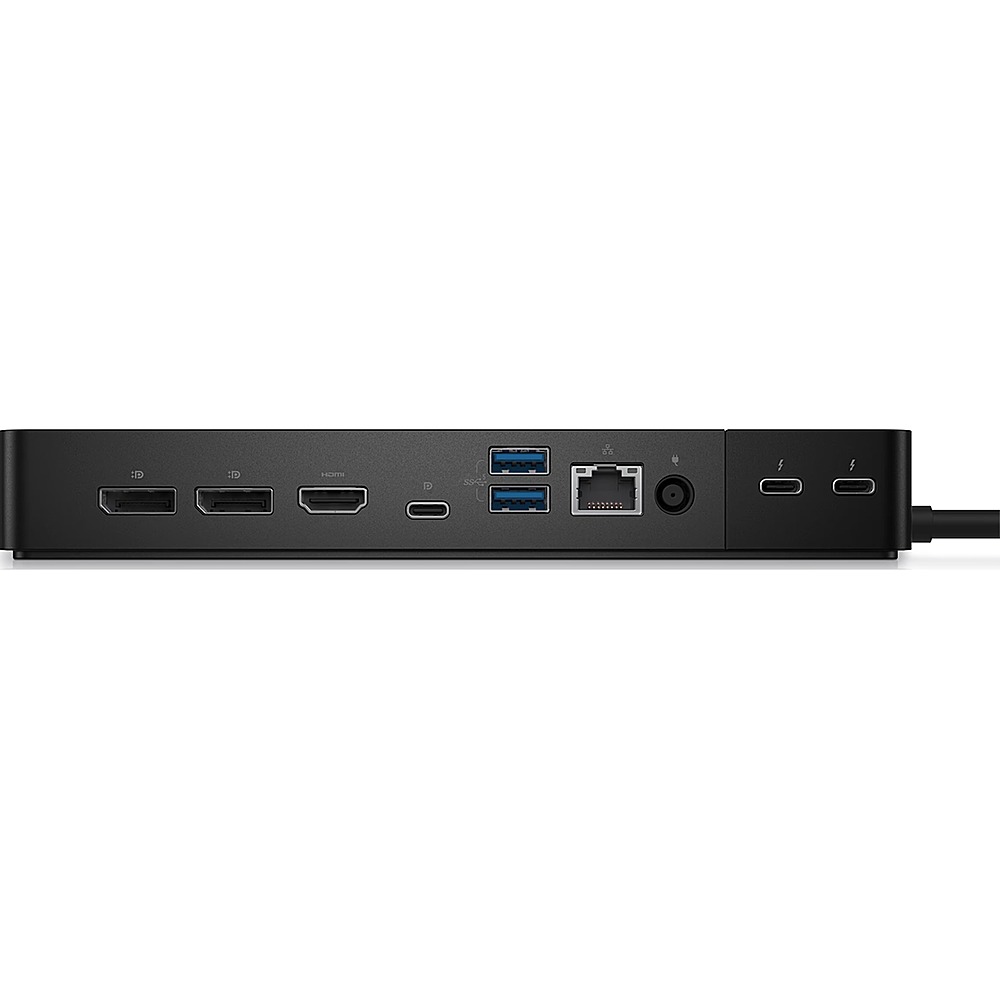
Q: QuestionHow do I set up 2 monitors when there is only 1 HDMI port?
Asked by Kami.
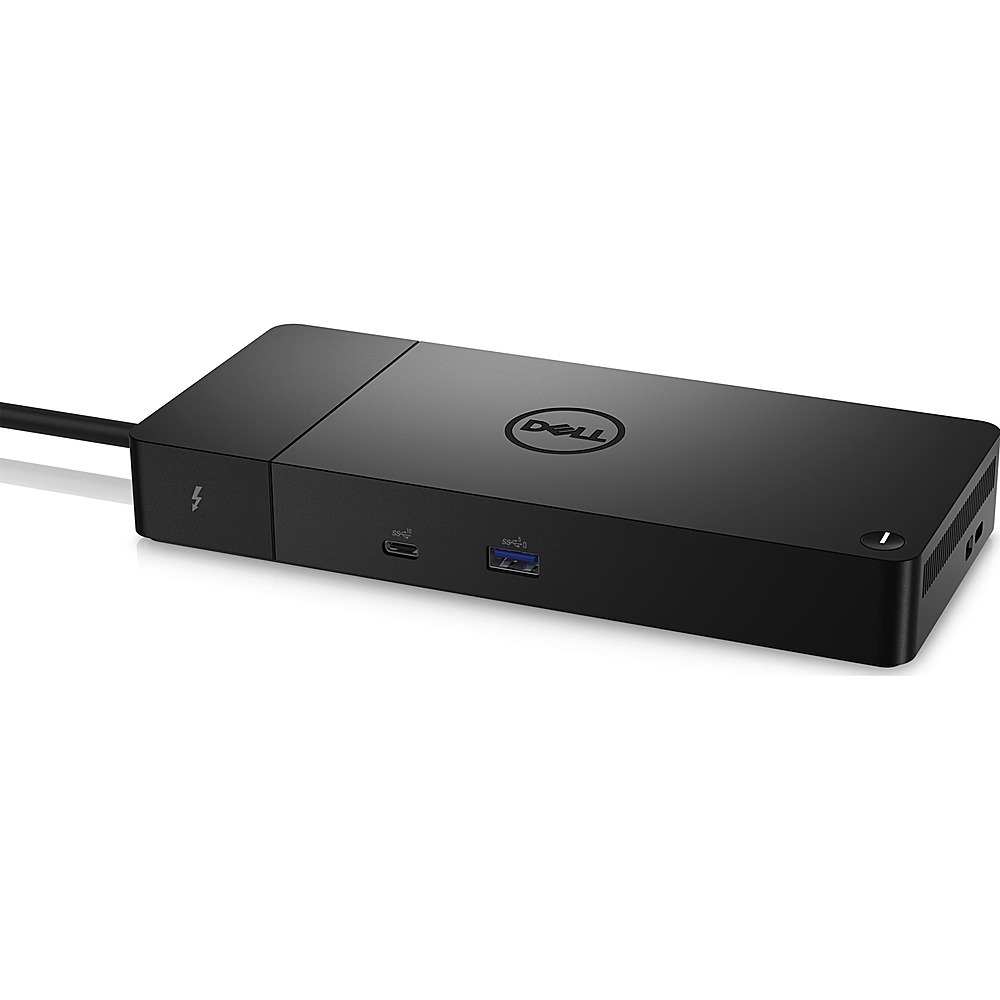
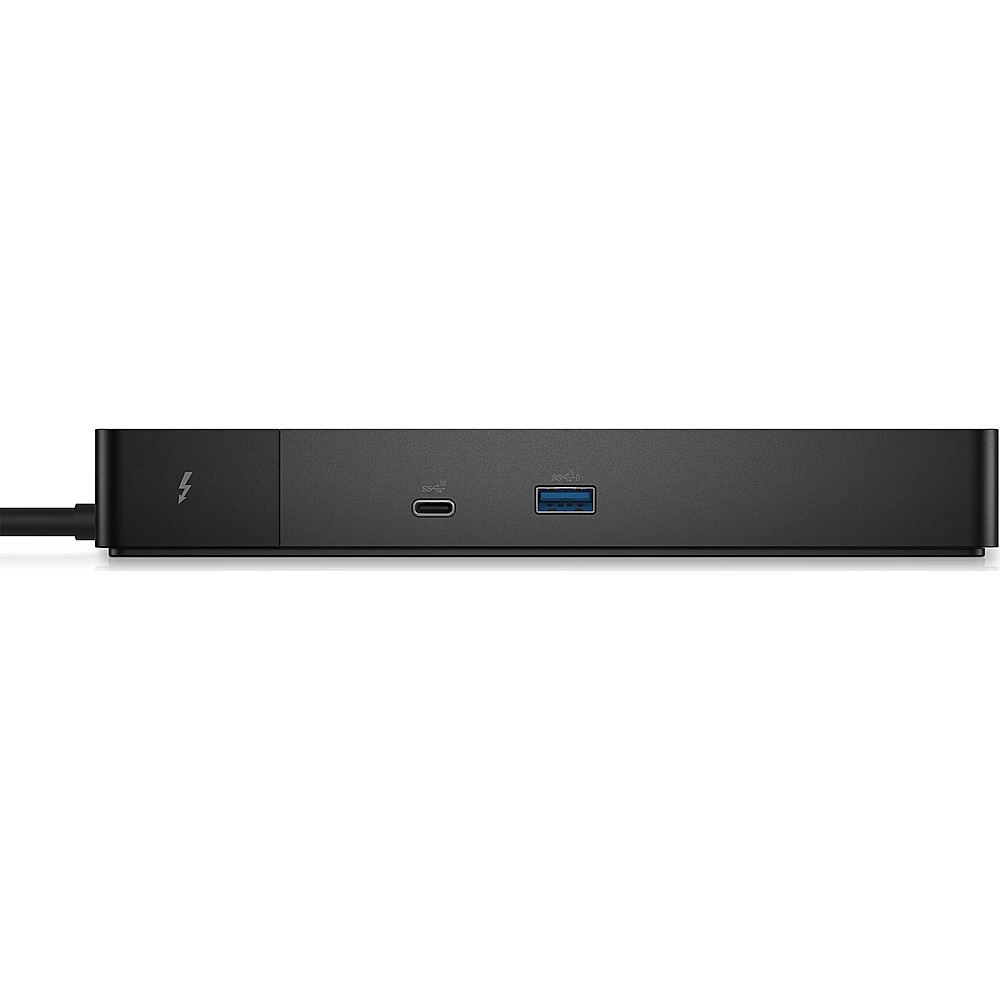
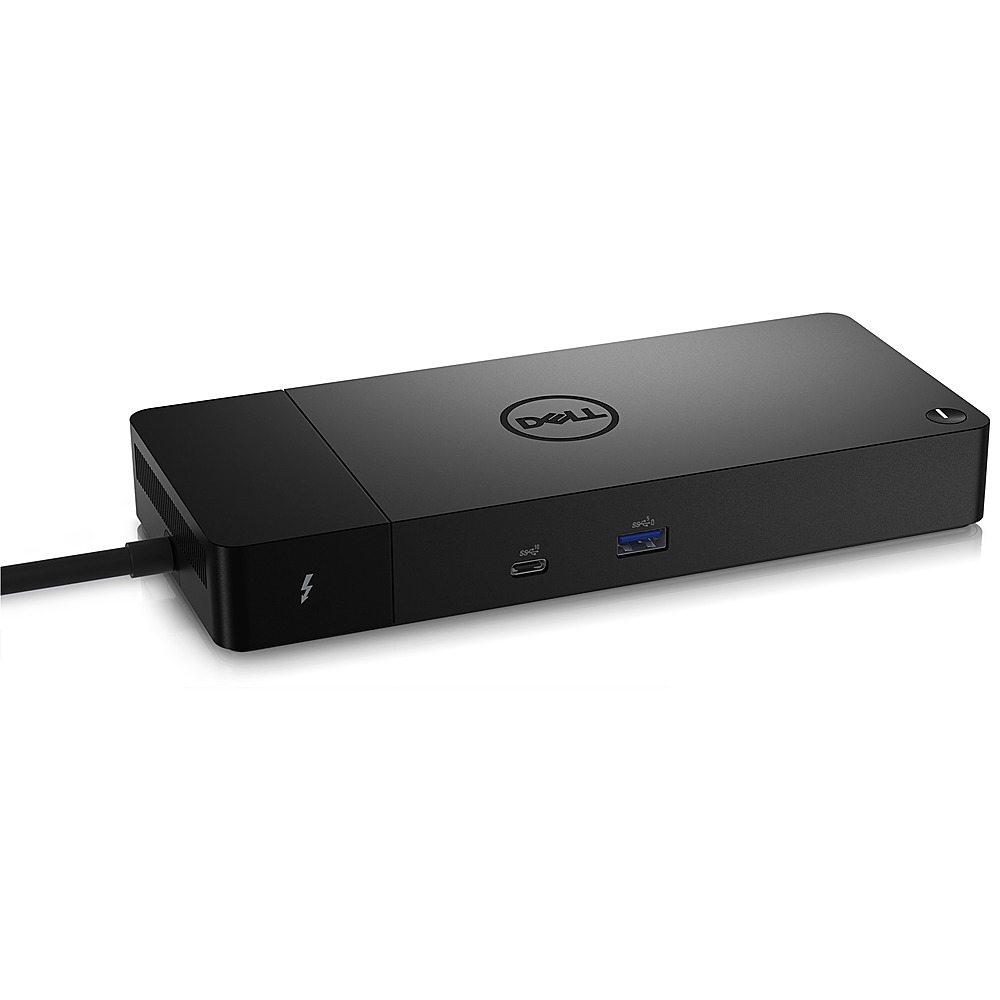
- A:Answer This docking station comes with the following video ports: ● 1 x USB 3.2 Gen2 Type-C with DisplayPort 1.4 Alt Mode ● 2 x DisplayPort 1.4 ● 1 x HDMI 2.0 ● 2 x Type-C with Thunderbolt 4 port (connected to a Thunderbolt 4 host). For details on multiple display setups supported by this docking station, please refer to the Dell Thunderbolt Dock WD22TB4 User Guide on the Dell support site. For technical assistance on this docking station, we recommend contacting Dell Technical Support team after the purchase. They are available on Facebook and Twitter(@Dellcares).
Answered by YourDellTeam

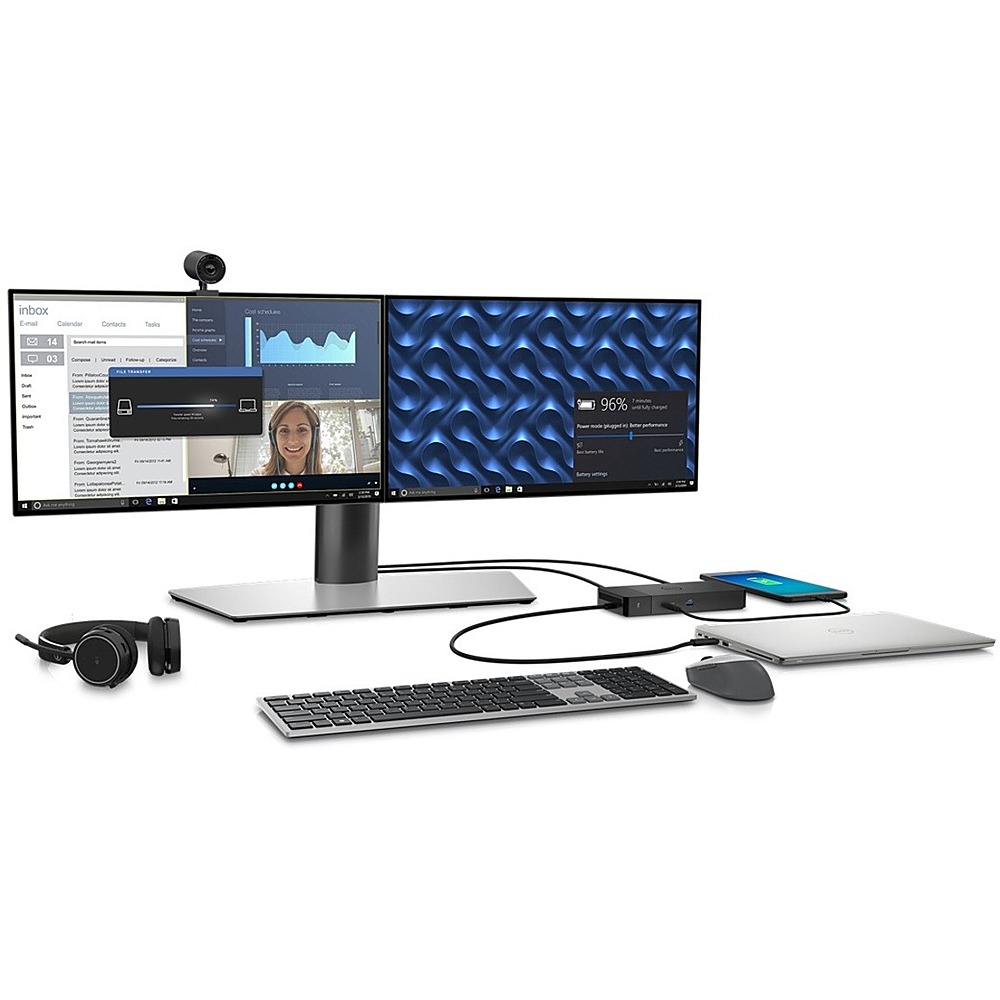
Q: QuestionBought an Alienware M18 with a Dell WD22TB4 Dock (shipped). My system is a desk top config with a 34” external monitor which feeds 4-5 down stream USB devices. Which port on the WT22TB4 dock should I use to feed the upstream USB port on the monitor?
Asked by eMale.
- A:Answer We recommend contacting Dell Technical Support for assistance. They are available on Facebook and Twitter(@Dellcares).
Answered by YourDellTeam

Page 3, Showing 41-53 of 53 questions
Top Rated
- $96.99Your price for this item is $96.99$129.99The comparable value for this item is $129.99
- $139.99Your price for this item is $139.99
- $69.99Your price for this item is $69.99$89.99The comparable value for this item is $89.99
- $46.99Your price for this item is $46.99$49.99The comparable value for this item is $49.99
- $399.99Your price for this item is $399.99
- $99.99Your price for this item is $99.99
- $32.99Your price for this item is $32.99
- $129.99Your price for this item is $129.99$149.99The comparable value for this item is $149.99
- $79.99Your price for this item is $79.99
- $51.99Your price for this item is $51.99$64.99The comparable value for this item is $64.99
- $199.99Your price for this item is $199.99$259.99The comparable value for this item is $259.99
- $99.99Your price for this item is $99.99
- $49.99Your price for this item is $49.99
- $19.99Your price for this item is $19.99
- $57.99Your price for this item is $57.99$69.99The comparable value for this item is $69.99
- $269.99Your price for this item is $269.99$299.99The comparable value for this item is $299.99
- $29.99Your price for this item is $29.99$39.99The comparable value for this item is $39.99