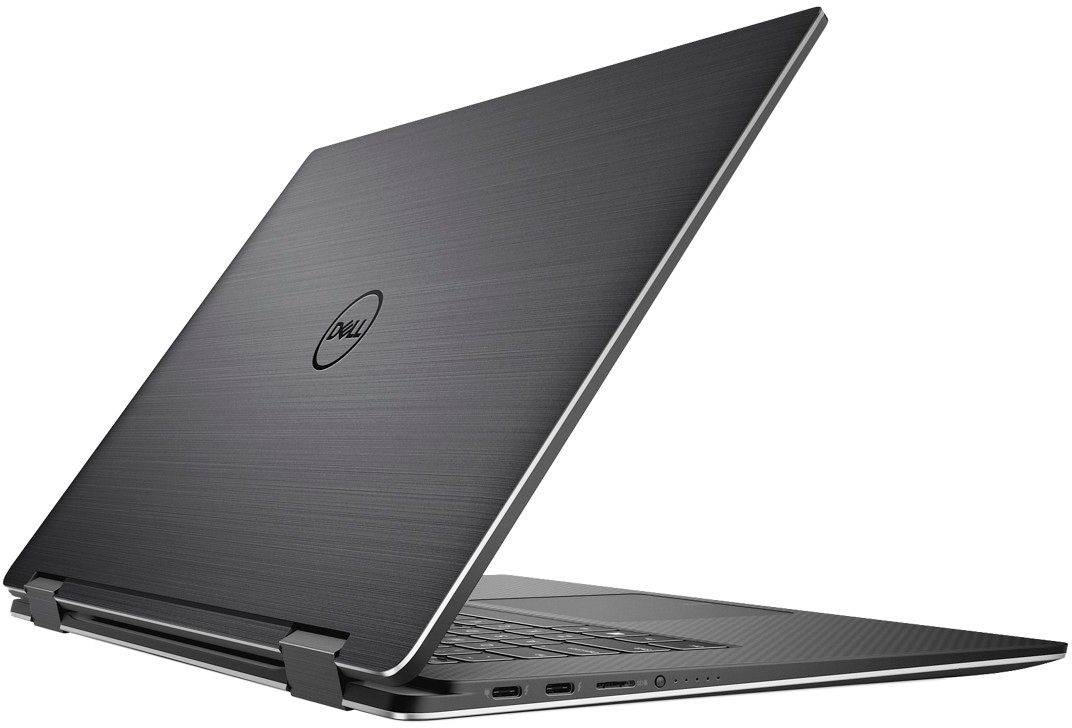
A:AnswerThe XPS 9575 does not come with the Dell active pen (separate purchase). I purchased the Wacom - Bamboo Sketch Stylus - Black , SKU 5909101 which works well with the unit. The advantage it has over the Dell Active pen is that it is rechargeable. It has a carrying case that contains extra stylus tips. It does connect via Bluetooth or can use MS Ink right out of the box.
A:AnswerThe Dell WD19TB (best performance) or any of the WD19 series. It provides you with the option to power on/off from the dock; various monitor options, including supporting the 2 x 32" 4K displays. The unit has 2 Display port or you can use either HDMI (or USB Type-C Display connector). It has sufficient power 180W to provide consistent and constant video output. Additional specs are available at the Dell Support Website.
A:AnswerIt is Dell's own pen that magnetically sticks to the side of the laptop. It does sense the amount of pressure you put in. The pen is a great addition.
A:AnswerThe 9570 has options for a 6 core/12 thred processor where as the core i7 version is only quad core 8threds . You could say that this is a slightly better version of last years dell XPS 15 in terms of processor power. But in terms of graphics you get amd’s Vega gl M graphics which is said to be between 1050 and 1050ti where as in the 9570 you get 1050ti same as last years model. I don’t know if the 9570 has option for a 1060. The graphics card is the same Vega GL M for this model whether you get the corei5 or core i7 version
A:AnswerI find compared to other laptops of this size like the HP x360 15" that the fan noise is not so loud in general usage and does not come on too often (however when you first purchase if will come on a lot as it installs a lot of updates). However running processor intensive programs or games the fans do get loud as you would expect with any machine with a dedicated graphics card. As far as coil whine I have not heard in either.
A:AnswerI believe the Surface pen is N-trig technology, which is different from the Wacom technology in this, so I don't believe it would work. The Bamboo pen should. I would recommend the bamboo pen over the dell pen that comes with it because the dell pen has very poor customization options for the buttons on the pen. I've been trying to set one of them to be a right click (simple right!?) They don't have right click as an option and instead it only gives you a context-sensitive option that doesn't work as right click all the time.