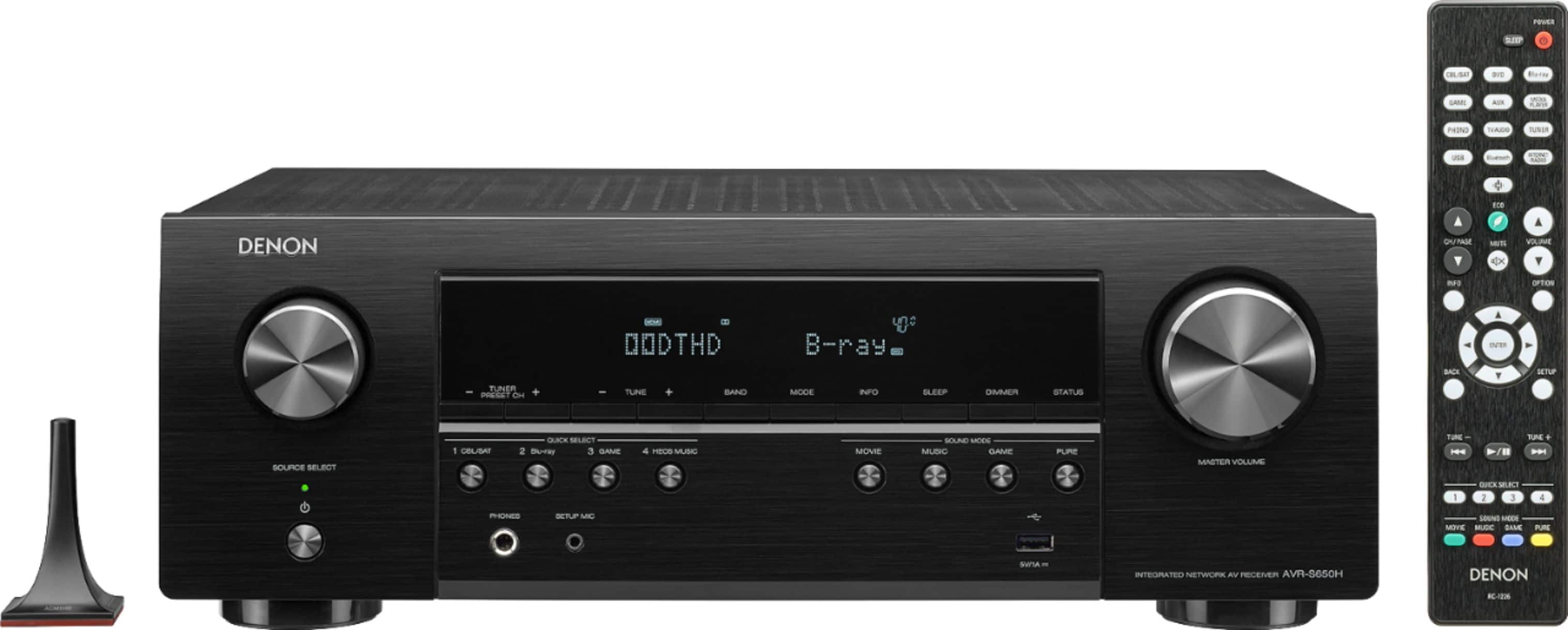
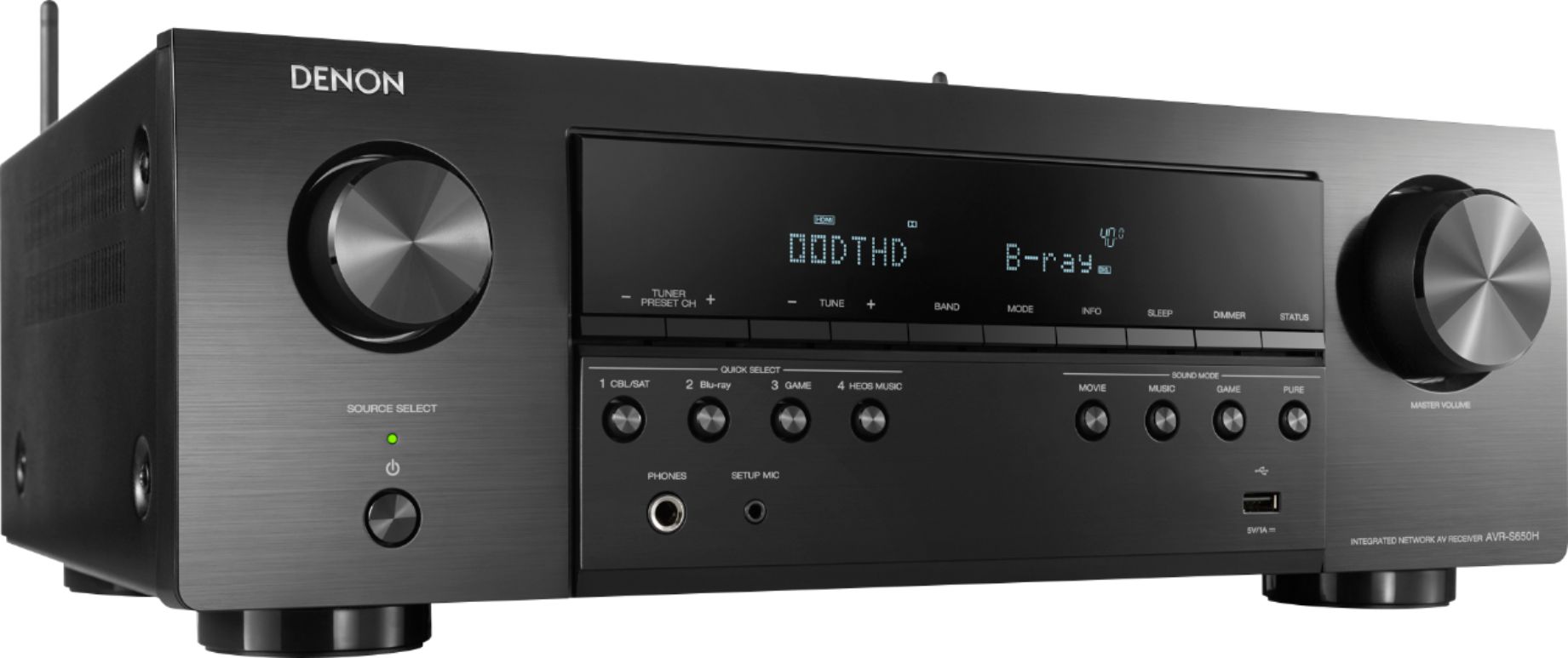
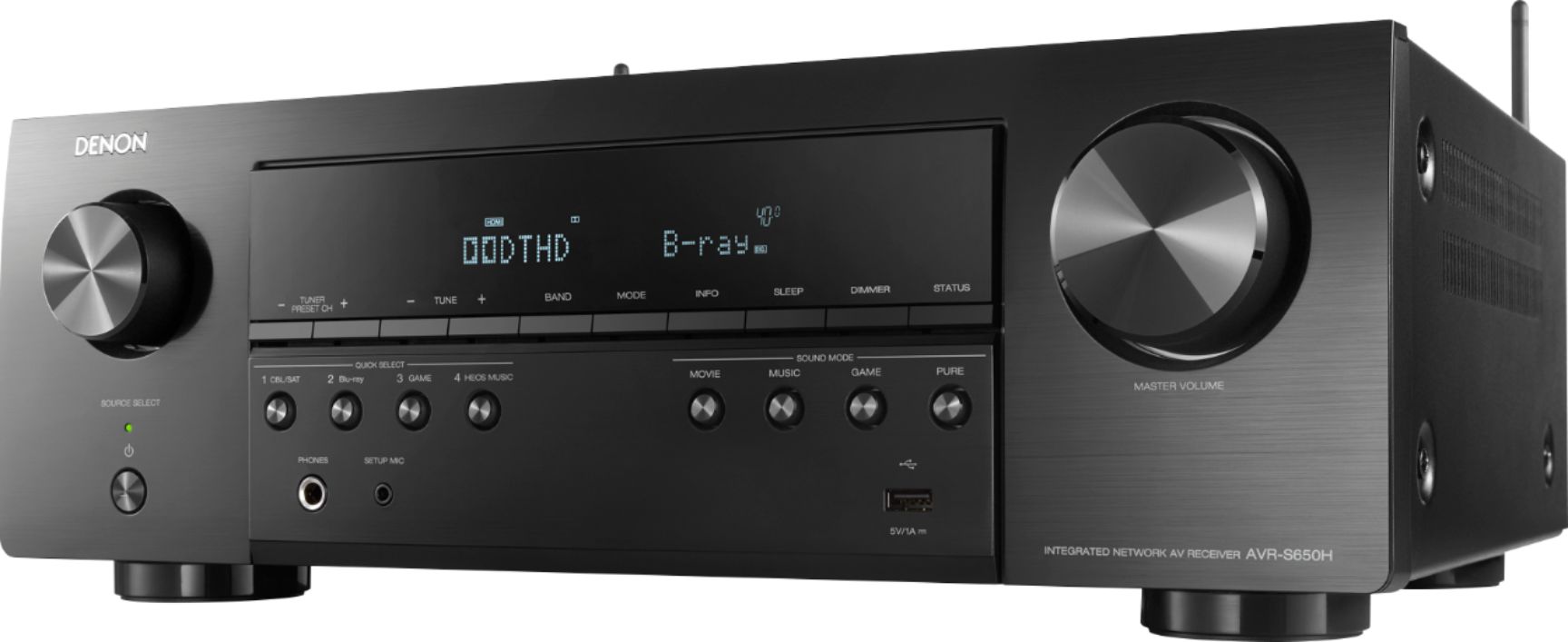
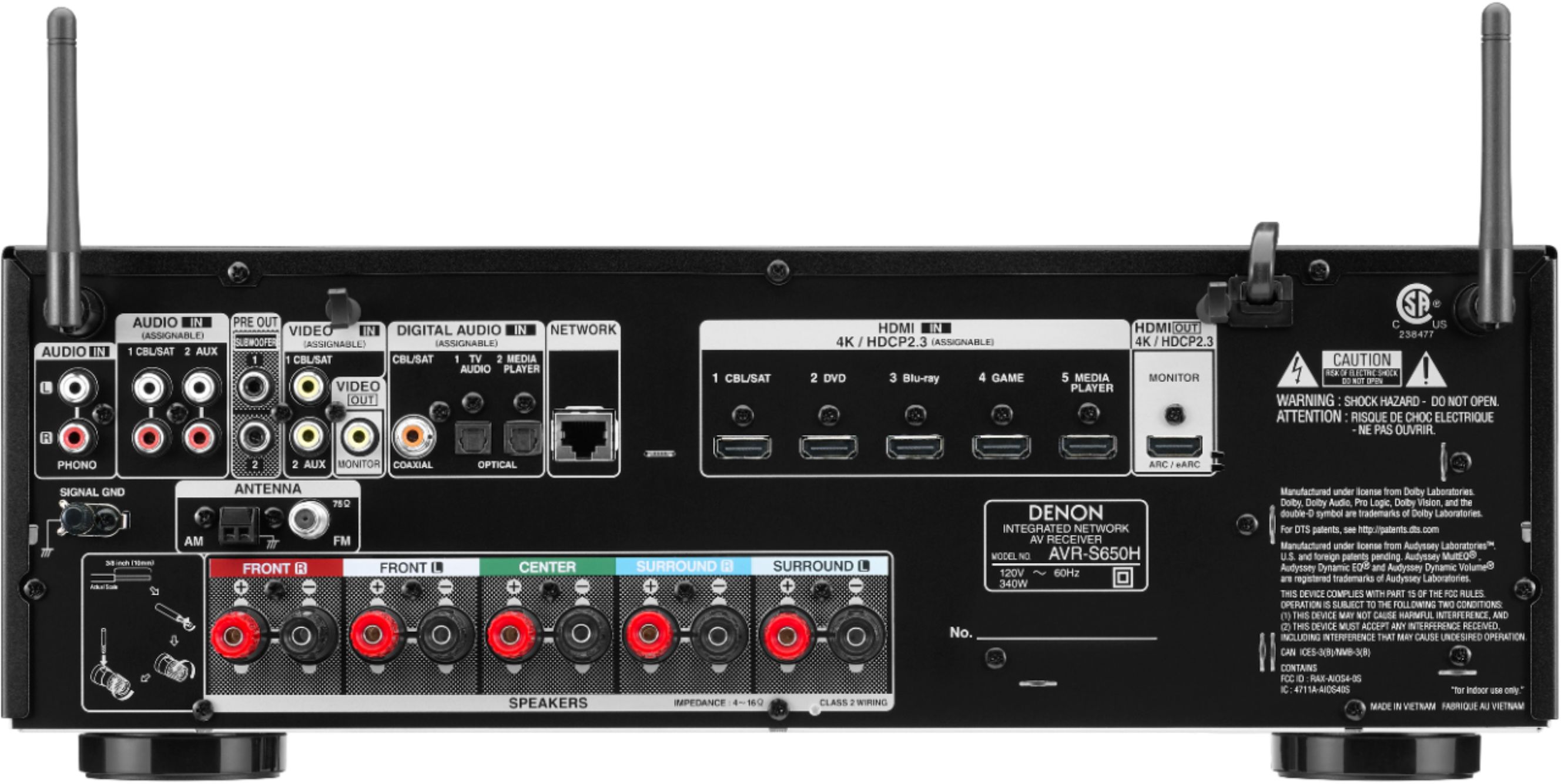
A:AnswerUnfortunately no, you cannot pair the wireless headphones to this receiver. You will have to come off the TV or source audio out into a Bluetooth adaptor.
A:AnswerThis is not a feature of the AVR and may be a feature of your source device instead. You can disable the AVR's OSD (On Screen Display) by accessing the GUI and selecting: Video - On Screen Disp. - Info - Off.
A:AnswerThe S650H's USB port is not designed for use with an iPod. The USB port is meant to be used with USB drives only. If you have an iOS device (iPhone, iPad) you can use AirPlay to stream audio content to the AVR over the LAN.
A:AnswerYou can't disable the AVR's Bluetooth feature internally. However, by not pairing any devices the unit's Bluetooth feature would not be in use.
A:AnswerYes, the S650H uses Pro Logic II as an up-mixing simulation as it's a 5 channel receiver only. Our 7 channel AVRs use Dolby Surround instead of PLII.
A:AnswerThe Bluetooth Transmit feature can only transmit to one device at a time. You can output to the 2 wired speakers and transmit to one Bluetooth speaker. Our HEOS/Denon Home speakers can be grouped with the AVR and you can do that with multiple speakers over your network.
A:AnswerYes, the CD player can connect to any of the AVR's analog or optical/coax inputs with exception to Phono. The Phono input is only meant for use with a turntable as there's a separate pre-amp built into that input.
A:AnswerMost users who install their equipment in a closed cabinet will use either a powered IR extender kit, an RF based remote or a LAN (network) based App or controller to control the AVR and other devices.
A:AnswerThat setting is for LFE only. You can actually just leave that set for 120 Hz. LFE (Low Frequency Effect) is only about 7-10% of a native Dolby or DTS track and does not affect the main crossover settings.
A:AnswerThe S650H does not offer an analog pre-out or digital out to connect to the Phonak device. It does have a Bluetooth Transmit option in the menu so you can connect it to a Bluetooth transmitter.
A:AnswerI connected my cable box output HDMI to the S650. Then I connected my new LQ 4K TV to the S650 using another HDMI cable. Everything works like a charm! I do set the AVR to stereo when watching generic TV shows. The surround sound just doesn't sound as good with voice in my small family room. On my old Denon AVR 3802 I had to use an optical cable from the TV out to the Denon in to get the sound right. This set-up is much cleaner and simpler.
I love my new S650!!
A:AnswerWe provide two Subwoofer pre-outs in the event you have 2 subs in the application. The signal voltage is not split between the two as each pre-out provides the full amount of signal voltage.
A:AnswerThe AVR does not have an optical output or any type of pre-out to connect the hearing aids to. I would try setting the AVR to HDMI Audio Out - TV as this will allow the source audio to be passed to the TV speakers. (Menu: Video - HDMI Setup) Then, use the TV's Optical Out to a 1 In to 2 Out optical splitter. From the splitter, connect one side to the AVR (for 5.1 processing) and the other side to the hearing aid module. This scenario may cause some delay between the audio and video.