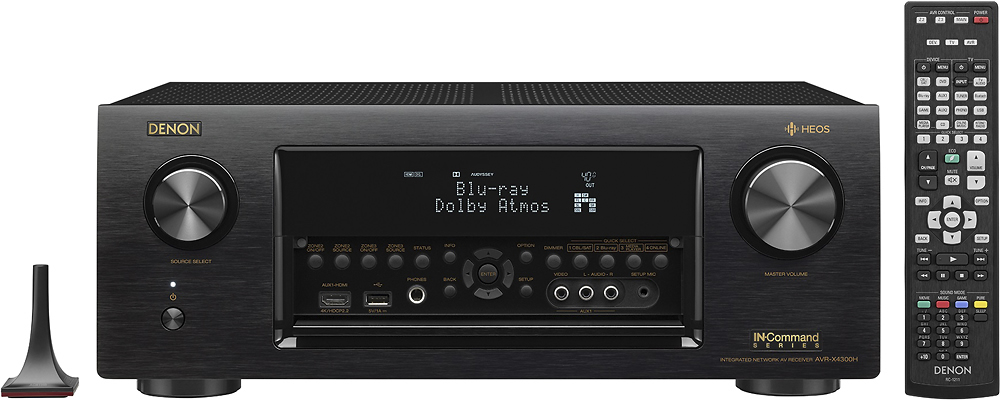
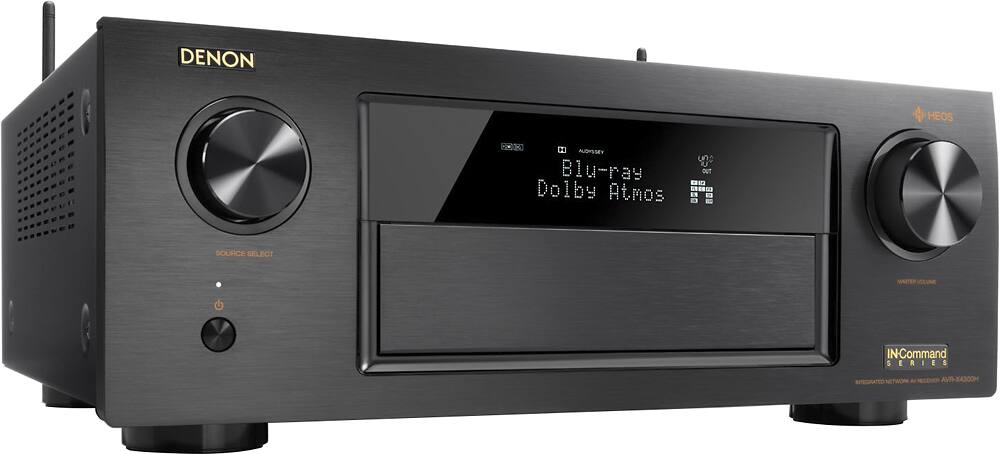
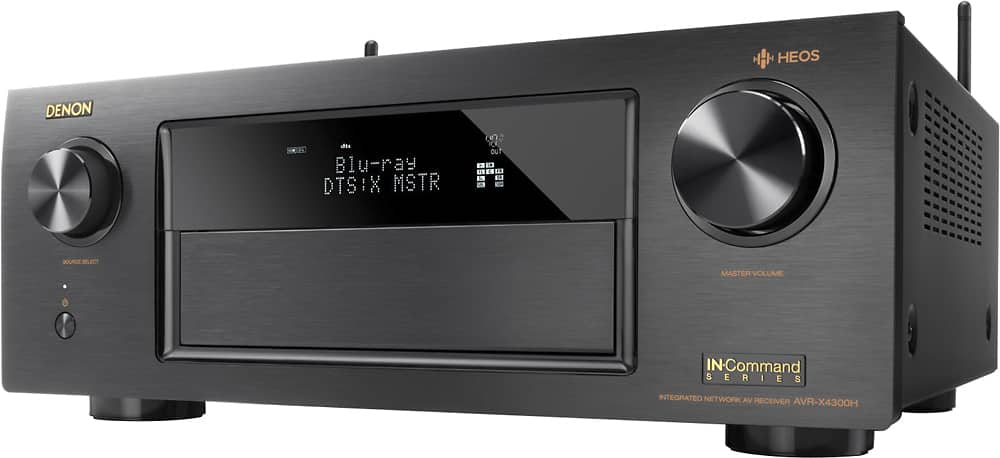
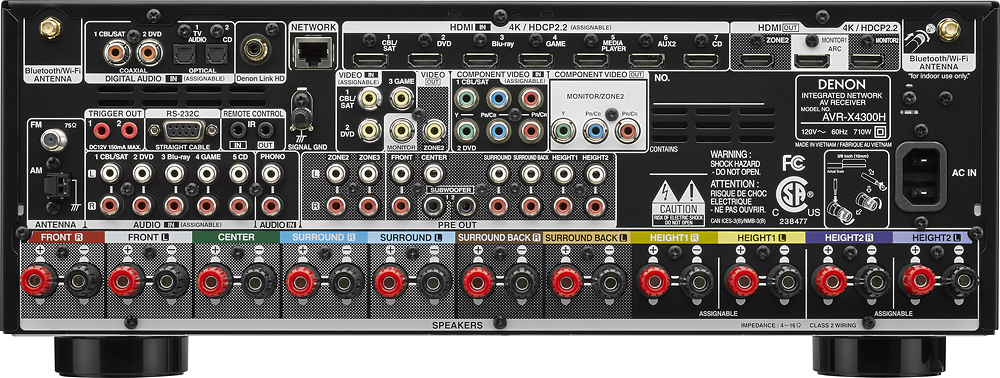
A:Answer Although we haven't done it yet, you can choose internet radio in the settings, as well as bluetooth and connect via usb. You will need the HEOS app to stream. Per the website:
The HEOS app puts multiple streaming services in the palm of your hand, ready to play on your AVR or any devices on your HEOS network! Enjoy music from Pandora, Spotify, TuneIn Internet radio, Amazon Prime Music, iHeart Radio, Sirius XM, Sound Cloud, Tidal, Napster or Deezer*, or use the HEOS app to stream tunes or whole albums from your phone, USB stick, or computers and NAS drives on your home network. Whatever you want to hear, access it directly from the HEOS app, complete with support for favorites and playlist functions.
Hope that helps.