A:AnswerHello Gene. The Phantom 4 Pro is compatible with a range of Android and iOS (Apple) devices, but the Samsung Galaxy Tab A is not currently on that list. Compatible Android devices are the Samsung tabs 705c, Samsung S6, Samsung S5, Samsung NOTE4, Samsung NOTE3, Google Nexus 6p, Nexus 9, Google Nexus 7 II, Ascend Mate7, Huawei P8 Max, Huawei Mate 8, LG V20, Nubia Z7 mini, Sony Xperia Z3, MI 3, MI PAD and Smartisan T1. Support for additional devices will become available as testing and development continues.
Just for your additional interest, compatible iOS devices are the iPhone 5s, iPhone SE, iPhone 6, iPhone 6 Plus, iPhone 6s, iPhone 6s Plus, iPhone 7, iPhone 7 Plus, iPad Air, iPad Air Wi-Fi + Cellular, iPad mini 2, iPad mini 2 Wi-Fi + Cellular, iPad Air 2, iPad Air 2 Wi-Fi + Cellular, iPad mini 3, iPad mini 3 Wi-Fi + Cellular, iPad mini 4 and iPad mini 4 Wi-Fi + Cellular. Thanks.
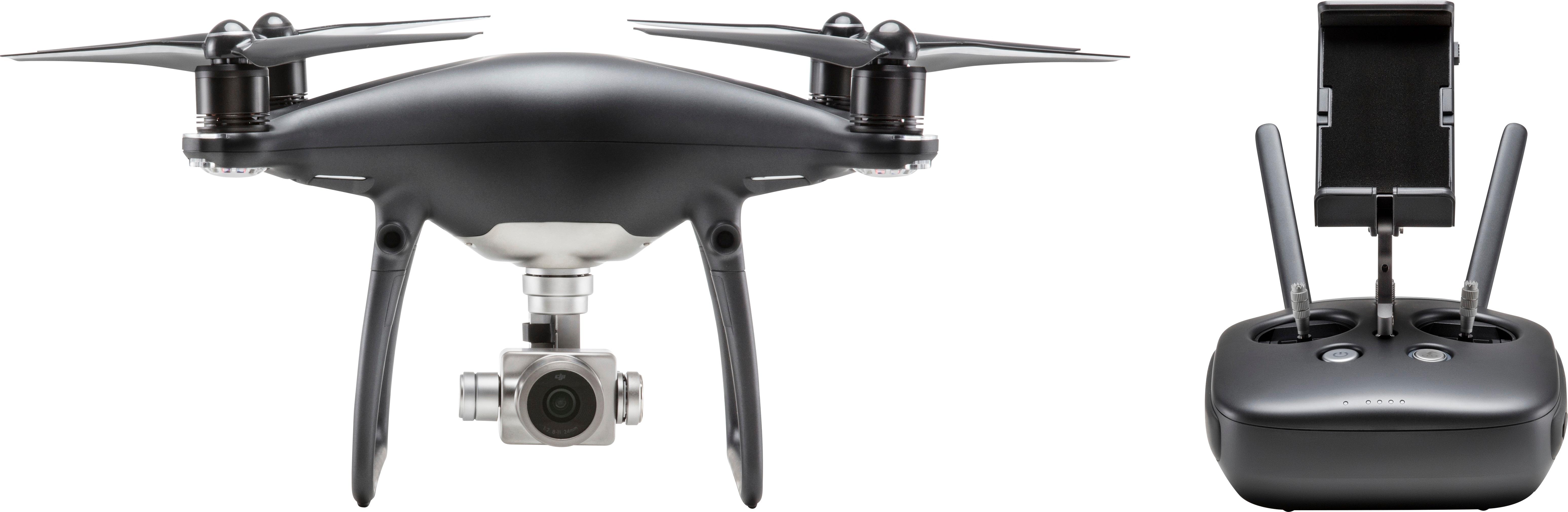
A:AnswerSo expensive? This thing can fly over 55mph, multiple sensors to avoid collisions, 4k camera and used correctly with the correct licenses you could make some money with it. As a hobby it's still worth the price. The camera is the clearest footage I've seen and it's endless fun. I swear I don't work for DJI. Go buy it from Best Buy now!!!
A:AnswerYes, and no.. You do need a connection to the internet for updates to the DJI Go app on tablet, as well as the drone itself. You do not need a connection to fly.
A:AnswerThink about the Phantom 4 Pro as a super-precise aircraft, intelligent computer capable of computer vision, and powerful stabilized camera. There is an incredible amount of technology built into the P4P that makes it easy to fly and powerful as a camera.
A:AnswerYou can get to them in two different ways. There is a movie I can't across the bottom of your main flight app screen. Do not click on start flying, instead click on the movie I kind of the bottom and it should take you to your movies. You can also go up to the top right-hand corner of the same screen and click on the three dots and go to flight record and it will show you videos from each location that you have actually visited via GPS in the video that corresponds with it.
A:AnswerNo, you cannot use a Kindle with the P4 Pro. In fact, you need a fairly high-end tablet to get the best performance. I only use the Apple iPad Mini 4. If you use a cheap tablet, you're not going to get the full potential out of this drone.
A:AnswerHi!
If you purchase the Plus edition of this aircraft, there is an HDMI out port built into the controller. If you get the standard version, you can use different streaming devices to mirror what your phone or tablet is seeing. This should allow you to view the feed on the tv.
A:AnswerI purchase my drone package online,theDJI Phantom 4 Pro.This model does not include the display,you have to use your smartphone or tablet.I purchased a new iPad mini for this purpose,and it works great.If you want the model which includes the display,the model is the DJI Phantom 4 Pro PLUS.That display is integrated into the remote control unit and is not any larger than most smartphones. I recommend the unit that DOES NOT include the display.You have much better view and control over the multitude of touchscreen options.I was initially disappointed that my model had no built in display, but I am much more satisfied using my tablet or phone as a display.
A:AnswerThe range on the Phantom 4 Pro is just over 4 miles. However, you are not legally allowed to fly out of your line of sight. With that being said, you should never have any issues with “going out of range”. Even if you decided to fly as far as you could, the battery wouldn’t last long enough for you to fly more than 4.5miles away and then back. Hope this helps!